Updated Nov 7, 2026, from what MacPip lists today.
الجواب المختصر
MacPip lists 7 Mac cleaner apps, and a person has checked 2 of them.ما له نسخة مجانية: 4.ما يبيع ترخيصًا لمرة واحدة: 3.There is no single best Mac cleaner for everyone, so MacPip does not rank them.إذا أردته مجانيًا، فابدأ من هنا: Tidymint.
Apps a person checked come first, newest check first. Never ordered by payment.
Mac cleaners have a mixed reputation, mostly earned by apps that scare people into paying. The ones listed on MacPip are quieter tools: they show what is filling your disk, explain each item before it goes, and leave the decision to you.
MacPip lists 7 of them. 4 have a free version and 3 are open source.
What these 7 apps offer, by their listings. An app can offer several, so the bars do not add up to 7.
نسخة مجانية4 من 7
Pay once3 من 7
اشتراك0 من 7
Native to Apple silicon5 من 7
مفتوح المصدر3 من 7
يعمل دون اتصال6 من 7
فحصه شخص2 من 7
One-time price in US dollars, as each listing states it, lowest first. 4 apps have no plain dollar one-time price and are left out. Launch prices count where the listing says so.
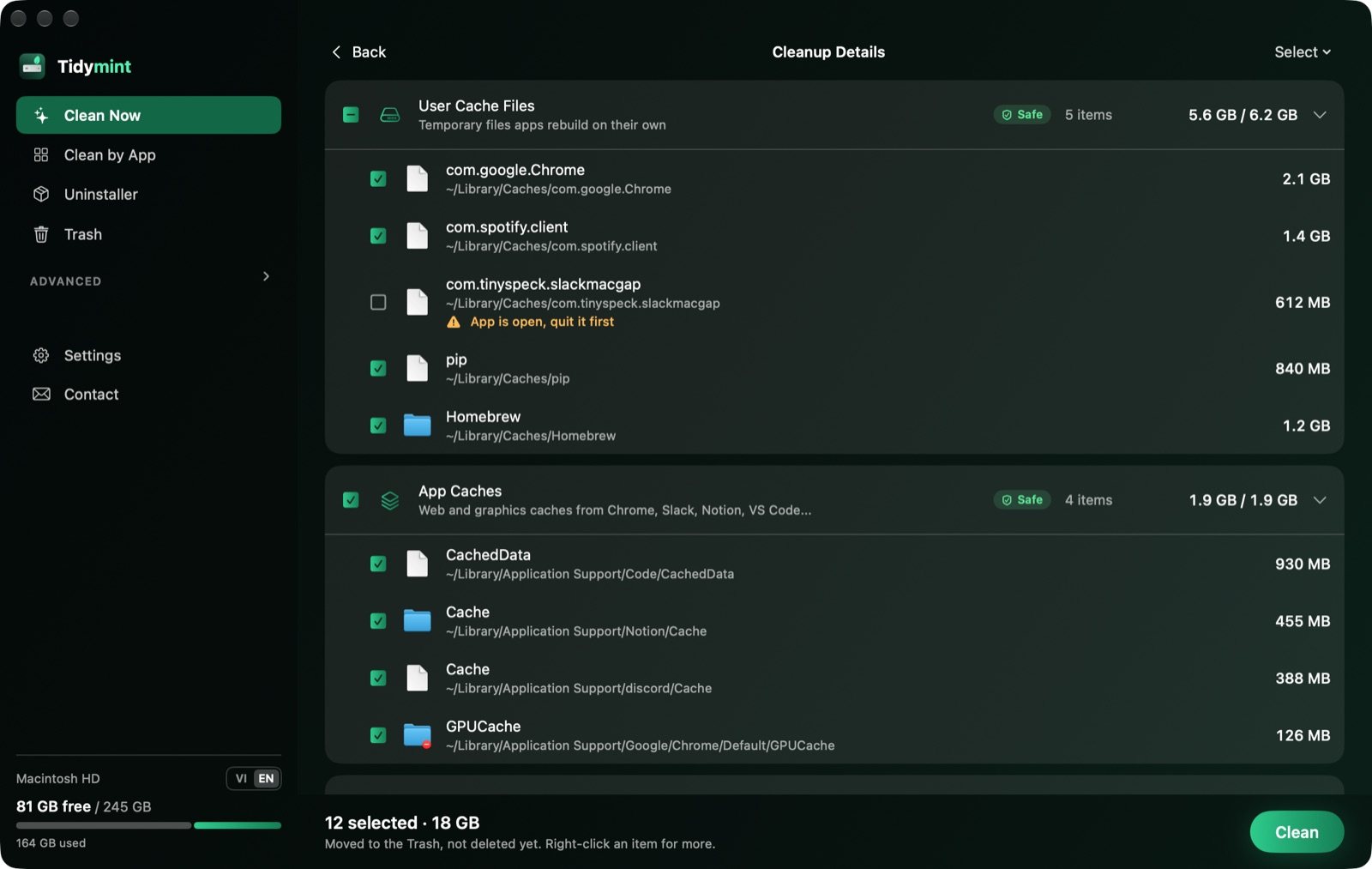
From its maker: Tidymint is a free, open-source Mac cleaner with no tracking. It shows what fills your disk space, explains each item, and moves only what you pick to the Trash, so the last cleanup can be undone.
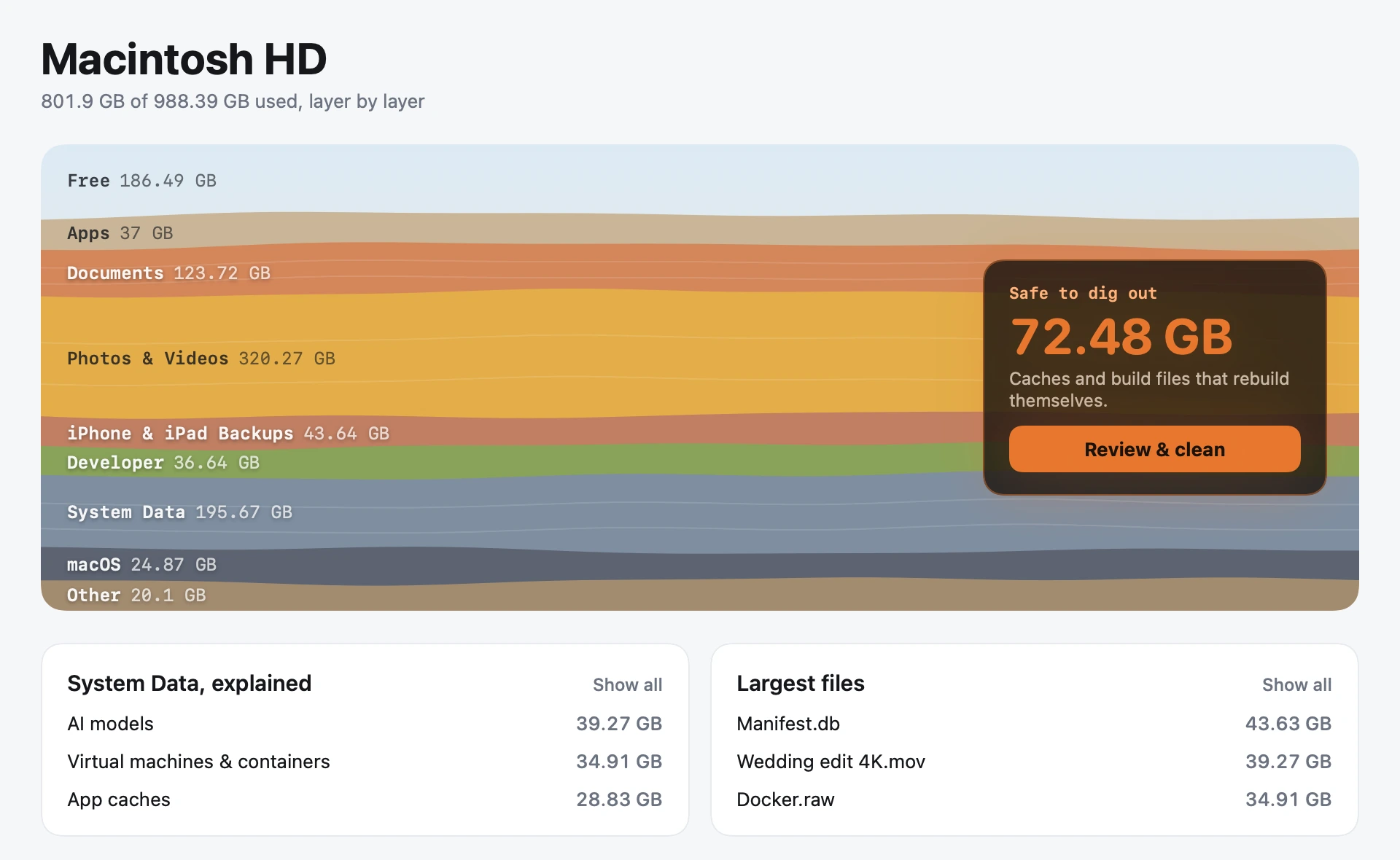
From its maker: Shedi finds the space your Mac is wasting, including Xcode, Docker, node_modules and Ollama models. It explains every item and removes only what you choose, moving it to the Trash first.
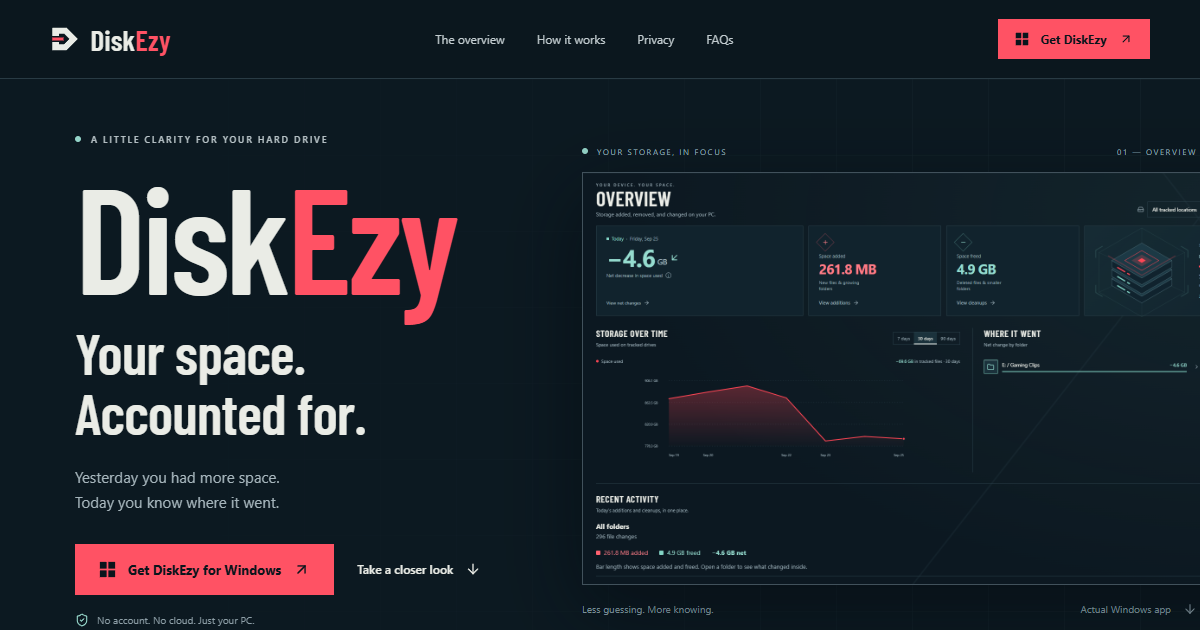
From its maker: See what’s growing on your disk. DiskEzy tracks folder growth and daily storage changes on Mac and Windows, with private history on your computer.
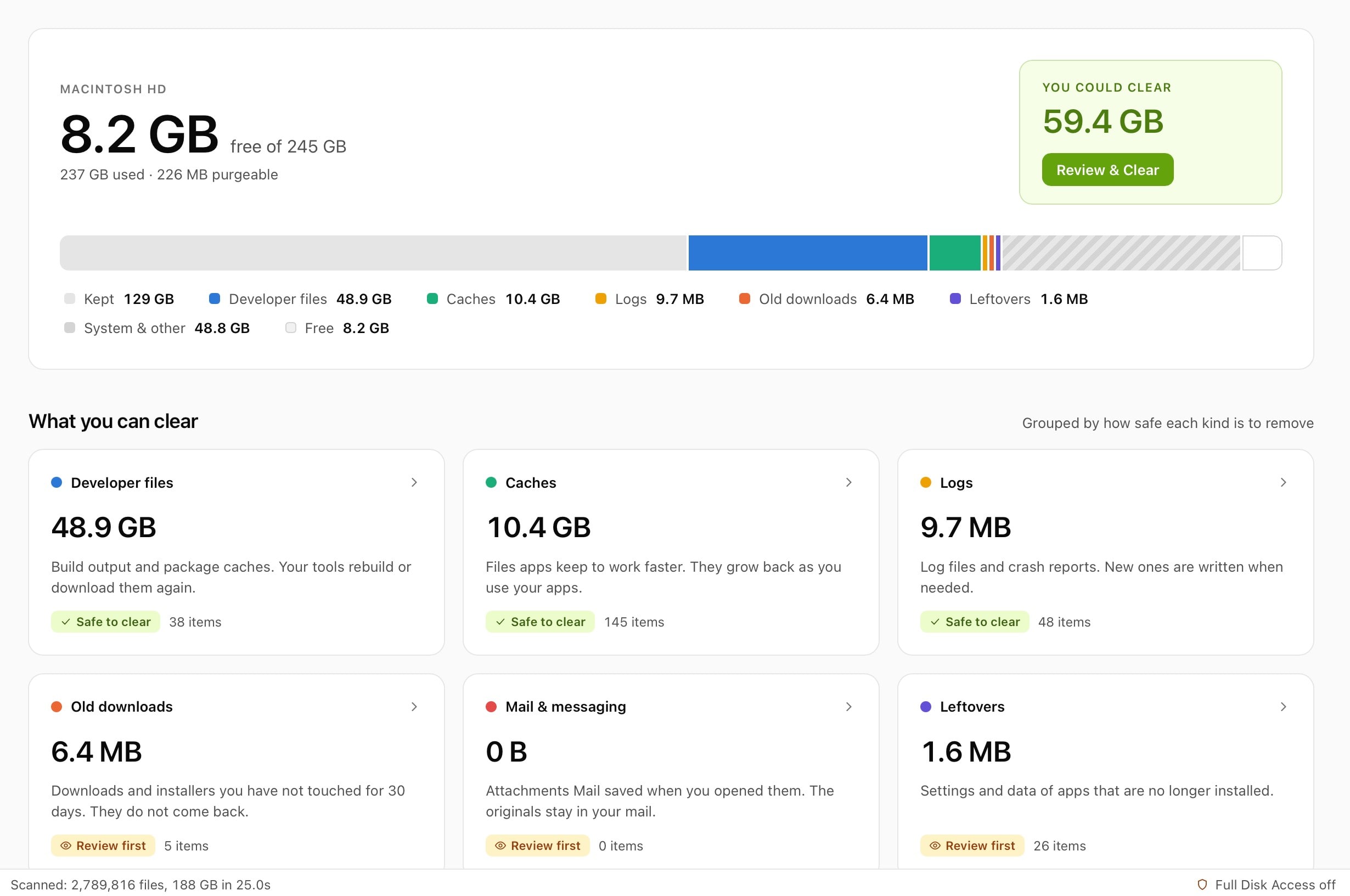
From its maker: Disk Reviewer is a review-first Mac cleaner that lists caches, app leftovers and similar photos with their size and full path; nothing is preselected. The free core includes Smart Scan, Applications, Similar Photos and a menu-bar space monitor.
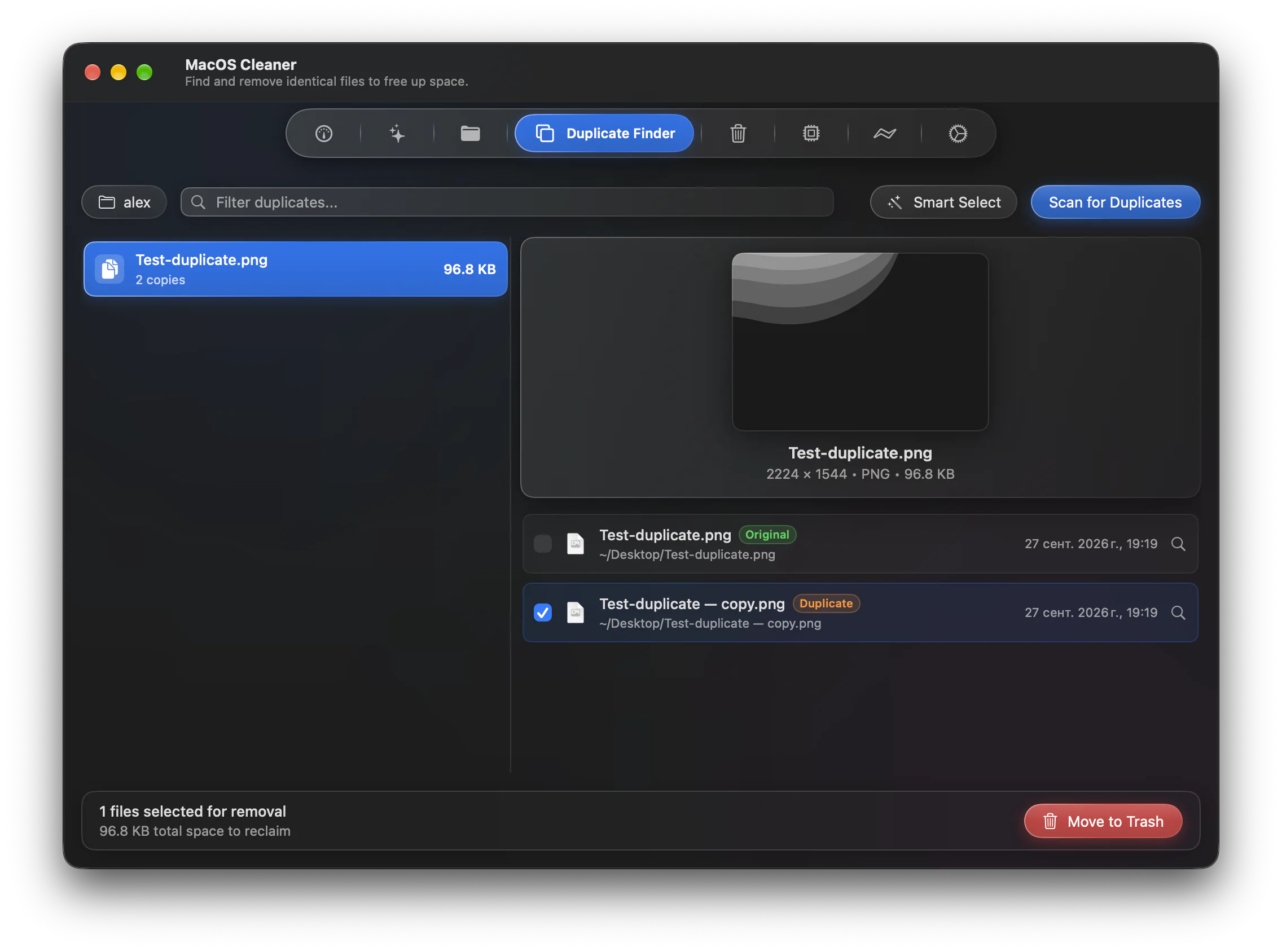
From its maker: MacOS Cleaner is a free, native cleaner and uninstaller for macOS 26+, built with Swift 6 and SwiftUI. It scans 55 cleanup categories, including Xcode, Docker and other developer toolchains and local AI model caches, finds app leftovers and duplicates (SHA-256), and includes a disk analyzer.
Open System Settings > General > Storage. It shows what uses space, with recommendations, and lets you empty the Trash automatically. Many people never need more.
How to choose a Mac cleaner
A preview, always. A good cleaner shows what it will delete before it deletes it.
A way back. Moving files to the Trash is safer than deleting them outright.
Full Disk Access. Most cleaners need it. That is a lot of trust, so prefer apps that explain why.
There is no single best one for everyone. MacPip lists 7: Tidymint, Shedi, Unearth, DiskEzy, Disk Reviewer, MyMacStorage, MacOS Cleaner. If you want it free, look at Tidymint. If you would rather pay once than subscribe, look at Shedi. If you want it to run natively on Apple silicon, look at Tidymint. If you need it to work offline, as its maker says it does, look at Tidymint. If you want open source code, look at Tidymint.
Are there free Mac cleaner apps?
نعم. مع نسخة مجانية على MacPip: Tidymint, Unearth, Disk Reviewer, MacOS Cleaner.
Which Mac cleaner apps have a one-time price?
مع خيار الدفع لمرة واحدة لتتجنب الاشتراك: Shedi, DiskEzy, MyMacStorage.
Which Mac cleaner apps run natively on Apple silicon?
بحسب قول صانعيها أو بحسب فحصنا: Tidymint, Unearth, Disk Reviewer, MyMacStorage, MacOS Cleaner.
Which Mac cleaner apps has a person checked?
لكل منها تقرير مؤرخ في صفحته: Tidymint, Shedi.
كيف ترتّب MacPip هذه التطبيقات؟
تأتي أولًا التطبيقات التي فحصها شخص، وأحدث فحص أولًا، ثم الباقي حسب تاريخ إضافتها. الدفع لا يغيّر الترتيب أبدًا، والصفوف الممولة موسومة ومفصولة.