Aktualisiert am 10. Nov. 2026, aus dem, was MacPip heute listet.
Kurze Antwort
MacPip listet 5 Mac-Apps der Kategorie „Musik“, und noch keine davon hat eine Person geprüft.2 davon haben eine kostenlose Version.3 davon verkaufen eine einmalige Lizenz.There is no single best music app for everyone, so MacPip does not rank them.Wenn du sie kostenlos willst, fang mit yovoice an.
Apps, die ein Mensch geprüft hat, kommen zuerst, die neueste Prüfung zuerst. Nie nach Bezahlung sortiert.
Was diese 5 Apps laut ihren Einträgen bieten. Eine App kann mehreres bieten, deshalb ergeben die Balken zusammen nicht 5.
Kostenlose Version2 von 5
Einmal zahlen3 von 5
Abo0 von 5
Nativ für Apple silicon5 von 5
Open Source2 von 5
Funktioniert offline3 von 5
Von einer Person geprüft0 von 5
Einmalpreis in US-Dollar, wie im jeweiligen Eintrag angegeben, der niedrigste zuerst. 2 Apps haben keinen einfachen Einmalpreis in Dollar und fehlen. Launch-Preise zählen, wo der Eintrag es so angibt.
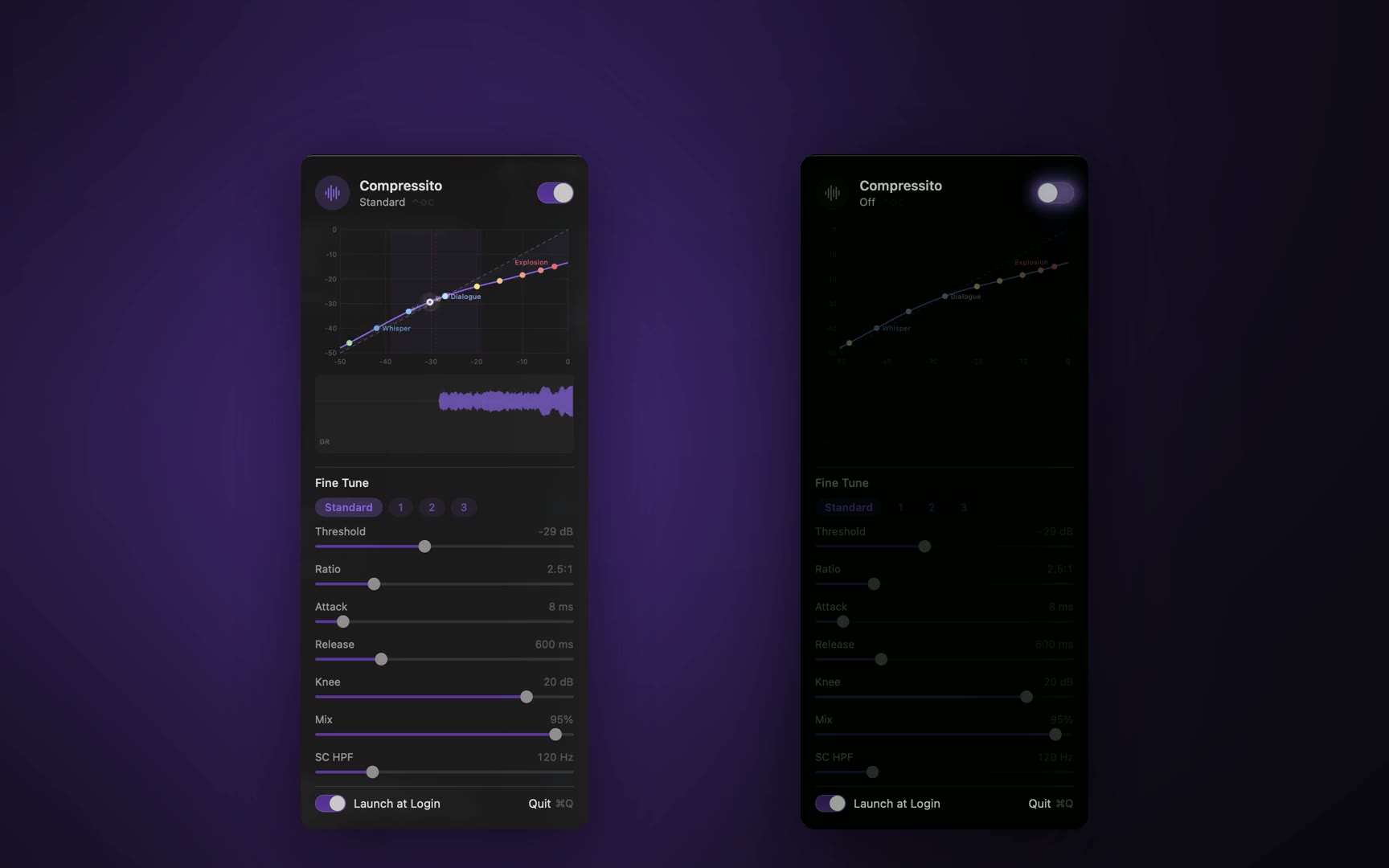
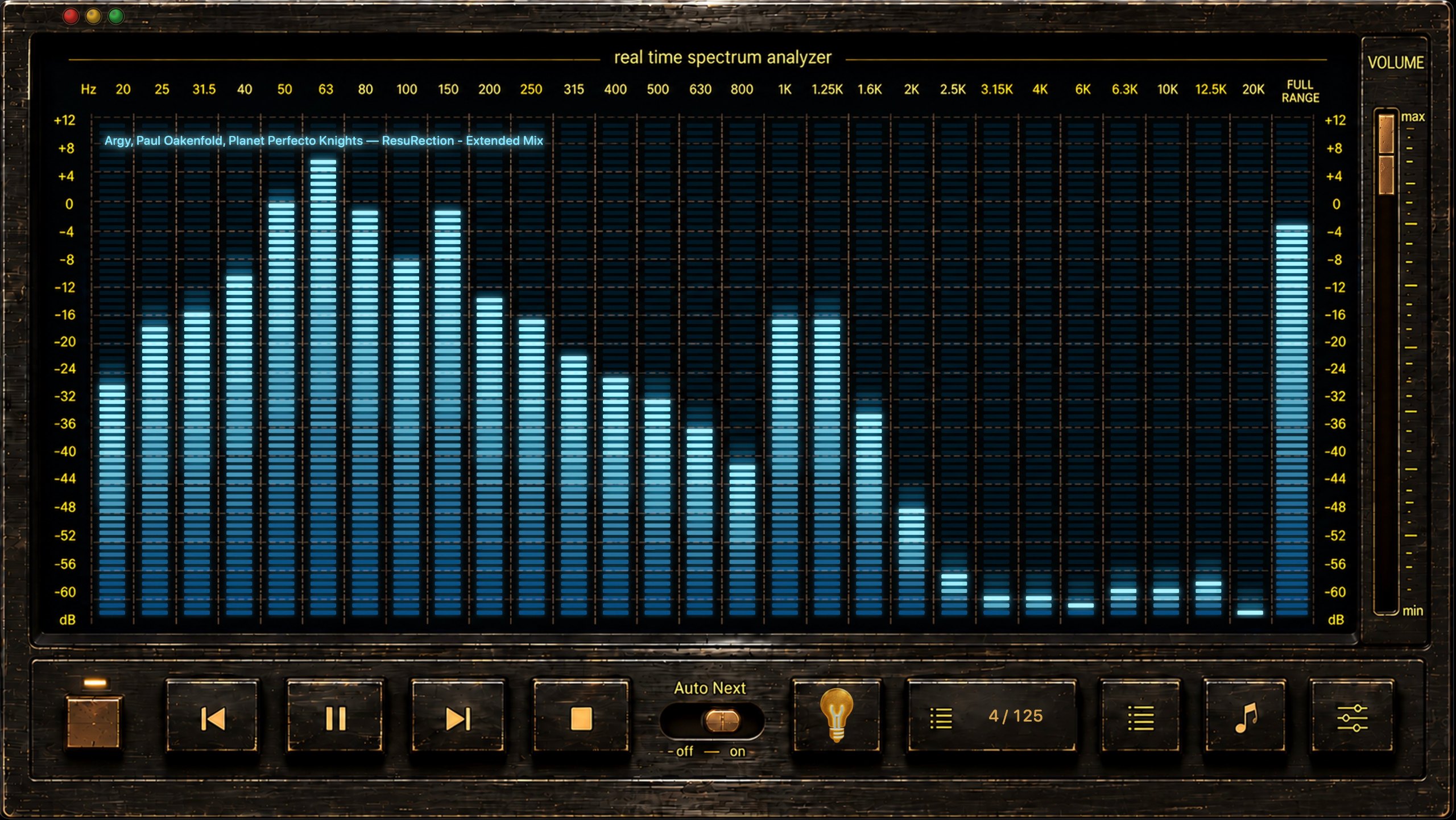
Vom Maker: A tiny macOS menu-bar app that applies real-time, system-wide dynamic-range compression, taming loud explosions and lifting quiet dialogue so you hear every word without waking the house.
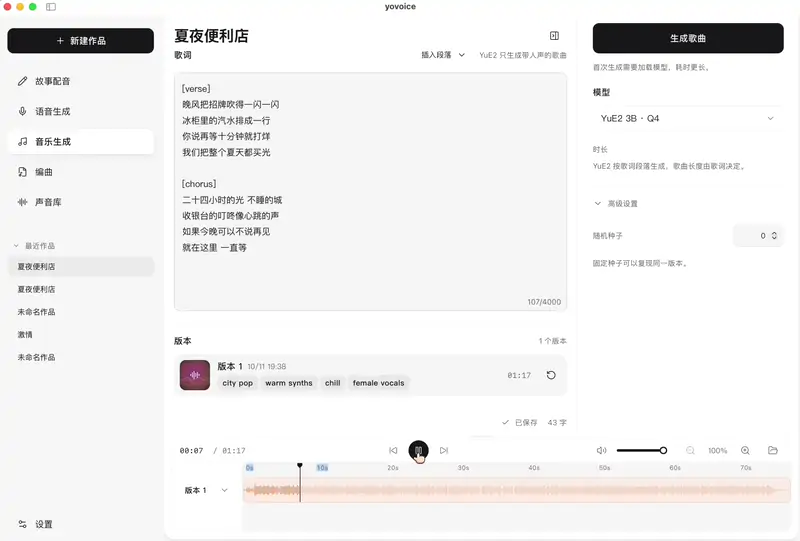
Vom Maker: yovoice is an open-source, local-first audio and music creation studio for macOS, Windows and Linux. Turn text into expressive speech, natural cloned voices, complete vocal songs, and multi-track scores right on your machine.
Vom Maker: Local Music Organizer is a native macOS toolkit for large offline Music.app collections. Its SQLite index helps find missing files, duplicate records, repeated playlist entries, incomplete albums, missing artwork and playlists.
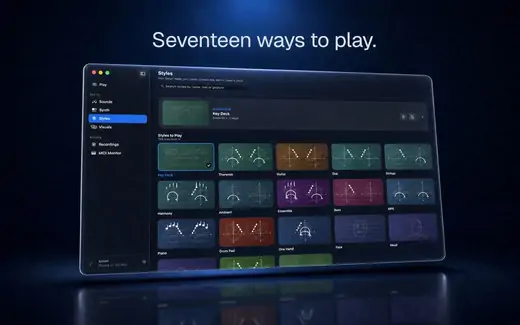
Vom Maker: Sonari is a musical instrument for Mac that you play with hand gestures. Use camera-tracked movement to shape built-in sounds, send expressive MIDI or MPE to a compatible DAW, and create music-reactive visuals.
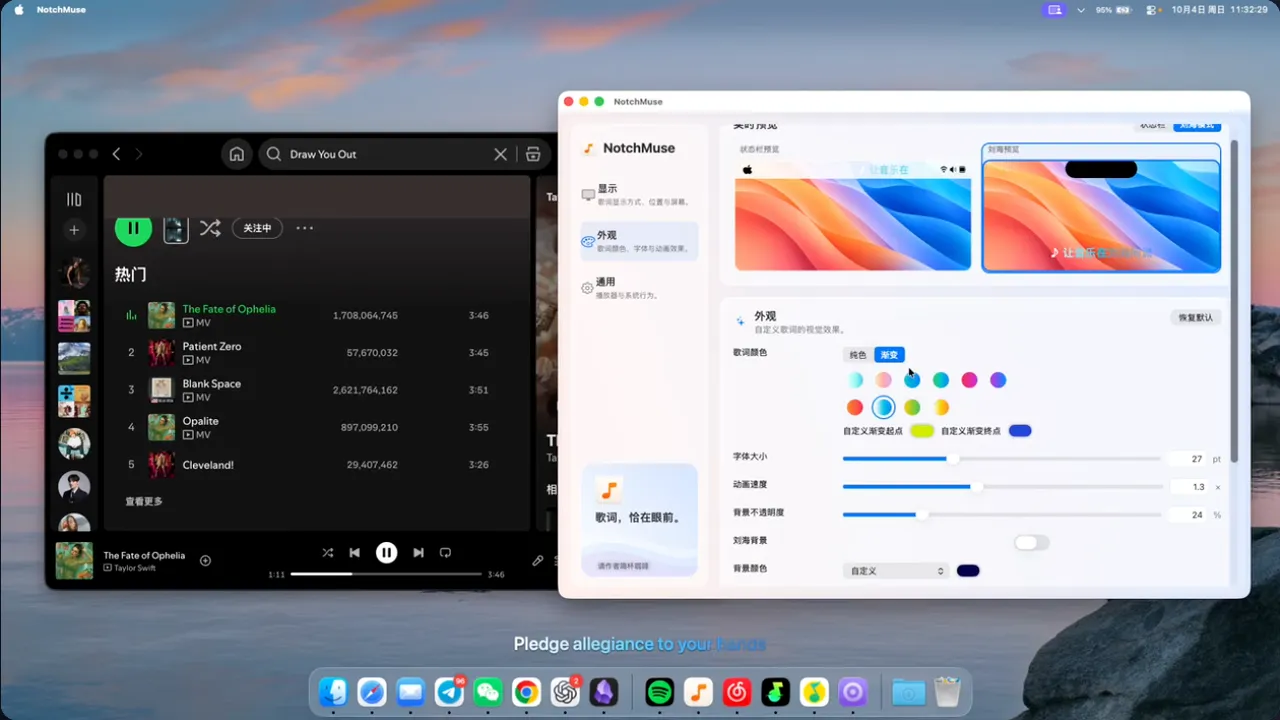
NotchMuse zeigt synchronisierte Songtexte auf deinem Schreibtisch, in der Menüleiste oder neben der Notch, für Spotify, Apple Music und mehr. Es ist kostenlos, Open Source und braucht kein Konto. Es läuft auf Apple silicon mit macOS 14 Sonoma oder neuer.
Look for which services or files it plays, whether it works with your existing library, and how it handles metadata.
Fragen
What is the best music app for Mac?
There is no single best one for everyone. MacPip lists 5: Compressito, yovoice, Local Music Organizer, Sonari, NotchMuse. If you want it free, look at yovoice. If you would rather pay once than subscribe, look at Compressito. If you want it to run natively on Apple silicon, look at Local Music Organizer. If you need it to work offline, as its maker says it does, look at Compressito. If you want open source code, look at NotchMuse.
Gibt es kostenlose Apps der Kategorie „Musik“ für Mac?
Ja. Mit kostenloser Version auf MacPip: yovoice, NotchMuse.
Welche Apps der Kategorie „Musik“ für Mac haben einen Einmalpreis?
Mit Einmalkauf-Option, damit du ein Abo vermeiden kannst: Compressito, Local Music Organizer, Sonari.
Which music apps run natively on Apple silicon?
Nach Angabe der Maker oder nach unserer Prüfung: Compressito, yovoice, Local Music Organizer, Sonari, NotchMuse.
Welche Apps der Kategorie „Musik“ hat eine Person geprüft?
Noch keine. Sie zeigen „Prüfung ausstehend“, bis eine Person sie ausprobiert hat.
Wie sortiert MacPip diese Apps?
Apps, die eine Person geprüft hat, kommen zuerst, die neueste Prüfung vorn, danach der Rest nach Datum des Hinzufügens. Bezahlung ändert die Reihenfolge nie, und gesponserte Zeilen sind gekennzeichnet und getrennt.