Updated Nov 7, 2026, from what MacPip lists today.
Réponse courte
MacPip lists 8 free menu bar apps for Mac, and a person has checked 3 of them.All of them have a free version.4 d'entre elles vendent une licence à achat unique.1 d'entre elles est payante par abonnement.There is no single best free menu bar app for everyone, so MacPip does not rank them.Si vous la voulez gratuite, commencez par UsageBeacon.
Apps a person checked come first, newest check first. Never ordered by payment.
What these 8 apps offer, by their listings. An app can offer several, so the bars do not add up to 8.
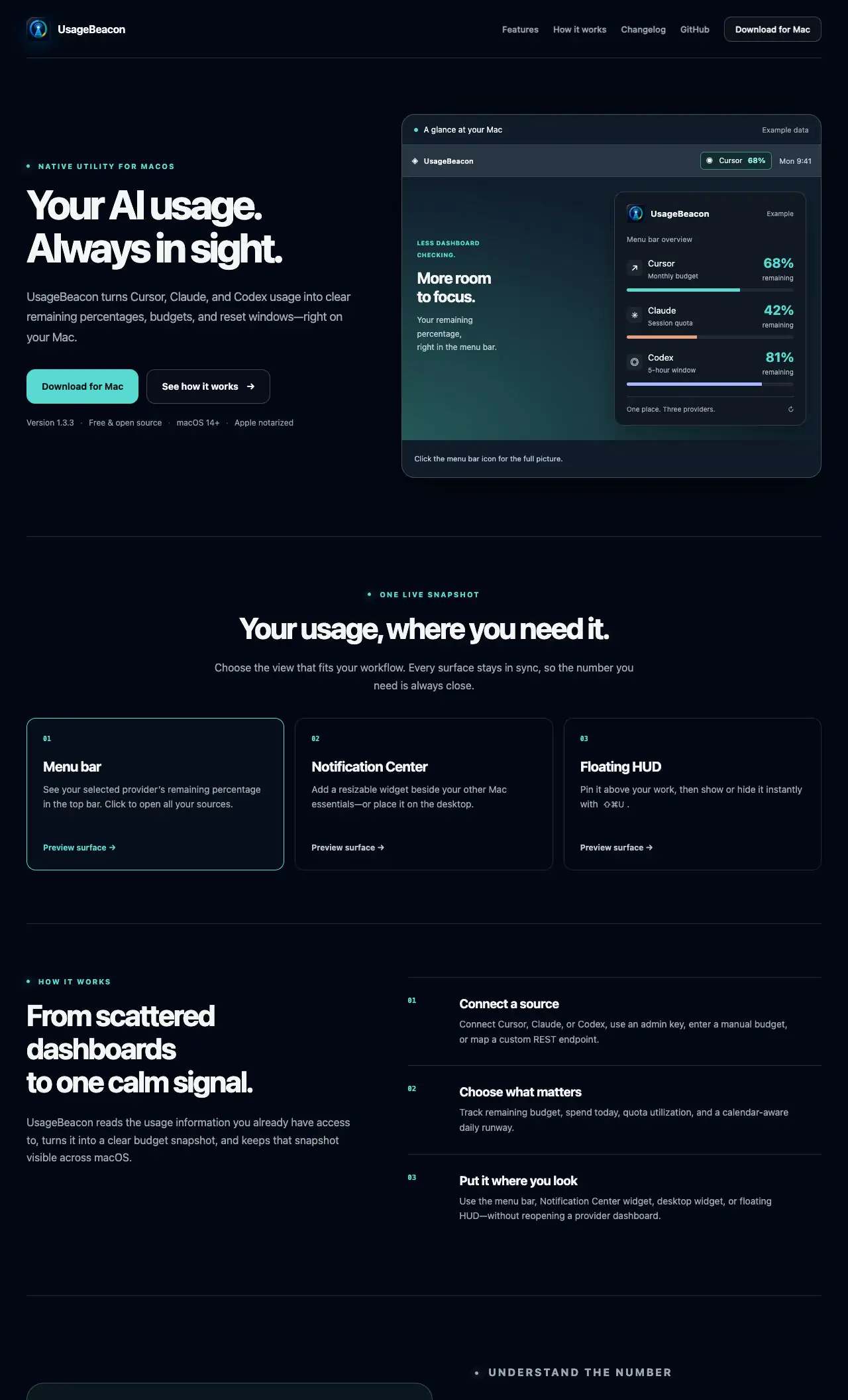
UsageBeacon turns your Cursor, Claude and Codex usage into remaining percentages, budgets and reset windows in the menu bar, so you know before you hit a limit. It is free and open source, and needs macOS 14 Sonoma or later.
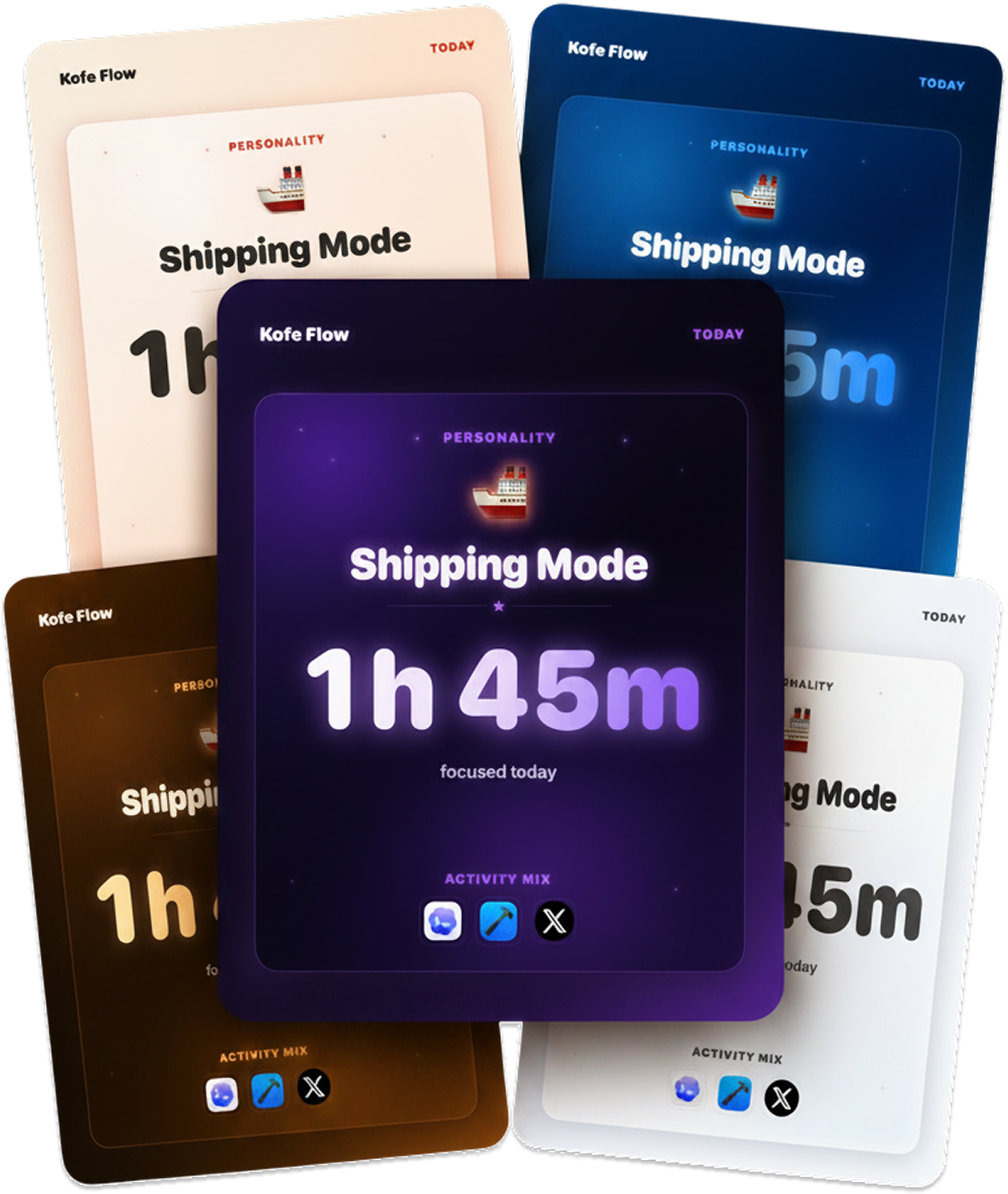
Kofe Flow is a calm Pomodoro timer in the menu bar, with an iPhone app that stays in sync. Focus analytics stay on your Mac, and timer sync is optional and anonymous. It is free, with Lifetime Pro at $14.99 once.
Lancetta reads the quota of Codex and Claude Code and tells you when to push on, slow down or switch. It is a free, native menu bar app for macOS 15 Sequoia or later.
From its maker: An open-source colour picker app for macOS Pika (pronounced pi·kuh, like picker) is an easy to use, open-source, native colour picker for macOS.
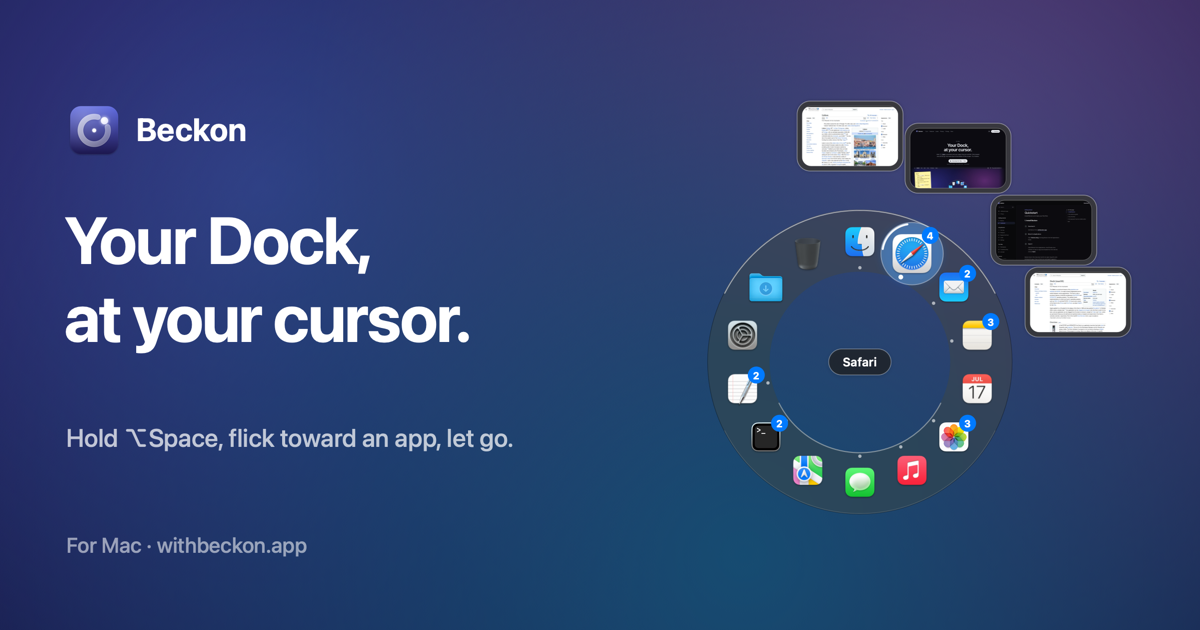
Beckon puts your Dock in a ring around the pointer. Hold Option-Space, flick toward an app and let go. The ring holds windows with live thumbnails, pinned apps, folders, websites, Shortcuts and files, and the real Dock can stay hidden. It is free, with Pro at $24 once and a 14-day trial.
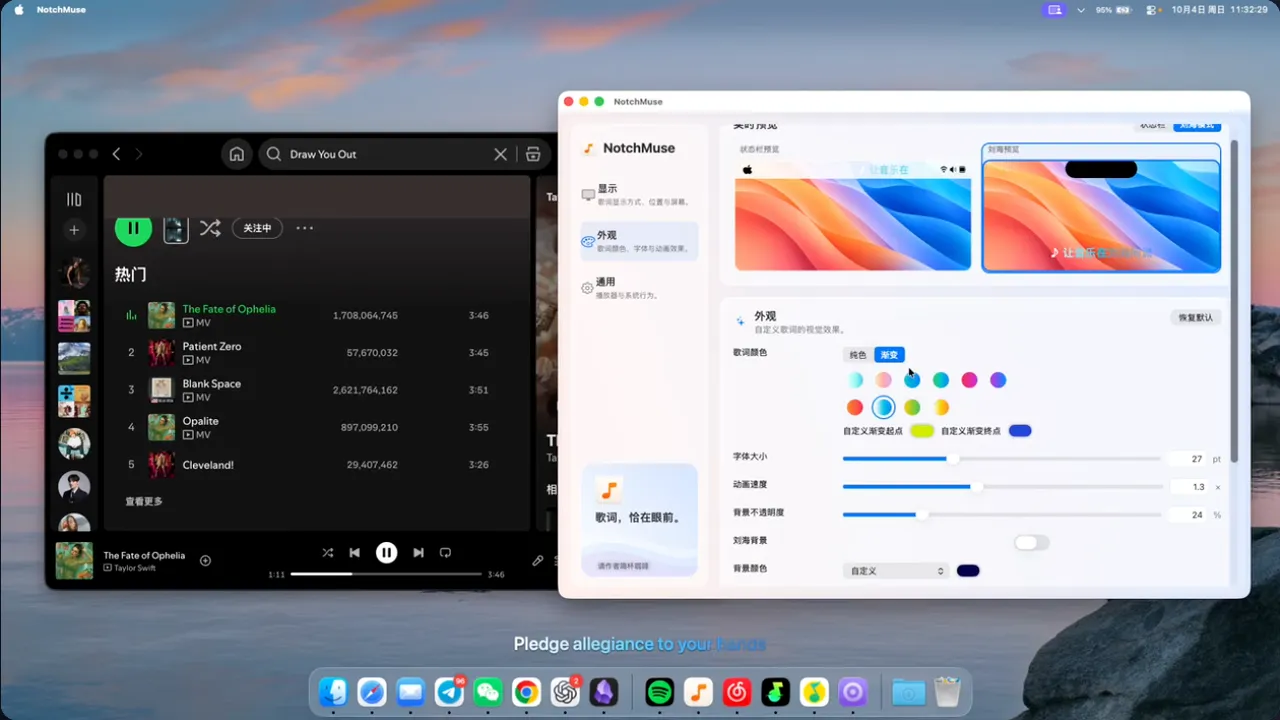
NotchMuse shows synced lyrics on your desktop, in the menu bar or beside the notch, for Spotify, Apple Music and more. It is free, open source and needs no account. It runs on Apple silicon with macOS 14 Sonoma or later.
Pulse floats usage rings for Claude, Codex, Grok and Antigravity on your screen, adds a Codex pet you can talk to, and reminds you to take breaks on time. It is free and open source, for Apple silicon with macOS 26 Tahoe or later.
Choisissez UsageBeacon si vous la voulez gratuite.
Choisissez Kofe Flow si vous préférez payer une fois plutôt que de vous abonner.
Choisissez Seedlore si vous voulez qu'elle fonctionne nativement sur Apple silicon.
Choisissez Seedlore si vous avez besoin qu'elle fonctionne hors ligne, comme l'affirme son créateur.
Choisissez UsageBeacon si vous voulez du code open source.
What to look for
Regardez si elle consomme peu de mémoire, si on peut la masquer quand on n'en a pas besoin et si elle tient encore sur un MacBook avec encoche.
Questions
What is the best free menu bar app for Mac?
There is no single best one for everyone. MacPip lists 8: UsageBeacon, Seedlore, Kofe Flow, Lancetta, Super High Fives, Beckon, NotchMuse, Pulse. If you want it free, look at UsageBeacon. If you would rather pay once than subscribe, look at Kofe Flow. If you want it to run natively on Apple silicon, look at Seedlore. If you need it to work offline, as its maker says it does, look at Seedlore. If you want open source code, look at UsageBeacon.
Which free menu bar apps for Mac have a one-time price?
Avec une option à achat unique, pour éviter un abonnement : Seedlore, Kofe Flow, Super High Fives, Beckon.
Which free menu bar apps run natively on Apple silicon?
D'après leurs créateurs ou d'après notre vérification : Seedlore, Lancetta, Beckon, NotchMuse, Pulse.
Which free menu bar apps has a person checked?
Chacune a un rapport daté sur sa page : UsageBeacon, Seedlore, Kofe Flow.
Comment MacPip classe-t-il ces apps ?
Les apps qu'une personne a vérifiées viennent en premier, de la vérification la plus récente à la plus ancienne, puis les autres selon leur date d'ajout. Le paiement ne change jamais l'ordre, et les lignes sponsorisées sont signalées et tenues à part.