
 Przyjaciel
 CoralProductivity for Claude Code and Codex agentsautor:
 Coral ClaudeFree, Pro from $8/month, 7-day trial
Wpisy zostają w języku, w którym napisali je ich twórcy.


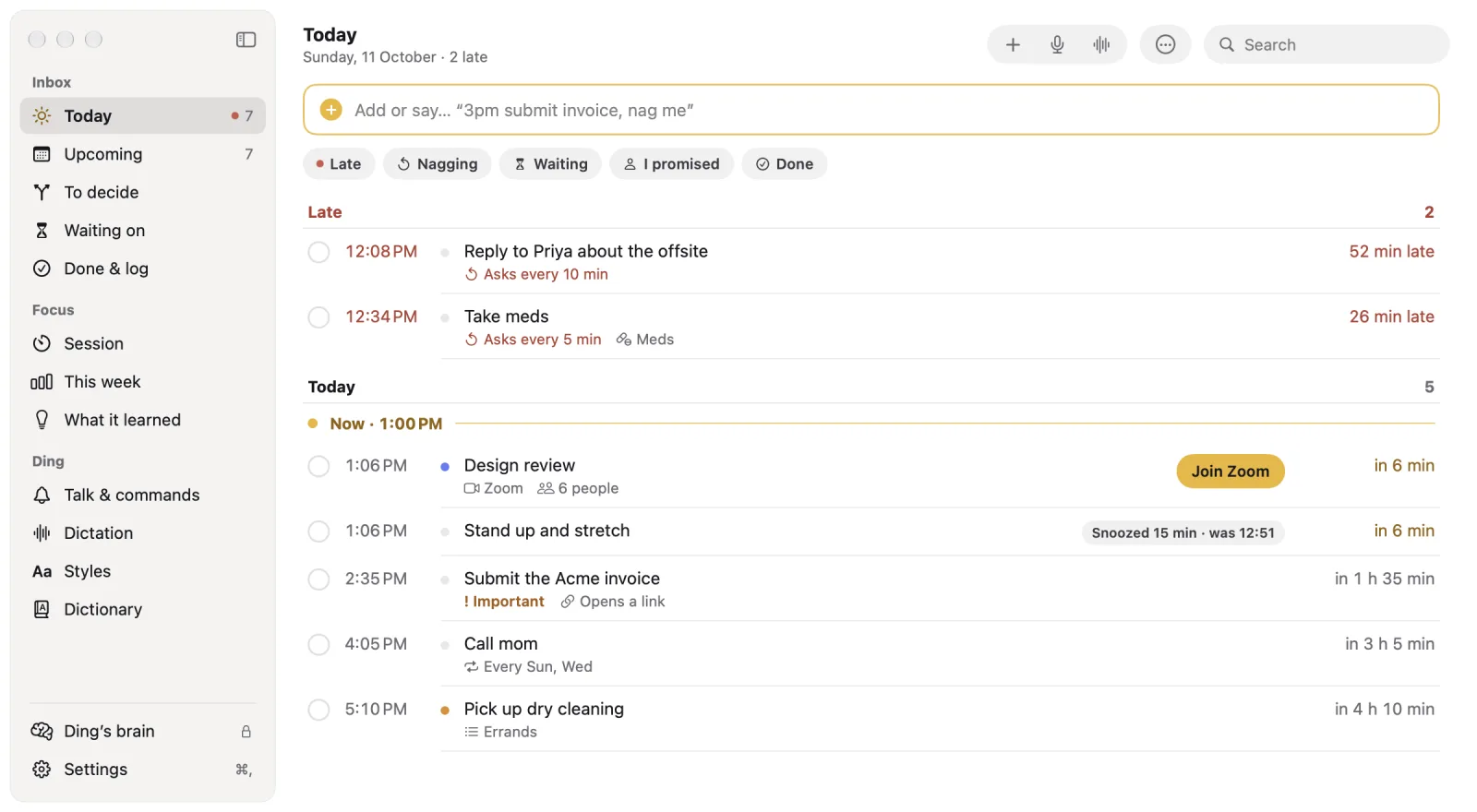
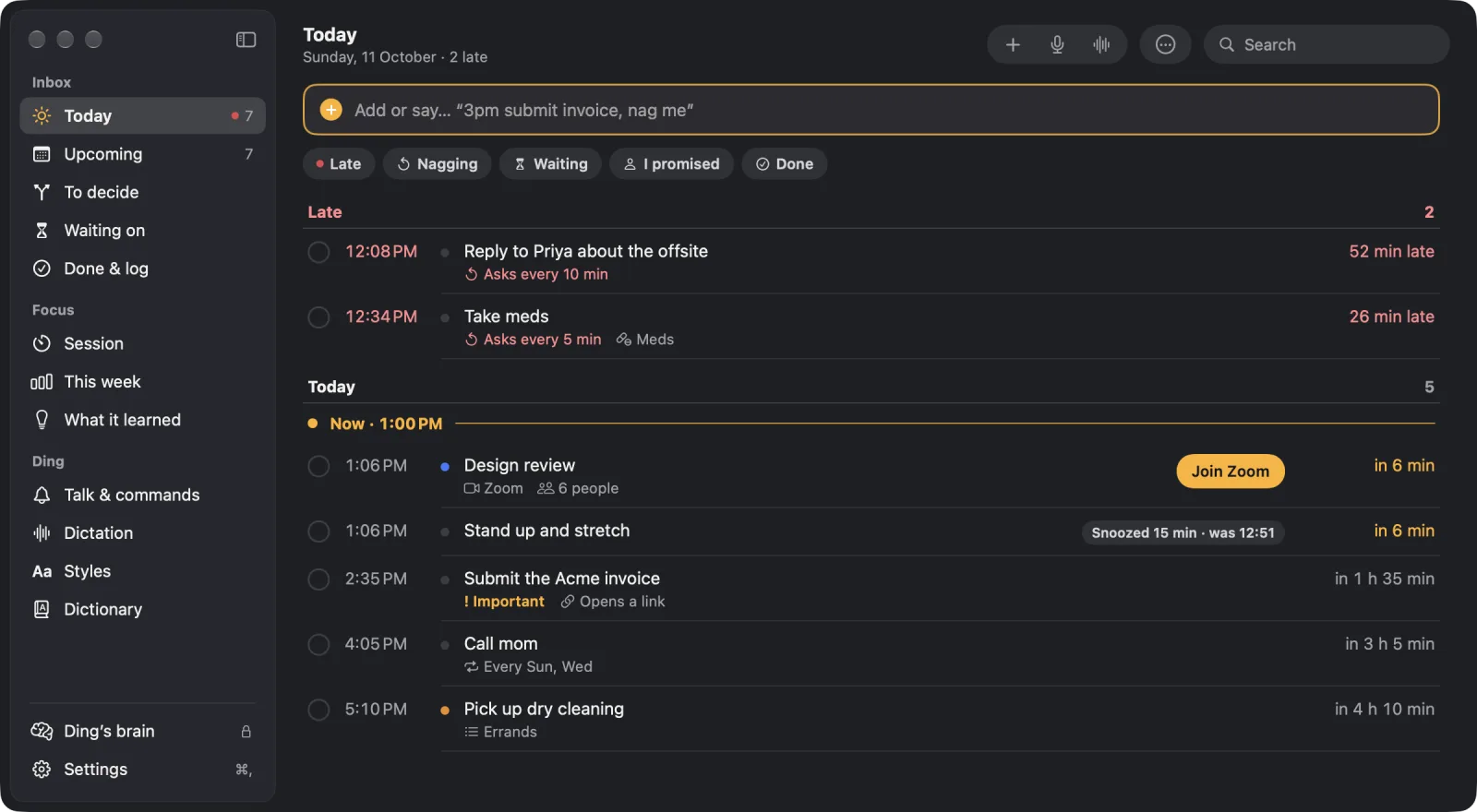
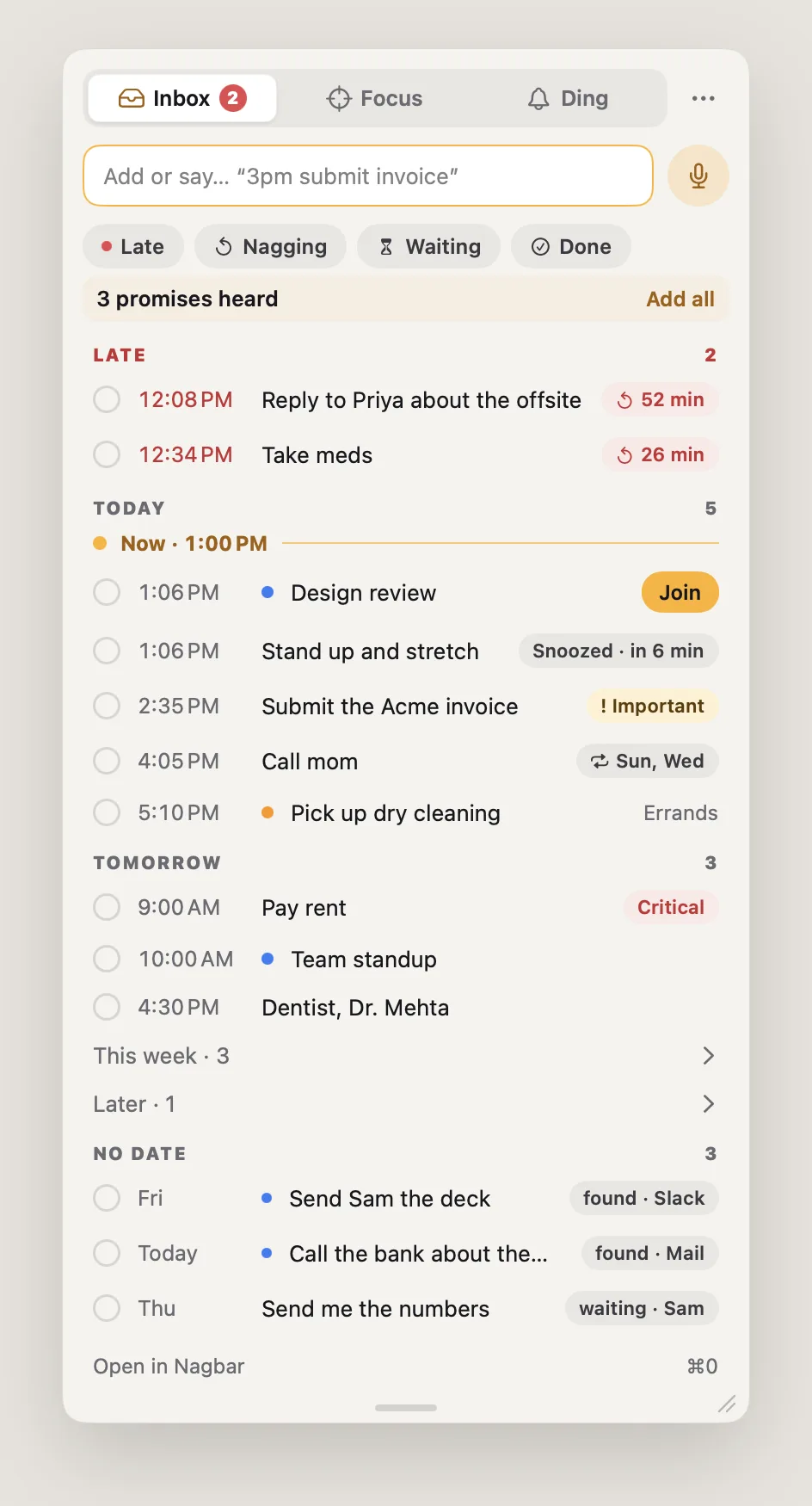
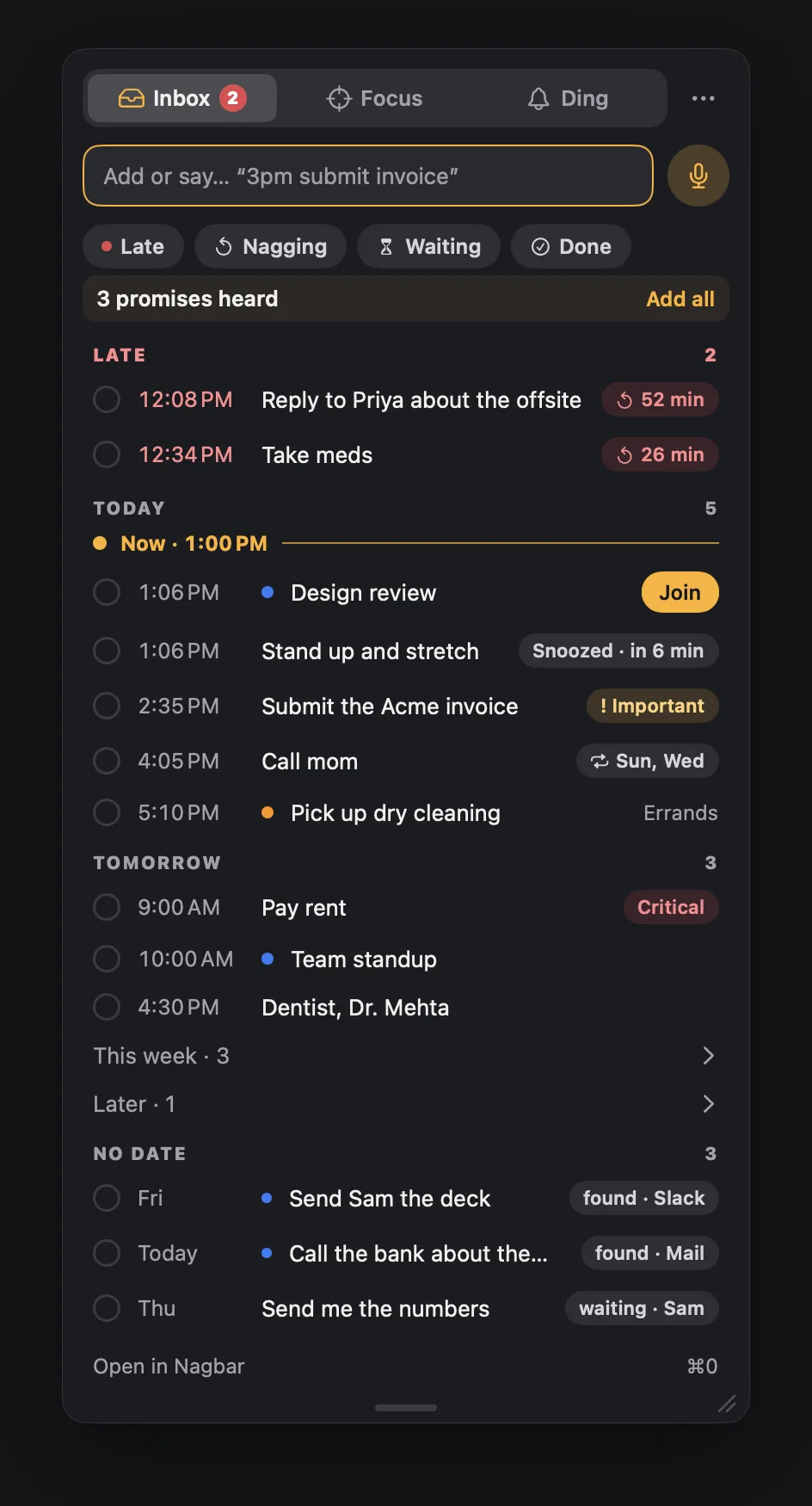
Nagbar to aplikacja na Mac z kategorii „Produktywność”:Reminders for Mac that keep asking until they're done.Nie została jeszcze sprawdzona.
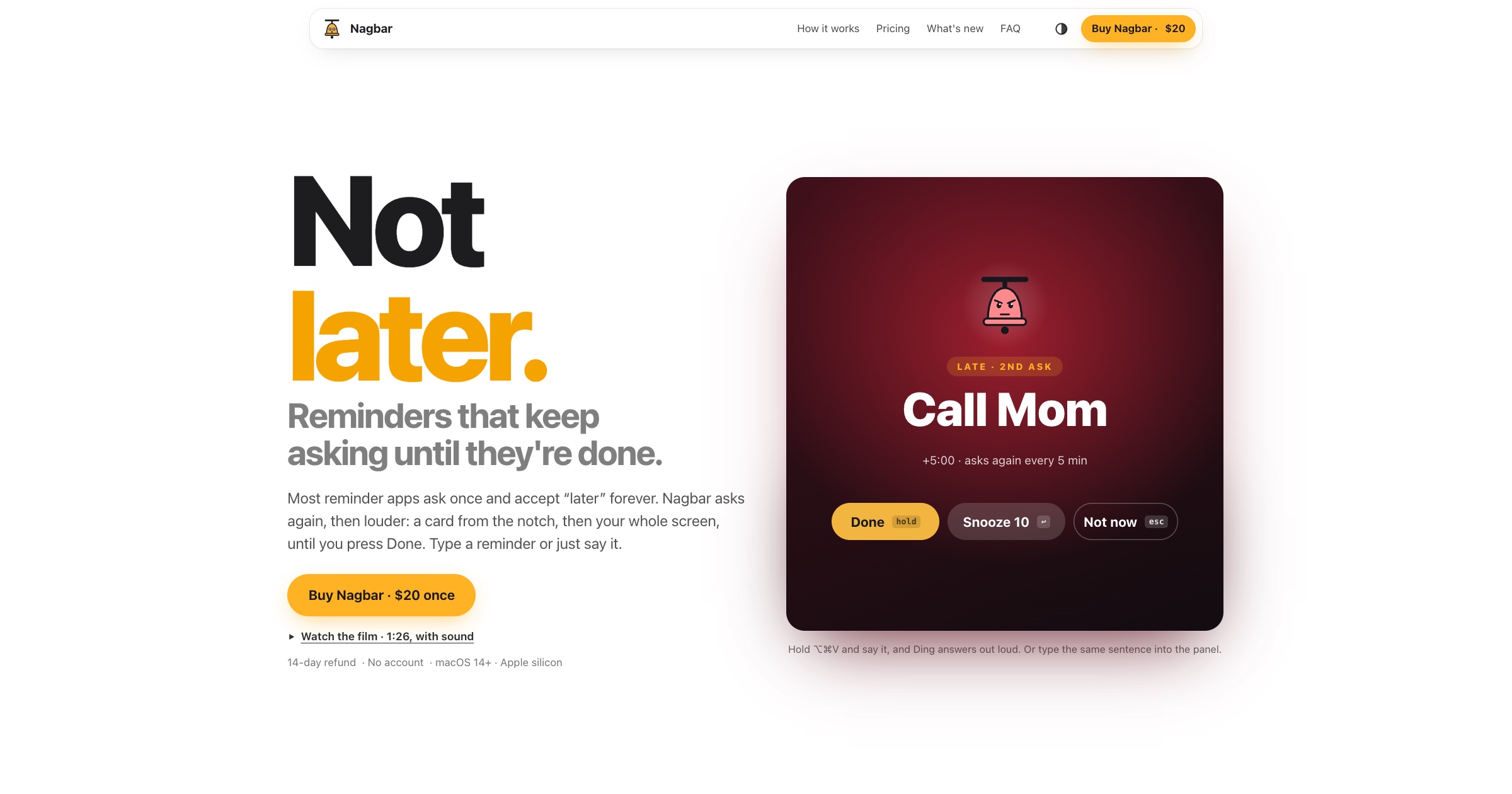
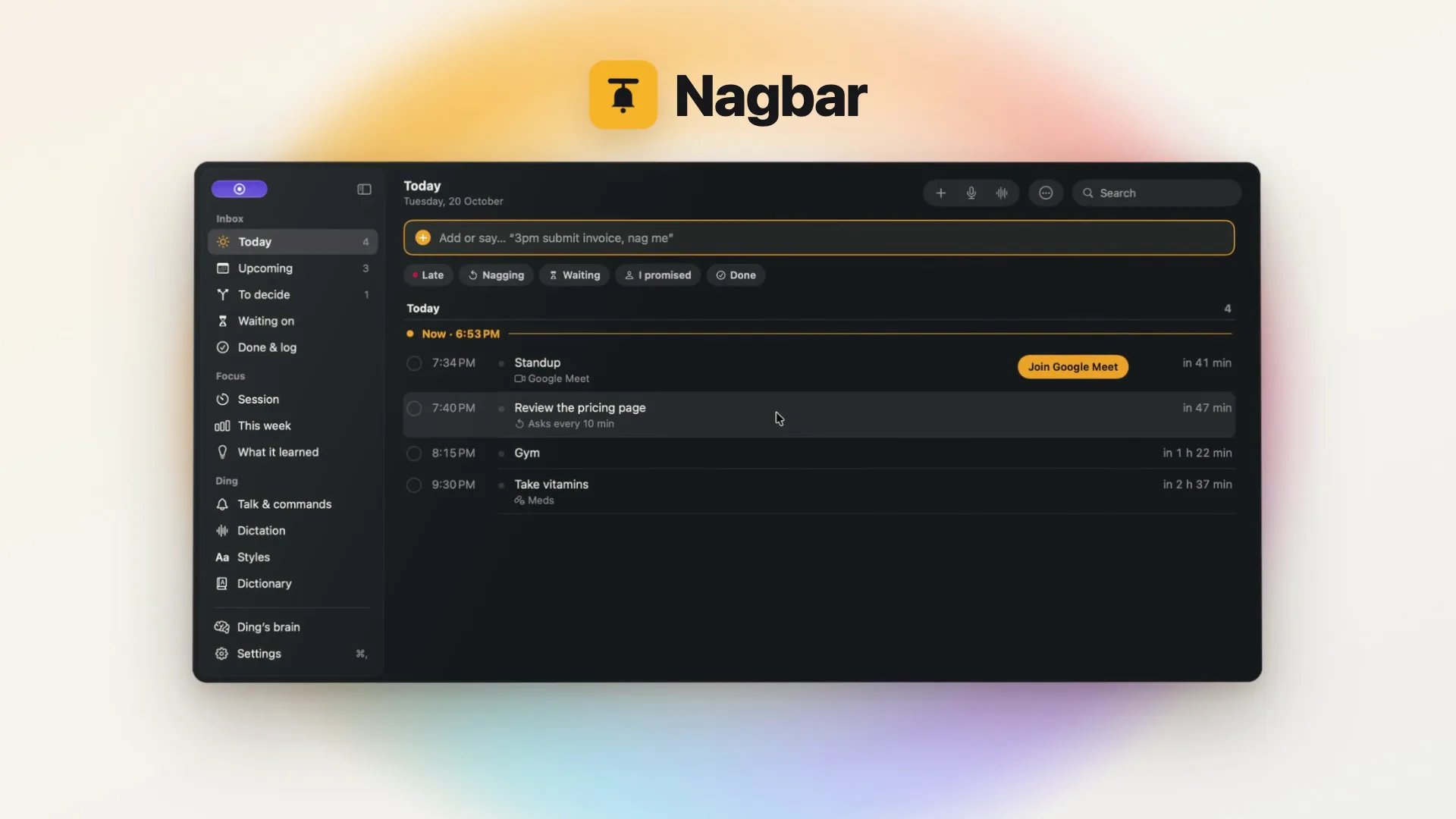
Reminders for Mac that keep asking until they're done. When something is due, a card drops from the notch; ignore it and the next ask takes over the whole screen, on every display, until you press Done. On a call or presenting, it stays a small card, and quiet hours keep your nights quiet. Add reminders by typing or by voice, and meetings come with a Join button.
Nagbar also types your dictation in any app: hold a key, talk, and cleaned-up text lands where your cursor is. Speech becomes text on your Mac, so it's private and works offline.
For anyone who swipes notifications away and then forgets the thing. Apple silicon, macOS 14 or later. One payment, no subscription, no account.
Niebieski ptaszek nie gwarantuje bezpieczeństwa. Przeczytaj jak poznać, czy aplikacja na Mac jest bezpieczna.
To Twoja aplikacja, więc oto jej własny znaczek na Twoją stronę. Prowadzi z powrotem tutaj, pokazuje Twoje prawdziwe głosy i czyni Twoją aplikację Przyjacielem MacPip.


<a href="https://macpip.com/apps/nagbar?ref=badge"><img src="https://macpip.com/badge/nagbar.svg" height="58" alt="Nagbar is listed on MacPip"></a>
Zapytaj swojego asystenta AI o Nagbar, np. „Nagbar: czy warto?” Połącz MacPip
PrzyjacielCoralProductivity for Claude Code and Codex agentsautor: Coral ClaudeFree, Pro from $8/month, 7-day trial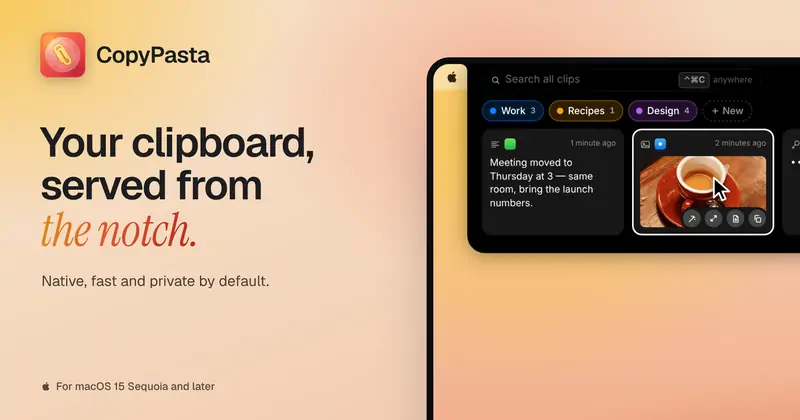 #19 lis
 CopyPastaCopyPasta is a private-by-default clipboard manager…autor:
 @AmasCreates$14.99 once, 7-day free trial
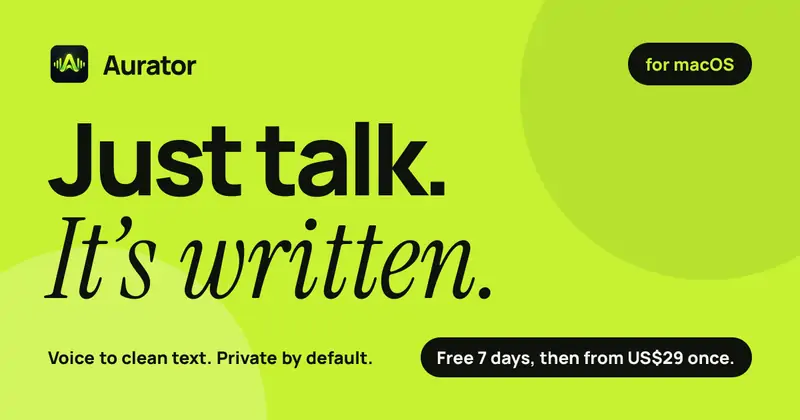
 AuratorAurator turns your voice into clean text in every app…autor:
 @ndmrauFrom $29 once, 7-day free trial
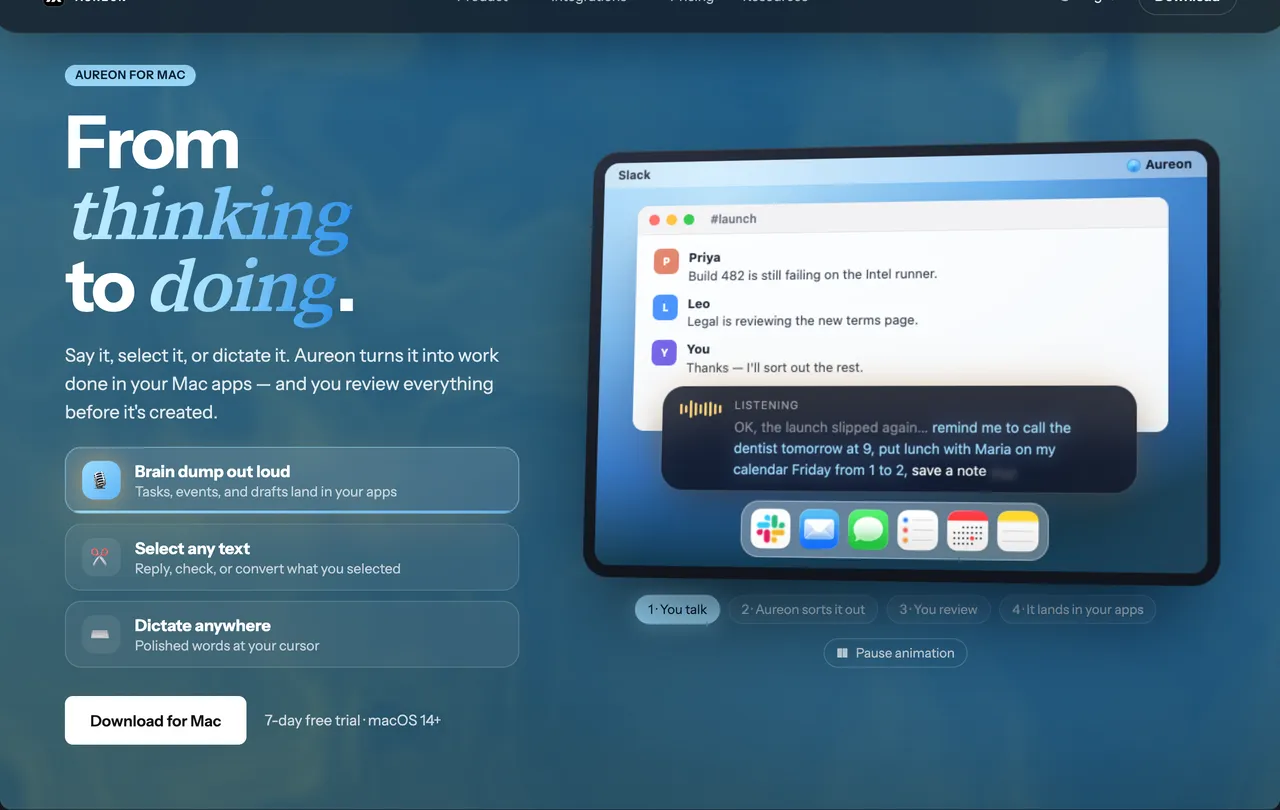
 AureonSay what you need. Aureon routes it to your Mac apps.autor: IInAureon$6.99+/mo · 7-day trial