Updated Nov 7, 2026, from what MacPip lists today.
Resposta curta
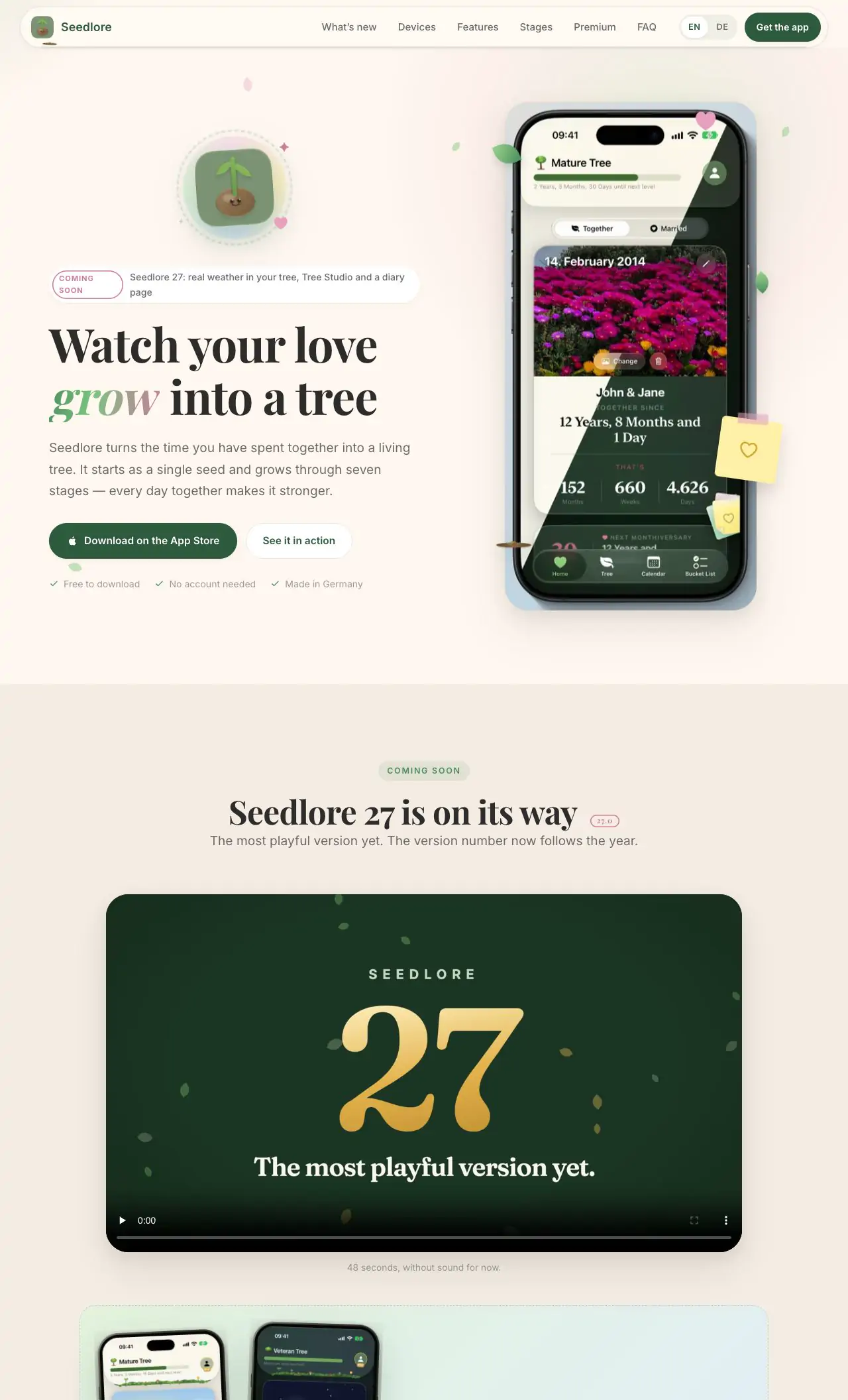
MacPip lists 9 note taking and writing apps for Mac, and a person has checked 4 of them.6 deles têm uma versão gratuita.6 deles vendem uma licença única.3 deles são pagos por assinatura.There is no single best note taking app for everyone, so MacPip does not rank them.Se você quer grátis, comece por Seedlore.
Apps a person checked come first, newest check first. Never ordered by payment.
The best note taking app for Mac is the one you still trust in five years. That has less to do with features than with one plain question: where do your notes live, and can you take them with you?
MacPip lists 9 note taking and writing apps. They range from a free Markdown editor that opens your own folder of files to an AI note taker for recorded lectures. 2 of them are open source, and 6 have a free version.
Below, each one is described from its own listing: what it does, what it costs and who it suits.
What these 9 apps offer, by their listings. An app can offer several, so the bars do not add up to 9.
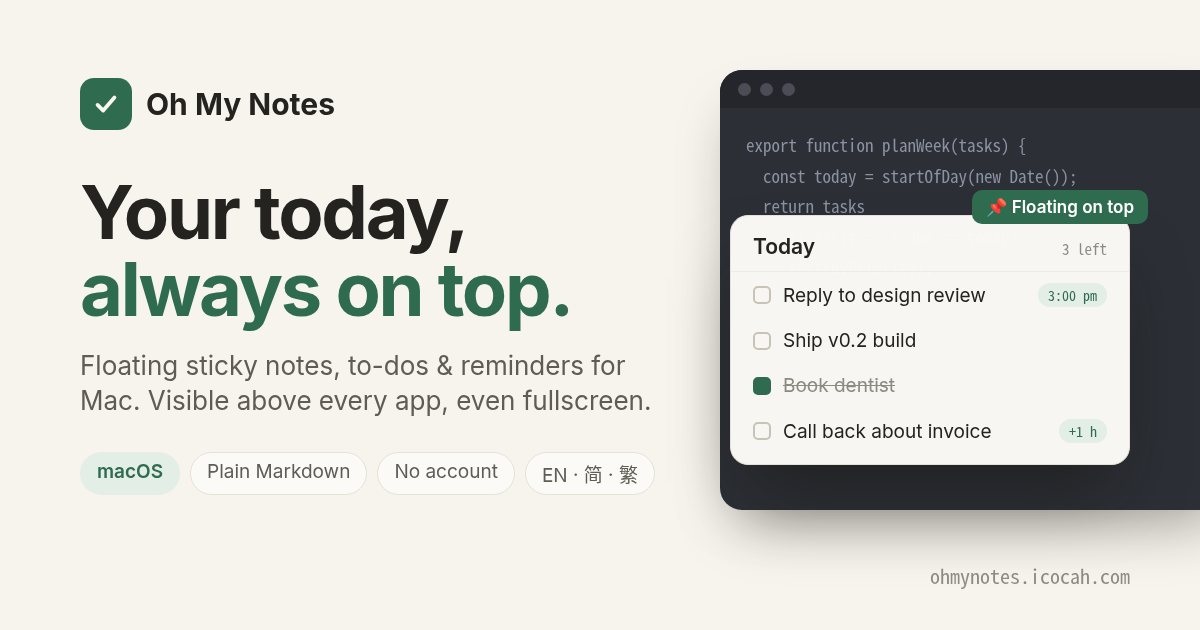
Oh My Notes is a floating Today layer: notes, to-dos and reminders that sit above every app, even in fullscreen. Notes are plain Markdown files you own, and Pro can keep them in your own folder or Obsidian vault. Free to try, with Pro from $7.99. No account.
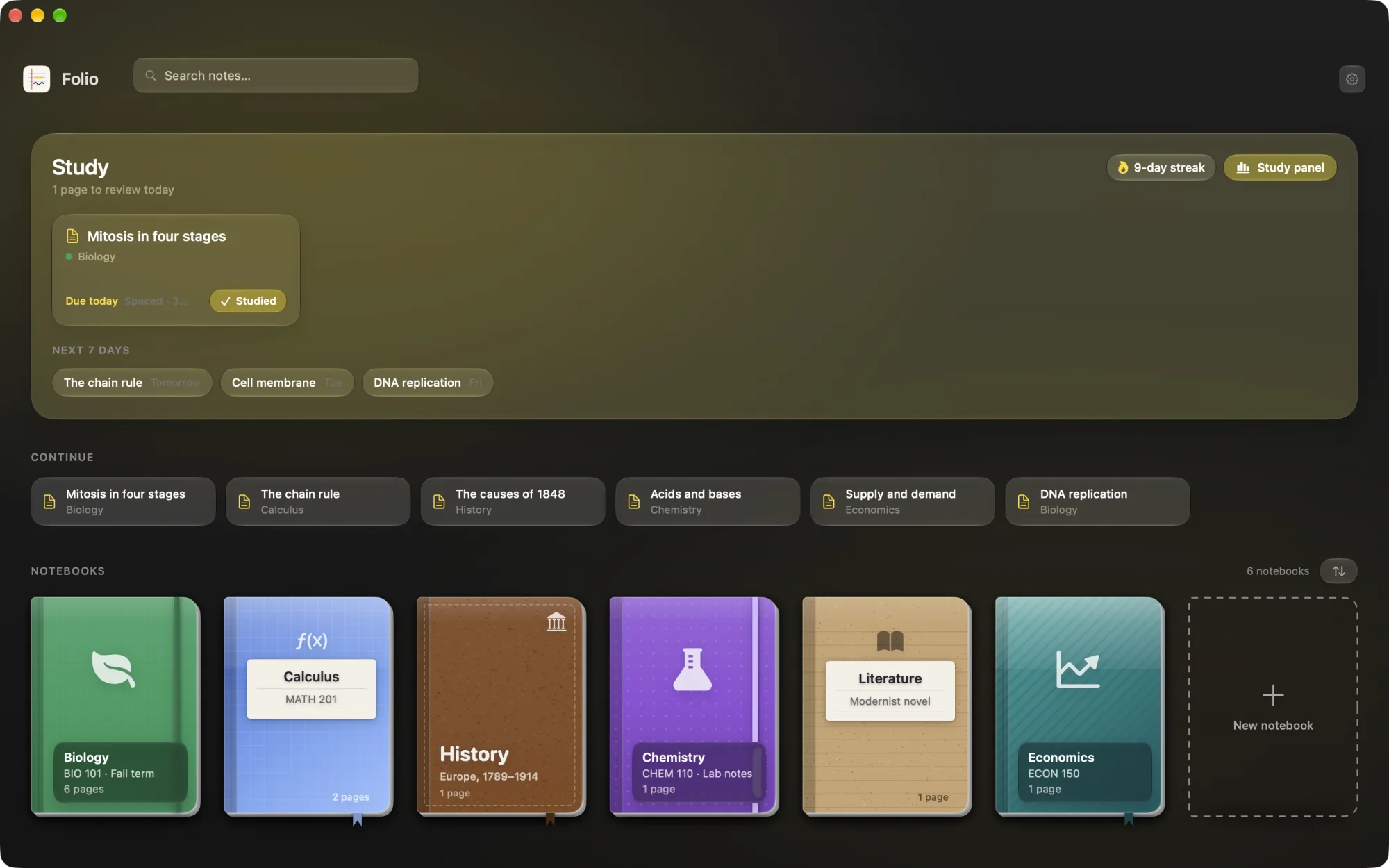
Folio is a native study app: notebooks on a shelf, rich text pages, PDFs you can annotate, AI flashcards scheduled with FSRS spaced repetition, quizzes and exams, and a study assistant that talks about your notes. Its listing is written in Spanish. It costs 5 euros.
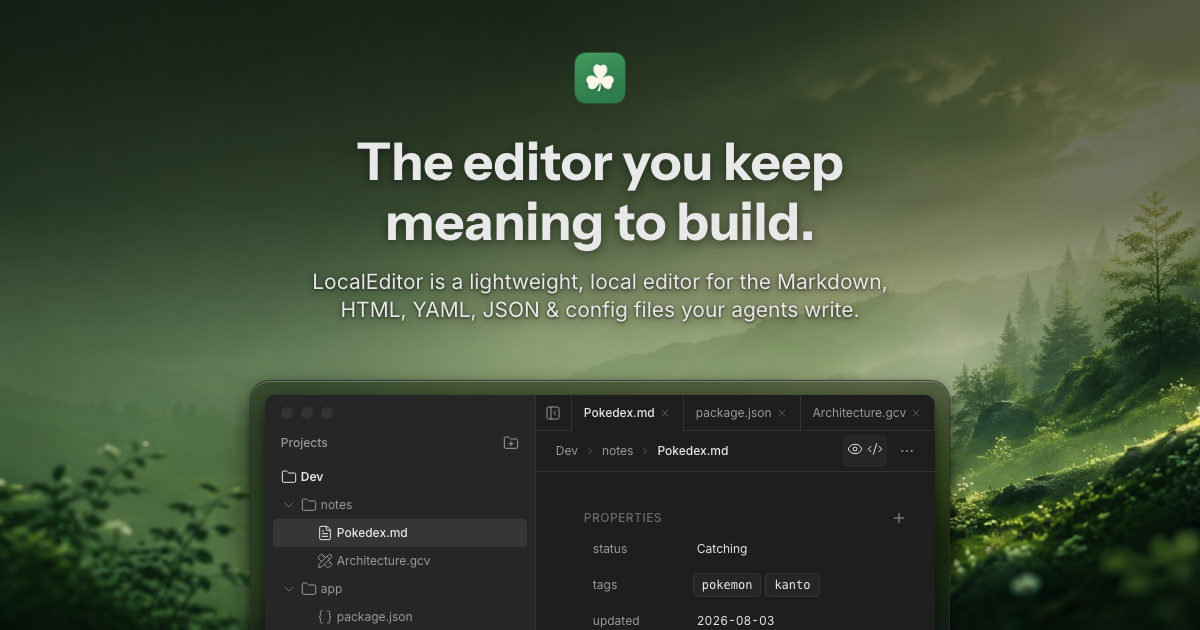
LocalEditor is a local workspace for notes, sketches and coding projects. You work in your own folders, alongside your AI agents, and every file stays yours. It is $20, and its maker names Obsidian and Zed as the apps it replaces.
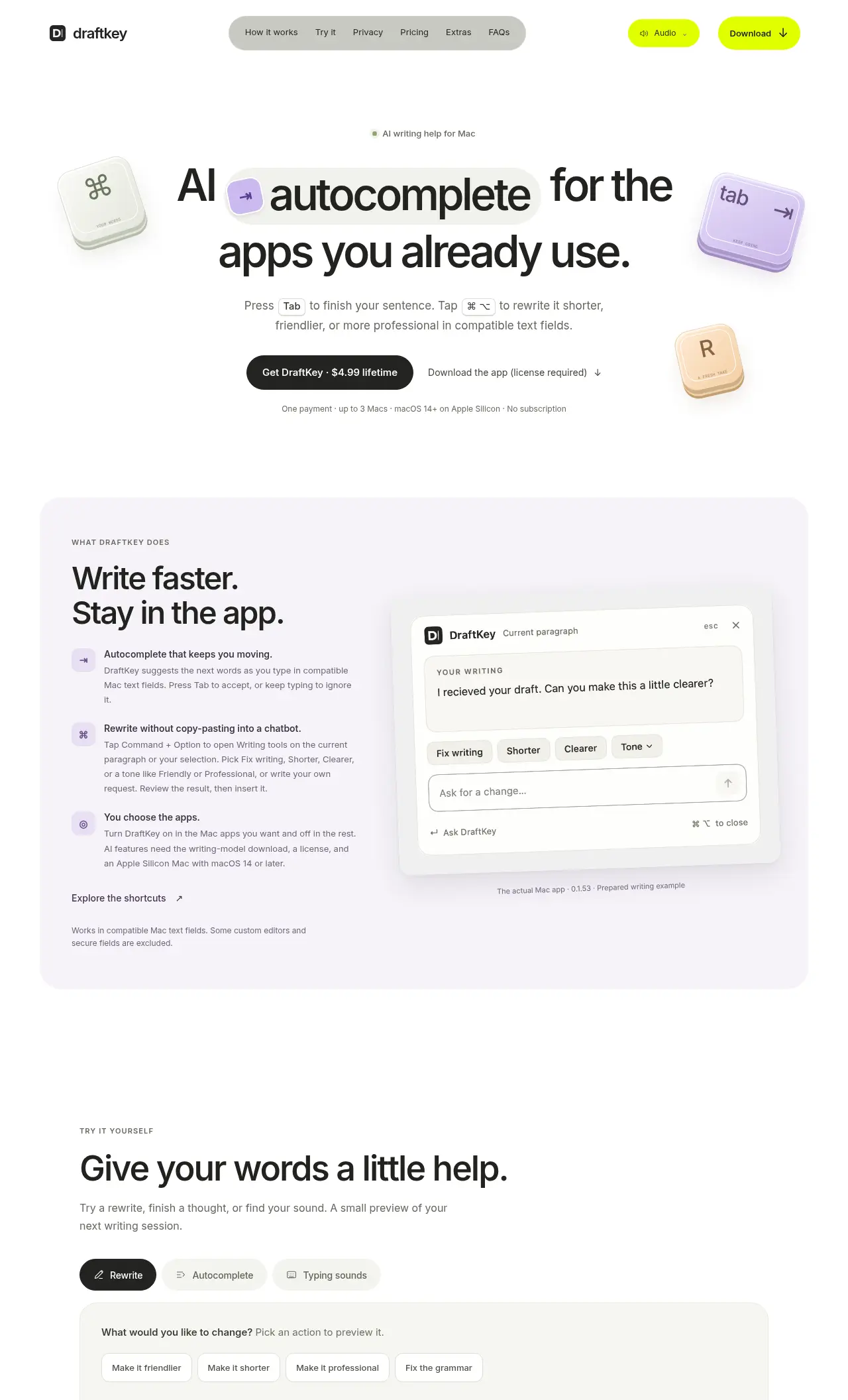
DraftKey adds Tab autocomplete and draft rewriting to any Mac app. Start typing an email, a note or a commit message, accept suggested words with Tab, and keep going. It is $4.99 once, for Apple silicon with macOS 14 Sonoma or later.
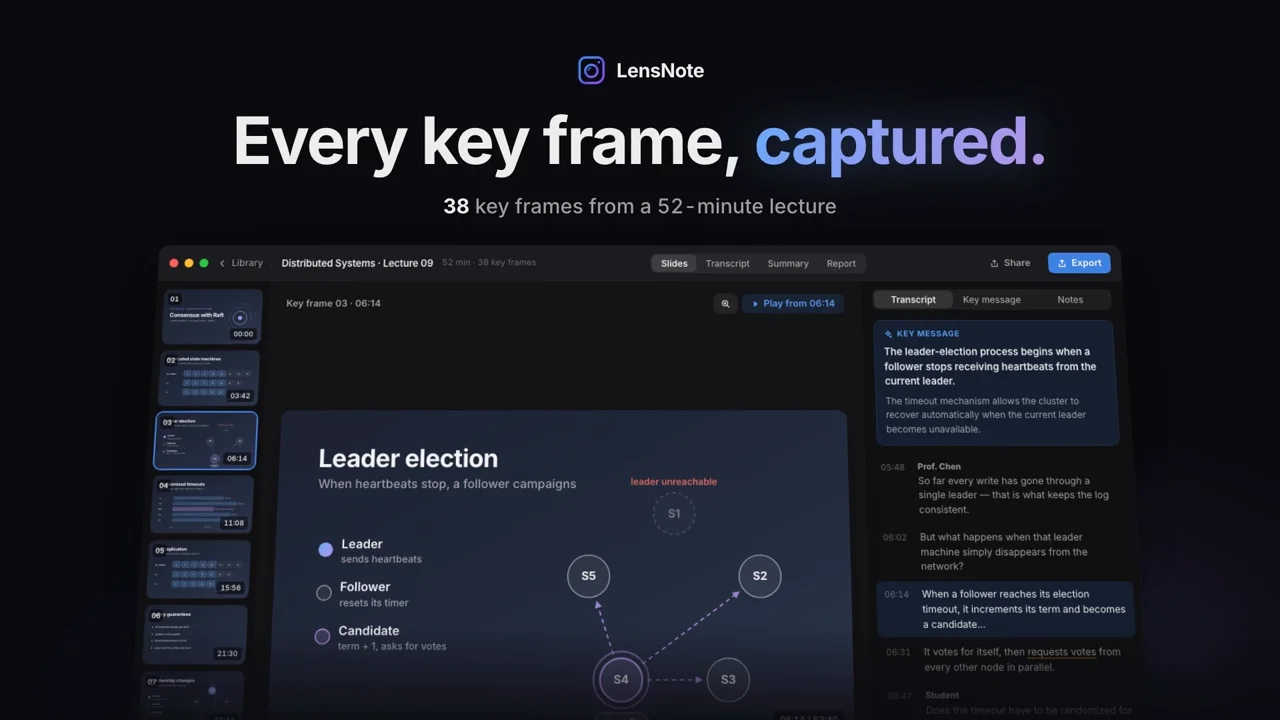
LensNote is an AI note taker for recorded lectures, meetings and long videos. It captures each distinct slide once, pairs it with what was said, and writes a key message per slide, plus a transcript, summary and action items. No bot joins your calls. It is a subscription at $30 a month, with a 14-day trial.
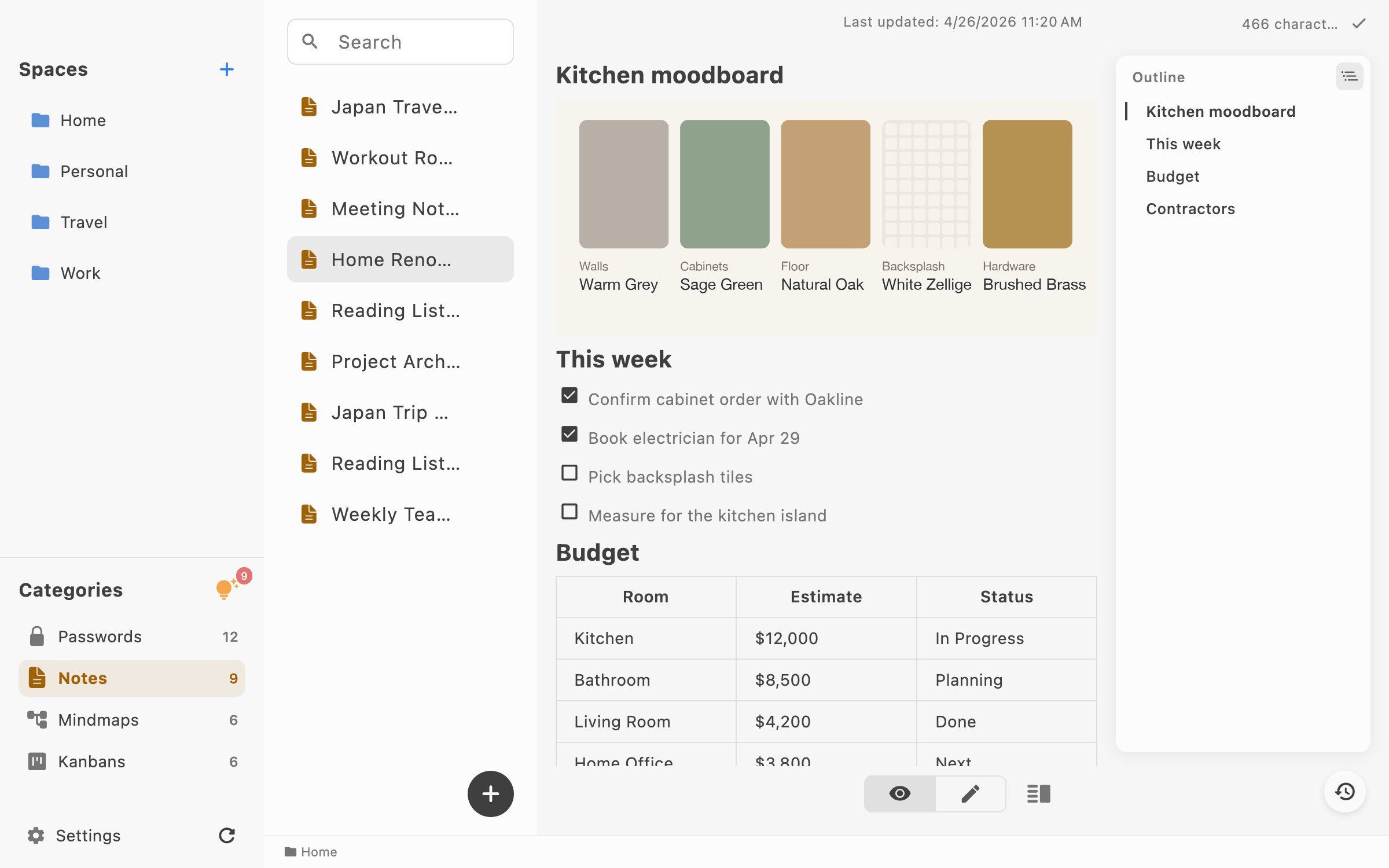
LocArk is a local-first workspace for Markdown notes, password records and an inbox, stored in a folder you choose and encrypted with a master password. Core features work offline, and there is no hosted cloud sync. Notes are free; Pro adds kanban boards and mind maps for $4.90 a year or $24.90 lifetime. It runs on macOS 12 Monterey or later, Intel and Apple silicon.
LokalBot records meetings without a bot joining the call, then transcribes and summarizes them on your Mac. It can also search your meetings and, if you turn it on, what you saw on screen. Processing runs locally by default. It is free and open source, for Apple silicon with macOS 15 Sequoia or later.
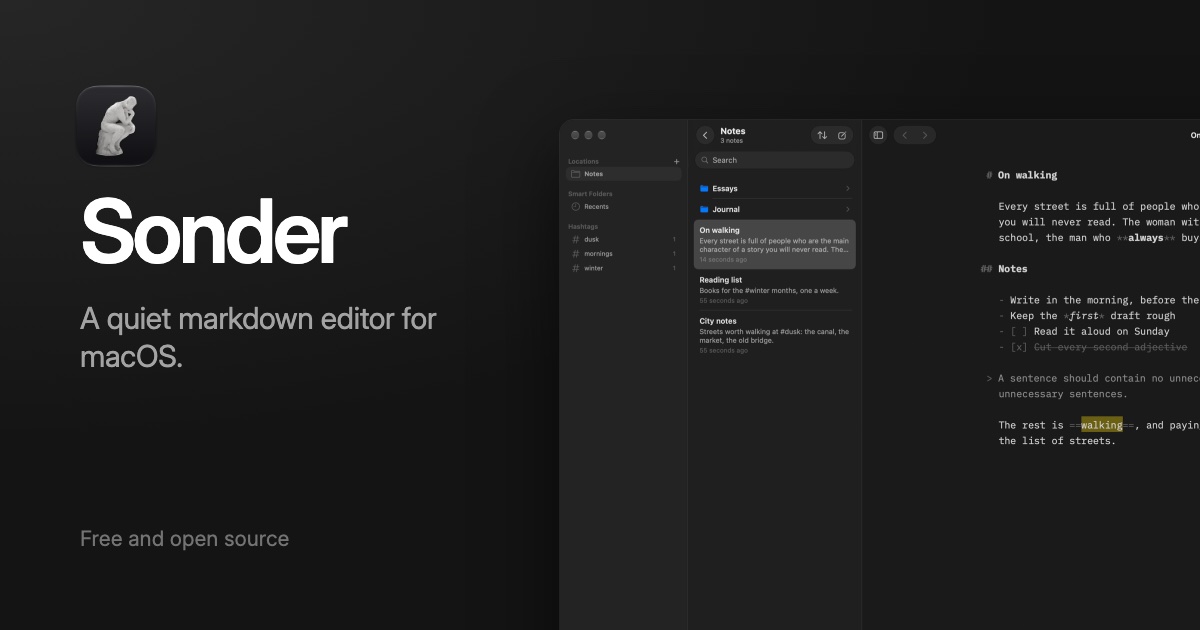
Sonder is a free, open-source Markdown editor. It opens your own folder of .md files, so there is nothing to import or export, and adds a Focus Mode plus the AI tools you already have. It works offline and needs macOS 14 Sonoma or later.
Apple Notes is free, syncs through iCloud and is good enough for most people. Look elsewhere when you want plain files you own, Markdown, notes that float over other apps, study tools such as flashcards, or notes made for you from a recording.
How to choose a note taking app
Plain files or a database? Apps that keep Markdown files in a folder you choose are the easiest to leave. Look for that in each profile.
Writing or capturing? A distraction-free editor and a quick capture tool are different jobs. Many people use one of each.
On-device or in the cloud? If notes hold private work, prefer apps that process and store them on your Mac.
How it charges. A note app is a long relationship. A one-time price or a solid free version keeps it affordable.
Escolha Oh My Notes se você prefere pagar uma vez em vez de assinar.
Escolha Seedlore se você quer que rode de forma nativa em Apple silicon.
Escolha Seedlore se você precisa que funcione offline, como diz o criador.
Perguntas
What is the best note taking app for Mac?
There is no single best one for everyone. MacPip lists 9: Seedlore, Oh My Notes, Folio, LocalEditor, DraftKey, LensNote, LocArk, LokalBot, Sonder. If you want it free, look at Seedlore. If you would rather pay once than subscribe, look at Oh My Notes. If you want it to run natively on Apple silicon, look at Seedlore. If you need it to work offline, as its maker says it does, look at Seedlore.
Are there free note taking and writing apps for Mac?
Sim. Com versão gratuita no MacPip: Seedlore, Oh My Notes, Folio, LocArk, LokalBot, Sonder.
Which note taking and writing apps for Mac have a one-time price?
Com opção de pagamento único, para você evitar uma assinatura: Seedlore, Oh My Notes, Folio, LocalEditor, DraftKey, LocArk.
Which note taking and writing apps run natively on Apple silicon?
Pela palavra dos criadores ou pela nossa verificação: Seedlore, DraftKey, LocArk, LokalBot, Sonder.
Which note taking and writing apps has a person checked?
Cada um tem um relatório datado na sua página: Seedlore, Oh My Notes, Folio, LocalEditor.
Como o MacPip ordena estes apps?
Os apps que uma pessoa verificou vêm primeiro, com a verificação mais recente no topo, depois os demais pela data em que foram adicionados. O pagamento nunca muda a ordem, e as linhas patrocinadas são identificadas e ficam separadas.