iPip提交

收录页保持开发者撰写时所用的语言。

MacPip 最佳之选

适用于 Mac 的最佳免费“专注与时间”类别应用

更新于 2026年11月25日,基于 MacPip 今天的收录。

简短回答

MacPip lists 8 free focus and time apps for Mac, and MacPip has checked 2 of them.它们全都有免费版本。其中有 1 款出售一次性买断授权。There is no single best free focus app for everyone, so MacPip does not rank them.如果你想要免费的,先看 Segment Chrono。

检查过的应用排在前面,最新检查的在最前。从不按付费排序。

根据收录页,这 8 个应用提供的功能。一个应用可以提供多项,所以各条加起来不等于 8。
免费版本8 / 8
买断1 / 8
订阅0 / 8
原生支持 Apple silicon3 / 8
开源3 / 8
可离线使用5 / 8
已检查2 / 8

对比

应用功能价格免费还是付费Apple silicon开源开发者已检查
Segment ChronoA timer that splits your time into sections, each with its own length, color and soundFree with in-app purchases免费版本未说明否Marco Fillion11月25日
wnrA stricter, prettier, more powerful timer for focused work and real rest免费且开源免费版本未说明是Roderick Qiu11月23日
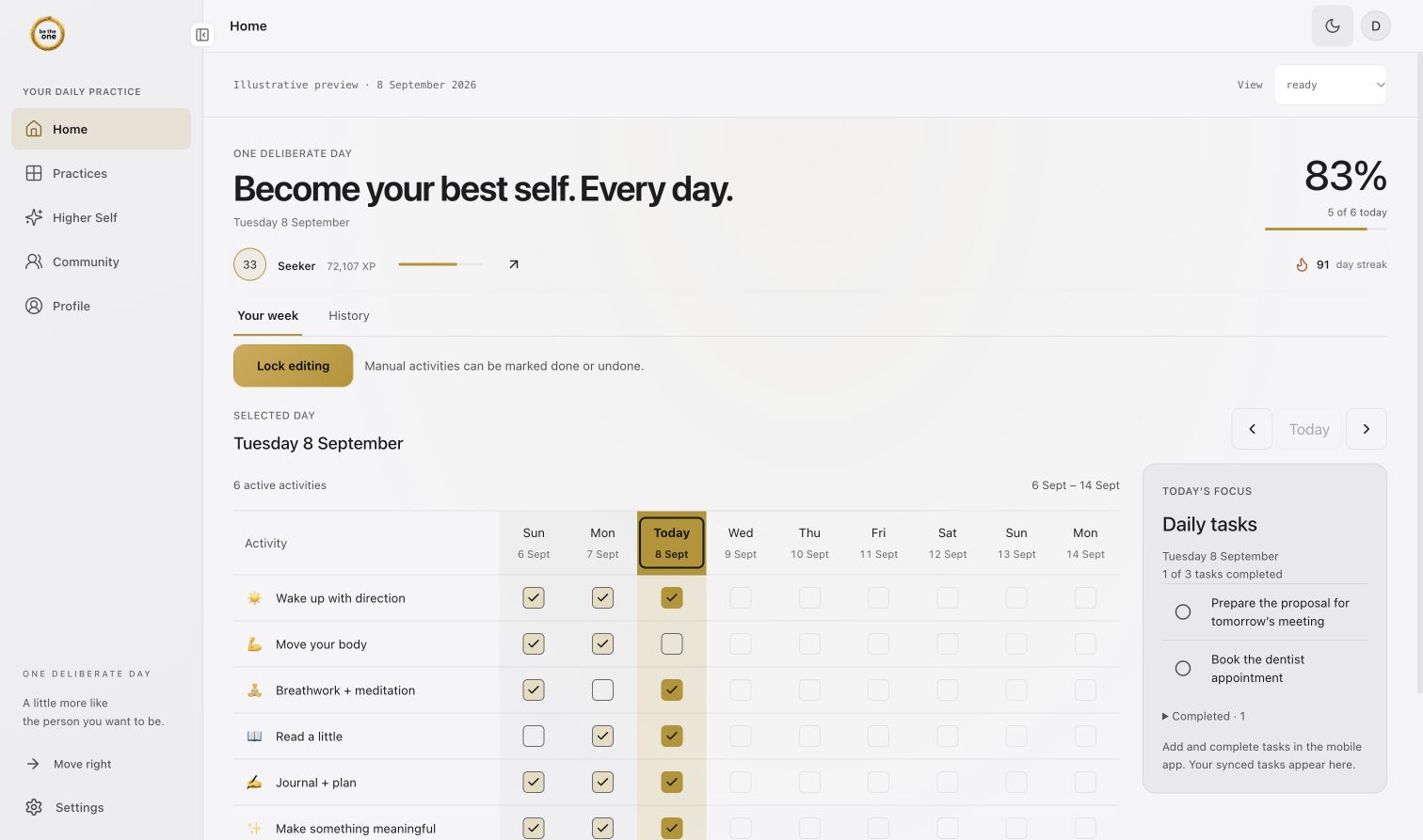
BeTheOneGuided reflection, daily practices, and habit tracking for Mac免费免费版本未说明否未说明待定
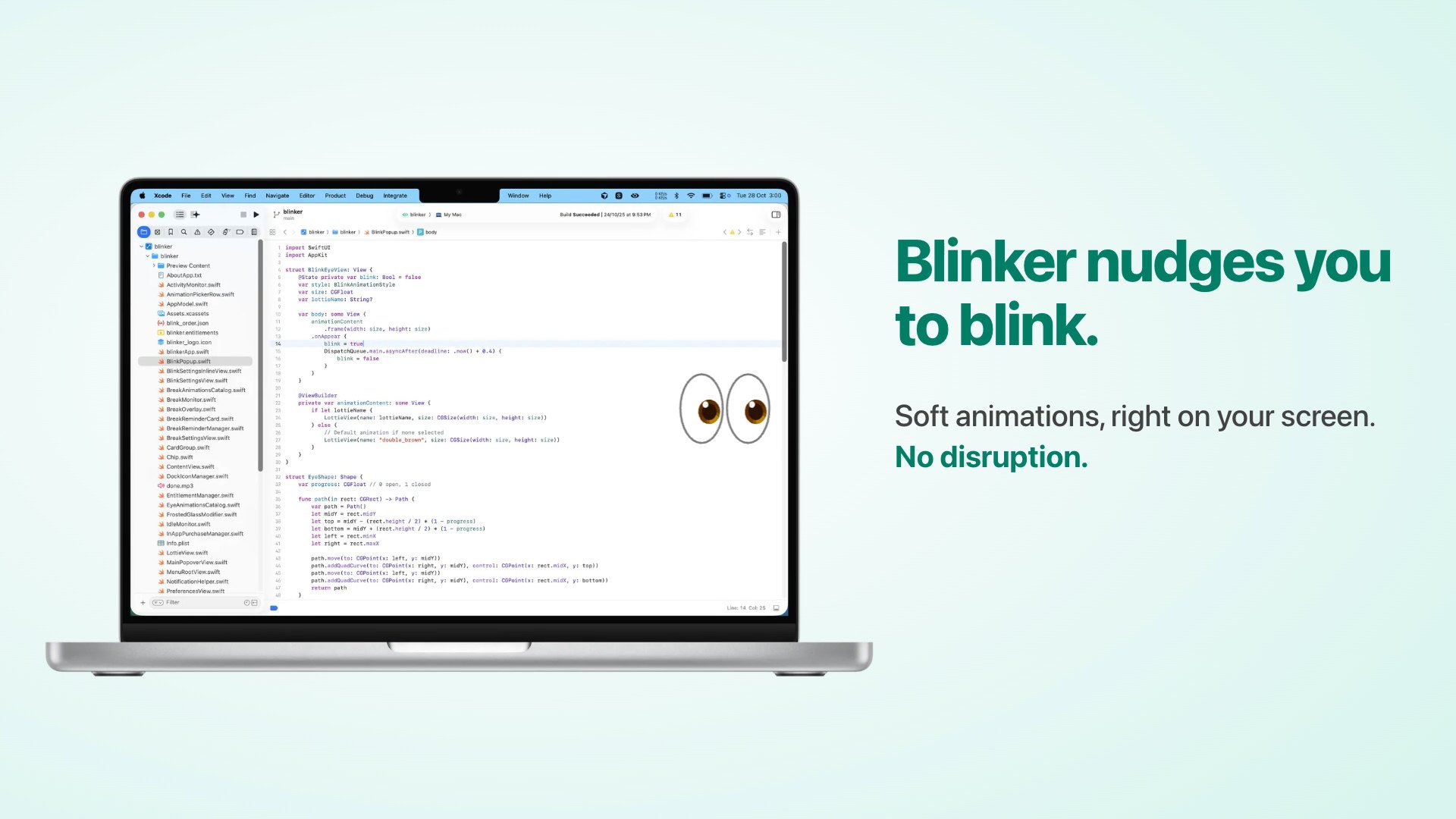
Blinker - Focus Without StrainReminds you to blink & take breaks occasionally with onscreen animationsFree, Pro $4.99免费版本一次性支持,开发者表示也支持 Intel否未说明待定
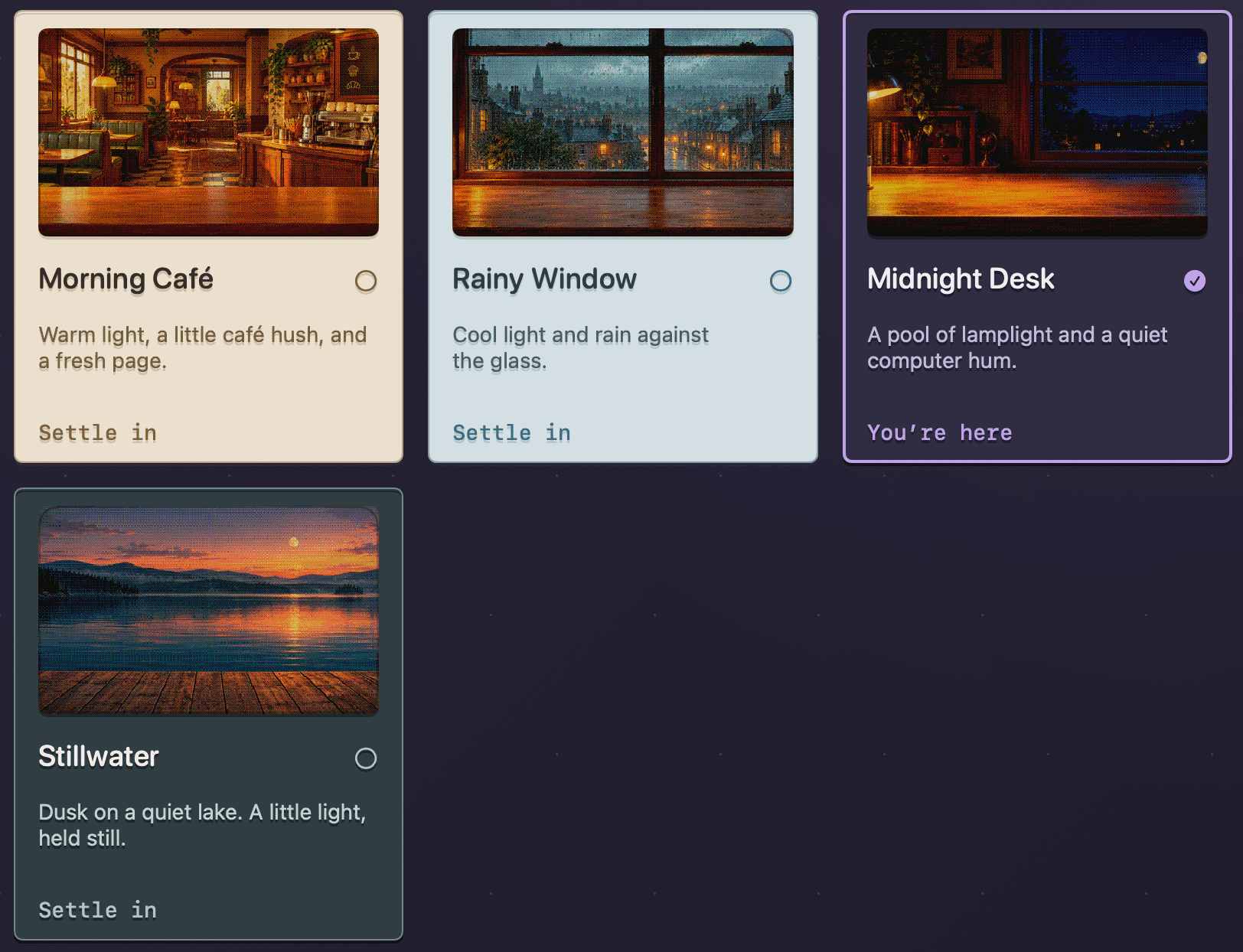
wumbl. A little world on MacFocus and time app for MacFree while in beta免费版本未说明否By TheCozyDev待定
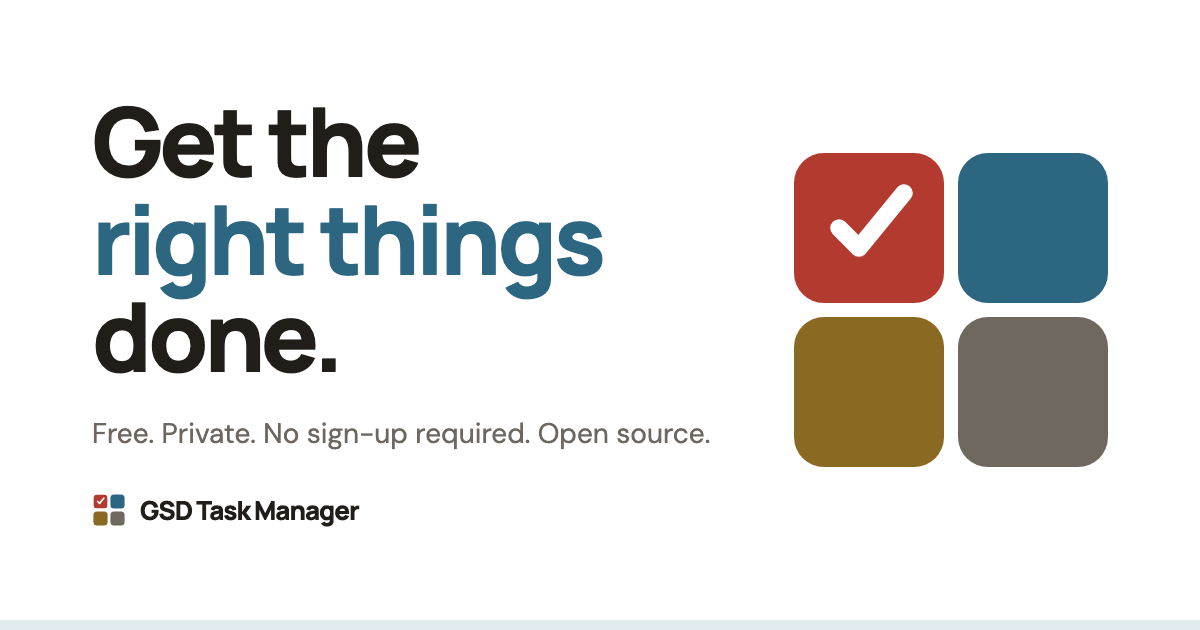
GSD Task ManagerGSD ("Get Stuff Done") is a privacy-first免费且开源免费版本未说明是Vinny Carpenter待定
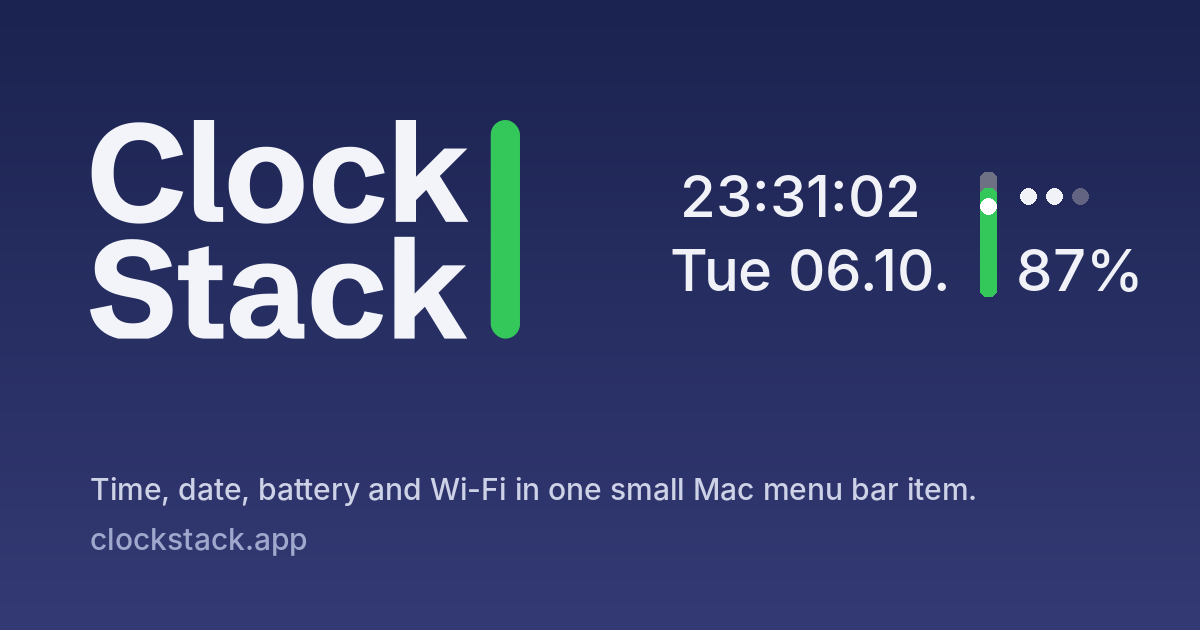
ClockStackTime, date, battery percentage and Wi-Fi in one compact Mac menu bar item.免费免费版本支持,开发者表示也支持 Intel否未说明待定
NudgeA free macOS desktop companion with five expressive pixel pets免费且开源免费版本支持,开发者表示也支持 Intel是未说明待定

逐个看应用

Segment Chrono 应用图标

Segment Chrono

A timer that splits your time into sections, each with its own length, color and sound

免费版本检查于 11月25日
Mac 上的 Segment Chrono

开发者的介绍: Segment Chrono splits your time into sections: warm-up, sprint, recovery; introduction, demo, questions; focus, break… Each section has its own duration, color and sound. Start the timer and see at a glance where you are, on a large dial or a progress bar: time left in the section, the next section and the total time remaining.

价格
Free with in-app purchases

MacPip 上的 Segment Chrono 更多专注与时间应用

wnr 应用图标

wnr

A stricter, prettier, more powerful timer for focused work and real rest

免费版本开源检查于 11月23日

开发者的介绍: The website and guide of wnr, a stricter, prettier and more powerful time-management tool for Windows, macOS and Linux.

价格
免费且开源

MacPip 上的 wnr 更多专注与时间应用

BeTheOne 应用图标

BeTheOne

Guided reflection, daily practices, and habit tracking for Mac

免费版本
Mac 上的 BeTheOne

开发者的介绍: BeTheOne brings guided reflection and daily practices together. Use Higher Self AI to reflect and choose a practical next step, then explore movement, breathwork, meditation, affirmations, creativity, and habit tracking.

价格
免费
系统要求
macOS 13 Ventura 或更高版本

MacPip 上的 BeTheOne 更多专注与时间应用

GSD Task Manager 应用图标

GSD Task Manager

GSD ("Get Stuff Done") is a privacy-first

免费版本开源可离线使用
Mac 上的 GSD Task Manager

开发者的介绍: GSD ("Get Stuff Done") is a privacy-first, offline-first task manager built around the Eisenhower matrix, sort what you do by what's important and what's urgent, so the right work is always in front of you. Now native on the Mac.

价格
免费且开源
系统要求
macOS 26 Tahoe 或更高版本

MacPip 上的 GSD Task Manager 更多效率应用

ClockStack 应用图标

ClockStack

Time, date, battery percentage and Wi-Fi in one compact Mac menu bar item.

免费版本Apple silicon可离线使用
Mac 上的 ClockStack

开发者的介绍: Time, date, battery percentage and Wi-Fi in one compact Mac menu bar item. Saves space next to the notch.

价格
免费
系统要求
macOS 13 Ventura 或更高版本

MacPip 上的 ClockStack 更多菜单栏应用

该选哪个

要看什么

Look for how it blocks or nudges, whether it can be paused, and whether it tracks anything it sends elsewhere.

问题

What is the best free focus app for Mac?

There is no single best one for everyone. MacPip lists 8: Segment Chrono, wnr, BeTheOne, Blinker - Focus Without Strain, wumbl. A little world on Mac, GSD Task Manager, ClockStack, Nudge. If you want it free, look at Segment Chrono. If you want open source code, look at wnr.

Which free focus and time apps run natively on Apple silicon?

按开发者所述或按我们的检查:Blinker - Focus Without Strain, ClockStack, Nudge。

Which free focus and time apps has MacPip checked?

每款都在自己的页面上有带日期的报告:Segment Chrono, wnr。

MacPip 如何给这些应用排序?

检查过的应用排在前面,最新检查的在最前,其余按添加时间排列。付费从不改变顺序,赞助行会标注并单独放置。

相关内容