iPip提交

收录页保持开发者撰写时所用的语言。

MacPip 最佳之选

Mac 上 Best TextExpander 的替代方案

更新于 2026年11月25日,基于 MacPip 今天的收录。

简短回答

MacPip lists 4 TextExpander alternatives for Mac, and MacPip has checked 1 of them.其中有 3 款有免费版本。其中有 3 款出售一次性买断授权。There is no single best TextExpander alternative for everyone, so MacPip does not rank them.如果你想要免费的,先看 Prompting Deck。

检查过的应用排在前面,最新检查的在最前。从不按付费排序。

根据收录页,这 4 个应用提供的功能。一个应用可以提供多项,所以各条加起来不等于 4。
免费版本3 / 4
买断3 / 4
订阅0 / 4
原生支持 Apple silicon3 / 4
开源1 / 4
可离线使用3 / 4
已检查1 / 4

对比

应用功能价格免费还是付费Apple silicon开源开发者已检查
Prompting DeckA library of AI prompts with an assistant that tells you why when a model is busyFree with in-app purchases免费版本支持,开发者表示也支持 Intel否Christopher Peterson11月25日
SniporaSnipora is a productivity text expander for Mac that types your snippets anywhere.Free, Pro $8.99 once免费版本一次性支持,开发者表示也支持 Intel否Anmol Sethi待定
HandyPasteSave the text you type again and againFree, Pro $24.99 once免费版本一次性未说明否Kamil Popczyk待定
CutlingMenu bar clipboard utility for text you reuseUS$4.99一次性支持,开发者表示也支持 Intel是Monholt待定

逐个看应用

Prompting Deck 应用图标

Prompting Deck

A library of AI prompts with an assistant that tells you why when a model is busy

免费版本Apple silicon可离线使用检查于 11月25日
Mac 上的 Prompting Deck

From its maker: Prompting Deck helps you save, organize, and reuse your best AI prompts, so you can get 变为 great results faster. - Group prompts into categories with custom colors and icons, then tag, filter and search to find the right one in seconds。

价格
Free with in-app purchases
系统要求
macOS 26 Tahoe 或更高版本
开发者说它可以替代
TextExpander, Raycast Snippets

MacPip 上的 Prompting Deck 更多 AI 应用

Snipora 应用图标

Snipora

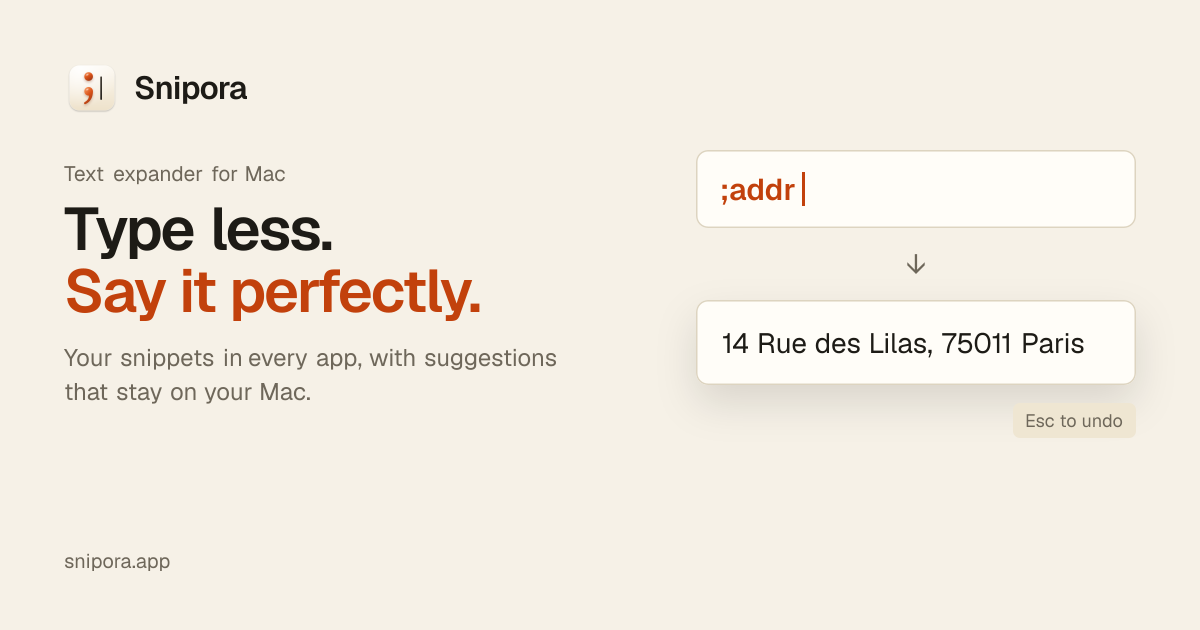
Snipora is a productivity text expander for Mac that types your snippets anywhere.

免费版本买断Apple silicon
Mac 上的 Snipora

开发者的介绍: Type ;addr and get your address in any Mac app. Fill-in forms, dates, per-app rules, on-device suggestions, and import from TextExpander and Espanso.

优惠
减 77%
价格
Free, Pro $8.99 once
系统要求
macOS 14 Sonoma 或更高版本
开发者说它可以替代
TextExpander, Typinator, aText, Raycast

MacPip 上的 Snipora 更多效率应用

HandyPaste 应用图标

HandyPaste

Save the text you type again and again

免费版本买断可离线使用
Mac 上的 HandyPaste

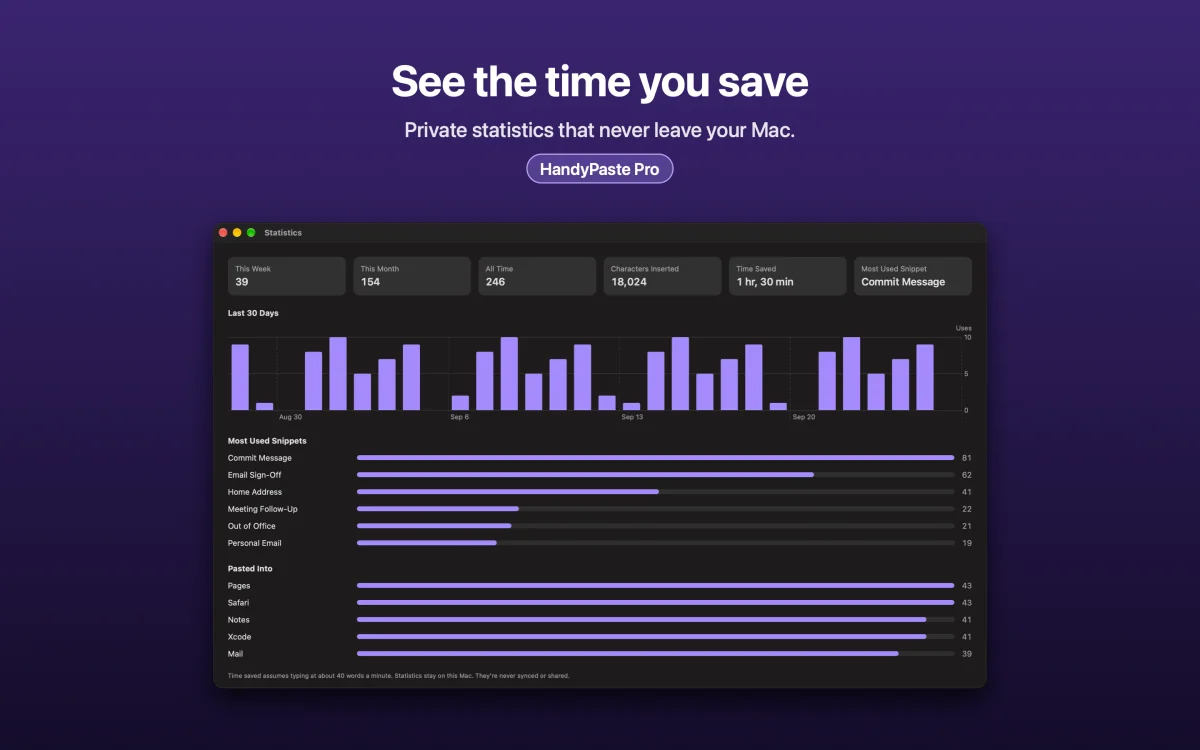
开发者的介绍: Save the text you type again and again, replies, addresses, sign-offs, code, AI prompts, and paste it anywhere on your Mac in a second. Press Option-Command-V in any app, type a few letters, press Return, and the snippet lands at the cursor with dates, names and other placeholders filled in.

价格
Free, Pro $24.99 once
系统要求
macOS 15 Sequoia 或更高版本
开发者说它可以替代
TextExpander, aText, Raycast Snippets, Typinator

MacPip 上的 HandyPaste 更多效率应用

Cutling 应用图标

Cutling

Menu bar clipboard utility for text you reuse

买断Apple silicon开源可离线使用
Mac 上的 Cutling

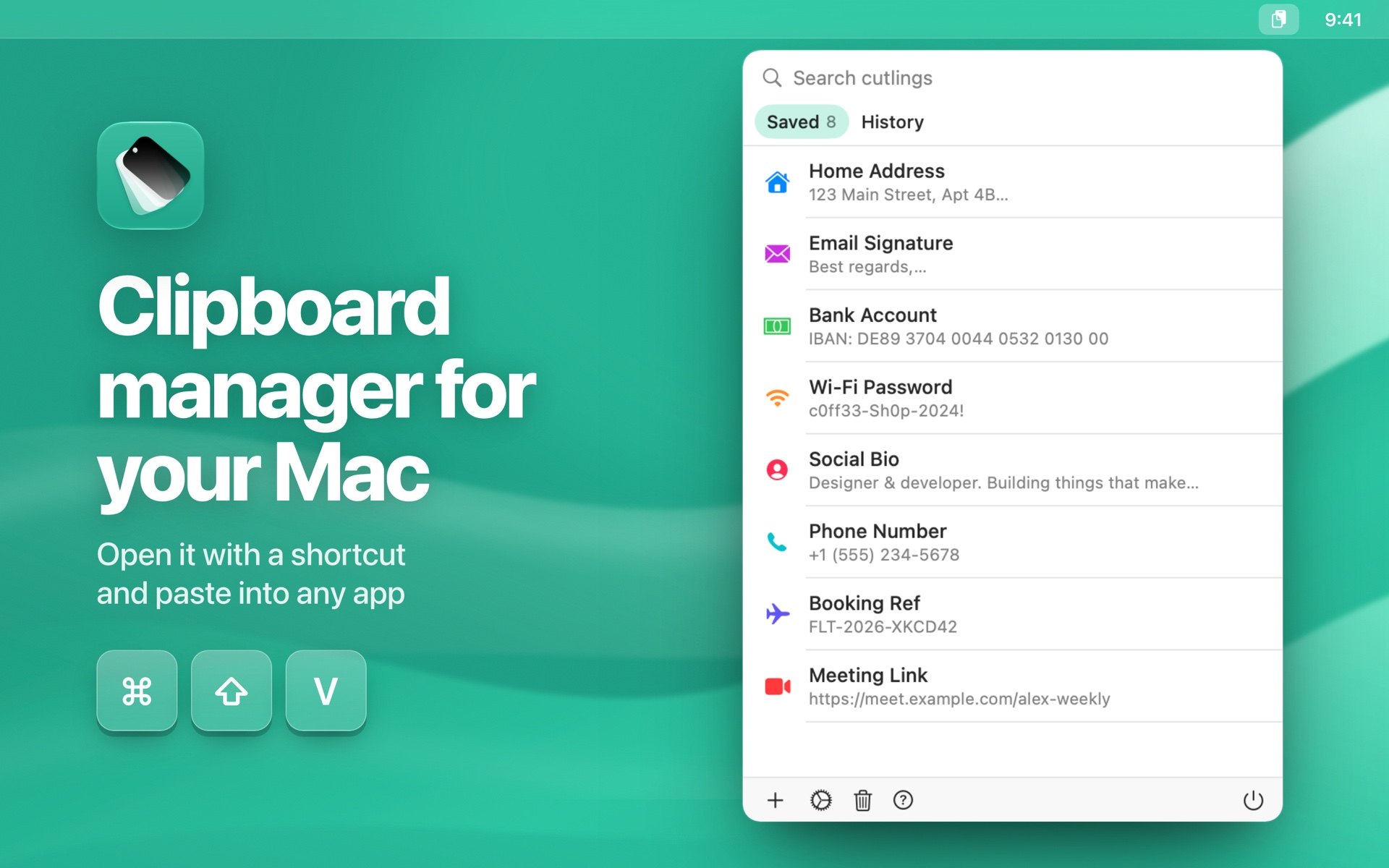
开发者的介绍: Cutling is a clipboard utility for the text you type again and again: addresses, bank details, email signatures, IDs. On the Mac it lives in the menu bar.

优惠
40% off lifetime, Nov 27, until Nov 30
价格
US$4.99
系统要求
macOS 15 Sequoia 或更高版本
开发者说它可以替代
Paste, Maccy, PastePal, TextExpander

MacPip 上的 Cutling 更多实用工具

该选哪个

要看什么

Each of these is named by its own maker as an alternative 变为 TextExpander. That is the maker's claim, so check that it does the part of TextExpander you use。

问题

What is the best TextExpander alternative for Mac?

There is no single best one for everyone. MacPip lists 4: Prompting Deck, Snipora, HandyPaste, Cutling. If you want it free, look at Prompting Deck. If you would rather pay once than subscribe, look at Snipora. If you want it to run natively on Apple silicon, look at Prompting Deck. If you need it to work offline, as its maker says it does, look at HandyPaste. If you want open source code, look at Cutling.


Are there free TextExpander alternatives for Mac?

有。MacPip 上有免费版本的:Prompting Deck, Snipora, HandyPaste。

Which TextExpander alternatives for Mac have a one-time price?

有一次性买断选项,可以避开订阅:Snipora, HandyPaste, Cutling。

Which TextExpander alternatives run natively on Apple silicon?

按开发者所述或按我们的检查:Prompting Deck, Snipora, Cutling。

Which TextExpander alternatives has MacPip checked?

每款都在自己的页面上有带日期的报告:Prompting Deck。

MacPip 如何给这些应用排序?

检查过的应用排在前面,最新检查的在最前,其余按添加时间排列。付费从不改变顺序,赞助行会标注并单独放置。

相关内容