 Neu
 GrabItApp StoreNeuGrabs anywhere on the screen as an image and shows it to you…von NNaeMaem LLC1,99 $ einmal
Einträge bleiben in der Sprache, in der ihre Maker sie geschrieben haben.

Turn screenshots into one long image, with precise crops and redaction
Nominee, MacPip Awards 2026Abstimmen


Stitch It ist eine Mac-App aus der Kategorie „Screenshots“:Turn screenshots into one long image, with precise crops and redaction.MacPip hat sie am 23. Nov. 2026 geprüft.
Turn screenshots into one long image.
Align overlaps, crop precisely, and redact private details before sharing.
AUTO STITCH
Let Auto Stitch find overlaps between screenshots. Review and fine-tune each join.
SCROLLSHOT — PRO
Turn an imported scrolling screen recording into a long screenshot.
COMBINE IMAGES YOUR WAY
Import PNG or JPEG images from Files, choose images from Photos, or paste an image into your project. Arrange images vertically or horizontally to bring together instructions, receipts, conversations, and visual comparisons.
TRIM WITH PRECISION
Adjust the top, bottom, left and right edges of each image. See how neighboring images fit together and remove repeated content. You stay in control of the alignment.
COVER PRIVATE DETAILS
Ein Haken ist keine Sicherheitsgarantie. Lies wie du erkennst, ob eine Mac-App sicher ist.
Das ist deine App, also hier ihr eigenes Abzeichen für deine Website. Es verlinkt auf diese Seite, zeigt deine echten Stimmen und macht deine App zu einem Freund von MacPip.


<a href="https://macpip.com/apps/stitch-it?ref=badge"><img src="https://macpip.com/badge/stitch-it.svg" height="58" alt="Stitch It is listed on MacPip"></a>
Frag deine KI nach Stitch It, etwa „Lohnt sich Stitch It?“ MacPip verbinden
NeuGrabItApp StoreNeuGrabs anywhere on the screen as an image and shows it to you…von NNaeMaem LLC1,99 $ einmal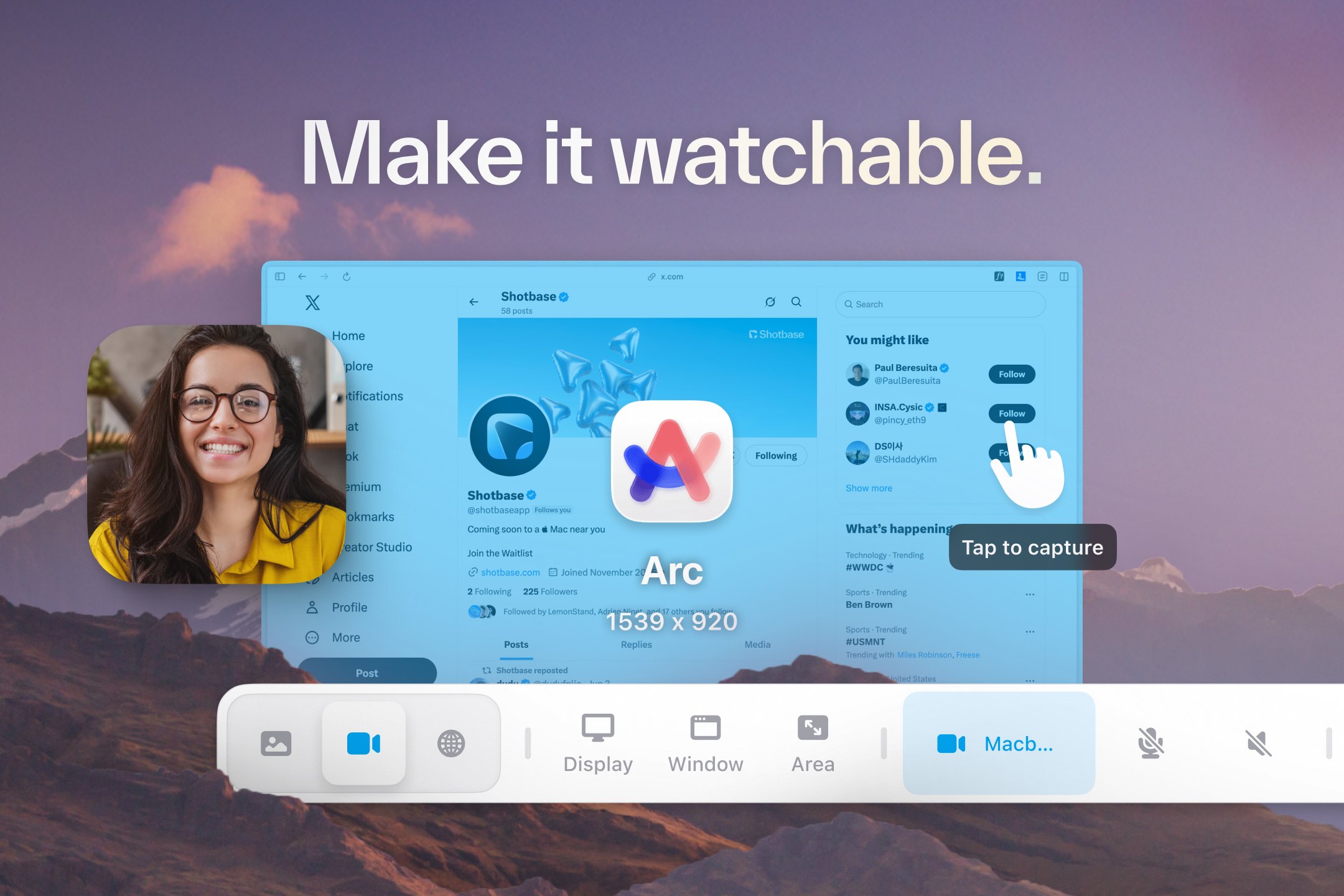
 ShotbaseShotbase is a modern screen capture workspace for macOS.von
 @shotbaseapp$13/mo or $156/yr, 7-day free trial
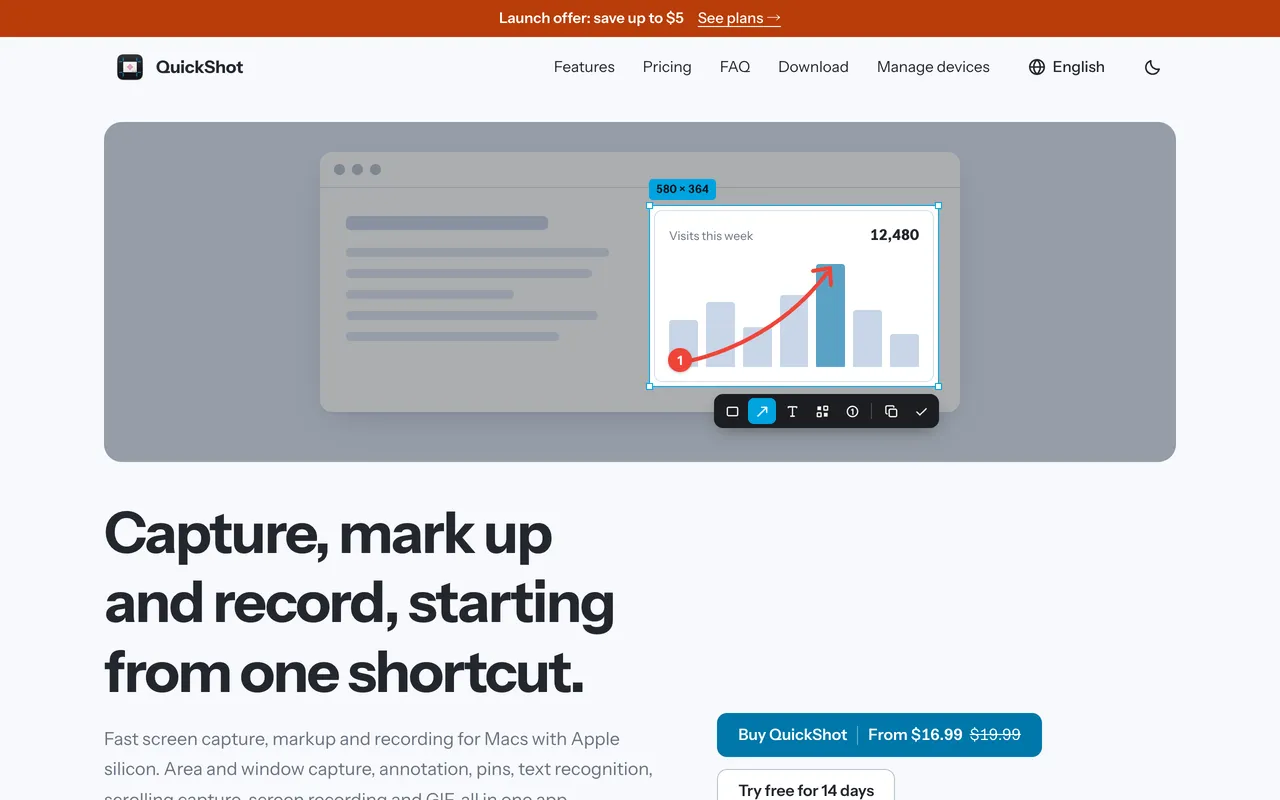
 QuickShotScreenshot app for Mac with markup, OCR, scrolling capture…von CCanonForge Apps$16.99 once (2 Macs $24.99)
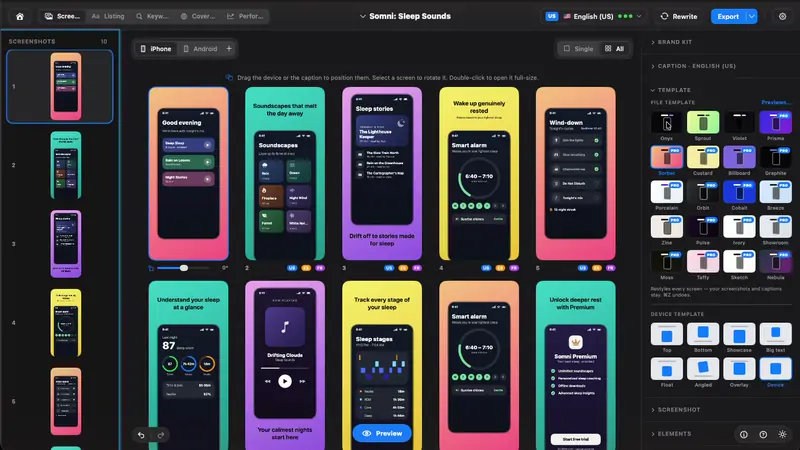
 StoreboardNative Mac app that designs, keyword-optimizes and localizes…von DDigital Sauce$49.99 ONE-TIME