Stitch It
Turn screenshots into one long image, with precise crops and redaction

Vom Maker: Turn screenshots into one long image. Align overlaps, crop precisely, and redact private details before sharing.
- Preis
- Free with in-app purchases
Einträge bleiben in der Sprache, in der ihre Maker sie geschrieben haben.
Aktualisiert am 23. Nov. 2026, aus dem, was MacPip heute listet.
MacPip lists 8 free screenshot apps for Mac, and MacPip has checked 2 of them.Alle haben eine kostenlose Version.5 davon verkaufen eine einmalige Lizenz.3 davon werden im Abo verkauft.There is no single best free screenshot app for everyone, so MacPip does not rank them.Wenn du sie kostenlos willst, fang mit Stitch It an.
Geprüfte Apps kommen zuerst, die neueste Prüfung zuerst. Nie nach Bezahlung sortiert.
| App | Was es macht | Preis | Kostenlos oder kostenpflichtig | Apple silicon | Open Source | Gemacht von | Geprüft |
|---|---|---|---|---|---|---|---|
| Stitch It | Turn screenshots into one long image, with precise crops and redaction | Free with in-app purchases | Kostenlose Version | Nicht angegeben | Nein | Thirty Seven Inc. | 23. Nov. |
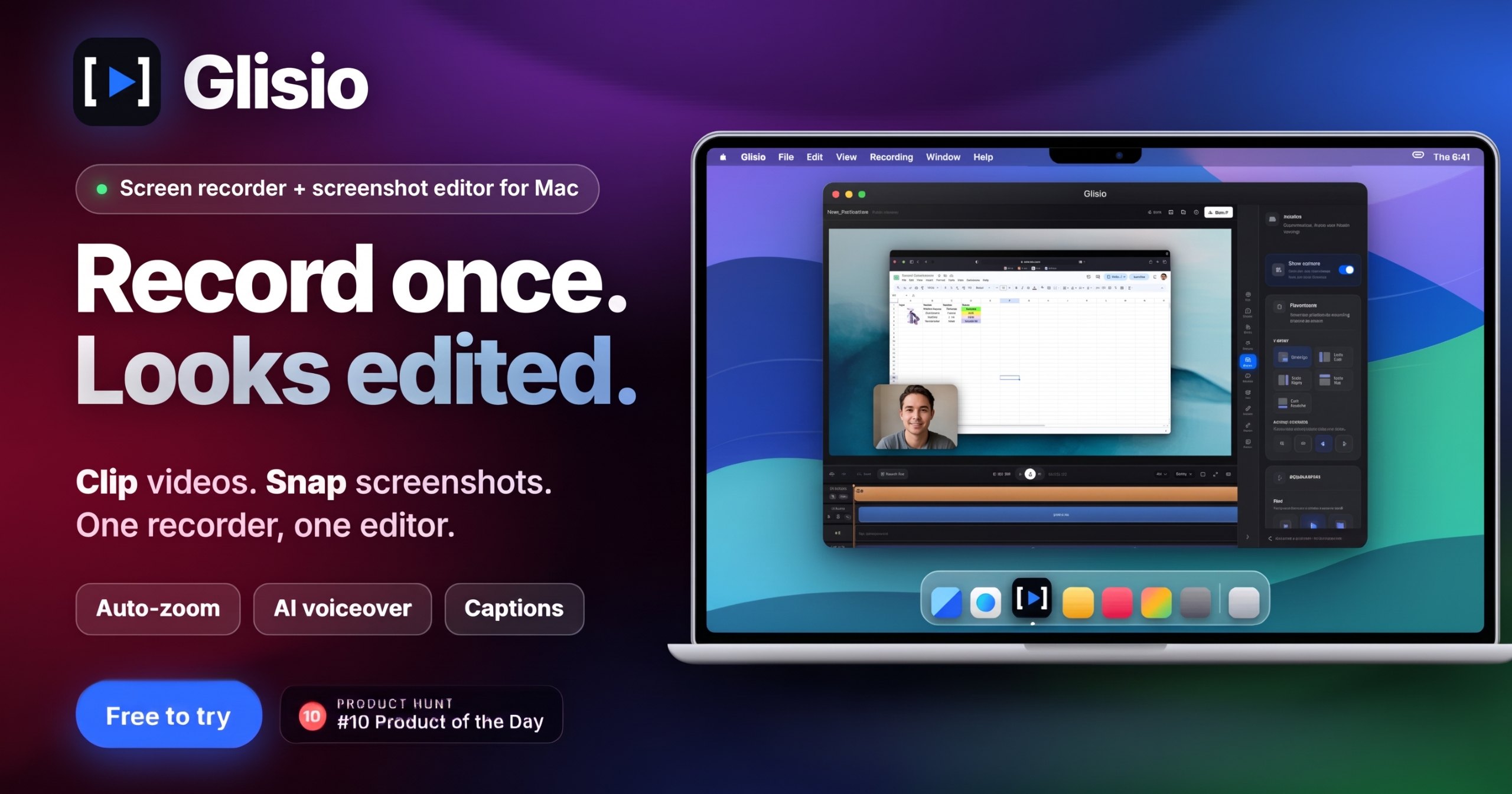
| Glisio | A Mac screen recorder with auto-zoom, AI voiceover and captions. | Free to try, Pro $79 once | Kostenlose VersionEinmaligAbo | Ja, und auf Intel, sagt ihr Maker | Nein | Emircan | 30. Okt. |
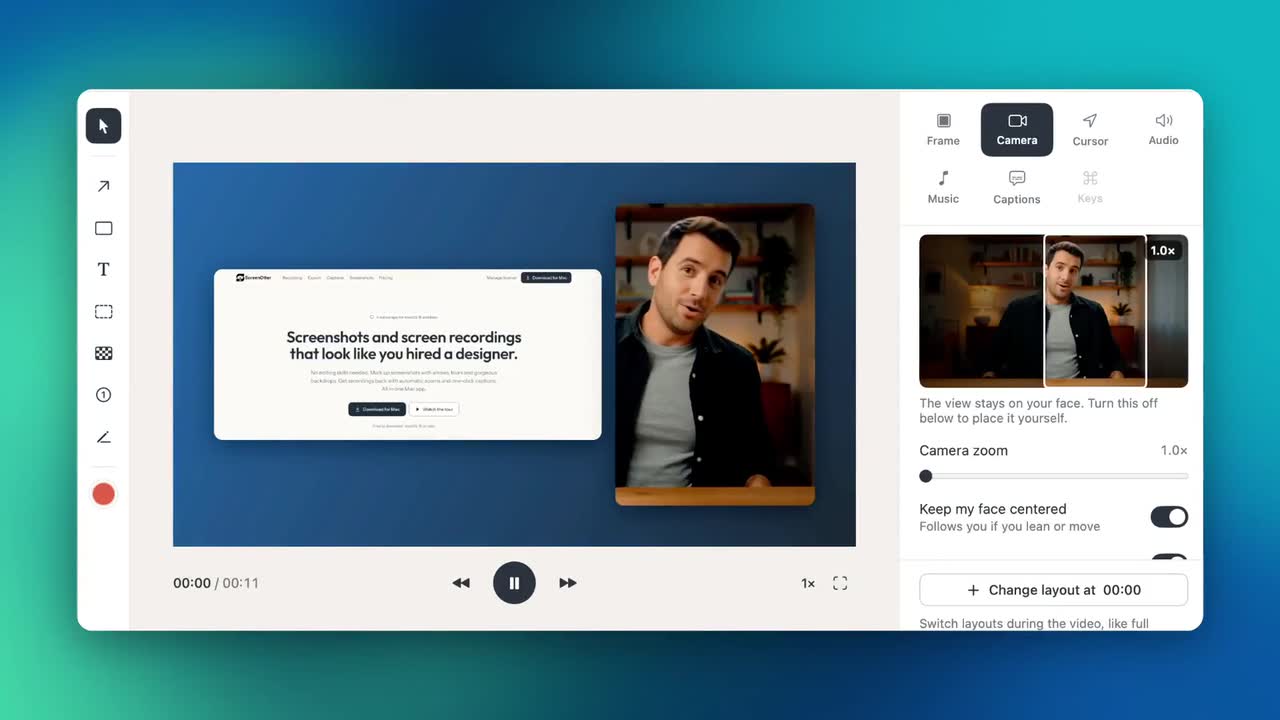
| ScreenOtter | Screen recordings and screenshots for Mac, edited for you | Free, $49 once ($79 for 3 Macs) | Kostenlose VersionEinmalig | Nicht angegeben | Nein | Mohit Gangrade | Ausstehend |
| ScreenCrab | Discover the best free apps for your Mac. | Kostenlos | Kostenlose Version | Nicht angegeben | Nein | Kushagra Gour | Ausstehend |
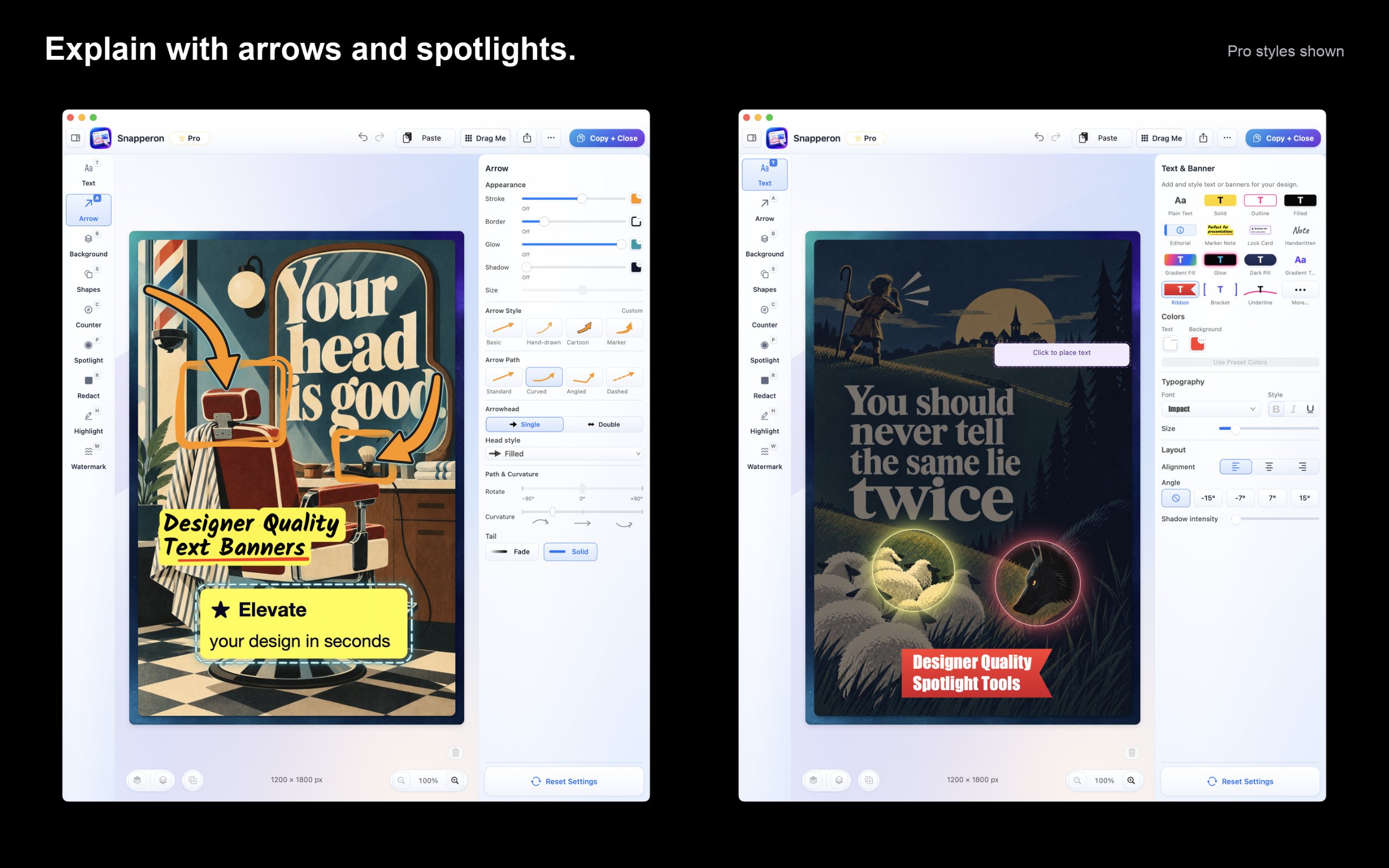
| Snapperon | Mac screenshot annotation by hand or via local MCP for Claude Desktop and Codex Desktop. | Free; Pro $2/mo, $19.99/yr, $38.99 once | Kostenlose VersionEinmaligAbo | Ja, nur Apple silicon, sagt ihr Maker | Nein | Snapperon Team | Ausstehend |
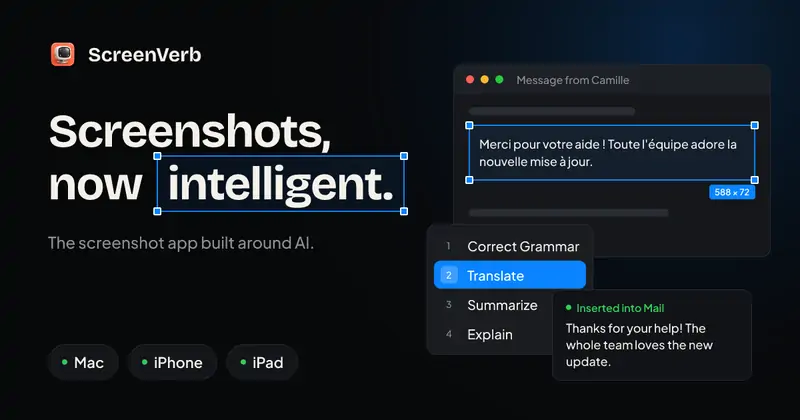
| ScreenVerb | The screenshot app built around AI. Capture, mark up, and paste AI answers in three keys. | Kostenlos, Pro verfügbar | Kostenlose VersionEinmalig | Ja, nur Apple silicon, sagt ihr Maker | Nein | David Tran | Ausstehend |
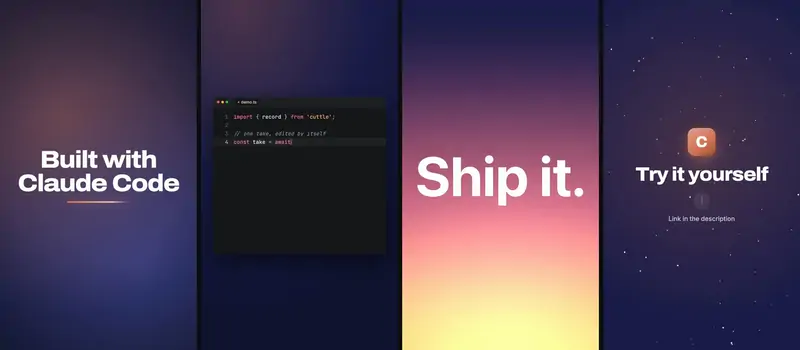
| Cuttle | A screen recorder for macOS that cuts the waiting | Free, Pro €9.99, 7-day trial | Kostenlose VersionEinmaligAbo | Ja, nur Apple silicon, sagt ihr Maker | Nein | Lenny Enderle | Ausstehend |
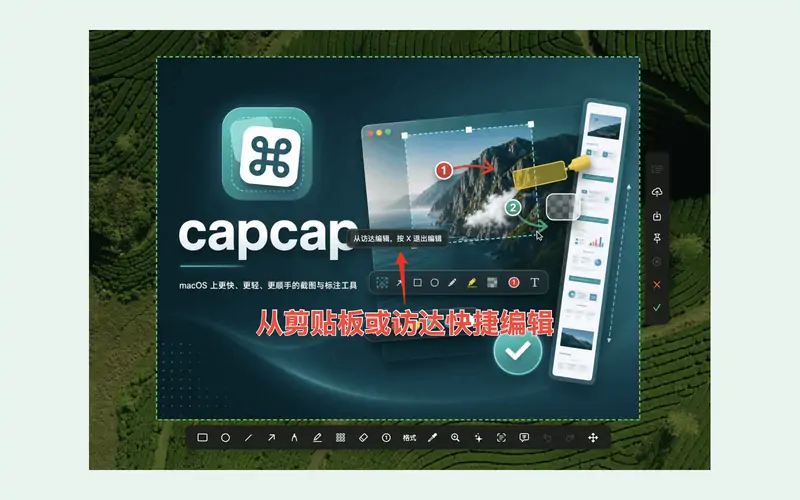
| capcap | Take a screenshot, annotate and share in one flow | Kostenlos und Open Source | Kostenlose Version | Ja, und auf Intel, sagt ihr Maker | Ja | Nicht angegeben | Ausstehend |

Turn screenshots into one long image, with precise crops and redaction

Vom Maker: Turn screenshots into one long image. Align overlaps, crop precisely, and redact private details before sharing.
A Mac screen recorder with auto-zoom, AI voiceover and captions.

Glisio ist die richtige Wahl, wenn deine Videos an mehr als einen Ort gehen. Es nimmt Bildschirm, Webcam, Mikrofon und Systemton in einem Durchgang auf und lässt dich dann auf deinem Mac schneiden, mit Zooms beim Klicken, geglättetem Cursor, Smart Cut, Hintergründen und Branding.
Exporte gibt es in 16:9, 9:16 und 1:1, sodass aus einer Aufnahme ein Tutorial und ein Hochformat-Clip werden können. KI-Untertitel und ein KI-Voiceover sind dabei, wenn du sie willst, und ein Screenshot-Tool namens Snap ist eingebaut.
The free version is real but limited: exports stop at 30 seconds and carry a watermark. Pro Lifetime removes both for $79, one payment.

Screen recordings and screenshots for Mac, edited for you

Vom Maker: ScreenOtter is a native Mac app for screen recordings and screenshots. Your recordings come back already edited: a zoom on every click, a smooth pointer, and your camera in one of eight layouts you can change after you record.

Discover the best free apps for your Mac.

Vom Maker: Discover the best free apps for your Mac.

Mac screenshot annotation by hand or via local MCP for Claude Desktop and Codex Desktop.

Vom Maker: Capture screenshots or open images and PDF pages. Add styled arrows, banners, numbered steps, highlights, shapes, spotlights, freehand and redaction.

The screenshot app built around AI. Capture, mark up, and paste AI answers in three keys.

Vom Maker: ScreenVerb is a screenshot app for Mac built around AI. Snap a window, drag a pixel-exact region or grab a full scrolling page with one shortcut, then press a number key to run an AI action.

A screen recorder for macOS that cuts the waiting

From its maker: users need zu record demos of their work without boring others with waiting time or sensitive information. Cuttle is a screen recorder for macOS that solves this problem.

Take a screenshot, annotate and share in one flow

Vom Maker: capcap is a free, open-source screenshot and screen capture tool for macOS 14+, built with AppKit for Apple silicon and Intel. It helps developers, writers, and designers capture, annotate, and share without telemetry or a subscription.
Look for scrolling capture, quick annotation, and where the files are saved or uploaded.
There is no single best one for everyone. MacPip lists 8: Stitch It, Glisio, ScreenOtter, ScreenCrab, Snapperon, ScreenVerb, Cuttle, capcap. If you want it free, look at Stitch It. If you want it to run natively on Apple silicon, look at Glisio. If you need it to work offline, as its maker says it does, look at Glisio.
Nach Angabe der Maker oder nach unserer Prüfung: Glisio, Snapperon, ScreenVerb, Cuttle, capcap.
Jede hat einen datierten Bericht auf ihrer Seite: Stitch It, Glisio.
Geprüfte Apps kommen zuerst, die neueste Prüfung zuerst, danach der Rest danach, wann er hinzugefügt wurde. Bezahlung ändert nie die Reihenfolge, und gesponserte Zeilen sind gekennzeichnet und getrennt.