Stitch It
Turn screenshots into one long image, with precise crops and redaction

開発者より: Turn screenshots into one long image. Align overlaps, crop precisely, and redact private details before sharing.
- 価格
- Free with in-app purchases
掲載内容は、開発者が書いた言語のまま表示されます。
2026年11月23日更新。MacPipが今日掲載しているものから。
MacPip lists 8 free screenshot apps for Mac, and MacPip has checked 2 of them.すべてに無料版があります。そのうち5件は買い切りライセンスを販売しています。そのうち3件はサブスクリプションで販売されています。There is no single best free screenshot app for everyone, so MacPip does not rank them.無料がいいなら、Stitch Itから始めてください。
チェック済みのアプリが先で、チェックの新しい順です。支払いで並び順を決めることはありません。
| アプリ | 機能 | 価格 | 無料か有料か | Apple silicon | オープンソース | 作者 | 確認済み |
|---|---|---|---|---|---|---|---|
| Stitch It | Turn screenshots into one long image, with precise crops and redaction | Free with in-app purchases | 無料版 | 記載なし | いいえ | Thirty Seven Inc. | 11月23日 |
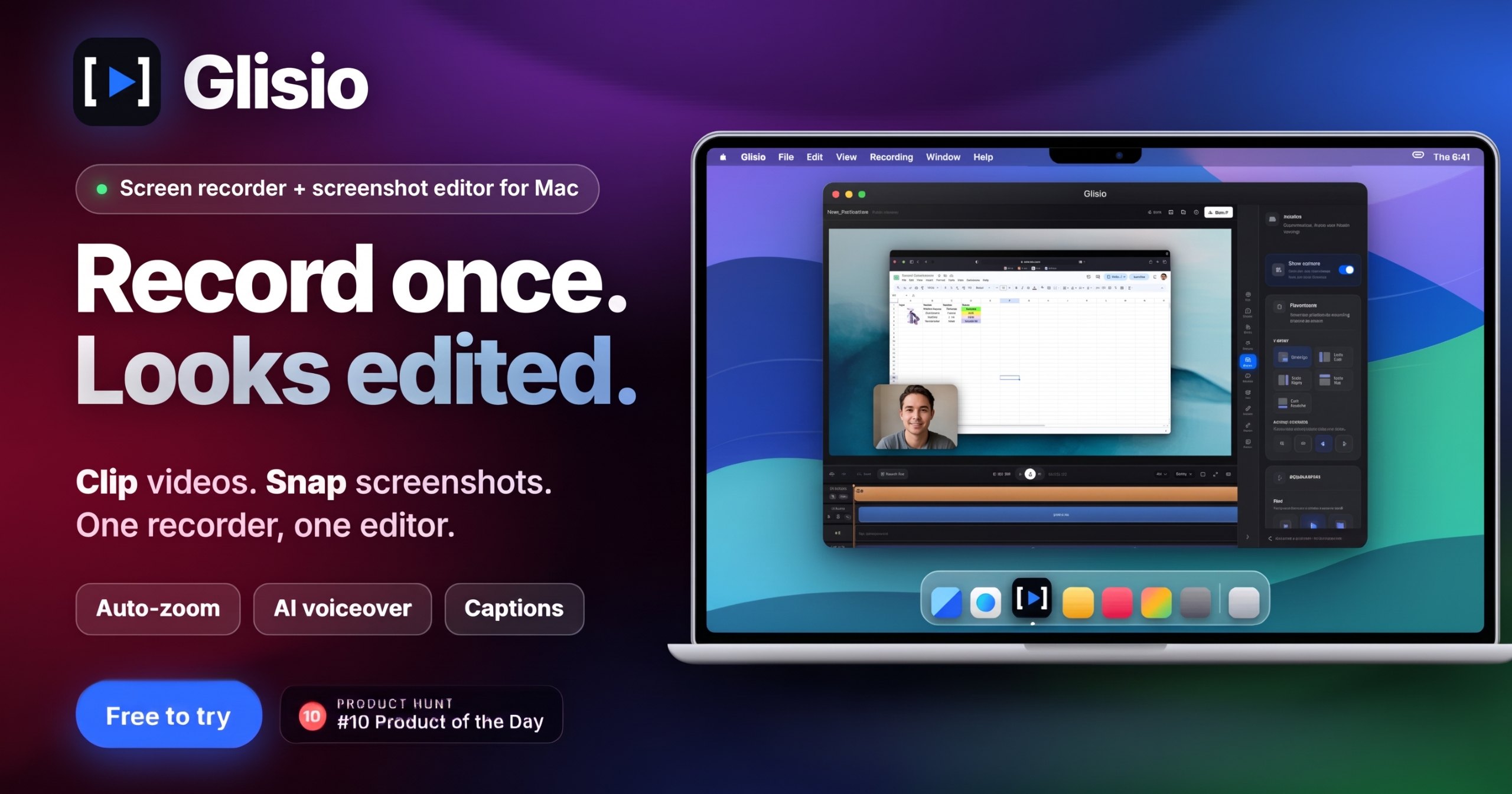
| Glisio | A Mac screen recorder with auto-zoom, AI voiceover and captions. | Free to try, Pro $79 once | 無料版買い切りサブスクリプション | はい、作者によるとIntelでも動きます | いいえ | Emircan | 10月30日 |
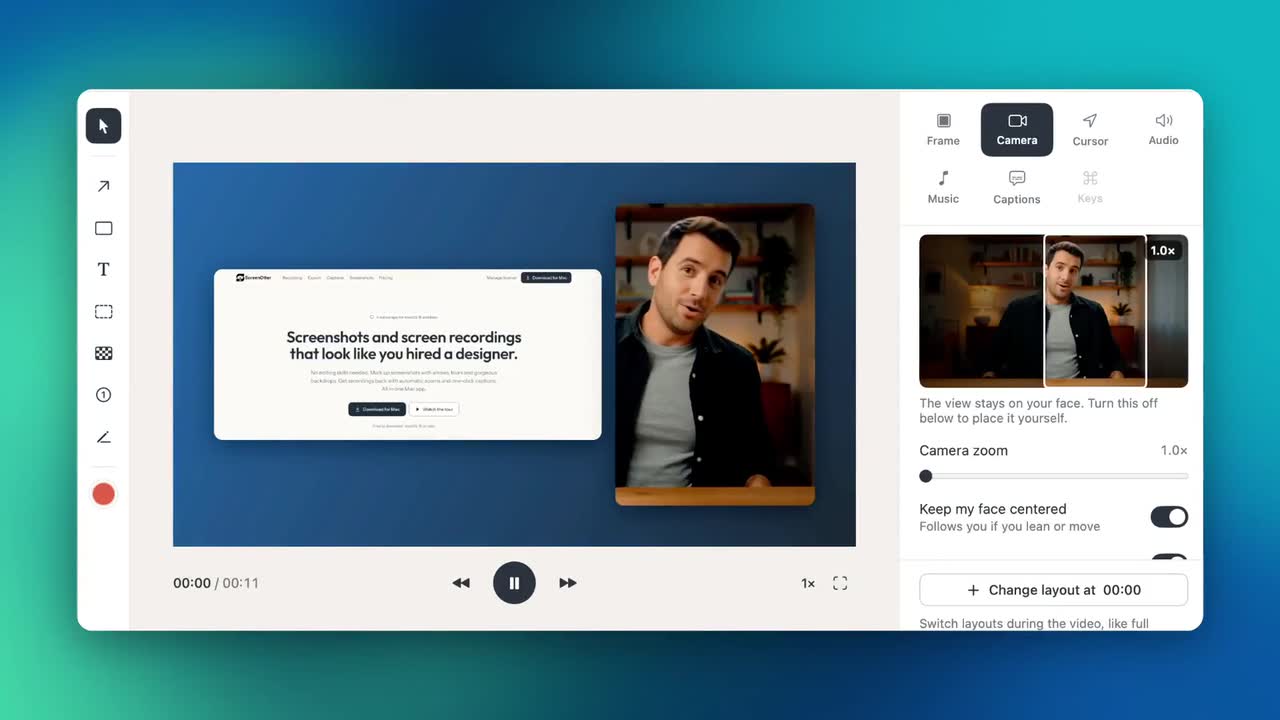
| ScreenOtter | Screen recordings and screenshots for Mac, edited for you | Free, $49 once ($79 for 3 Macs) | 無料版買い切り | 記載なし | いいえ | Mohit Gangrade | 保留中 |
| ScreenCrab | Discover the best free apps for your Mac. | 無料 | 無料版 | 記載なし | いいえ | Kushagra Gour | 保留中 |
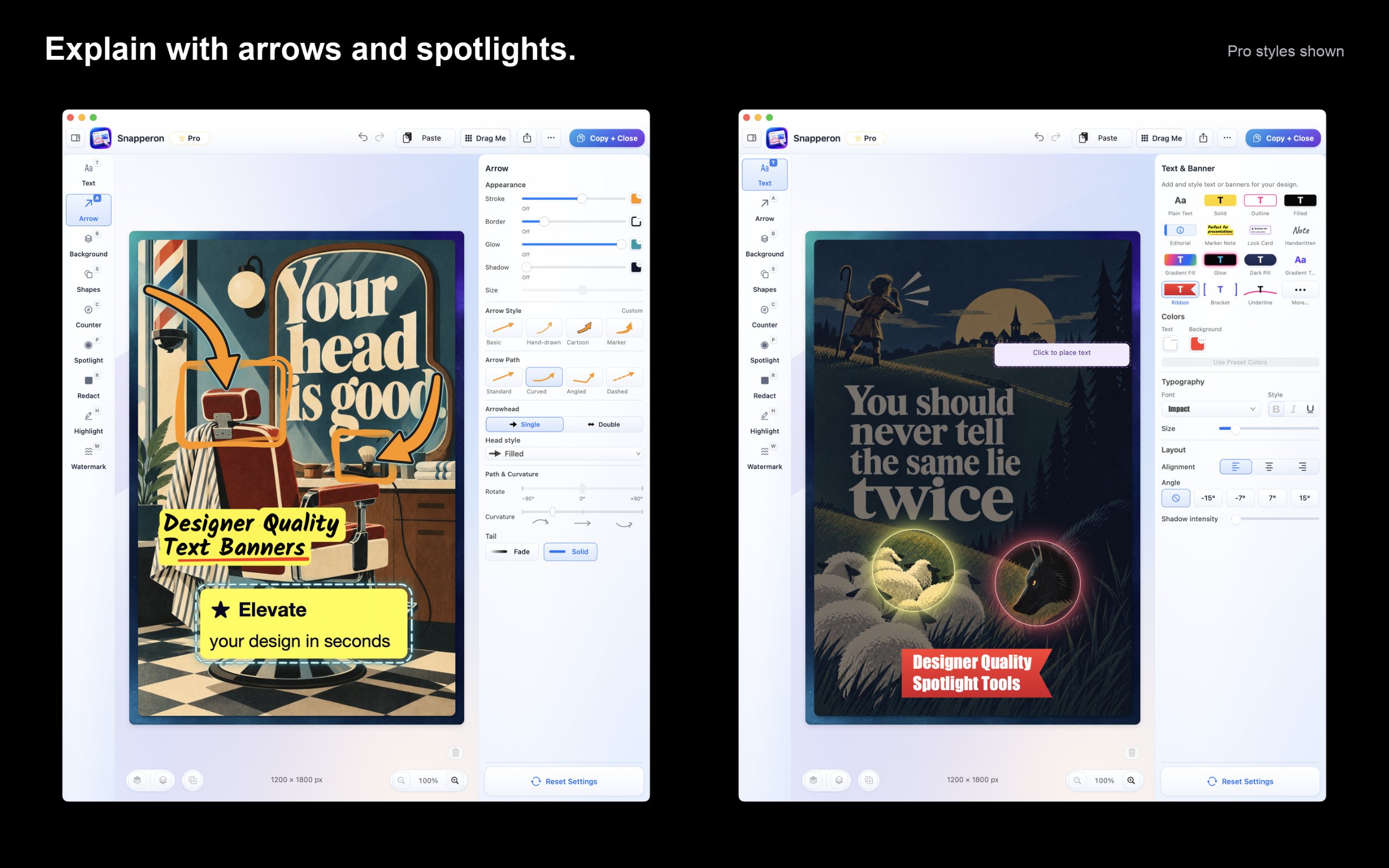
| Snapperon | Mac screenshot annotation by hand or via local MCP for Claude Desktop and Codex Desktop. | Free; Pro $2/mo, $19.99/yr, $38.99 once | 無料版買い切りサブスクリプション | はい、作者によるとApple siliconのみです | いいえ | Snapperon Team | 保留中 |
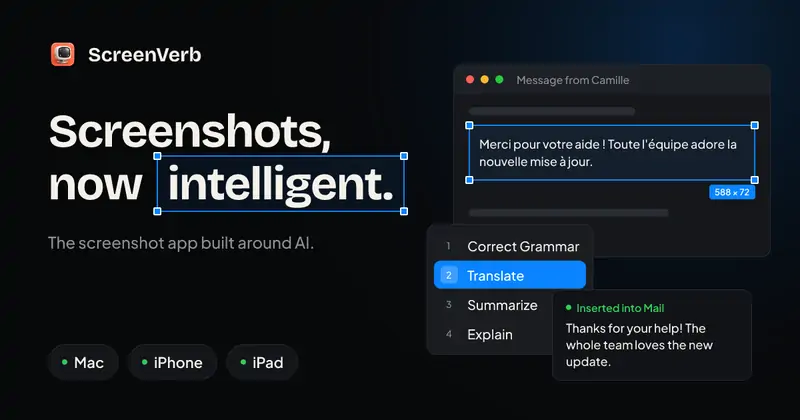
| ScreenVerb | The screenshot app built around AI. Capture, mark up, and paste AI answers in three keys. | 無料、Proあり | 無料版買い切り | はい、作者によるとApple siliconのみです | いいえ | David Tran | 保留中 |
| Cuttle | A screen recorder for macOS that cuts the waiting | Free, Pro €9.99, 7-day trial | 無料版買い切りサブスクリプション | はい、作者によるとApple siliconのみです | いいえ | Lenny Enderle | 保留中 |
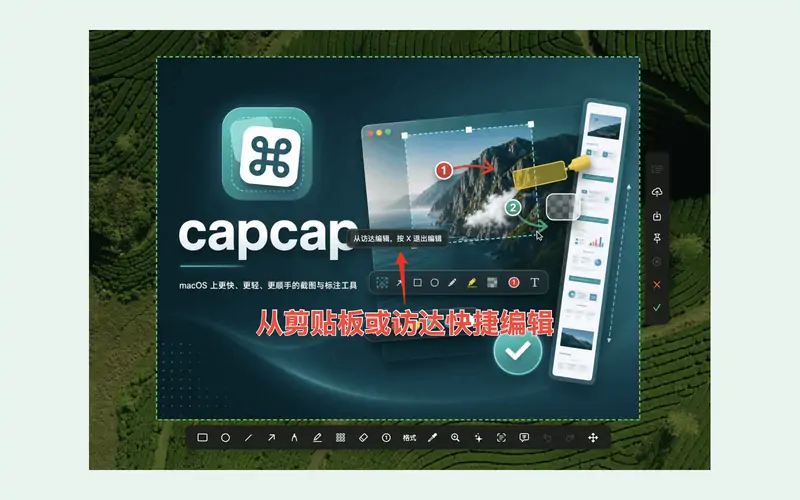
| capcap | Take a screenshot, annotate and share in one flow | 無料かつオープンソース | 無料版 | はい、作者によるとIntelでも動きます | はい | 記載なし | 保留中 |

Turn screenshots into one long image, with precise crops and redaction

開発者より: Turn screenshots into one long image. Align overlaps, crop precisely, and redact private details before sharing.
A Mac screen recorder with auto-zoom, AI voiceover and captions.

動画を複数の場所に出すなら、Glisioを見てみましょう。ディスプレイ、Webカメラ、マイク、システムの音声を1回の録画で収録し、Mac上で編集できます。クリックに合わせたズーム、カーソルの補正、Smart Cut、背景、ブランディングが使えます。
16:9、9:16、1:1で書き出せるので、1つの録画をチュートリアルにも縦長のクリップにもできます。必要ならAIの字幕とAIのナレーションも使え、Snapというスクリーンショットツールも組み込まれています。
The free version is real but limited: exports stop at 30 seconds and carry a watermark. Pro Lifetime removes both for $79, one payment.

Screen recordings and screenshots for Mac, edited for you

開発者より: ScreenOtter is a native Mac app for screen recordings and screenshots. Your recordings come back already edited: a zoom on every click, a smooth pointer, and your camera in one of eight layouts you can change after you record.

Discover the best free apps for your Mac.

開発者より: Discover the best free apps for your Mac.

Mac screenshot annotation by hand or via local MCP for Claude Desktop and Codex Desktop.

開発者より: Capture screenshots or open images and PDF pages. Add styled arrows, banners, numbered steps, highlights, shapes, spotlights, freehand and redaction.

The screenshot app built around AI. Capture, mark up, and paste AI answers in three keys.

開発者より: ScreenVerb is a screenshot app for Mac built around AI. Snap a window, drag a pixel-exact region or grab a full scrolling page with one shortcut, then press a number key to run an AI action.

A screen recorder for macOS that cuts the waiting

From its maker: users need から record demos of their work without boring others with waiting time or sensitive information. Cuttle is a screen recorder for macOS that solves this problem へ。

Take a screenshot, annotate and share in one flow

開発者より: capcap is a free, open-source screenshot and screen capture tool for macOS 14+, built with AppKit for Apple silicon and Intel. It helps developers, writers, and designers capture, annotate, and share without telemetry or a subscription.
Look for scrolling capture, quick annotation, and where the files are saved or uploaded.
There is no single best one for everyone. MacPip lists 8: Stitch It, Glisio, ScreenOtter, ScreenCrab, Snapperon, ScreenVerb, Cuttle, capcap. If you want it free, look at Stitch It. If you want it to run natively on Apple silicon, look at Glisio. If you need it to work offline, as its maker says it does, look at Glisio.
作者の申告、または当サイトの確認による一覧:Glisio, Snapperon, ScreenVerb, Cuttle, capcap。
どれもページに日付入りのレポートがあります:Stitch It, Glisio。
チェック済みのアプリが先で、チェックの新しい順、残りは追加された順です。支払いで並び順が変わることはなく、スポンサーの行にはラベルを付けて分けています。