スポンサーサインイン登録

掲載内容は、開発者が書いた言語のまま表示されます。

MacPipのおすすめ

Mac向け「スクリーンショット」カテゴリの買い切りのおすすめアプリ

2026年11月10日更新。MacPipが今日掲載しているものから。

結論

MacPip lists 8 one-time purchase screenshot apps for Mac, and a person has checked 4 of them.そのうち4件に無料版があります。どれも買い切りライセンスを販売しています。そのうち3件はサブスクリプション制です。There is no single best one-time purchase screenshot app for everyone, so MacPip does not rank them.無料がいいなら、Glisioから始めてください。

人がチェックしたアプリが先で、チェックの新しい順です。支払いで並び順を決めることはありません。

これら8件のアプリが提供するもの(掲載ページによる)。1つのアプリが複数を提供することもあるので、棒の合計は8になりません。
無料版4 / 8
買い切り8 / 8
サブスクリプション3 / 8
Apple siliconネイティブ5 / 8
オープンソース0 / 8
オフラインで動作3 / 8
人が確認済み4 / 8
各掲載ページに書かれている米ドルの買い切り価格、安い順。2件のアプリには米ドルのはっきりした買い切り価格がないので除いています。掲載ページにそう書かれている場合は、ローンチ価格を使っています。
Melt$4.99
QuickShot$16.99
Snapperon$38.99

比較

アプリ機能価格無料か有料かApple siliconオープンソース作者確認済み
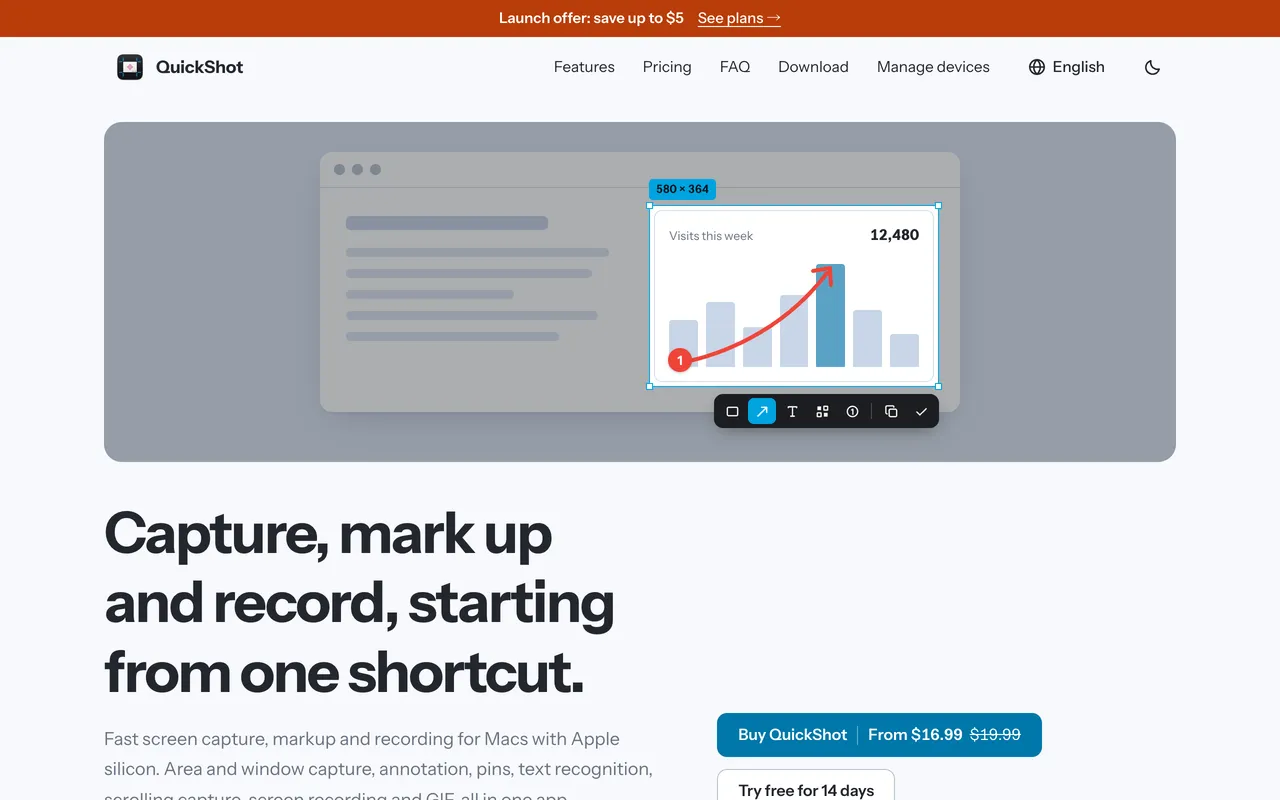
QuickShotScreenshot app for Mac with markup, OCR, scrolling capture and recording$16.99 once (2 Macs $24.99)買い切り記載なしいいえCanonForge Apps11月3日
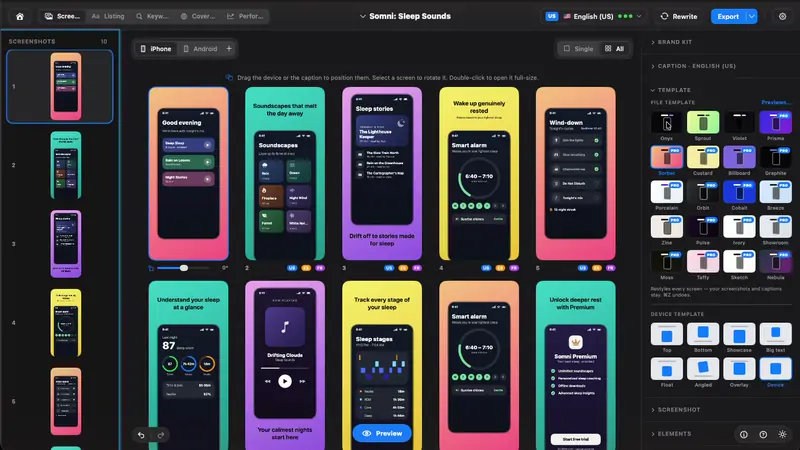
StoreboardNative Mac app that designs, keyword-optimizes and localizes App Store screenshots$49.99 ONE-TIME買い切り記載なしいいえDigital Sauce11月3日
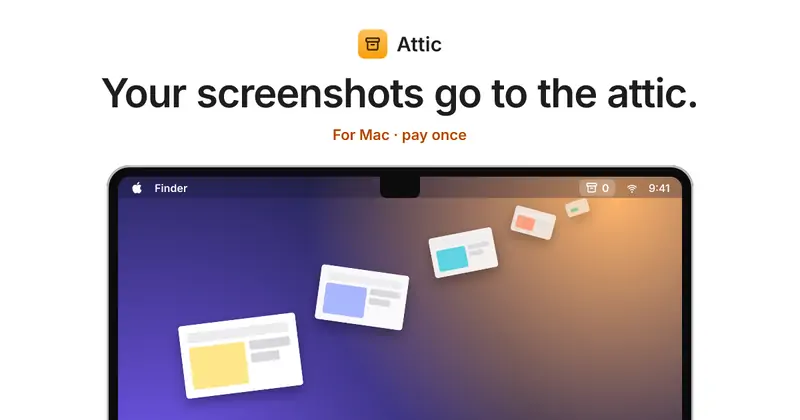
AtticScreenshots and downloads put themselves away.$5 once (launch), then $9 and $15買い切りはい、作者によるとIntelでも動きますいいえPablo Fernández Jiménez11月3日
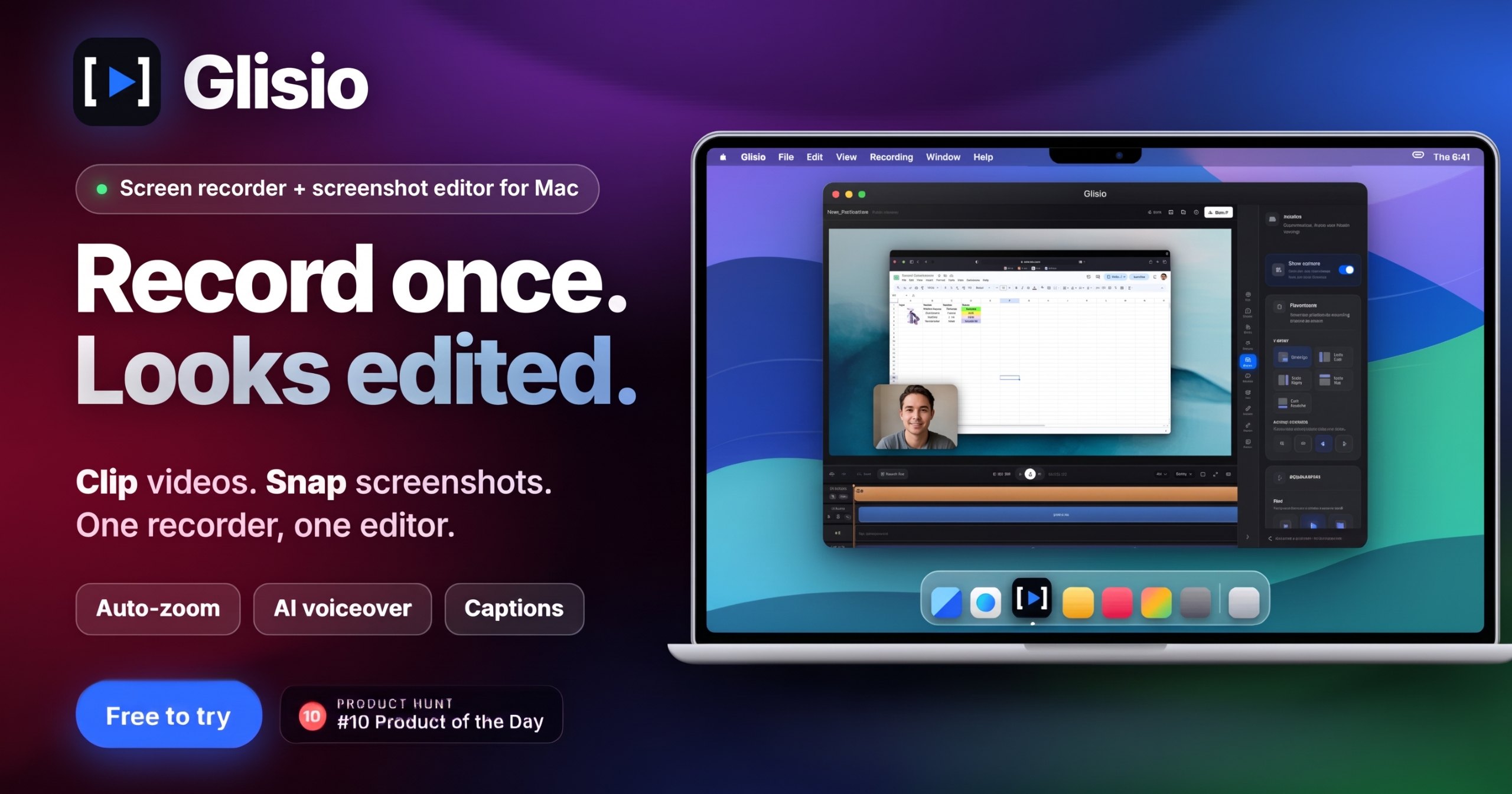
GlisioA Mac screen recorder with auto-zoom, AI voiceover and captions.Free to try, Pro $79 once無料版買い切りサブスクリプションはい、作者によるとIntelでも動きますいいえEmircan10月30日
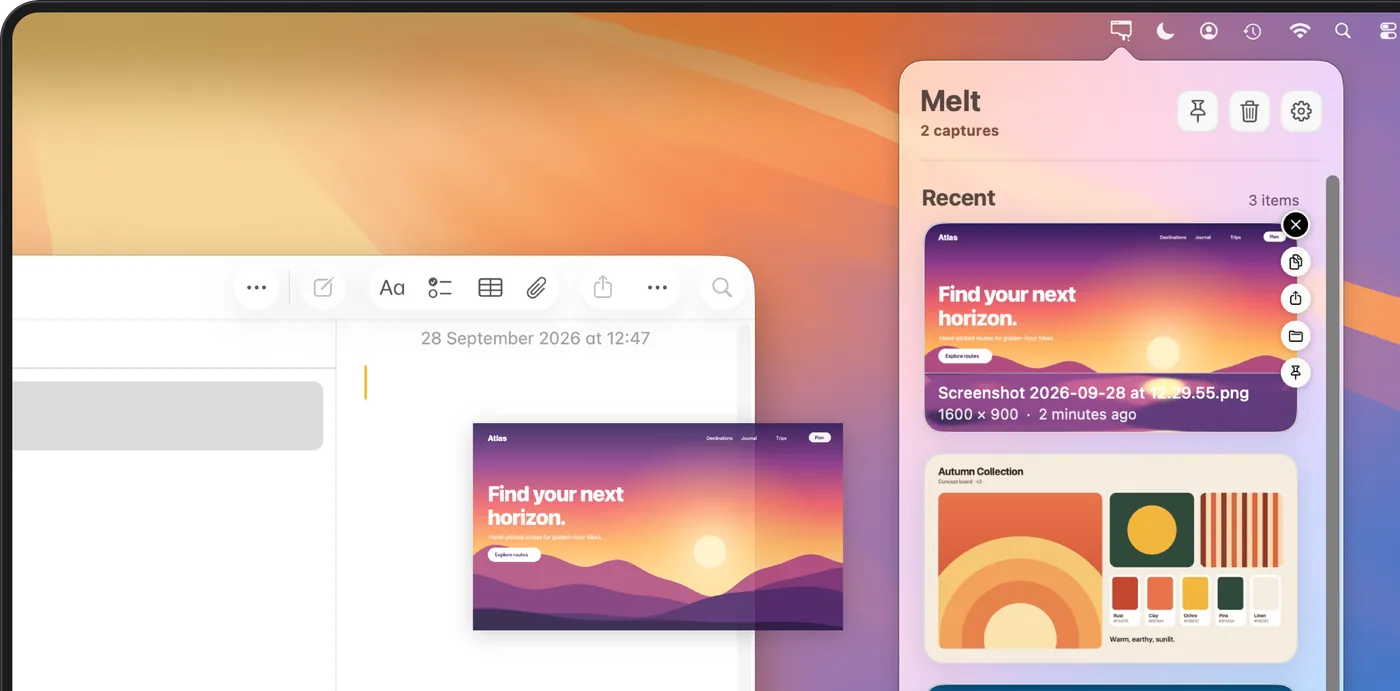
MeltOrganize recent Mac screenshots and screen recordings in your menu bar.$4.99 1回買い切り記載なしいいえRocket.Ralph保留中
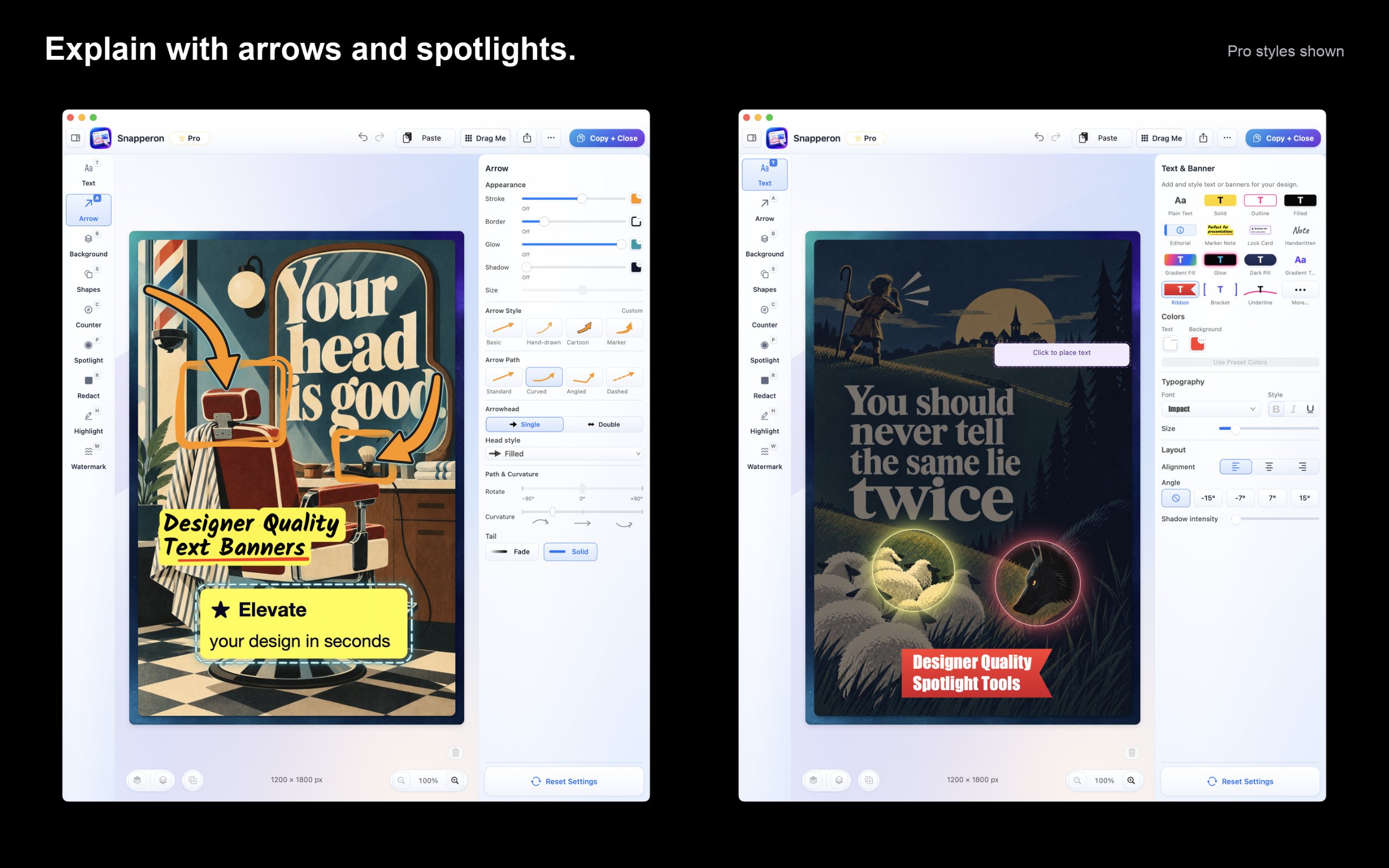
SnapperonCapture, annotate, and frame polished screenshots on your Mac.Free; Pro $2/mo, $19.99/yr, $38.99 once無料版買い切りサブスクリプションはい、作者によるとApple siliconのみですいいえ記載なし保留中
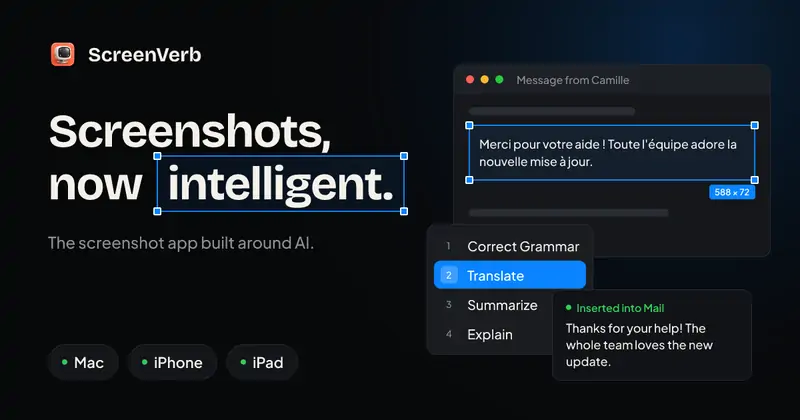
ScreenVerbThe screenshot app built around AI. Capture, mark up, and paste AI answers in three keys.無料、Proあり無料版買い切りはい、作者によるとApple siliconのみですいいえDavid Tran保留中
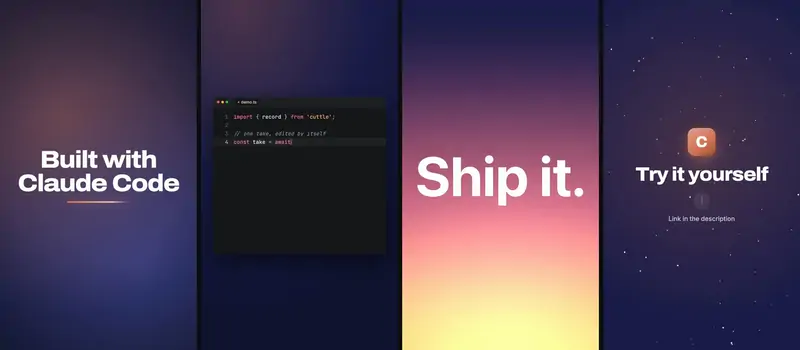
CuttleA screen recorder for macOS that cuts the waitingFree, Pro €9.99, 7-day trial無料版買い切りサブスクリプションはい、作者によるとApple siliconのみですいいえLenny Enderle保留中

アプリを一つずつ

QuickShotのアプリアイコン

QuickShot

Screenshot app for Mac with markup, OCR, scrolling capture and recording

買い切り11月3日に確認済み
Mac上のQuickShot

開発者より: QuickShot handles screenshots on the Mac from capture to sharing. Grab an area or a window, then mark it up in the editor with arrows, text, shapes and blur.

価格
$16.99 once (2 Macs $24.99)
必要環境
macOS 14 以降
開発者によると代わりになるもの
CleanShot X, Shottr, Snagit

MacPipのQuickShot ほかのスクリーンショットアプリ

Storeboardのアプリアイコン

Storeboard

Native Mac app that designs, keyword-optimizes and localizes App Store screenshots

買い切り11月3日に確認済み
Mac上のStoreboard

開発者より: Native Mac app that designs, keyword-optimizes and localizes App Store screenshots and listing metadata using on-device Apple Intelligence. Free to download with an optional one-time Storeboard Pro unlock.

価格
$49.99 ONE-TIME
必要環境
macOS 13.0 (Ventura) or later
開発者によると代わりになるもの
https://appscreens.com, https://theapplaunchpad.com, https://app-mockup.com

MacPipのStoreboard ほかのスクリーンショットアプリ

Atticのアプリアイコン

Attic

Screenshots and downloads put themselves away.

買い切りApple silicon11月3日に確認済み
Mac上のAttic

Atticは、あなたのあとを片づけてくれます。古いスクリーンショットやダウンロードは自動でMac上のフォルダに移り、何も削除されません。クラウドもアカウントも不要です。ローンチ価格で買い切り$5、その後は$9、$15になります。

価格
$5 once (launch), then $9 and $15
必要環境
macOS 14 Sonoma以降

MacPipのAttic ほかのメニューバーアプリ

Glisioのアプリアイコン

Glisio

A Mac screen recorder with auto-zoom, AI voiceover and captions.

無料版買い切りサブスクリプションApple siliconオフラインで動作10月30日に確認済み
Mac上のGlisio

動画を複数の場所に出すなら、Glisioを見てみましょう。ディスプレイ、Webカメラ、マイク、システムの音声を1回の録画で収録し、Mac上で編集できます。クリックに合わせたズーム、カーソルの補正、Smart Cut、背景、ブランディングが使えます。

16:9、9:16、1:1で書き出せるので、1つの録画をチュートリアルにも縦長のクリップにもできます。必要ならAIの字幕とAIのナレーションも使え、Snapというスクリーンショットツールも組み込まれています。

無料版はちゃんと使えますが、制限があります。書き出しは30秒までで、透かしが入ります。Pro Lifetimeなら$79の買い切りで、どちらもなくなります。

特典
20% off Lifetime
価格
Free to try, Pro $79 once
必要環境
macOS 13 Ventura以降
開発者によると代わりになるもの
Screen Studio, Cap.so, Screen Charm, Loom

MacPipのGlisio ほかの画面収録アプリ

Snapperonのアプリアイコン

Snapperon

Capture, annotate, and frame polished screenshots on your Mac.

無料版買い切りサブスクリプションApple silicon
Mac上のSnapperon

開発者より: Snapperon is a native Mac screenshot editor for clear feedback, tutorials, proposals, and presentations. Capture an area, window, or display, or open an image or PDF page.

価格
Free; Pro $2/mo, $19.99/yr, $38.99 once
必要環境
macOS 14 Sonoma以降

MacPipのSnapperon ほかのスクリーンショットアプリ

ScreenVerbのアプリアイコン

ScreenVerb

The screenshot app built around AI. Capture, mark up, and paste AI answers in three keys.

無料版買い切りApple silicon
Mac上のScreenVerb

開発者より: ScreenVerb is a screenshot app for Mac built around AI. Snap a window, drag a pixel-exact region or grab a full scrolling page with one shortcut, then press a number key to run an AI action.

特典
50% off Lifetime, until Dec 5
価格
無料、Proあり
必要環境
macOS 14 Sonoma以降
開発者によると代わりになるもの
CleanShot X, Shottr, Xnapper

MacPipのScreenVerb ほかの生産性アプリ

Cuttleのアプリアイコン

Cuttle

A screen recorder for macOS that cuts the waiting

無料版買い切りサブスクリプションApple siliconオフラインで動作
Mac上のCuttle

開発者より: users need to record demos of their work without boring others with waiting time or sensitive information. Cuttle is a screen recorder for macOS that solves this problem.

価格
Free, Pro €9.99, 7-day trial
必要環境
macOS 14 Sonoma以降
開発者によると代わりになるもの
OBS Studio, QuickTime Player, ScreenFlow, Camtasia, Loom

MacPipのCuttle ほかの画面収録アプリ

どれを選ぶか

見るべきポイント

Look for scrolling capture, quick annotation, and where the files are saved or uploaded.

質問

What is the best one-time purchase screenshot app for Mac?

There is no single best one for everyone. MacPip lists 8: QuickShot, Storeboard, Attic, Glisio, Melt, Snapperon, ScreenVerb, Cuttle. If you want it free, look at Glisio. If you would rather pay once than subscribe, look at QuickShot. If you want it to run natively on Apple silicon, look at Glisio. If you need it to work offline, as its maker says it does, look at Glisio.

Which one-time purchase screenshot apps run natively on Apple silicon?
作者の申告、または当サイトの確認による一覧:Attic, Glisio, Snapperon, ScreenVerb, Cuttle。

Which one-time purchase screenshot apps has a person checked?

どれもページに日付入りのレポートがあります:QuickShot, Storeboard, Attic, Glisio。

MacPipはこれらのアプリをどの順に並べていますか?

人が確認したアプリが先に表示され、確認が新しい順に並びます。その後に残りが追加された順に続きます。支払いで順番が変わることはなく、スポンサー枠にはラベルを付けて分けています。

関連