SponsorSign inSubmit
Best of MacPip

Best one-time purchase screenshot apps for Mac

Updated Nov 10, 2026, from what MacPip lists today.

Short answer

MacPip lists 8 one-time purchase screenshot apps for Mac, and a person has checked 4 of them.4 of them have a free version.All of them sell a one-time license.3 of them are paid by subscription.There is no single best one-time purchase screenshot app for everyone, so MacPip does not rank them.If you want it free, start with Glisio.

Apps a person checked come first, newest check first. Never ordered by payment.

What these 8 apps offer, by their listings. An app can offer several, so the bars do not add up to 8.
Free version4 of 8
Pay once8 of 8
Subscription3 of 8
Native to Apple silicon5 of 8
Open source0 of 8
Works offline3 of 8
Checked by a person4 of 8
One-time price in US dollars, as each listing states it, lowest first. 2 apps have no plain dollar one-time price and are left out. Launch prices count where the listing says so.
Melt$4.99
QuickShot$16.99
Snapperon$38.99

Compared

AppWhat it doesPriceFree or paidApple siliconOpen sourceMade byChecked
QuickShotScreenshot app for Mac with markup, OCR, scrolling capture and recording$16.99 once (2 Macs $24.99)One-timeNot statedNoCanonForge AppsNov 3
StoreboardNative Mac app that designs, keyword-optimizes and localizes App Store screenshots$49.99 ONE-TIMEOne-timeNot statedNoDigital SauceNov 3
AtticScreenshots and downloads put themselves away.$5 once (launch), then $9 and $15One-timeYes, and Intel, its maker saysNoPablo Fernández JiménezNov 3
GlisioA Mac screen recorder with auto-zoom, AI voiceover and captions.Free to try, Pro $79 onceFree versionOne-timeSubscriptionYes, and Intel, its maker saysNoEmircanOct 30
MeltOrganize recent Mac screenshots and screen recordings in your menu bar.$4.99 onceOne-timeNot statedNoRocket.RalphPending
SnapperonCapture, annotate, and frame polished screenshots on your Mac.Free; Pro $2/mo, $19.99/yr, $38.99 onceFree versionOne-timeSubscriptionYes, Apple silicon only, its maker saysNoNot statedPending
ScreenVerbThe screenshot app built around AI. Capture, mark up, and paste AI answers in three keys.Free, Pro availableFree versionOne-timeYes, Apple silicon only, its maker saysNoDavid TranPending
CuttleA screen recorder for macOS that cuts the waitingFree, Pro €9.99, 7-day trialFree versionOne-timeSubscriptionYes, Apple silicon only, its maker saysNoLenny EnderlePending

The apps, one by one

QuickShot app icon

QuickShot

Screenshot app for Mac with markup, OCR, scrolling capture and recording

Pay onceChecked Nov 3
QuickShot on a Mac

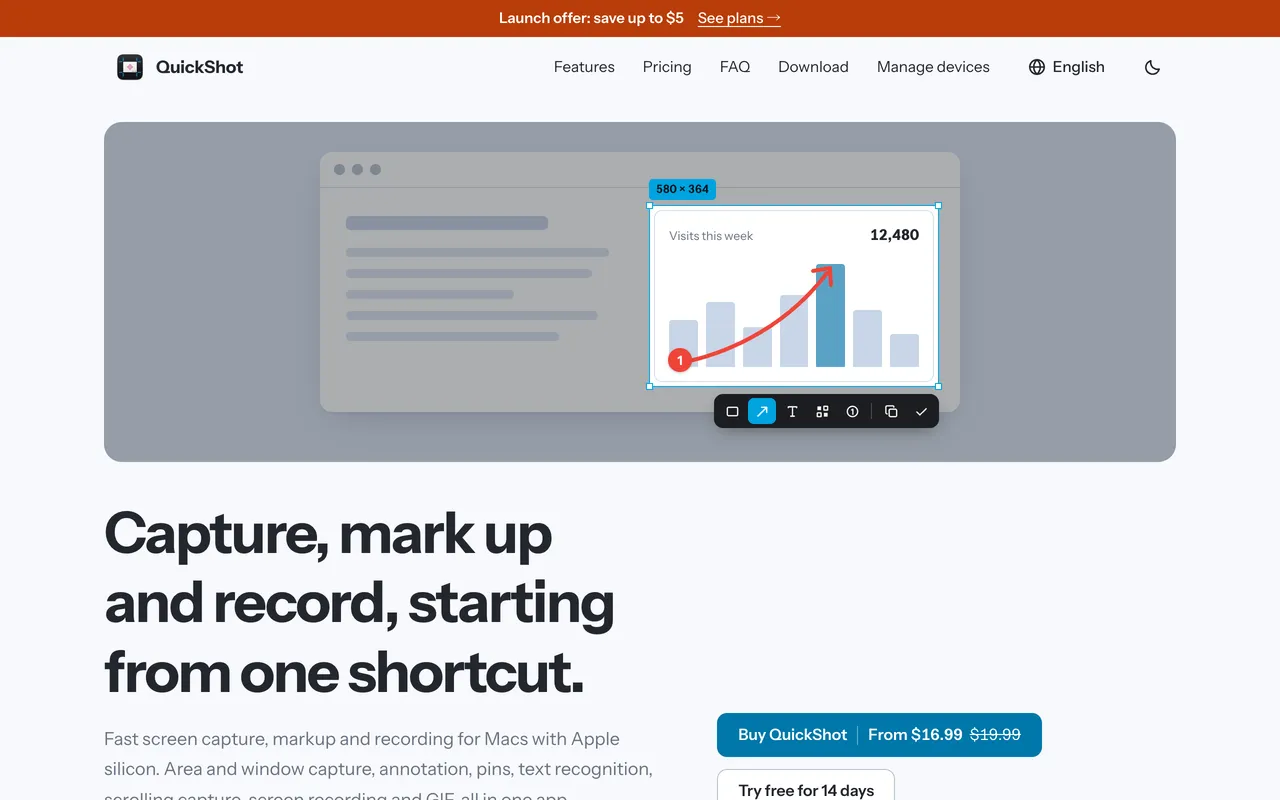
From its maker: QuickShot handles screenshots on the Mac from capture to sharing. Grab an area or a window, then mark it up in the editor with arrows, text, shapes and blur.

Price
$16.99 once (2 Macs $24.99)
Needs
macOS 14 or later
Its maker says it replaces
CleanShot X, Shottr, Snagit

QuickShot on MacPip More screenshots apps

Storeboard app icon

Storeboard

Native Mac app that designs, keyword-optimizes and localizes App Store screenshots

Pay onceChecked Nov 3
Storeboard on a Mac

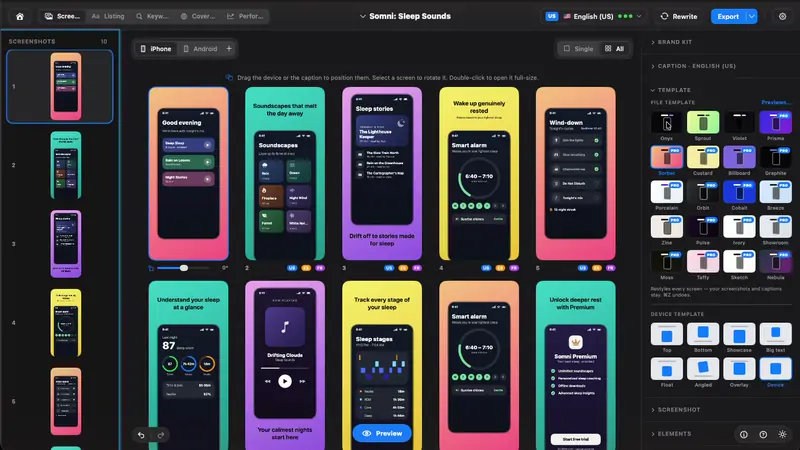
From its maker: Native Mac app that designs, keyword-optimizes and localizes App Store screenshots and listing metadata using on-device Apple Intelligence. Free to download with an optional one-time Storeboard Pro unlock.

Price
$49.99 ONE-TIME
Needs
macOS 13.0 (Ventura) or later
Its maker says it replaces
https://appscreens.com, https://theapplaunchpad.com, https://app-mockup.com

Storeboard on MacPip More screenshots apps

Attic app icon

Attic

Screenshots and downloads put themselves away.

Pay onceApple siliconChecked Nov 3
Attic on a Mac

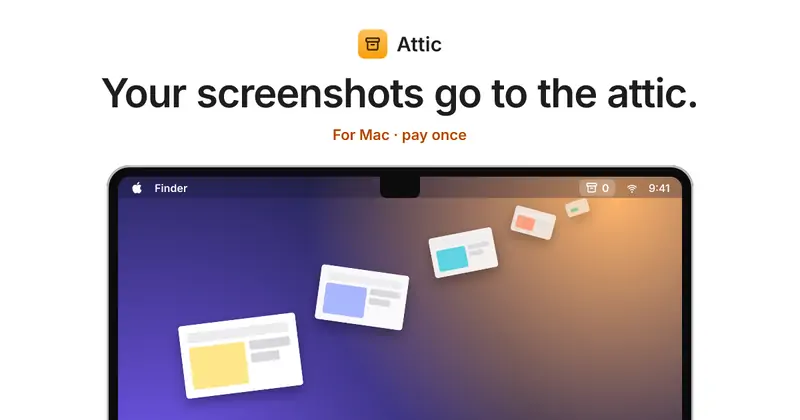
Attic tidies up after you. Old screenshots and downloads move to a folder on your Mac by themselves, and nothing is ever deleted. No cloud and no account. It is $5 once at its launch price, then $9 and $15.

Price
$5 once (launch), then $9 and $15
Needs
macOS 14 Sonoma or later

Attic on MacPip More menu bar apps

Glisio app icon

Glisio

A Mac screen recorder with auto-zoom, AI voiceover and captions.

Free versionPay onceSubscriptionApple siliconWorks offlineChecked Oct 30
Glisio on a Mac

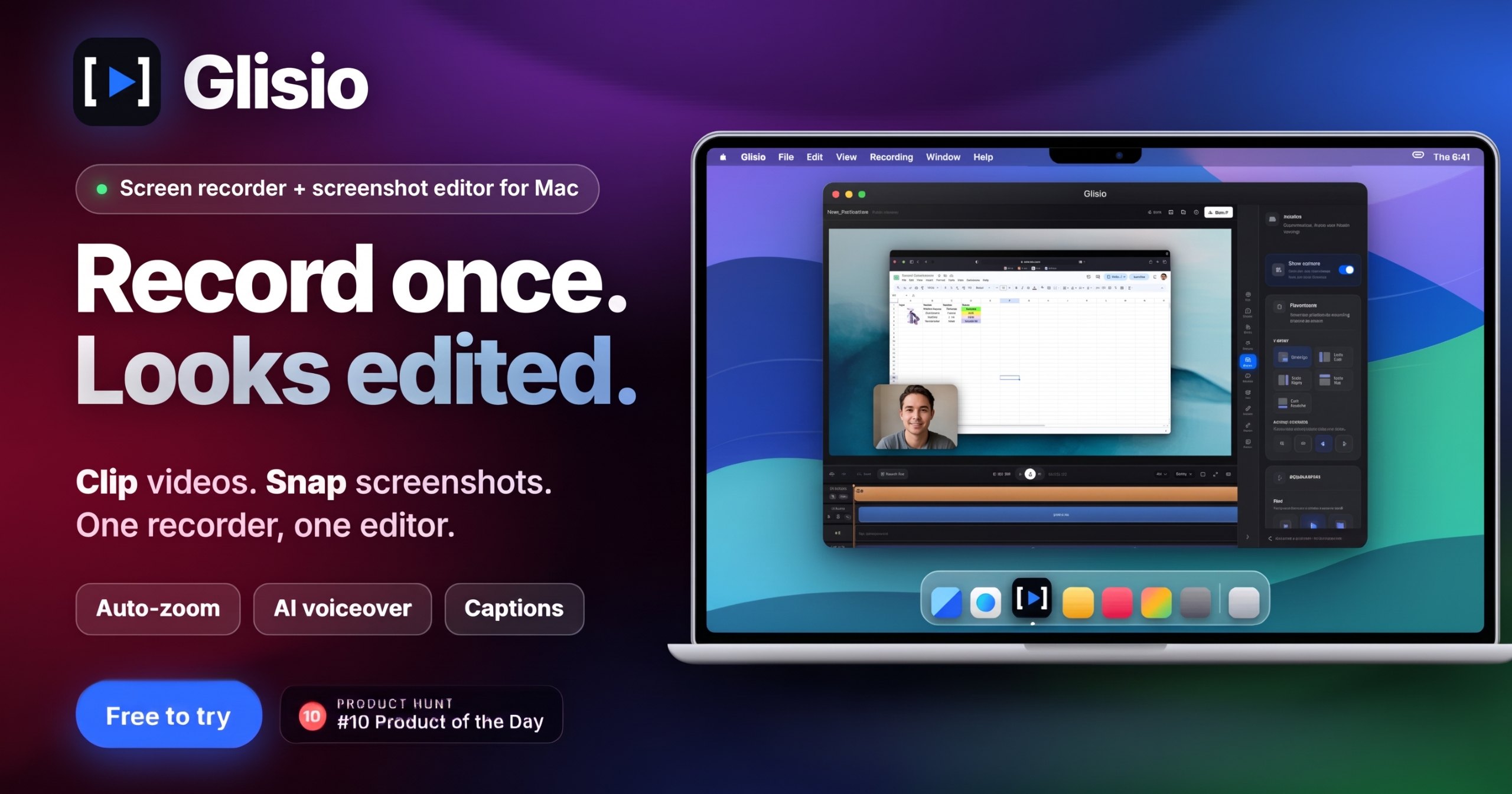
Glisio is the one to look at if your videos go to more than one place. It records your display, webcam, microphone and system audio in a single take, then lets you edit on your Mac with click-based zooms, cursor smoothing, Smart Cut, backgrounds and branding.

Exports come in 16:9, 9:16 and 1:1, so one recording can become a tutorial and a vertical clip. AI captions and an AI voiceover are there if you want them, and a screenshot tool called Snap is built in.

The free version is real but limited: exports stop at 30 seconds and carry a watermark. Pro Lifetime removes both for $79, paid once.

Deal
20% off Lifetime
Price
Free to try, Pro $79 once
Needs
macOS 13 Ventura or later
Its maker says it replaces
Screen Studio, Cap.so, Screen Charm, Loom

Glisio on MacPip More screen recording apps

Melt app icon

Melt

Organize recent Mac screenshots and screen recordings in your menu bar.

Pay onceWorks offline
Melt on a Mac

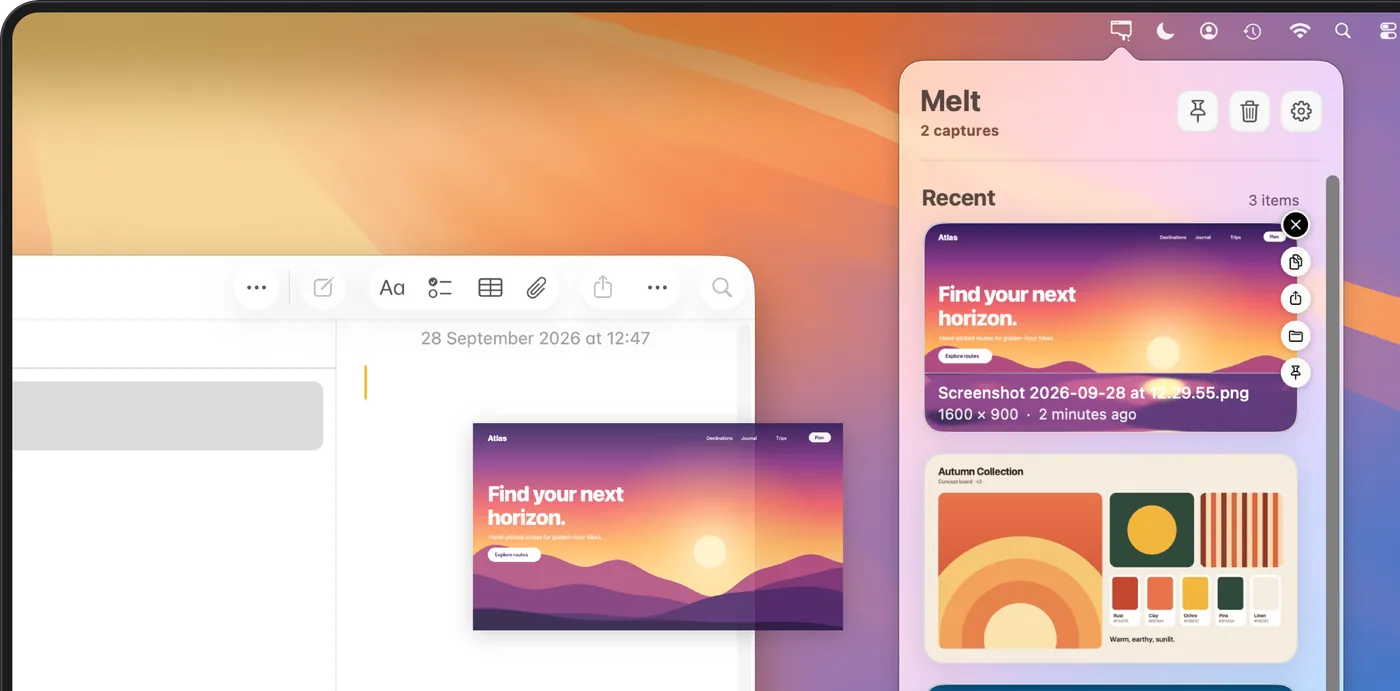
From its maker: Organize recent Mac screenshots and screen recordings in your menu bar. Copy, drag and pin originals, with optional automatic cleanup.

Price
$4.99 once
Needs
macOS 15 Sequoia or later

Melt on MacPip More screenshots apps

Snapperon app icon

Snapperon

Capture, annotate, and frame polished screenshots on your Mac.

Free versionPay onceSubscriptionApple silicon
Snapperon on a Mac

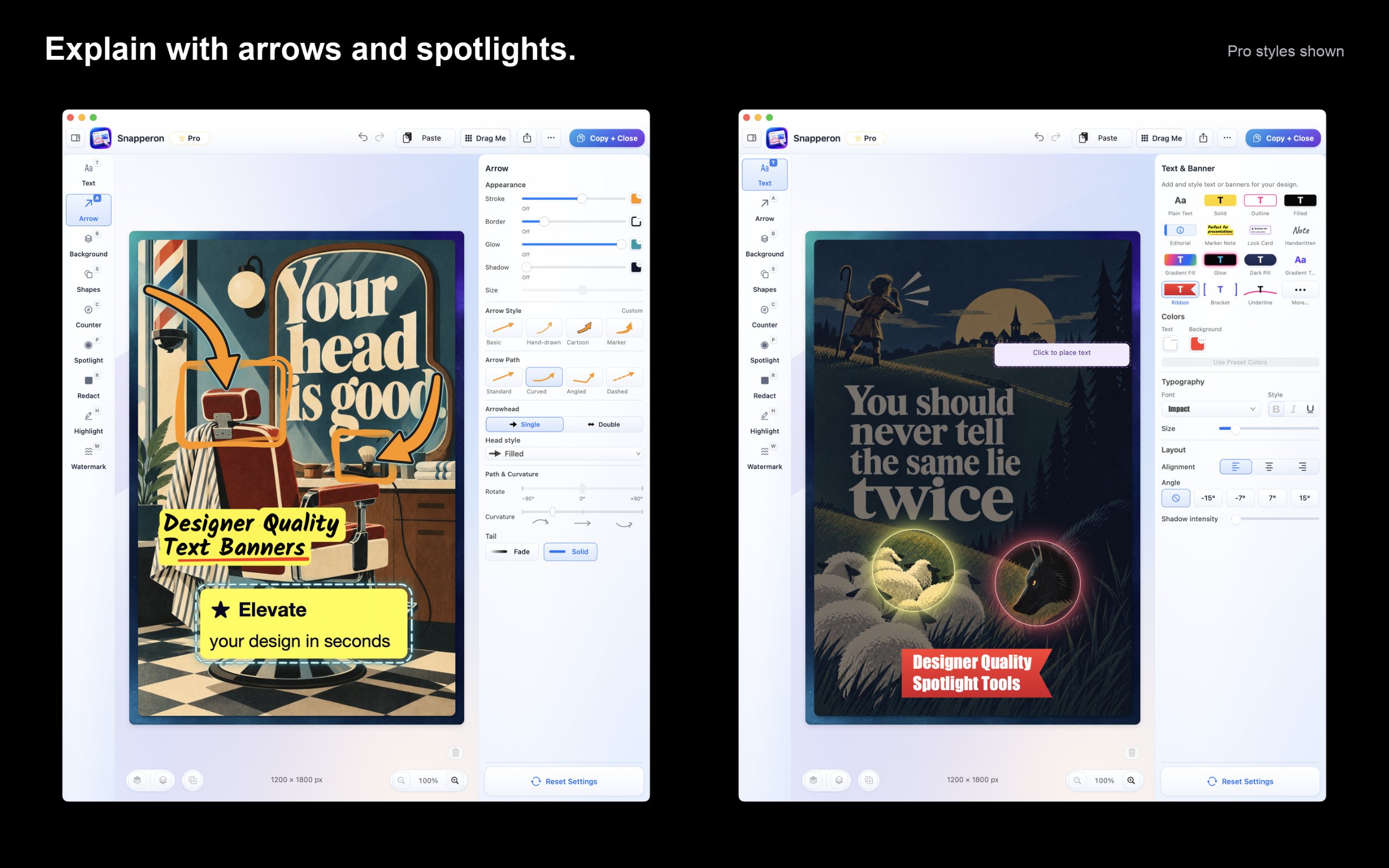
From its maker: Snapperon is a native Mac screenshot editor for clear feedback, tutorials, proposals, and presentations. Capture an area, window, or display, or open an image or PDF page.

Price
Free; Pro $2/mo, $19.99/yr, $38.99 once
Needs
macOS 14 Sonoma or later

Snapperon on MacPip More screenshots apps

ScreenVerb app icon

ScreenVerb

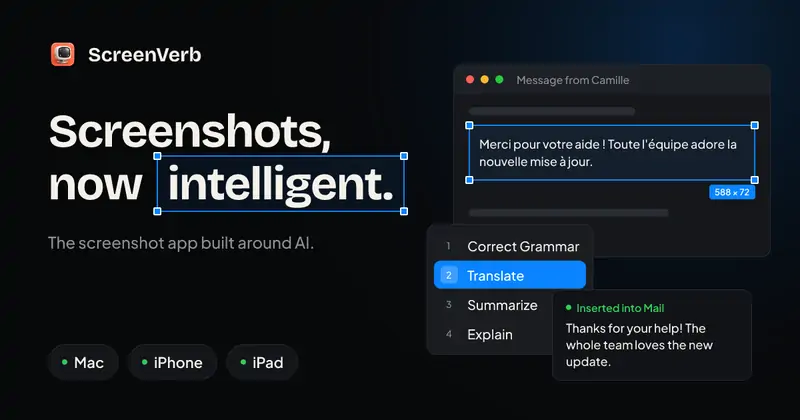
The screenshot app built around AI. Capture, mark up, and paste AI answers in three keys.

Free versionPay onceApple silicon
ScreenVerb on a Mac

From its maker: ScreenVerb is a screenshot app for Mac built around AI. Snap a window, drag a pixel-exact region or grab a full scrolling page with one shortcut, then press a number key to run an AI action.

Deal
50% off Lifetime, until Dec 5
Price
Free, Pro available
Needs
macOS 14 Sonoma or later
Its maker says it replaces
CleanShot X, Shottr, Xnapper

ScreenVerb on MacPip More productivity apps

Cuttle app icon

Cuttle

A screen recorder for macOS that cuts the waiting

Free versionPay onceSubscriptionApple siliconWorks offline
Cuttle on a Mac

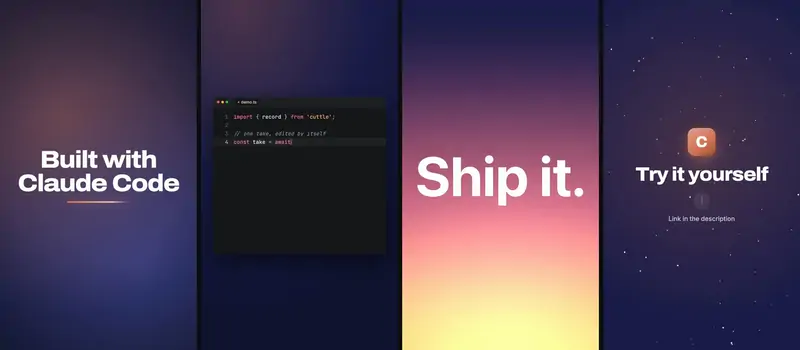
From its maker: users need to record demos of their work without boring others with waiting time or sensitive information. Cuttle is a screen recorder for macOS that solves this problem.

Price
Free, Pro €9.99, 7-day trial
Needs
macOS 14 Sonoma or later
Its maker says it replaces
OBS Studio, QuickTime Player, ScreenFlow, Camtasia, Loom

Cuttle on MacPip More screen recording apps

Which one to pick

What to look for

Look for scrolling capture, quick annotation, and where the files are saved or uploaded.

Questions

What is the best one-time purchase screenshot app for Mac?

There is no single best one for everyone. MacPip lists 8: QuickShot, Storeboard, Attic, Glisio, Melt, Snapperon, ScreenVerb, Cuttle. If you want it free, look at Glisio. If you would rather pay once than subscribe, look at QuickShot. If you want it to run natively on Apple silicon, look at Glisio. If you need it to work offline, as its maker says it does, look at Glisio.

Which one-time purchase screenshot apps run natively on Apple silicon?

By their makers' word or by our check: Attic, Glisio, Snapperon, ScreenVerb, Cuttle.

Which one-time purchase screenshot apps has a person checked?

Each has a dated report on its page: QuickShot, Storeboard, Attic, Glisio.

How does MacPip order these apps?

Apps a person has checked come first, newest check first, then the rest by when they were added. Payment never changes the order, and sponsored rows are labeled and kept apart.

Related