Updated Nov 8, 2026, from what MacPip lists today.
Short answer
MacPip lists 10 must-have Mac apps, and a person has checked 10 of them.4 of them have a free version.8 of them sell a one-time license.1 of them is paid by subscription.There is no single best must-have Mac app for everyone, so MacPip does not rank them.If you want it free, start with Folio.
Apps a person checked come first, newest check first. Never ordered by payment.
"Must-have" lists usually mean the same famous names every year. This one is different on purpose: it picks from the indie Mac apps MacPip lists, one per everyday job, by a rule you can check.
The rule: a person at MacPip has checked the app, it has a free version or a one-time price, and the most recent check wins its job. That gave 10 apps across 10 jobs.
It is a starting set, not a ranking. If another app fits you better, the job's own list is one click away.
What these 10 apps offer, by their listings. An app can offer several, so the bars do not add up to 10.
Free version4 of 10
Pay once8 of 10
Subscription1 of 10
Native to Apple silicon4 of 10
Open source1 of 10
Works offline2 of 10
Checked by a person10 of 10
One-time price in US dollars, as each listing states it, lowest first. 5 apps have no plain dollar one-time price and are left out. Launch prices count where the listing says so.
A native Mac window manager that organizes your windows by project.
$9.90 once
One-time
Not stated
No
S4ck3
Oct 30
One app per everyday job, chosen by one rule: a person at MacPip has checked it, it has a free version or a one-time price, and the most recent check comes first.
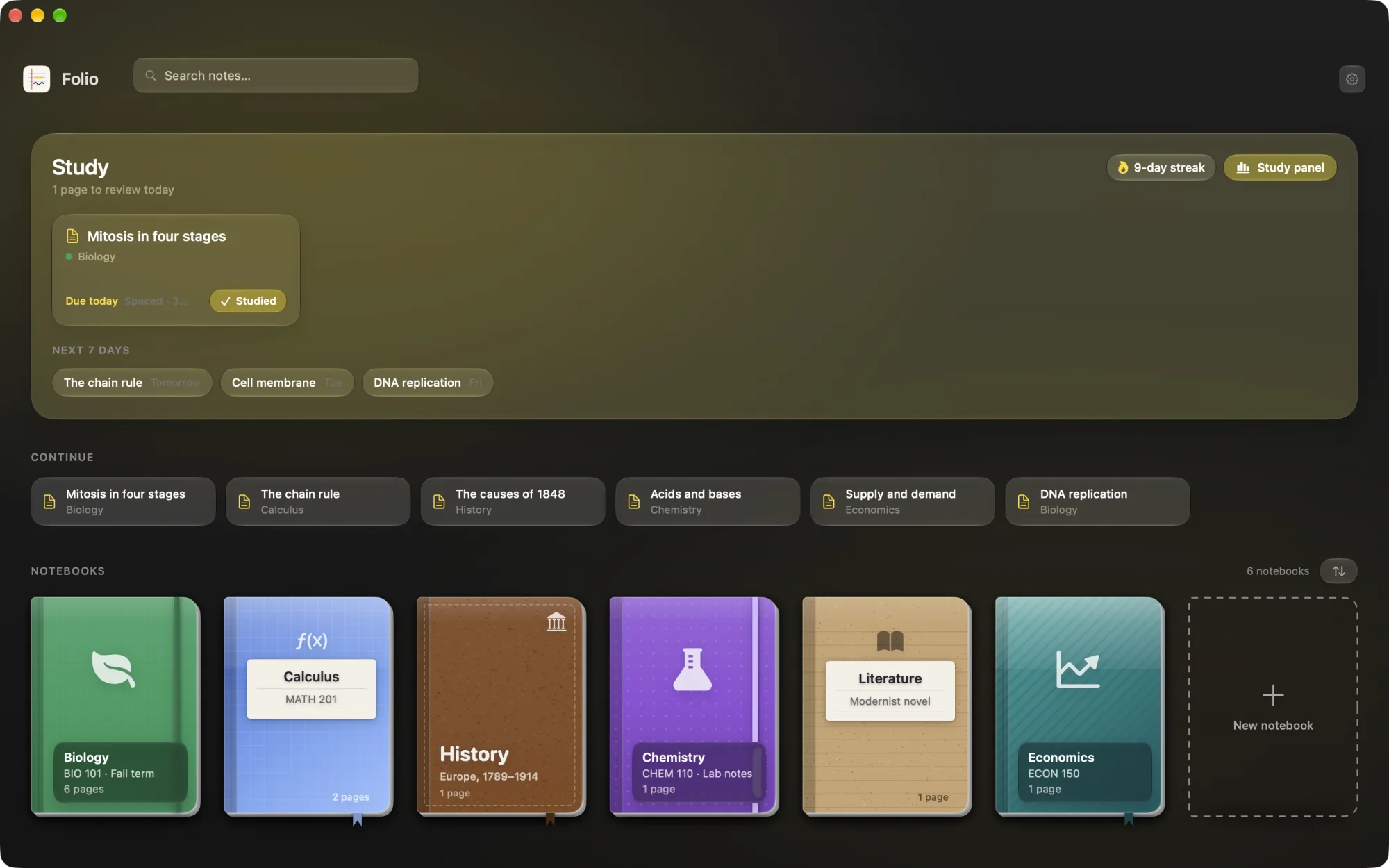
Folio is a native study app: notebooks on a shelf, rich text pages, PDFs you can annotate, AI flashcards scheduled with FSRS spaced repetition, quizzes and exams, and a study assistant that talks about your notes. Its listing is written in Spanish. It costs 5 euros.
From its maker: Droppy brings files, clipboard history and everyday controls to your Mac's notch or a floating Dynamic Island. Gather files in the File Tray, find text, links, images and files you copied, control music and arrange shelf widgets for your daily tools.
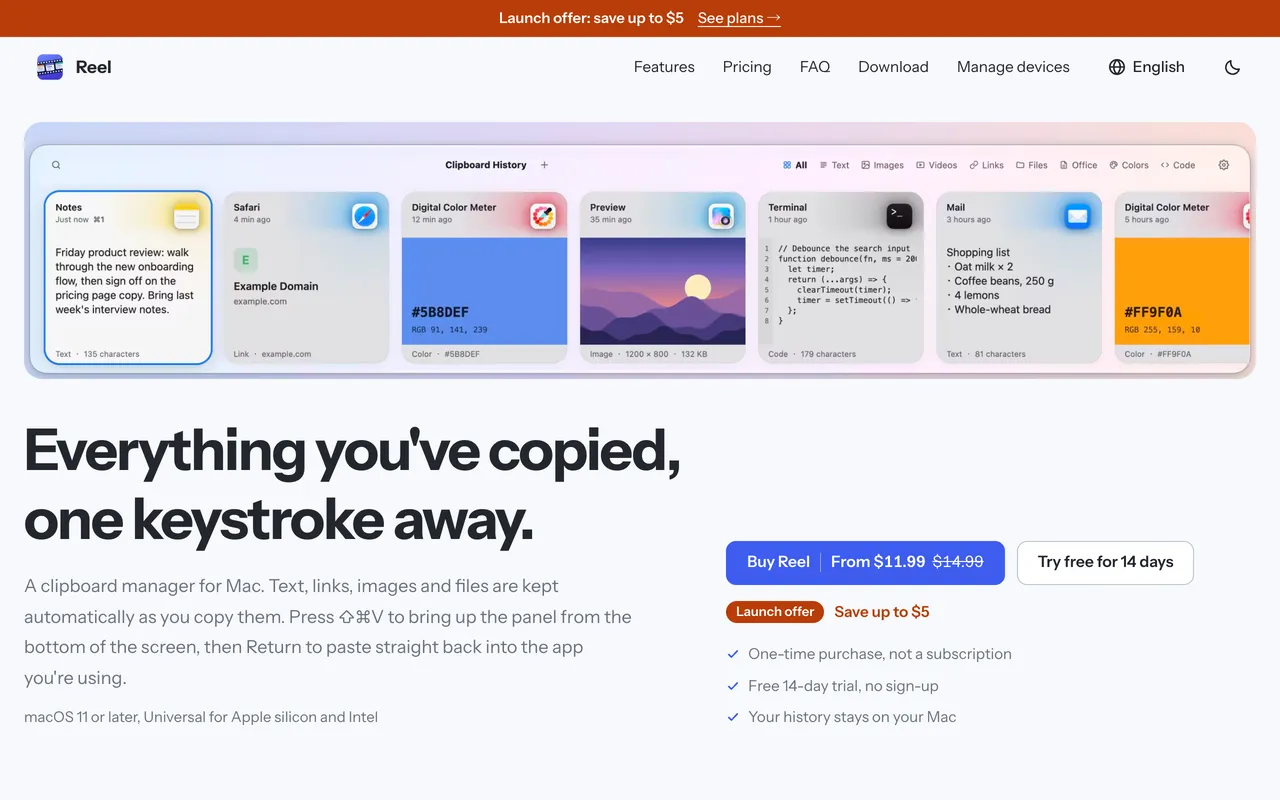
Reel is a classic clipboard manager done carefully. Press Shift-Command-V, find what you copied, hit Return and it pastes into the app you were in. It keeps text, links, code, colors, images and files, with search, pinboards for snippets and previews. It is $11.99 once for 1 Mac at its launch price, with a 14-day trial, and needs macOS 11 or later.
Attic tidies up after you. Old screenshots and downloads move to a folder on your Mac by themselves, and nothing is ever deleted. No cloud and no account. It is $5 once at its launch price, then $9 and $15.
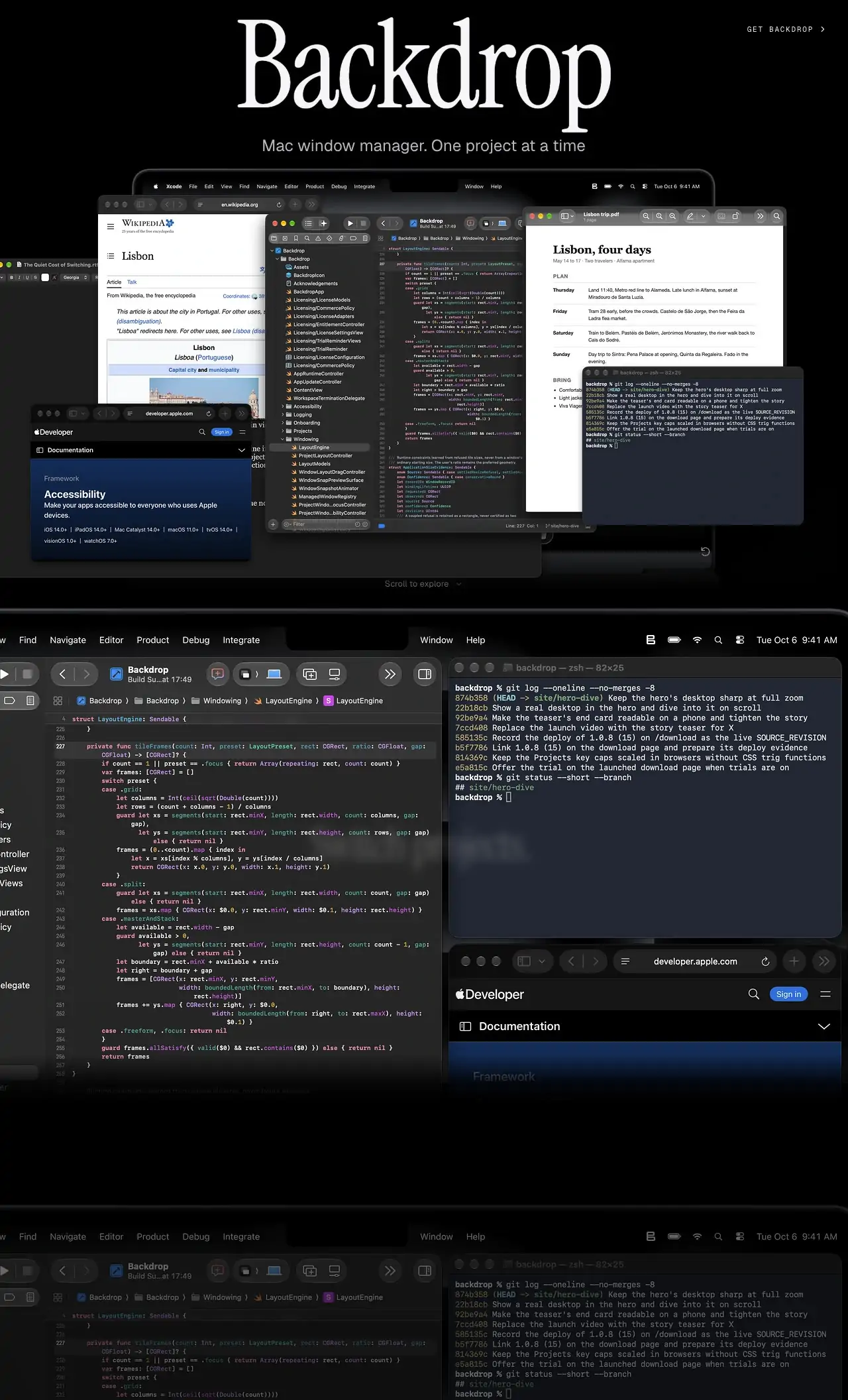
Backdrop organizes your windows by project, so switching from one piece of work to another brings the right set of windows back together. It is a native Mac app, needs macOS 14 or later and no account. Try it free for 10 days, then pay $9.90 once.
Cuewake lets you attach notes, checklists, links and files to Mac apps and webpages, so your next step is waiting when you come back to them. It is a one-time purchase at $9, needs no account, works offline and runs natively on Apple silicon. It needs macOS 14 Sonoma or later.
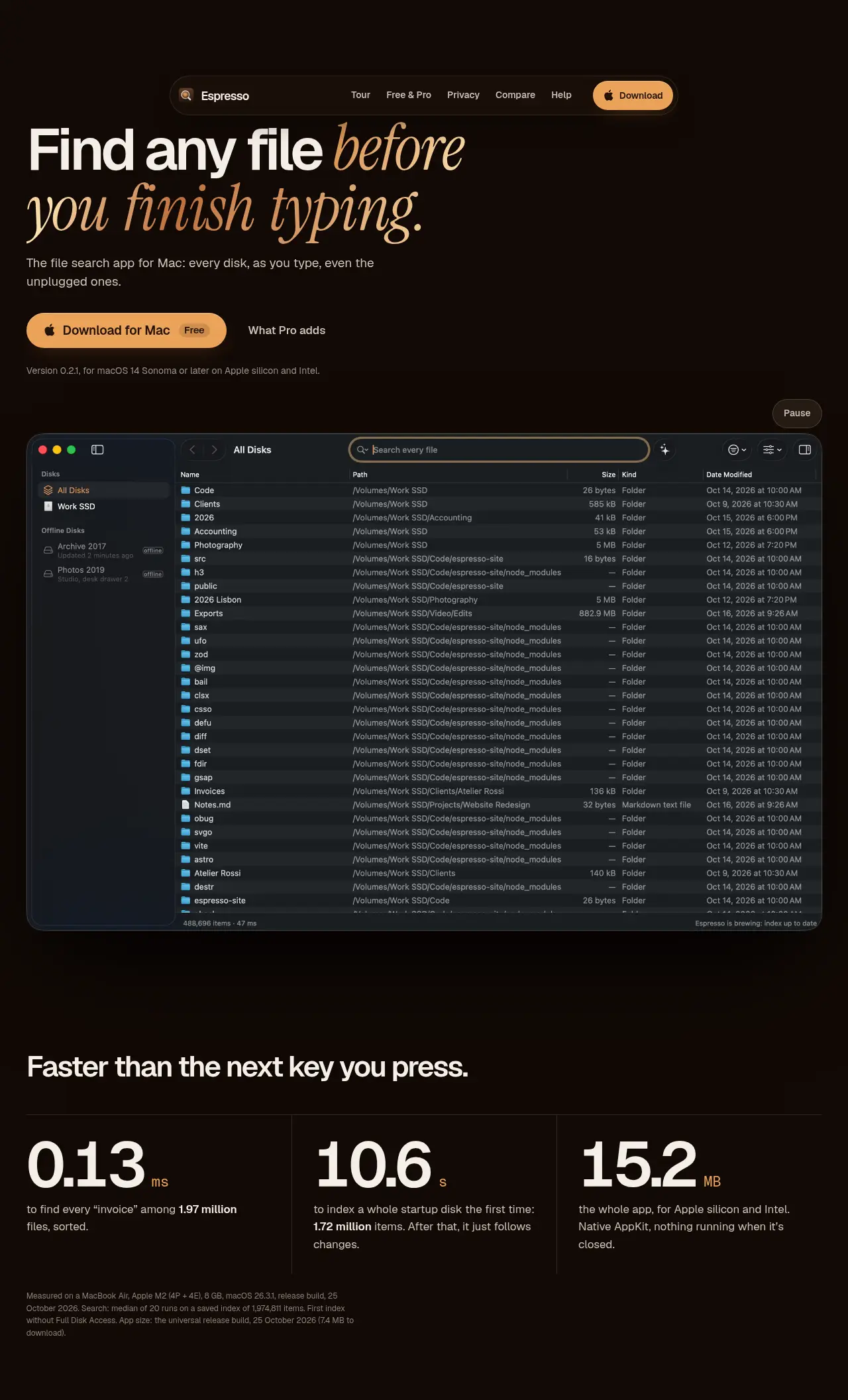
From its maker: Espresso is the Everything-style file search app for Mac: every file on every disk as you type, even disks that aren’t connected. Native, private, free for personal use.
From its maker: GearDex is a camera gear inventory and business app for photographers and studios. Every item holds brand, model, serial, photos, price, value, condition and location.
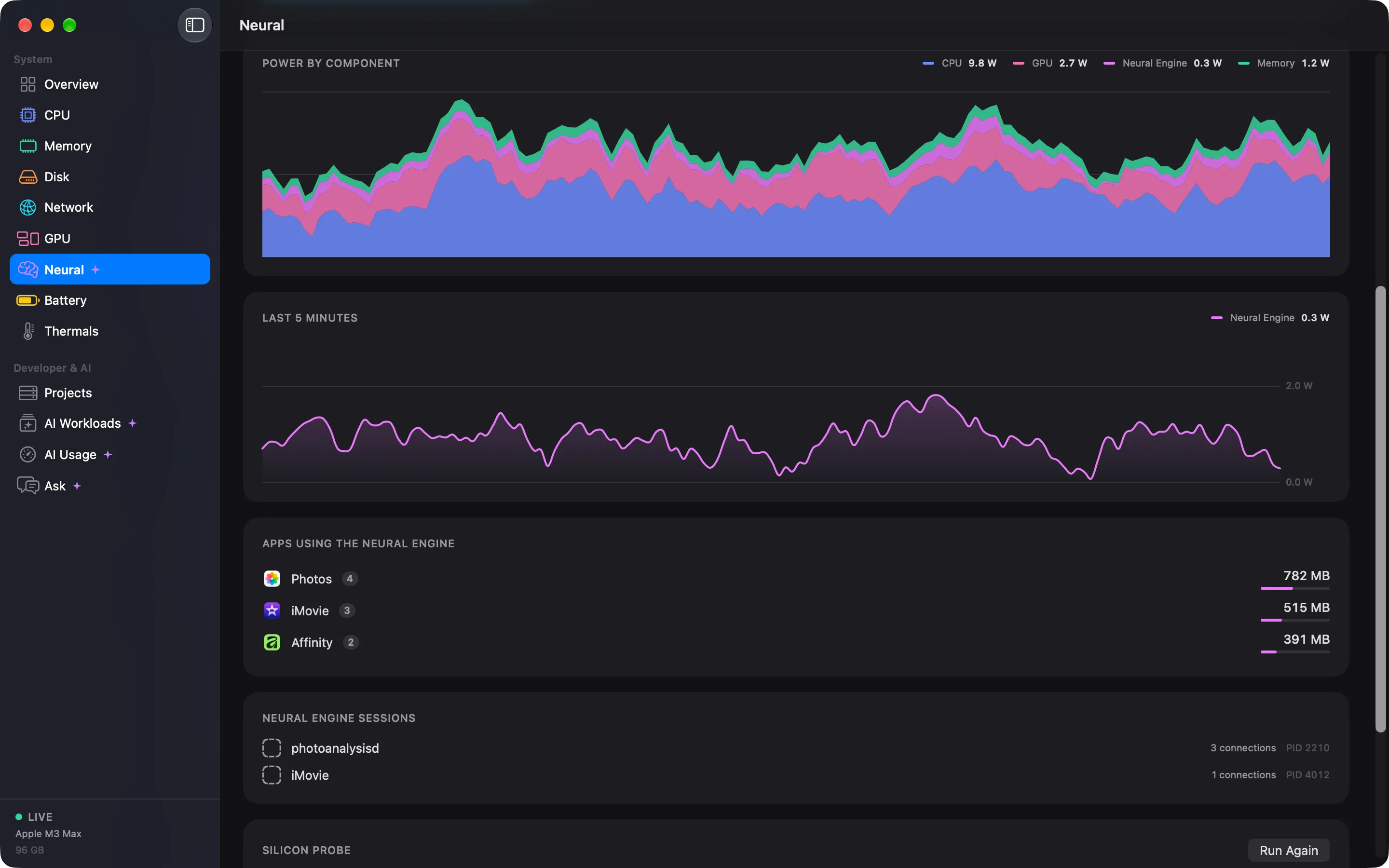
From its maker: The Activity Monitor for the AI era. Cortex turns a thousand processes into the sixty apps you actually run, remembers the last 30 days, and shows what your Neural Engine and local models are doing.
From its maker: Free ADB GUI and Android Emulator control panel for macOS. One click for dark mode, font scale, RTL and pseudo-locales, TalkBack, layout bounds, network speed and GPS: no adb commands.
Some must-haves come with macOS: Spotlight for launching and quick sums, Shift-Command-5 for screenshots and recordings, Preview for PDFs and images, Notes, Reminders and Focus modes. The apps above earn their place by doing a job these skip or by doing it better for some people.
There is no single best one for everyone. MacPip lists 10: Droppy, Folio, Reel, Attic, Cuewake, Espresso, GearDex, Cortex, Oh My Android, Backdrop. If you want it free, look at Folio. If you would rather pay once than subscribe, look at Droppy. If you want it to run natively on Apple silicon, look at Cuewake. If you need it to work offline, as its maker says it does, look at Espresso. If you want open source code, look at Oh My Android.
Are there free must-have Mac apps?
Yes. With a free version on MacPip: Folio, Espresso, GearDex, Oh My Android.
Which must-have Mac apps have a one-time price?
With a one-time option, so you can avoid a subscription: Droppy, Folio, Reel, Attic, Cuewake, Espresso, Cortex, Backdrop.
Which must-have Mac apps run natively on Apple silicon?
By their makers' word or by our check: Droppy, Attic, Cuewake, Espresso.
Which must-have Mac apps has a person checked?
Each has a dated report on its page: Droppy, Folio, Reel, Attic, Cuewake, Espresso, GearDex, Cortex, Oh My Android, Backdrop.
How does MacPip order these apps?
Apps a person has checked come first, newest check first, then the rest by when they were added. Payment never changes the order, and sponsored rows are labeled and kept apart.
What are the must-have Mac apps?
Beyond what macOS includes, it depends on your work. This page picks one checked indie app per everyday job, with a free version or a one-time price. Each job links to its full list.
 Made by Folio Hecho con cariWebsiteOn X