SponsorSign inSubmit
Best of MacPip

Best AI apps for Mac

Updated Nov 8, 2026, from what MacPip lists today.

Short answer

MacPip lists 15 AI apps for Mac, and a person has checked 4 of them.12 of them have a free version.7 of them sell a one-time license.6 of them are paid by subscription.There is no single best AI app for everyone, so MacPip does not rank them.If you want it free, start with UsageBeacon.

Apps a person checked come first, newest check first. Never ordered by payment.

"AI app" covers a lot of ground in 2026. On MacPip, the 15 AI apps include usage meters for Claude, Codex and Cursor, an Activity Monitor for AI tools, a local voice and music studio, open source video generation on Apple silicon, and a tool that turns slide decks into talk tracks and quizzes.

The most important difference between them is not the model. It is where your data goes: some apps run models on your Mac, others send what you type or say to a server. Each profile says what its listing says.

What these 15 apps offer, by their listings. An app can offer several, so the bars do not add up to 15.
Free version12 of 15
Pay once7 of 15
Subscription6 of 15
Native to Apple silicon10 of 15
Open source5 of 15
Works offline4 of 15
Checked by a person4 of 15

Compared

AppWhat it doesPriceFree or paidApple siliconOpen sourceMade byChecked
UsageBeaconSee your remaining Cursor, Claude, and Codex usage budgets right in the Mac menu bar.Free and open sourceFree versionNot statedYesDavid CohenNov 3
CortexCortex is The Activity Monitor for the AI era.$5 once (first 100), then $19One-timeNot statedNoNot statedNov 3
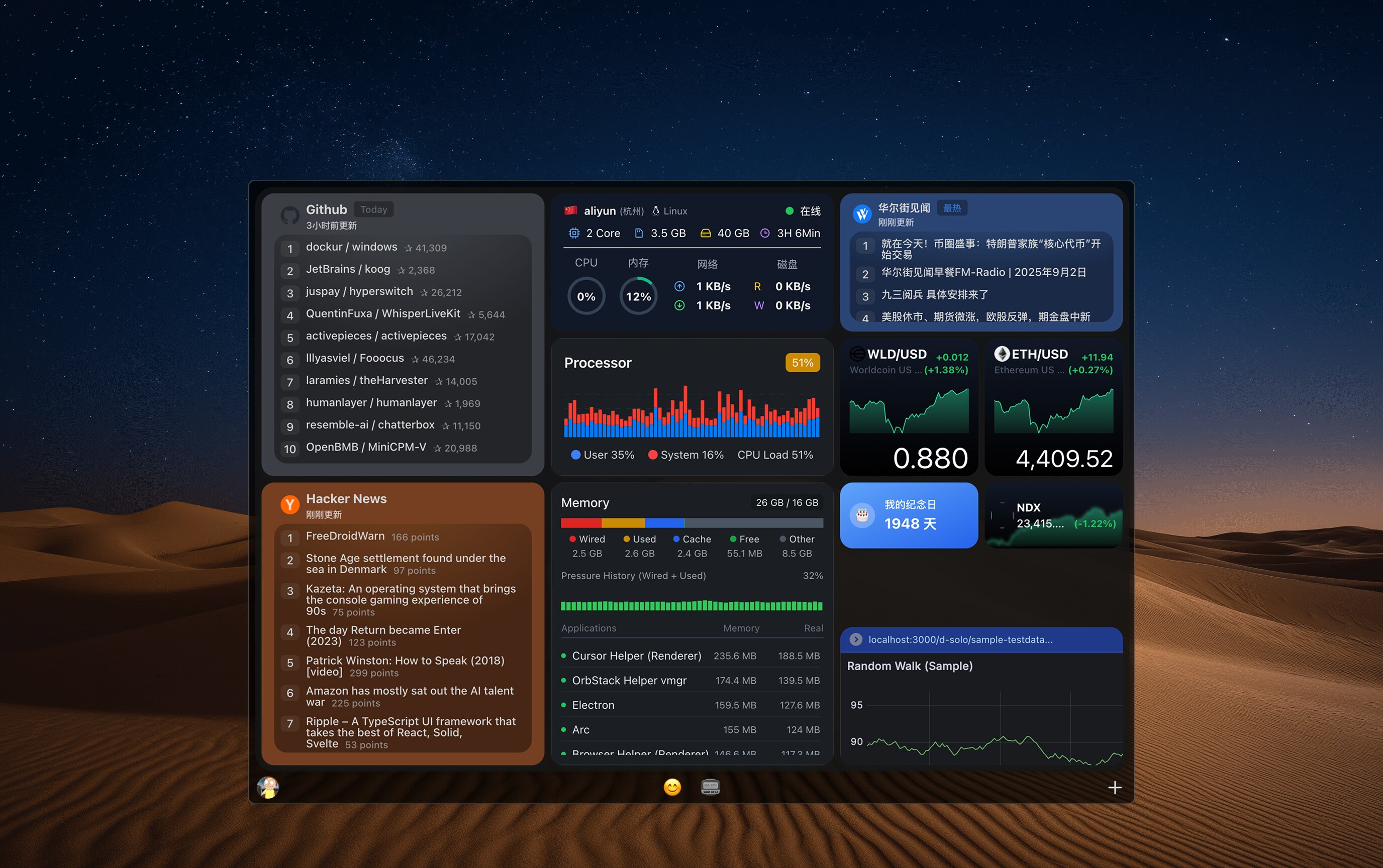
KepoKepo turns any website, RSS feedFreeFree versionNot statedNoKepoNov 3
EspressoEspresso is the Everything-style file search app for MacFree for personal use, Pro €19 onceFree versionOne-timeYes, and Intel, its maker saysNoMoka SolutionsNov 3
ScreenVerbThe screenshot app built around AI. Capture, mark up, and paste AI answers in three keys.Free, Pro availableFree versionOne-timeYes, Apple silicon only, its maker saysNoDavid TranPending
Interview RooNative Mac workspace for coding interview preparation$5/24h; $20/month; $99/yearOne-timeSubscriptionYes, Apple silicon only, its maker saysNoQelumo LLCPending
ActionClipTurn selected text into actions and create your own Mac workflowsFree, Pro from $12 onceFree versionOne-timeYes, Apple silicon only, its maker saysNoAdvait VaidyaPending
MacVisorVirtualization Platform for Apple Silicon Macs$59 for 1 Mac, $79 for 2 MacsOne-timeYes, Apple silicon only, its maker saysNoScaleNinja SoftwarePending
Phosphene AIFree, open-source AI video with sound, images and songs on Apple Silicon Macs.Free and open sourceFree versionOne-timeSubscriptionYes, Apple silicon only, its maker saysYesMr BizarroPending
yovoiceOpen-source, local-first AI voice cloning, speech, and music creation studio for MacFree and open sourceFree versionYes, Apple silicon only, its maker saysYesleemyswPending
OrkasTurn goals and project files into reports, slides, videos and code with a desktop AI team.Free core; model/service costs extraFree versionSubscriptionYes, and Intel, its maker saysYesOrkasPending
AutoRouterCoding agent app for MacFree; Pro $50/monthFree versionSubscriptionNot statedNoNot statedPending
Lectern AITurns slide decks into instructor talk tracks, labs, quizzes and handoutsFree, Pro $29.99/yrFree versionSubscriptionNot statedNoIan TrimblePending
Raydo Agent OSThe AI agent operating system for real workFree, Cloud from $20/moFree versionSubscriptionYes, Apple silicon only, its maker saysNoRolitt Inc.Pending
PulseFloating usage rings Claude Code, Codex, Antigravity, and Grok.FreeFree versionYes, Apple silicon only, its maker saysYesNot statedPending

12 of them, up close

The 12 below come first in the table: apps a person checked, newest check first. The other 3 are in the table above.

UsageBeacon

See your remaining Cursor, Claude, and Codex usage budgets right in the Mac menu bar.

Free versionOpen sourceChecked Nov 3
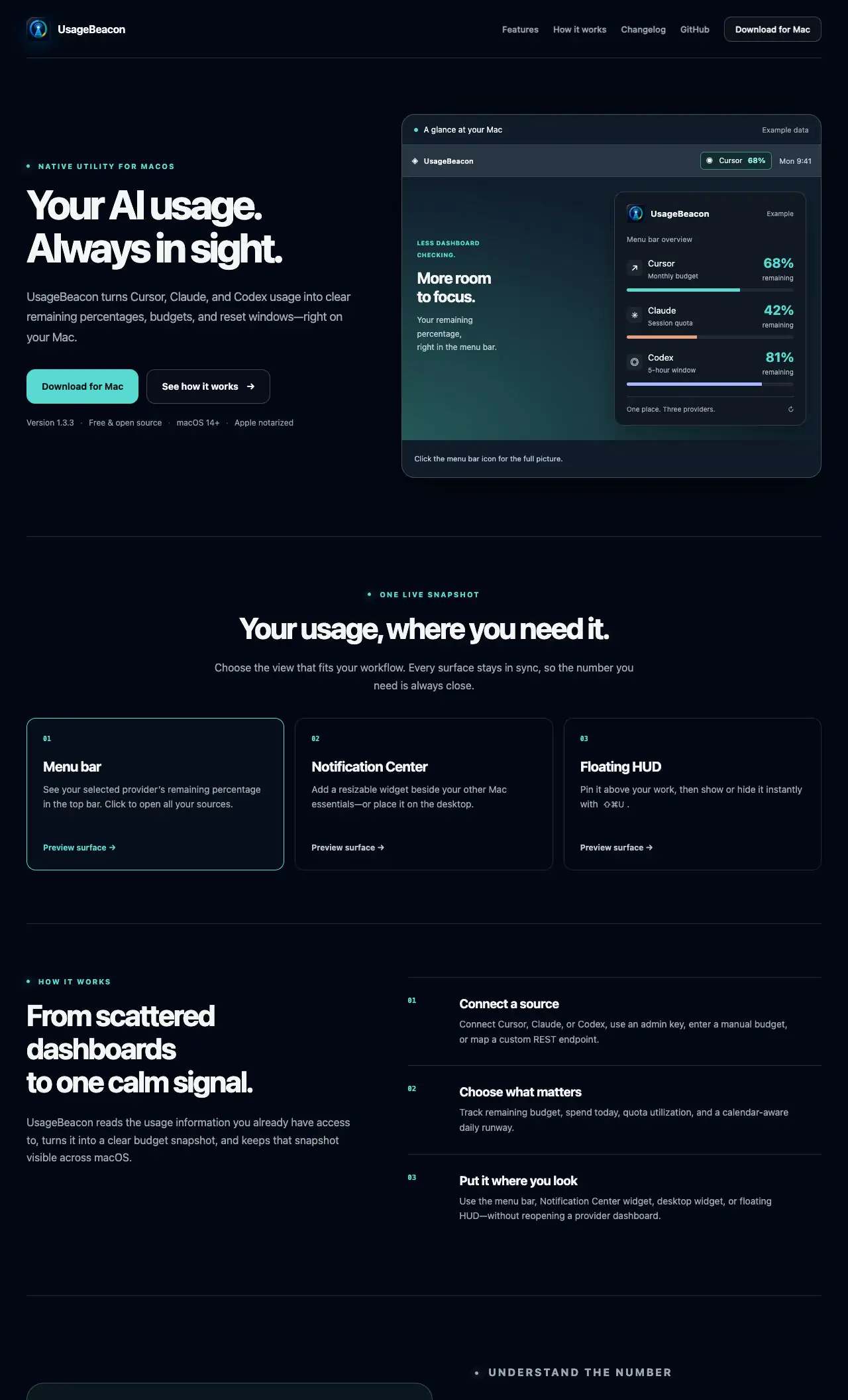
UsageBeacon on a Mac

UsageBeacon turns your Cursor, Claude and Codex usage into remaining percentages, budgets and reset windows in the menu bar, so you know before you hit a limit. It is free and open source, and needs macOS 14 Sonoma or later.

Price
Free and open source
Needs
macOS 14 Sonoma or later
Its maker says it replaces
SessionWatcher

UsageBeacon on MacPip More Menu Bar apps

Cortex

Cortex is The Activity Monitor for the AI era.

Pay onceChecked Nov 3
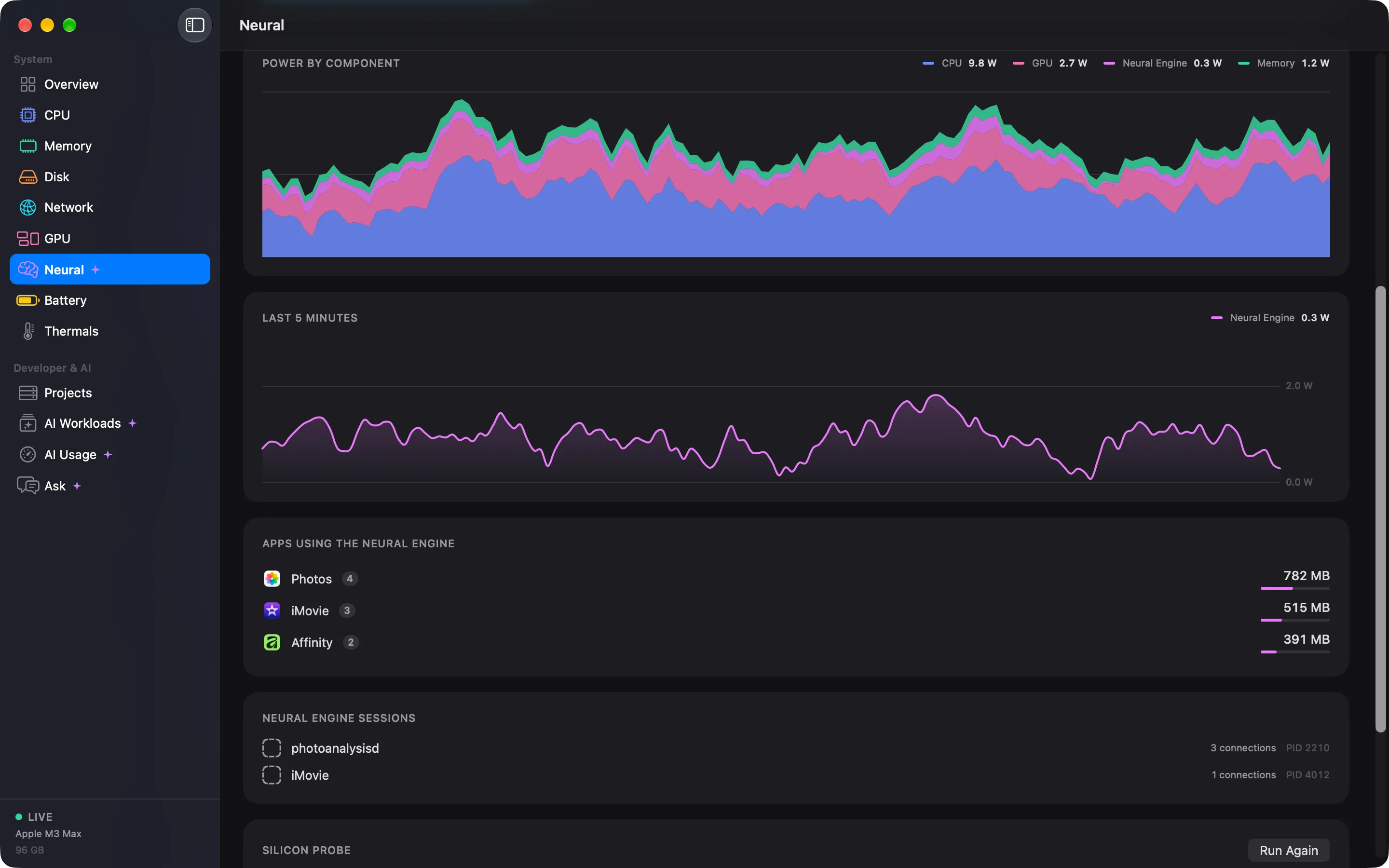
Cortex on a Mac

From its maker: The Activity Monitor for the AI era. Cortex turns a thousand processes into the sixty apps you actually run, remembers the last 30 days, and shows what your Neural Engine and local models are doing.

Price
$5 once (first 100), then $19
Needs
macOS 15 Sequoia or later
Its maker says it replaces
Activity Monitor, Vitals, iStat Menu 7

Cortex on MacPip More AI apps

Kepo

Kepo turns any website, RSS feed

Free versionChecked Nov 3
Kepo on a Mac
Made by KepoWebsite

From its maker: Kepo turns any website, RSS feed, social account, market data or internal page into custom Mac widgets built with AI, in one shortcut-ready panel.

Price
Free
Needs
macOS 14 or later

Kepo on MacPip More AI apps

Espresso

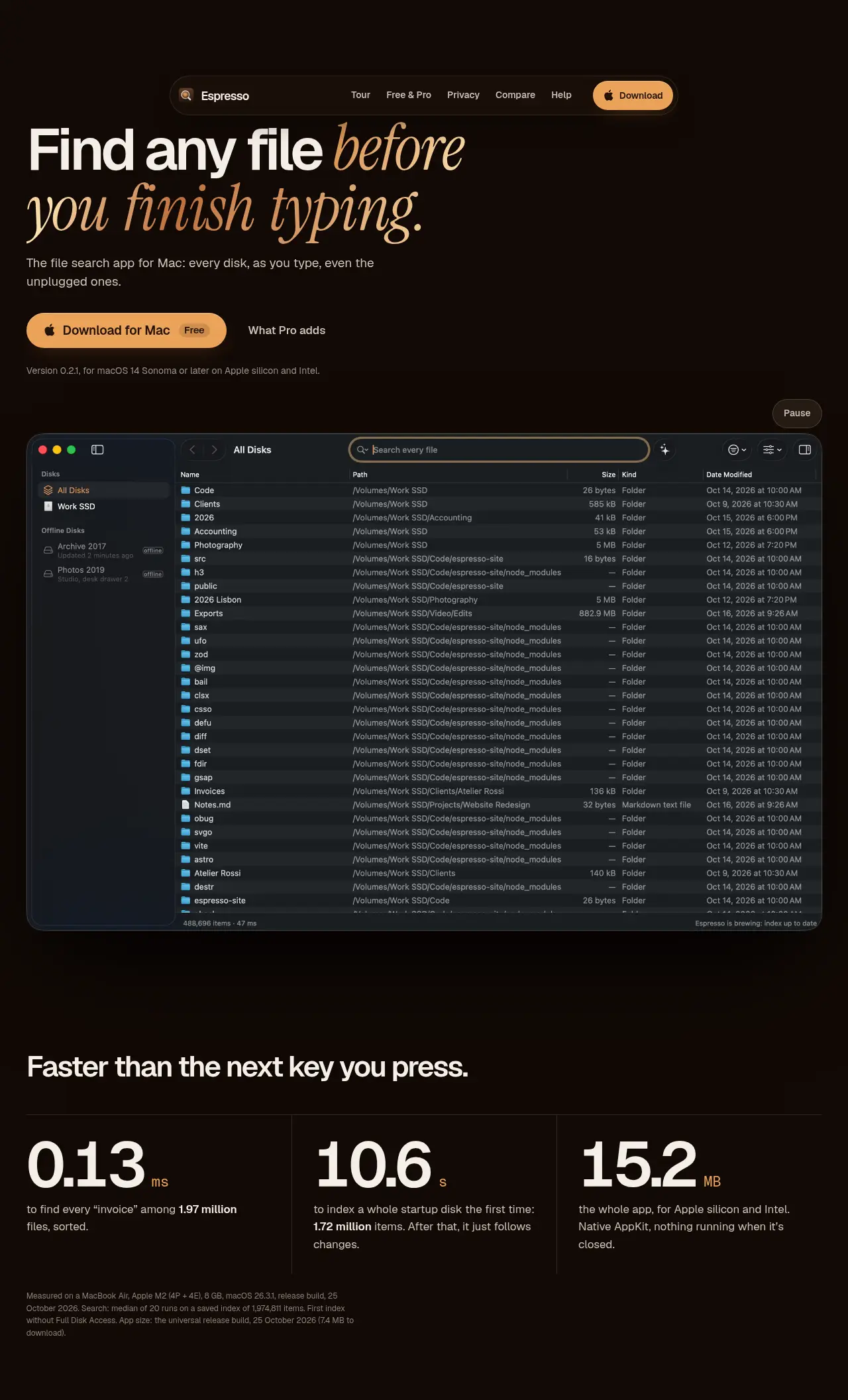
Espresso is the Everything-style file search app for Mac

Free versionPay onceApple siliconWorks offlineChecked Nov 3
Espresso on a Mac

From its maker: Espresso is the Everything-style file search app for Mac: every file on every disk as you type, even disks that aren’t connected. Native, private, free for personal use.

Price
Free for personal use, Pro €19 once
Needs
macOS 14 Sonoma or later

Espresso on MacPip More Files and Storage apps

ScreenVerb

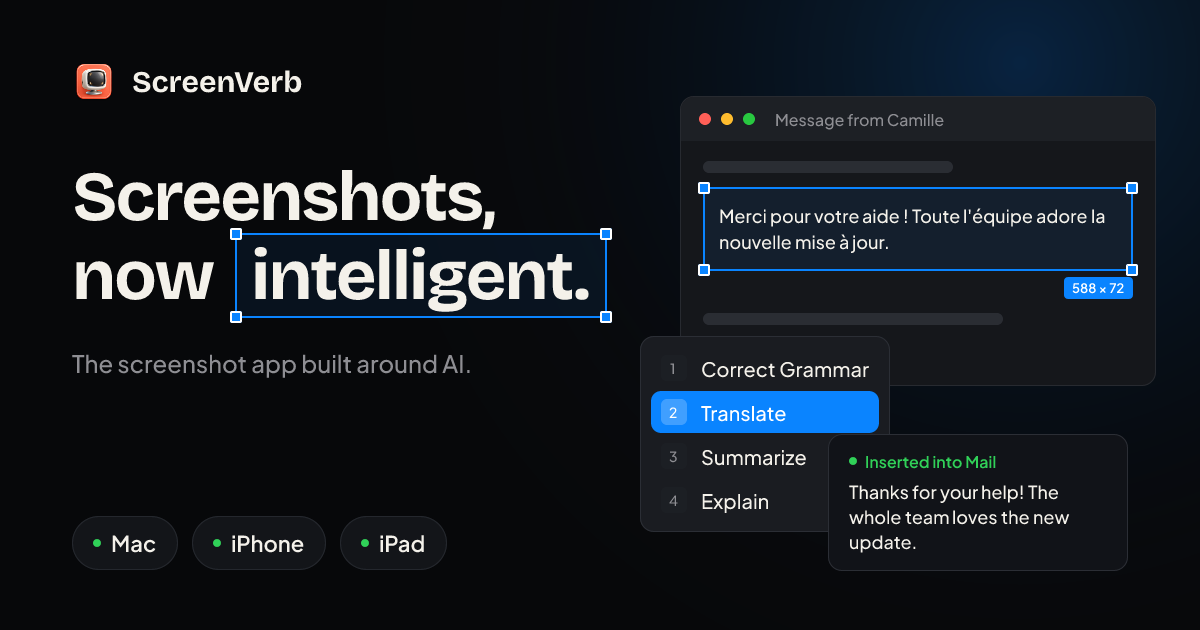
The screenshot app built around AI. Capture, mark up, and paste AI answers in three keys.

Free versionPay onceApple silicon
ScreenVerb on a Mac

From its maker: ScreenVerb is a screenshot app for Mac built around AI. Snap a window, drag a pixel-exact region or grab a full scrolling page with one shortcut, then press a number key to run an AI action.

Deal
50% off Lifetime, until Dec 5
Price
Free, Pro available
Needs
macOS 14 Sonoma or later
Its maker says it replaces
CleanShot X, Shottr, Xnapper

ScreenVerb on MacPip More Productivity apps

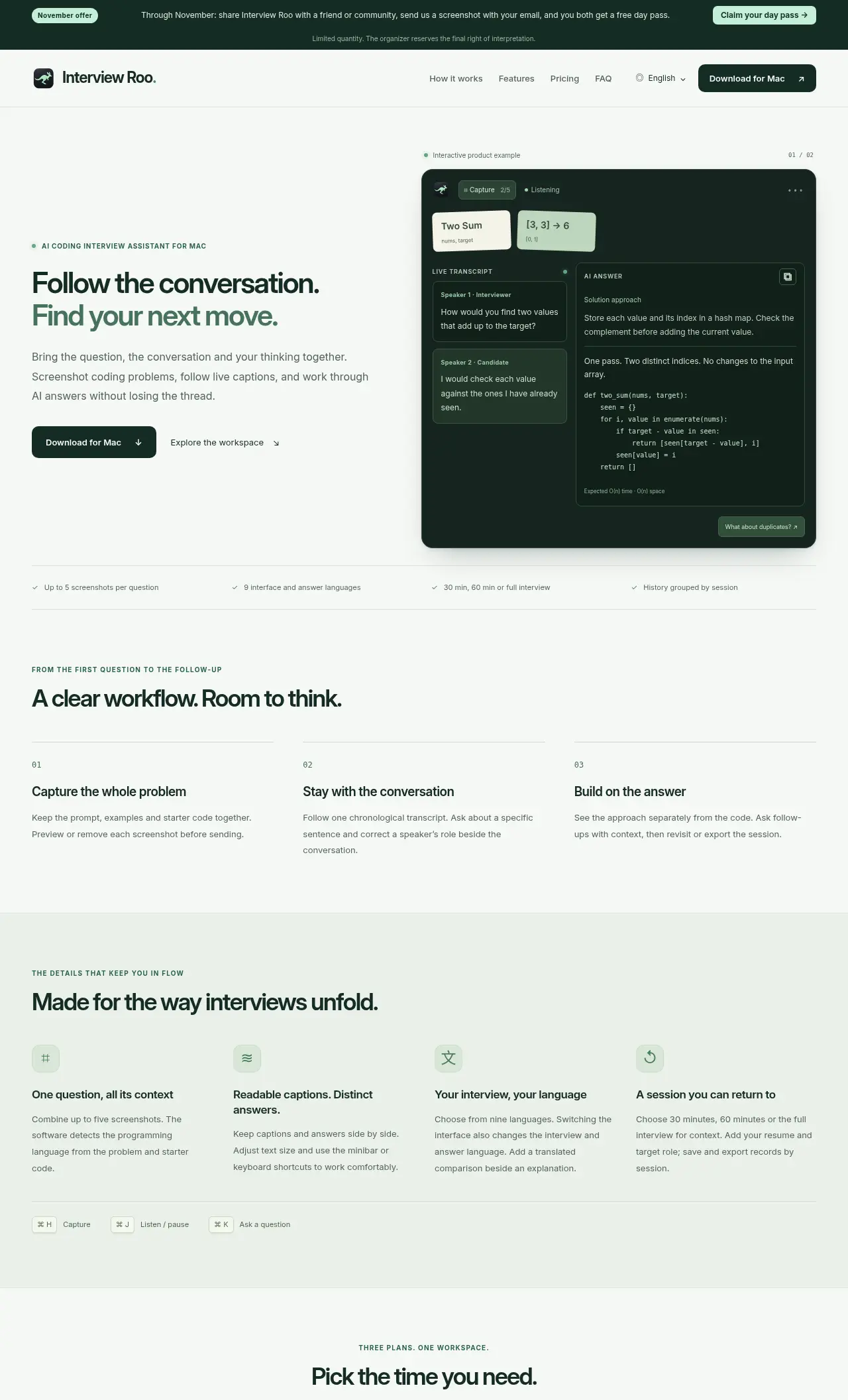
Interview Roo

Native Mac workspace for coding interview preparation

Pay onceSubscriptionApple silicon
Interview Roo on a Mac

From its maker: Interview Roo is a native Mac workspace for coding interview preparation. Combine up to five screenshots per question, follow live audio transcripts, ask contextual AI follow-up questions, and review or export saved sessions.

Price
$5/24h; $20/month; $99/year
Needs
macOS 14 Sonoma or later

Interview Roo on MacPip More Education apps

ActionClip

Turn selected text into actions and create your own Mac workflows

Free versionPay onceApple silicon
ActionClip on a Mac

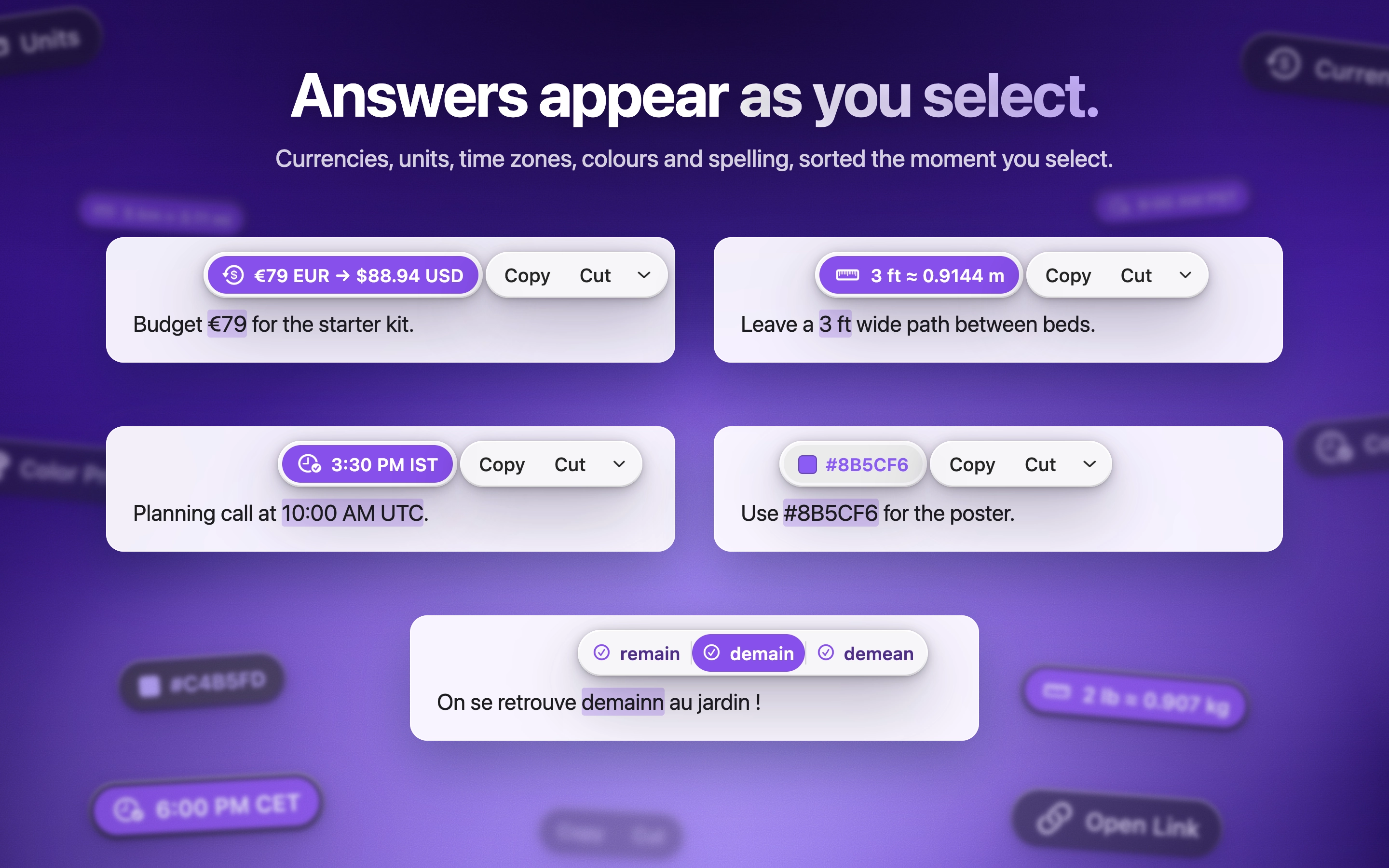
ActionClip puts a small action menu beside text you select: copy, rewrite, translate, search or run a saved workflow. You can describe a new action and it builds one using AI prompts, JavaScript, AppleScript or shell commands. Free for 30 actions a day, with lifetime licenses from $12. It is a native Swift app for Apple silicon with macOS 15 or later.

Price
Free, Pro from $12 once
Needs
macOS 15 Sequoia or later
Its maker says it replaces
PopClip

ActionClip on MacPip More Clipboard and Text apps

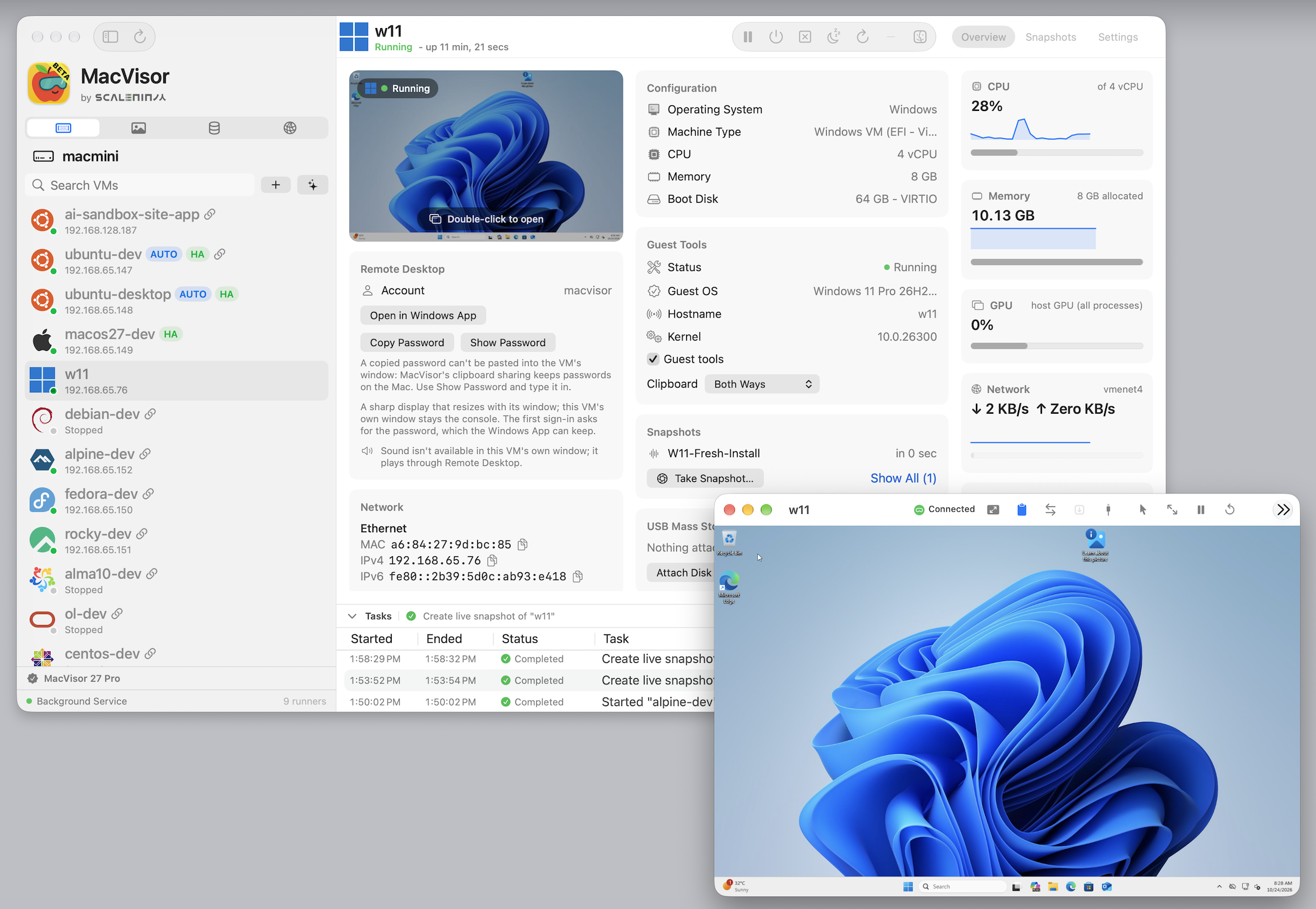
MacVisor

Virtualization Platform for Apple Silicon Macs

Pay onceApple siliconWorks offline
MacVisor on a Mac

From its maker: MacVisor turns an Apple Silicon Mac into a virtualization host for developers, admins, and teams who need desktop and always-on headless VMs. What it does: - Runs macOS, Linux, FreeBSD, and Windows 11 VMs natively on Apple Silicon - Takes live or disk snapshots, makes instant linked clones, and manages backups and reusable templates.

Deal
$10 off, until Nov 30
Price
$59 for 1 Mac, $79 for 2 Macs
Needs
macOS 27 or later
Its maker says it replaces
Parallels, UTM, VMware Fusion, VirtualBuddy, Tart

MacVisor on MacPip More Productivity apps

Phosphene AI

Free, open-source AI video with sound, images and songs on Apple Silicon Macs.

Free versionPay onceSubscriptionApple siliconOpen sourceWorks offline
Phosphene AI on a Mac

From its maker: Free, open-source AI video generator for Mac. Run LTX-2.5 and MiniMax H3 (Hailuo) locally on Apple Silicon: text-to-video and image-to-video with sound, lip-sync, character LoRA training, songs fro...

Price
Free and open source
Needs
macOS 13 Ventura or later
Its maker says it replaces
Runway, Draw Things, ComfyUI, DiffusionBee

Phosphene AI on MacPip More AI apps

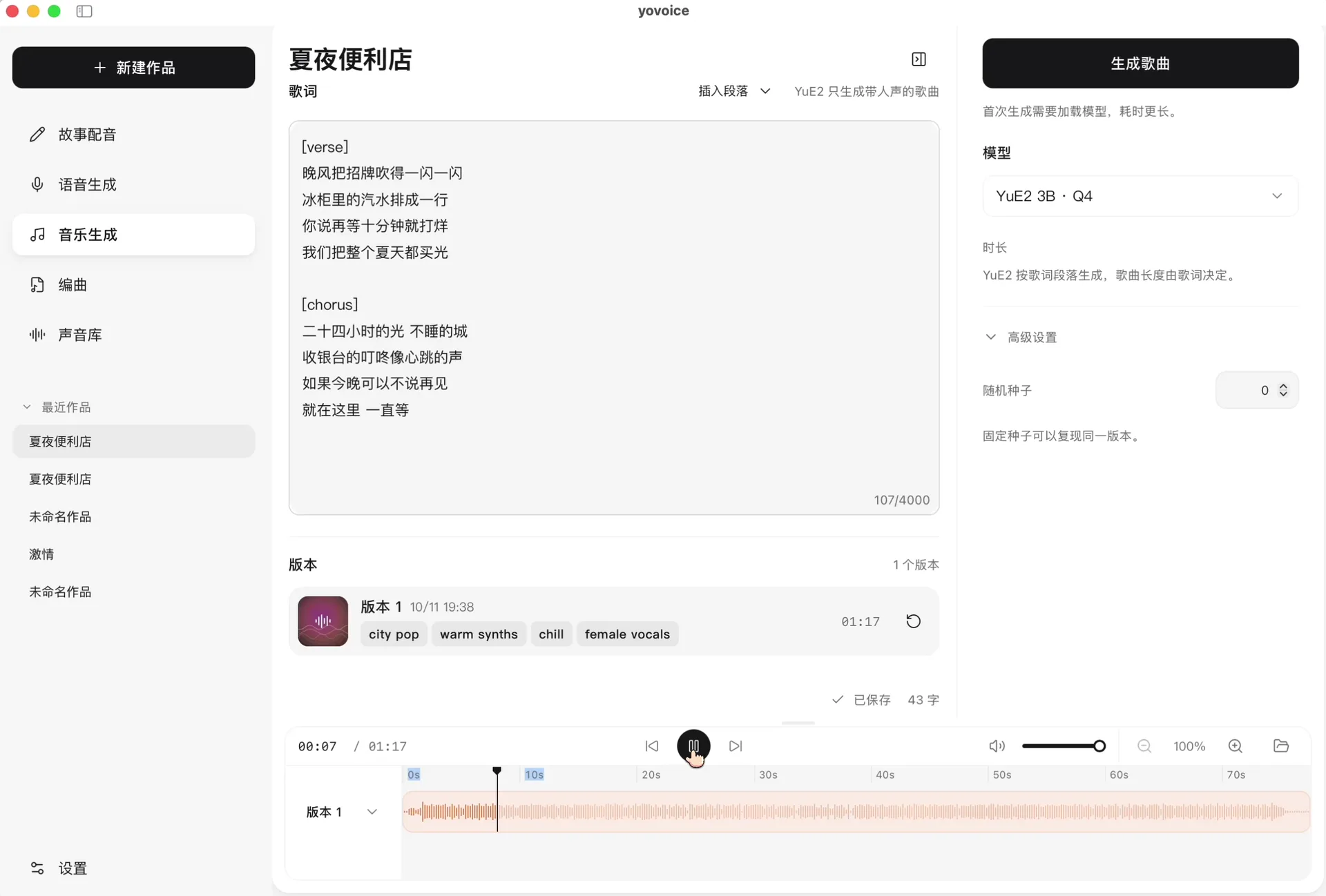
yovoice

Open-source, local-first AI voice cloning, speech, and music creation studio for Mac

Free versionApple siliconOpen sourceWorks offline
yovoice on a Mac

From its maker: yovoice is an open-source, local-first audio and music creation studio for macOS, Windows and Linux. Turn text into expressive speech, natural cloned voices, complete vocal songs, and multi-track scores right on your machine.

Price
Free and open source
Needs
macOS 14 Sonoma or later
Its maker says it replaces
ElevenLabs, Suno, Udio, Descript, Murf AI, Speechify, VoiceBox, VoiceStudio

yovoice on MacPip More AI apps

Orkas

Turn goals and project files into reports, slides, videos and code with a desktop AI team.

Free versionSubscriptionApple siliconOpen source
Orkas on a Mac

From its maker: Give Orkas a goal and your project files to receive research reports, presentations, videos or code in one desktop workspace. Commander coordinates specialist agents so solo founders and small teams can carry findings into usable deliverables with fewer handoffs.

Price
Free core; model/service costs extra

Orkas on MacPip More AI apps

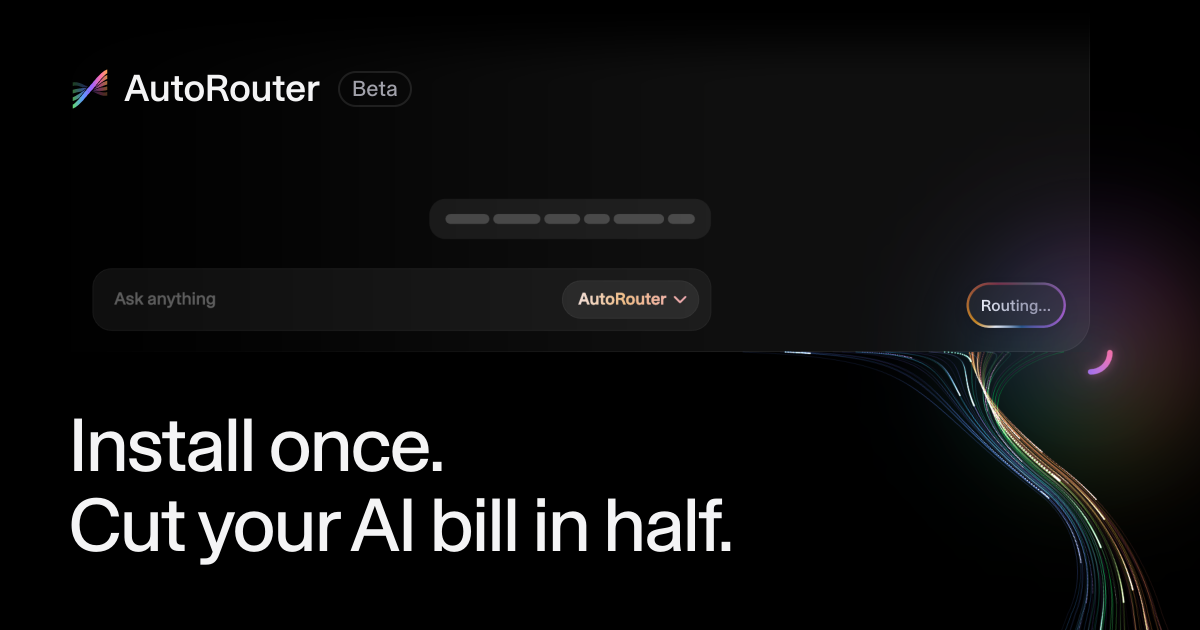
AutoRouter

Coding agent app for Mac

Free versionSubscription
AutoRouter on a Mac

From its maker: AutoRouter is a Mac app for Codex and Claude Code that automatically picks the right AI model for each task, using the plans you already pay for first. Save up to 50% on AI usage.

Price
Free; Pro $50/month
Needs
macOS 14 Sonoma or later

AutoRouter on MacPip More Coding Agents apps

How to choose an AI app for Mac

  • On-device or cloud? On-device is private and works offline, cloud models are usually stronger. Pick per task.
  • Your keys or theirs? Some apps let you bring your own API key, so you pay the provider directly.
  • What it can touch. An app that reads your screen, files or terminal should say exactly what it does with them.

Related lists

Which one to pick

Questions

What is the best AI app for Mac?

There is no single best one for everyone. MacPip lists 15: UsageBeacon, Cortex, Kepo, Espresso, ScreenVerb, Interview Roo, ActionClip, MacVisor, Phosphene AI, yovoice, Orkas, AutoRouter and 3 more. If you want it free, look at UsageBeacon. If you would rather pay once than subscribe, look at Cortex. If you want it to run natively on Apple silicon, look at Espresso. If you need it to work offline, as its maker says it does, look at Espresso. If you want open source code, look at UsageBeacon.

Are there free AI apps for Mac?

Yes. With a free version on MacPip: UsageBeacon, Kepo, Espresso, ScreenVerb, ActionClip, Phosphene AI, yovoice, Orkas, AutoRouter, Lectern AI, Raydo Agent OS, Pulse.

Which AI apps for Mac have a one-time price?

With a one-time option, so you can avoid a subscription: Cortex, Espresso, ScreenVerb, Interview Roo, ActionClip, MacVisor, Phosphene AI.

Which AI apps run natively on Apple silicon?

By their makers' word or by our check: Espresso, ScreenVerb, Interview Roo, ActionClip, MacVisor, Phosphene AI, yovoice, Orkas, Raydo Agent OS, Pulse.

Which AI apps has a person checked?

Each has a dated report on its page: UsageBeacon, Cortex, Kepo, Espresso.

How does MacPip order these apps?

Apps a person has checked come first, newest check first, then the rest by when they were added. Payment never changes the order, and sponsored rows are labeled and kept apart.

Related