SponsorSign inSubmit
Best of MacPip

Best productivity apps for Mac

Updated Nov 8, 2026, from what MacPip lists today.

Short answer

MacPip lists 36 productivity apps for Mac, and a person has checked 15 of them.14 of them have a free version.27 of them sell a one-time license.7 of them are paid by subscription.There is no single best productivity app for everyone, so MacPip does not rank them.If you want it free, start with Caddie.

Apps a person checked come first, newest check first. Never ordered by payment.

Productivity is the biggest shelf on MacPip, with 36 apps. That is also why "best productivity app" is a slightly odd question: a Pomodoro timer, a bookmark manager and a menu bar dashboard are all productivity apps, and none of them replaces the others.

So read this page as a map. The table shows every app with its price and how it charges. The profiles below show what each one actually does, so you can find the one that removes your own daily friction, not someone else's.

27 of these apps sell a one-time license and 14 have a free version, so there is plenty here that never becomes another monthly bill.

What these 36 apps offer, by their listings. An app can offer several, so the bars do not add up to 36.
Free version14 of 36
Pay once27 of 36
Subscription7 of 36
Native to Apple silicon22 of 36
Open source3 of 36
Works offline10 of 36
Checked by a person15 of 36
One-time price in US dollars, as each listing states it, lowest first (the 15 lowest of 18). 18 apps have no plain dollar one-time price and are left out. Launch prices count where the listing says so.
Droppy$9.99
Snug$14.99
SnapDog$14.99

Compared

AppWhat it doesPriceFree or paidApple siliconOpen sourceMade byChecked
DroppyA Dynamic Island, File Tray and clipboard history for your Mac$9.99 once for 2 Macs, 3-day free trialOne-timeYes, and Intel, its maker saysNoJordy SpruitNov 8
CaddieTasks, notes, calendar and AI agents in one Mac appFree while in betaFree versionNot statedNoHarsha GarlapatiNov 3
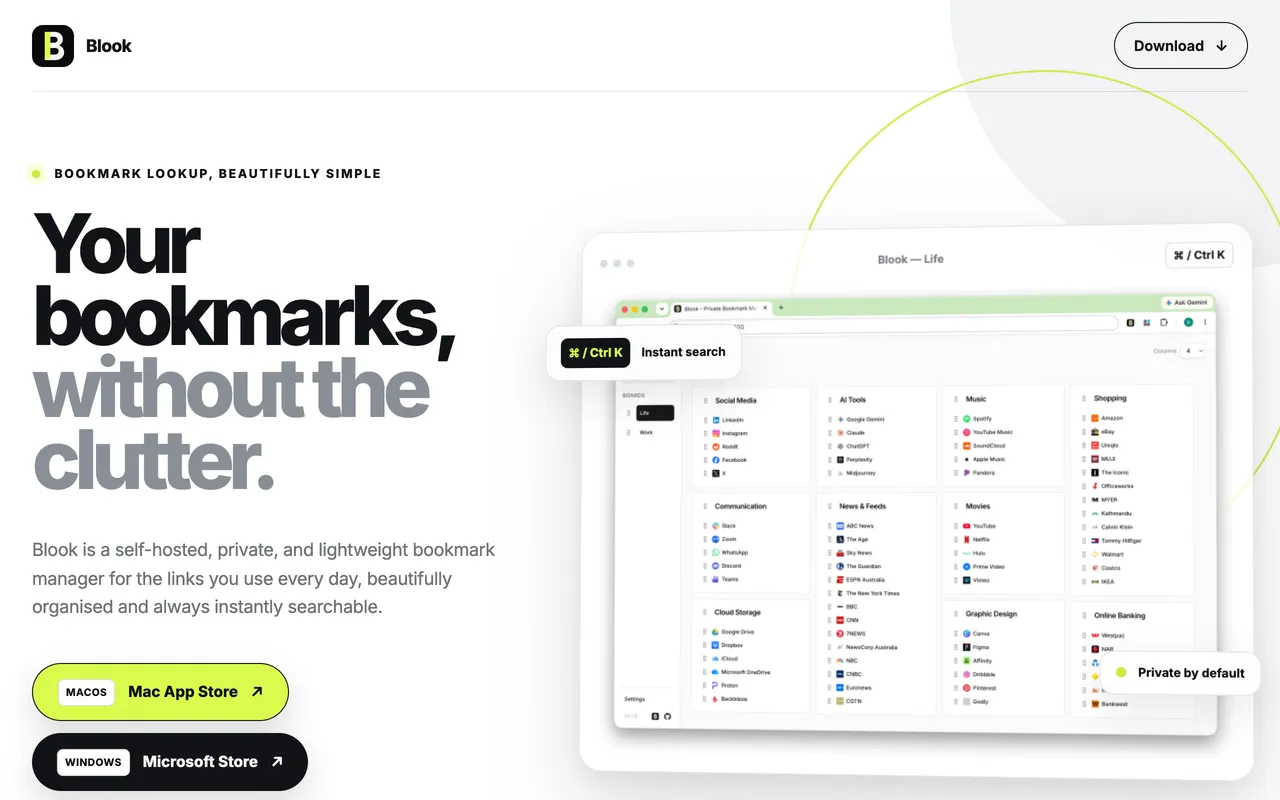
Blook - Private Bookmark ManagerA self-hosted, private, and lightweight bookmark manager built for everyday use.Free, one-time in-app upgradeFree versionOne-timeNot statedNoDavid DaiNov 3
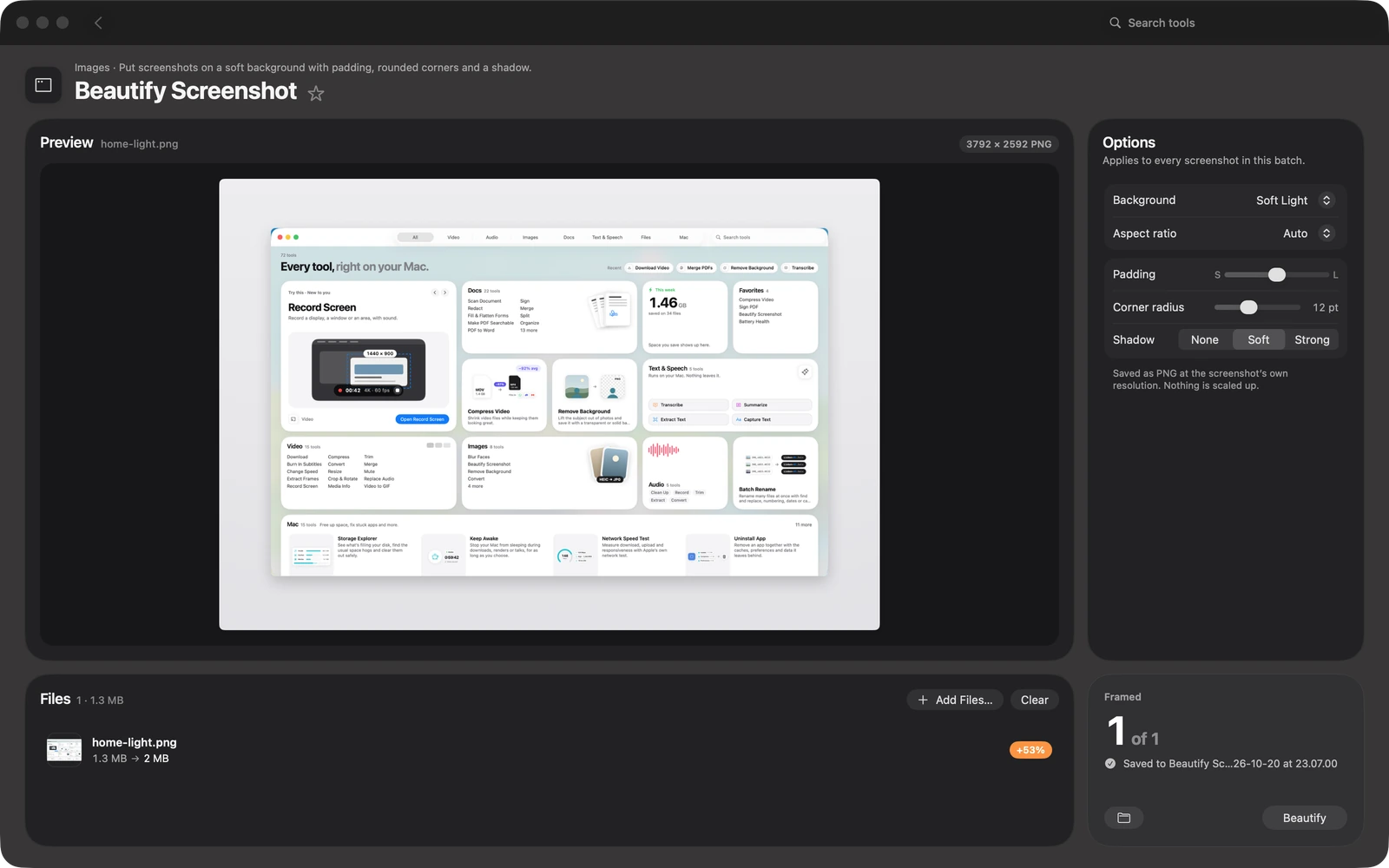
ToolboxCompress video, sign PDFs, remove backgrounds, transcribe, free up storage and more.$19 once (launch), then $49.99One-timeNot statedNoNot statedNov 3
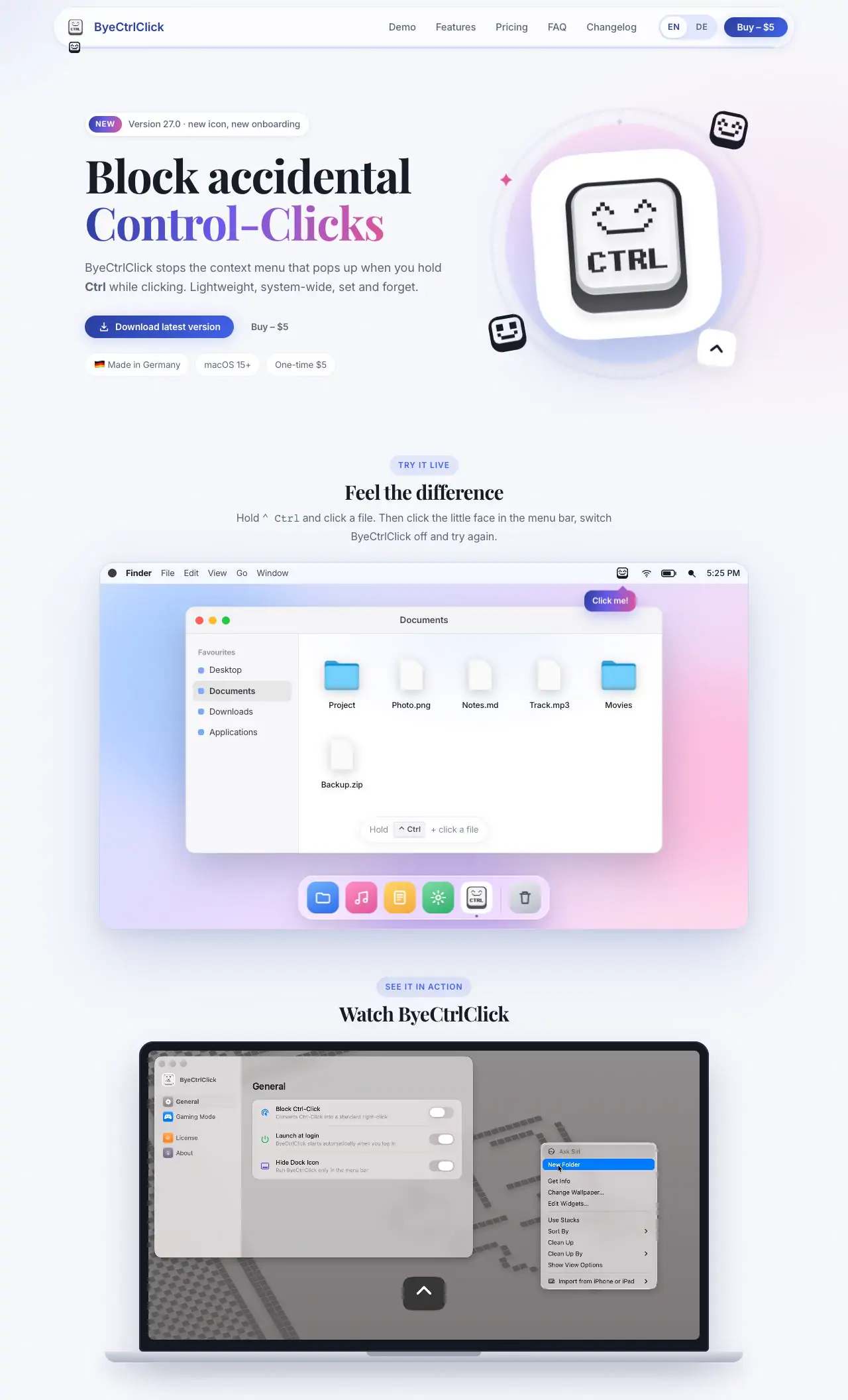
ByeCtrlClickByeCtrlClick blocks the context menu that opens when you Control-click. Productivity App$5One-timeYes, and Intel, its maker saysNoAlexander IlsNov 3
AuratorAurator turns your voice into clean text in every app on your MacFrom $29 once, 7-day free trialOne-timeNot statedNoNot statedNov 3
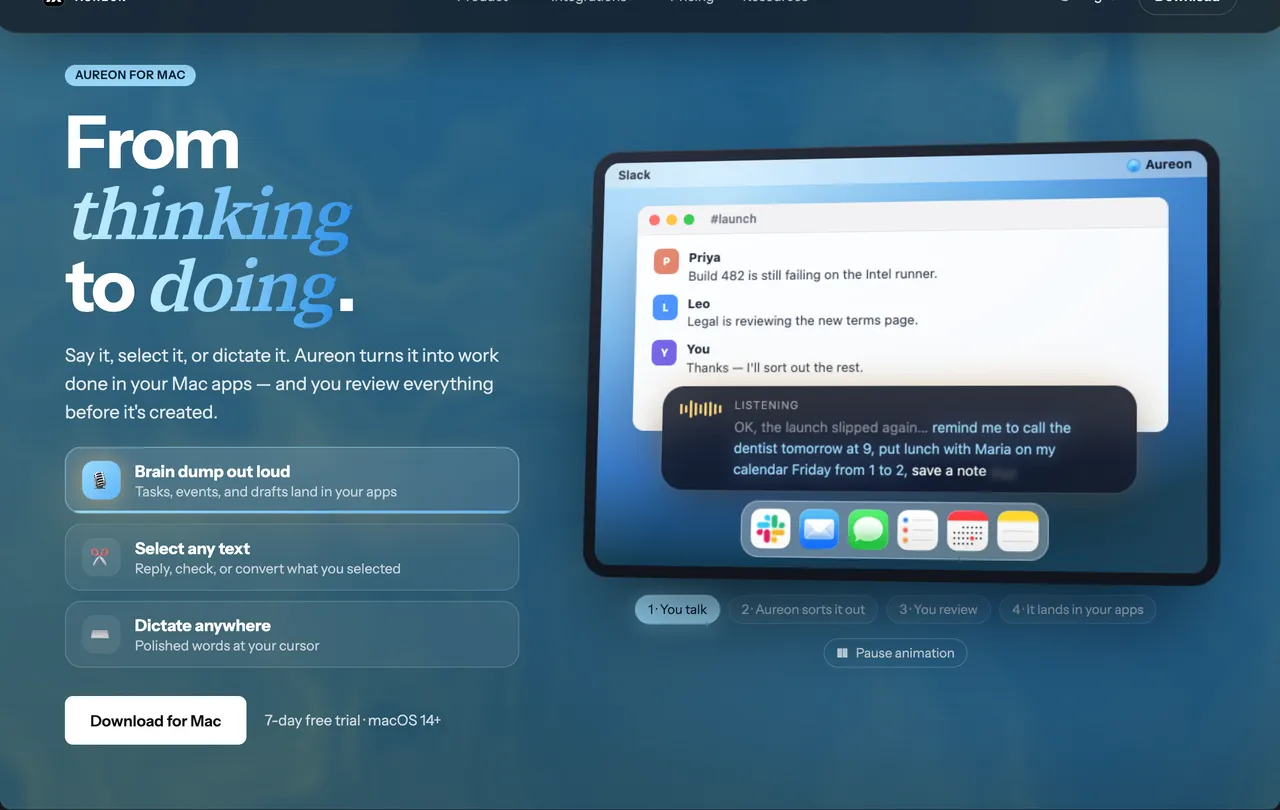
AureonSay what you need. Aureon routes it to your Mac apps.$6.99+/mo · 7-day trialSubscriptionNot statedNoInAureonNov 3
CuewakeLeave it here. Find it when you’re back.$9One-timeYes, Apple silicon only, its maker saysNoDannyNov 3
Slap AlertA Mac menu bar app for founders that celebrates every sale.Free for scripts, $19 once, 7-day trialFree versionOne-timeYes, and Intel, its maker saysNoNot statedNov 3
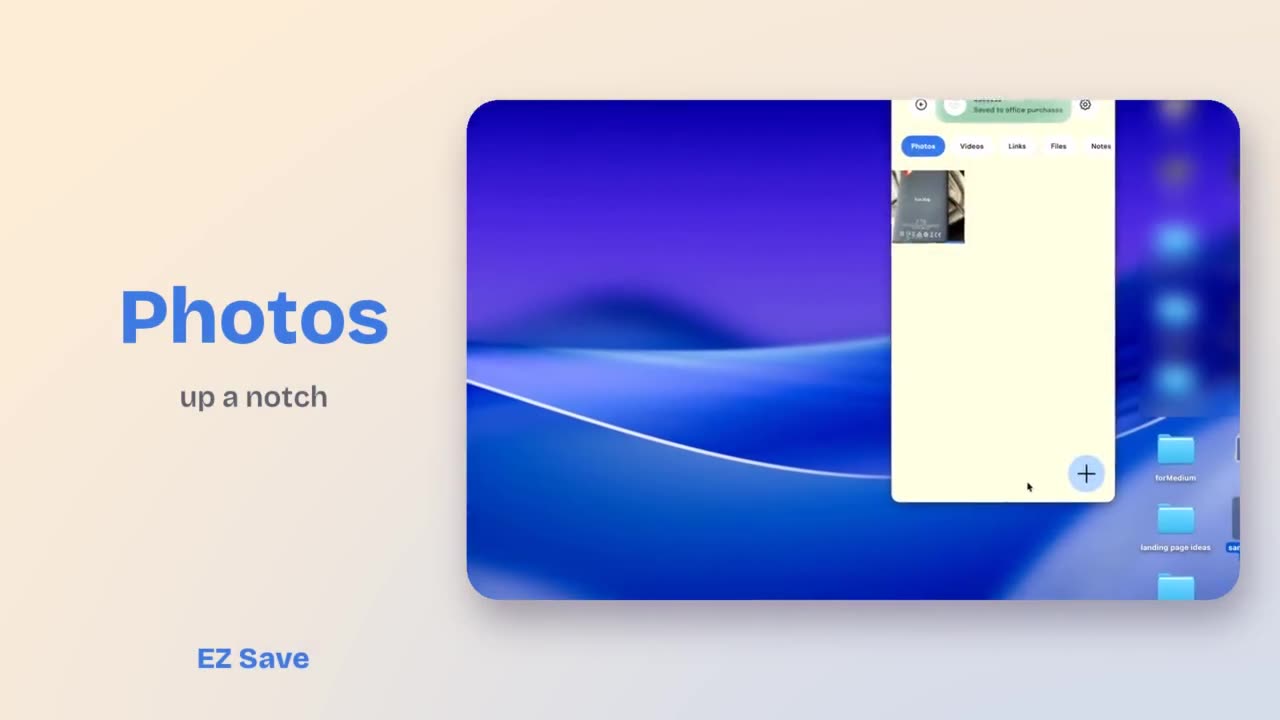
EZ SaveA private file organizer for iPhone, iPad, Mac and Android.Free, Pro $2.99/mo or $17.99/yrFree versionSubscriptionNot statedNoDigital Sauce Pty Ltd.Nov 3
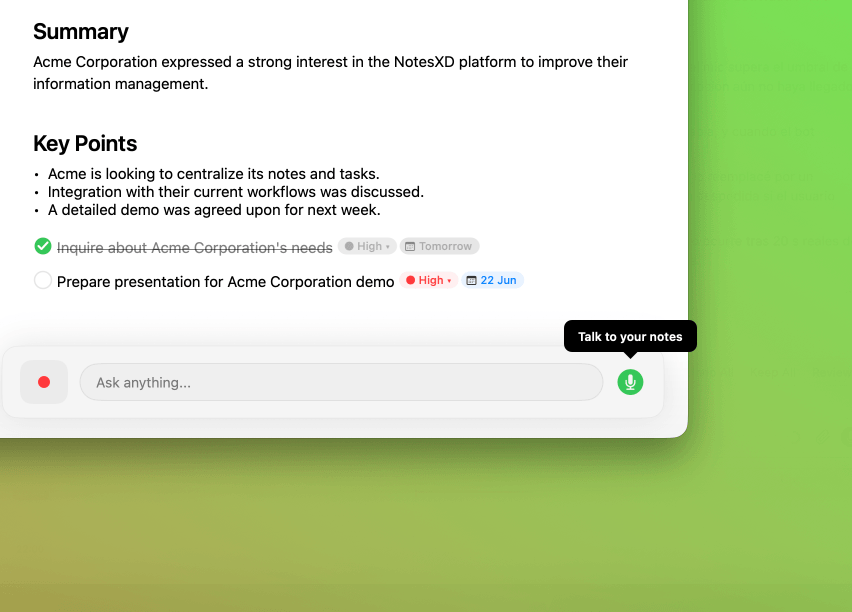
NotesXDNative macOS notes, tasks and transcriptions app with Active ListeningFree, Pro availableFree versionSubscriptionNot statedNoNot statedOct 31
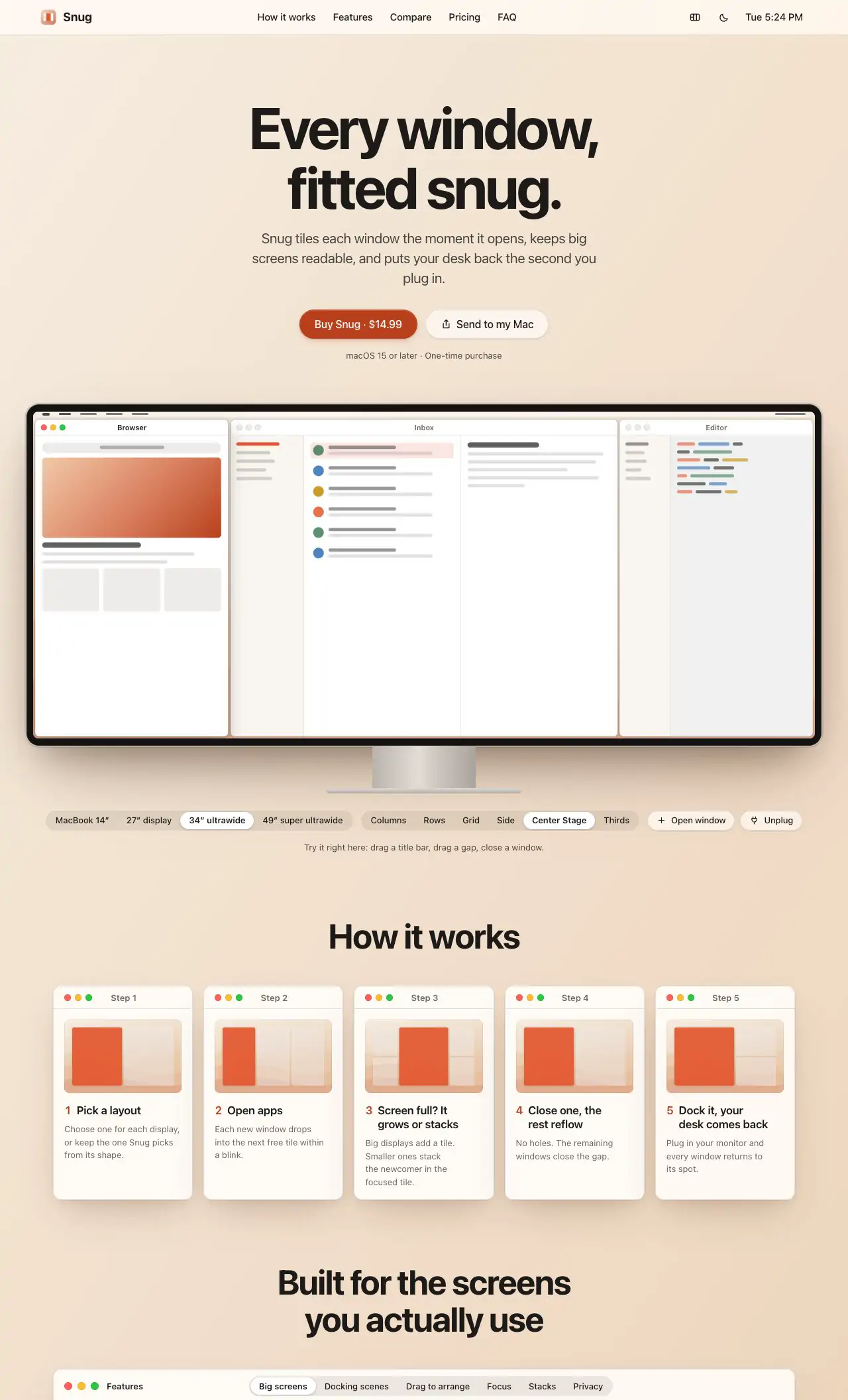
SnugSnug tiles every window the moment it opens$14.99 onceOne-timeNot statedNoMacMuseOct 31
OtterdockOtterdock groups apps, files, folders and links into Mac Dock groups.Free, one-time Pro upgradeFree versionOne-timeNot statedNosavetimefor.funOct 31
PixtamerBatch-convert, compress, resize and rename images into web-ready files, all on your Mac.Free and open sourceFree versionNot statedYesSidhant SinhaOct 31
MightyBench49 private tools for video, audio, images, PDFs and on-device AI, in one native Mac app.$19One-timeNot statedNoSidhant SinhaOct 31
Keystone | Habit TrackerProductivity app for Mac$3.99One-timeYes, and Intel, its maker saysNoGalip OZTURKPending
PasteNotchClipboard history, right in your Mac’s notch$4.99 once; Cloud $4.99/mo; 14-day trialOne-timeSubscriptionYes, and Intel, its maker saysNoVladimir BabicPending
ScreenVerbThe screenshot app built around AI. Capture, mark up, and paste AI answers in three keys.Free, Pro availableFree versionOne-timeYes, Apple silicon only, its maker saysNoDavid TranPending
Proof TakeCheck recordings and voiceovers against your script$29 one-time, 14-day free trialOne-timeYes, Apple silicon only, its maker saysNoNot statedPending
DraftKeyTab autocomplete and draft rewriting in any Mac app$4.99 onceOne-timeYes, Apple silicon only, its maker saysNoAura TechnologiesPending
TokenBarUsage limits and weekly reset countdowns for Claude, Codex, Cursor, Gemini, Copilot$15 onceOne-timeNot statedNoAura TechnologiesPending
TaskglassTaskglass is a native macOS app that shows what's slowing$5 once (launch), then $9One-timeYes, and Intel, its maker saysNoJunaidPending
ActionClipTurn selected text into actions and create your own Mac workflowsFree, Pro from $12 onceFree versionOne-timeYes, Apple silicon only, its maker saysNoAdvait VaidyaPending
MacVisorVirtualization Platform for Apple Silicon Macs$59 for 1 Mac, $79 for 2 MacsOne-timeYes, Apple silicon only, its maker saysNoScaleNinja SoftwarePending
TrailbackThe productivity app that remembers everything$9 onceOne-timeYes, and Intel, its maker saysNoPavan GKPending
LokalBotYour personal context engine.Free and open sourceFree versionYes, Apple silicon only, its maker saysYesNot statedPending
RibbonThe Mac window manager where nothing ever shrinks$15 onceOne-timeYes, and Intel, its maker saysNoChethan Kumar S NPending
NotchNook ProThe original notch app for Mac, taken to the next level.$19 onceOne-timeSubscriptionYes, Apple silicon only, its maker saysNoNotchNook teamPending
Pocket ScreenKeep reference windows visible while you work on a Mac.Free tier; optional Unlimited upgradesOne-timeSubscriptionNot statedNoMasaki Iino / Toybird LabsPending
SnapDogMac screenshot & screen recording: annotation editor, OCR, scrolling capture, MP4/MOV/GIF$14.99 onceOne-timeNot statedNoIan TrimblePending
DabbitDabbit is a pixel-exact, color-managed color picker for macOS.From $19 once, 5-day free trialOne-timeYes, Apple silicon only, its maker saysNoMichael AndreuzzaPending
AfterimageFind anything you've seen on your Mac's screen in seconds; recordings never leave this Mac$14.99 once, 30-day free trialOne-timeYes, and Intel, its maker saysNoEren ÖzgürPending
SonderSonder is a free, open-source markdown editor for Mac.Free and open sourceFree versionYes, and Intel, its maker saysYesNot statedPending
JellyDrawDraw on your Mac screen. Drawings stick to the window they're on.Free, with Pro at $9.99 one-timeFree versionOne-timeYes, Apple silicon only, its maker saysNoJellyDrawPending
Raydo Agent OSThe AI agent operating system for real workFree, Cloud from $20/moFree versionSubscriptionYes, Apple silicon only, its maker saysNoRolitt Inc.Pending
GanderOne Quick Look app for every file a developer opensFreeFree versionYes, and Intel, its maker saysNoNot statedPending

12 of them, up close

The 12 below come first in the table: apps a person checked, newest check first. The other 24 are in the table above.

Droppy

A Dynamic Island, File Tray and clipboard history for your Mac

Pay onceApple siliconChecked Nov 8
Droppy on a Mac

From its maker: Droppy brings files, clipboard history and everyday controls to your Mac's notch or a floating Dynamic Island. Gather files in the File Tray, find text, links, images and files you copied, control music and arrange shelf widgets for your daily tools.

Price
$9.99 once for 2 Macs, 3-day free trial
Needs
macOS 14 Sonoma or later

Droppy on MacPip More Notch apps

Caddie

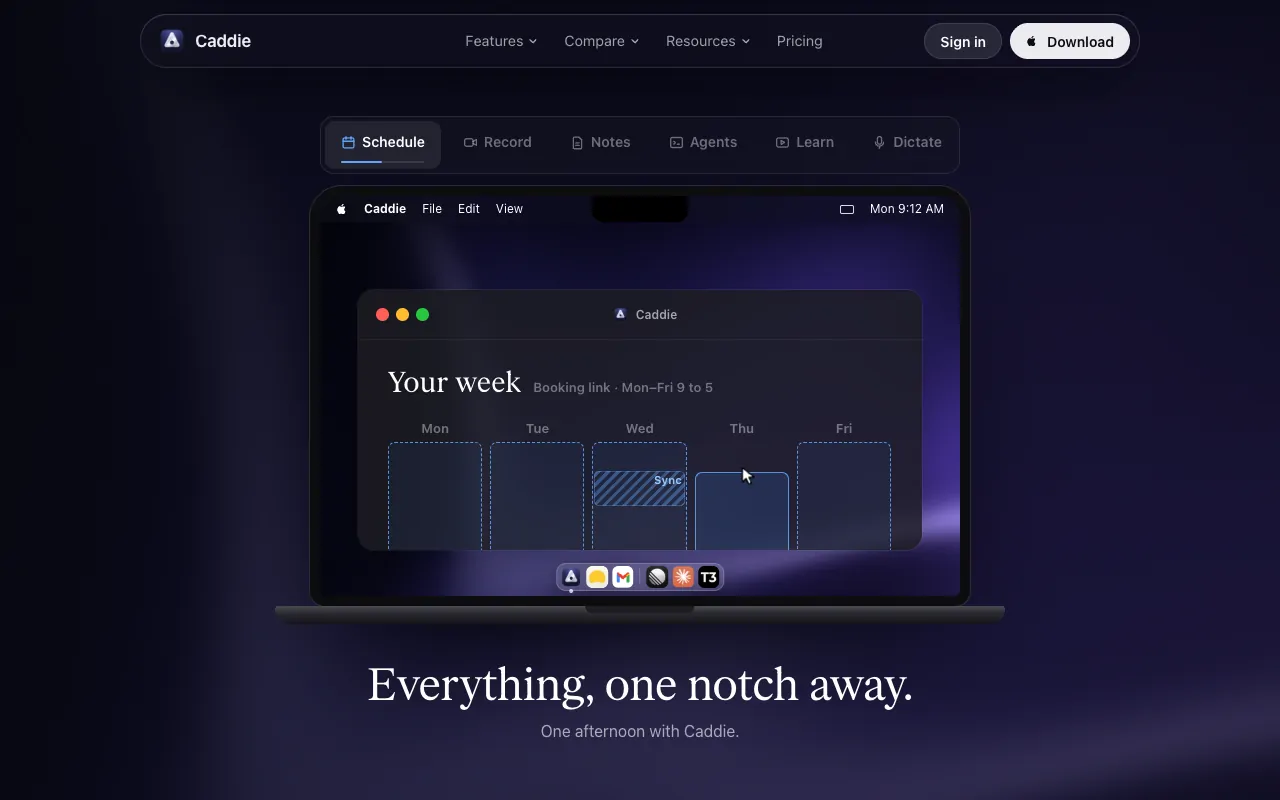
Tasks, notes, calendar and AI agents in one Mac app

Free versionChecked Nov 3
Caddie on a Mac

From its maker: Caddie brings tasks, notes, calendar and meeting notes together on Mac, with hold-fn dictation, a coach in the notch, booking links and a hub for Claude Code and Codex via https://usecaddie.app/mcp. Supports teams.

Price
Free while in beta
Needs
macOS 13.3 or later

Caddie on MacPip More Productivity apps

Toolbox

Compress video, sign PDFs, remove backgrounds, transcribe, free up storage and more.

Pay onceChecked Nov 3
Toolbox on a Mac

From its maker: Compress video, sign PDFs, remove backgrounds, transcribe, free up storage and more. 94 native tools that run on your Mac.

Deal
62% off
Price
$19 once (launch), then $49.99
Needs
macOS 15 or later

Toolbox on MacPip More Productivity apps

Aurator

Aurator turns your voice into clean text in every app on your Mac

Pay onceChecked Nov 3
Aurator on a Mac

From its maker: Aurator turns your voice into clean text in every app on your Mac, writes whole messages for you, and coaches you to speak better from your own words. Private by default, cloud by choice.

Price
From $29 once, 7-day free trial
Needs
macOS 26 or later

Aurator on MacPip More Productivity apps

Aureon

Say what you need. Aureon routes it to your Mac apps.

SubscriptionChecked Nov 3
Aureon on a Mac

From its maker: Aureon is an AI intent layer for Mac. Speak or type a passage; it finds the intents and creates events, reminders, tasks and notes in Calendar, Reminders, Notes, Things, Notion, Todoist and more.

Price
$6.99+/mo · 7-day trial
Needs
macOS 14 or later

Aureon on MacPip More Productivity apps

Cuewake

Leave it here. Find it when you’re back.

Pay onceApple siliconWorks offlineChecked Nov 3
Cuewake on a Mac

Cuewake lets you attach notes, checklists, links and files to Mac apps and webpages, so your next step is waiting when you come back to them. It is a one-time purchase at $9, needs no account, works offline and runs natively on Apple silicon. It needs macOS 14 Sonoma or later.

Price
$9
Needs
macOS 14 Sonoma or later
Its maker says it replaces
Apple Notes, Apple Reminders

Cuewake on MacPip More Notch apps

Slap Alert

A Mac menu bar app for founders that celebrates every sale.

Free versionPay onceApple siliconChecked Nov 3
Slap Alert on a Mac

Slap Alert is for founders who like to see a sale land. It watches Stripe, Paddle, RevenueCat, Polar or Dodo Payments with a read-only key, and Shopify orders arrive by webhook. For every new sale, a pixel monkey slaps a sticky note on your screen with who paid and how much, and win cards mark milestones like your first $1k. It is free for scripts, or $19 once with a 7-day trial.

Price
Free for scripts, $19 once, 7-day trial
Needs
macOS 14 Sonoma or later

Slap Alert on MacPip More Messaging and Social apps

EZ Save

A private file organizer for iPhone, iPad, Mac and Android.

Free versionSubscriptionChecked Nov 3
EZ Save on a Mac

From its maker: A private file organizer for iPhone, iPad, Mac and Android. Save links, photos, videos, documents and notes into folders, stored in your own iCloud and encrypted on your device.

Price
Free, Pro $2.99/mo or $17.99/yr

EZ Save on MacPip More Productivity apps

NotesXD

Native macOS notes, tasks and transcriptions app with Active Listening

Free versionSubscriptionChecked Oct 31
NotesXD on a Mac

From its maker: Native macOS meeting notes app with Active Listening, real-time transcription, always-on AI chat, and Google Calendar integration.

Price
Free, Pro available
Needs
macOS 14 or later

NotesXD on MacPip More Productivity apps

Snug

Snug tiles every window the moment it opens

Pay onceChecked Oct 31
Snug on a Mac

From its maker: Snug tiles every window the moment it opens, with layouts for big and ultrawide displays and scenes that come back when you dock.

Price
$14.99 once
Needs
macOS 15 or later

Snug on MacPip More Productivity apps

Before you add another app

macOS already does a lot. Spotlight launches apps and does quick sums, Focus modes silence notifications, Stage Manager groups windows, and Notes and Reminders cover simple lists. A new app earns its place when it does one job clearly better for you than these, or does a job they skip.

How to choose a productivity app

  • Name the friction first. "I lose my place when I switch apps" and "I never start the hard task" need different tools.
  • Prefer one job done well. Apps that try to be everything tend to become the thing you manage instead of your work.
  • Check where your data lives. Local files and plain formats are easier to leave than an account on someone else's server.
  • Mind the bill. 24 of these apps have a one-time price and no subscription at all. See Setapp alternatives: Mac apps you buy once for every one of them across MacPip.

Related lists

Focus and planning live next door: see the best note taking apps, clipboard and text apps and the best window manager for Mac. For a short starter set, see must-have Mac apps.

Which one to pick

Questions

What is the best productivity app for Mac?

There is no single best one for everyone. MacPip lists 36: Droppy, Caddie, Blook - Private Bookmark Manager, Toolbox, ByeCtrlClick, Aurator, Aureon, Cuewake, Slap Alert, EZ Save, NotesXD, Snug and 24 more. If you want it free, look at Caddie. If you would rather pay once than subscribe, look at Droppy. If you want it to run natively on Apple silicon, look at Cuewake. If you need it to work offline, as its maker says it does, look at Cuewake. If you want open source code, look at Pixtamer.

Are there free productivity apps for Mac?

Yes. With a free version on MacPip: Caddie, Blook - Private Bookmark Manager, Slap Alert, EZ Save, NotesXD, Otterdock, Pixtamer, ScreenVerb, ActionClip, LokalBot, Sonder, JellyDraw and 2 more.

Which productivity apps for Mac have a one-time price?

With a one-time option, so you can avoid a subscription: Droppy, Blook - Private Bookmark Manager, Toolbox, ByeCtrlClick, Aurator, Cuewake, Slap Alert, Snug, Otterdock, MightyBench, Keystone | Habit Tracker, PasteNotch and 15 more.

Which productivity apps run natively on Apple silicon?

By their makers' word or by our check: Droppy, ByeCtrlClick, Cuewake, Slap Alert, Keystone | Habit Tracker, PasteNotch, ScreenVerb, Proof Take, DraftKey, Taskglass, ActionClip, MacVisor and 10 more.

Which productivity apps has a person checked?

Each has a dated report on its page: Droppy, Caddie, Blook - Private Bookmark Manager, Toolbox, ByeCtrlClick, Aurator, Aureon, Cuewake, Slap Alert, EZ Save, NotesXD, Snug and 3 more.

How does MacPip order these apps?

Apps a person has checked come first, newest check first, then the rest by when they were added. Payment never changes the order, and sponsored rows are labeled and kept apart.

Related