SponsorSign inSubmit
Best of MacPip

Best free productivity apps for Mac

Updated Nov 8, 2026, from what MacPip lists today.

Short answer

MacPip lists 14 free productivity apps for Mac, and a person has checked 7 of them.All of them have a free version.6 of them sell a one-time license.3 of them are paid by subscription.There is no single best free productivity app for everyone, so MacPip does not rank them.If you want it free, start with Caddie.

Apps a person checked come first, newest check first. Never ordered by payment.

What these 14 apps offer, by their listings. An app can offer several, so the bars do not add up to 14.
Free version14 of 14
Pay once6 of 14
Subscription3 of 14
Native to Apple silicon8 of 14
Open source3 of 14
Works offline3 of 14
Checked by a person7 of 14
One-time price in US dollars, as each listing states it, lowest first. 11 apps have no plain dollar one-time price and are left out. Launch prices count where the listing says so.

Compared

AppWhat it doesPriceFree or paidApple siliconOpen sourceMade byChecked
CaddieTasks, notes, calendar and AI agents in one Mac appFree while in betaFree versionNot statedNoHarsha GarlapatiNov 3
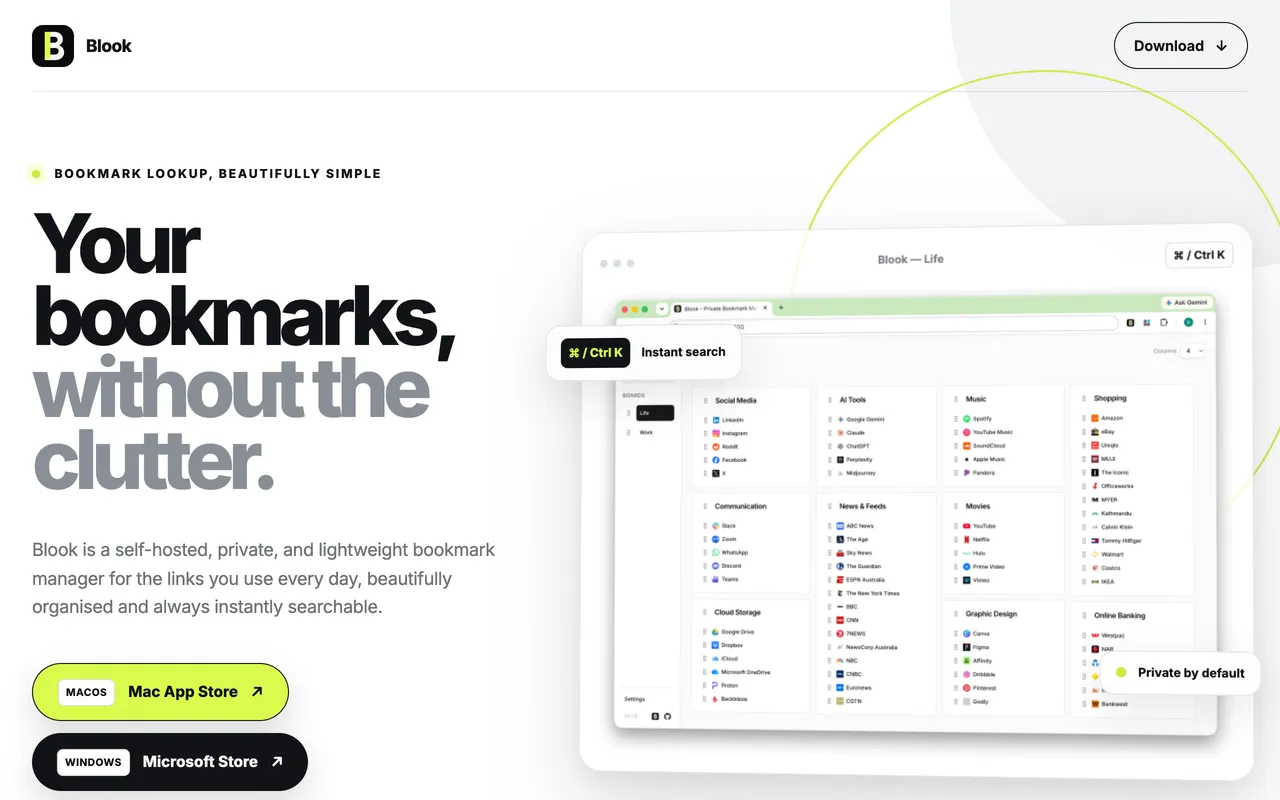
Blook - Private Bookmark ManagerA self-hosted, private, and lightweight bookmark manager built for everyday use.Free, one-time in-app upgradeFree versionOne-timeNot statedNoDavid DaiNov 3
Slap AlertA Mac menu bar app for founders that celebrates every sale.Free for scripts, $19 once, 7-day trialFree versionOne-timeYes, and Intel, its maker saysNoNot statedNov 3
EZ SaveA private file organizer for iPhone, iPad, Mac and Android.Free, Pro $2.99/mo or $17.99/yrFree versionSubscriptionNot statedNoDigital Sauce Pty Ltd.Nov 3
NotesXDNative macOS notes, tasks and transcriptions app with Active ListeningFree, Pro availableFree versionSubscriptionNot statedNoNot statedOct 31
OtterdockOtterdock groups apps, files, folders and links into Mac Dock groups.Free, one-time Pro upgradeFree versionOne-timeNot statedNosavetimefor.funOct 31
PixtamerBatch-convert, compress, resize and rename images into web-ready files, all on your Mac.Free and open sourceFree versionNot statedYesSidhant SinhaOct 31
ScreenVerbThe screenshot app built around AI. Capture, mark up, and paste AI answers in three keys.Free, Pro availableFree versionOne-timeYes, Apple silicon only, its maker saysNoDavid TranPending
ActionClipTurn selected text into actions and create your own Mac workflowsFree, Pro from $12 onceFree versionOne-timeYes, Apple silicon only, its maker saysNoAdvait VaidyaPending
LokalBotYour personal context engine.Free and open sourceFree versionYes, Apple silicon only, its maker saysYesNot statedPending
SonderSonder is a free, open-source markdown editor for Mac.Free and open sourceFree versionYes, and Intel, its maker saysYesNot statedPending
JellyDrawDraw on your Mac screen. Drawings stick to the window they're on.Free, with Pro at $9.99 one-timeFree versionOne-timeYes, Apple silicon only, its maker saysNoJellyDrawPending
Raydo Agent OSThe AI agent operating system for real workFree, Cloud from $20/moFree versionSubscriptionYes, Apple silicon only, its maker saysNoRolitt Inc.Pending
GanderOne Quick Look app for every file a developer opensFreeFree versionYes, and Intel, its maker saysNoNot statedPending

12 of them, up close

The 12 below come first in the table: apps a person checked, newest check first. The other 2 are in the table above.

Caddie

Tasks, notes, calendar and AI agents in one Mac app

Free versionChecked Nov 3
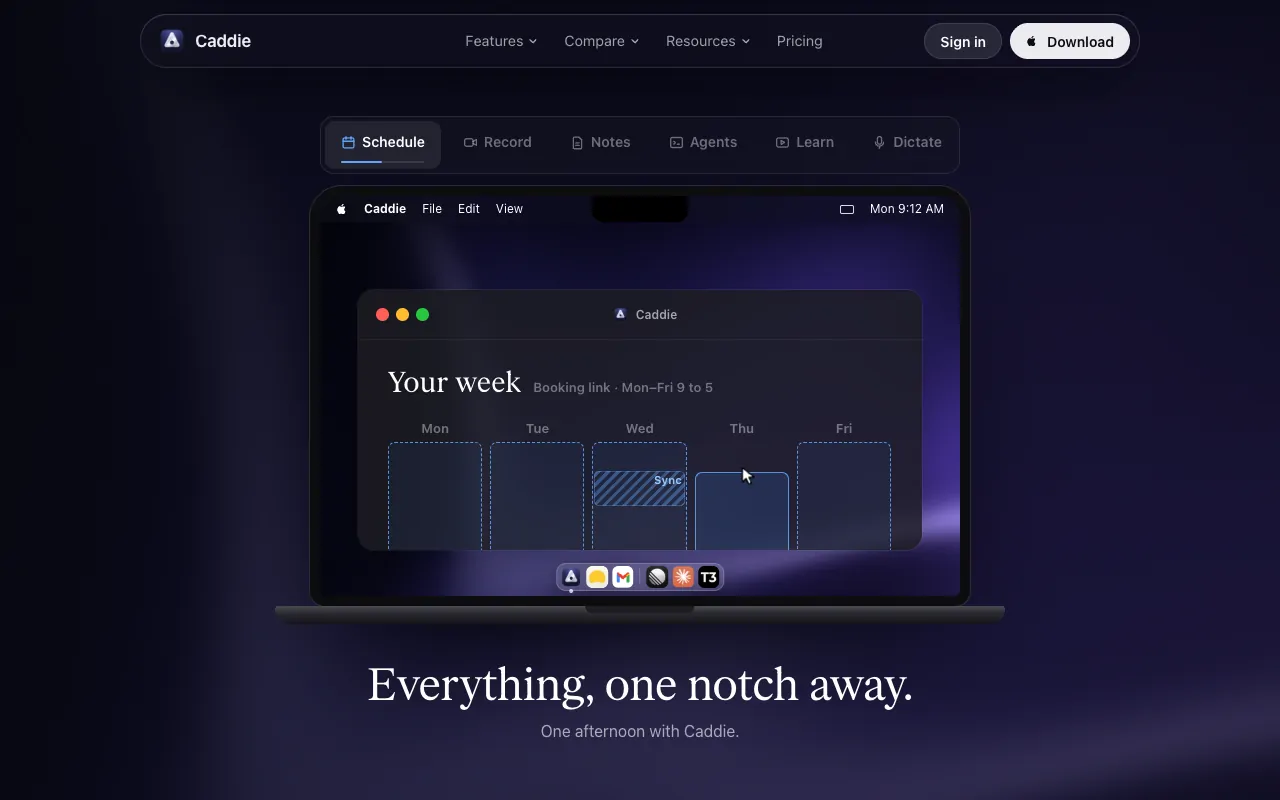
Caddie on a Mac

From its maker: Caddie brings tasks, notes, calendar and meeting notes together on Mac, with hold-fn dictation, a coach in the notch, booking links and a hub for Claude Code and Codex via https://usecaddie.app/mcp. Supports teams.

Price
Free while in beta
Needs
macOS 13.3 or later

Caddie on MacPip More Productivity apps

Slap Alert

A Mac menu bar app for founders that celebrates every sale.

Free versionPay onceApple siliconChecked Nov 3
Slap Alert on a Mac

Slap Alert is for founders who like to see a sale land. It watches Stripe, Paddle, RevenueCat, Polar or Dodo Payments with a read-only key, and Shopify orders arrive by webhook. For every new sale, a pixel monkey slaps a sticky note on your screen with who paid and how much, and win cards mark milestones like your first $1k. It is free for scripts, or $19 once with a 7-day trial.

Price
Free for scripts, $19 once, 7-day trial
Needs
macOS 14 Sonoma or later

Slap Alert on MacPip More Messaging and Social apps

EZ Save

A private file organizer for iPhone, iPad, Mac and Android.

Free versionSubscriptionChecked Nov 3
EZ Save on a Mac

From its maker: A private file organizer for iPhone, iPad, Mac and Android. Save links, photos, videos, documents and notes into folders, stored in your own iCloud and encrypted on your device.

Price
Free, Pro $2.99/mo or $17.99/yr

EZ Save on MacPip More Productivity apps

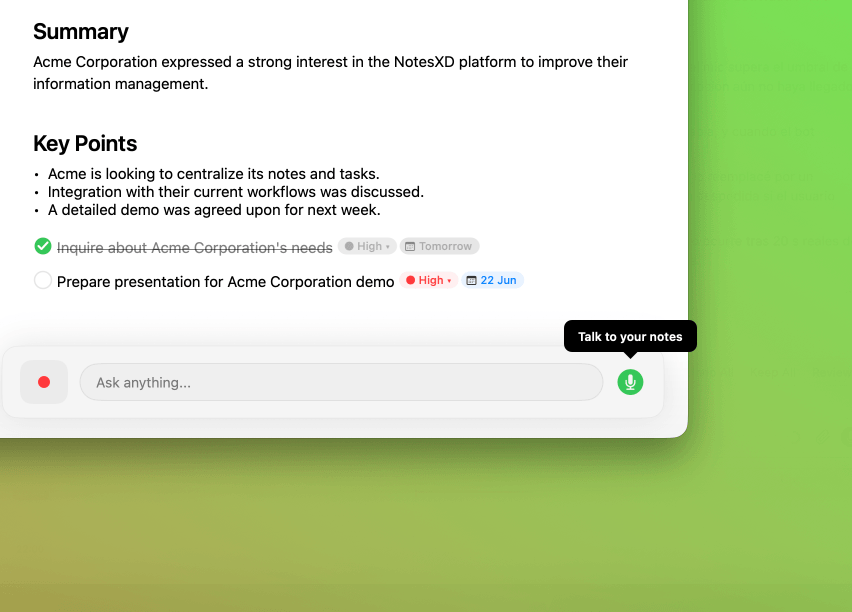
NotesXD

Native macOS notes, tasks and transcriptions app with Active Listening

Free versionSubscriptionChecked Oct 31
NotesXD on a Mac

From its maker: Native macOS meeting notes app with Active Listening, real-time transcription, always-on AI chat, and Google Calendar integration.

Price
Free, Pro available
Needs
macOS 14 or later

NotesXD on MacPip More Productivity apps

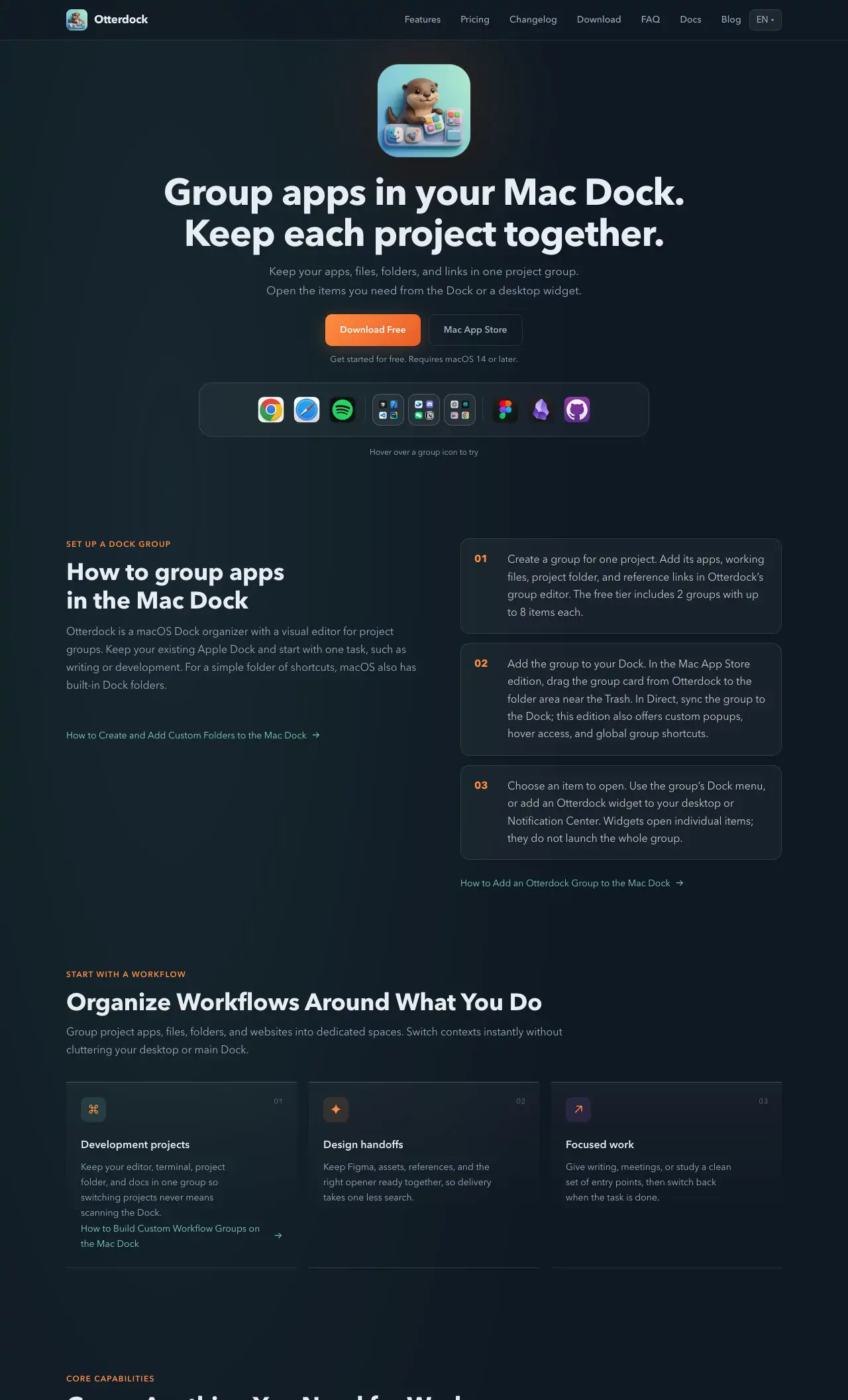
Otterdock

Otterdock groups apps, files, folders and links into Mac Dock groups.

Free versionPay onceChecked Oct 31
Otterdock on a Mac

From its maker: Group apps, files, folders, and links in your Mac Dock with Otterdock. Add desktop widgets and start free with 2 groups on macOS 14 or later.

Price
Free, one-time Pro upgrade
Needs
macOS 14 or later (Apple silic

Otterdock on MacPip More Productivity apps

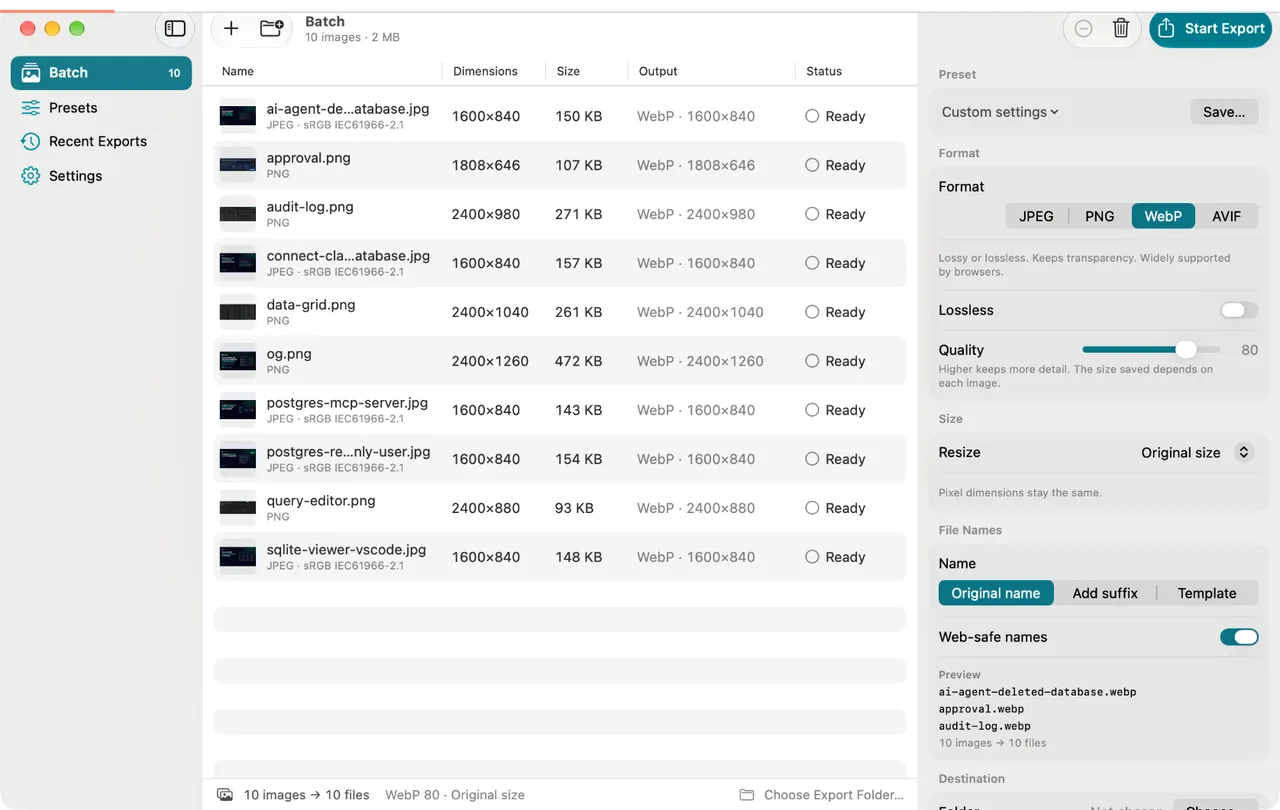
Pixtamer

Batch-convert, compress, resize and rename images into web-ready files, all on your Mac.

Free versionOpen sourceChecked Oct 31
Pixtamer on a Mac

From its maker: Pixtamer is a native Mac app that turns batches of images into web-ready assets. Drop in a folder, pick a format, and export JPEG, PNG, WebP or AVIF with real before/after sizes for every file.

Price
Free and open source
Needs
macOS 14 or later
Its maker says it replaces
ImageOptim, Squoosh, TinyPNG, XnConvert, Retrobatch

Pixtamer on MacPip More Productivity apps

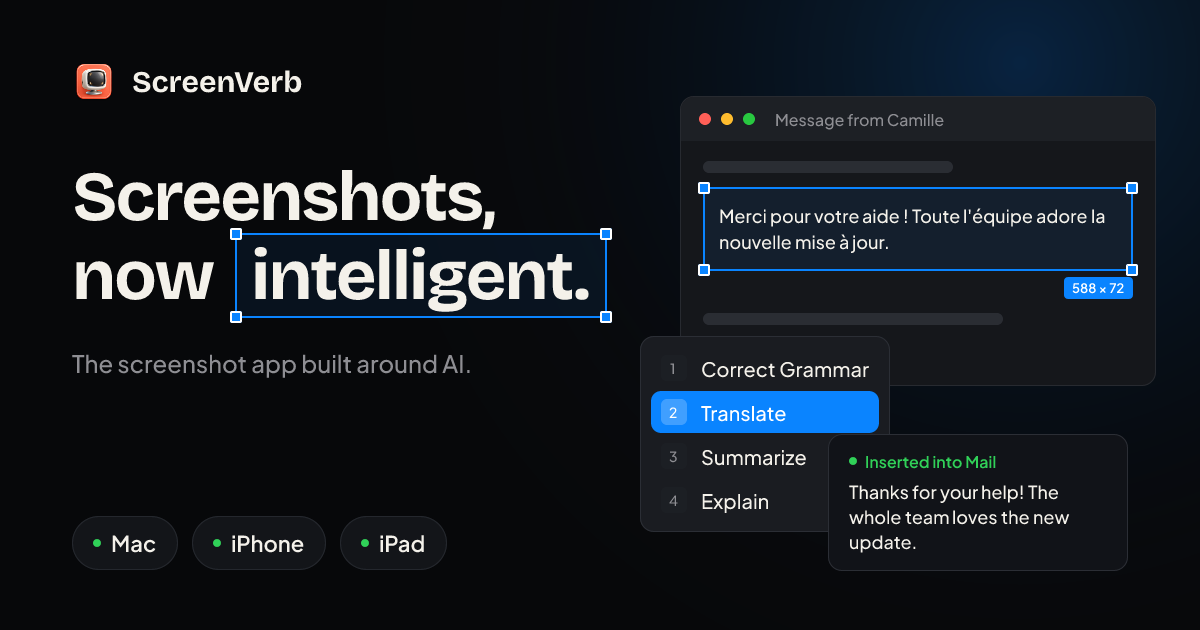
ScreenVerb

The screenshot app built around AI. Capture, mark up, and paste AI answers in three keys.

Free versionPay onceApple silicon
ScreenVerb on a Mac

From its maker: ScreenVerb is a screenshot app for Mac built around AI. Snap a window, drag a pixel-exact region or grab a full scrolling page with one shortcut, then press a number key to run an AI action.

Deal
50% off Lifetime, until Dec 5
Price
Free, Pro available
Needs
macOS 14 Sonoma or later
Its maker says it replaces
CleanShot X, Shottr, Xnapper

ScreenVerb on MacPip More Productivity apps

ActionClip

Turn selected text into actions and create your own Mac workflows

Free versionPay onceApple silicon
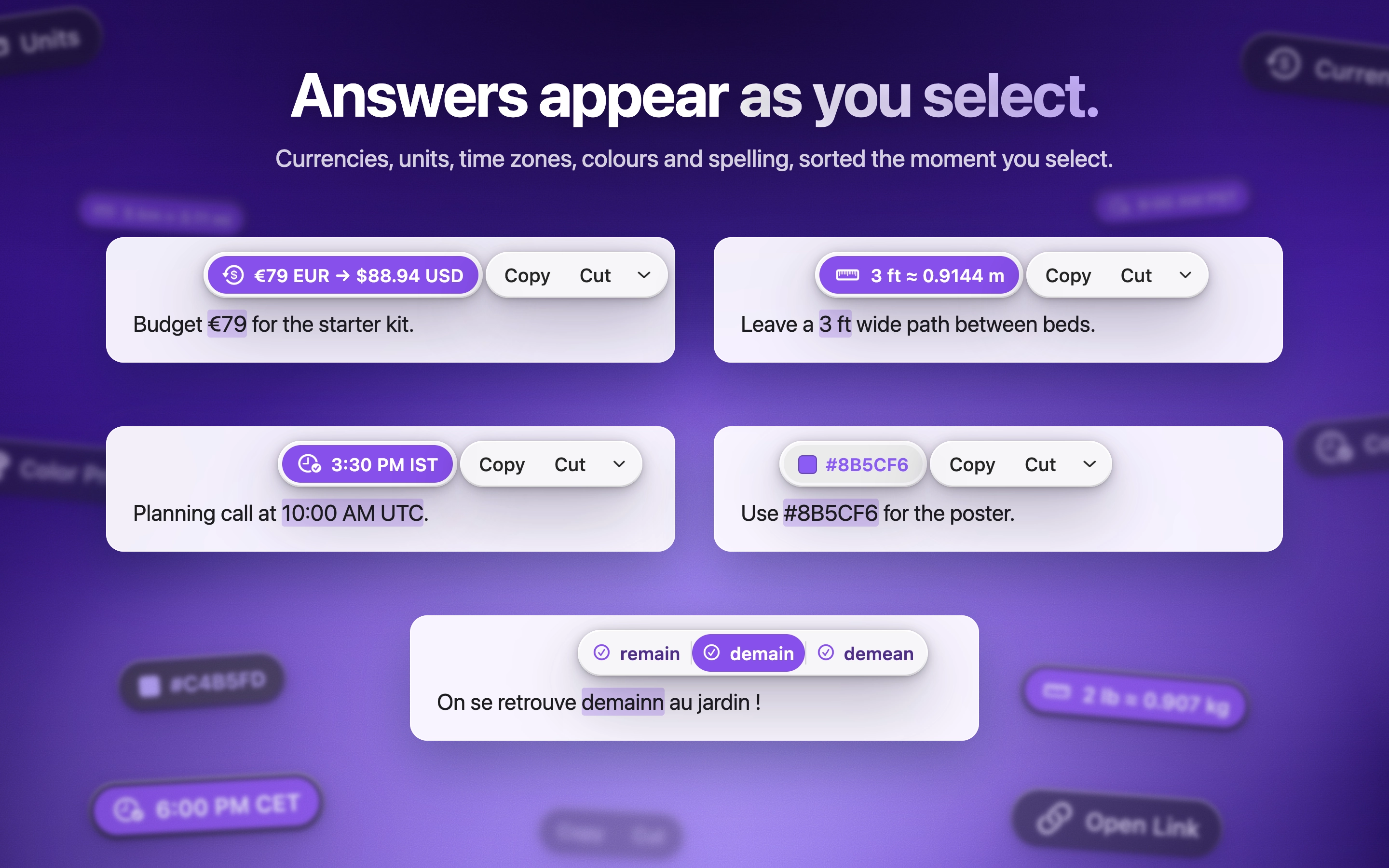
ActionClip on a Mac

ActionClip puts a small action menu beside text you select: copy, rewrite, translate, search or run a saved workflow. You can describe a new action and it builds one using AI prompts, JavaScript, AppleScript or shell commands. Free for 30 actions a day, with lifetime licenses from $12. It is a native Swift app for Apple silicon with macOS 15 or later.

Price
Free, Pro from $12 once
Needs
macOS 15 Sequoia or later
Its maker says it replaces
PopClip

ActionClip on MacPip More Clipboard and Text apps

LokalBot

Your personal context engine.

Free versionApple siliconOpen sourceWorks offline
LokalBot on a Mac

LokalBot records meetings without a bot joining the call, then transcribes and summarizes them on your Mac. It can also search your meetings and, if you turn it on, what you saw on screen. Processing runs locally by default. It is free and open source, for Apple silicon with macOS 15 Sequoia or later.

Price
Free and open source
Needs
macOS 15 Sequoia or later

LokalBot on MacPip More Writing and Notes apps

Sonder

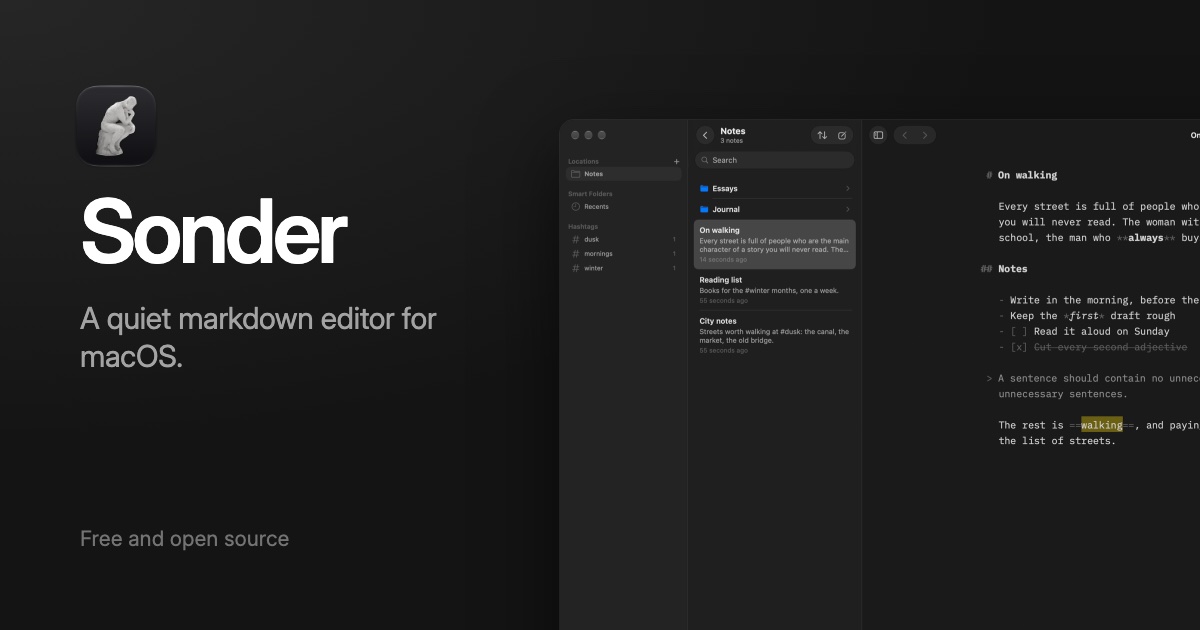
Sonder is a free, open-source markdown editor for Mac.

Free versionApple siliconOpen sourceWorks offline
Sonder on a Mac

Sonder is a free, open-source Markdown editor. It opens your own folder of .md files, so there is nothing to import or export, and adds a Focus Mode plus the AI tools you already have. It works offline and needs macOS 14 Sonoma or later.

Price
Free and open source
Needs
macOS 14 Sonoma or later

Sonder on MacPip More Writing and Notes apps

JellyDraw

Draw on your Mac screen. Drawings stick to the window they're on.

Free versionPay onceApple siliconWorks offline
JellyDraw on a Mac

From its maker: JellyDraw is a menu bar app for drawing and highlighting over any app on your Mac. Each drawing sticks to the window it was drawn on, so when you move, resize or minimize the window, your marks go with it.

Price
Free, with Pro at $9.99 one-time
Needs
macOS 26 Tahoe or later
Its maker says it replaces
Presentify, Epic Pen, ScreenBrush, ZoomIt

JellyDraw on MacPip More Meetings and Presenting apps

Which one to pick

What to look for

Look for one job done well, keyboard shortcuts, and whether your data stays on your Mac or goes to a server.

Questions

What is the best free productivity app for Mac?

There is no single best one for everyone. MacPip lists 14: Caddie, Blook - Private Bookmark Manager, Slap Alert, EZ Save, NotesXD, Otterdock, Pixtamer, ScreenVerb, ActionClip, LokalBot, Sonder, JellyDraw and 2 more. If you want it free, look at Caddie. If you would rather pay once than subscribe, look at Blook - Private Bookmark Manager. If you want open source code, look at Pixtamer.

Which free productivity apps for Mac have a one-time price?

With a one-time option, so you can avoid a subscription: Blook - Private Bookmark Manager, Slap Alert, Otterdock, ScreenVerb, ActionClip, JellyDraw.

Which free productivity apps run natively on Apple silicon?

By their makers' word or by our check: Slap Alert, ScreenVerb, ActionClip, LokalBot, Sonder, JellyDraw, Raydo Agent OS, Gander.

Which free productivity apps has a person checked?

Each has a dated report on its page: Caddie, Blook - Private Bookmark Manager, Slap Alert, EZ Save, NotesXD, Otterdock, Pixtamer.

How does MacPip order these apps?

Apps a person has checked come first, newest check first, then the rest by when they were added. Payment never changes the order, and sponsored rows are labeled and kept apart.

Related