
Stitch It
Turn screenshots into one long image, with precise crops and redaction
免费版本检查于 11月23日

开发者的介绍: Turn screenshots into one long image. Align overlaps, crop precisely, and redact private details before sharing.
- 价格
- Free with in-app purchases
收录页保持开发者撰写时所用的语言。
更新于 2026年11月23日,基于 MacPip 今天的收录。
MacPip lists 8 free screenshot apps for Mac, and MacPip has checked 2 of them.它们全都有免费版本。其中有 5 款出售一次性买断授权。其中有 3 款以订阅方式销售。There is no single best free screenshot app for everyone, so MacPip does not rank them.如果你想要免费的,先看 Stitch It。
检查过的应用排在前面,最新检查的在最前。从不按付费排序。
| 应用 | 功能 | 价格 | 免费还是付费 | Apple silicon | 开源 | 开发者 | 已检查 |
|---|---|---|---|---|---|---|---|
| Stitch It | Turn screenshots into one long image, with precise crops and redaction | Free with in-app purchases | 免费版本 | 未说明 | 否 | Thirty Seven Inc. | 11月23日 |
| Glisio | A Mac screen recorder with auto-zoom, AI voiceover and captions. | Free to try, Pro $79 once | 免费版本一次性订阅 | 支持,开发者表示也支持 Intel | 否 | Emircan | 10月30日 |
| ScreenOtter | Screen recordings and screenshots for Mac, edited for you | Free, $49 once ($79 for 3 Macs) | 免费版本一次性 | 未说明 | 否 | Mohit Gangrade | 待定 |
| ScreenCrab | Discover the best free apps for your Mac. | 免费 | 免费版本 | 未说明 | 否 | Kushagra Gour | 待定 |
| Snapperon | Mac screenshot annotation by hand or via local MCP for Claude Desktop and Codex Desktop. | Free; Pro $2/mo, $19.99/yr, $38.99 once | 免费版本一次性订阅 | 支持,开发者表示仅支持 Apple silicon | 否 | Snapperon Team | 待定 |
| ScreenVerb | The screenshot app built around AI. Capture, mark up, and paste AI answers in three keys. | 免费,有 Pro 版 | 免费版本一次性 | 支持,开发者表示仅支持 Apple silicon | 否 | David Tran | 待定 |
| Cuttle | A screen recorder for macOS that cuts the waiting | Free, Pro €9.99, 7-day trial | 免费版本一次性订阅 | 支持,开发者表示仅支持 Apple silicon | 否 | Lenny Enderle | 待定 |
| capcap | Take a screenshot, annotate and share in one flow | 免费且开源 | 免费版本 | 支持,开发者表示也支持 Intel | 是 | 未说明 | 待定 |
Turn screenshots into one long image, with precise crops and redaction
开发者的介绍: Turn screenshots into one long image. Align overlaps, crop precisely, and redact private details before sharing.

A Mac screen recorder with auto-zoom, AI voiceover and captions.
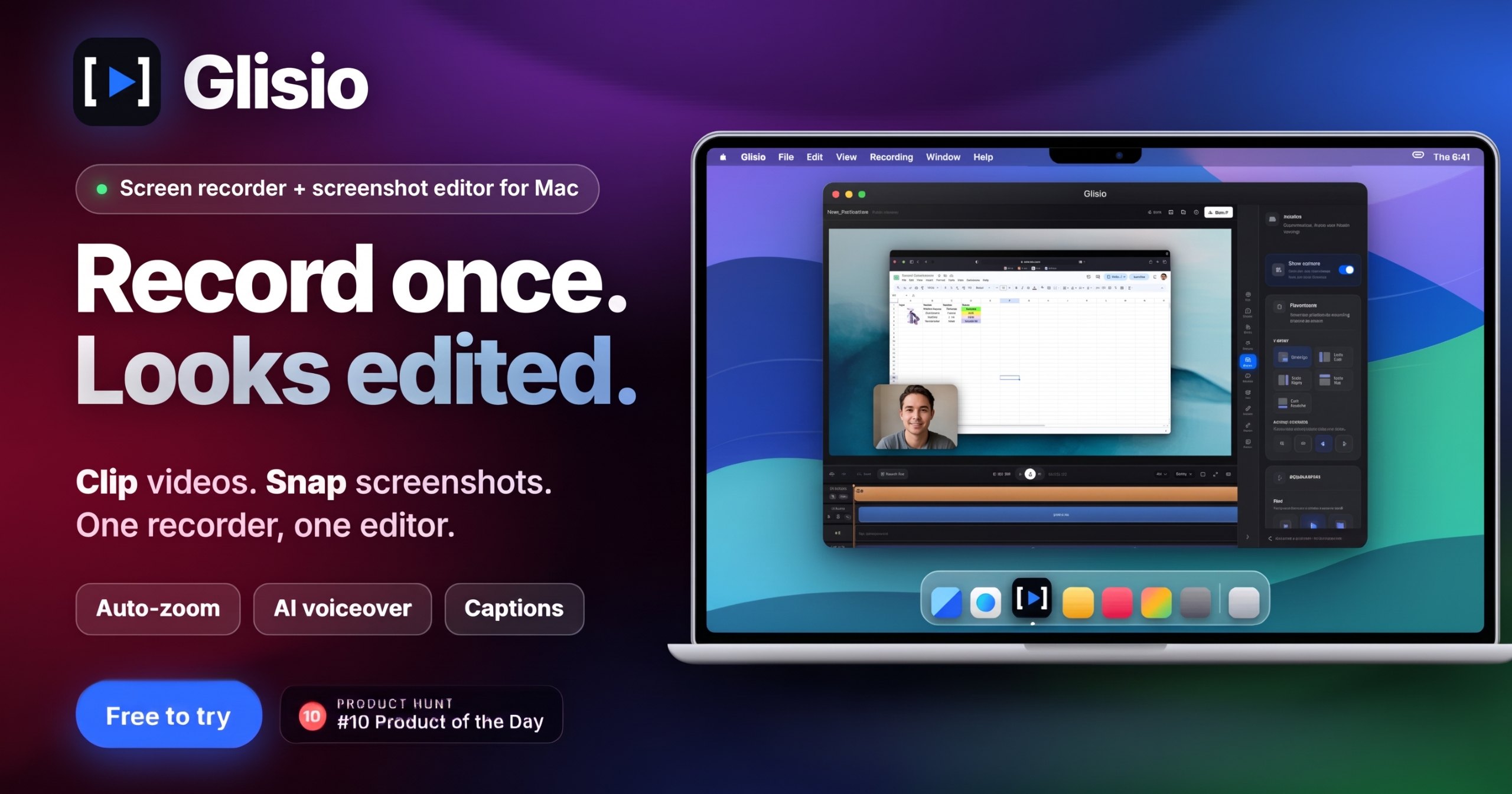
如果你的视频要发到不止一个地方,Glisio 值得一看。它在一次录制中录下你的屏幕、摄像头、麦克风和系统音频,然后让你在 Mac 上编辑,支持基于点击的缩放、光标平滑、Smart Cut、背景和品牌元素。
可以导出 16:9、9:16 和 1:1,所以一段录制可以同时变成教程和竖屏短视频。需要的话还有 AI 字幕和 AI 配音,并内置了一个叫 Snap 的截图工具。
The free version is real but limited: exports stop at 30 seconds and carry a watermark. Pro Lifetime removes both for $79, one payment.

Screen recordings and screenshots for Mac, edited for you
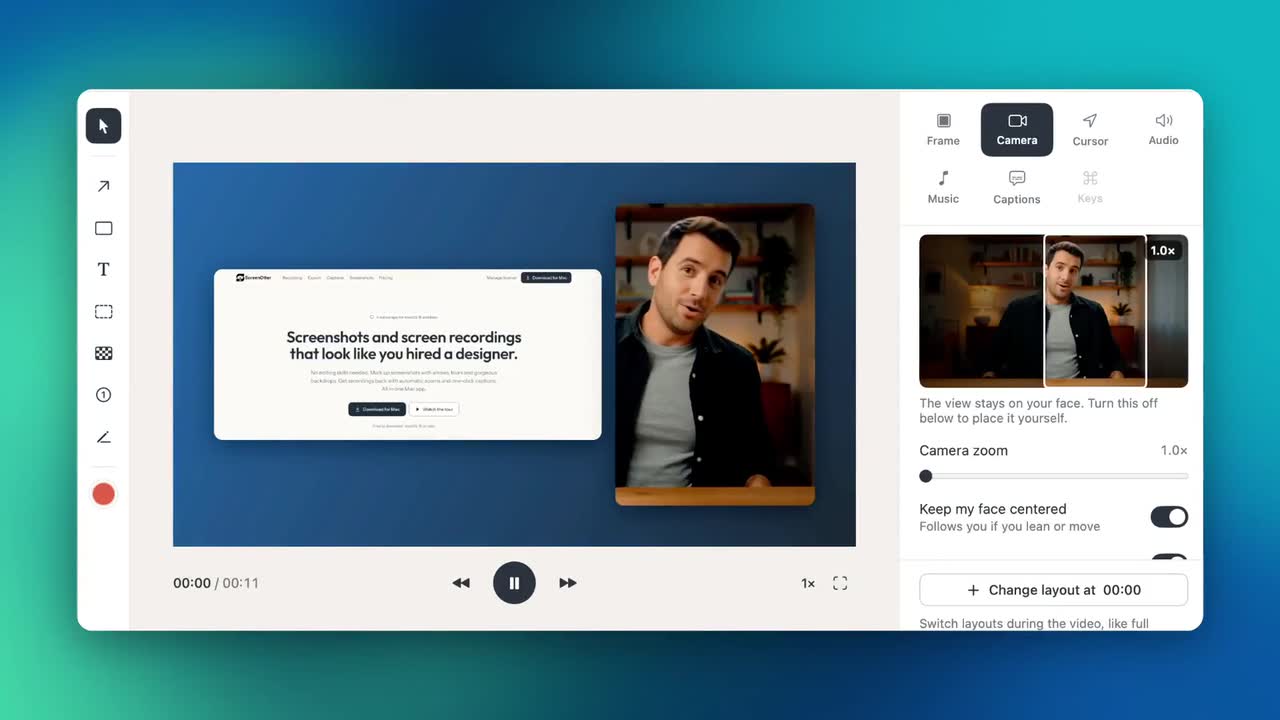
开发者的介绍: ScreenOtter is a native Mac app for screen recordings and screenshots. Your recordings come back already edited: a zoom on every click, a smooth pointer, and your camera in one of eight layouts you can change after you record.
Discover the best free apps for your Mac.
开发者的介绍: Discover the best free apps for your Mac.

Mac screenshot annotation by hand or via local MCP for Claude Desktop and Codex Desktop.
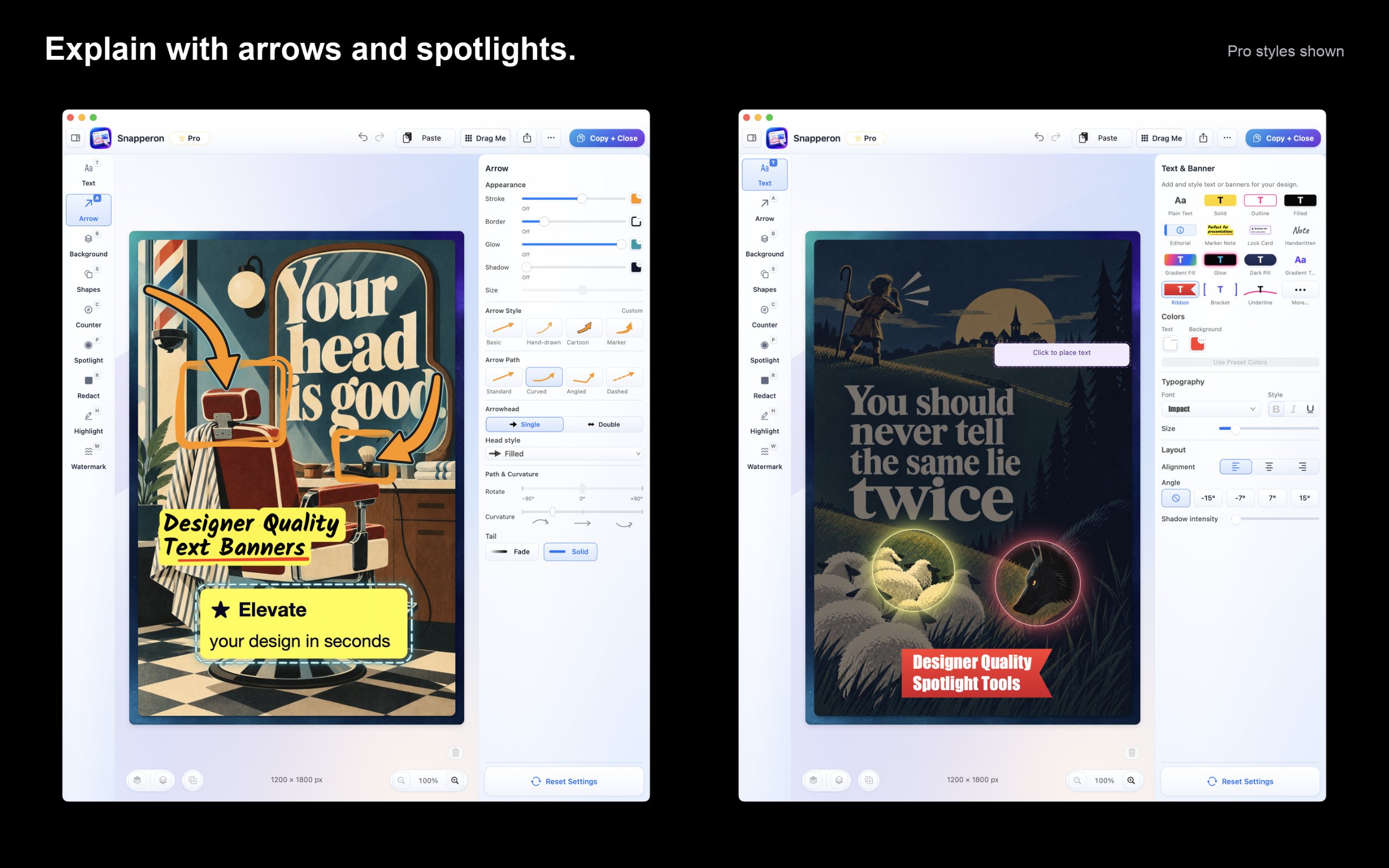
开发者的介绍: Capture screenshots or open images and PDF pages. Add styled arrows, banners, numbered steps, highlights, shapes, spotlights, freehand and redaction.

The screenshot app built around AI. Capture, mark up, and paste AI answers in three keys.
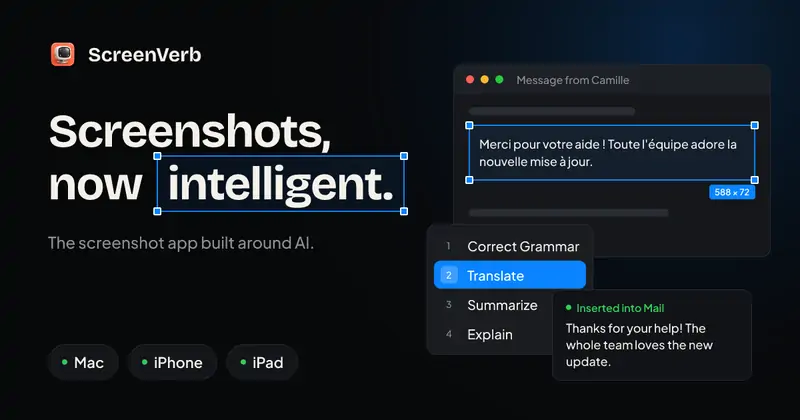
开发者的介绍: ScreenVerb is a screenshot app for Mac built around AI. Snap a window, drag a pixel-exact region or grab a full scrolling page with one shortcut, then press a number key to run an AI action.
A screen recorder for macOS that cuts the waiting
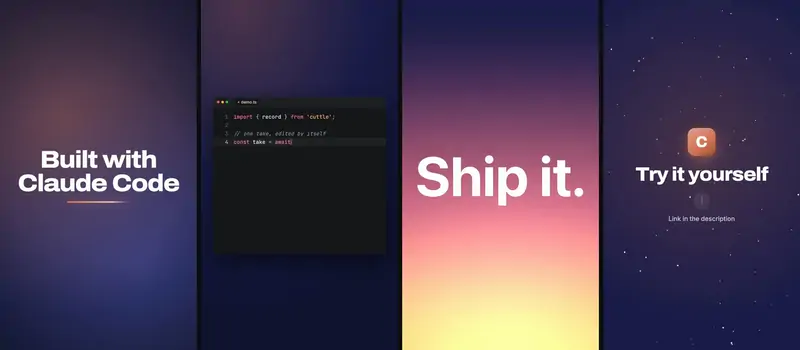
From its maker: users need 变为 record demos of their work without boring others with waiting time or sensitive information. Cuttle is a screen recorder for macOS that solves this problem。
Take a screenshot, annotate and share in one flow
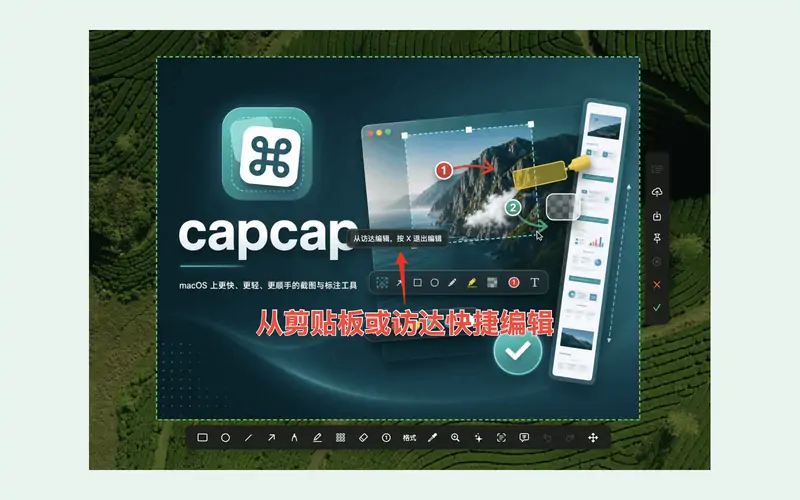
开发者的介绍: capcap is a free, open-source screenshot and screen capture tool for macOS 14+, built with AppKit for Apple silicon and Intel. It helps developers, writers, and designers capture, annotate, and share without telemetry or a subscription.
Look for scrolling capture, quick annotation, and where the files are saved or uploaded.
There is no single best one for everyone. MacPip lists 8: Stitch It, Glisio, ScreenOtter, ScreenCrab, Snapperon, ScreenVerb, Cuttle, capcap. If you want it free, look at Stitch It. If you want it to run natively on Apple silicon, look at Glisio. If you need it to work offline, as its maker says it does, look at Glisio.
按开发者所述或按我们的检查:Glisio, Snapperon, ScreenVerb, Cuttle, capcap。
每款都在自己的页面上有带日期的报告:Stitch It, Glisio。
检查过的应用排在前面,最新检查的在最前,其余按添加时间排列。付费从不改变顺序,赞助行会标注并单独放置。