MacPip lists 8 free screenshot apps for Mac, and MacPip has checked 2 of them.모두 무료 버전이 있어요.그중 5개는 한 번 결제하는 라이선스를 판매해요.그중 3개는 구독으로 판매돼요.There is no single best free screenshot app for everyone, so MacPip does not rank them.무료를 원한다면 이것부터 보세요: Stitch It.
확인된 앱이 먼저 나오고, 최근에 확인한 앱이 앞에 와요. 결제로 순서를 정하지 않아요.
등록 정보 기준으로 본 앱 8개의 특징이에요. 한 앱이 여러 개에 해당할 수 있어서 막대를 모두 더해도 8개가 되지 않아요.
무료 버전8개 중 8개
한 번만 결제8개 중 5개
구독8개 중 3개
Apple silicon 네이티브8개 중 5개
오픈 소스8개 중 1개
오프라인 작동8개 중 3개
확인됨8개 중 2개
각 등록 정보에 적힌 미국 달러 기준 일회성 가격, 낮은 순. 앱 5개는 달러로 된 단순 일회성 가격이 없어서 뺐어요. 등록 정보에 적혀 있으면 출시 가격도 포함해요.
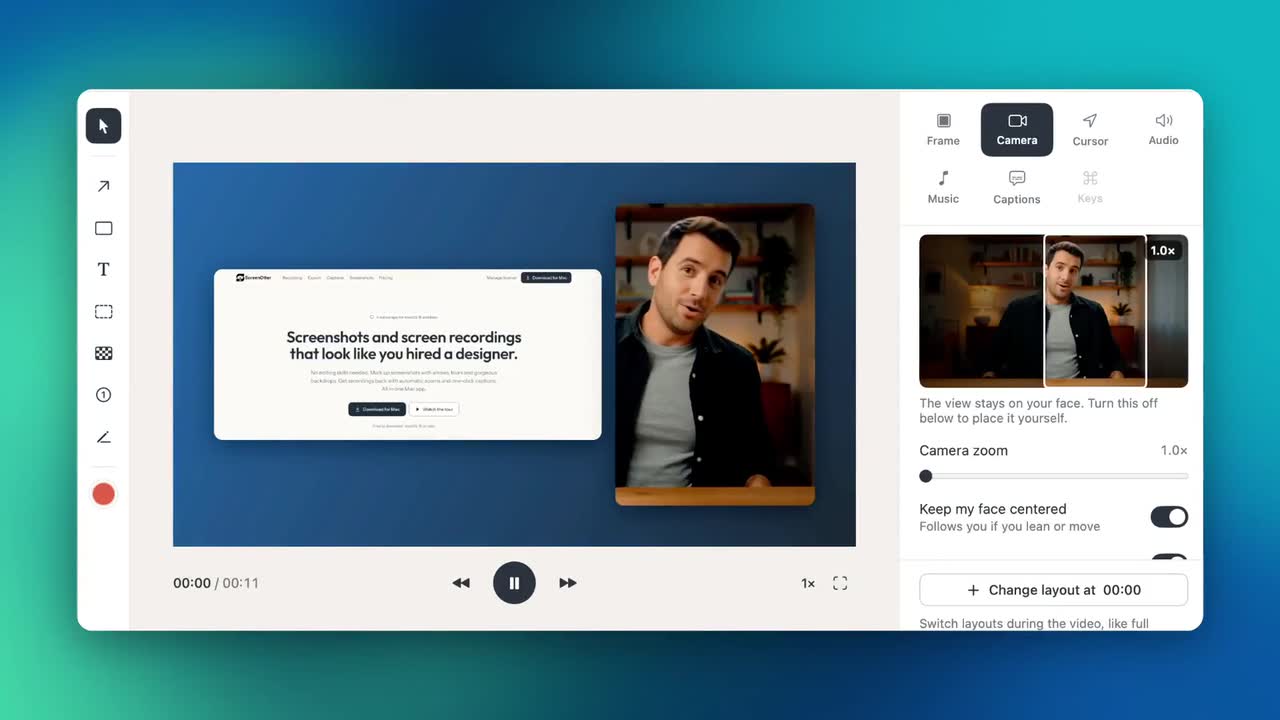
메이커의 말: ScreenOtter is a native Mac app for screen recordings and screenshots. Your recordings come back already edited: a zoom on every click, a smooth pointer, and your camera in one of eight layouts you can change after you record.
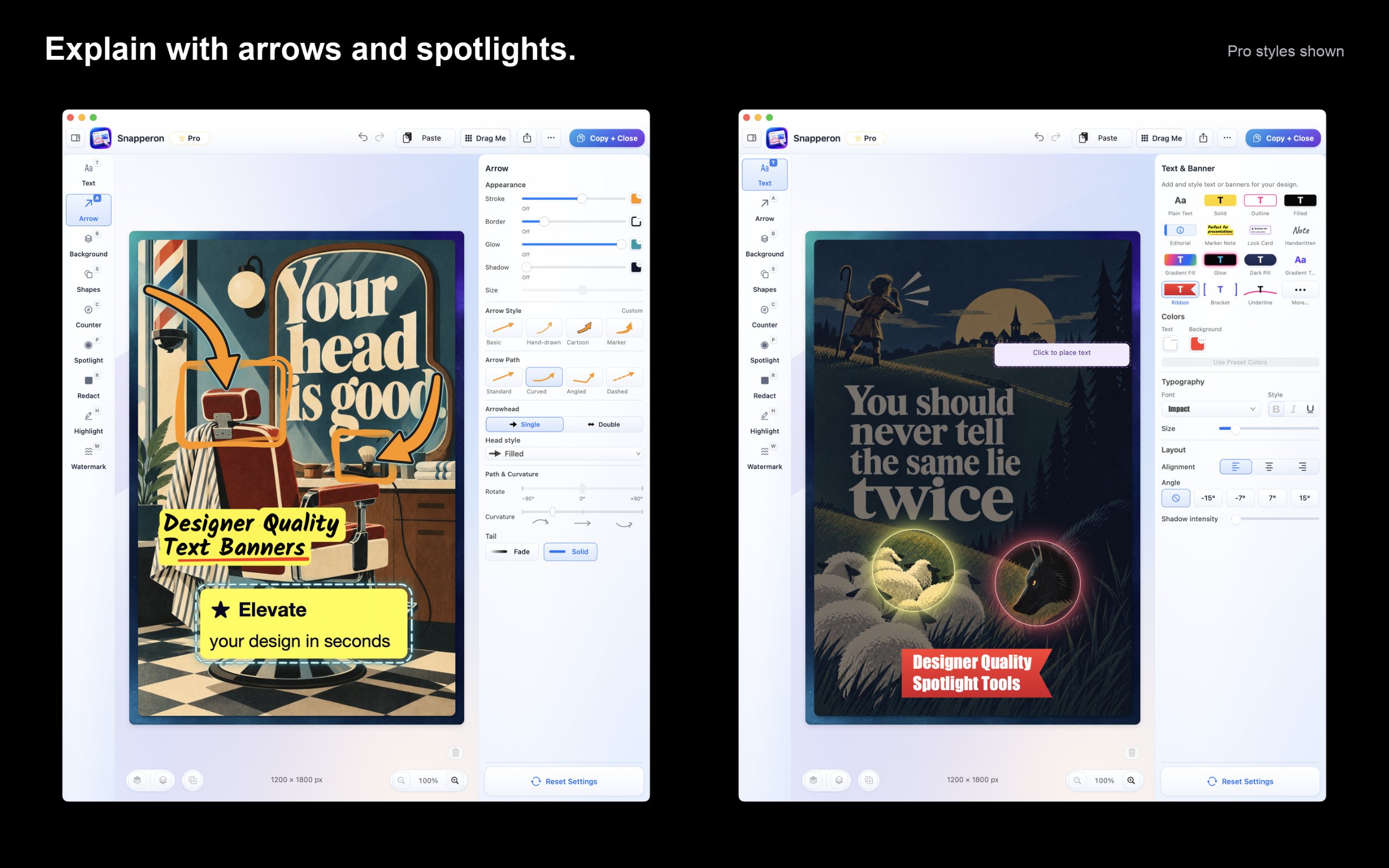
메이커의 말: Capture screenshots or open images and PDF pages. Add styled arrows, banners, numbered steps, highlights, shapes, spotlights, freehand and redaction.
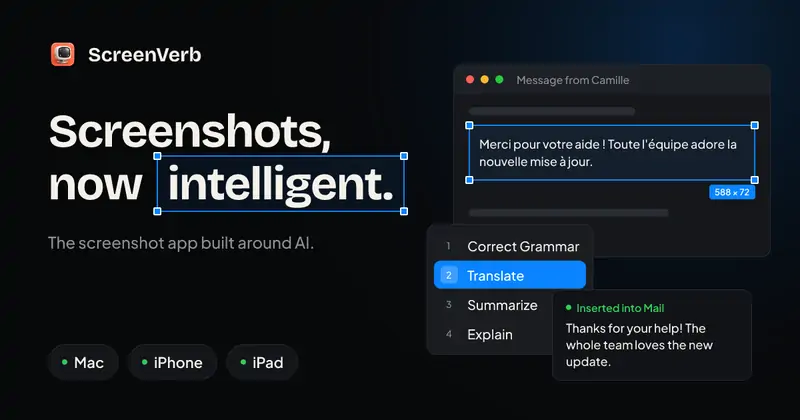
메이커의 말: ScreenVerb is a screenshot app for Mac built around AI. Snap a window, drag a pixel-exact region or grab a full scrolling page with one shortcut, then press a number key to run an AI action.
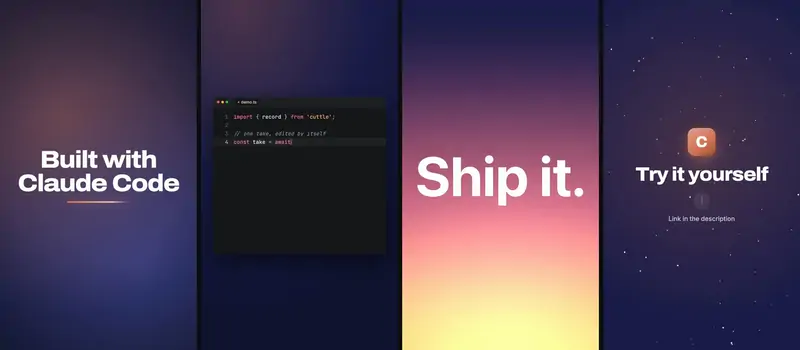
From its maker: users need에서 record demos of their work without boring others with waiting time or sensitive information. Cuttle is a screen recorder for macOS that solves this problem로.
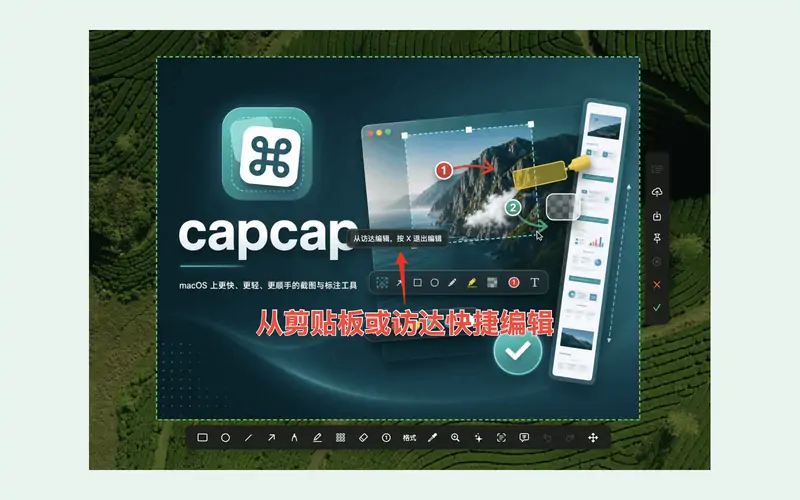
메이커의 말: capcap is a free, open-source screenshot and screen capture tool for macOS 14+, built with AppKit for Apple silicon and Intel. It helps developers, writers, and designers capture, annotate, and share without telemetry or a subscription.
Look for scrolling capture, quick annotation, and where the files are saved or uploaded.
질문
What is the best free screenshot app for Mac?
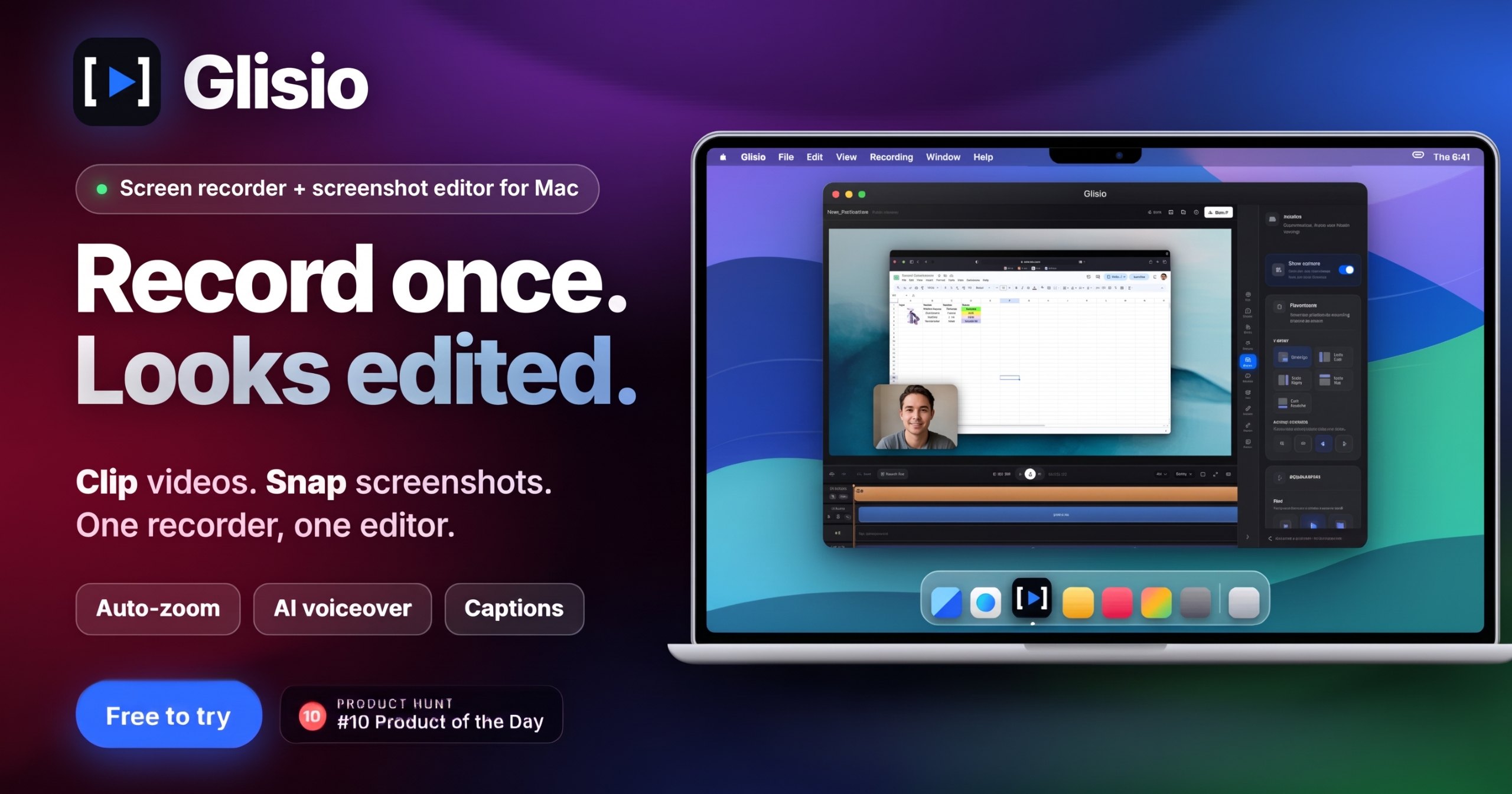
There is no single best one for everyone. MacPip lists 8: Stitch It, Glisio, ScreenOtter, ScreenCrab, Snapperon, ScreenVerb, Cuttle, capcap. If you want it free, look at Stitch It. If you want it to run natively on Apple silicon, look at Glisio. If you need it to work offline, as its maker says it does, look at Glisio.
Which free screenshot apps run natively on Apple silicon?
메이커의 설명 또는 우리의 확인에 따른 앱: Glisio, Snapperon, ScreenVerb, Cuttle, capcap.
Which free screenshot apps has MacPip checked?
각 앱 페이지에 날짜가 적힌 리포트가 있어요: Stitch It, Glisio.
MacPip은 이 앱들을 어떻게 정렬하나요?
확인된 앱이 먼저 나오고, 최근에 확인한 앱이 앞에 오며, 나머지는 추가된 순서예요. 결제는 순서를 절대 바꾸지 않고, 스폰서 줄은 표시를 붙여 따로 둬요.