Stitch It
Turn screenshots into one long image, with precise crops and redaction

Від розробника: Turn screenshots into one long image. Align overlaps, crop precisely, and redact private details before sharing.
- Ціна
- Free with in-app purchases
Сторінки застосунків лишаються мовою, якою їх написали розробники.
Оновлено 23 лист. 2026 р., на основі того, що є в каталозі MacPip сьогодні.
MacPip lists 8 free screenshot apps for Mac, and MacPip has checked 2 of them.Усі вони мають безкоштовну версію.З одноразовою ліцензією: 5.Продаються за підпискою: 3.There is no single best free screenshot app for everyone, so MacPip does not rank them.Якщо хочете безкоштовний, почніть із Stitch It.
Перевірені застосунки йдуть першими, від найсвіжішої перевірки. Порядок ніколи не залежить від оплати.
| Застосунок | Що робить | Ціна | Безкоштовний чи платний | Apple silicon | Відкритий код | Розробник: | Перевірено |
|---|---|---|---|---|---|---|---|
| Stitch It | Turn screenshots into one long image, with precise crops and redaction | Free with in-app purchases | Безкоштовна версія | Не вказано | Ні | Thirty Seven Inc. | 23 лист. |
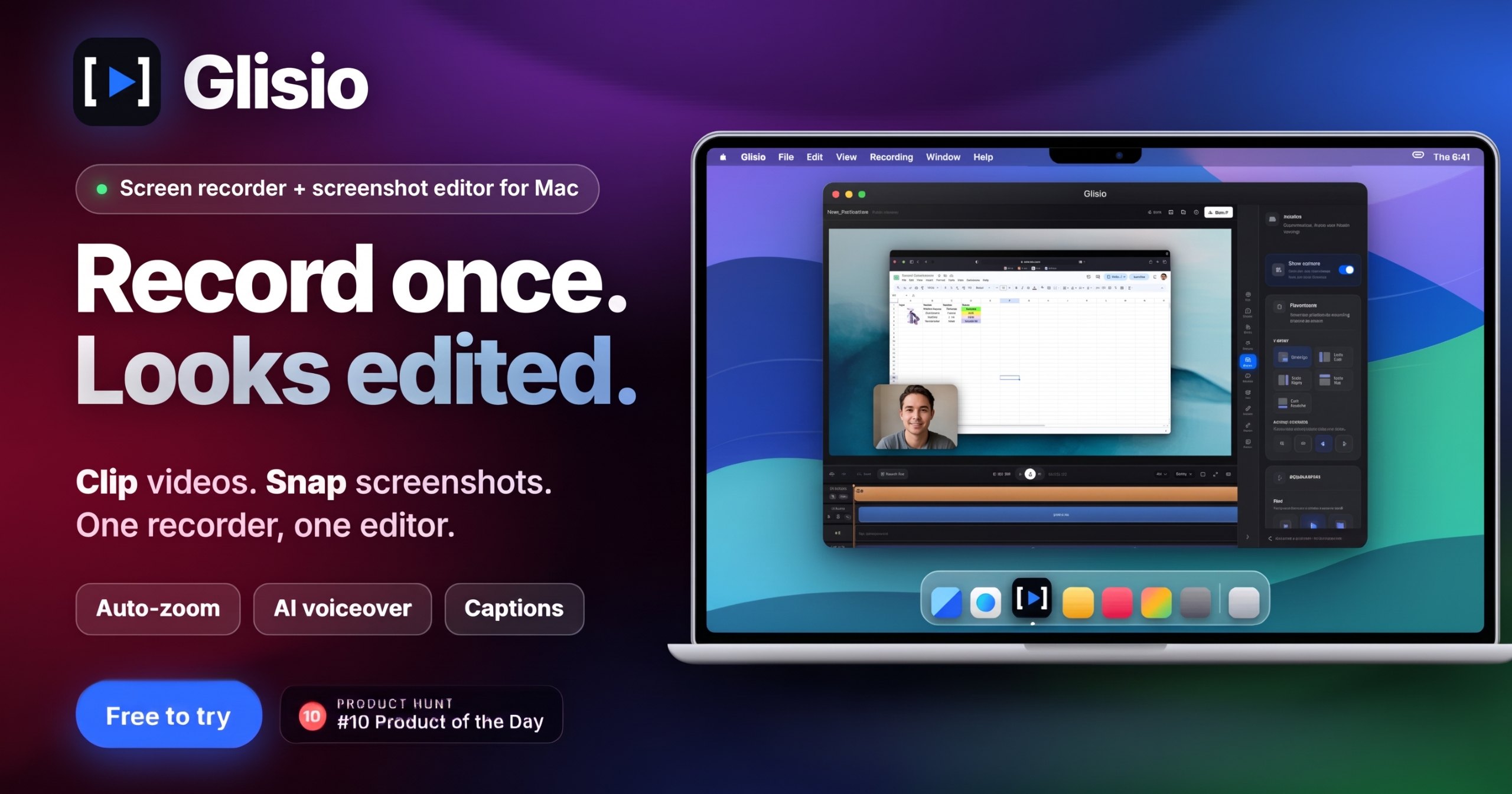
| Glisio | A Mac screen recorder with auto-zoom, AI voiceover and captions. | Free to try, Pro $79 once | Безкоштовна версіяОдноразовоПідписка | Так, і на Intel, каже автор | Ні | Emircan | 30 жовт. |
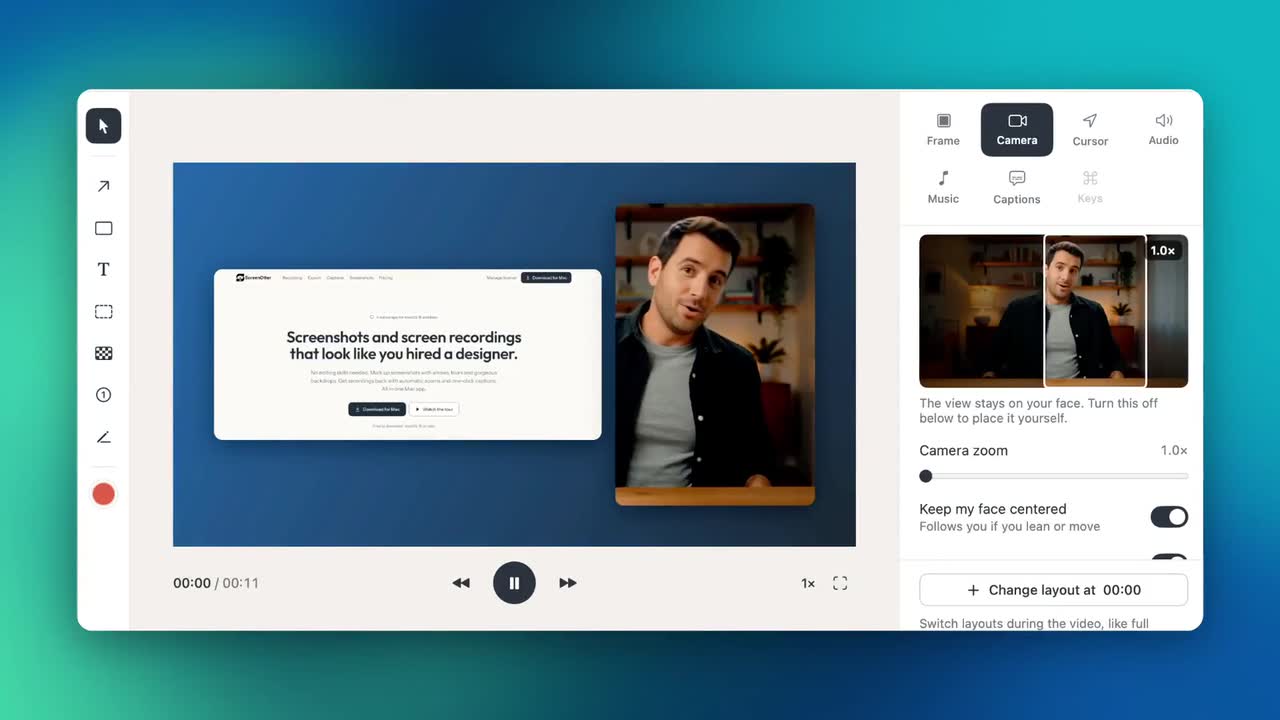
| ScreenOtter | Screen recordings and screenshots for Mac, edited for you | Free, $49 once ($79 for 3 Macs) | Безкоштовна версіяОдноразово | Не вказано | Ні | Mohit Gangrade | Очікує |
| ScreenCrab | Discover the best free apps for your Mac. | Безкоштовно | Безкоштовна версія | Не вказано | Ні | Kushagra Gour | Очікує |
| Snapperon | Mac screenshot annotation by hand or via local MCP for Claude Desktop and Codex Desktop. | Free; Pro $2/mo, $19.99/yr, $38.99 once | Безкоштовна версіяОдноразовоПідписка | Так, лише Apple silicon, каже автор | Ні | Snapperon Team | Очікує |
| ScreenVerb | The screenshot app built around AI. Capture, mark up, and paste AI answers in three keys. | Безкоштовно, є Pro | Безкоштовна версіяОдноразово | Так, лише Apple silicon, каже автор | Ні | David Tran | Очікує |
| Cuttle | A screen recorder for macOS that cuts the waiting | Free, Pro €9.99, 7-day trial | Безкоштовна версіяОдноразовоПідписка | Так, лише Apple silicon, каже автор | Ні | Lenny Enderle | Очікує |
| capcap | Take a screenshot, annotate and share in one flow | Безкоштовний і з відкритим кодом | Безкоштовна версія | Так, і на Intel, каже автор | Так | Не вказано | Очікує |

Turn screenshots into one long image, with precise crops and redaction

Від розробника: Turn screenshots into one long image. Align overlaps, crop precisely, and redact private details before sharing.
A Mac screen recorder with auto-zoom, AI voiceover and captions.

Glisio варто розглянути, якщо ваші відео йдуть більше ніж в одне місце. Він записує дисплей, вебкамеру, мікрофон і системний звук в одному дублі, а потім дає змогу монтувати на вашому Mac з масштабуванням за кліками, згладжуванням курсора, Smart Cut, фонами й брендуванням.
Експорт доступний у форматах 16:9, 9:16 і 1:1, тож один запис може стати і посібником, і вертикальним кліпом. Є ШІ-субтитри й ШІ-озвучення, якщо вони вам потрібні, а також вбудований інструмент для знімків екрана Snap.
The free version is real but limited: exports stop at 30 seconds and carry a watermark. Pro Lifetime removes both for $79, one payment.

Screen recordings and screenshots for Mac, edited for you

Від розробника: ScreenOtter is a native Mac app for screen recordings and screenshots. Your recordings come back already edited: a zoom on every click, a smooth pointer, and your camera in one of eight layouts you can change after you record.

Discover the best free apps for your Mac.

Від розробника: Discover the best free apps for your Mac.

Mac screenshot annotation by hand or via local MCP for Claude Desktop and Codex Desktop.

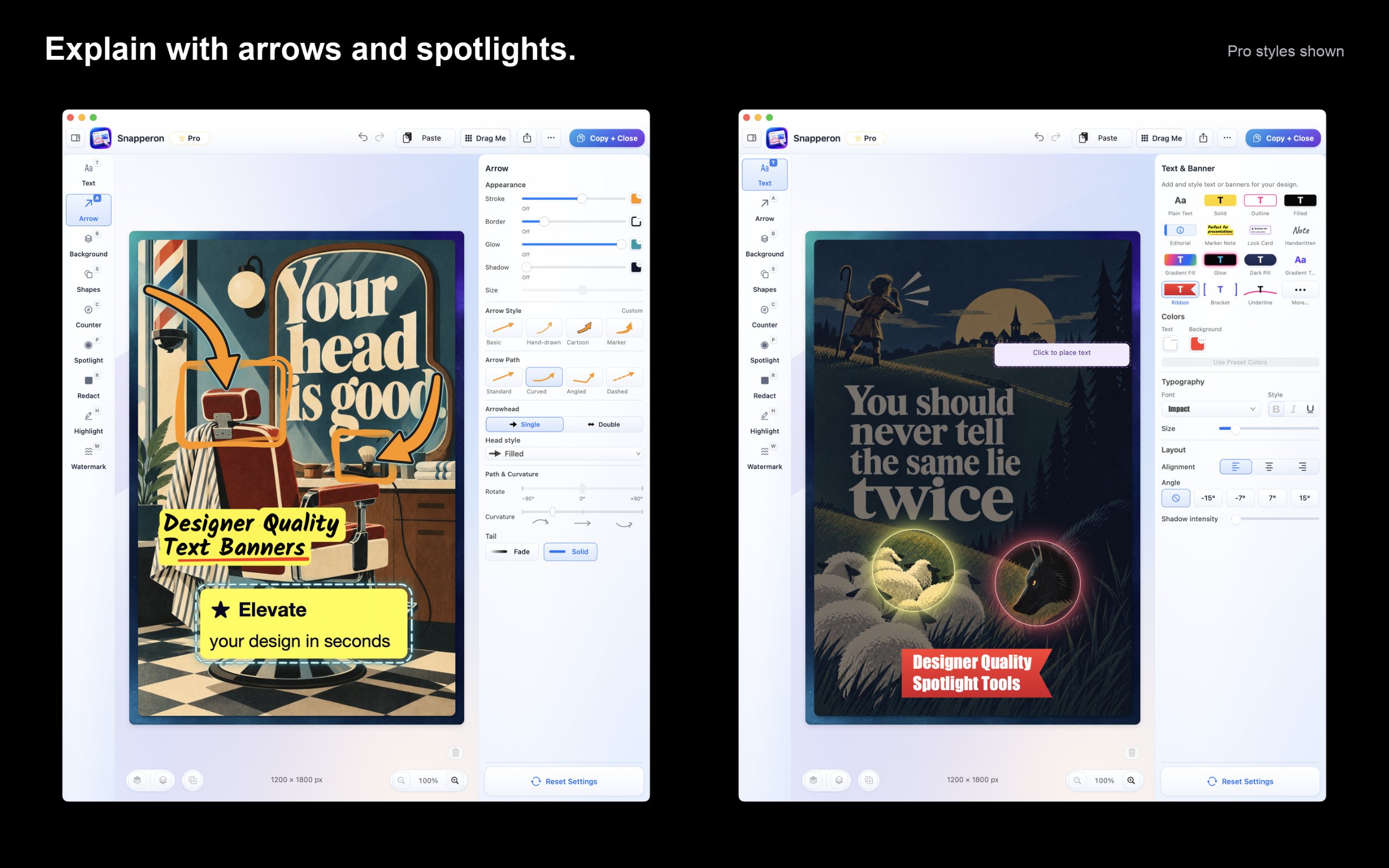
Від розробника: Capture screenshots or open images and PDF pages. Add styled arrows, banners, numbered steps, highlights, shapes, spotlights, freehand and redaction.

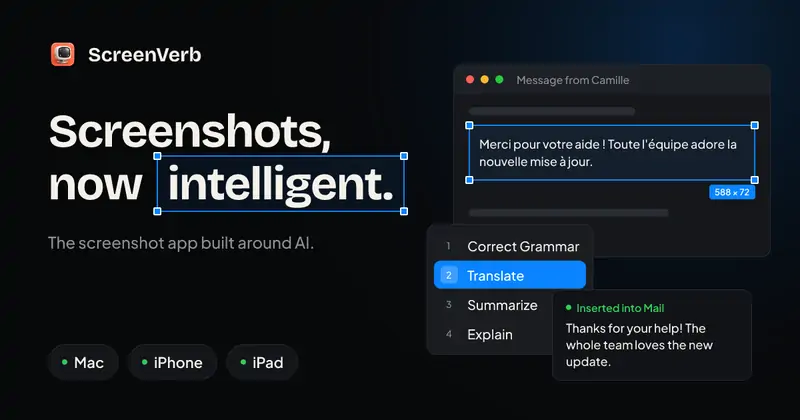
The screenshot app built around AI. Capture, mark up, and paste AI answers in three keys.

Від розробника: ScreenVerb is a screenshot app for Mac built around AI. Snap a window, drag a pixel-exact region or grab a full scrolling page with one shortcut, then press a number key to run an AI action.

A screen recorder for macOS that cuts the waiting

From its maker: users need до record demos of their work without boring others with waiting time or sensitive information. Cuttle is a screen recorder for macOS that solves this problem.

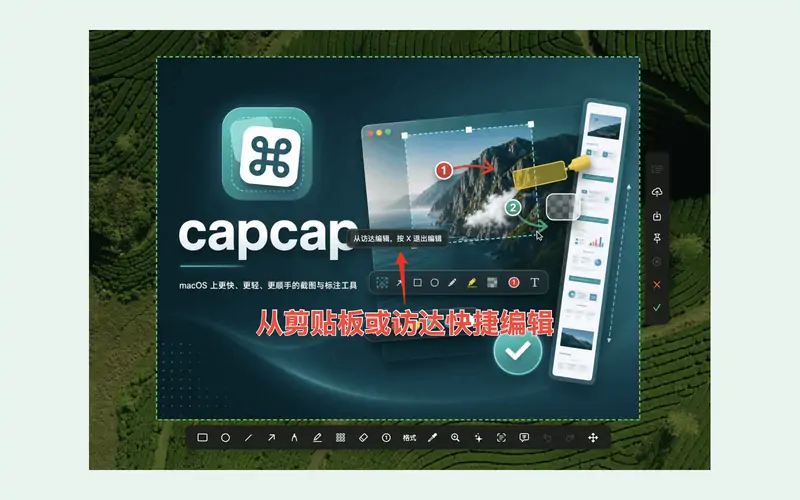
Take a screenshot, annotate and share in one flow

Від розробника: capcap is a free, open-source screenshot and screen capture tool for macOS 14+, built with AppKit for Apple silicon and Intel. It helps developers, writers, and designers capture, annotate, and share without telemetry or a subscription.
Look for scrolling capture, quick annotation, and where the files are saved or uploaded.
There is no single best one for everyone. MacPip lists 8: Stitch It, Glisio, ScreenOtter, ScreenCrab, Snapperon, ScreenVerb, Cuttle, capcap. If you want it free, look at Stitch It. If you want it to run natively on Apple silicon, look at Glisio. If you need it to work offline, as its maker says it does, look at Glisio.
За словами авторів або за нашою перевіркою: Glisio, Snapperon, ScreenVerb, Cuttle, capcap.
У кожного є звіт із датою на його сторінці: Stitch It, Glisio.
Перевірені застосунки йдуть першими, від найсвіжішої перевірки, а потім решта за часом додавання. Оплата ніколи не змінює порядок, а спонсорські рядки позначено й винесено окремо.