Stitch It
Turn screenshots into one long image, with precise crops and redaction

Van de maker: Turn screenshots into one long image. Align overlaps, crop precisely, and redact private details before sharing.
- Prijs
- Free with in-app purchases
Vermeldingen blijven in de taal waarin hun makers ze hebben geschreven.
Bijgewerkt op 23 nov 2026, uit wat MacPip vandaag vermeldt.
MacPip lists 8 free screenshot apps for Mac, and MacPip has checked 2 of them.Ze hebben allemaal een gratis versie.5 ervan verkopen een eenmalige licentie.3 ervan worden verkocht via een abonnement.There is no single best free screenshot app for everyone, so MacPip does not rank them.Als je een gratis app wilt, begin dan met Stitch It.
Gecontroleerde apps komen eerst, de nieuwste controle bovenaan. Nooit gesorteerd op betaling.
| App | Wat het doet | Prijs | Gratis of betaald | Apple silicon | Open source | Gemaakt door | Gecontroleerd |
|---|---|---|---|---|---|---|---|
| Stitch It | Turn screenshots into one long image, with precise crops and redaction | Free with in-app purchases | Gratis versie | Niet vermeld | Nee | Thirty Seven Inc. | 23 nov |
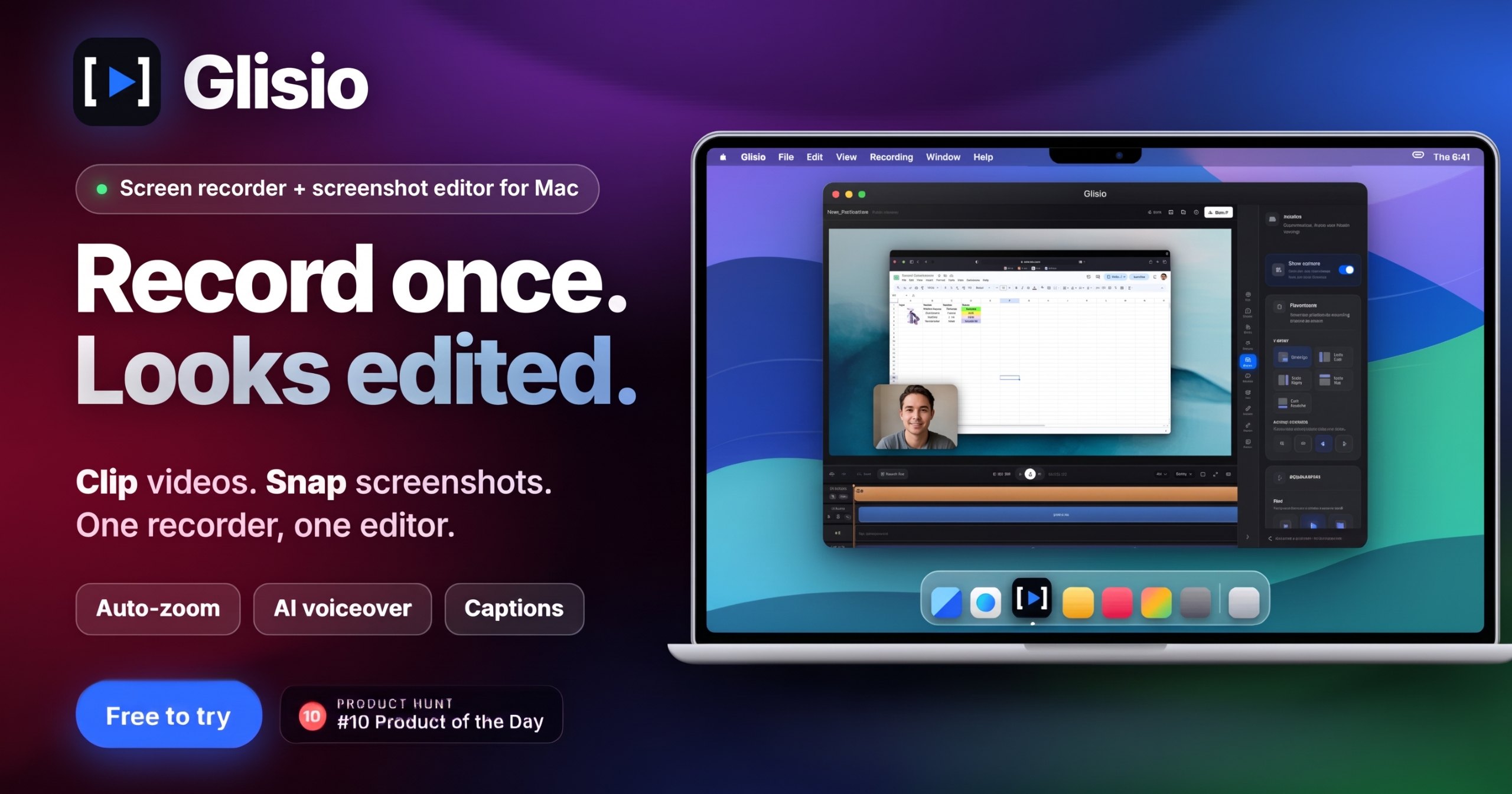
| Glisio | A Mac screen recorder with auto-zoom, AI voiceover and captions. | Free to try, Pro $79 once | Gratis versieEenmaligAbonnement | Ja, en op Intel, zegt de maker | Nee | Emircan | 30 okt |
| ScreenOtter | Screen recordings and screenshots for Mac, edited for you | Free, $49 once ($79 for 3 Macs) | Gratis versieEenmalig | Niet vermeld | Nee | Mohit Gangrade | In afwachting |
| ScreenCrab | Discover the best free apps for your Mac. | Gratis | Gratis versie | Niet vermeld | Nee | Kushagra Gour | In afwachting |
| Snapperon | Mac screenshot annotation by hand or via local MCP for Claude Desktop and Codex Desktop. | Free; Pro $2/mo, $19.99/yr, $38.99 once | Gratis versieEenmaligAbonnement | Ja, alleen Apple silicon, zegt de maker | Nee | Snapperon Team | In afwachting |
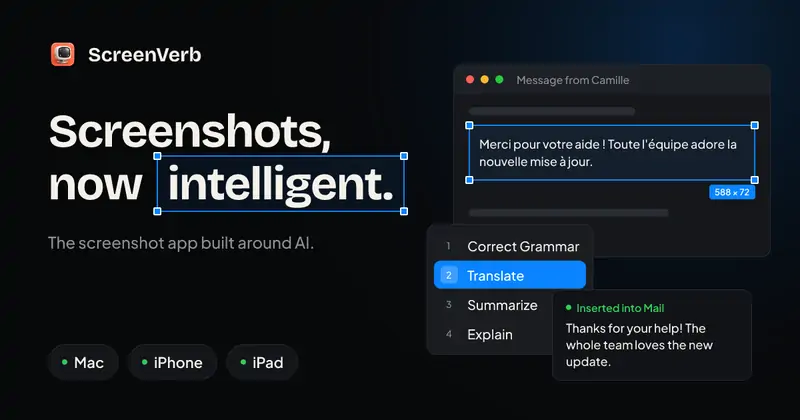
| ScreenVerb | The screenshot app built around AI. Capture, mark up, and paste AI answers in three keys. | Gratis, Pro beschikbaar | Gratis versieEenmalig | Ja, alleen Apple silicon, zegt de maker | Nee | David Tran | In afwachting |
| Cuttle | A screen recorder for macOS that cuts the waiting | Free, Pro €9.99, 7-day trial | Gratis versieEenmaligAbonnement | Ja, alleen Apple silicon, zegt de maker | Nee | Lenny Enderle | In afwachting |
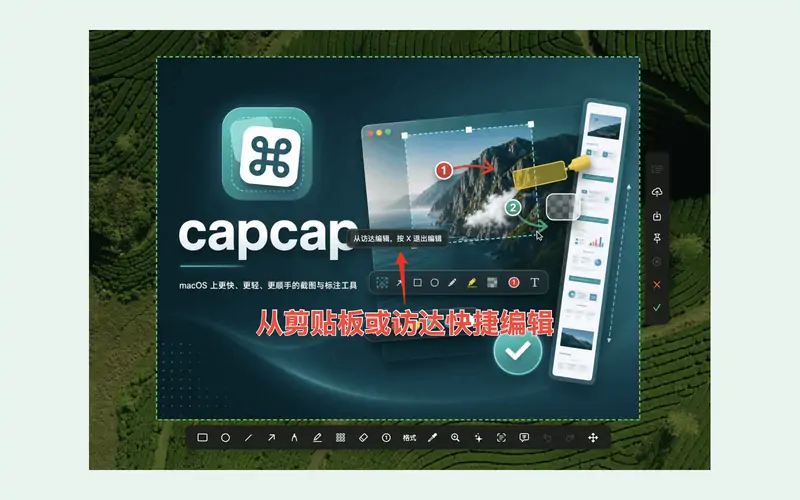
| capcap | Take a screenshot, annotate and share in one flow | Gratis en open source | Gratis versie | Ja, en op Intel, zegt de maker | Ja | Niet vermeld | In afwachting |

Turn screenshots into one long image, with precise crops and redaction

Van de maker: Turn screenshots into one long image. Align overlaps, crop precisely, and redact private details before sharing.
A Mac screen recorder with auto-zoom, AI voiceover and captions.

Glisio is de app om naar te kijken als je video's naar meer dan één plek gaan. Hij neemt je scherm, webcam, microfoon en systeemgeluid op in één keer, en laat je daarna op je Mac bewerken met zooms op klikken, een vloeiendere cursor, Smart Cut, achtergronden en branding.
Exports komen in 16:9, 9:16 en 1:1, dus één opname kan een tutorial en een verticale clip worden. AI-ondertitels en een AI-voice-over zijn er als je ze wilt, en er is een ingebouwde screenshottool die Snap heet.
The free version is real but limited: exports stop at 30 seconds and carry a watermark. Pro Lifetime removes both for $79, one payment.

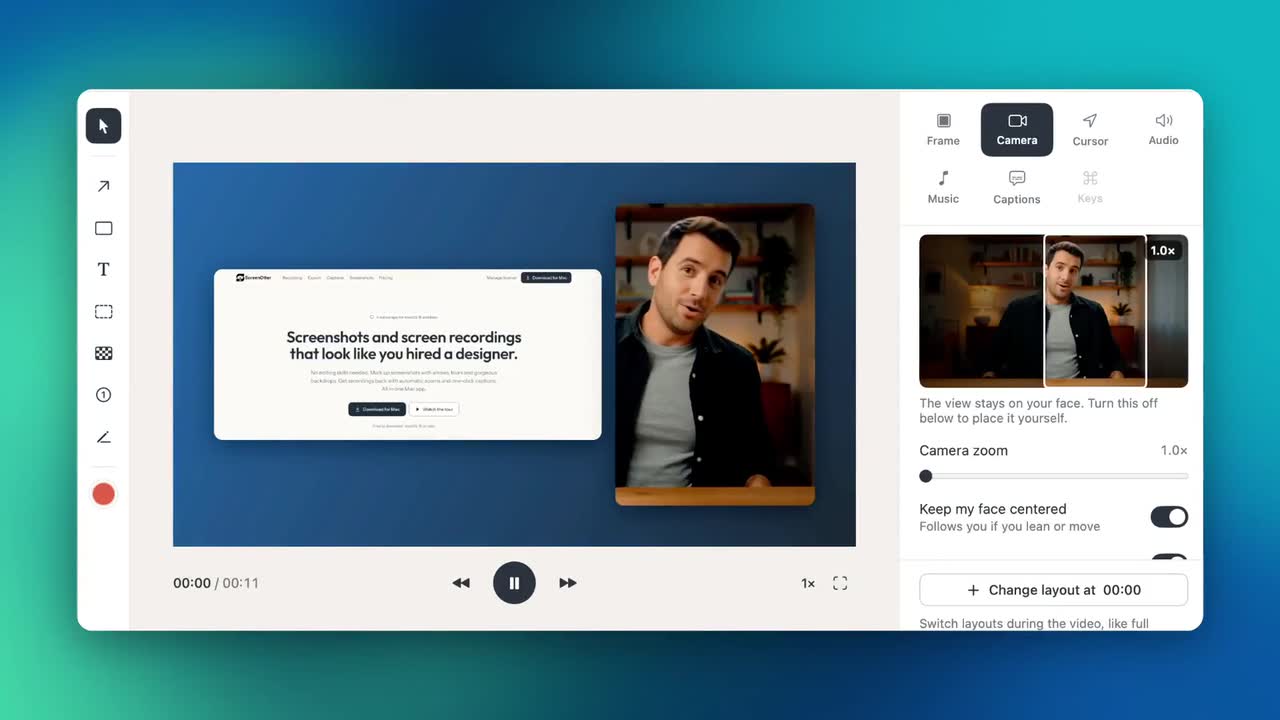
Screen recordings and screenshots for Mac, edited for you

Van de maker: ScreenOtter is a native Mac app for screen recordings and screenshots. Your recordings come back already edited: a zoom on every click, a smooth pointer, and your camera in one of eight layouts you can change after you record.

Discover the best free apps for your Mac.

Van de maker: Discover the best free apps for your Mac.

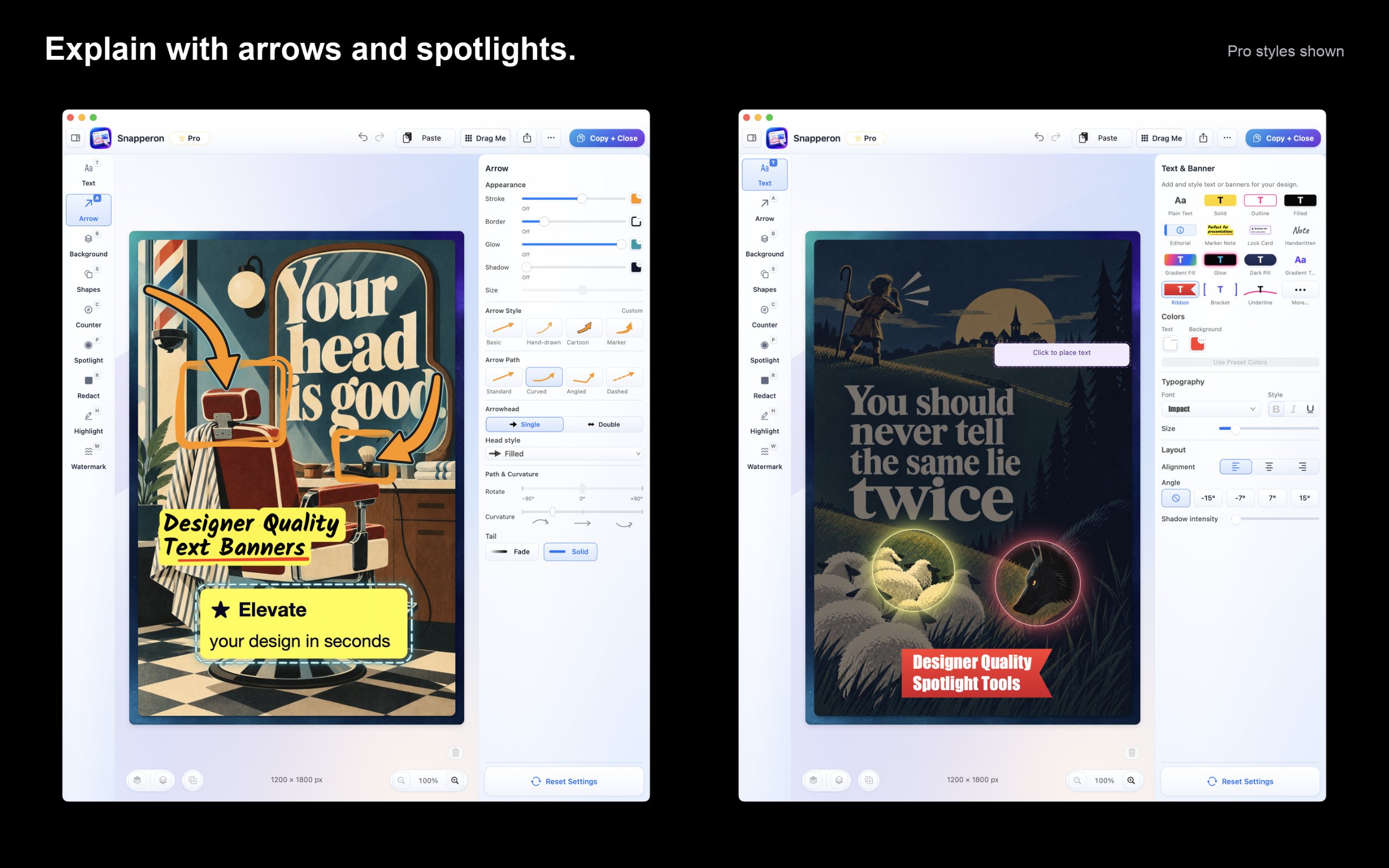
Mac screenshot annotation by hand or via local MCP for Claude Desktop and Codex Desktop.

Van de maker: Capture screenshots or open images and PDF pages. Add styled arrows, banners, numbered steps, highlights, shapes, spotlights, freehand and redaction.

The screenshot app built around AI. Capture, mark up, and paste AI answers in three keys.

Van de maker: ScreenVerb is a screenshot app for Mac built around AI. Snap a window, drag a pixel-exact region or grab a full scrolling page with one shortcut, then press a number key to run an AI action.

A screen recorder for macOS that cuts the waiting

From its maker: users need tot record demos of their work without boring others with waiting time or sensitive information. Cuttle is a screen recorder for macOS that solves this problem.

Take a screenshot, annotate and share in one flow

Van de maker: capcap is a free, open-source screenshot and screen capture tool for macOS 14+, built with AppKit for Apple silicon and Intel. It helps developers, writers, and designers capture, annotate, and share without telemetry or a subscription.
Look for scrolling capture, quick annotation, and where the files are saved or uploaded.
There is no single best one for everyone. MacPip lists 8: Stitch It, Glisio, ScreenOtter, ScreenCrab, Snapperon, ScreenVerb, Cuttle, capcap. If you want it free, look at Stitch It. If you want it to run natively on Apple silicon, look at Glisio. If you need it to work offline, as its maker says it does, look at Glisio.
Volgens de makers of volgens onze controle: Glisio, Snapperon, ScreenVerb, Cuttle, capcap.
Elke app heeft een gedateerd rapport op zijn pagina: Stitch It, Glisio.
Gecontroleerde apps komen eerst, de nieuwste controle bovenaan, daarna de rest op het moment dat ze zijn toegevoegd. Betalen verandert nooit de volgorde, en gesponsorde rijen hebben een label en staan apart.