Stitch It
Turn screenshots into one long image, with precise crops and redaction

De su creador: Turn screenshots into one long image. Align overlaps, crop precisely, and redact private details before sharing.
- Precio
- Free with in-app purchases
Las fichas se mantienen en el idioma en que las escribieron sus creadores.
Actualizado el 23 nov 2026, a partir de lo que MacPip tiene hoy.
MacPip lists 8 free screenshot apps for Mac, and MacPip has checked 2 of them.Todas tienen una versión gratuita.5 de ellas venden una licencia de pago único.3 de ellas se venden por suscripción.There is no single best free screenshot app for everyone, so MacPip does not rank them.Si lo quieres gratis, empieza por Stitch It.
Las apps revisadas van primero, empezando por la revisión más reciente. Nunca ordenadas por pago.
| App | Qué hace | Precio | Gratis o de pago | Apple silicon | Código abierto | Hecho por | Revisada |
|---|---|---|---|---|---|---|---|
| Stitch It | Turn screenshots into one long image, with precise crops and redaction | Free with in-app purchases | Versión gratuita | No indicado | No | Thirty Seven Inc. | 23 nov |
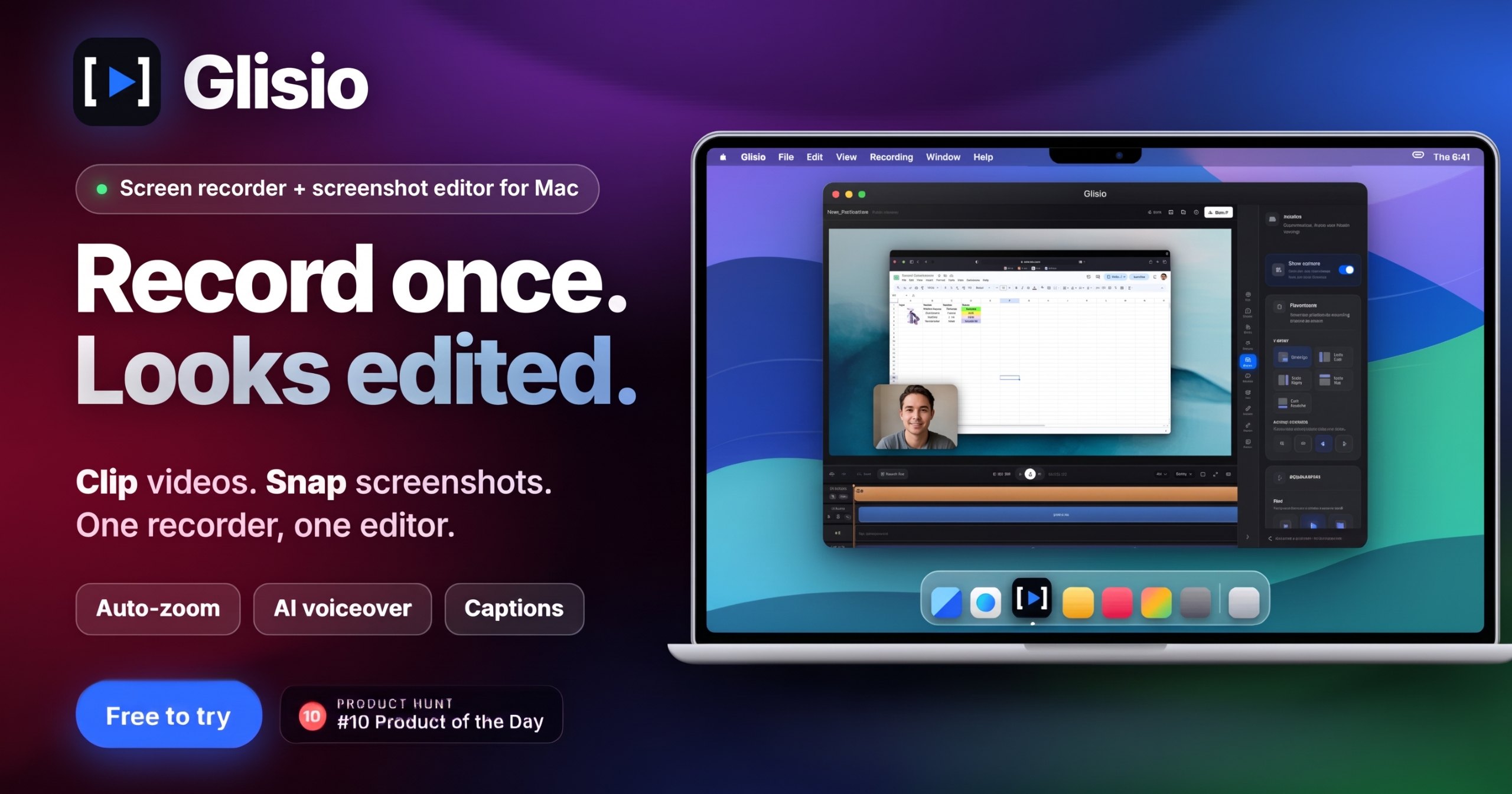
| Glisio | A Mac screen recorder with auto-zoom, AI voiceover and captions. | Free to try, Pro $79 once | Versión gratuitaPago únicoSuscripción | Sí, y en Intel, según su creador | No | Emircan | 30 oct |
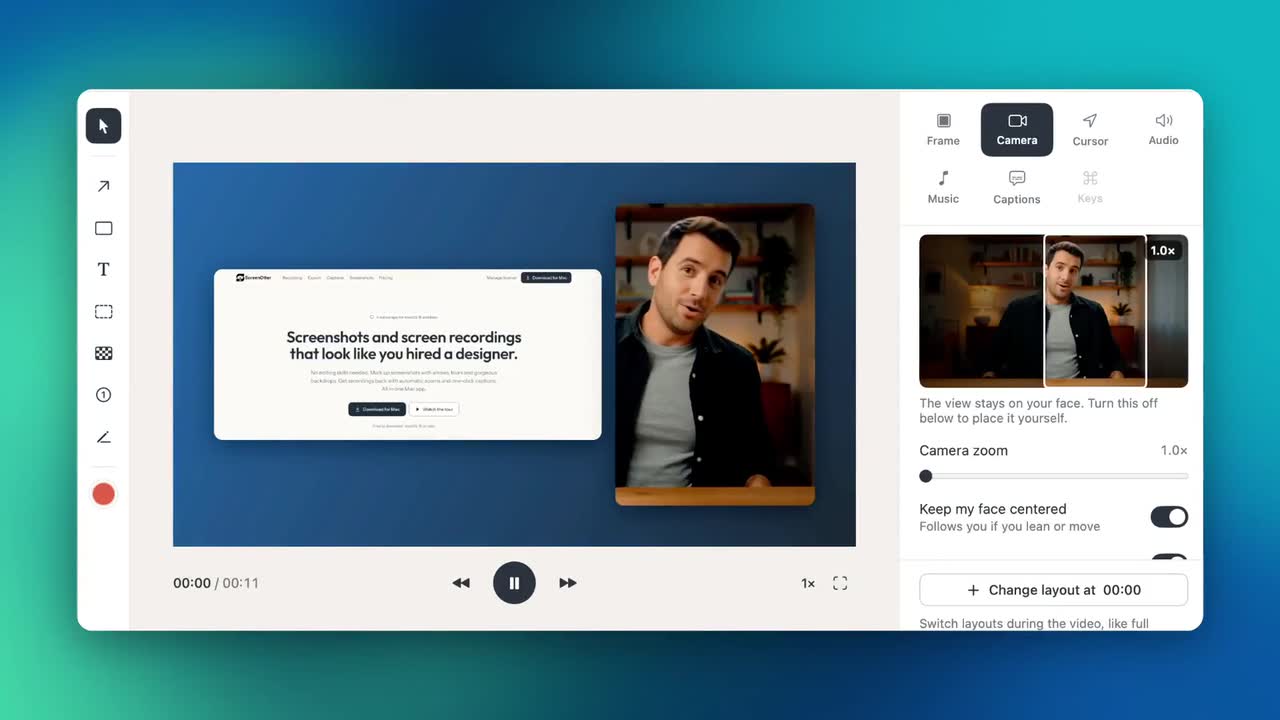
| ScreenOtter | Screen recordings and screenshots for Mac, edited for you | Free, $49 once ($79 for 3 Macs) | Versión gratuitaPago único | No indicado | No | Mohit Gangrade | Pendiente |
| ScreenCrab | Discover the best free apps for your Mac. | Gratis | Versión gratuita | No indicado | No | Kushagra Gour | Pendiente |
| Snapperon | Mac screenshot annotation by hand or via local MCP for Claude Desktop and Codex Desktop. | Free; Pro $2/mo, $19.99/yr, $38.99 once | Versión gratuitaPago únicoSuscripción | Sí, solo Apple silicon, según su creador | No | Snapperon Team | Pendiente |
| ScreenVerb | The screenshot app built around AI. Capture, mark up, and paste AI answers in three keys. | Gratis, con Pro disponible | Versión gratuitaPago único | Sí, solo Apple silicon, según su creador | No | David Tran | Pendiente |
| Cuttle | A screen recorder for macOS that cuts the waiting | Free, Pro €9.99, 7-day trial | Versión gratuitaPago únicoSuscripción | Sí, solo Apple silicon, según su creador | No | Lenny Enderle | Pendiente |
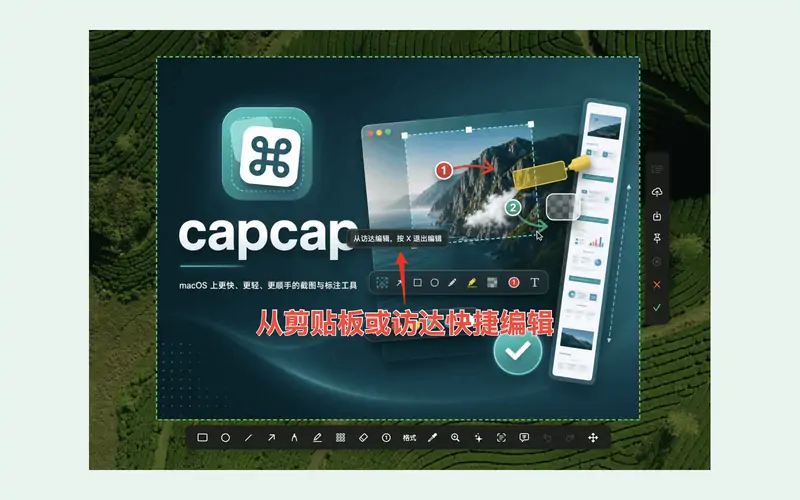
| capcap | Take a screenshot, annotate and share in one flow | Gratis y de código abierto | Versión gratuita | Sí, y en Intel, según su creador | Sí | No indicado | Pendiente |

Turn screenshots into one long image, with precise crops and redaction

De su creador: Turn screenshots into one long image. Align overlaps, crop precisely, and redact private details before sharing.
A Mac screen recorder with auto-zoom, AI voiceover and captions.

Glisio es la que debes mirar si tus videos van a más de un sitio. Graba tu pantalla, tu webcam, tu micrófono y el audio del sistema en una sola toma, y luego te deja editar en tu Mac con zooms por clic, suavizado del cursor, Smart Cut, fondos y marca.
Exporta en 16:9, 9:16 y 1:1, así que una grabación puede convertirse en un tutorial y en un clip vertical. Si los quieres, tiene subtítulos y voz en off con IA, e incluye una herramienta de capturas llamada Snap.
The free version is real but limited: exports stop at 30 seconds and carry a watermark. Pro Lifetime removes both for $79, one payment.

Screen recordings and screenshots for Mac, edited for you

De su creador: ScreenOtter is a native Mac app for screen recordings and screenshots. Your recordings come back already edited: a zoom on every click, a smooth pointer, and your camera in one of eight layouts you can change after you record.

Discover the best free apps for your Mac.

De su creador: Discover the best free apps for your Mac.

Mac screenshot annotation by hand or via local MCP for Claude Desktop and Codex Desktop.

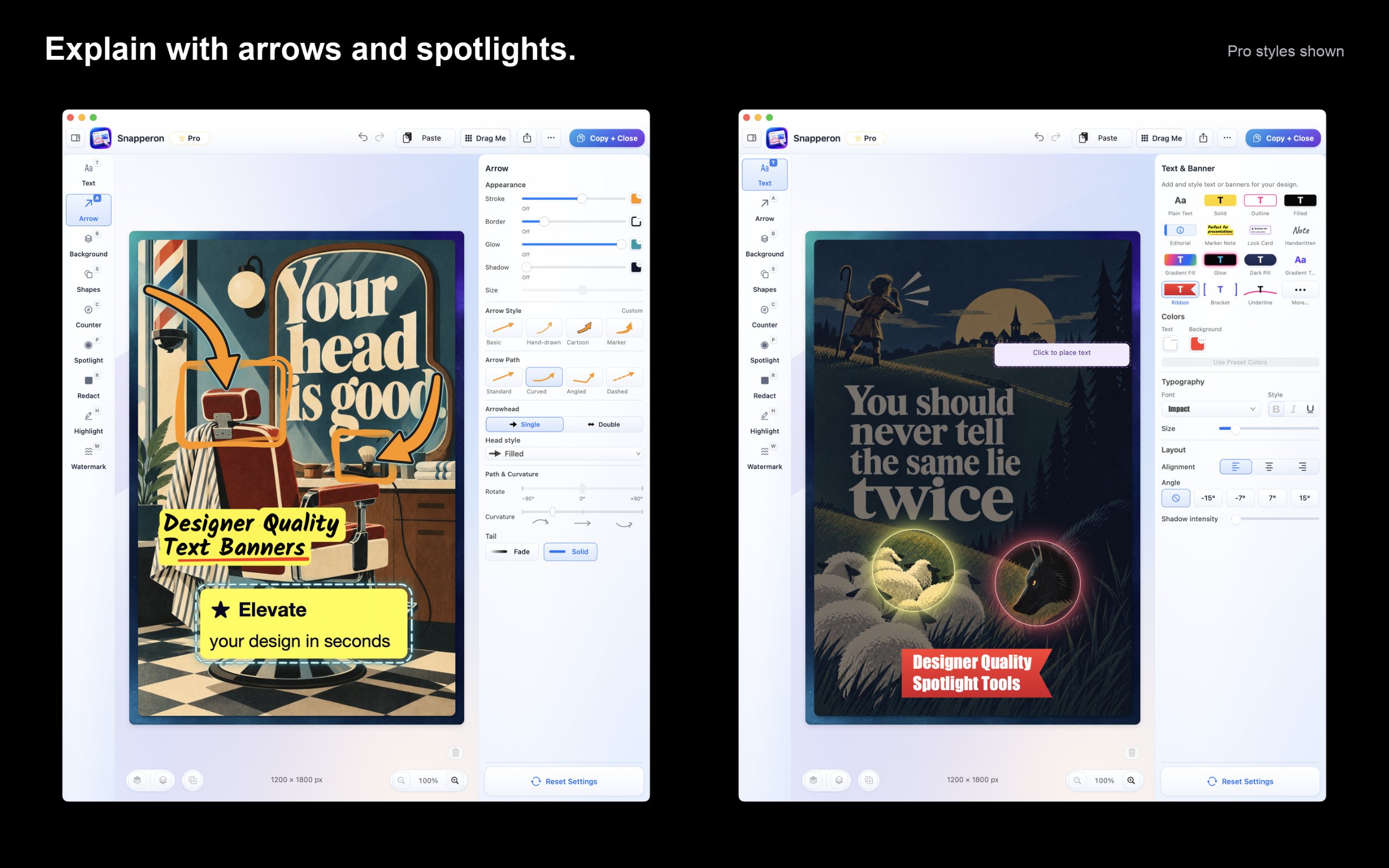
De su creador: Capture screenshots or open images and PDF pages. Add styled arrows, banners, numbered steps, highlights, shapes, spotlights, freehand and redaction.

The screenshot app built around AI. Capture, mark up, and paste AI answers in three keys.

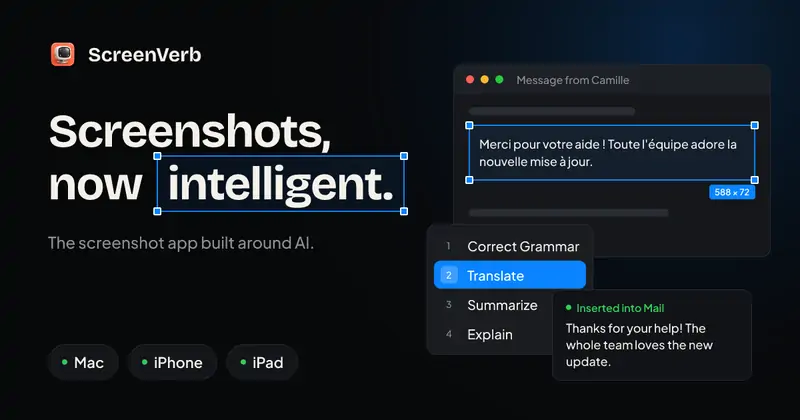
De su creador: ScreenVerb is a screenshot app for Mac built around AI. Snap a window, drag a pixel-exact region or grab a full scrolling page with one shortcut, then press a number key to run an AI action.

A screen recorder for macOS that cuts the waiting

From its maker: users need a record demos of their work without boring others with waiting time or sensitive information. Cuttle is a screen recorder for macOS that solves this problem.

Take a screenshot, annotate and share in one flow

De su creador: capcap is a free, open-source screenshot and screen capture tool for macOS 14+, built with AppKit for Apple silicon and Intel. It helps developers, writers, and designers capture, annotate, and share without telemetry or a subscription.
Look for scrolling capture, quick annotation, and where the files are saved or uploaded.
There is no single best one for everyone. MacPip lists 8: Stitch It, Glisio, ScreenOtter, ScreenCrab, Snapperon, ScreenVerb, Cuttle, capcap. If you want it free, look at Stitch It. If you want it to run natively on Apple silicon, look at Glisio. If you need it to work offline, as its maker says it does, look at Glisio.
Según sus creadores o según nuestra revisión: Glisio, Snapperon, ScreenVerb, Cuttle, capcap.
Cada una tiene un informe con fecha en su página: Stitch It, Glisio.
Las apps revisadas van primero, empezando por la revisión más reciente, y después el resto según cuándo se añadieron. El pago nunca cambia el orden, y las filas patrocinadas llevan etiqueta y van aparte.