Stitch It
Turn screenshots into one long image, with precise crops and redaction

Od twórcy: Turn screenshots into one long image. Align overlaps, crop precisely, and redact private details before sharing.
- Cena
- Free with in-app purchases
Wpisy zostają w języku, w którym napisali je ich twórcy.
Zaktualizowano 23 lis 2026, na podstawie tego, co MacPip ma dziś w katalogu.
MacPip lists 8 free screenshot apps for Mac, and MacPip has checked 2 of them.Wszystkie mają darmową wersję.Z licencją jednorazową: 5.Sprzedawane w abonamencie: 3.There is no single best free screenshot app for everyone, so MacPip does not rank them.Jeśli chcesz darmową, zacznij od Stitch It.
Najpierw sprawdzone aplikacje, od najnowszego sprawdzenia. Nigdy według płatności.
| Aplikacja | Co robi | Cena | Darmowa czy płatna | Apple silicon | Open source | Autor: | Sprawdzono |
|---|---|---|---|---|---|---|---|
| Stitch It | Turn screenshots into one long image, with precise crops and redaction | Free with in-app purchases | Wersja darmowa | Nie podano | Nie | Thirty Seven Inc. | 23 lis |
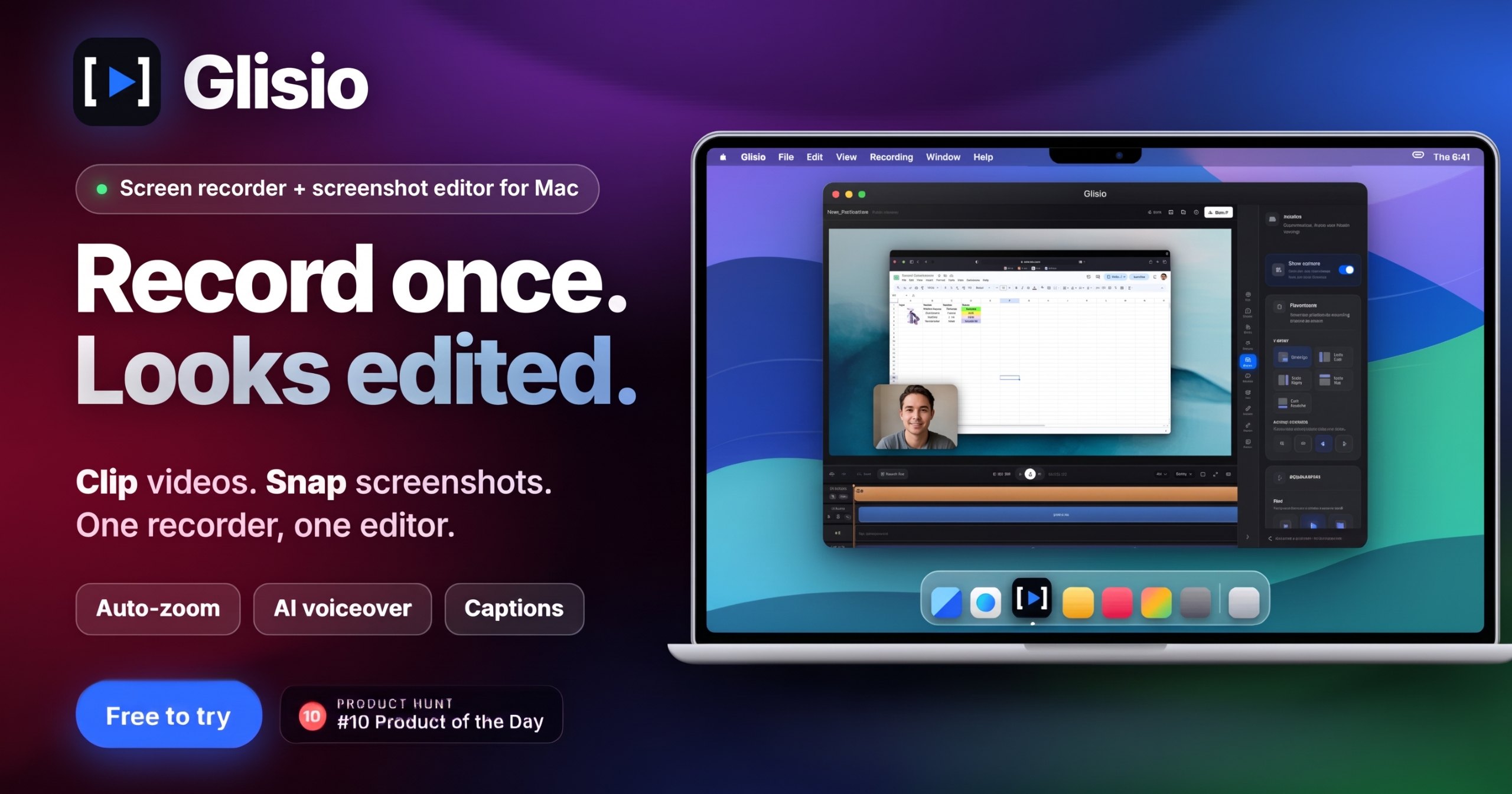
| Glisio | A Mac screen recorder with auto-zoom, AI voiceover and captions. | Free to try, Pro $79 once | Wersja darmowaJednorazowoSubskrypcja | Tak, a także na Intel, według twórcy | Nie | Emircan | 30 paź |
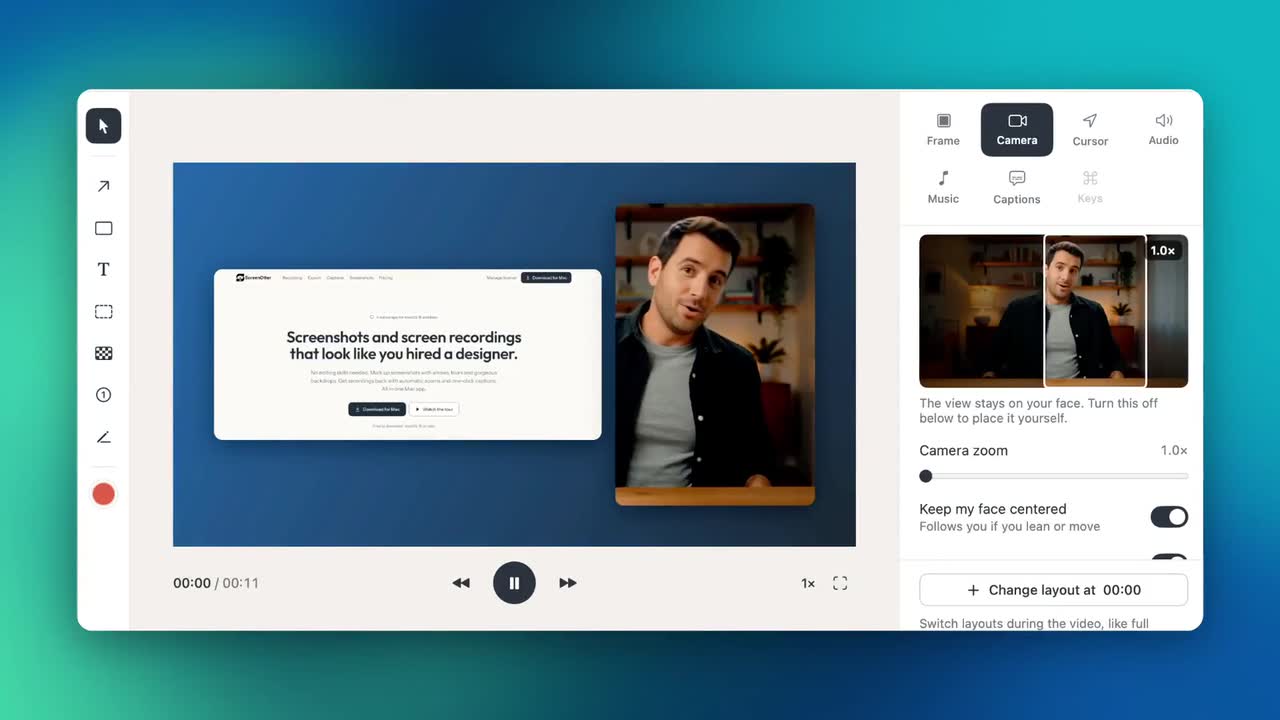
| ScreenOtter | Screen recordings and screenshots for Mac, edited for you | Free, $49 once ($79 for 3 Macs) | Wersja darmowaJednorazowo | Nie podano | Nie | Mohit Gangrade | Oczekuje |
| ScreenCrab | Discover the best free apps for your Mac. | Za darmo | Wersja darmowa | Nie podano | Nie | Kushagra Gour | Oczekuje |
| Snapperon | Mac screenshot annotation by hand or via local MCP for Claude Desktop and Codex Desktop. | Free; Pro $2/mo, $19.99/yr, $38.99 once | Wersja darmowaJednorazowoSubskrypcja | Tak, tylko Apple silicon, według twórcy | Nie | Snapperon Team | Oczekuje |
| ScreenVerb | The screenshot app built around AI. Capture, mark up, and paste AI answers in three keys. | Za darmo, dostępna wersja Pro | Wersja darmowaJednorazowo | Tak, tylko Apple silicon, według twórcy | Nie | David Tran | Oczekuje |
| Cuttle | A screen recorder for macOS that cuts the waiting | Free, Pro €9.99, 7-day trial | Wersja darmowaJednorazowoSubskrypcja | Tak, tylko Apple silicon, według twórcy | Nie | Lenny Enderle | Oczekuje |
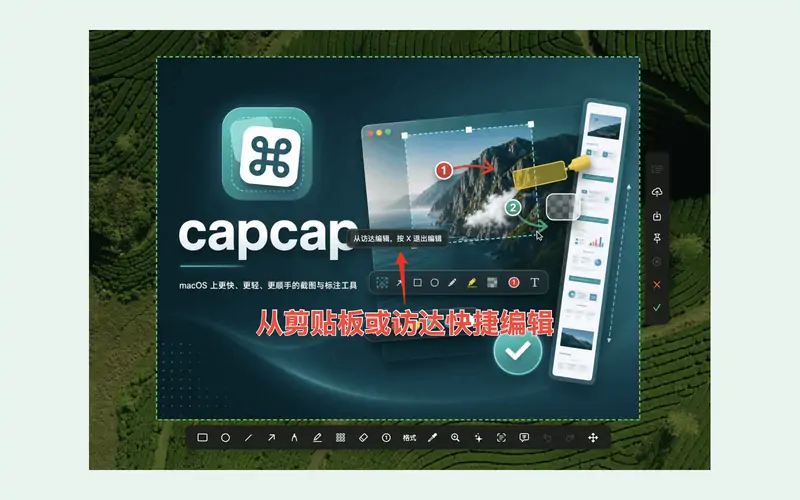
| capcap | Take a screenshot, annotate and share in one flow | Darmowa i open source | Wersja darmowa | Tak, a także na Intel, według twórcy | Tak | Nie podano | Oczekuje |

Turn screenshots into one long image, with precise crops and redaction

Od twórcy: Turn screenshots into one long image. Align overlaps, crop precisely, and redact private details before sharing.
A Mac screen recorder with auto-zoom, AI voiceover and captions.

Glisio to aplikacja dla ciebie, jeśli twoje filmy trafiają w więcej niż jedno miejsce. Nagrywa ekran, kamerę, mikrofon i dźwięk systemowy w jednym ujęciu, a potem pozwala montować na Macu z przybliżeniami po kliknięciu, wygładzaniem kursora, Smart Cut, tłami i brandingiem.
Eksport jest w 16:9, 9:16 i 1:1, więc jedno nagranie może stać się poradnikiem i pionowym klipem. Napisy AI i lektor AI są dostępne, jeśli ich chcesz, a wbudowane jest też narzędzie do zrzutów ekranu o nazwie Snap.
The free version is real but limited: exports stop at 30 seconds and carry a watermark. Pro Lifetime removes both for $79, one payment.

Screen recordings and screenshots for Mac, edited for you

Od twórcy: ScreenOtter is a native Mac app for screen recordings and screenshots. Your recordings come back already edited: a zoom on every click, a smooth pointer, and your camera in one of eight layouts you can change after you record.

Discover the best free apps for your Mac.

Od twórcy: Discover the best free apps for your Mac.

Mac screenshot annotation by hand or via local MCP for Claude Desktop and Codex Desktop.

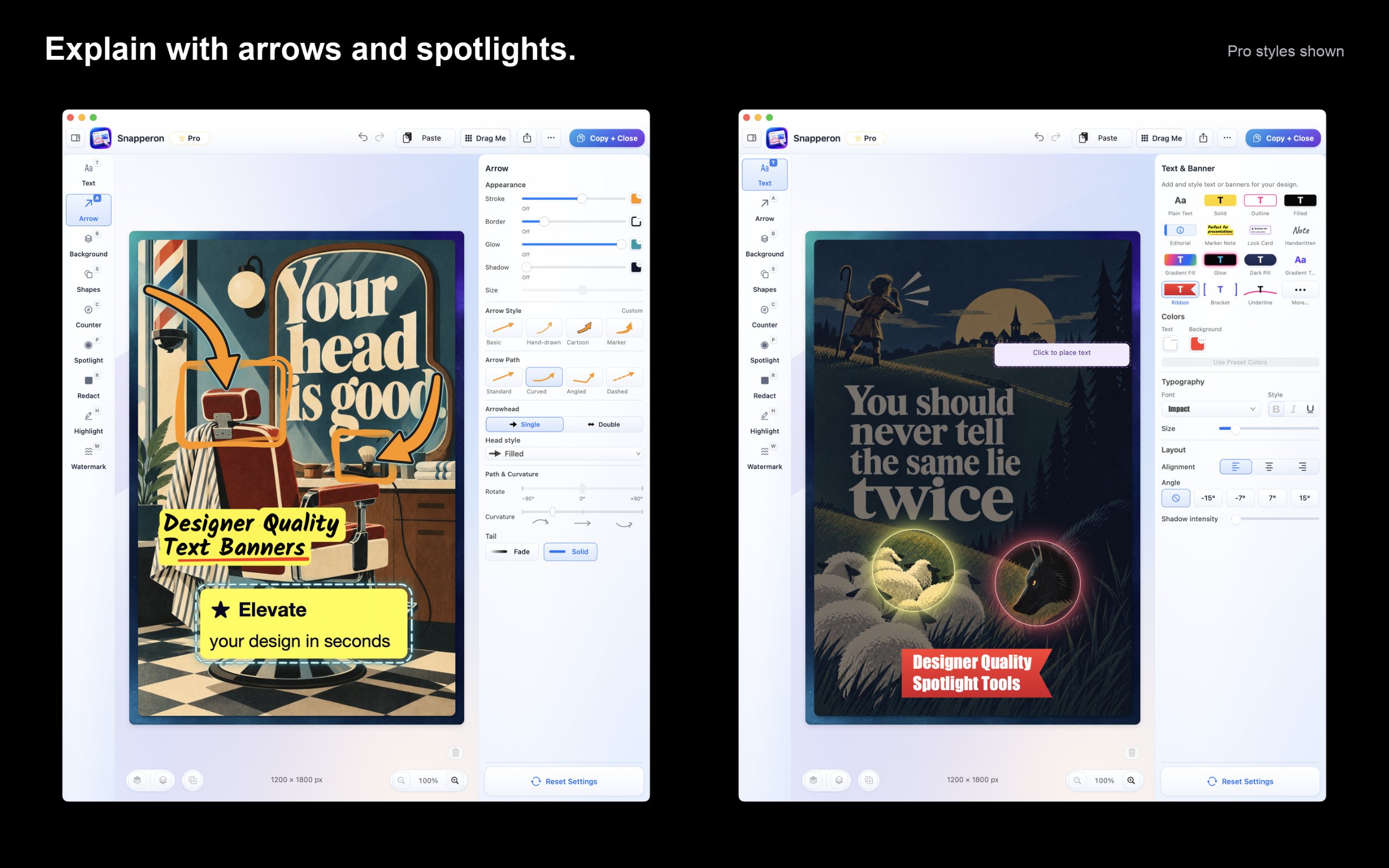
Od twórcy: Capture screenshots or open images and PDF pages. Add styled arrows, banners, numbered steps, highlights, shapes, spotlights, freehand and redaction.

The screenshot app built around AI. Capture, mark up, and paste AI answers in three keys.

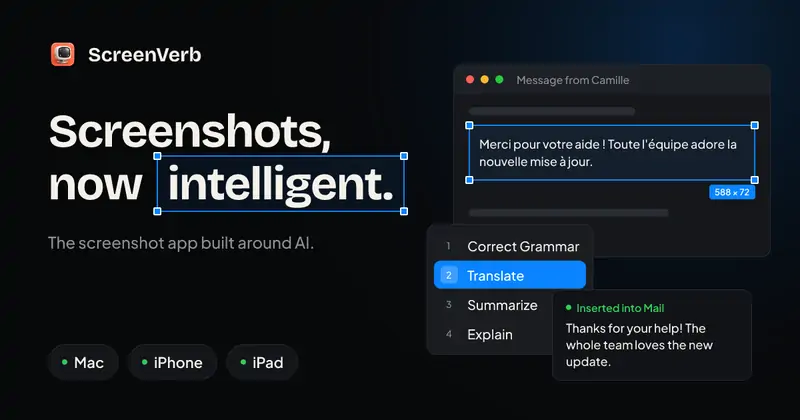
Od twórcy: ScreenVerb is a screenshot app for Mac built around AI. Snap a window, drag a pixel-exact region or grab a full scrolling page with one shortcut, then press a number key to run an AI action.

A screen recorder for macOS that cuts the waiting

From its maker: users need do record demos of their work without boring others with waiting time or sensitive information. Cuttle is a screen recorder for macOS that solves this problem.

Take a screenshot, annotate and share in one flow

Od twórcy: capcap is a free, open-source screenshot and screen capture tool for macOS 14+, built with AppKit for Apple silicon and Intel. It helps developers, writers, and designers capture, annotate, and share without telemetry or a subscription.
Look for scrolling capture, quick annotation, and where the files are saved or uploaded.
There is no single best one for everyone. MacPip lists 8: Stitch It, Glisio, ScreenOtter, ScreenCrab, Snapperon, ScreenVerb, Cuttle, capcap. If you want it free, look at Stitch It. If you want it to run natively on Apple silicon, look at Glisio. If you need it to work offline, as its maker says it does, look at Glisio.
Według twórców lub według naszego sprawdzenia: Glisio, Snapperon, ScreenVerb, Cuttle, capcap.
Każda ma datowany raport na swojej stronie: Stitch It, Glisio.
Najpierw sprawdzone aplikacje, od najnowszego sprawdzenia, potem pozostałe według daty dodania. Płatność nigdy nie zmienia kolejności, a sponsorowane wiersze są oznaczone i trzymane osobno.