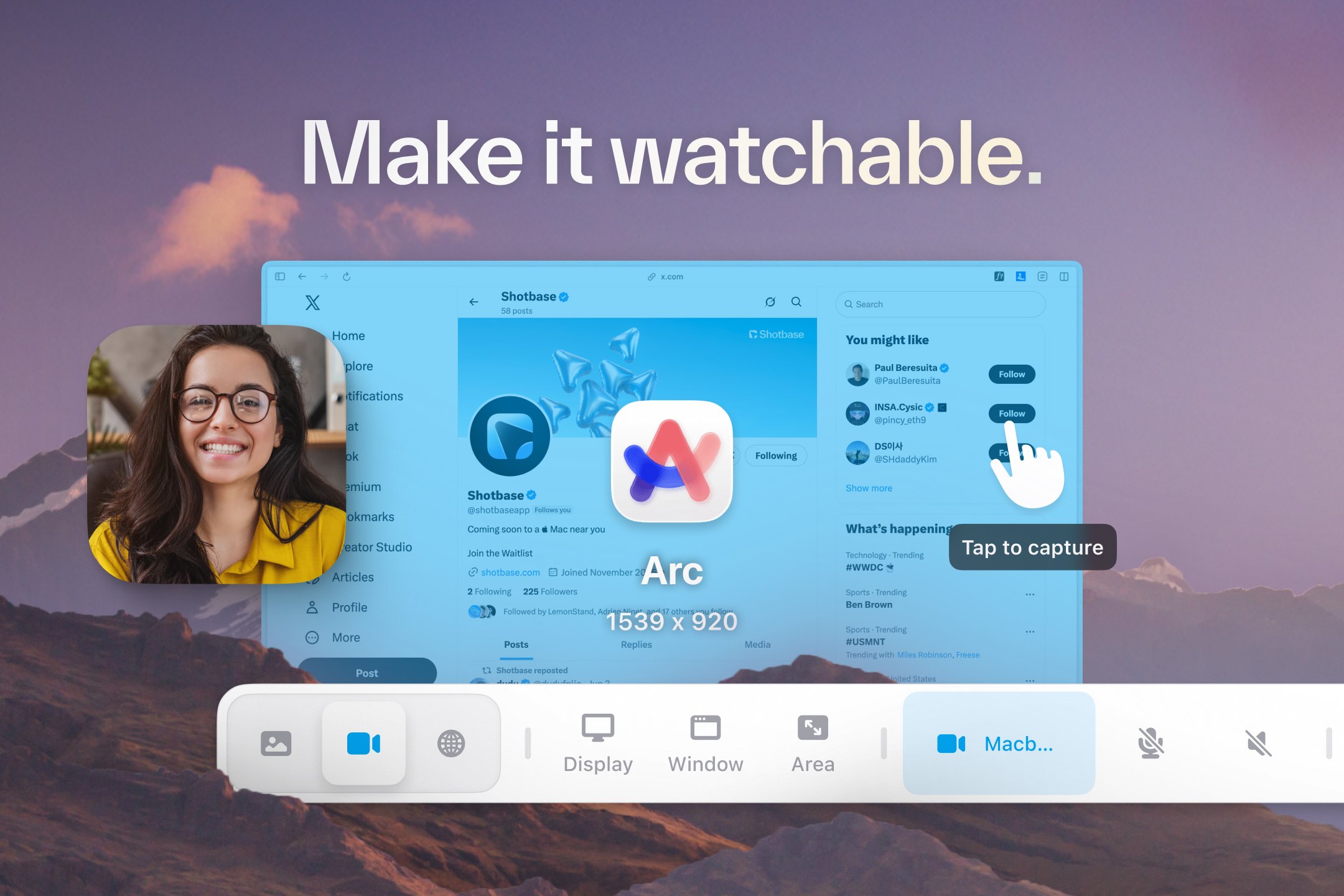
 ShotbaseShotbase is a modern screen capture workspace for macOS.autor:
 @shotbaseapp$13/mo or $156/yr, 7-day free trialPREMIUM LAUNCH
Wpisy zostają w języku, w którym napisali je ich twórcy.

capcap to aplikacja na Mac z kategorii „Zrzuty ekranu”:Take a screenshot, annotate and share in one flow.Działa na Apple silicon.Żadna osoba jeszcze jej nie sprawdziła.
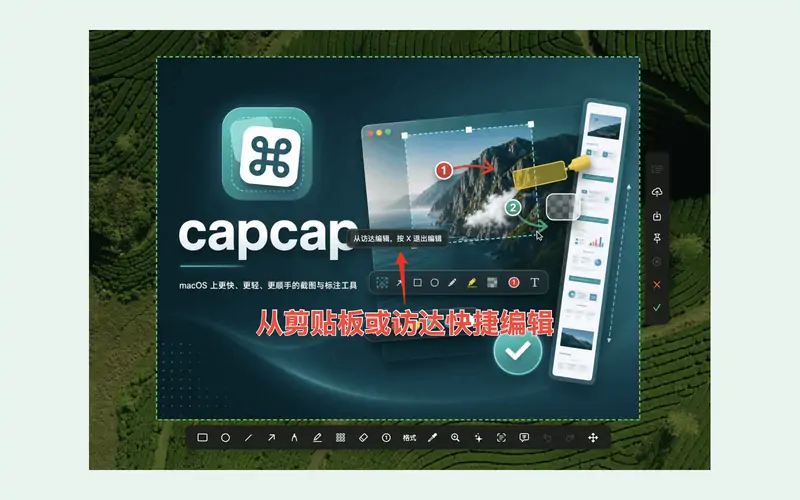
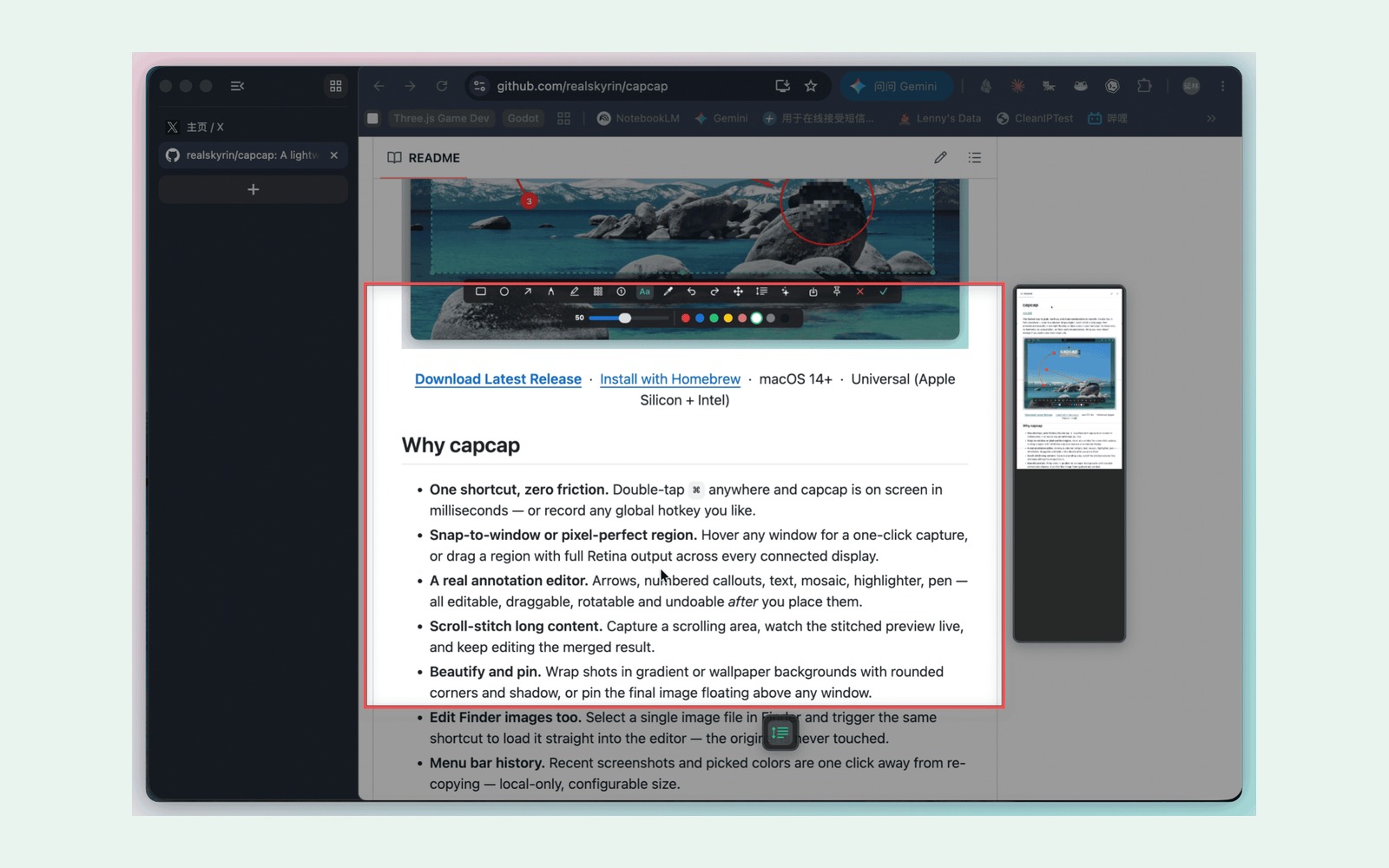
capcap is a free, open-source screenshot and screen capture tool for macOS 14+, built with AppKit for Apple silicon and Intel. It helps developers, writers, and designers capture, annotate, and share without telemetry or a subscription.
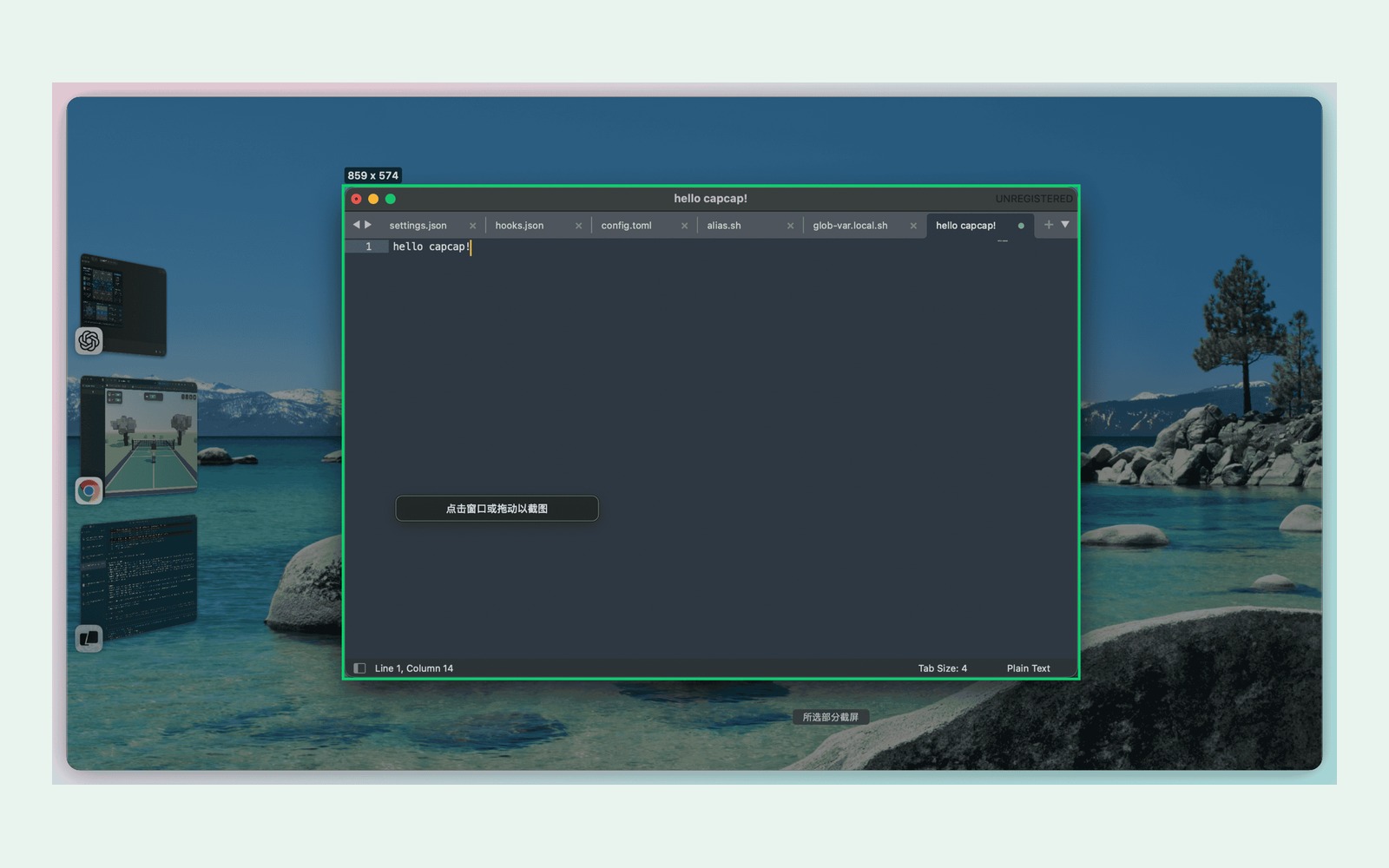
- Double-tap Command to capture a window or region.
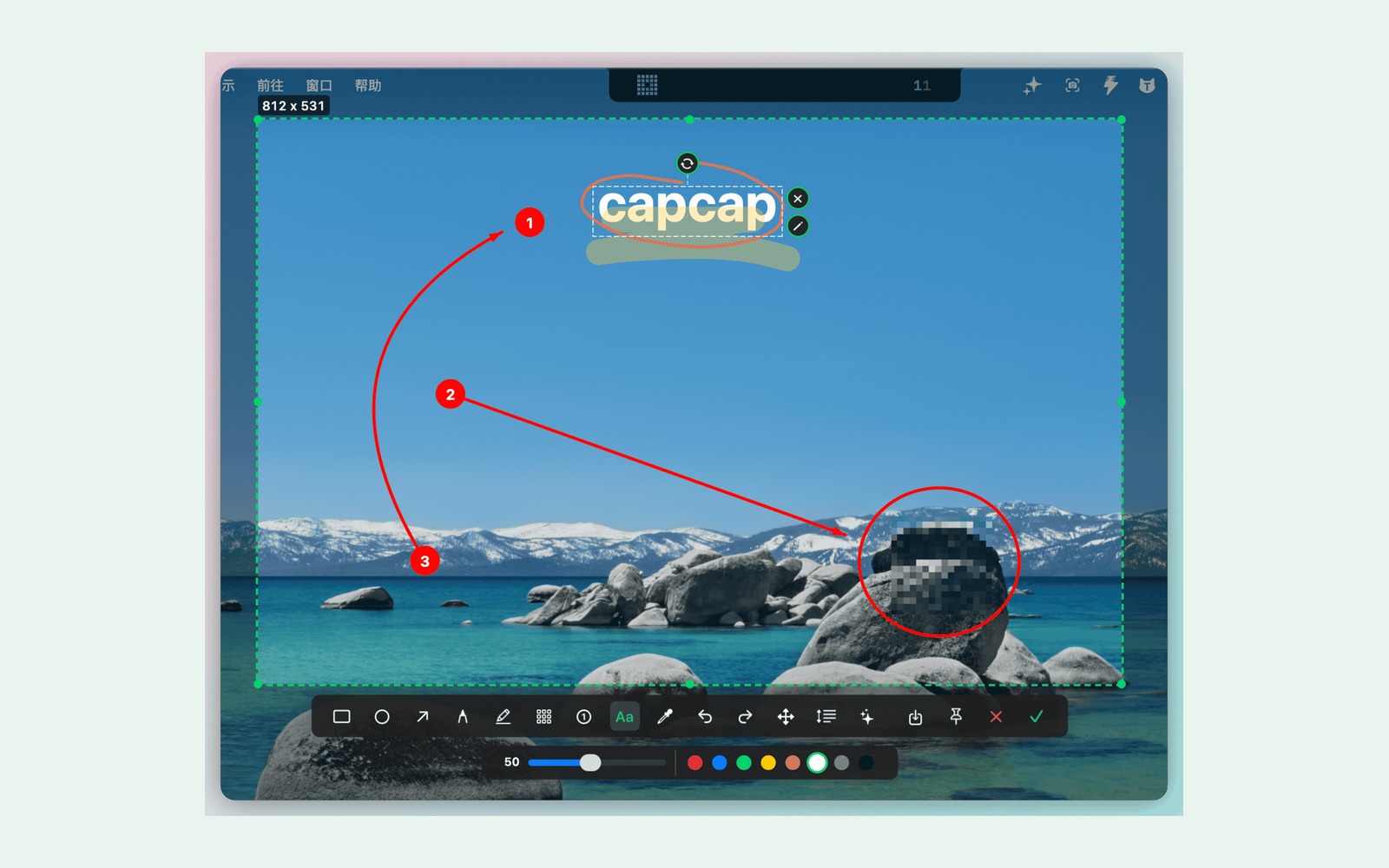
- Annotate with editable arrows, text, highlights, and mosaic.
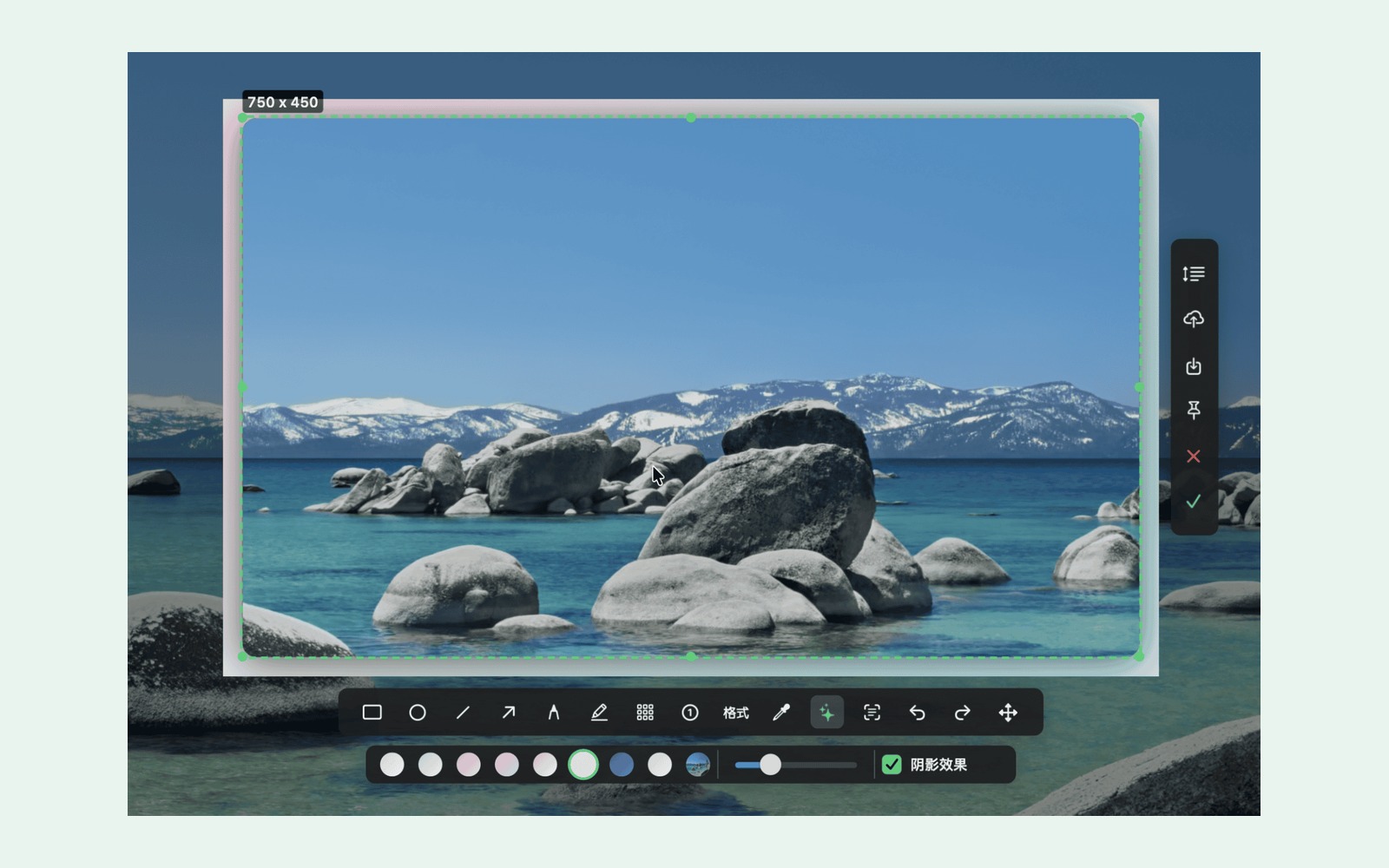
- Stitch scrolling screenshots; beautify with backgrounds and shadows.
- Pin images, save locally, and copy recent screenshots and colors in one click.
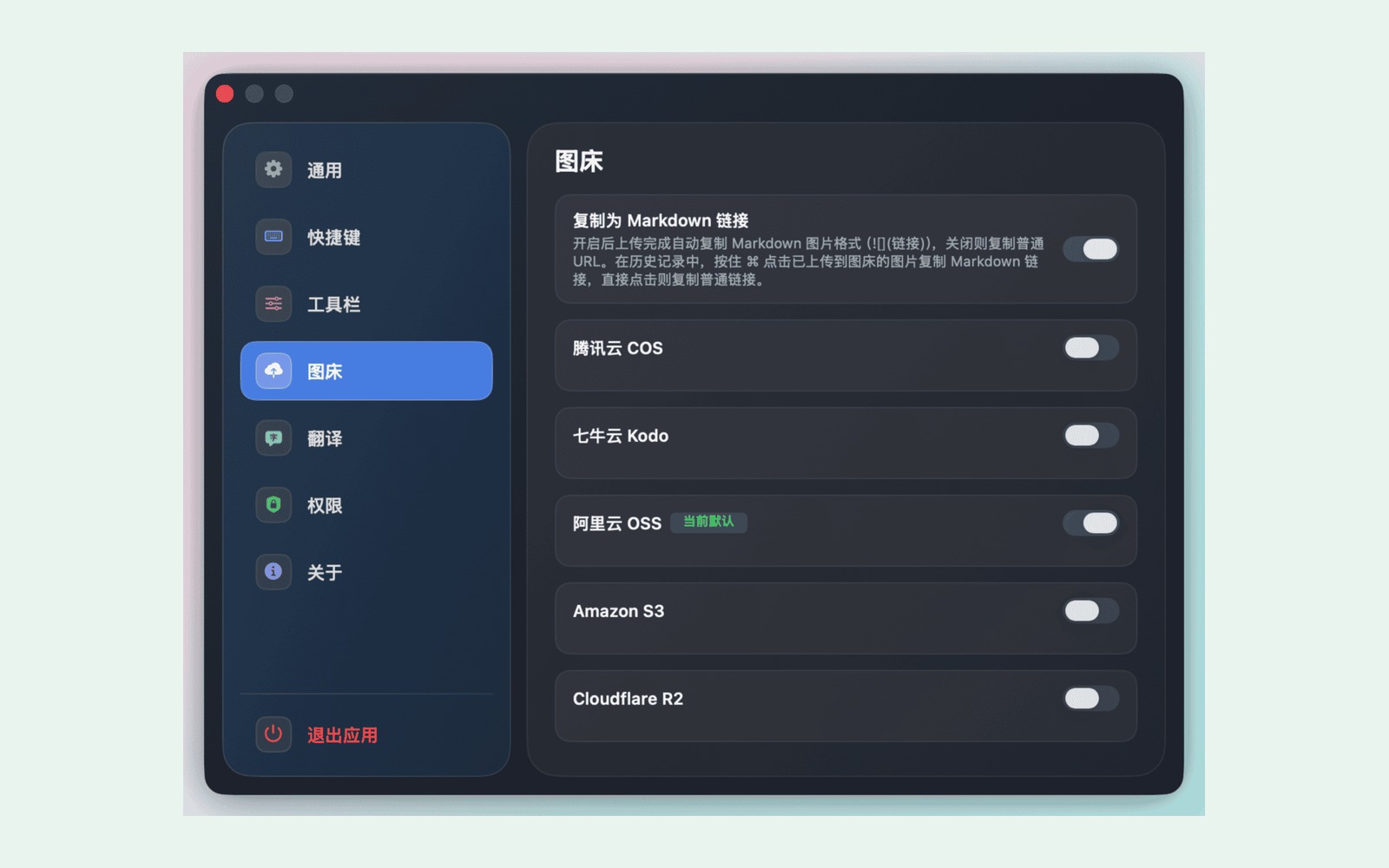
- Upload to your own R2, S3, COS, Qiniu, or OSS storage and copy a public URL.
Core capture and editing work offline. Uploads and online translation need internet. Storage providers may charge for use.
To Twoja aplikacja, więc oto jej własny znaczek na Twoją stronę. Prowadzi z powrotem tutaj, pokazuje Twoje prawdziwe głosy i czyni Twoją aplikację Przyjacielem MacPip.


<a href="https://macpip.com/apps/capcap?ref=badge"><img src="https://macpip.com/badge/capcap.svg" height="58" alt="capcap is listed on MacPip"></a>
Answers from the maker.
ShotbaseShotbase is a modern screen capture workspace for macOS.autor: @shotbaseapp$13/mo or $156/yr, 7-day free trialPREMIUM LAUNCH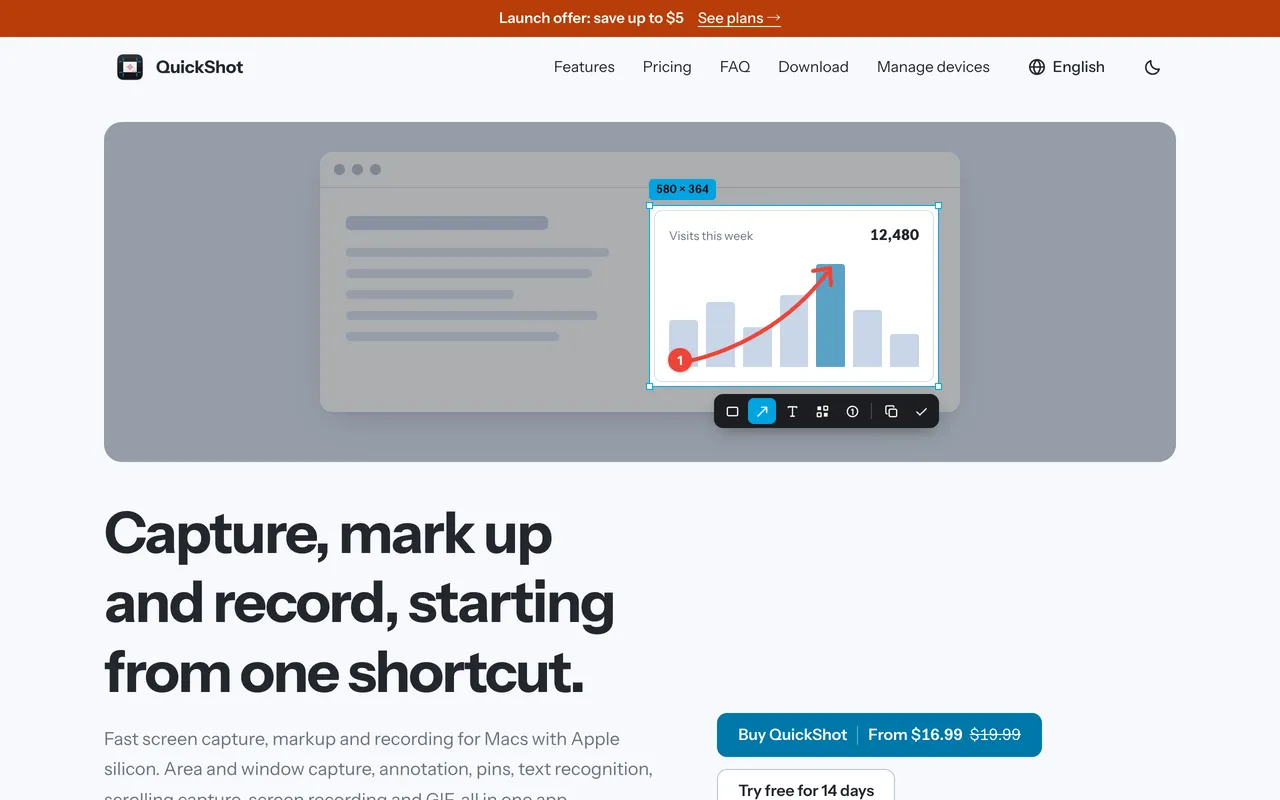
 QuickShotScreenshot app for Mac with markup, OCR, scrolling capture and recording$16.99 once (2 Macs $24.99)
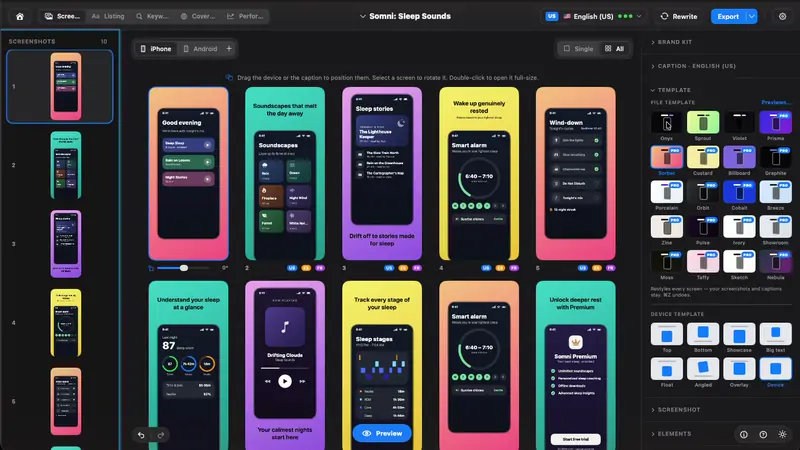
 StoreboardNative Mac app that designs, keyword-optimizes and localizes App Store screenshots$49.99 ONE-TIME
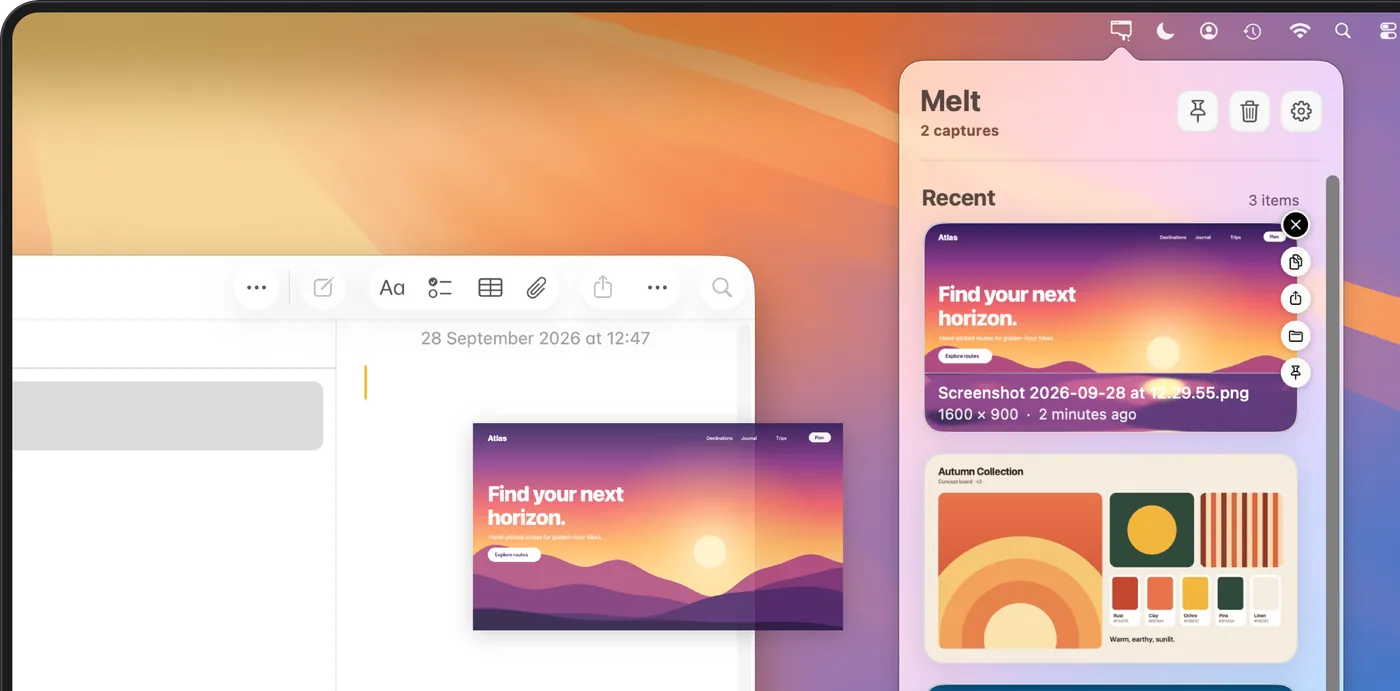
 MeltOrganize recent Mac screenshots and screen recordings in your menu bar.4,99 USD jednorazowo