 ShotbaseShotbase is a modern screen capture workspace for macOS.por
 @shotbaseapp$13/mo or $156/yr, 7-day free trialPREMIUM LAUNCH
As listagens ficam no idioma em que os criadores as escreveram.

capcap é um app para Mac da categoria “Capturas de tela”:Take a screenshot, annotate and share in one flow.Roda em Apple silicon.Nenhuma pessoa verificou ainda.
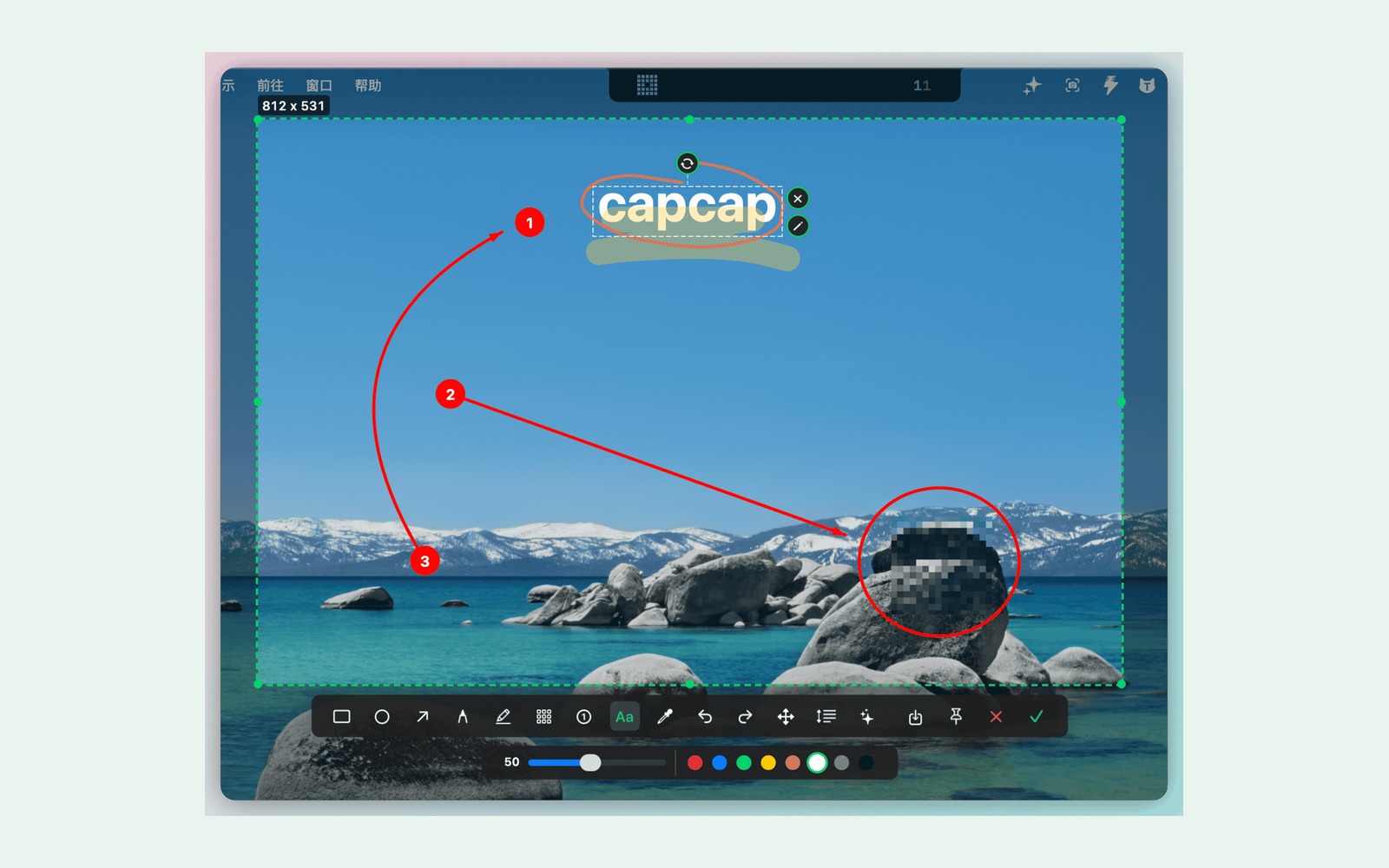
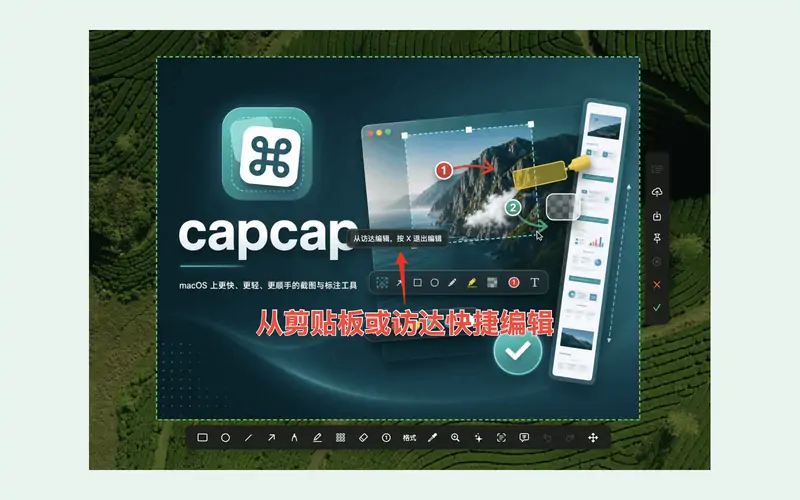
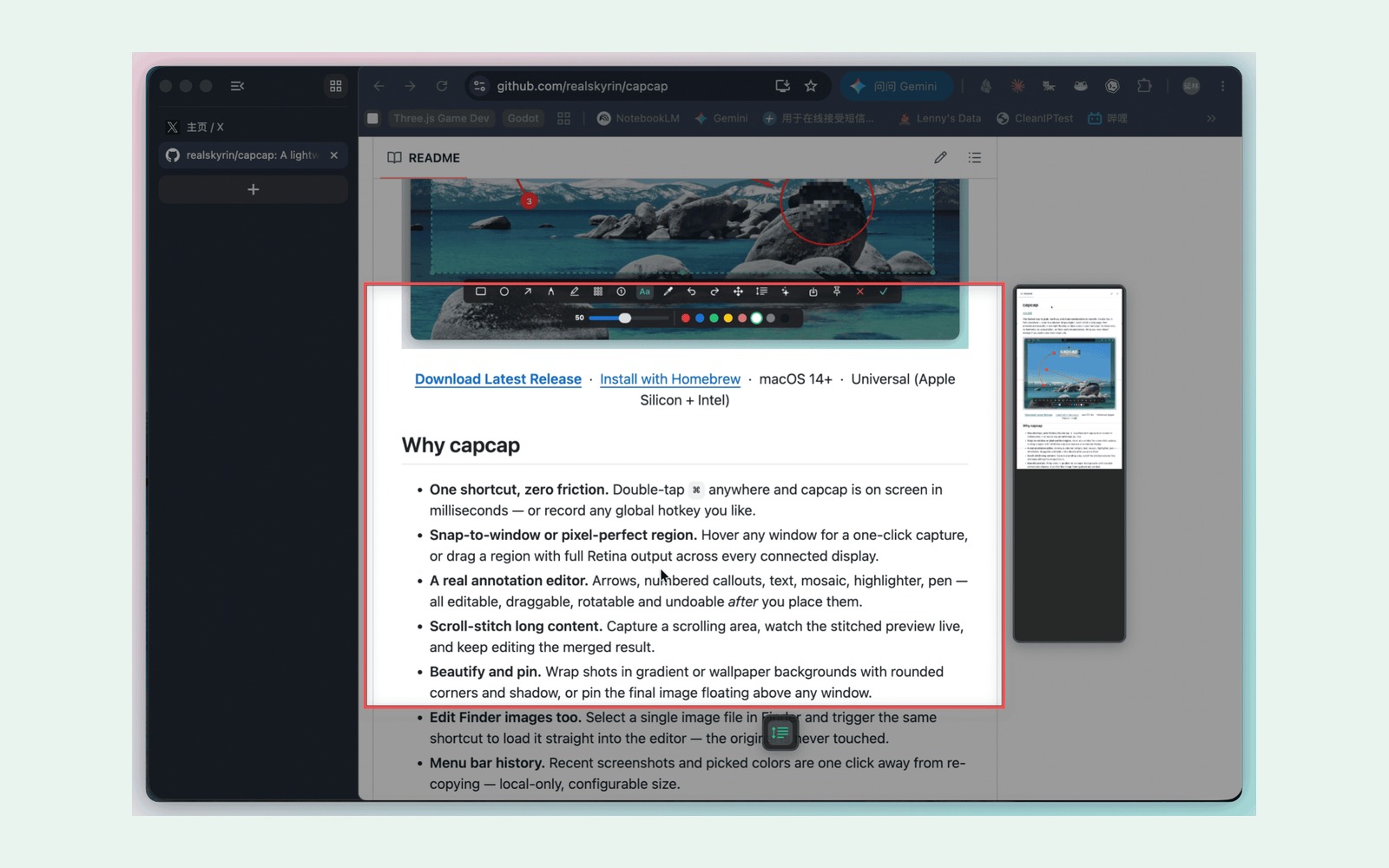
capcap is a free, open-source screenshot and screen capture tool for macOS 14+, built with AppKit for Apple silicon and Intel. It helps developers, writers, and designers capture, annotate, and share without telemetry or a subscription.
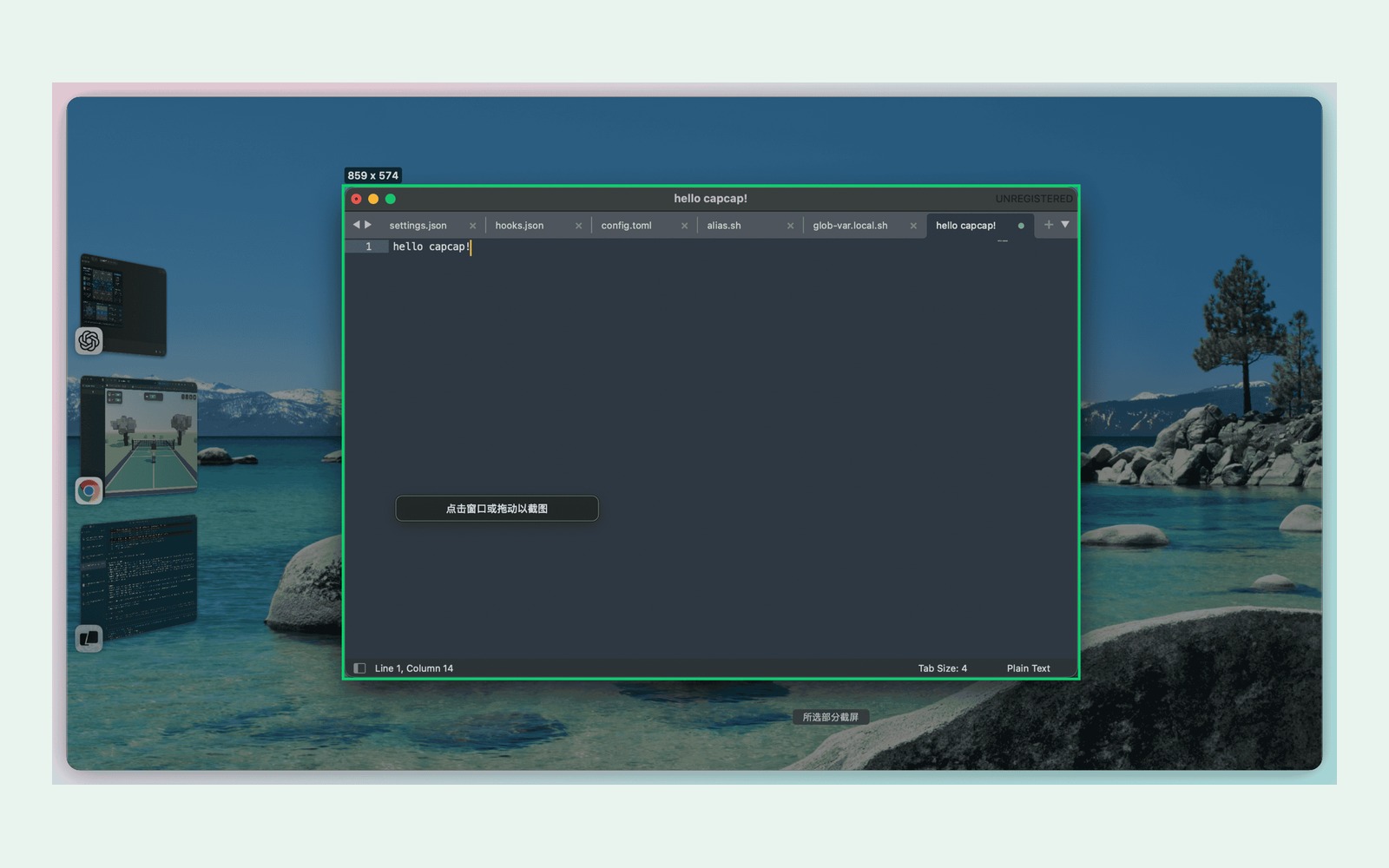
- Double-tap Command to capture a window or region.
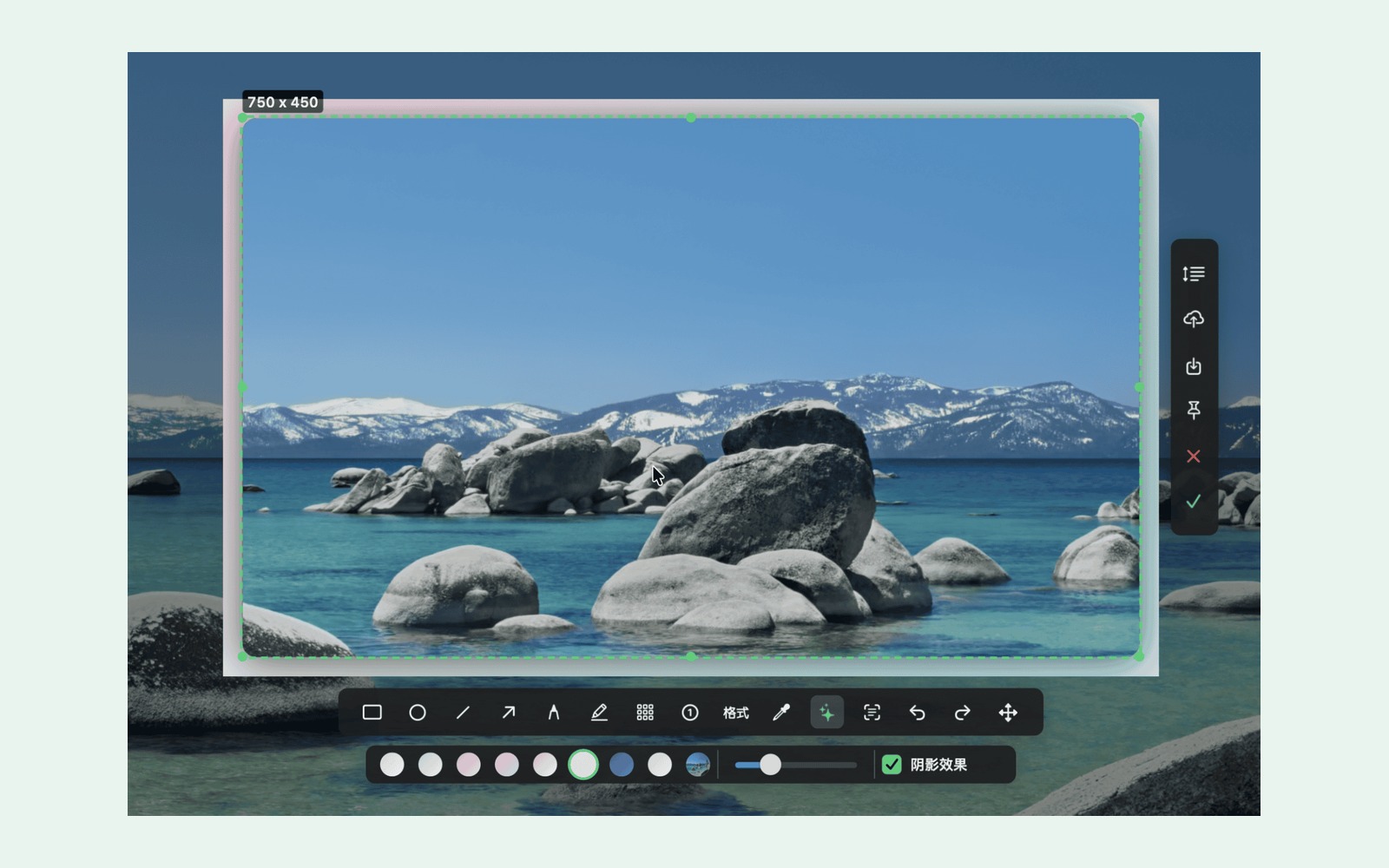
- Annotate with editable arrows, text, highlights, and mosaic.
- Stitch scrolling screenshots; beautify with backgrounds and shadows.
- Pin images, save locally, and copy recent screenshots and colors in one click.
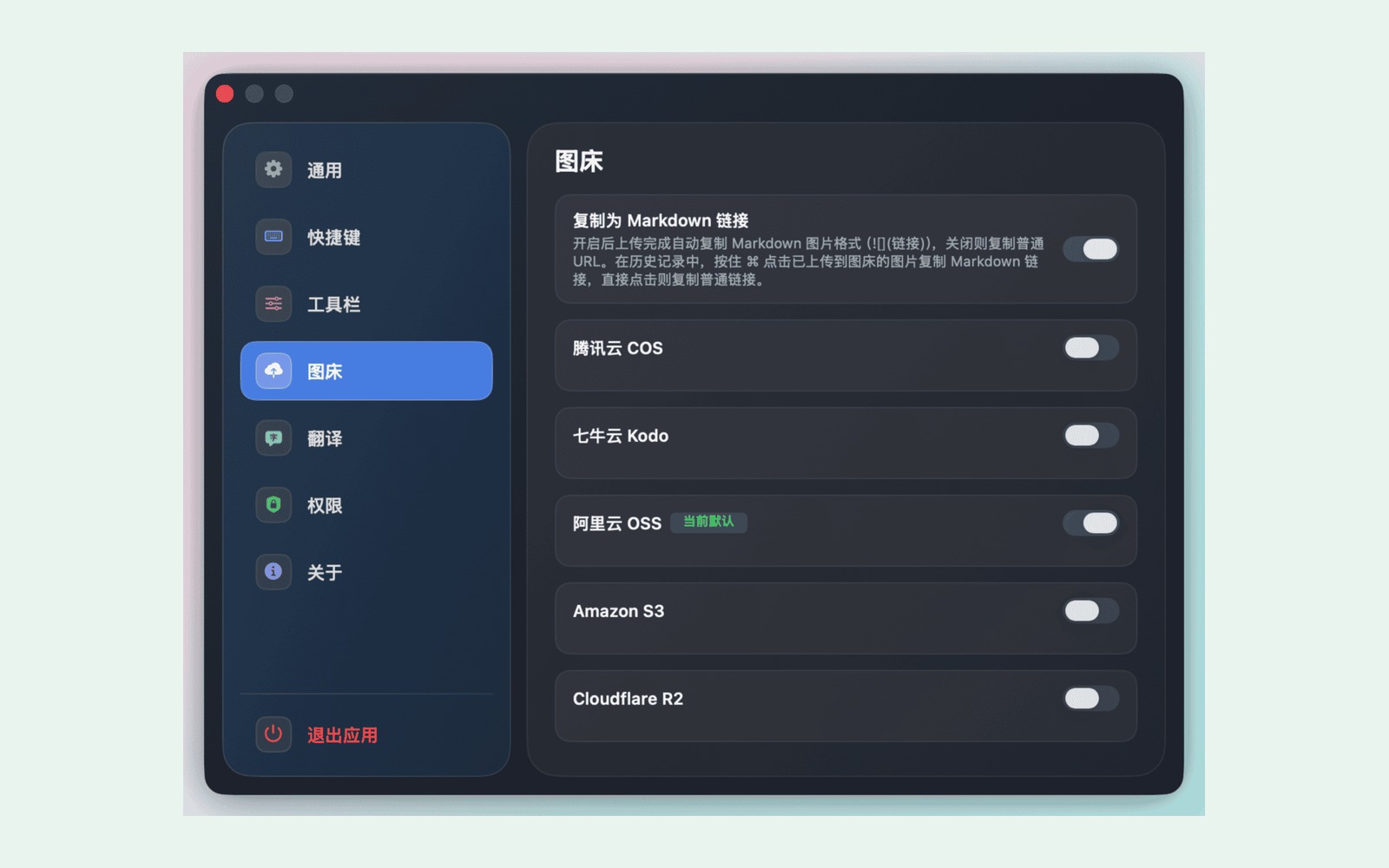
- Upload to your own R2, S3, COS, Qiniu, or OSS storage and copy a public URL.
Core capture and editing work offline. Uploads and online translation need internet. Storage providers may charge for use.
Este app é seu, então aqui está o selo dele para o seu site. Ele leva de volta a esta página, mostra seus votos reais e torna seu app um Amigo do MacPip.


<a href="https://macpip.com/apps/capcap?ref=badge"><img src="https://macpip.com/badge/capcap.svg" height="58" alt="capcap is listed on MacPip"></a>
Answers from the maker.
ShotbaseShotbase is a modern screen capture workspace for macOS.por @shotbaseapp$13/mo or $156/yr, 7-day free trialPREMIUM LAUNCH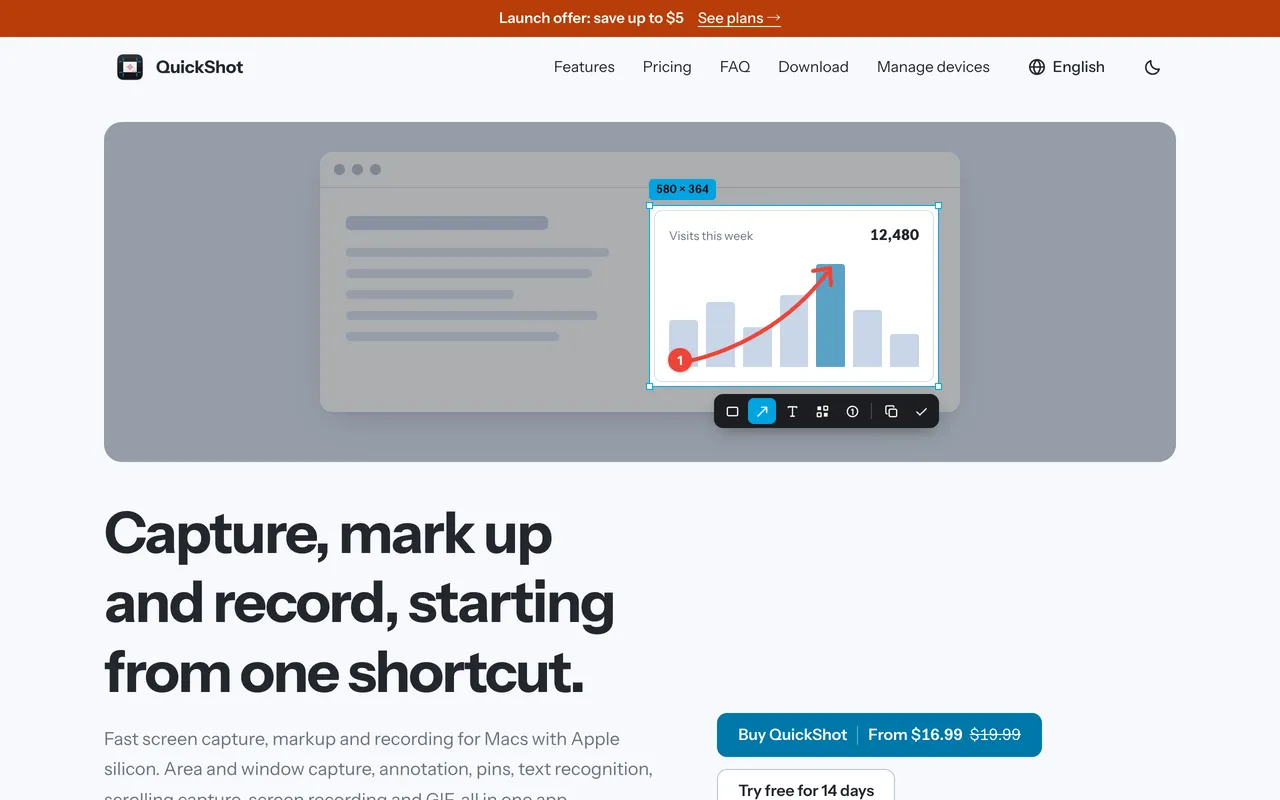
 QuickShotScreenshot app for Mac with markup, OCR, scrolling capture and recording$16.99 once (2 Macs $24.99)
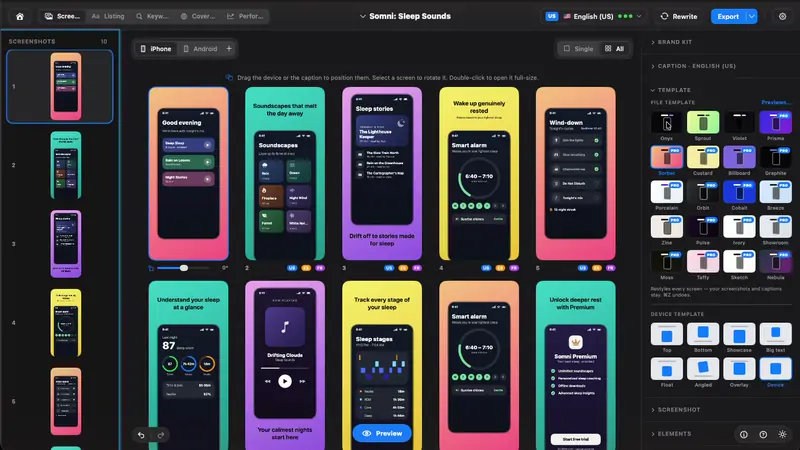
 StoreboardNative Mac app that designs, keyword-optimizes and localizes App Store screenshots$49.99 ONE-TIME
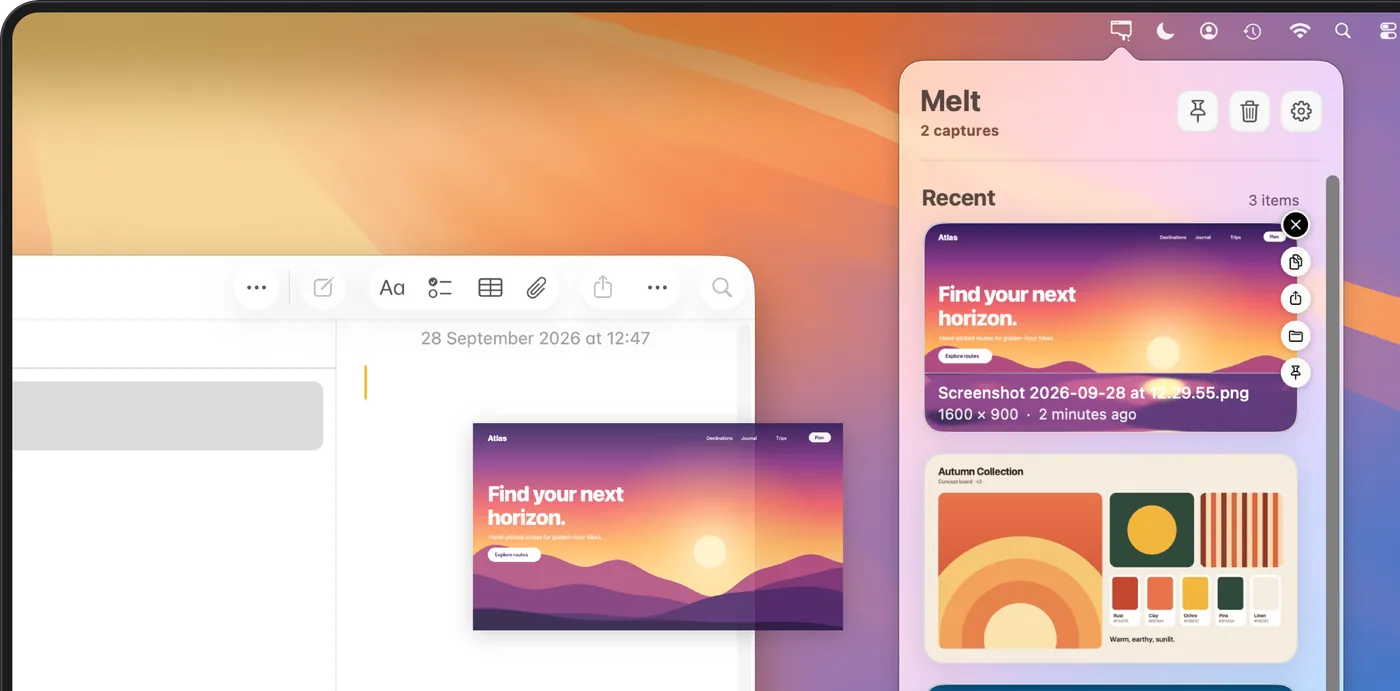
 MeltOrganize recent Mac screenshots and screen recordings in your menu bar.US$ 4,99 uma vez