
Сторінки застосунків лишаються мовою, якою їх написали розробники.
Про нас
capcap, застосунок для Mac у категорії «Скриншоти»:Take a screenshot, annotate and share in one flow.Працює на Apple silicon.Людина ще не перевіряла його.
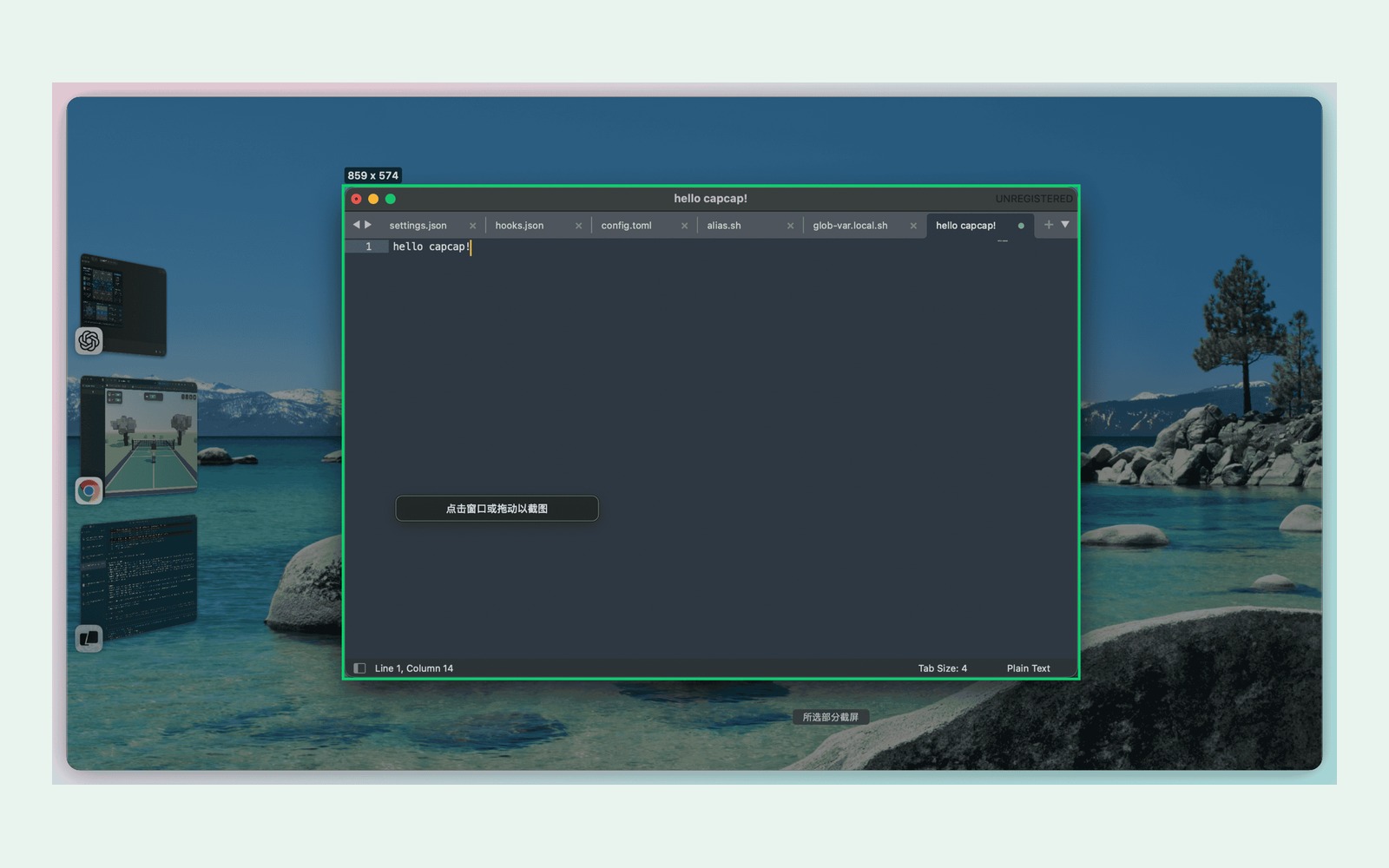
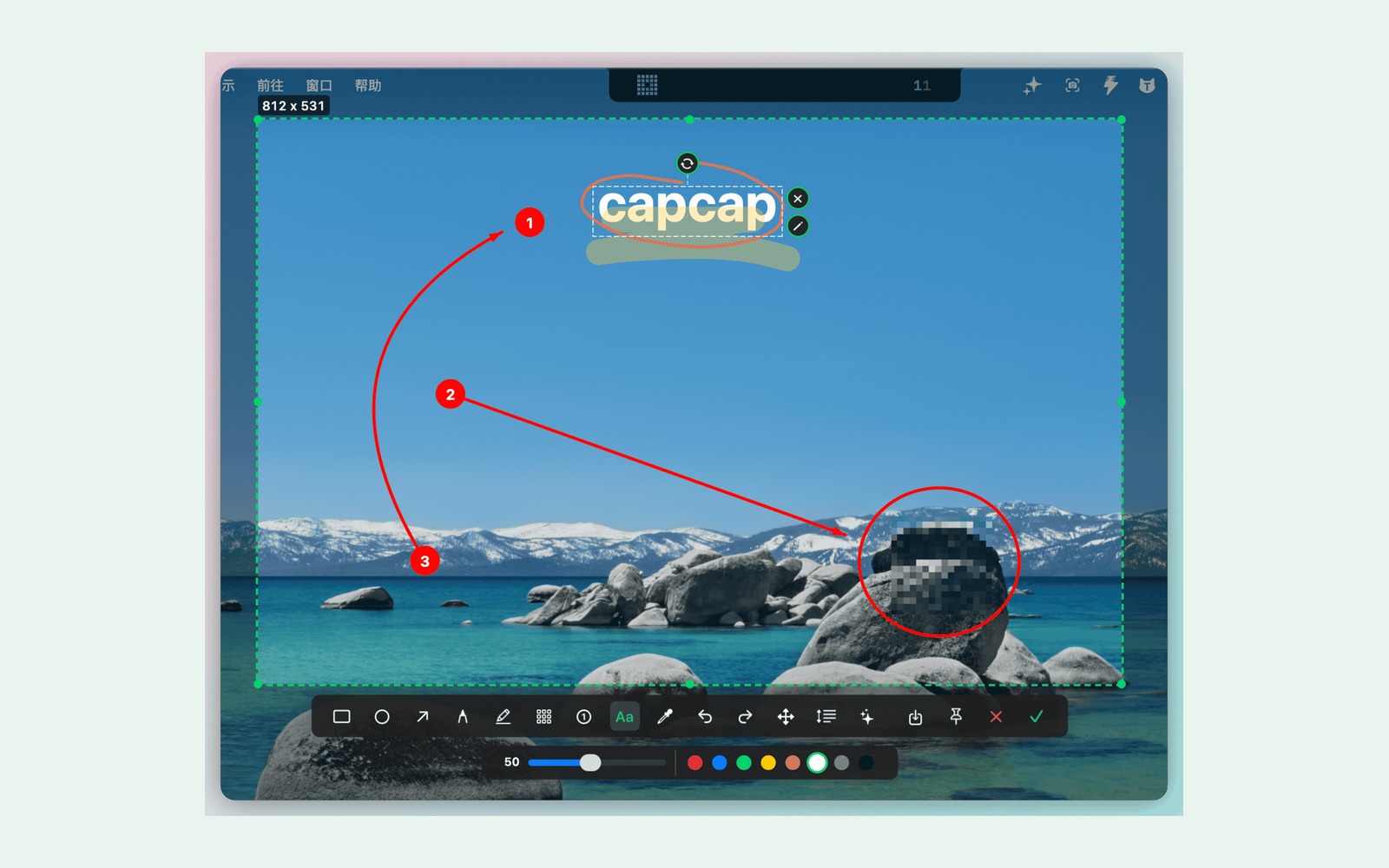
capcap is a free, open-source screenshot and screen capture tool for macOS 14+, built with AppKit for Apple silicon and Intel. It helps developers, writers, and designers capture, annotate, and share without telemetry or a subscription.
- Double-tap Command to capture a window or region.
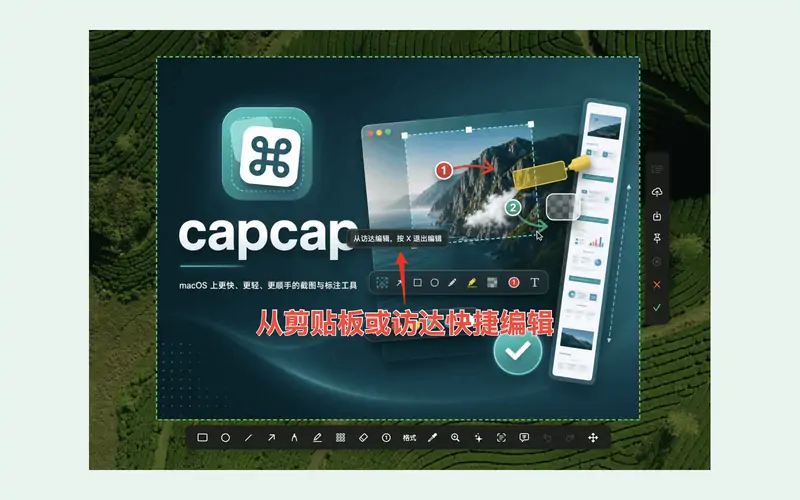
- Annotate with editable arrows, text, highlights, and mosaic.
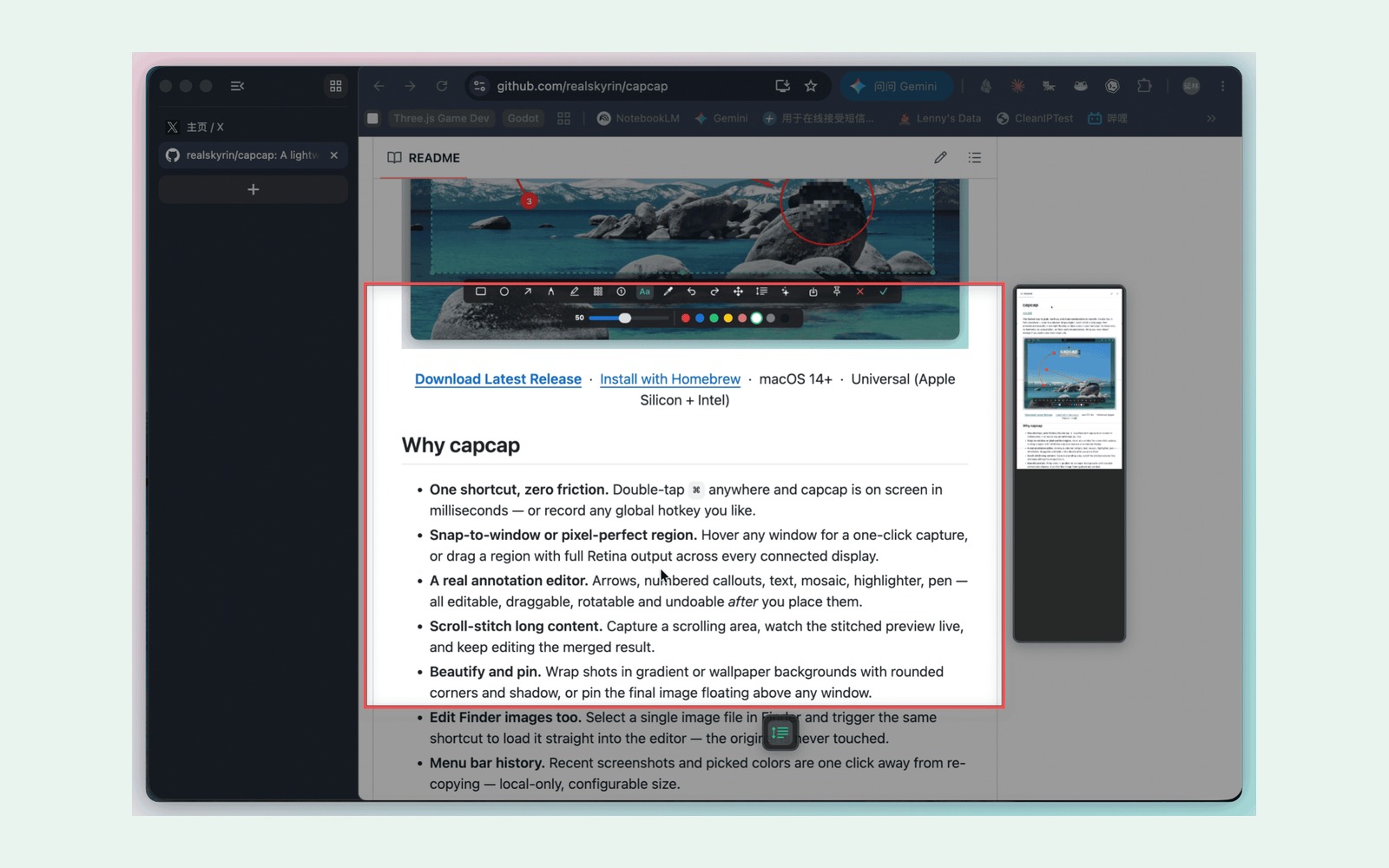
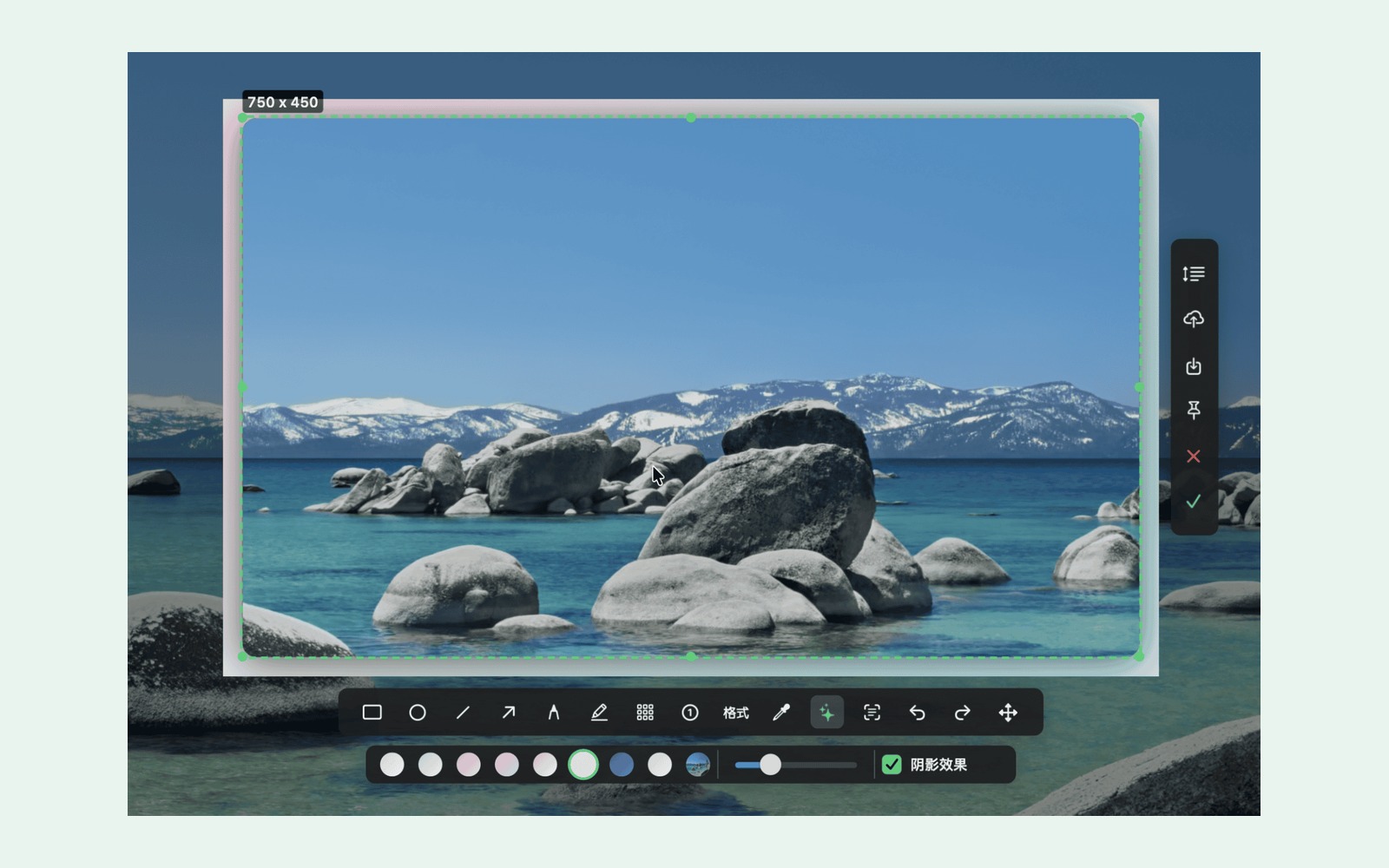
- Stitch scrolling screenshots; beautify with backgrounds and shadows.
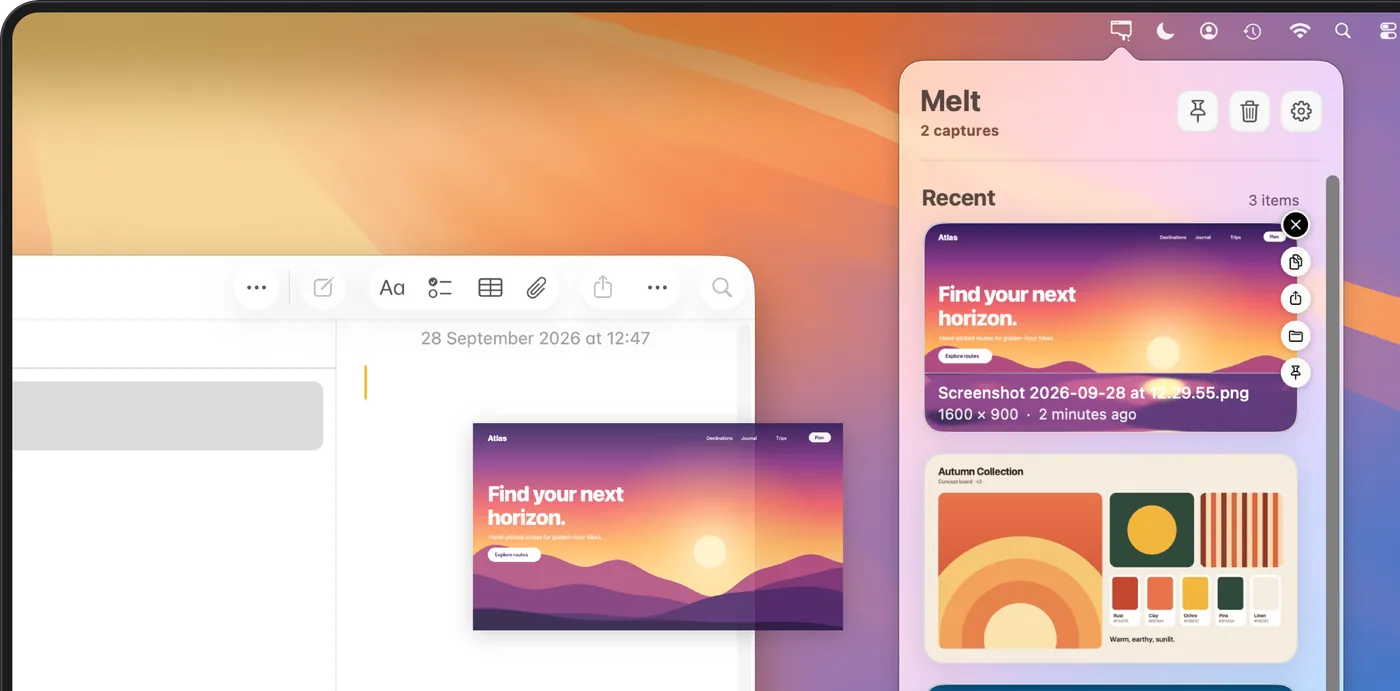
- Pin images, save locally, and copy recent screenshots and colors in one click.
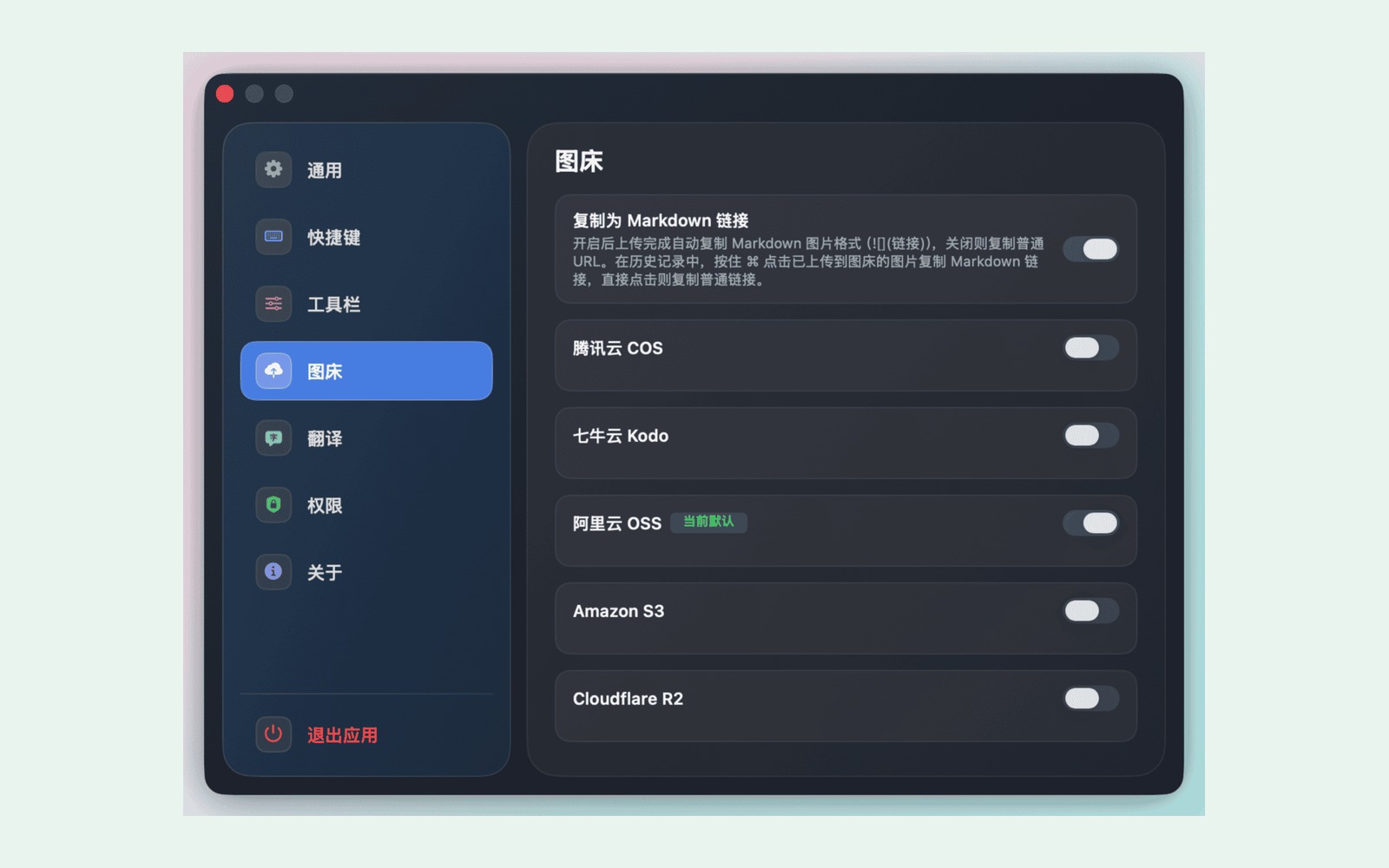
- Upload to your own R2, S3, COS, Qiniu, or OSS storage and copy a public URL.
Core capture and editing work offline. Uploads and online translation need internet. Storage providers may charge for use.
Отримайте свій значок
Це ваш застосунок, тож ось його власний значок для вашого сайту. Він веде на цю сторінку, показує ваші справжні голоси і робить застосунок другом MacPip.

<a href="https://macpip.com/apps/capcap?ref=badge"><img src="https://macpip.com/badge/capcap.svg" height="58" alt="capcap is listed on MacPip"></a>
Факти
- Ціна
- Безкоштовний і з відкритим кодом
- Потрібно
- macOS 14 Sonoma або пізніша
- Створено за допомогою
- Нативний
- Працює на
- Apple silicon та Intel
- Працює офлайн
- Так, за словами розробника
- Відкритий код
- Так
- Мови
- English, Français, 日本語, 中文, 한국어, Русский, Tiếng Việt
- Перевірено на MacPip
- Очікує перевірки
- Категорії
- Скриншоти, Рядок меню, Виріз (notch)
- Запущено
- середа, 11 листопада
- Стежити
Скриншоти


Альтернатива до
У цих списках
- Найкращі застосунки для рядка меню на Mac
- Найкращі застосунки для вирізу екрана на Mac
- Best screenshot apps for Mac
- Найкращі безкоштовні застосунки для Mac
- Найкращі застосунки для Mac з відкритим кодом
- Найкращі нативні застосунки для Mac на Apple silicon
- Найкращі нативні застосунки для Mac, не Electron
- Best free menu bar apps for Mac
Запитання
- Does it work offline?
- Yes. Screen capture, annotation, scrolling screenshots, beautification, pinning, and local save or copy work offline. Image-host uploads and online translation require a network connection.
- Is my data private?
- capcap has no telemetry. Screenshot history, picked colors, and image-host credentials stay on your Mac. When you choose an upload or online translation service, the content you send goes to the provider you configured. Check your image host’s public-access settings before sharing a URL.
- Is capcap free? Is there a trial?
- capcap is free and open source under the MIT license, with no time-limited trial or subscription. Optional image hosting uses your own storage account; the provider may charge for usage.
- Which Macs does it run on?
- capcap requires macOS 14 or later and supports Apple silicon and Intel Macs with a Universal build. First launch guides you through Screen Recording and Accessibility permissions. Editing a selected Finder image may also request Finder Automation permission.
- Can capcap replace Shottr or CleanShot X?
- For screenshot workflows, capcap offers window and region capture, editable annotations, scrolling screenshots, beautification, pinning, and uploads to your own image host. It is a free, open-source AppKit option; the feature sets are not identical.
Answers from the maker.
Більше застосунків для скриншотів


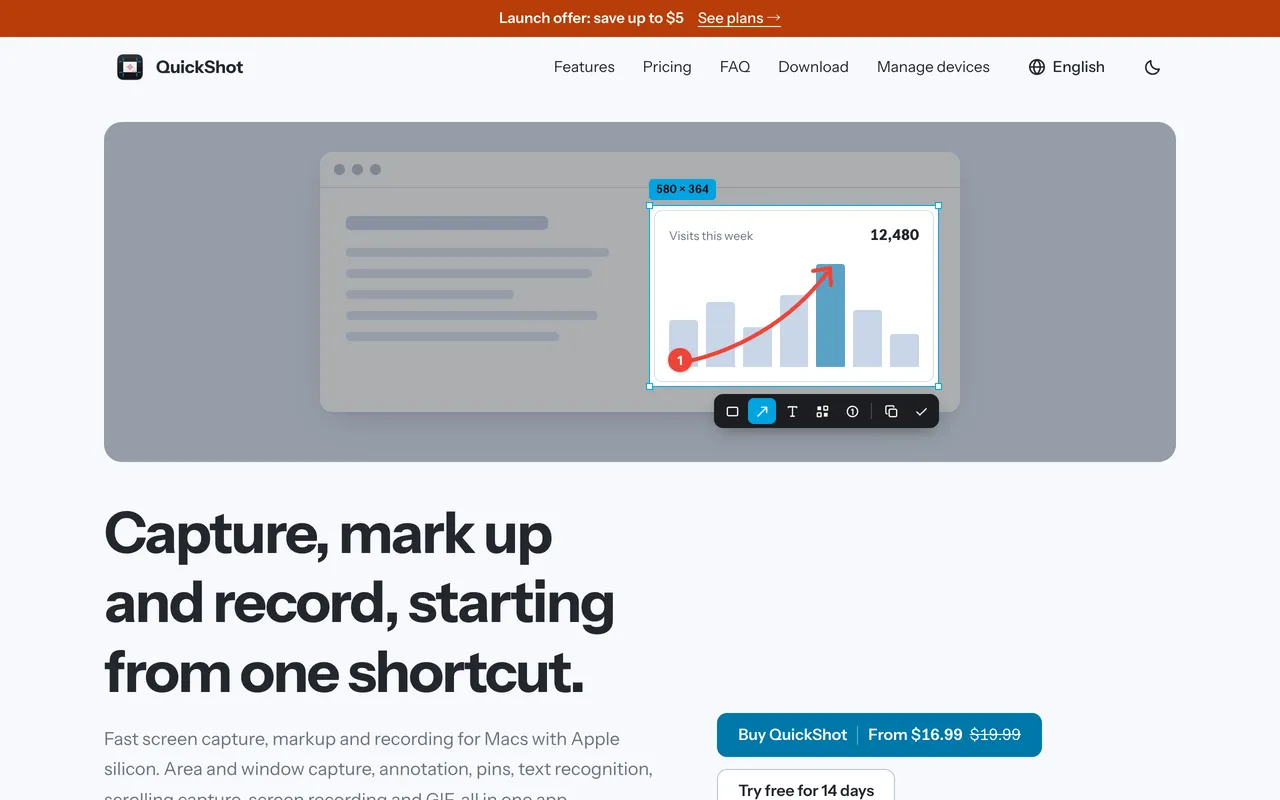
QuickShotScreenshot app for Mac with markup, OCR, scrolling capture and recording$16.99 once (2 Macs $24.99)
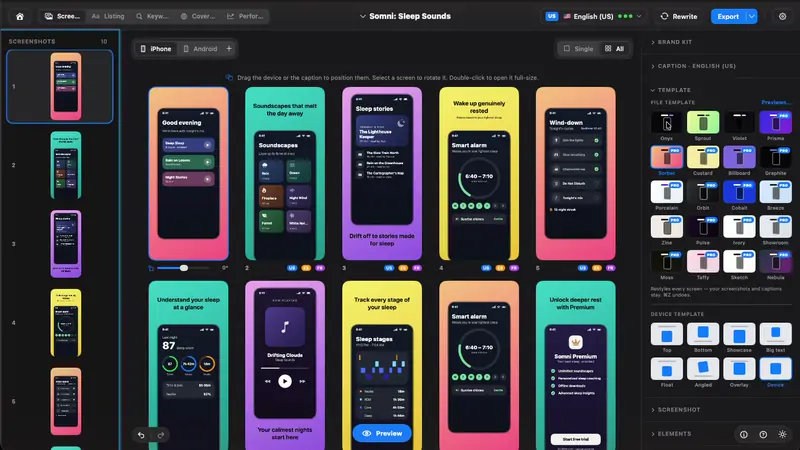
StoreboardNative Mac app that designs, keyword-optimizes and localizes App Store screenshots$49.99 ONE-TIME