SponsorZaloguj sięZgłoś

Wpisy zostają w języku, w którym napisali je ich twórcy.

Best of MacPip

Best menu bar apps for Mac

Updated Nov 8, 2026, from what MacPip lists today.

Krótka odpowiedź

Aplikacje z kategorii „pasek menu” na Mac w MacPip: 16. Sprawdzone przez osobę: 5.Z darmową wersją: 8.Z licencją jednorazową: 12.Płatne w abonamencie: 1.There is no single best menu bar app for everyone, so MacPip does not rank them.Jeśli chcesz darmową, zacznij od UsageBeacon.

Apps a person checked come first, newest check first. Never ordered by payment.

The menu bar is the one part of the Mac that is always on screen. That makes it the right home for small tools you glance at all day, and the wrong home for anything you rarely use.

MacPip lists 16 menu bar apps. The mix tells you what people want up there in 2026: AI usage meters for Claude, Codex and Cursor, a Pomodoro timer, synced lyrics, a way to keep a MacBook awake with the lid closed, and a manager to hide the icons you rarely need.

8 of them have a free version, and 4 are open source.

What these 16 apps offer, by their listings. An app can offer several, so the bars do not add up to 16.
Wersja darmowa8 z 16
Pay once12 z 16
Subskrypcja1 z 16
Native to Apple silicon12 z 16
Open source4 z 16
Działa offline5 z 16
Sprawdzone przez osobę5 z 16
One-time price in US dollars, as each listing states it, lowest first. 8 apps have no plain dollar one-time price and are left out. Launch prices count where the listing says so.
Switchy$4.99
Seiton$6.99
MouseUp$7.99
Kofe Flow$14.99
Bass Plus$14.99

Compared

AplikacjaCo robiCenaDarmowa czy płatnaApple siliconOpen sourceAutor:Sprawdzono
SeitonMenu bar manager for Mac that hides, sorts and searches your menu bar iconsFrom $6.99 once (launch), 14-day trialJednorazowoNie podanoNoCanonForge3 lis
UsageBeaconSee your remaining Cursor, Claude, and Codex usage budgets right in the Mac menu bar.Darmowa i open sourceWersja darmowaNie podanoTakDavid Cohen3 lis
SeedloreWatch your love grow into a living treeFree, Premium monthly, yearly or onceWersja darmowaJednorazowoSubskrypcjaTak, a także na Intel, według twórcyNoixl21s3 lis
Kofe FlowA calm Pomodoro timer for your Mac menu bar, with an iPhone app that stays in sync.Free, Lifetime Pro $14.99 one-timeWersja darmowaJednorazowoNie podanoNoNie podano3 lis
AtticScreenshots and downloads put themselves away.$5 once (launch), then $9 and $15JednorazowoTak, a także na Intel, według twórcyNoPablo Fernández Jiménez3 lis
CatPod |⁠ Pixel Cat CompanionA pixel-art cat companion for macOS with a built-in focus timer and desktop roaming.$3.99JednorazowoTak, a także na Intel, według twórcyNoGalip OZTURKOczekuje
Keystone | Habit TrackerAplikacja do produktywności na komputery Mac$3.99JednorazowoTak, a także na Intel, według twórcyNoGalip OZTURKOczekuje
Bass PlusBass Plus is a bass booster and equalizer for Mac with software volume boost.$14.99 once, 7-day free trialJednorazowoTak, a także na Intel, według twórcyNoCLIDECK LLCOczekuje
MouseUpFix ghost double-clicks and get trackpad-smooth scrolling on any mouse.$7.99 once, free trialJednorazowoTak, a także na Intel, według twórcyNoDavid TranOczekuje
LancettaA native macOS menu-bar app that tells you when and how to use Codex and Claude CodeZa darmoWersja darmowaTak, a także na Intel, według twórcyNoUndologOczekuje
SwitchyMac controls, deploys, 2FA codes and Claude/Codex limits in your menu bar.$4.99 once, 7-day free trialJednorazowoTak, tylko Apple silicon, według twórcyNoVladimir BabicOczekuje
Super High FivesAn open-source colour picker app for macOSDarmowa i open sourceWersja darmowaJednorazowoNie podanoTakNie podanoOczekuje
Keep Mac AwakeKeeps your MacBook awake with the lid closed, so agents and long jobs keep going9 USD jednorazowoJednorazowoTak, tylko Apple silicon, według twórcyNoKeep Mac AwakeOczekuje
BeckonA Mac app that puts your Dock in a ring around the pointerZa darmo, Pro $24 once, 14-day trialWersja darmowaJednorazowoTak, a także na Intel, według twórcyNoNie podanoOczekuje
NotchMuseSynced lyrics in your Mac menu bar and beside the notchDarmowa i open sourceWersja darmowaTak, tylko Apple silicon, według twórcyTakNie podanoOczekuje
PulseFloating usage rings Claude Code, Codex, Antigravity, and Grok.Za darmoWersja darmowaTak, tylko Apple silicon, według twórcyTakNie podanoOczekuje

12 of them, up close

The 12 below come first in the table: apps a person checked, newest check first. The other 4 are in the table above.

Seiton

Menu bar manager for Mac that hides, sorts and searches your menu bar icons

Pay onceSprawdzono 3 lis
Seiton on a Mac

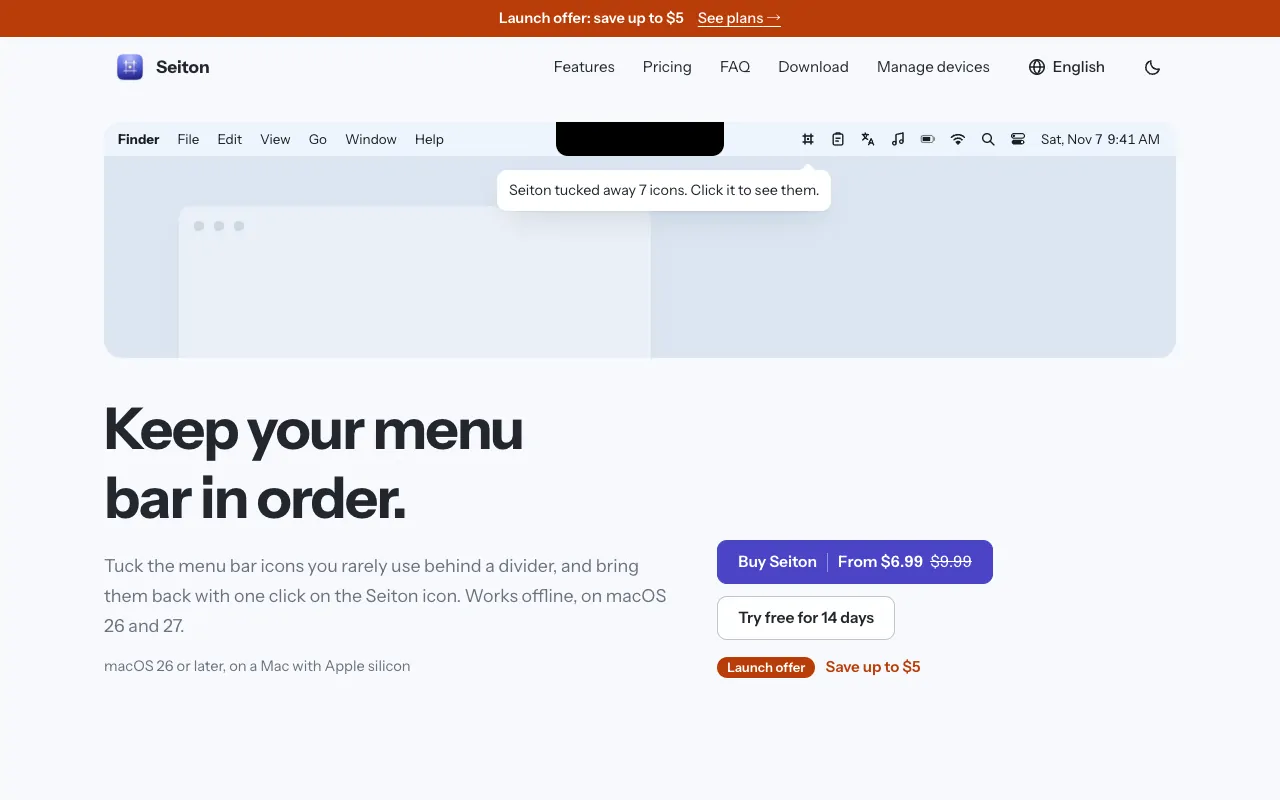
Seiton keeps a crowded menu bar under control. Icons you rarely use go behind a divider and come back with one click, you can sort everything into three sections, and there is a search for menu bar items. It works fully offline. One-time purchase with a 14-day trial, from $6.99 at its launch price. It needs macOS 26 or later, and its maker names Bartender as the app it replaces.

Cena
From $6.99 once (launch), 14-day trial
Needs
macOS 26 lub nowszy
Its maker says it replaces
Bartender

Seiton on MacPip More Menu Bar apps

UsageBeacon

See your remaining Cursor, Claude, and Codex usage budgets right in the Mac menu bar.

Wersja darmowaOpen sourceSprawdzono 3 lis
UsageBeacon on a Mac

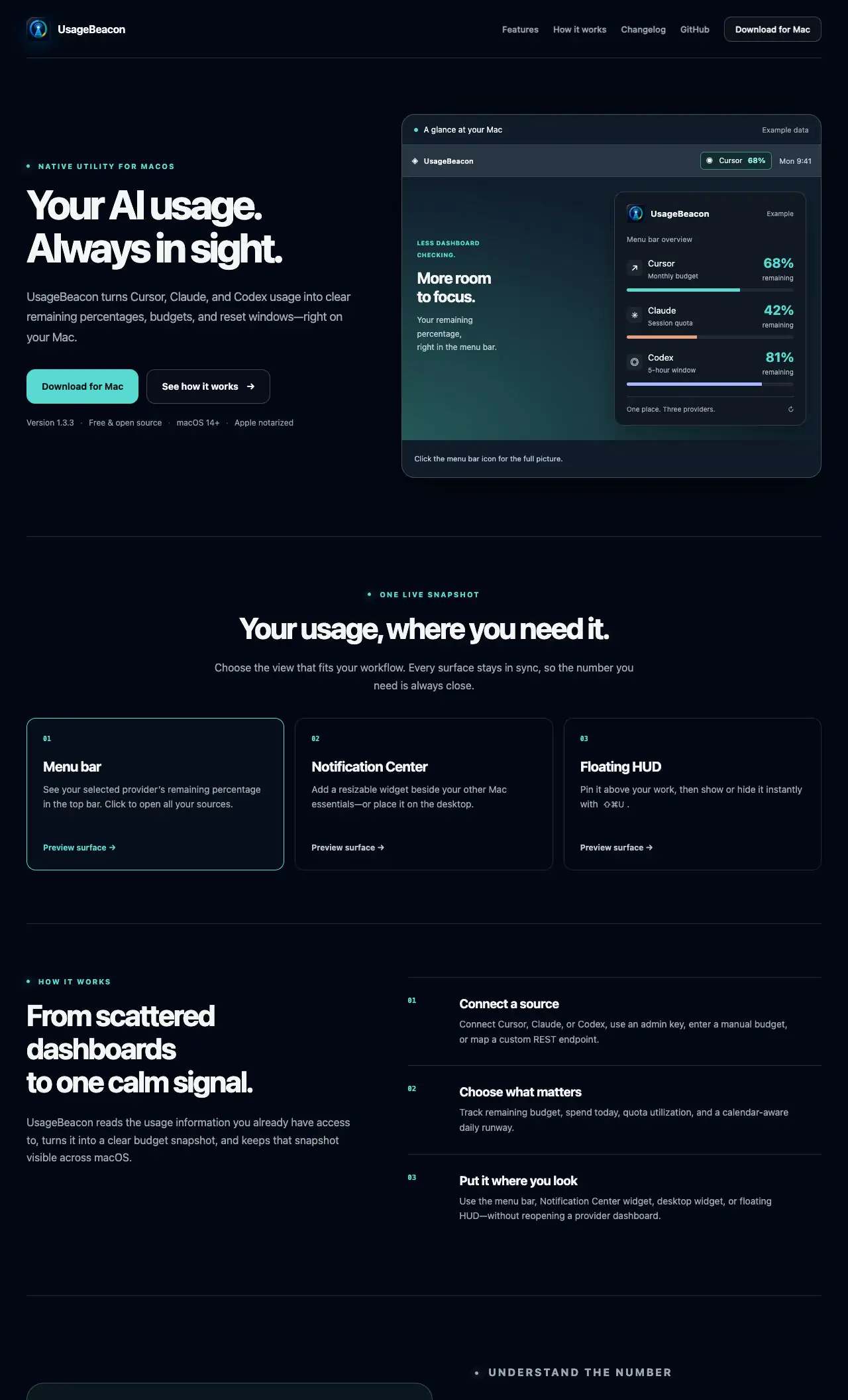
UsageBeacon turns your Cursor, Claude and Codex usage into remaining percentages, budgets and reset windows in the menu bar, so you know before you hit a limit. It is free and open source, and needs macOS 14 Sonoma or later.

Cena
Darmowa i open source
Needs
macOS 14 Sonoma lub nowszy
Its maker says it replaces
SessionWatcher

UsageBeacon on MacPip More Menu Bar apps

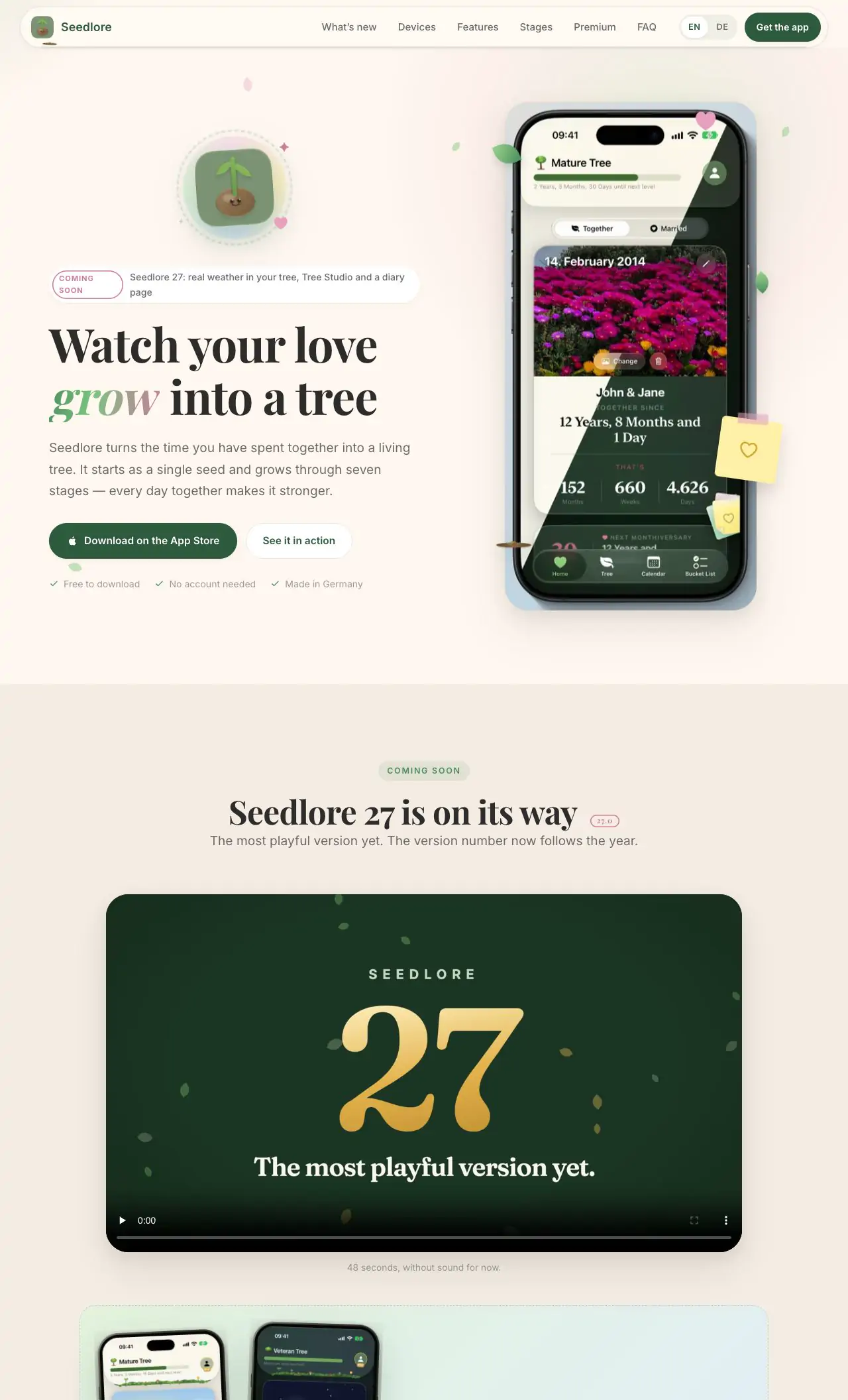
Seedlore

Watch your love grow into a living tree

Wersja darmowaPay onceSubskrypcjaApple siliconDziała offlineSprawdzono 3 lis
Seedlore on a Mac

From its maker: Your relationship as a living tree. Journal, shared calendar, pinboard and bucket list for iPhone, iPad, Mac and Apple Watch.

Cena
Free, Premium monthly, yearly or once
Needs
macOS 26 Tahoe oder neuer

Seedlore on MacPip More Fun and Delight apps

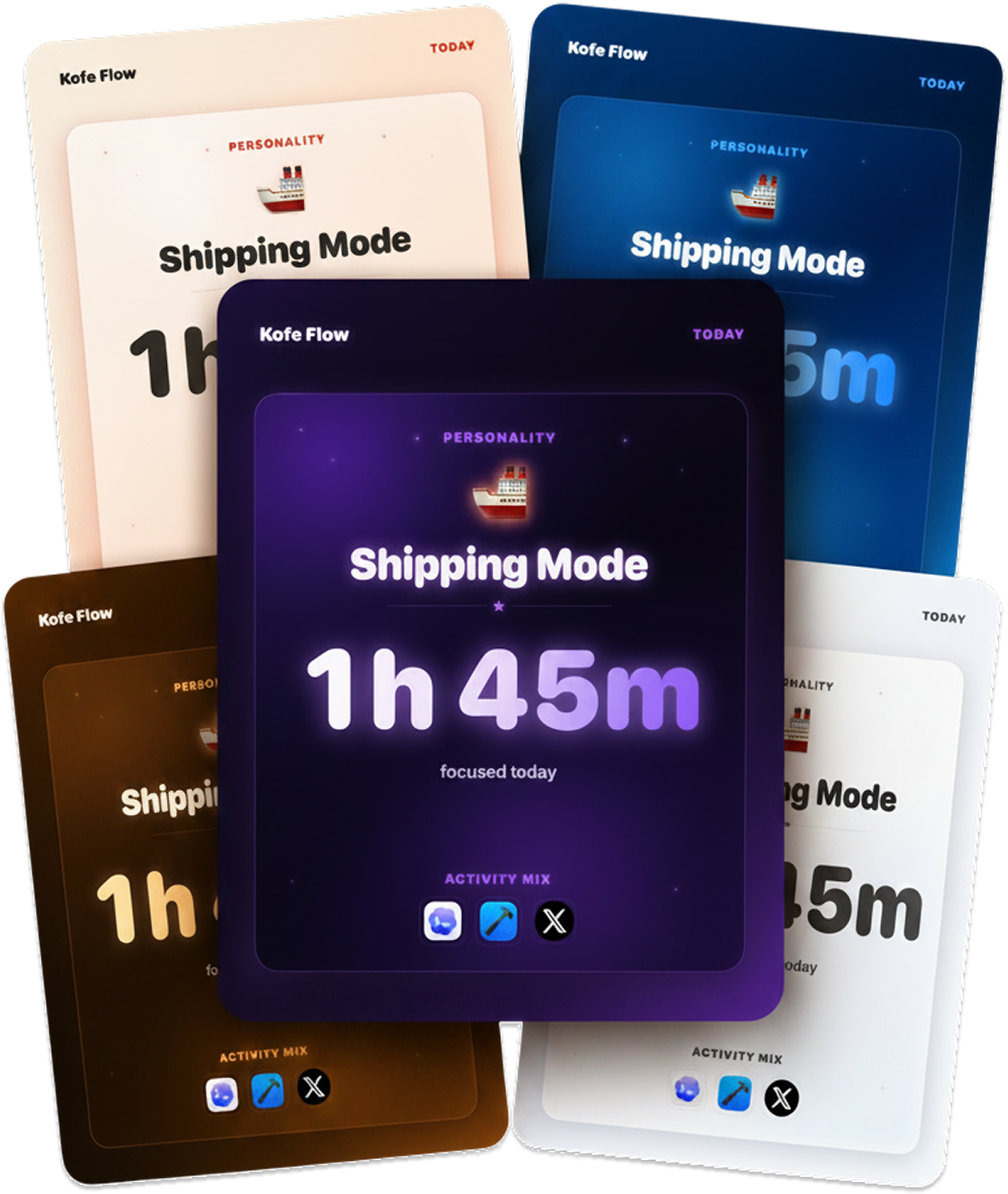
Kofe Flow

A calm Pomodoro timer for your Mac menu bar, with an iPhone app that stays in sync.

Wersja darmowaPay onceSprawdzono 3 lis
Kofe Flow on a Mac

Kofe Flow is a calm Pomodoro timer in the menu bar, with an iPhone app that stays in sync. Focus analytics stay on your Mac, and timer sync is optional and anonymous. It is free, with Lifetime Pro at $14.99 once.

Cena
Free, Lifetime Pro $14.99 one-time

Kofe Flow on MacPip More Menu Bar apps

Attic

Screenshots and downloads put themselves away.

Pay onceApple siliconSprawdzono 3 lis
Attic on a Mac

Attic tidies up after you. Old screenshots and downloads move to a folder on your Mac by themselves, and nothing is ever deleted. No cloud and no account. It is $5 once at its launch price, then $9 and $15.

Cena
$5 once (launch), then $9 and $15
Needs
macOS 14 Sonoma lub nowszy

Attic on MacPip More Menu Bar apps

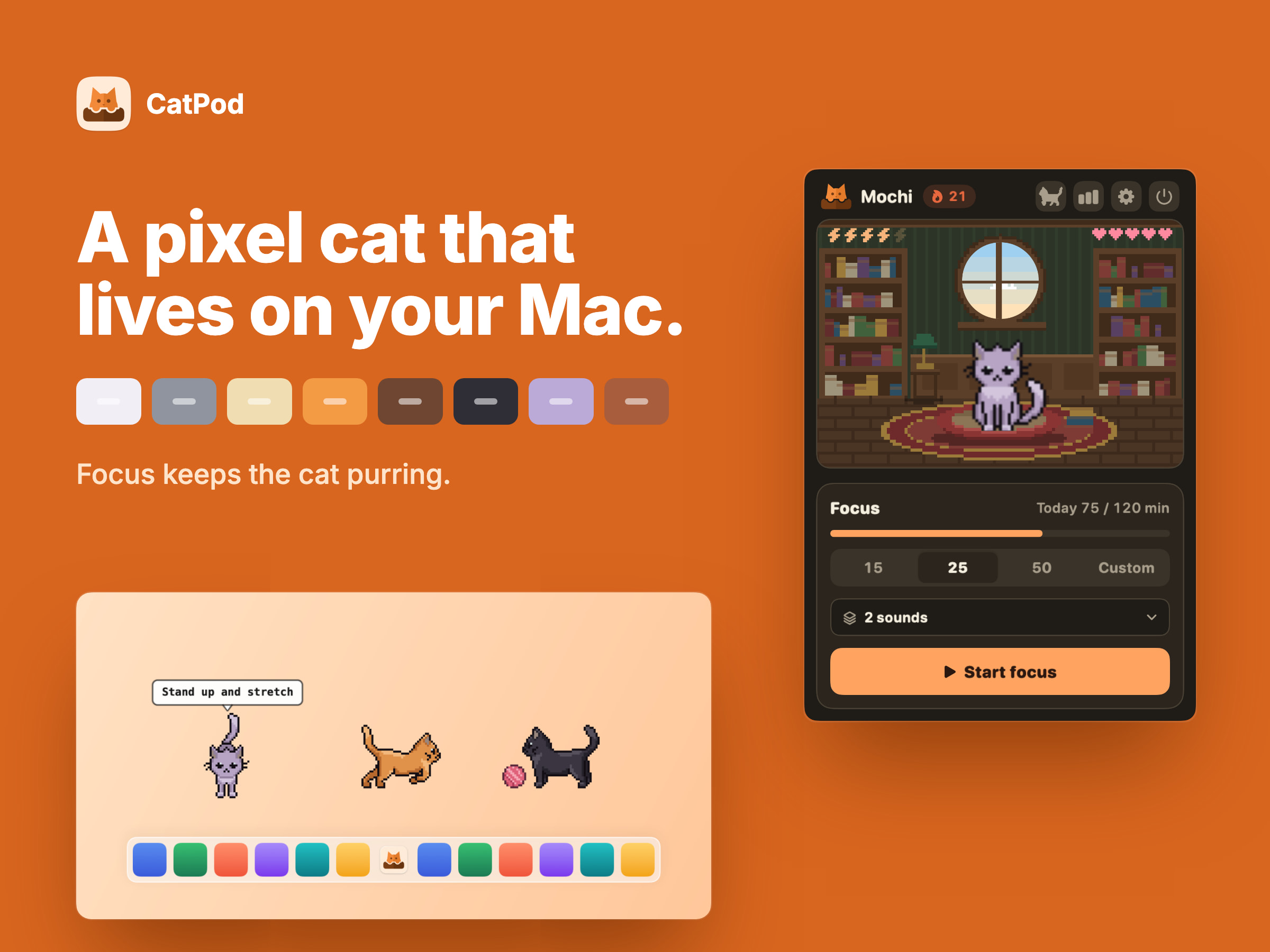
CatPod |⁠ Pixel Cat Companion

A pixel-art cat companion for macOS with a built-in focus timer and desktop roaming.

Pay onceApple siliconDziała offline
CatPod |⁠ Pixel Cat Companion on a Mac

From its maker: CATPOD | PIXEL CAT COMPANION CatPod is a native macOS desktop pet: a pixel-art cat that roams the display you are working on, curls up beside you while a focus session runs, and naps when you leave the desk. FOCUS KEEPS THE CAT PURRING.

Cena
$3.99
Needs
macOS 14 Sonoma lub nowszy

CatPod |⁠ Pixel Cat Companion on MacPip More Menu Bar apps

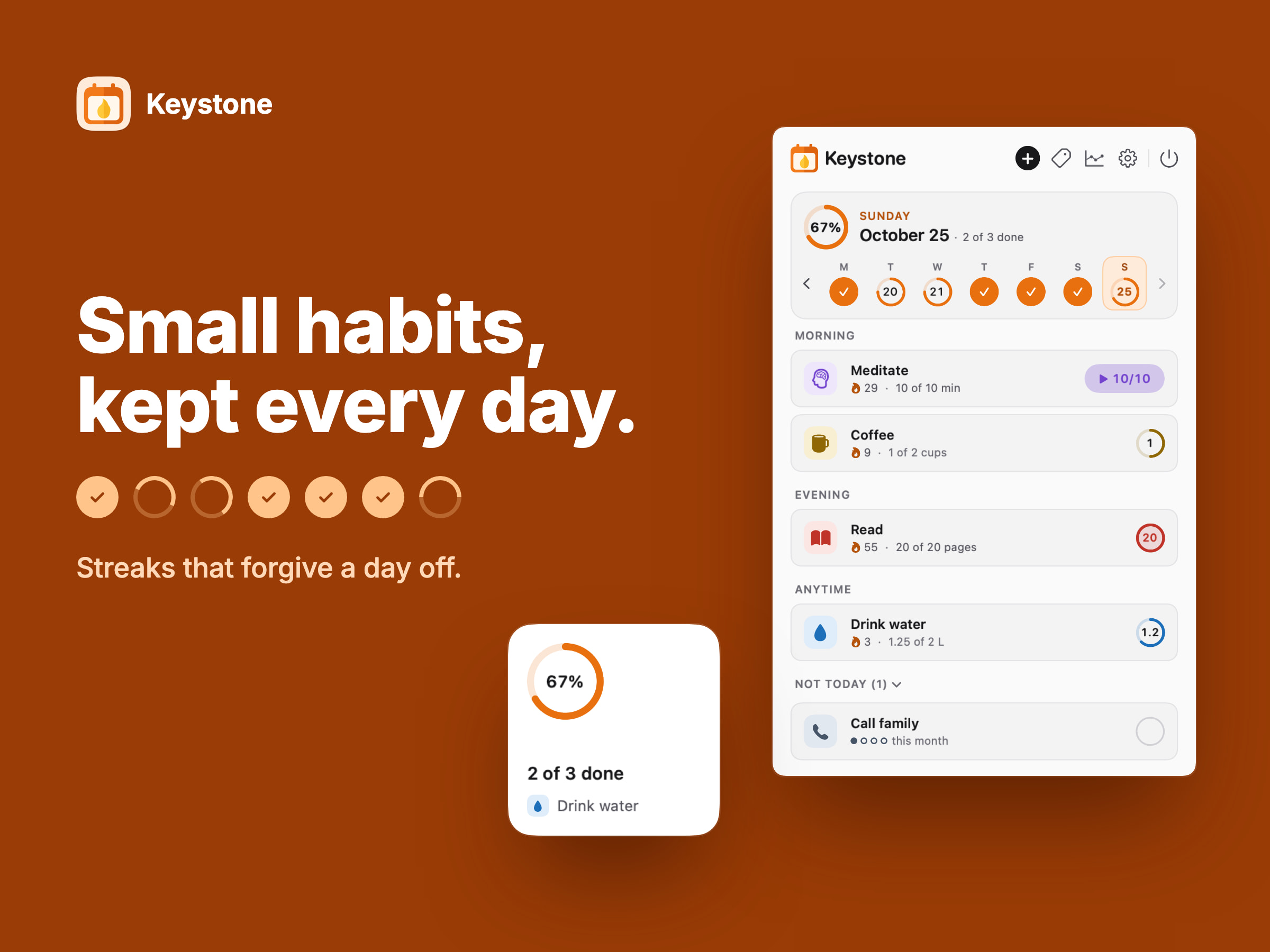
Keystone | Habit Tracker

Aplikacja do produktywności na komputery Mac

Pay onceApple siliconDziała offline
Keystone | Habit Tracker on a Mac

From its maker: KEYSTONE | HABIT TRACKER Keystone is a native macOS habit tracker that lives in the menu bar - habits are ticked off in one click, streaks forgive planned days off, and reminders and a desktop widget keep the day in view. YOUR DAY, ONE TICK AT A TIME.

Cena
$3.99
Needs
macOS 14 Sonoma lub nowszy

Keystone | Habit Tracker on MacPip More Productivity apps

Bass Plus

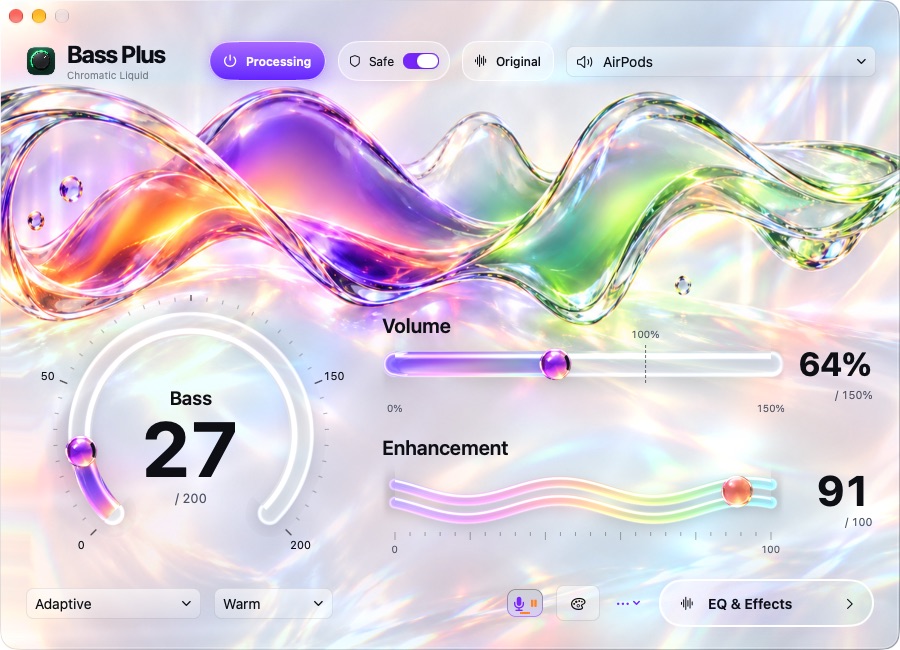
Bass Plus is a bass booster and equalizer for Mac with software volume boost.

Pay onceApple silicon
Bass Plus on a Mac

From its maker: Bass Plus is a bass booster and equalizer for Mac with software volume boost. Add more bass to everyday music, adjust sound for your headphones, or fine-tune your MacBook speakers.

Cena
$14.99 once, 7-day free trial
Needs
macOS 14 Sonoma lub nowszy

Bass Plus on MacPip More Audio and Video apps

MouseUp

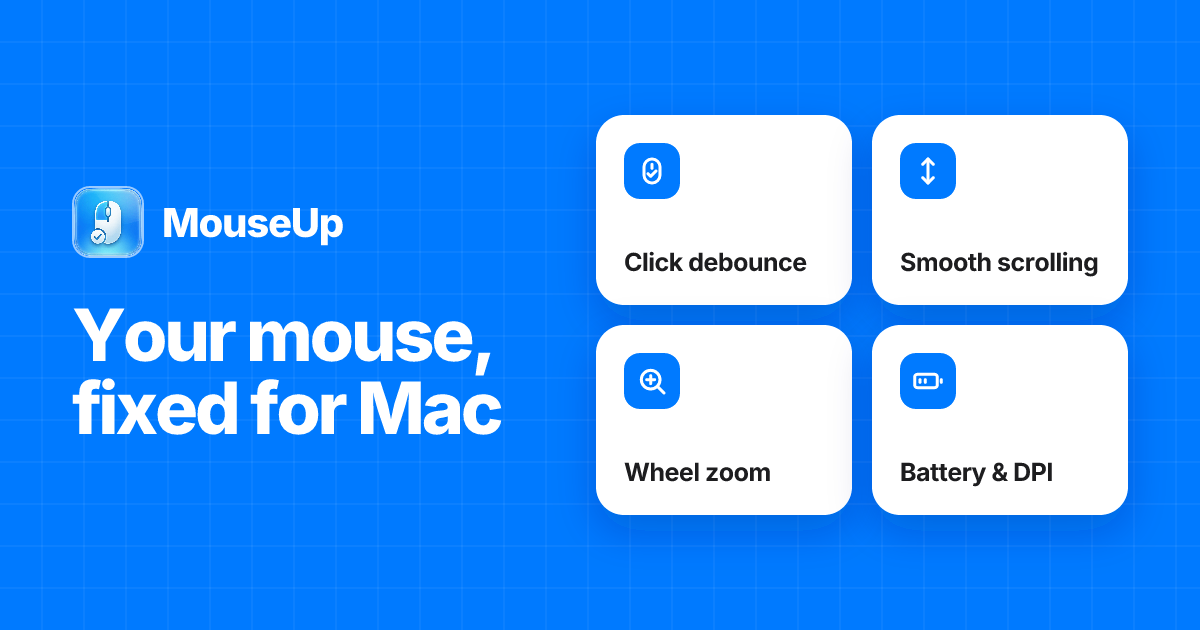
Fix ghost double-clicks and get trackpad-smooth scrolling on any mouse.

Pay onceApple silicon
MouseUp on a Mac

From its maker: MouseUp (formerly Mac Mouse Fixer) makes any external mouse feel at home on macOS. It blocks the ghost double-clicks that worn switches cause, so one click is one click again, and turns every wheel notch into one smooth, trackpad-like glide.

Oferta
50% off Lifetime, until Dec 5
Cena
$7.99 once, free trial
Needs
macOS 12 Monterey lub nowszy
Its maker says it replaces
Mac Mouse Fix, SteerMouse, Mos, Logi Options+

MouseUp on MacPip More Utilities apps

Lancetta

A native macOS menu-bar app that tells you when and how to use Codex and Claude Code

Wersja darmowaApple silicon
Lancetta on a Mac

Lancetta reads the quota of Codex and Claude Code and tells you when to push on, slow down or switch. It is a free, native menu bar app for macOS 15 Sequoia or later.

Cena
Za darmo
Needs
macOS 15 Sequoia lub nowszy

Lancetta on MacPip More Coding Agents apps

Switchy

Mac controls, deploys, 2FA codes and Claude/Codex limits in your menu bar.

Pay onceApple silicon
Switchy on a Mac

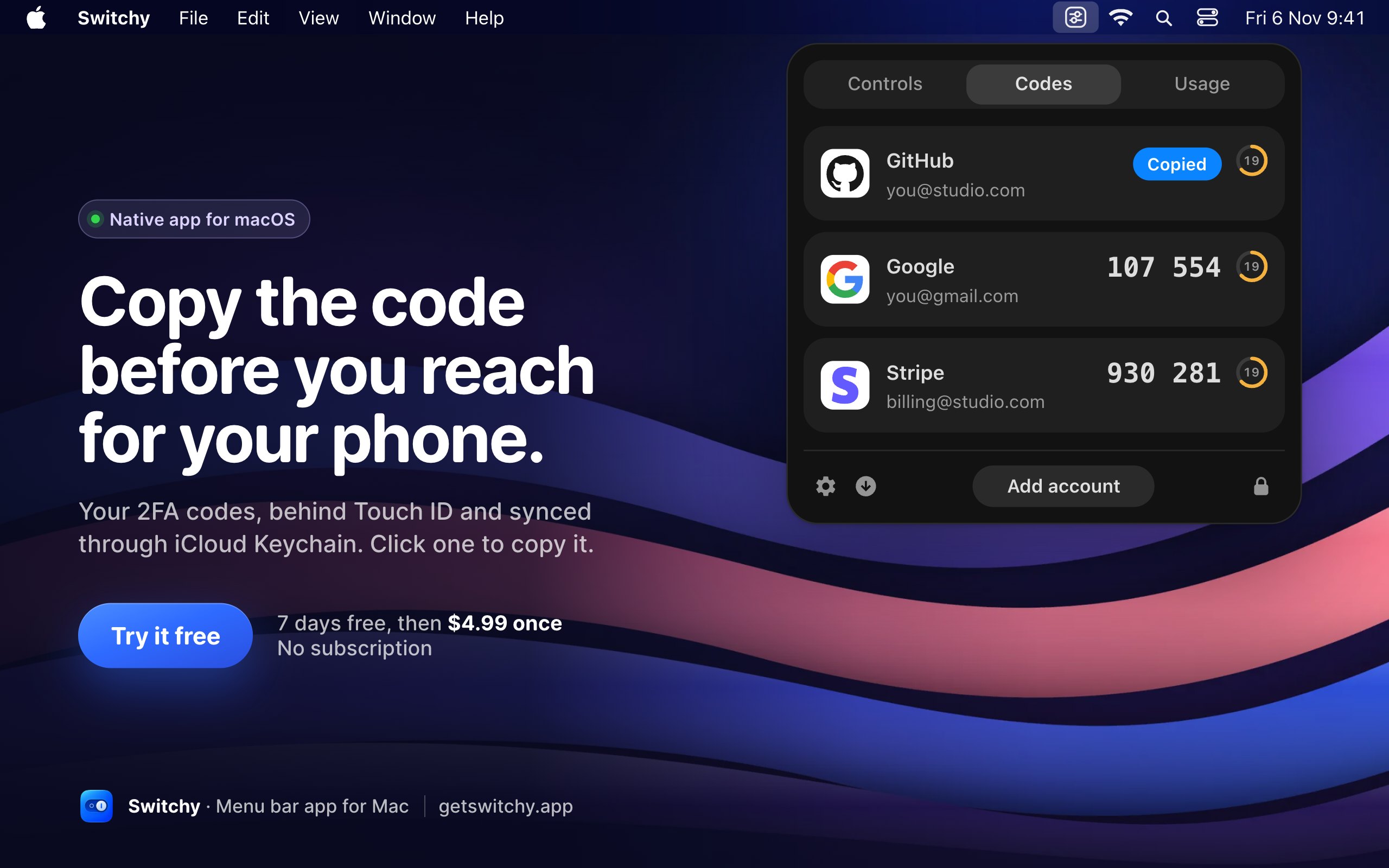
Switchy gathers everyday Mac switches into one menu bar panel: Dark Mode, Keep Awake, mic mute, Do Not Disturb and DNS. It also follows deployments on Vercel, Netlify, Cloudflare and Railway, keeps 2FA codes behind Touch ID, and shows when Claude and Codex limits reset. It is $4.99 once for up to 3 Macs, with a 7-day trial, on Apple silicon with macOS 14 or later.

Cena
$4.99 once, 7-day free trial
Needs
macOS 14 Sonoma lub nowszy
Its maker says it replaces
One Switch

Switchy on MacPip More Menu Bar apps

The notch problem

On a MacBook with a notch, macOS hides menu bar icons that do not fit, with no warning. If an icon seems to vanish after installing an app, that is usually why. A menu bar manager that hides rarely used icons behind a divider fixes it.

How to choose menu bar apps

  • One glance, one job. The best menu bar apps show something you check often, in a few pixels.
  • Watch memory. An app that sits there all day should be light. Check Activity Monitor after a day.
  • Too many icons? Seiton hides, sorts and searches menu bar icons. Its maker names Bartender as the app it replaces.
  • Fewer is better. Each icon costs a little attention. Remove the ones you have not clicked in a week.

Related lists

Którą wybrać

Pytania

What is the best menu bar app for Mac?

There is no single best one for everyone. MacPip lists 16: Seiton, UsageBeacon, Seedlore, Kofe Flow, Attic, CatPod |⁠ Pixel Cat Companion, Keystone | Habit Tracker, Bass Plus, MouseUp, Lancetta, Switchy, Super High Fives and 4 more. If you want it free, look at UsageBeacon. If you would rather pay once than subscribe, look at Seiton. If you want it to run natively on Apple silicon, look at Seedlore. If you need it to work offline, as its maker says it does, look at Seedlore. If you want open source code, look at UsageBeacon.

Czy są darmowe aplikacje z kategorii „pasek menu” na Mac?

Tak. Z darmową wersją na MacPip: UsageBeacon, Seedlore, Kofe Flow, Lancetta, Super High Fives, Beckon, NotchMuse, Pulse.

Które aplikacje z kategorii „pasek menu” na Mac mają cenę jednorazową?

Z opcją jednorazowego zakupu, by uniknąć abonamentu: Seiton, Seedlore, Kofe Flow, Attic, CatPod |⁠ Pixel Cat Companion, Keystone | Habit Tracker, Bass Plus, MouseUp, Switchy, Super High Fives, Keep Mac Awake, Beckon.

Which menu bar apps run natively on Apple silicon?

Według twórców lub według naszego sprawdzenia: Seedlore, Attic, CatPod |⁠ Pixel Cat Companion, Keystone | Habit Tracker, Bass Plus, MouseUp, Lancetta, Switchy, Keep Mac Awake, Beckon, NotchMuse, Pulse.

Które aplikacje z kategorii „pasek menu” sprawdziła osoba?

Każda ma datowany raport na swojej stronie: Seiton, UsageBeacon, Seedlore, Kofe Flow, Attic.

Jak MacPip ustawia te aplikacje w kolejności?

Najpierw idą aplikacje, które sprawdziła osoba, od najnowszego sprawdzenia, a potem reszta według daty dodania. Płatność nigdy nie zmienia kolejności, a wiersze sponsorowane są oznaczone i trzymane osobno.

Powiązane