Updated Nov 8, 2026, from what MacPip lists today.
結論
MacPipにはMac向け「メニューバー」カテゴリのアプリが16件掲載されていて、そのうち5件は人が確認しました。そのうち8件に無料版があります。そのうち12件は買い切りライセンスを販売しています。そのうち1件はサブスクリプション制です。There is no single best menu bar app for everyone, so MacPip does not rank them.無料がいいなら、UsageBeaconから始めてください。
Apps a person checked come first, newest check first. Never ordered by payment.
The menu bar is the one part of the Mac that is always on screen. That makes it the right home for small tools you glance at all day, and the wrong home for anything you rarely use.
MacPip lists 16 menu bar apps. The mix tells you what people want up there in 2026: AI usage meters for Claude, Codex and Cursor, a Pomodoro timer, synced lyrics, a way to keep a MacBook awake with the lid closed, and a manager to hide the icons you rarely need.
8 of them have a free version, and 4 are open source.
What these 16 apps offer, by their listings. An app can offer several, so the bars do not add up to 16.
無料版8 / 16
Pay once12 / 16
サブスクリプション1 / 16
Native to Apple silicon12 / 16
オープンソース4 / 16
オフラインで動作5 / 16
人が確認済み5 / 16
One-time price in US dollars, as each listing states it, lowest first. 8 apps have no plain dollar one-time price and are left out. Launch prices count where the listing says so.
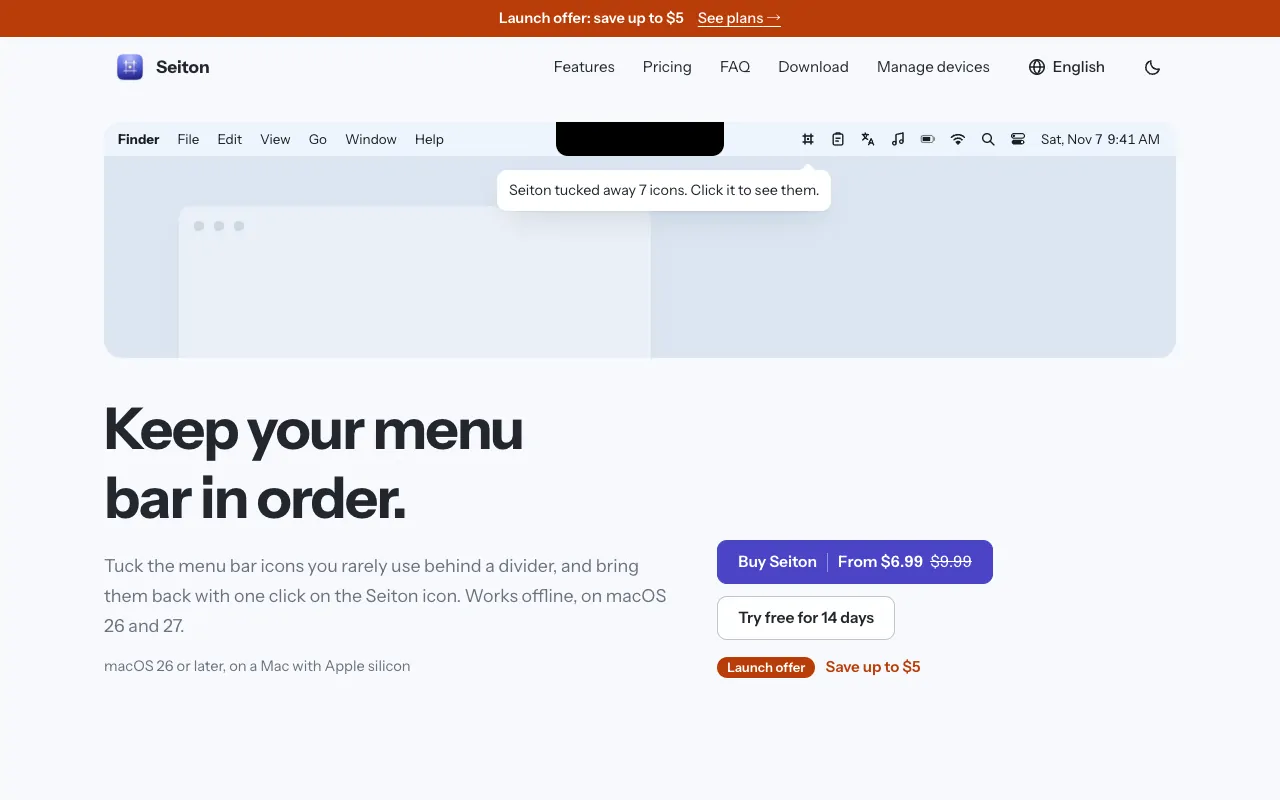
Seiton keeps a crowded menu bar under control. Icons you rarely use go behind a divider and come back with one click, you can sort everything into three sections, and there is a search for menu bar items. It works fully offline. One-time purchase with a 14-day trial, from $6.99 at its launch price. It needs macOS 26 or later, and its maker names Bartender as the app it replaces.
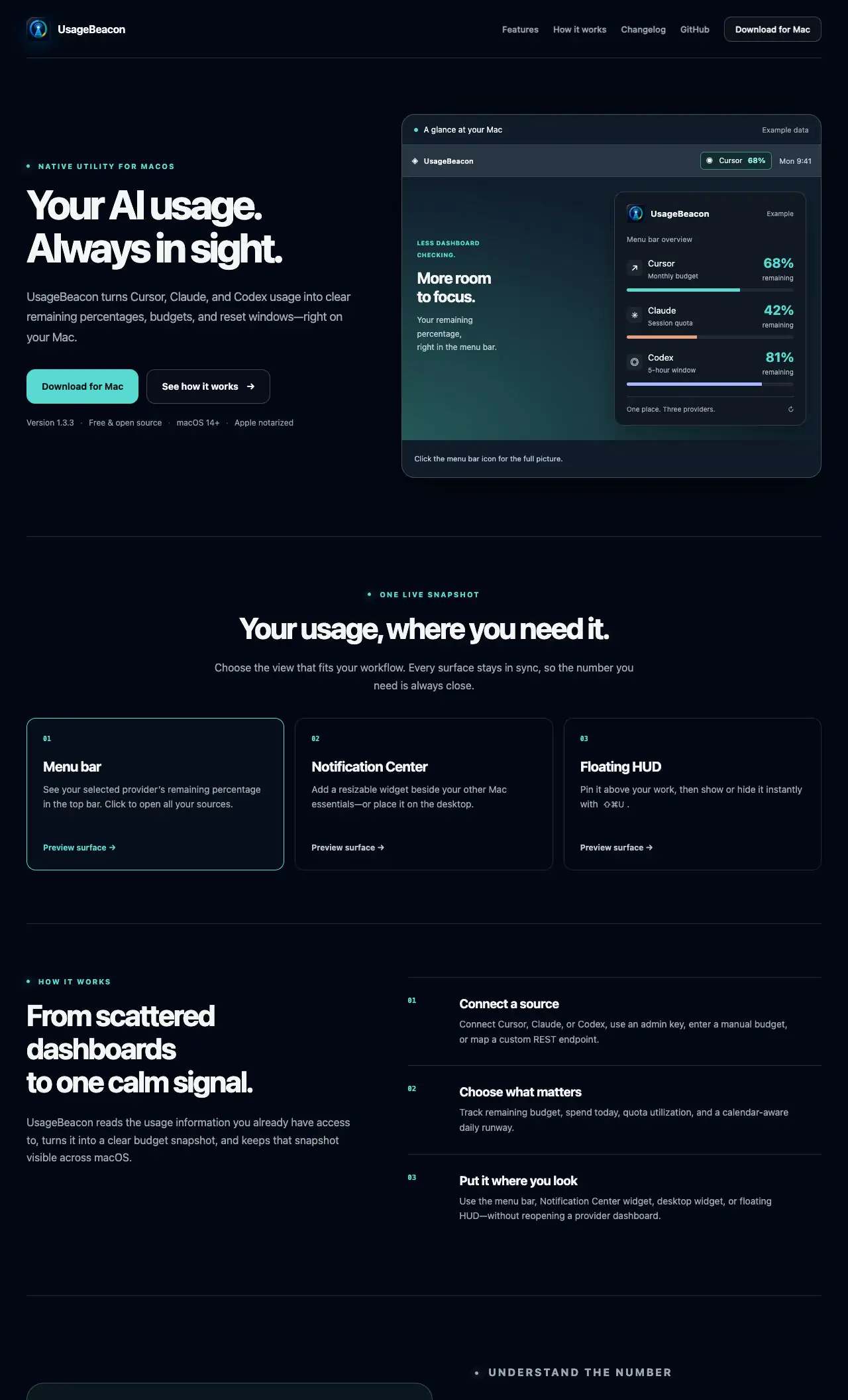
UsageBeacon turns your Cursor, Claude and Codex usage into remaining percentages, budgets and reset windows in the menu bar, so you know before you hit a limit. It is free and open source, and needs macOS 14 Sonoma or later.
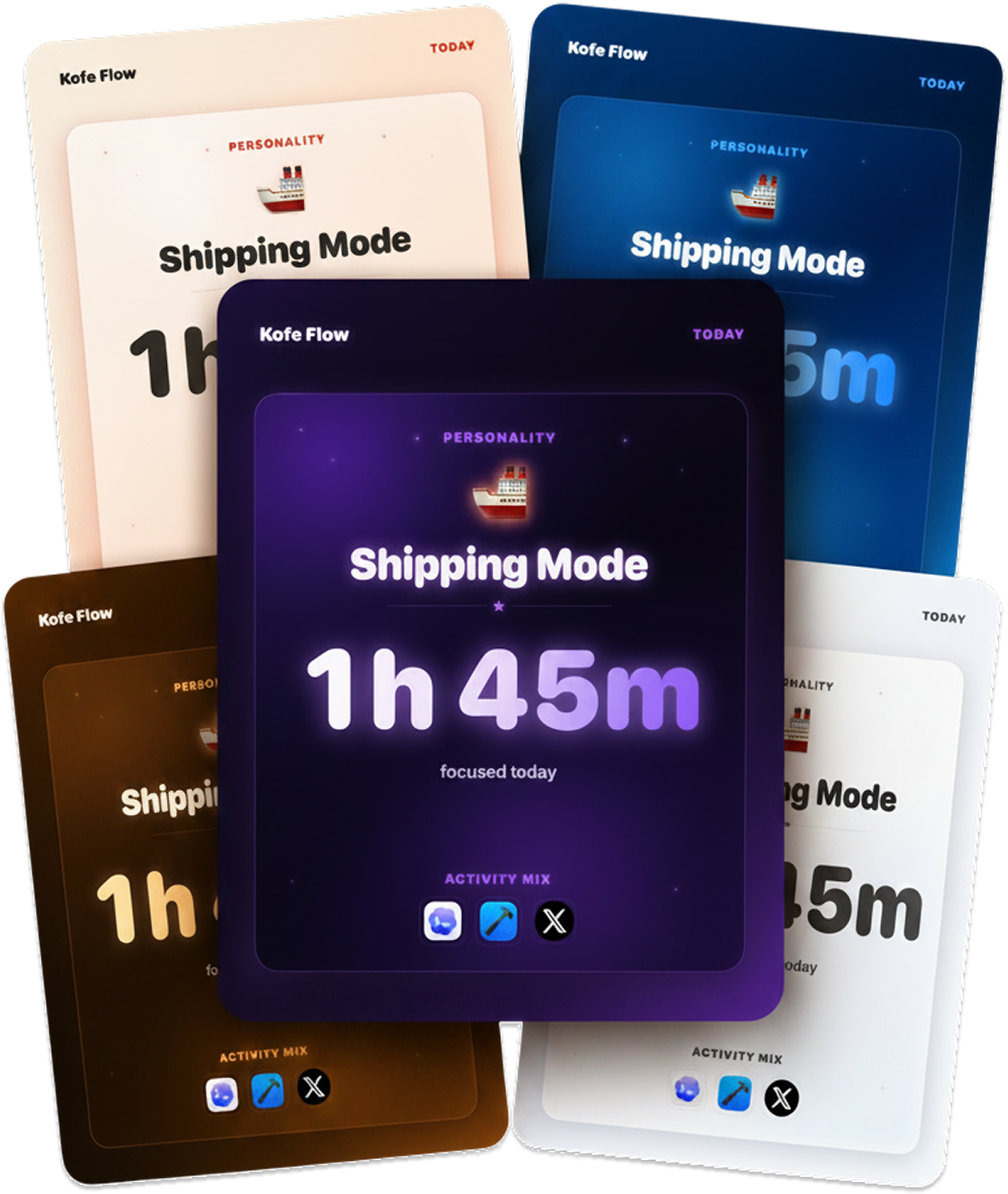
Kofe Flow is a calm Pomodoro timer in the menu bar, with an iPhone app that stays in sync. Focus analytics stay on your Mac, and timer sync is optional and anonymous. It is free, with Lifetime Pro at $14.99 once.
Attic tidies up after you. Old screenshots and downloads move to a folder on your Mac by themselves, and nothing is ever deleted. No cloud and no account. It is $5 once at its launch price, then $9 and $15.
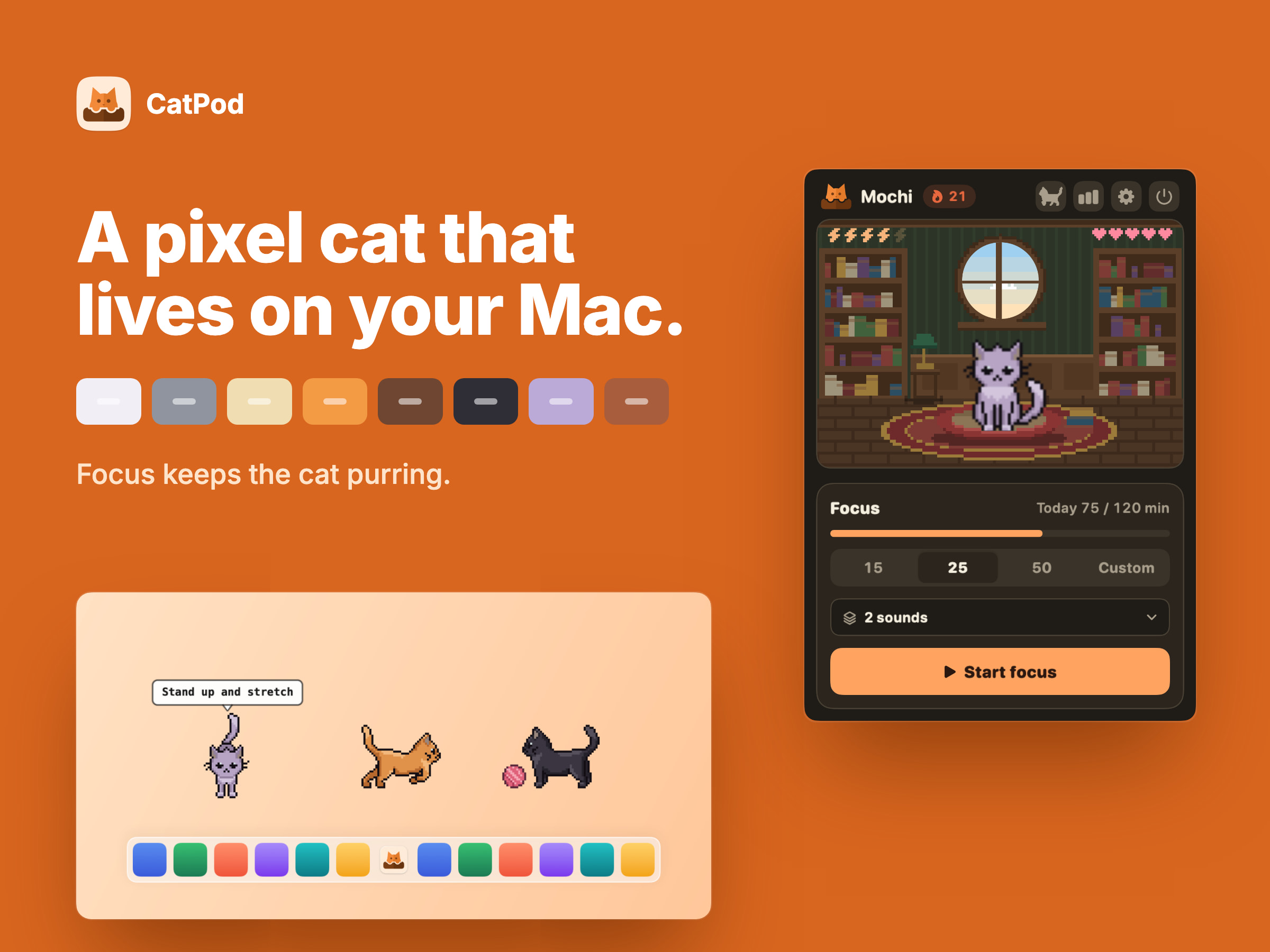
From its maker: CATPOD | PIXEL CAT COMPANION CatPod is a native macOS desktop pet: a pixel-art cat that roams the display you are working on, curls up beside you while a focus session runs, and naps when you leave the desk. FOCUS KEEPS THE CAT PURRING.
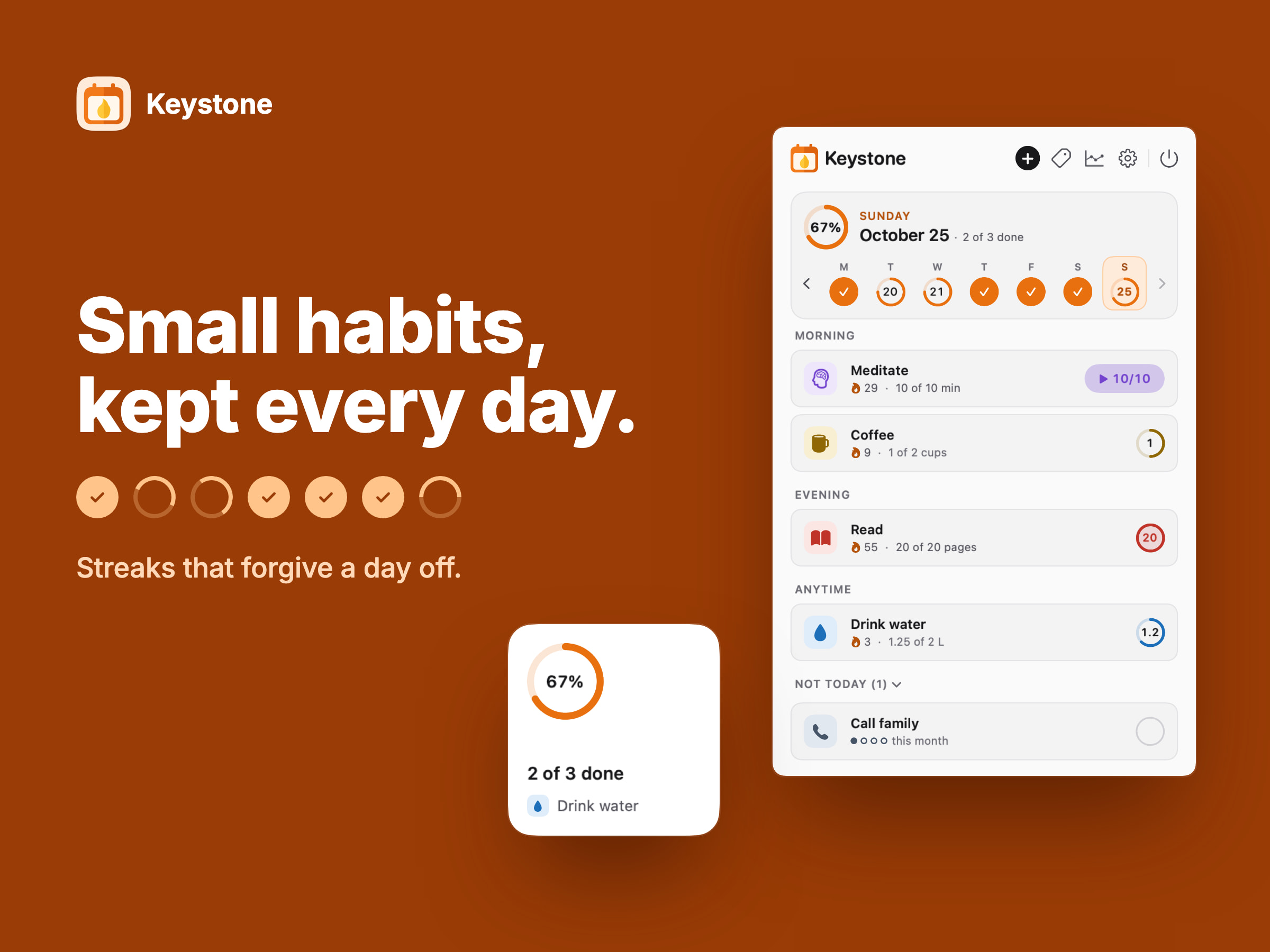
From its maker: KEYSTONE | HABIT TRACKER Keystone is a native macOS habit tracker that lives in the menu bar - habits are ticked off in one click, streaks forgive planned days off, and reminders and a desktop widget keep the day in view. YOUR DAY, ONE TICK AT A TIME.
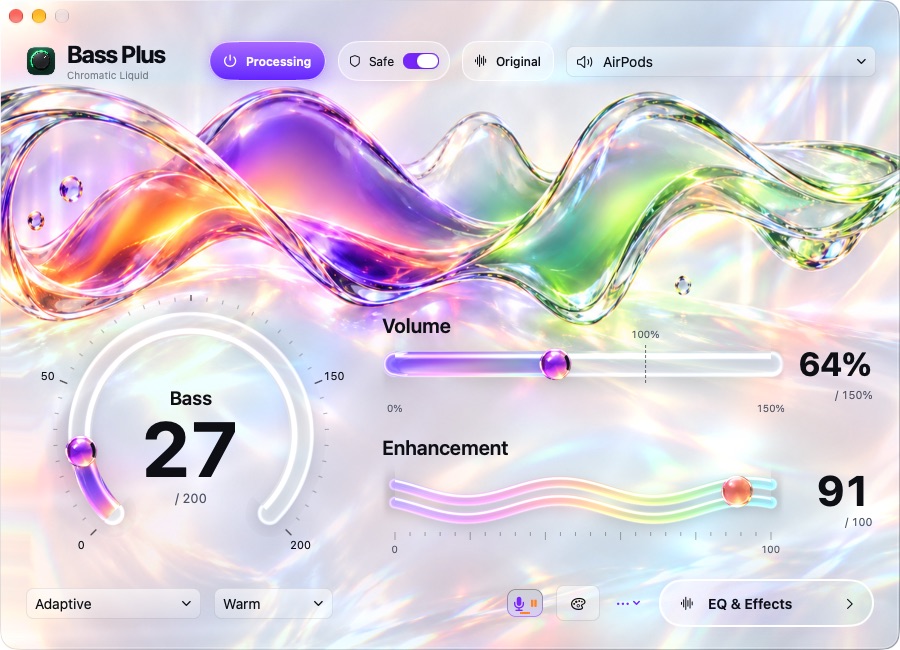
From its maker: Bass Plus is a bass booster and equalizer for Mac with software volume boost. Add more bass to everyday music, adjust sound for your headphones, or fine-tune your MacBook speakers.
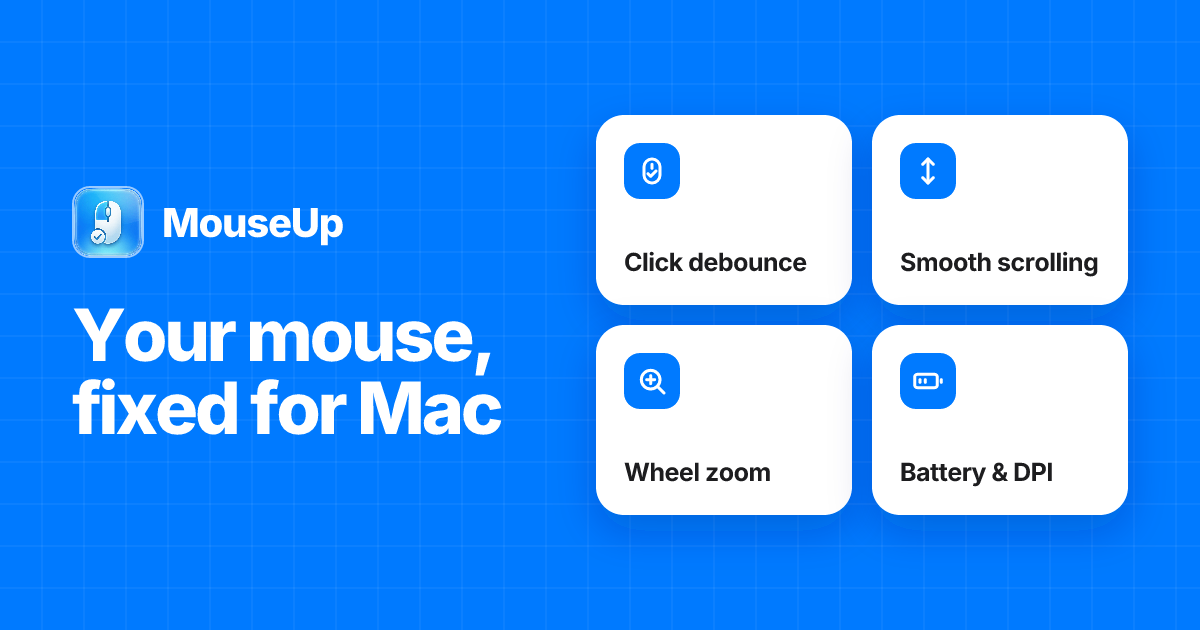
From its maker: MouseUp (formerly Mac Mouse Fixer) makes any external mouse feel at home on macOS. It blocks the ghost double-clicks that worn switches cause, so one click is one click again, and turns every wheel notch into one smooth, trackpad-like glide.
Lancetta reads the quota of Codex and Claude Code and tells you when to push on, slow down or switch. It is a free, native menu bar app for macOS 15 Sequoia or later.
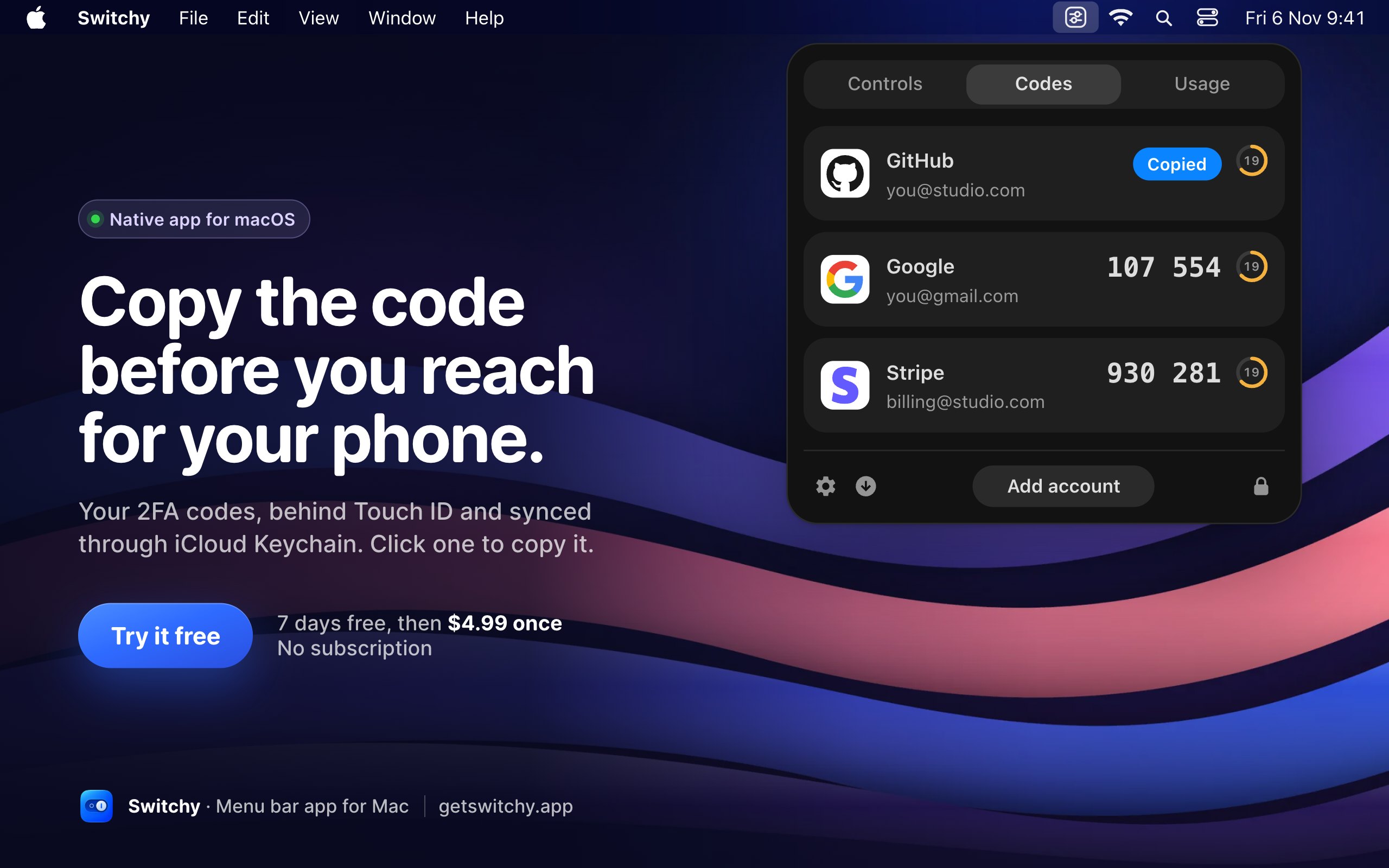
Switchy gathers everyday Mac switches into one menu bar panel: Dark Mode, Keep Awake, mic mute, Do Not Disturb and DNS. It also follows deployments on Vercel, Netlify, Cloudflare and Railway, keeps 2FA codes behind Touch ID, and shows when Claude and Codex limits reset. It is $4.99 once for up to 3 Macs, with a 7-day trial, on Apple silicon with macOS 14 or later.
From its maker: An open-source colour picker app for macOS Pika (pronounced pi·kuh, like picker) is an easy to use, open-source, native colour picker for macOS.
On a MacBook with a notch, macOS hides menu bar icons that do not fit, with no warning. If an icon seems to vanish after installing an app, that is usually why. A menu bar manager that hides rarely used icons behind a divider fixes it.
How to choose menu bar apps
One glance, one job. The best menu bar apps show something you check often, in a few pixels.
Watch memory. An app that sits there all day should be light. Check Activity Monitor after a day.
Too many icons?Seiton hides, sorts and searches menu bar icons. Its maker names Bartender as the app it replaces.
Fewer is better. Each icon costs a little attention. Remove the ones you have not clicked in a week.
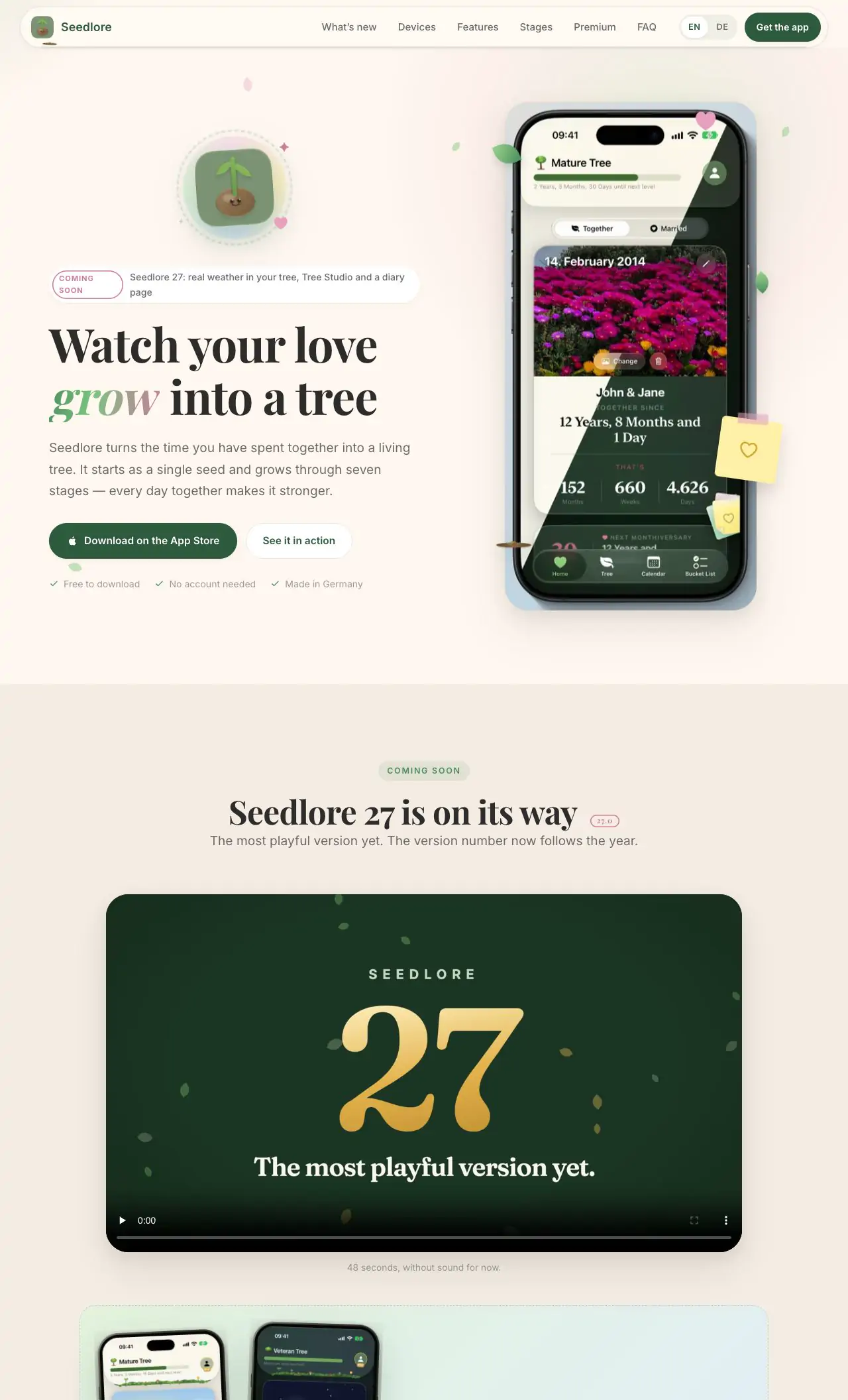
There is no single best one for everyone. MacPip lists 16: Seiton, UsageBeacon, Seedlore, Kofe Flow, Attic, CatPod | Pixel Cat Companion, Keystone | Habit Tracker, Bass Plus, MouseUp, Lancetta, Switchy, Super High Fives and 4 more. If you want it free, look at UsageBeacon. If you would rather pay once than subscribe, look at Seiton. If you want it to run natively on Apple silicon, look at Seedlore. If you need it to work offline, as its maker says it does, look at Seedlore. If you want open source code, look at UsageBeacon.
Mac向け「メニューバー」カテゴリに無料アプリはありますか?
はい。MacPipで無料版があるもの:UsageBeacon, Seedlore, Kofe Flow, Lancetta, Super High Fives, Beckon, NotchMuse, Pulse。
Mac向け「メニューバー」カテゴリで、買い切り価格のアプリはどれですか?
買い切りの選択肢があり、サブスクリプションを避けられます:Seiton, Seedlore, Kofe Flow, Attic, CatPod | Pixel Cat Companion, Keystone | Habit Tracker, Bass Plus, MouseUp, Switchy, Super High Fives, Keep Mac Awake, Beckon。
Which menu bar apps run natively on Apple silicon?