SponsorZaloguj sięZgłoś

Wpisy zostają w języku, w którym napisali je ich twórcy.

Best of MacPip

Najlepsze narzędzia na Maca

Updated Nov 8, 2026, from what MacPip lists today.

Krótka odpowiedź

MacPip lists 17 utilities for Mac, and a person has checked 3 of them.Z darmową wersją: 10.Z licencją jednorazową: 10.Płatne w abonamencie: 1.There is no single best utility for everyone, so MacPip does not rank them.Jeśli chcesz darmową, zacznij od UsageBeacon.

Apps a person checked come first, newest check first. Never ordered by payment.

What these 17 apps offer, by their listings. An app can offer several, so the bars do not add up to 17.
Wersja darmowa10 z 17
Pay once10 z 17
Subskrypcja1 z 17
Native to Apple silicon9 z 17
Open source3 z 17
Działa offline5 z 17
Sprawdzone przez osobę3 z 17
One-time price in US dollars, as each listing states it, lowest first. 7 apps have no plain dollar one-time price and are left out. Launch prices count where the listing says so.
MouseUp$7.99
Arkivor$9.99
MacWall$12.99
Phosphor$19.99

Compared

AplikacjaCo robiCenaDarmowa czy płatnaApple siliconOpen sourceAutor:Sprawdzono
UsageBeaconSee your remaining Cursor, Claude, and Codex usage budgets right in the Mac menu bar.Darmowa i open sourceWersja darmowaNie podanoTakDavid Cohen3 lis
MacWallCinematic 4K live wallpapers, built for Mac12,99 USD jednorazowoJednorazowoNie podanoNoMacWall Team31 paź
PhosphorPhosphor for Mac is a native display utilityZa darmo, Pro $19.99 onceWersja darmowaJednorazowoNie podanoNoArnav Kulshreshtha31 paź
MouseUpFix ghost double-clicks and get trackpad-smooth scrolling on any mouse.$7.99 once, free trialJednorazowoTak, a także na Intel, według twórcyNoDavid TranOczekuje
CliptureClipture is a lightweight screenshot tool built for macOS.Free with in-app purchasesWersja darmowaNie podanoNo昆 王Oczekuje
PasteNook ClipboardPasteNook is a beautiful and smart clipboard history tool designed for macOS.Free with in-app purchasesWersja darmowaNie podanoNo昆 王Oczekuje
AirCalendarCheck the date, see what’s coming up and keep your tasks close at hand.Za darmo, Pro $1.99 onceWersja darmowaJednorazowoNie podanoNo昆 王Oczekuje
ArkivorOpen ZIP, RAR and 7Z archives on your Mac9,99 USD jednorazowoJednorazowoNie podanoNoKamil AltunOczekuje
TaskglassTaskglass is a native macOS app that shows what's slowing$5 once (launch), then $9JednorazowoTak, a także na Intel, według twórcyNoJunaidOczekuje
Disk ReviewerReview-first cleaner: inspect caches, leftovers and similar photos; nothing preselected.Free with in-app purchasesWersja darmowaTak, a także na Intel, według twórcyNoApis Systems LLCOczekuje
TouchNowStream and control your Mac from your iPhone or iPadFree on Wi-Fi; remote $2.99/moWersja darmowaSubskrypcjaTak, a także na Intel, według twórcyNoNie podanoOczekuje
Local Music OrganizerFind duplicates, repair Music.app libraries and analyze audio on Mac.$29.99 once, 3-day free trialJednorazowoTak, a także na Intel, według twórcyNoSergey BelenkyOczekuje
DormouseKeep your MacBook from draining while it sleeps.Za darmo, Pro $4.99 once, 14-day trialWersja darmowaJednorazowoTak, a także na Intel, według twórcyNoHalis Eren Özgür / eren.clickOczekuje
Gestures For FoldersGestures for Folders brings browser-style trackpad navigation to your Finder windows.0,99 USD jednorazowoJednorazowoNie podanoNoAJA Digital LLCOczekuje
MacOS CleanerFree native Mac cleaner and uninstallerFree and source-availableWersja darmowaTak, tylko Apple silicon, według twórcyTakAleksandr Tk (AlexTkDev)Oczekuje
OpenNavoFree, open-source Homebrew GUI for Mac with built-in malware scanning.Darmowa i open sourceWersja darmowaTak, a także na Intel, według twórcyTakNie podanoOczekuje
RabbitSee your Android phone's notifications natively on your Mac.49 USD jednorazowoJednorazowoTak, a także na Intel, według twórcyNoNie podanoOczekuje

12 of them, up close

The 12 below come first in the table: apps a person checked, newest check first. The other 5 are in the table above.

UsageBeacon

See your remaining Cursor, Claude, and Codex usage budgets right in the Mac menu bar.

Wersja darmowaOpen sourceSprawdzono 3 lis
UsageBeacon on a Mac

UsageBeacon turns your Cursor, Claude and Codex usage into remaining percentages, budgets and reset windows in the menu bar, so you know before you hit a limit. It is free and open source, and needs macOS 14 Sonoma or later.

Cena
Darmowa i open source
Needs
macOS 14 Sonoma lub nowszy
Its maker says it replaces
SessionWatcher

UsageBeacon on MacPip More Menu Bar apps

MacWall

Cinematic 4K live wallpapers, built for Mac

Pay onceSprawdzono 31 paź
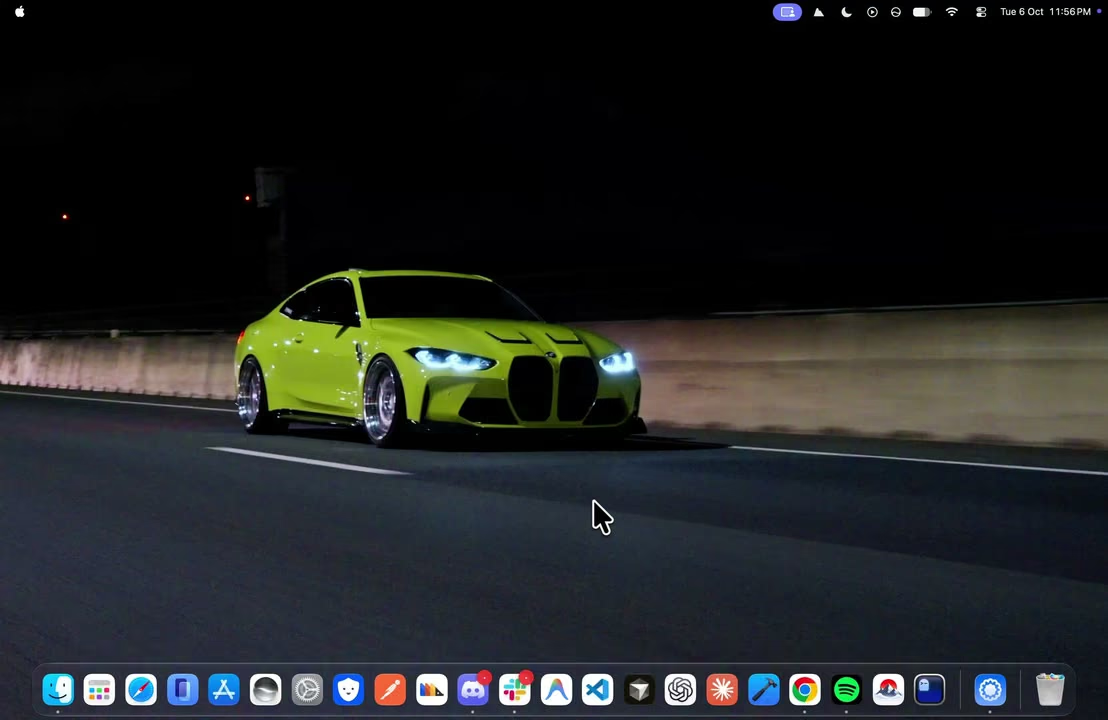
MacWall on a Mac

From its maker: MacWall is a native macOS app that turns looping video into your desktop wallpaper. It is written in Swift, decodes video in hardware, and lives in the menu bar rather than the Dock.

Cena
12,99 USD jednorazowo
Needs
macOS 15 lub nowszy
Its maker says it replaces
Backdrop, Wallspace, Wallper, Muro, Wallpaper Engine, Aerial, Plash

MacWall on MacPip More Utilities apps

Phosphor

Phosphor for Mac is a native display utility

Wersja darmowaPay onceSprawdzono 31 paź
Phosphor on a Mac

From its maker: Phosphor for Mac is a native display utility: Flashbang Protection, Studio Features for calls and presentations, and free tools. Requires macOS 13 or later.

Cena
Za darmo, Pro $19.99 once

Phosphor on MacPip More Utilities apps

MouseUp

Fix ghost double-clicks and get trackpad-smooth scrolling on any mouse.

Pay onceApple silicon
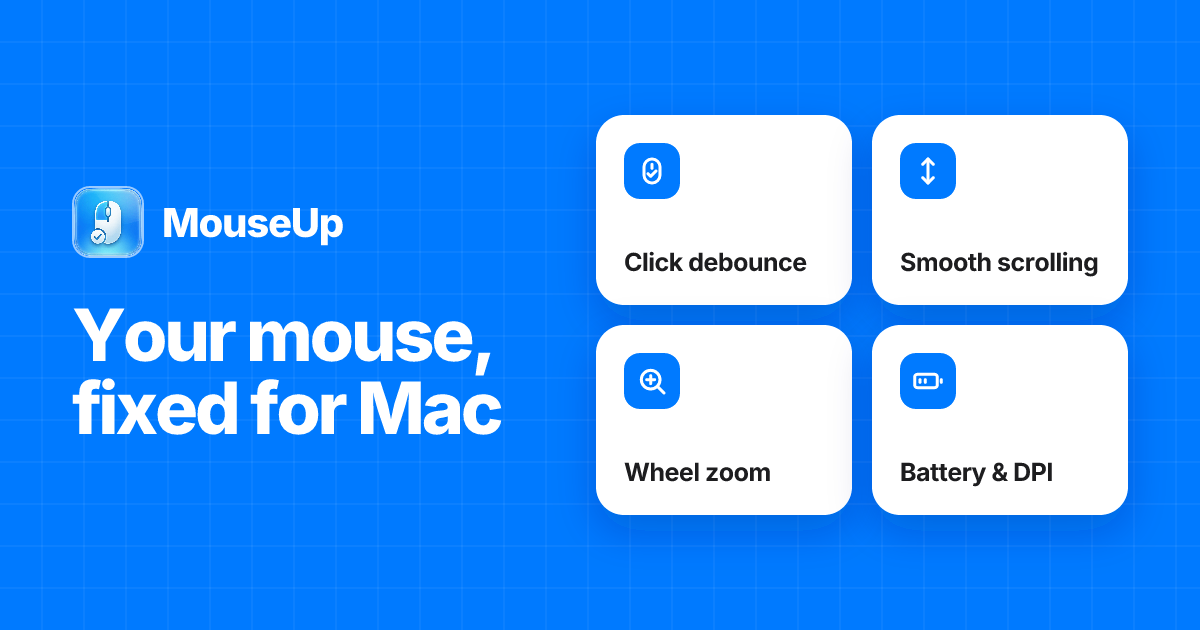
MouseUp on a Mac

From its maker: MouseUp (formerly Mac Mouse Fixer) makes any external mouse feel at home on macOS. It blocks the ghost double-clicks that worn switches cause, so one click is one click again, and turns every wheel notch into one smooth, trackpad-like glide.

Oferta
50% off Lifetime, until Dec 5
Cena
$7.99 once, free trial
Needs
macOS 12 Monterey lub nowszy
Its maker says it replaces
Mac Mouse Fix, SteerMouse, Mos, Logi Options+

MouseUp on MacPip More Utilities apps

Clipture

Clipture is a lightweight screenshot tool built for macOS.

Wersja darmowa
Clipture on a Mac

From its maker: Clipture is a lightweight screenshot tool built for macOS. It brings screenshots, scrolling capture, text recognition, QR code recognition, translation, and annotation together in one clear workflow.

Cena
Free with in-app purchases
Needs
macOS 12 Monterey lub nowszy

Clipture on MacPip More Utilities apps

PasteNook Clipboard

PasteNook is a beautiful and smart clipboard history tool designed for macOS.

Wersja darmowa
PasteNook Clipboard on a Mac

From its maker: PasteNook is a beautiful and smart clipboard history tool designed for macOS. It helps you save, search and reuse the text, links, images, files and work materials you copy every day.

Cena
Free with in-app purchases
Needs
macOS 14 Sonoma lub nowszy

PasteNook Clipboard on MacPip More Utilities apps

AirCalendar

Check the date, see what’s coming up and keep your tasks close at hand.

Wersja darmowaPay once
AirCalendar on a Mac
Autor: 昆 王Strona

From its maker: Check the date, see what’s coming up and keep your tasks close at hand. AirCalendar brings a monthly calendar, lunar dates, holidays, events and to-dos to your Mac menu bar.

Cena
Za darmo, Pro $1.99 once
Needs
macOS 14 Sonoma lub nowszy

AirCalendar on MacPip More Utilities apps

Taskglass

Taskglass is a native macOS app that shows what's slowing

Pay onceApple siliconDziała offline
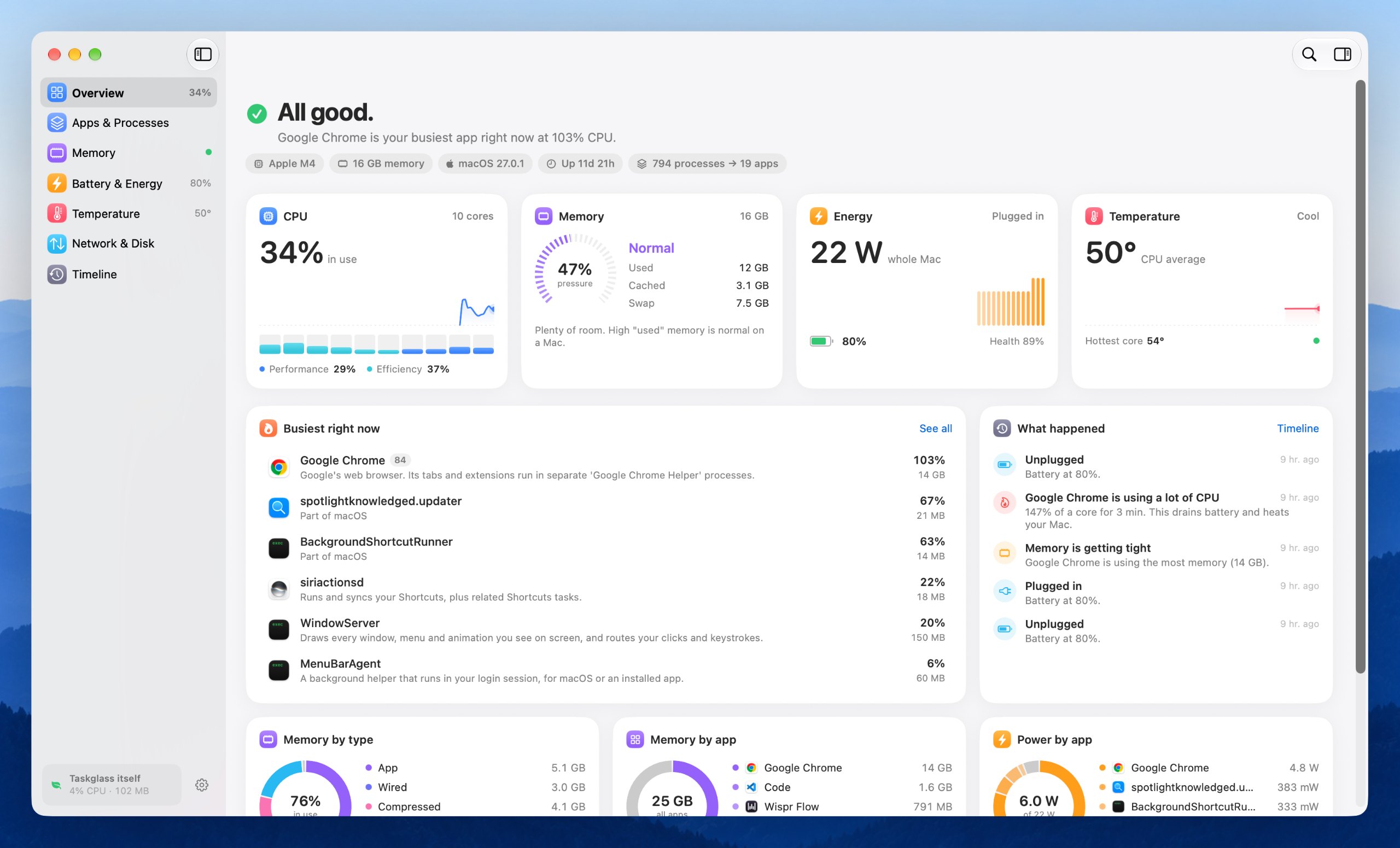
Taskglass on a Mac

From its maker: Taskglass is a native macOS app that shows what's slowing, heating or draining your Mac, and explains it in plain English.

Cena
$5 once (launch), then $9
Needs
macOS 14 Sonoma lub nowszy
Its maker says it replaces
iStats, Vitals

Taskglass on MacPip More Productivity apps

Disk Reviewer

Review-first cleaner: inspect caches, leftovers and similar photos; nothing preselected.

Wersja darmowaApple siliconDziała offline
Disk Reviewer on a Mac

From its maker: Disk Reviewer is a review-first Mac cleaner that lists caches, app leftovers and similar photos with their size and full path; nothing is preselected. The free core includes Smart Scan, Applications, Similar Photos and a menu-bar space monitor.

Cena
Free with in-app purchases
Needs
macOS 13 Ventura lub nowszy

Disk Reviewer on MacPip More Utilities apps

TouchNow

Stream and control your Mac from your iPhone or iPad

Wersja darmowaSubskrypcjaApple silicon
TouchNow on a Mac

From its maker: Stream and control your Mac from your iPhone or iPad with trackpad, direct touch, a full Mac keyboard and a customizable game controller. Use an iPhone or iPad as a second display.

Cena
Free on Wi-Fi; remote $2.99/mo
Needs
macOS 13 Ventura lub nowszy

TouchNow on MacPip More Utilities apps

Local Music Organizer

Find duplicates, repair Music.app libraries and analyze audio on Mac.

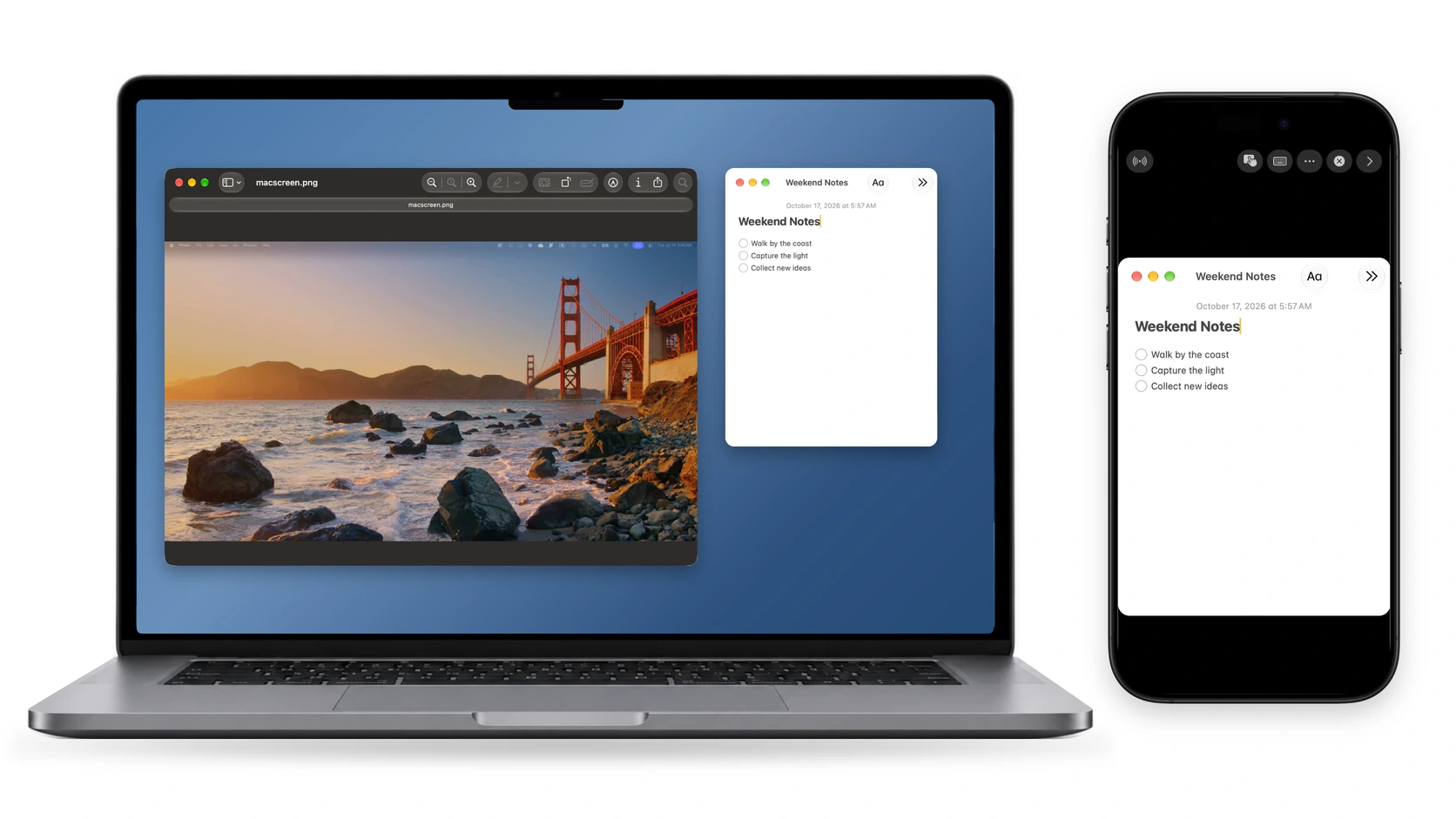
Pay onceApple siliconDziała offline
Local Music Organizer on a Mac

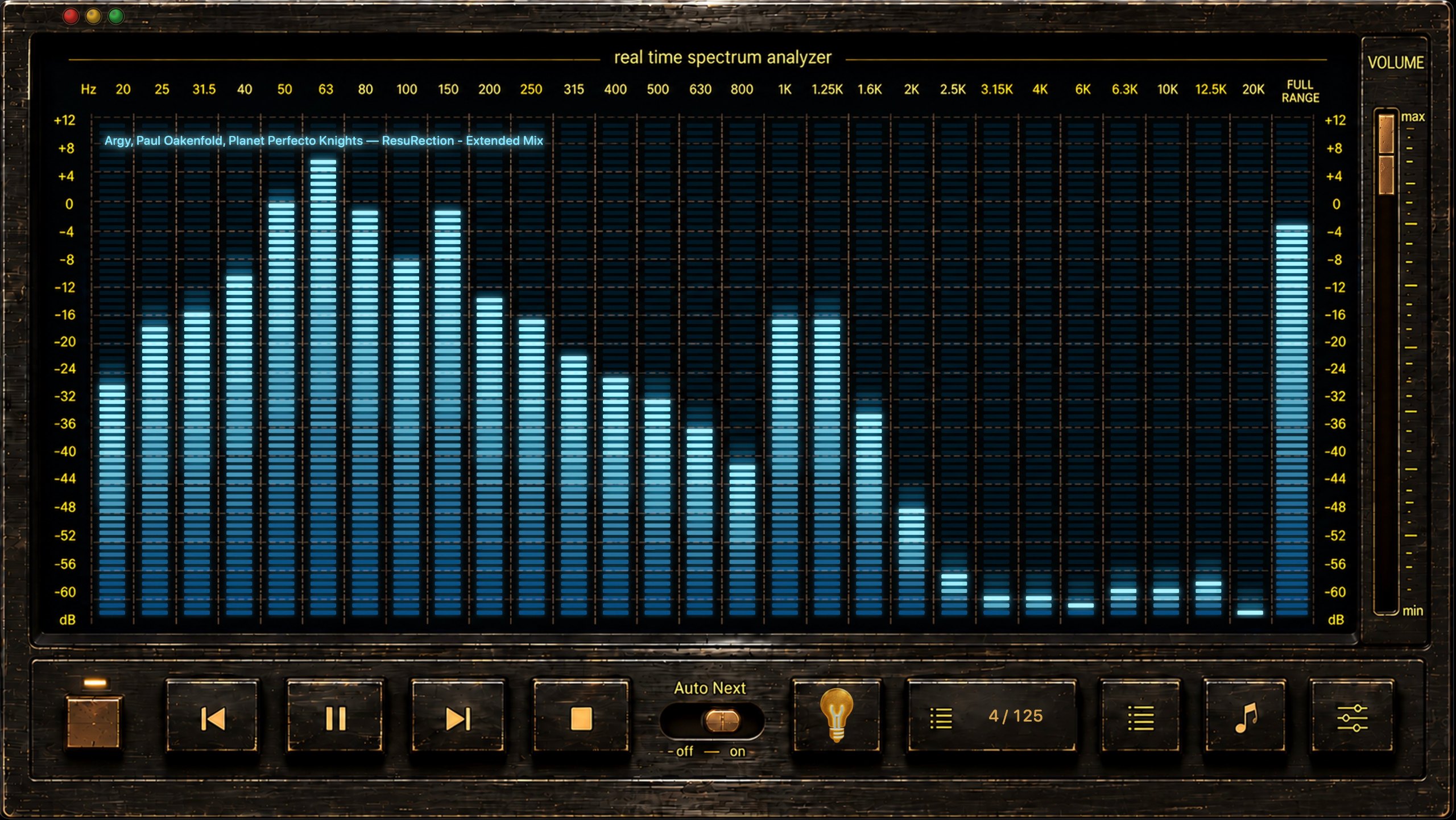
From its maker: Local Music Organizer is a native macOS toolkit for large offline Music.app collections. Its SQLite index helps find missing files, duplicate records, repeated playlist entries, incomplete albums, missing artwork and playlists.

Cena
$29.99 once, 3-day free trial
Needs
macOS 14 Sonoma lub nowszy

Local Music Organizer on MacPip More Music apps

Którą wybrać

What to look for

Zwróć uwagę, czy jasno mówi, do czego ma dostęp, czy ma świeżą aktualizację dla twojej wersji macOS i czy łatwo je odinstalować.

Pytania

What is the best utility for Mac?

There is no single best one for everyone. MacPip lists 17: UsageBeacon, MacWall, Phosphor, MouseUp, Clipture, PasteNook Clipboard, AirCalendar, Arkivor, Taskglass, Disk Reviewer, TouchNow, Local Music Organizer and 5 more. If you want it free, look at UsageBeacon. If you would rather pay once than subscribe, look at MacWall. If you want open source code, look at UsageBeacon.

Are there free utilities for Mac?

Tak. Z darmową wersją na MacPip: UsageBeacon, Phosphor, Clipture, PasteNook Clipboard, AirCalendar, Disk Reviewer, TouchNow, Dormouse, MacOS Cleaner, OpenNavo.

Which utilities for Mac have a one-time price?

Z opcją jednorazowego zakupu, by uniknąć abonamentu: MacWall, Phosphor, MouseUp, AirCalendar, Arkivor, Taskglass, Local Music Organizer, Dormouse, Gestures For Folders, Rabbit.

Which utilities run natively on Apple silicon?

Według twórców lub według naszego sprawdzenia: MouseUp, Taskglass, Disk Reviewer, TouchNow, Local Music Organizer, Dormouse, MacOS Cleaner, OpenNavo, Rabbit.

Which utilities has a person checked?

Każda ma datowany raport na swojej stronie: UsageBeacon, MacWall, Phosphor.

Jak MacPip ustawia te aplikacje w kolejności?

Najpierw idą aplikacje, które sprawdziła osoba, od najnowszego sprawdzenia, a potem reszta według daty dodania. Płatność nigdy nie zmienia kolejności, a wiersze sponsorowane są oznaczone i trzymane osobno.

Powiązane