Stitch It
Turn screenshots into one long image, with precise crops and redaction

Selon son créateur : Turn screenshots into one long image. Align overlaps, crop precisely, and redact private details before sharing.
- Prix
- Free with in-app purchases
Les fiches restent dans la langue dans laquelle leurs créateurs les ont écrites.
Mis à jour le 23 nov. 2026, à partir de ce que MacPip référence aujourd'hui.
MacPip lists 8 free screenshot apps for Mac, and MacPip has checked 2 of them.Toutes ont une version gratuite.5 d'entre elles vendent une licence à achat unique.3 d'entre elles sont vendues par abonnement.There is no single best free screenshot app for everyone, so MacPip does not rank them.Si vous la voulez gratuite, commencez par Stitch It.
Les apps vérifiées passent en premier, la vérification la plus récente d'abord. Jamais classées par paiement.
| App | Ce qu'il fait | Prix | Gratuite ou payante | Apple silicon | Open source | Créée par | Vérifiée |
|---|---|---|---|---|---|---|---|
| Stitch It | Turn screenshots into one long image, with precise crops and redaction | Free with in-app purchases | Version gratuite | Non indiqué | Non | Thirty Seven Inc. | 23 nov. |
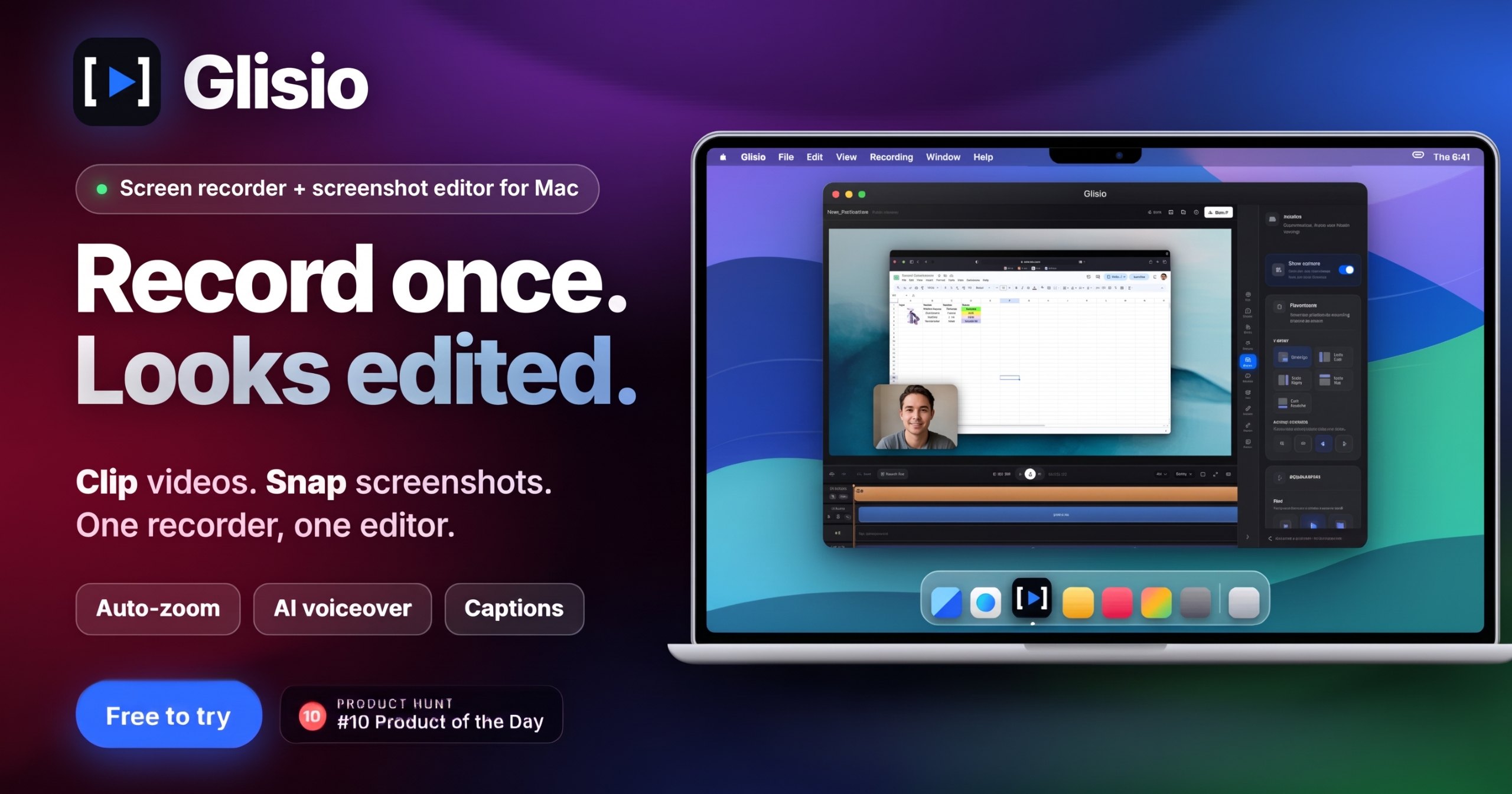
| Glisio | A Mac screen recorder with auto-zoom, AI voiceover and captions. | Free to try, Pro $79 once | Version gratuiteUniqueAbonnement | Oui, et sur Intel, d'après son créateur | Non | Emircan | 30 oct. |
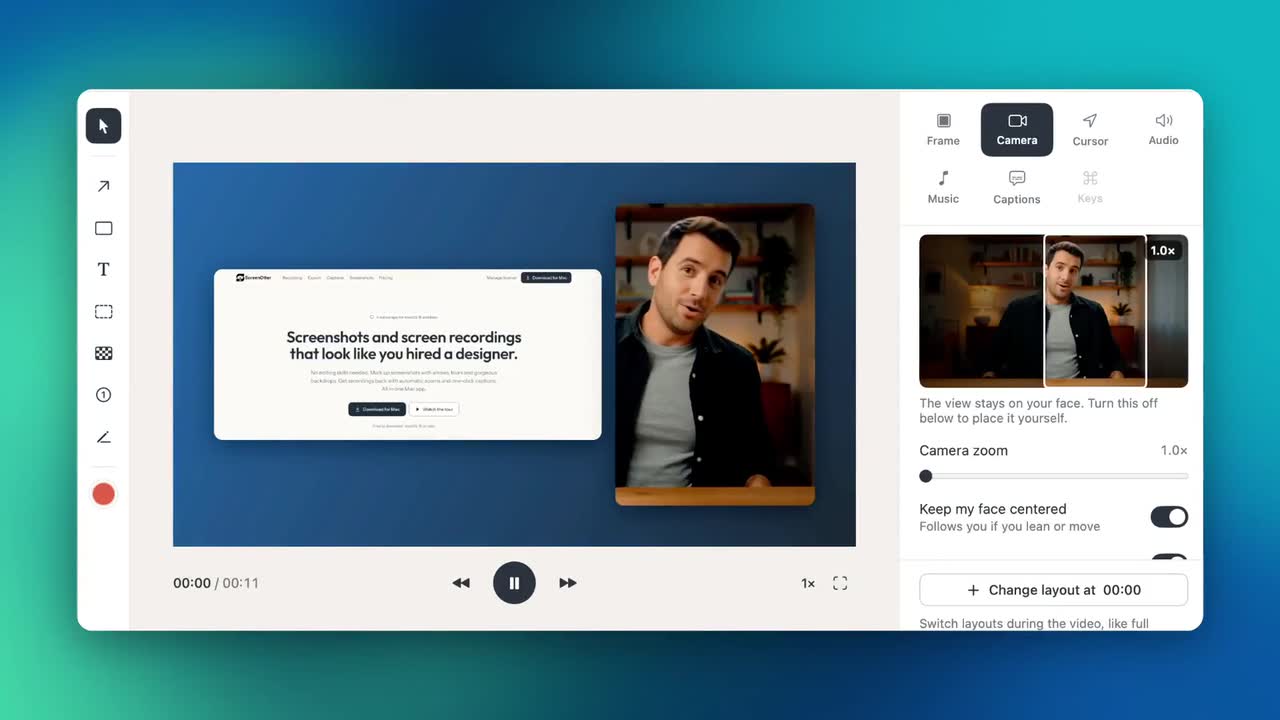
| ScreenOtter | Screen recordings and screenshots for Mac, edited for you | Free, $49 once ($79 for 3 Macs) | Version gratuiteUnique | Non indiqué | Non | Mohit Gangrade | En attente |
| ScreenCrab | Discover the best free apps for your Mac. | Gratuit | Version gratuite | Non indiqué | Non | Kushagra Gour | En attente |
| Snapperon | Mac screenshot annotation by hand or via local MCP for Claude Desktop and Codex Desktop. | Free; Pro $2/mo, $19.99/yr, $38.99 once | Version gratuiteUniqueAbonnement | Oui, Apple silicon uniquement, d'après son créateur | Non | Snapperon Team | En attente |
| ScreenVerb | The screenshot app built around AI. Capture, mark up, and paste AI answers in three keys. | Gratuit, Pro disponible | Version gratuiteUnique | Oui, Apple silicon uniquement, d'après son créateur | Non | David Tran | En attente |
| Cuttle | A screen recorder for macOS that cuts the waiting | Free, Pro €9.99, 7-day trial | Version gratuiteUniqueAbonnement | Oui, Apple silicon uniquement, d'après son créateur | Non | Lenny Enderle | En attente |
| capcap | Take a screenshot, annotate and share in one flow | Gratuit et open source | Version gratuite | Oui, et sur Intel, d'après son créateur | Oui | Non indiqué | En attente |

Turn screenshots into one long image, with precise crops and redaction

Selon son créateur : Turn screenshots into one long image. Align overlaps, crop precisely, and redact private details before sharing.
A Mac screen recorder with auto-zoom, AI voiceover and captions.

Glisio est celle à regarder si vos vidéos vont à plusieurs endroits. Elle enregistre votre écran, votre webcam, votre micro et le son du système en une seule prise, puis vous laisse monter sur votre Mac avec des zooms sur les clics, le lissage du curseur, Smart Cut, des arrière-plans et votre image de marque.
Les exports sont en 16:9, 9:16 et 1:1, donc un seul enregistrement peut devenir un tutoriel et un clip vertical. Des sous-titres et une voix off par IA sont là si vous les voulez, et un outil de capture d'écran appelé Snap est intégré.
The free version is real but limited: exports stop at 30 seconds and carry a watermark. Pro Lifetime removes both for $79, one payment.

Screen recordings and screenshots for Mac, edited for you

Selon son créateur : ScreenOtter is a native Mac app for screen recordings and screenshots. Your recordings come back already edited: a zoom on every click, a smooth pointer, and your camera in one of eight layouts you can change after you record.

Discover the best free apps for your Mac.

Selon son créateur : Discover the best free apps for your Mac.

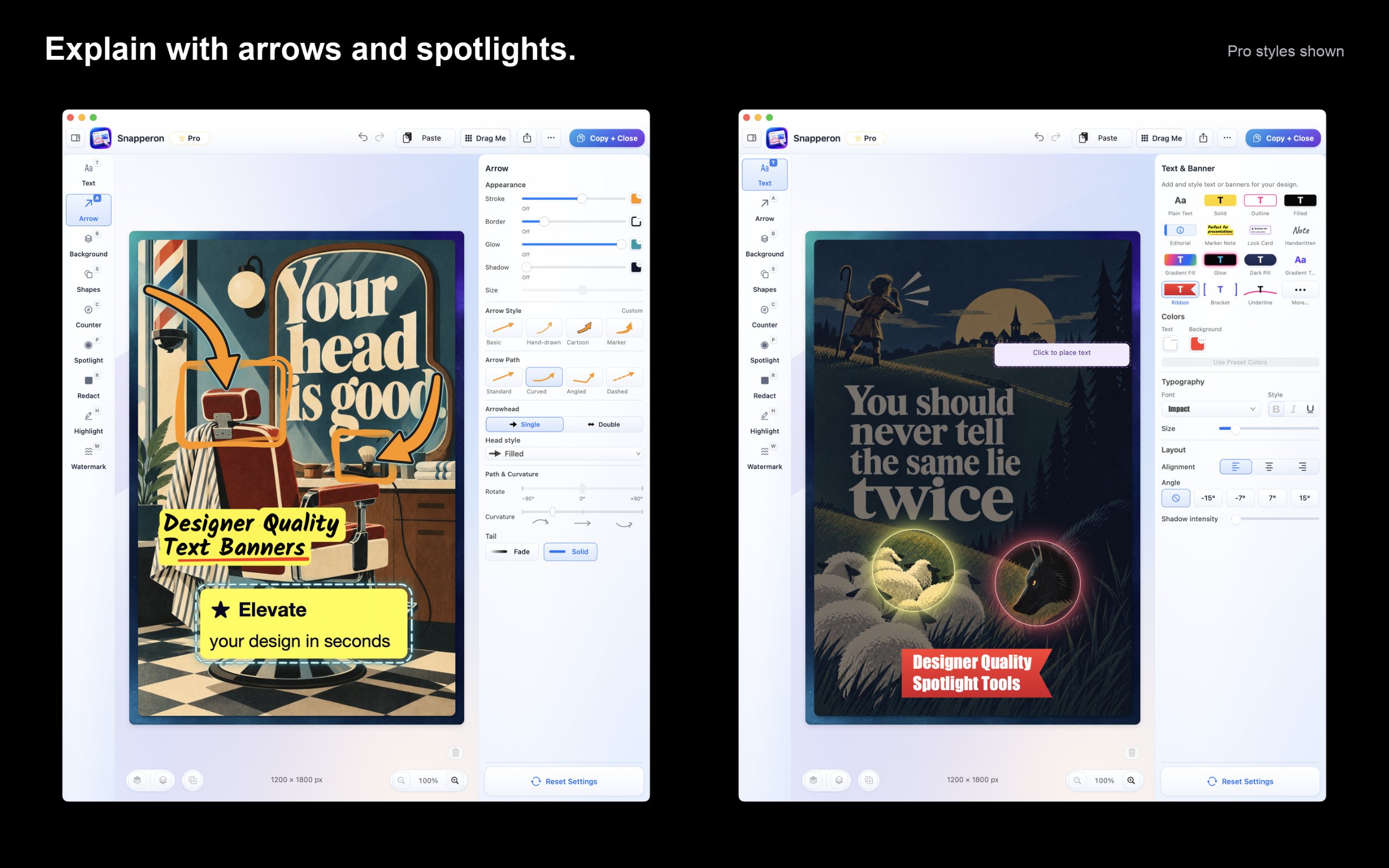
Mac screenshot annotation by hand or via local MCP for Claude Desktop and Codex Desktop.

Selon son créateur : Capture screenshots or open images and PDF pages. Add styled arrows, banners, numbered steps, highlights, shapes, spotlights, freehand and redaction.

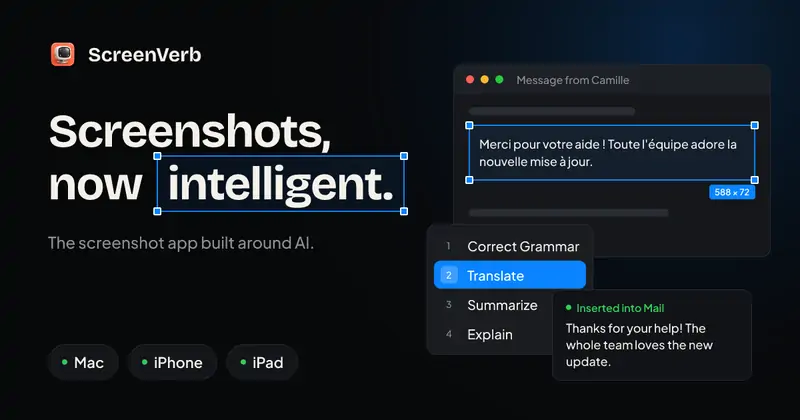
The screenshot app built around AI. Capture, mark up, and paste AI answers in three keys.

Selon son créateur : ScreenVerb is a screenshot app for Mac built around AI. Snap a window, drag a pixel-exact region or grab a full scrolling page with one shortcut, then press a number key to run an AI action.

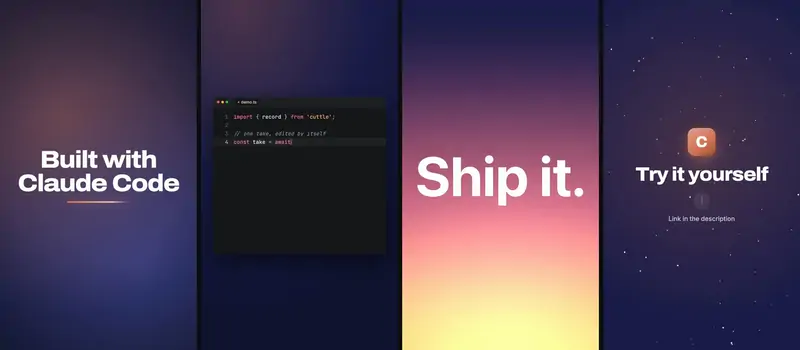
A screen recorder for macOS that cuts the waiting

De From its maker: users need à record demos of their work without boring others with waiting time or sensitive information. Cuttle is a screen recorder for macOS that solves this problem.

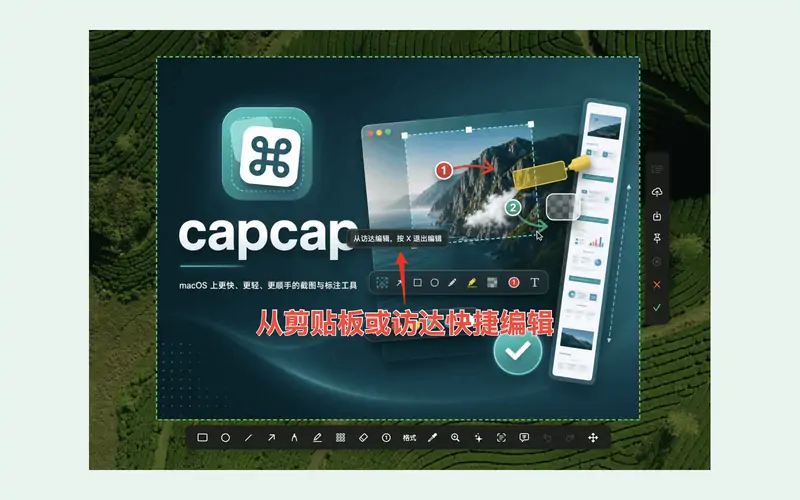
Take a screenshot, annotate and share in one flow

Selon son créateur : capcap is a free, open-source screenshot and screen capture tool for macOS 14+, built with AppKit for Apple silicon and Intel. It helps developers, writers, and designers capture, annotate, and share without telemetry or a subscription.
Look for scrolling capture, quick annotation, and where the files are saved or uploaded.
There is no single best one for everyone. MacPip lists 8: Stitch It, Glisio, ScreenOtter, ScreenCrab, Snapperon, ScreenVerb, Cuttle, capcap. If you want it free, look at Stitch It. If you want it to run natively on Apple silicon, look at Glisio. If you need it to work offline, as its maker says it does, look at Glisio.
D'après leurs créateurs ou d'après notre vérification : Glisio, Snapperon, ScreenVerb, Cuttle, capcap.
Chacune a un rapport daté sur sa page : Stitch It, Glisio.
Les apps vérifiées passent en premier, la vérification la plus récente d'abord, puis les autres selon leur date d'ajout. Le paiement ne change jamais l'ordre, et les lignes sponsorisées sont signalées et mises à part.