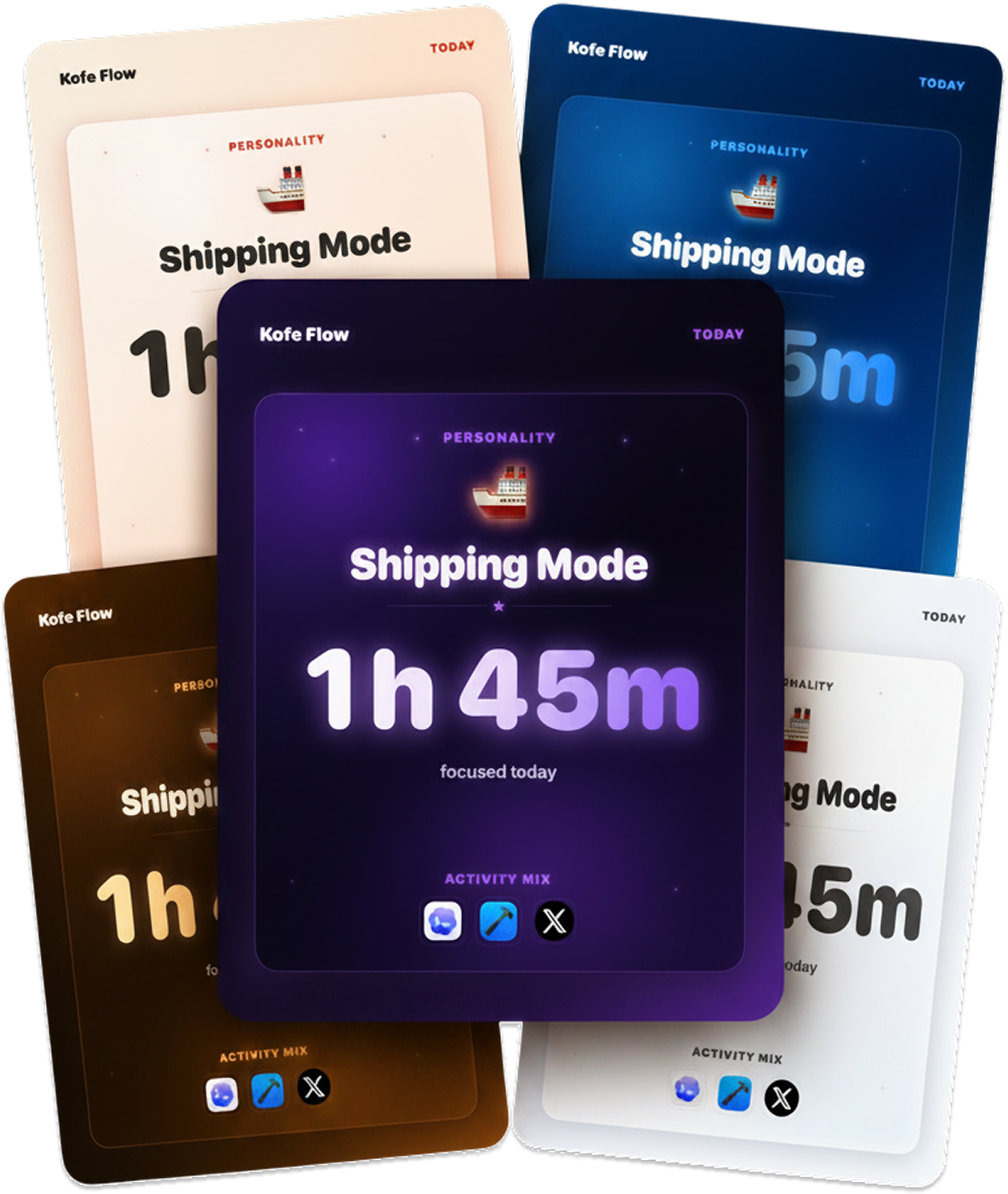
짧은 답MacPip lists 12 apps for a new MacBook, and a person has checked 9 of them.그중 5개에 무료 버전이 있어요.그중 10개는 한 번 결제하는 라이선스를 판매해요.그중 2개는 구독제예요.There is no single best app for a new MacBook for everyone, so MacPip does not rank them.무료를 원한다면 이것부터 보세요: Kofe Flow.
Apps a person checked come first, newest check first. Never ordered by payment.
A new MacBook Air or MacBook Pro is fast out of the box. The first week is when you notice the small things: the notch eats your menu bar icons, windows pile up on a 13 inch screen, the SSD fills up faster than you expected.
This page picks apps for those first-week jobs, up to two per job, from what MacPip lists. Every pick runs natively on Apple silicon or is built with Apple's own tools, by its maker's word, and apps a person checked come first. 12 apps made it.
Up to two apps per job, chosen by one rule: they run natively on Apple silicon or are built with Apple's own tools, by their makers' word, and apps a person checked come first.
What is the best app for a new MacBook?
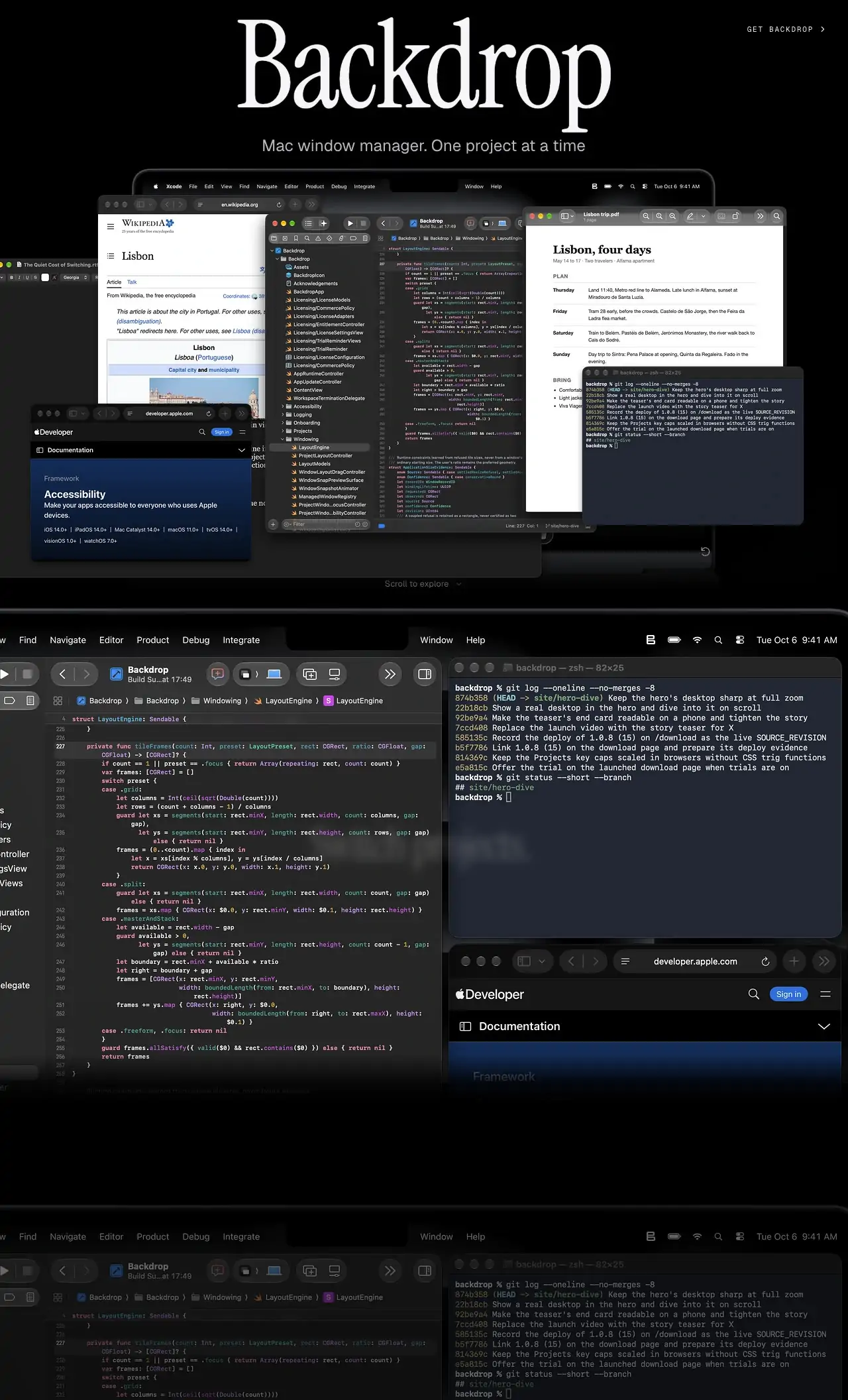
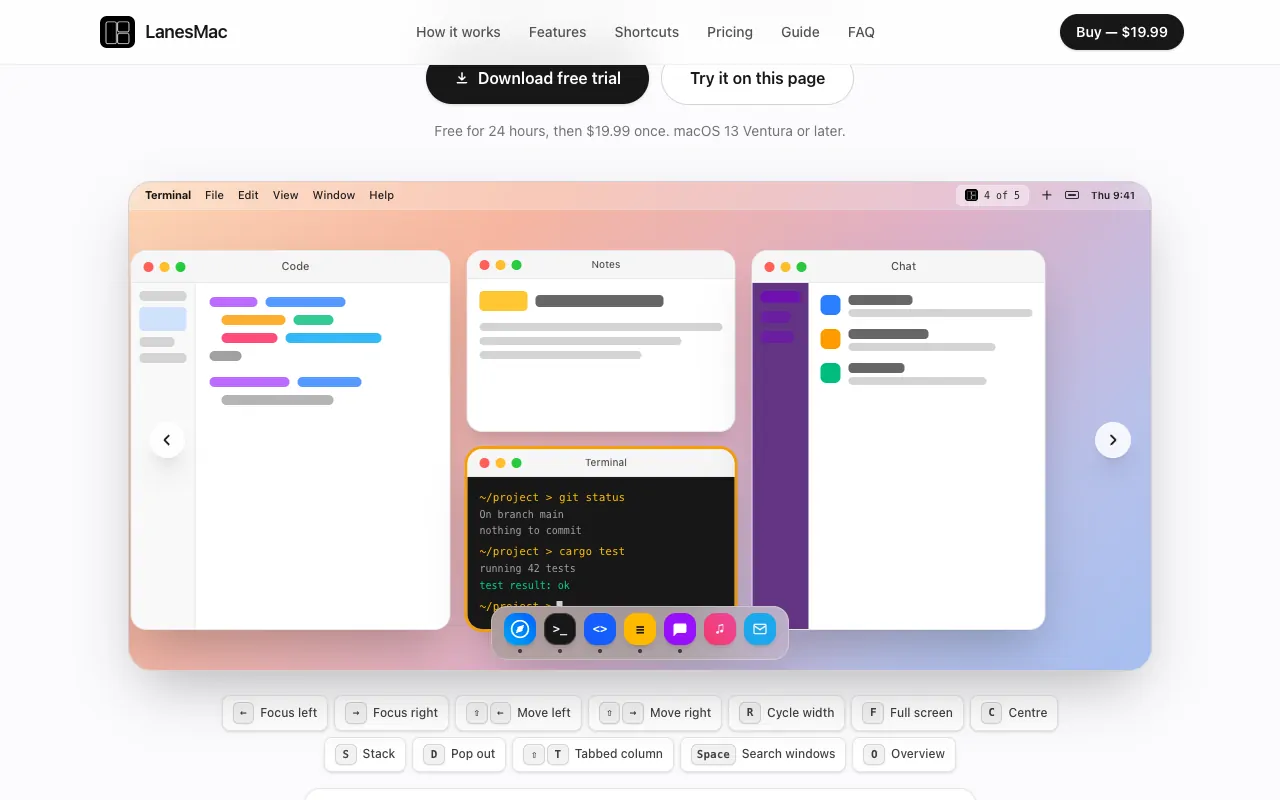
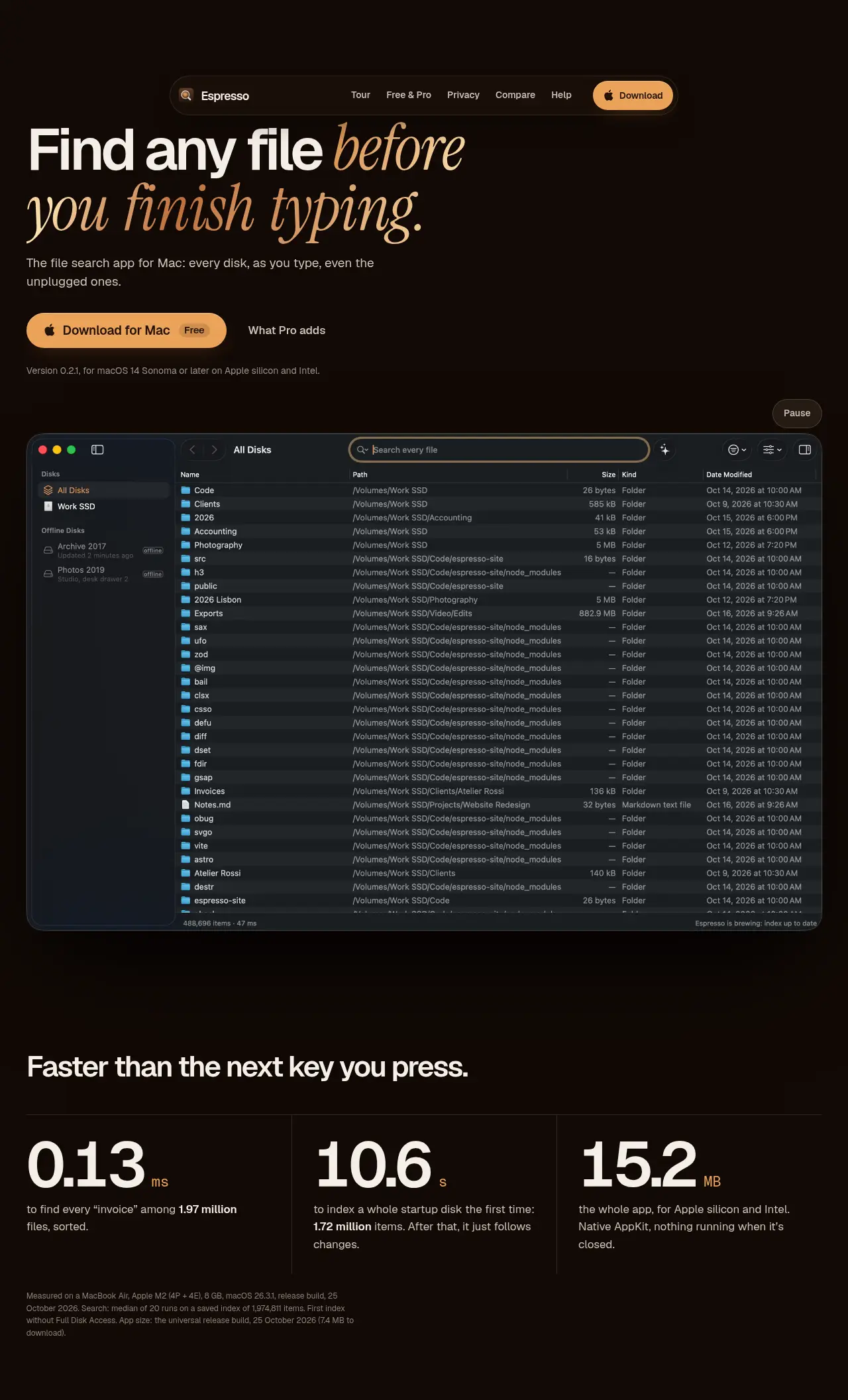
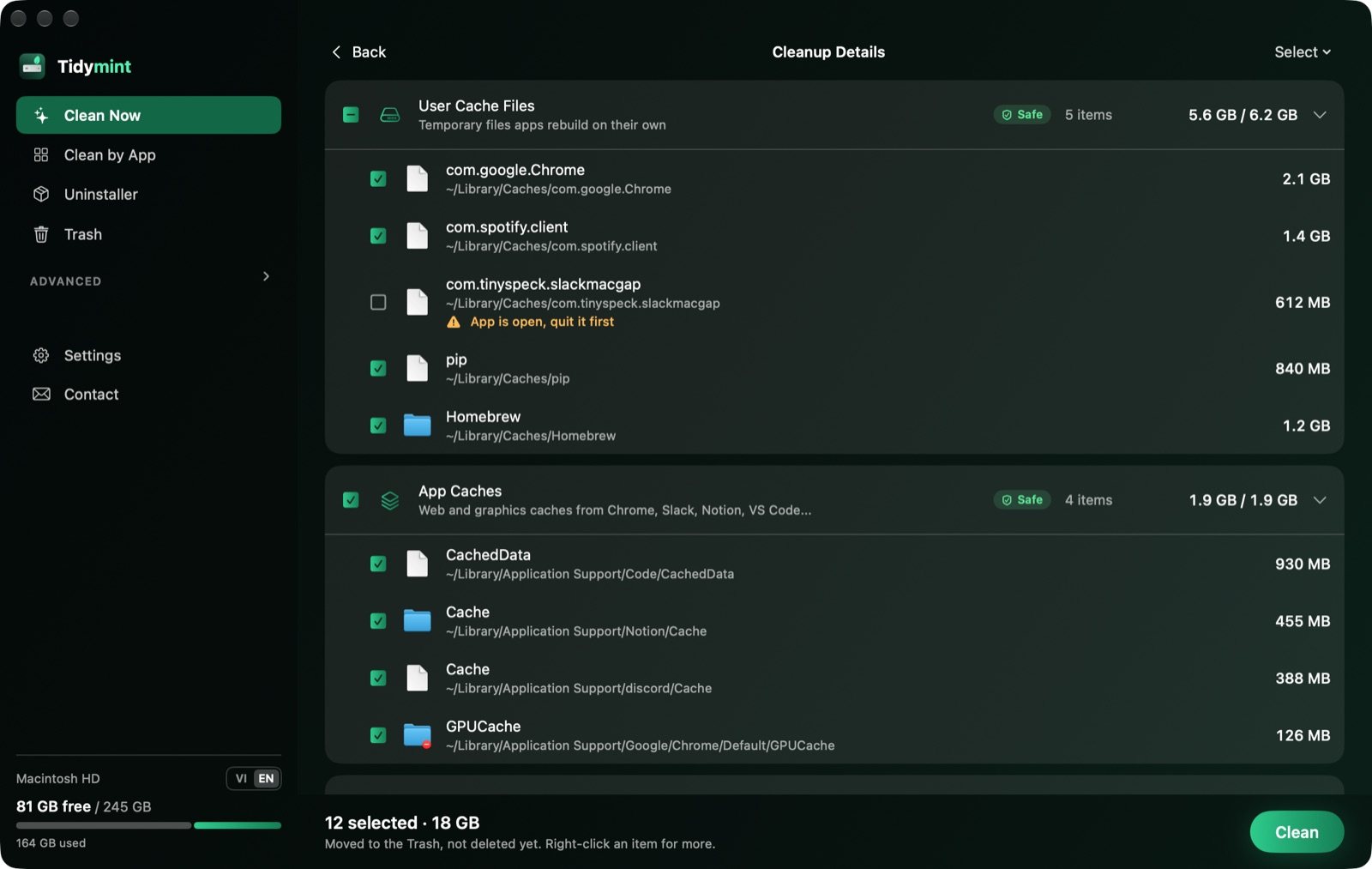
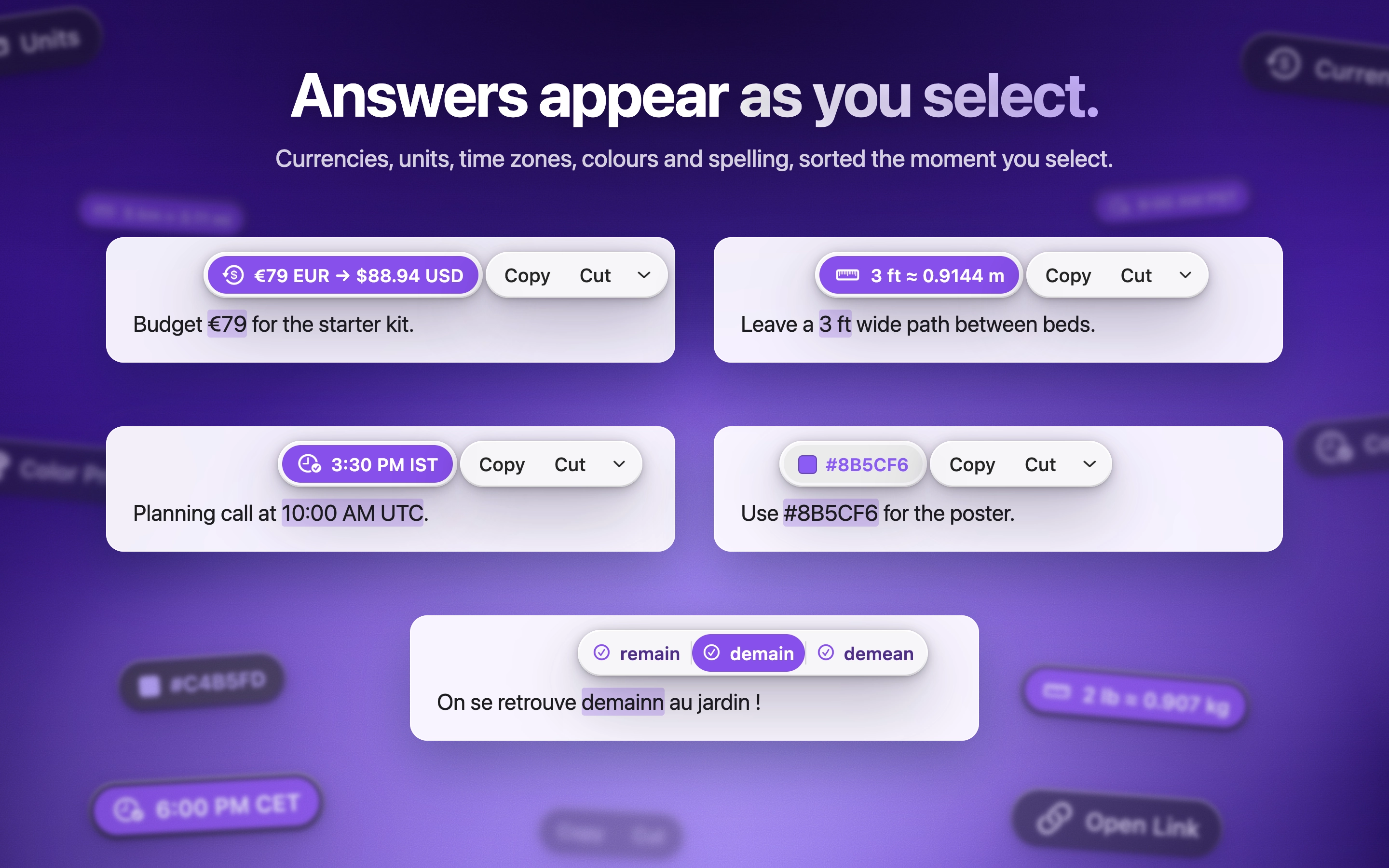
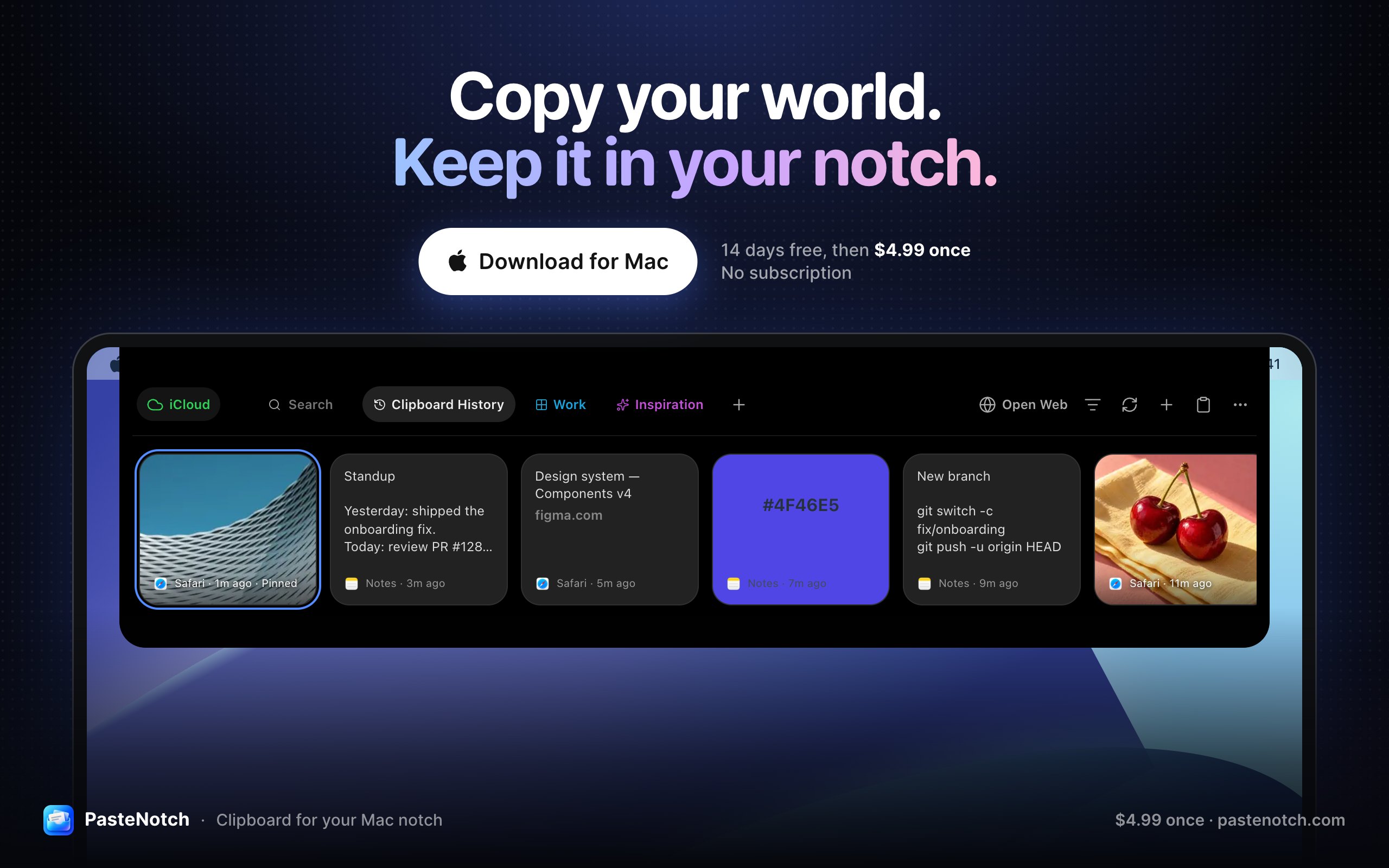
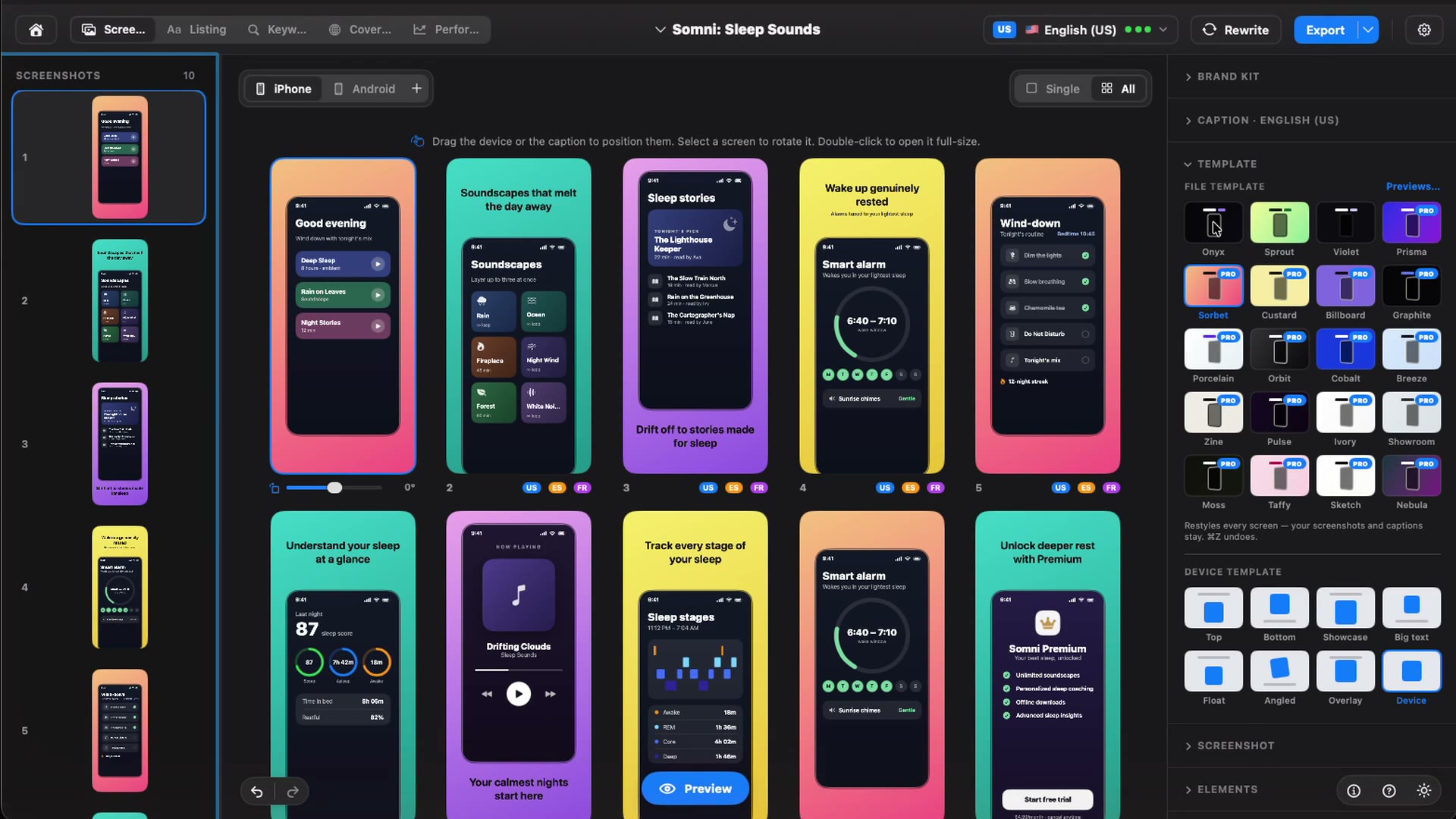
There is no single best one for everyone. MacPip lists 12: Droppy, Cuewake, Attic, Kofe Flow, Espresso, Tidymint, Storeboard : ASO Assistant, ScreenToast, Backdrop, PasteNotch, ActionClip, LanesMac. If you want it free, look at Kofe Flow. If you would rather pay once than subscribe, look at Droppy. If you want it to run natively on Apple silicon, look at Cuewake. If you need it to work offline, as its maker says it does, look at Espresso. If you want open source code, look at Tidymint.
Are there free apps for a new MacBook?
네. MacPip에서 무료 버전이 있는 앱: Kofe Flow, Espresso, Tidymint, ScreenToast, ActionClip.
Which apps for a new MacBook have a one-time price?
한 번 결제하는 옵션이 있어 구독을 피할 수 있어요: Droppy, Cuewake, Attic, Kofe Flow, Espresso, Storeboard : ASO Assistant, Backdrop, PasteNotch, ActionClip, LanesMac.
Which apps for a new MacBook run natively on Apple silicon?
개발자의 설명 또는 우리의 확인에 따른 앱: Droppy, Cuewake, Attic, Espresso, Tidymint, PasteNotch, ActionClip, LanesMac.
Which apps for a new MacBook has a person checked?
각 앱 페이지에 날짜가 적힌 리포트가 있어요: Droppy, Cuewake, Attic, Kofe Flow, Espresso, Tidymint, Storeboard : ASO Assistant, ScreenToast, Backdrop.
MacPip은 이 앱들을 어떻게 정렬하나요?
사람이 확인한 앱이 먼저 나오고, 최근에 확인한 순서대로 정렬돼요. 그다음에 나머지 앱이 추가된 순서대로 나와요. 결제는 순서를 절대 바꾸지 않으며, 스폰서 줄은 표시가 붙고 따로 분리돼요.
What apps should I install on a new MacBook?
Start with what fixes your first-week friction: something for the notch and the menu bar, a window manager for a small screen, and a way to keep storage in check. This page picks up to two apps per job, all native to Apple silicon by their makers' word.
Do these apps work on MacBook Air and MacBook Pro?
They are Mac apps, so they run on both, as long as your macOS version meets each app's minimum, shown in its profile. Notch apps matter most on models with a notch.