Updated Nov 8, 2026, from what MacPip lists today.
Respuesta corta
MacPip lista 9 apps para Mac de la categoría «Notch», y una persona ha revisado 5 de ellas.2 de ellas tienen una versión gratuita.8 de ellas venden una licencia de pago único.2 de ellas se pagan por suscripción.There is no single best notch app for everyone, so MacPip does not rank them.Si lo quieres gratis, empieza por Slap Alert.
Apps a person checked come first, newest check first. Never ordered by payment.
Every MacBook Air since the M2 and every 14 and 16 inch MacBook Pro since 2021 has a notch at the top of the screen. macOS mostly leaves that space empty. Notch apps move into it.
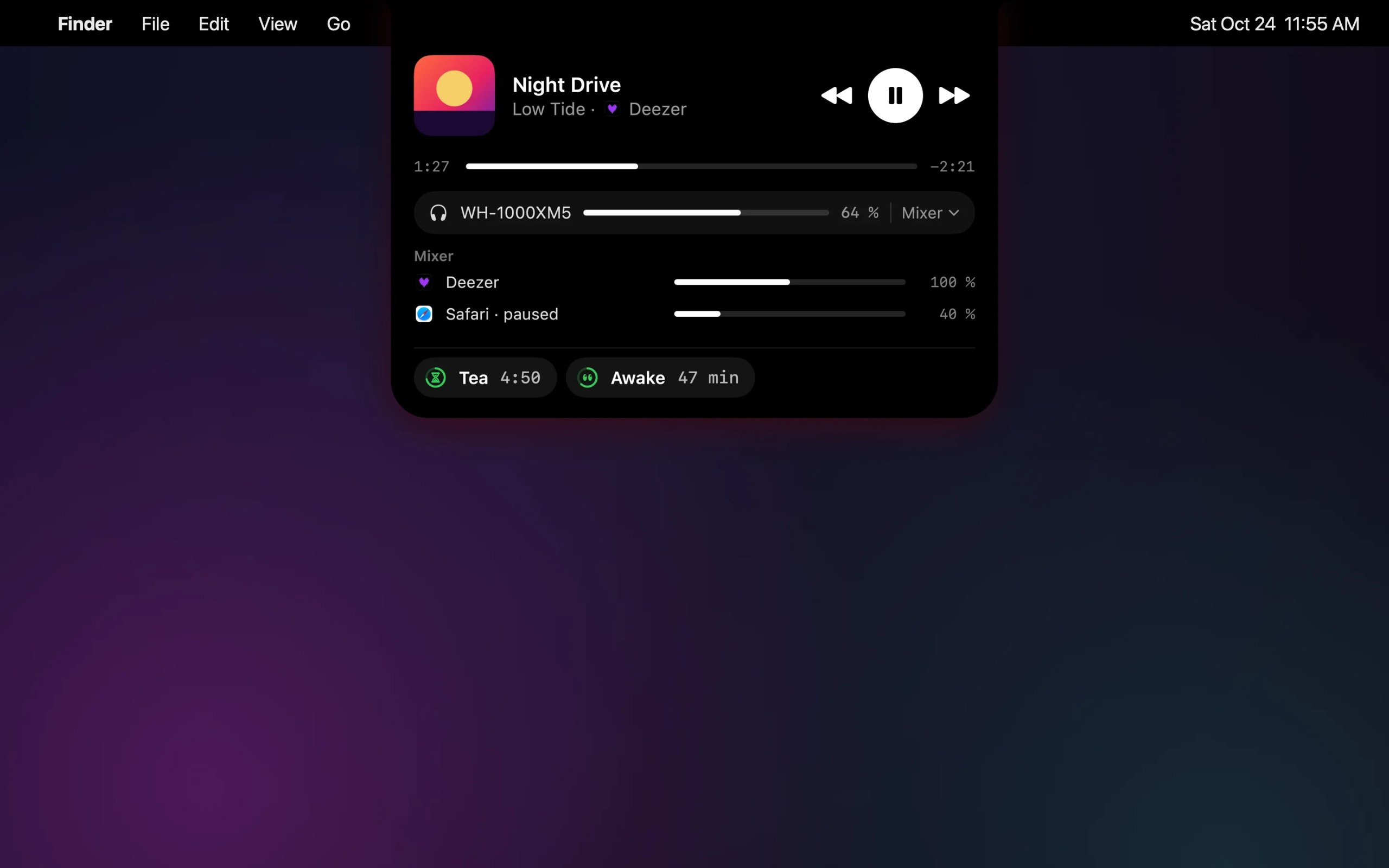
MacPip lists 9 of them, and they are surprisingly different. Some turn the notch into a Dynamic Island for music, timers and notifications. Some put a clipboard or a file shelf there. One gives you a stern but loving dad who asks for your plan every morning.
Most of them stay small until you hover or something happens, then open up beneath the camera. Several also work on displays without a notch.
What these 9 apps offer, by their listings. An app can offer several, so the bars do not add up to 9.
Versión gratuita2 de 9
Pay once8 de 9
Suscripción2 de 9
Native to Apple silicon7 de 9
Código abierto0 de 9
Funciona sin conexión2 de 9
Revisada por una persona5 de 9
One-time price in US dollars, as each listing states it, lowest first. 2 apps have no plain dollar one-time price and are left out. Launch prices count where the listing says so.
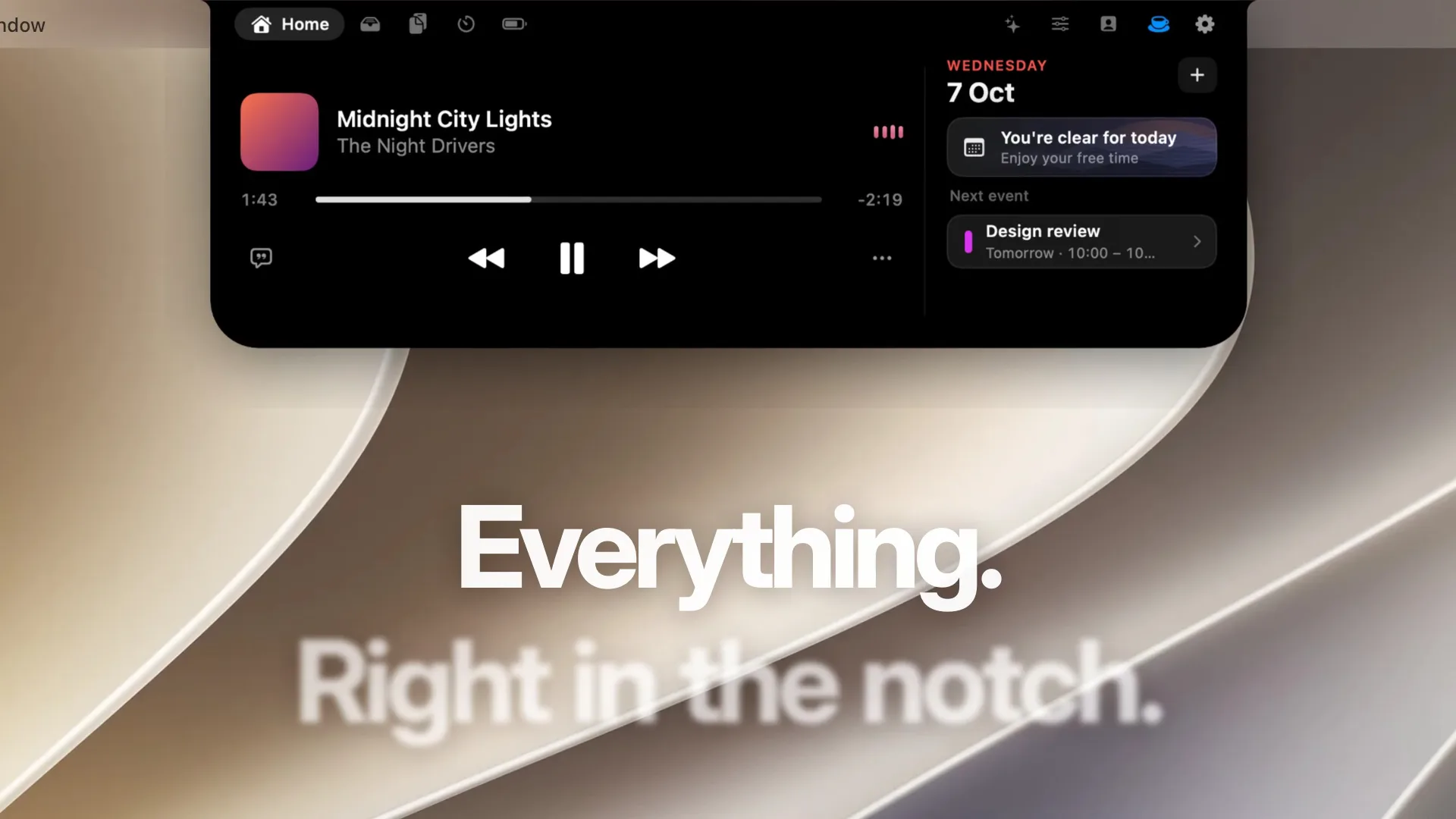
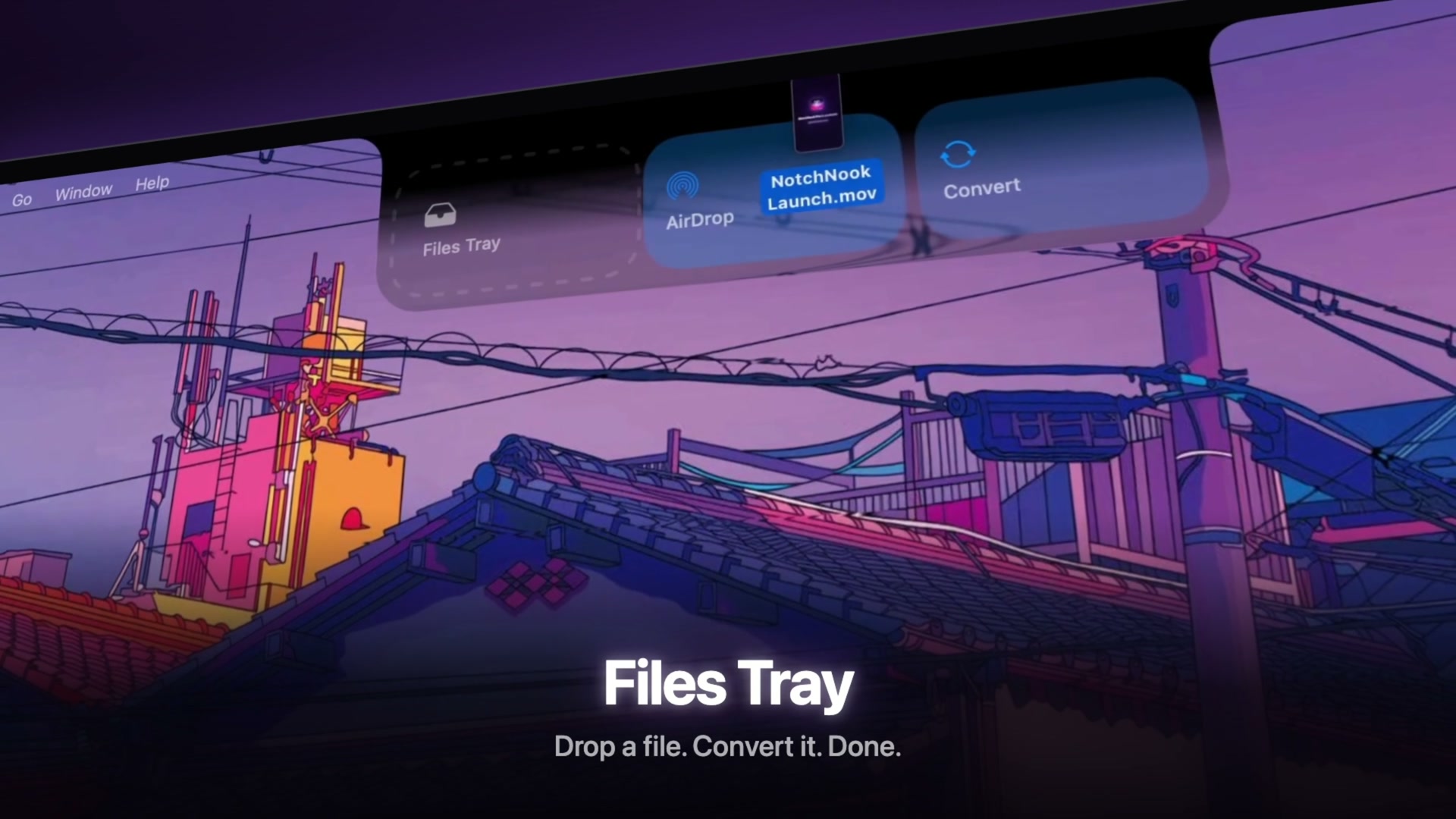
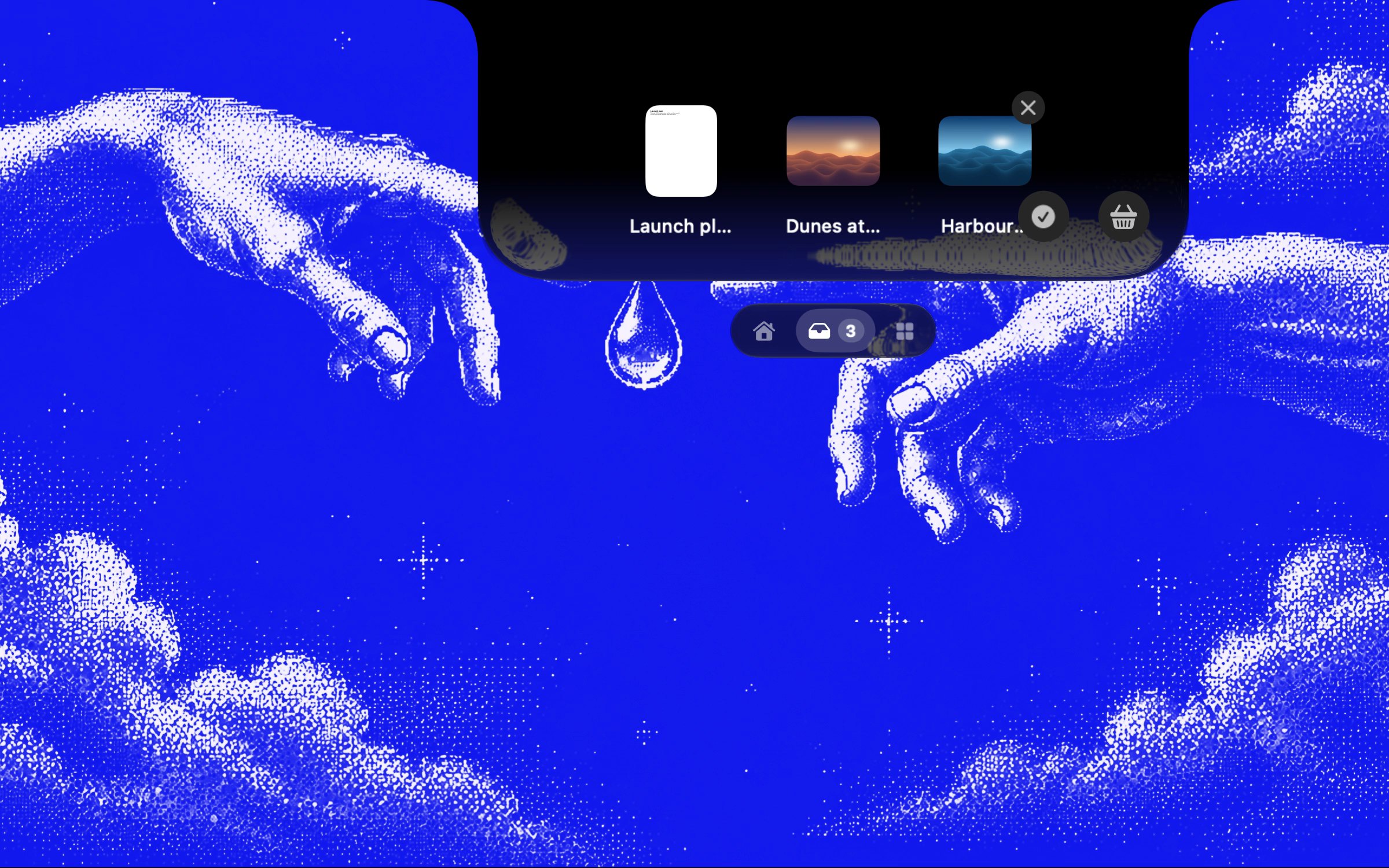
From its maker: Droppy brings files, clipboard history and everyday controls to your Mac's notch or a floating Dynamic Island. Gather files in the File Tray, find text, links, images and files you copied, control music and arrange shelf widgets for your daily tools.
Cuewake lets you attach notes, checklists, links and files to Mac apps and webpages, so your next step is waiting when you come back to them. It is a one-time purchase at $9, needs no account, works offline and runs natively on Apple silicon. It needs macOS 14 Sonoma or later.
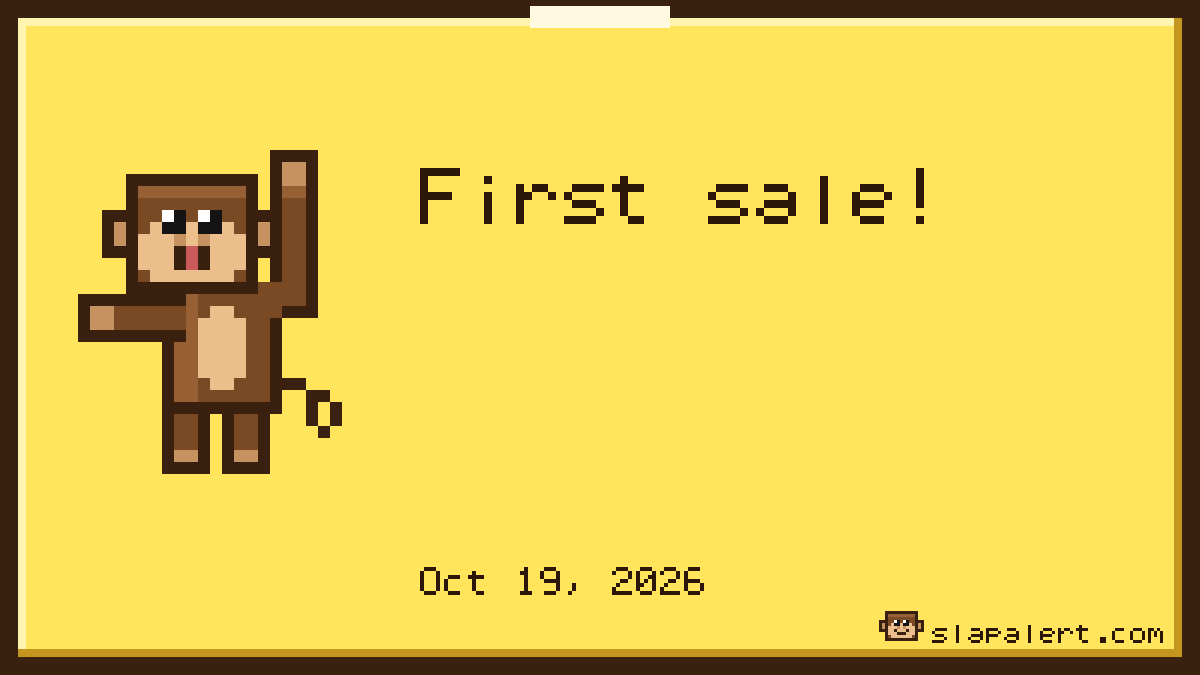
Slap Alert is for founders who like to see a sale land. It watches Stripe, Paddle, RevenueCat, Polar or Dodo Payments with a read-only key, and Shopify orders arrive by webhook. For every new sale, a pixel monkey slaps a sticky note on your screen with who paid and how much, and win cards mark milestones like your first $1k. It is free for scripts, or $19 once with a 7-day trial.
Halo brings a Dynamic Island to your Mac, notch or not. It shows notifications, dictation, AI agent status and music, and controls the brightness of an external monitor. It costs $9.99 once, with no subscription, and needs macOS 15 or later.
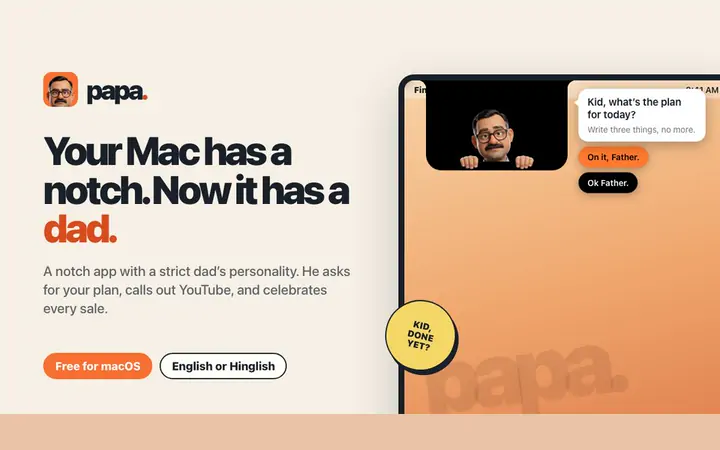
Papa lives in your notch and has the personality of an Indian dad. He asks for your plan every morning, puts a time limit on distracting sites like YouTube, cheers your sales from Stripe and Dodo, and checks what got done at night. It is $4.99 once at its launch price, with a 3-day trial, and needs macOS 14 or later.
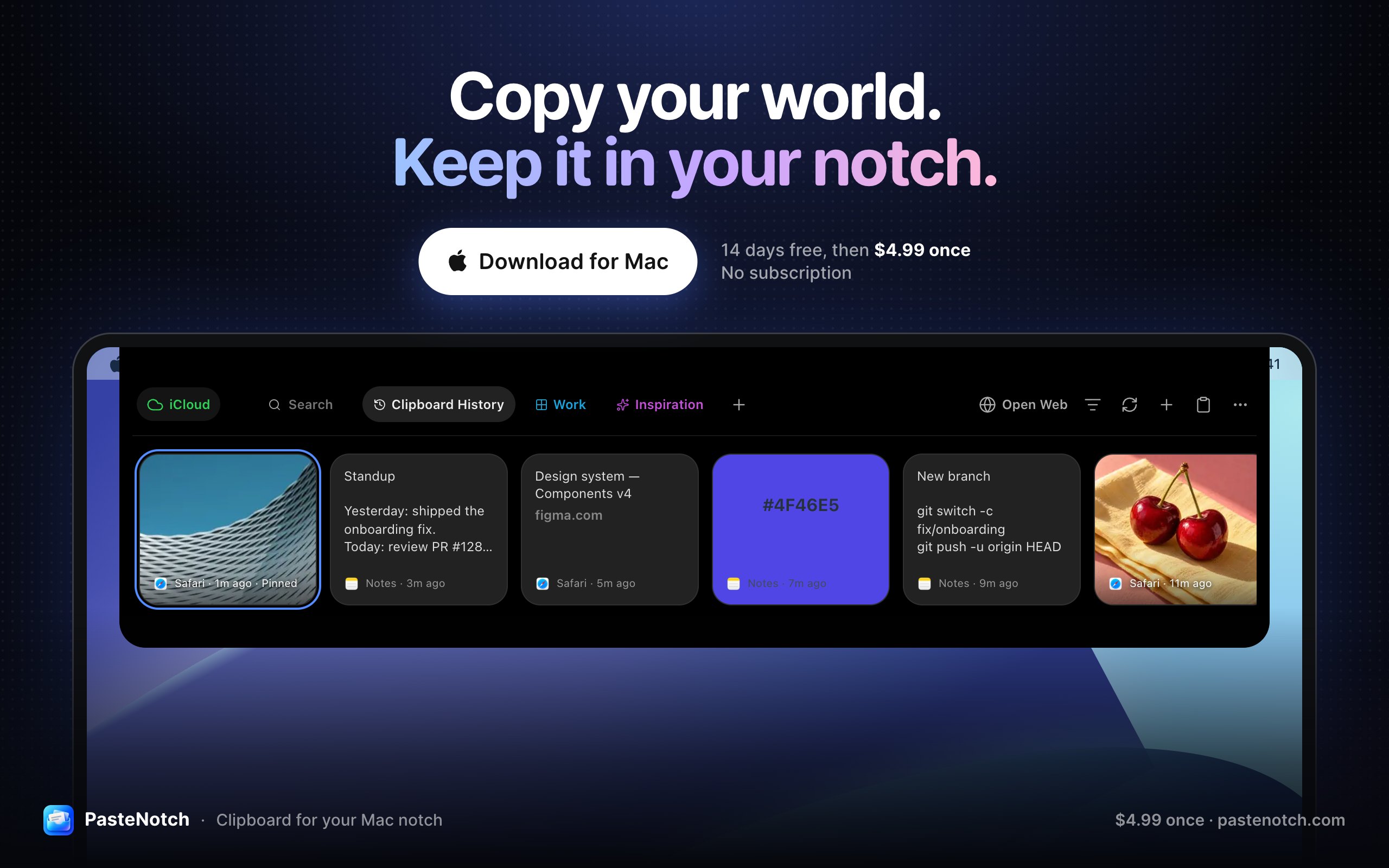
From its maker: PasteNotch keeps the things you copy within reach, so you can find them again without digging through windows. - Search copied text, links, images and files.
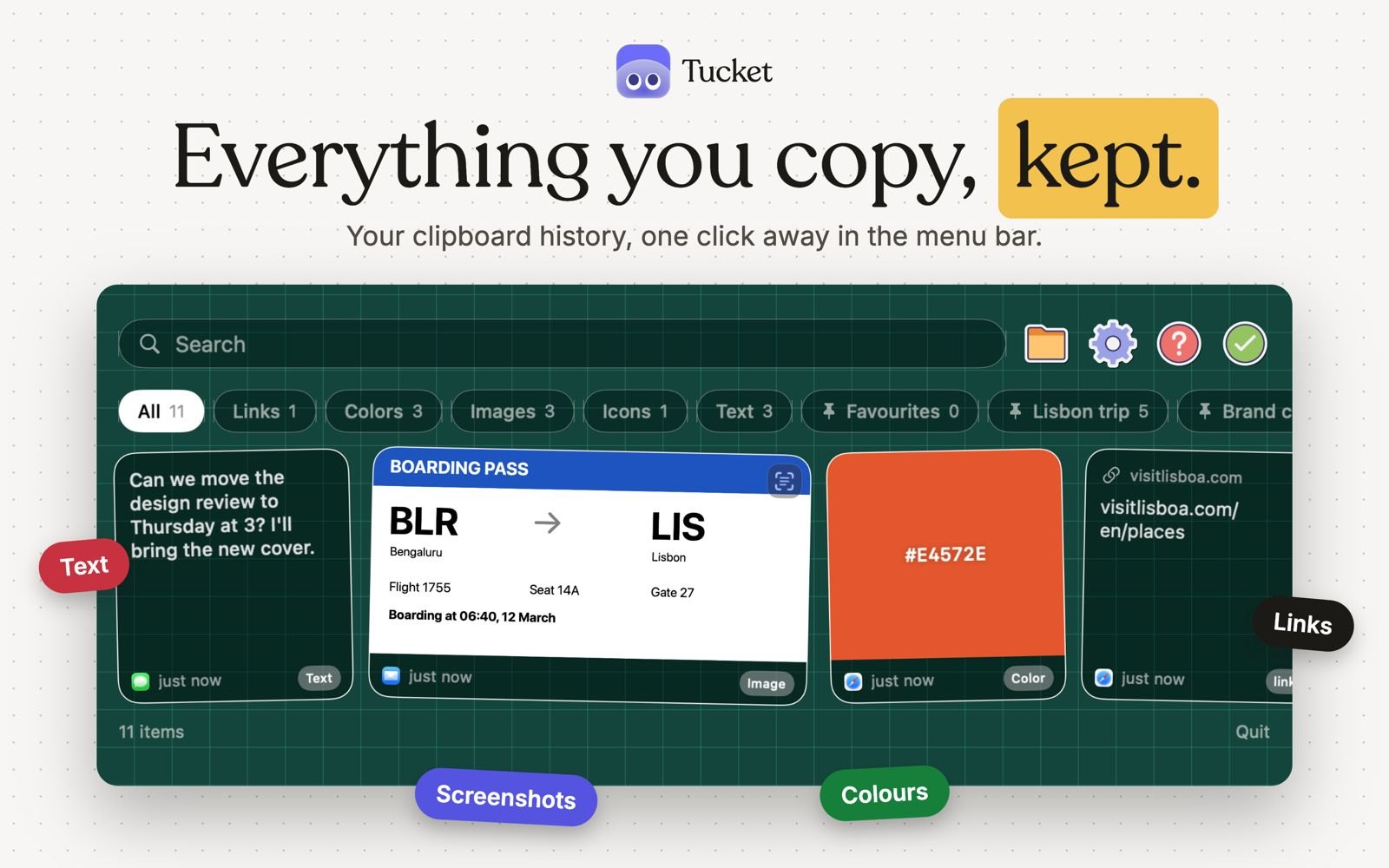
Tucket is a clipboard manager that lives in the notch. It keeps every copy on your Mac, sorts clips by type as you copy them, makes screenshots searchable by the text inside them, and blocks sensitive data before it is stored. It runs on Apple silicon and needs macOS 14 Sonoma or later.
NotchNook Pro packs more than 37 features into the space beneath your camera. You can follow Claude Code and Codex sessions and approve commands from the notch, search your clipboard history, keep files in a tray, open a terminal and read scripts with a teleprompter that follows your voice. Lifetime is $19, or $3 a month, with a 48-hour free trial. It needs Apple silicon and macOS 14.6 or later.
Decide what the space is for. Media controls, a clipboard, files you are moving, AI agent status or a daily nudge. One clear job beats a crowded panel.
External display? If you dock your MacBook, check that the app also works on a screen with no notch. Several here say they do.
Check your macOS. Droppy needs macOS 14 Sonoma or later, Cuewake needs macOS 14 Sonoma or later, Slap Alert needs macOS 14 Sonoma or later, Papa needs macOS 14 or later, PasteNotch needs macOS 14 Sonoma or later, Tucket needs macOS 14 Sonoma or later, Halo needs macOS 15 or later, and Toolnotch needs macOS 15 Sequoia or later.
Elige Droppy si prefieres pagar una sola vez en lugar de suscribirte.
Elige Cuewake si quieres que funcione de forma nativa en Apple silicon.
Elige Cuewake si necesitas que funcione sin conexión, como dice su creador que hace.
Preguntas
What is the best notch app for Mac?
There is no single best one for everyone. MacPip lists 9: Droppy, Cuewake, Slap Alert, Halo, Papa, Toolnotch, PasteNotch, Tucket, NotchNook Pro. If you want it free, look at Slap Alert. If you would rather pay once than subscribe, look at Droppy. If you want it to run natively on Apple silicon, look at Cuewake. If you need it to work offline, as its maker says it does, look at Cuewake.
¿Hay apps gratuitas de la categoría «Notch» para Mac?
Sí. Con una versión gratuita en MacPip: Slap Alert, Tucket.
¿Qué apps de la categoría «Notch» para Mac tienen un precio único?
Con opción de pago único, para que evites una suscripción: Droppy, Cuewake, Slap Alert, Halo, Papa, Toolnotch, PasteNotch, NotchNook Pro.
Which notch apps run natively on Apple silicon?
Según sus creadores o según nuestra revisión: Droppy, Cuewake, Slap Alert, Toolnotch, PasteNotch, Tucket, NotchNook Pro.
¿Qué apps de la categoría «Notch» ha revisado una persona?
Cada una tiene un informe con fecha en su página: Droppy, Cuewake, Slap Alert, Halo, Papa.
¿Cómo ordena MacPip estas apps?
Primero van las apps que una persona ha revisado, con la revisión más reciente al principio, y después el resto según cuándo se añadieron. El pago nunca cambia el orden, y las filas patrocinadas están etiquetadas y separadas.
 Hecho por Jordy SpruitSitio webOn X