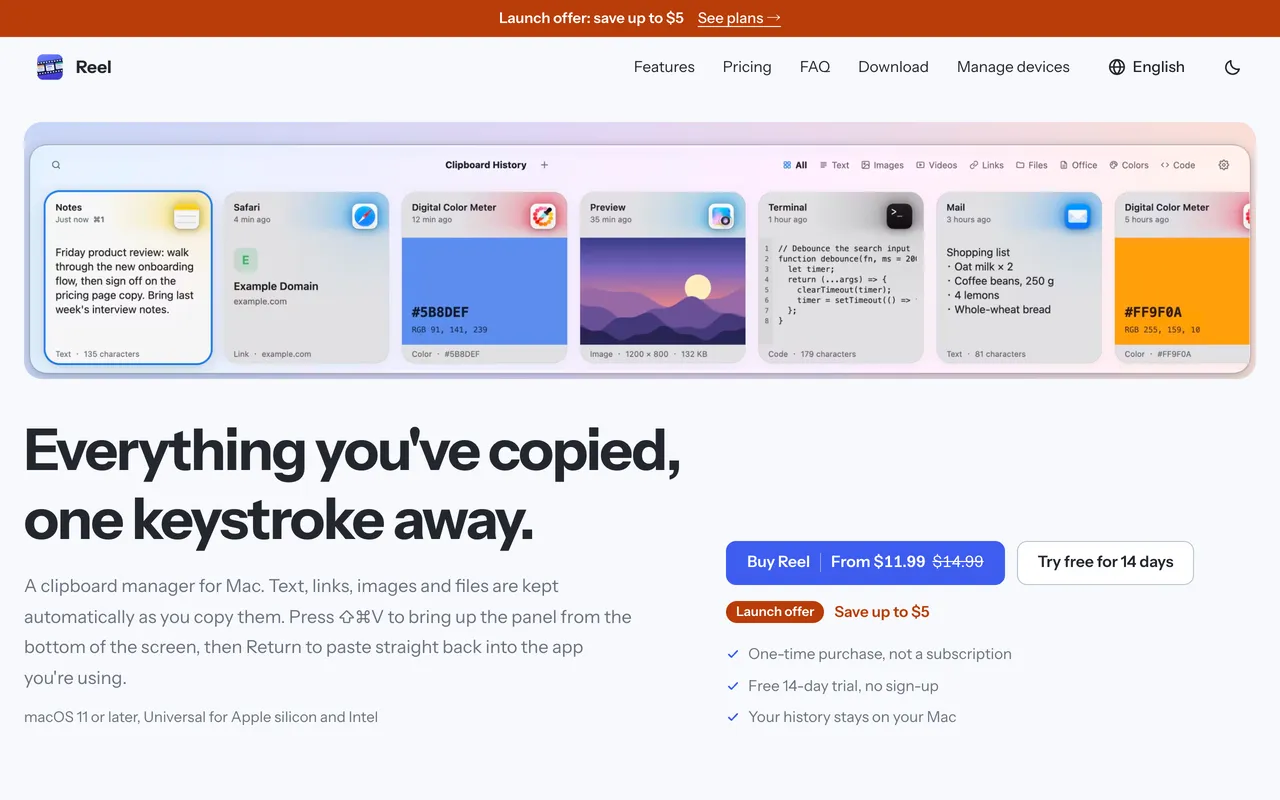
 ReelMac向けのClipboard manager: search, pin and paste anything you copied$11.99 once (2 Macs $19.99)
掲載内容は、開発者が書いた言語のまま表示されます。
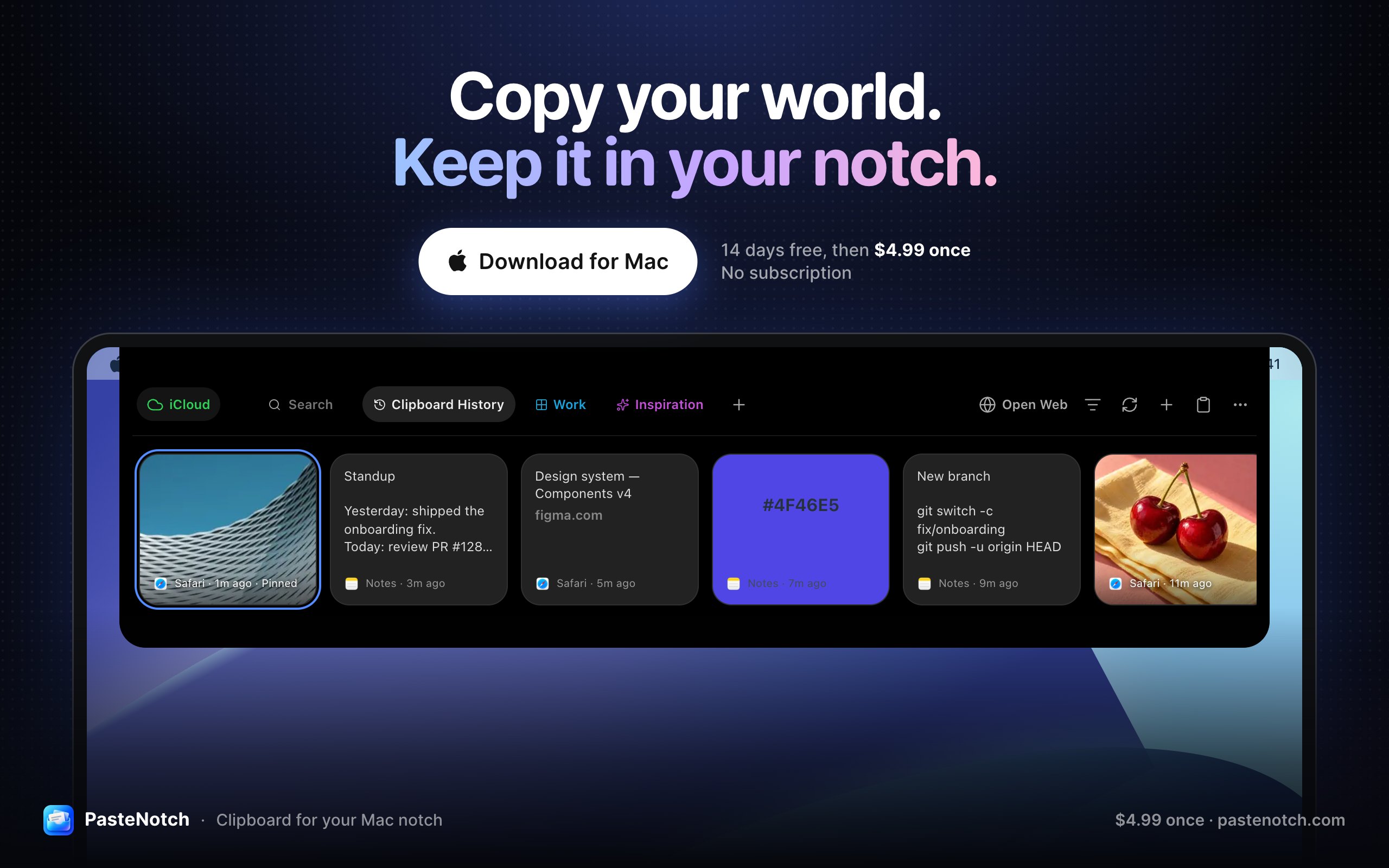
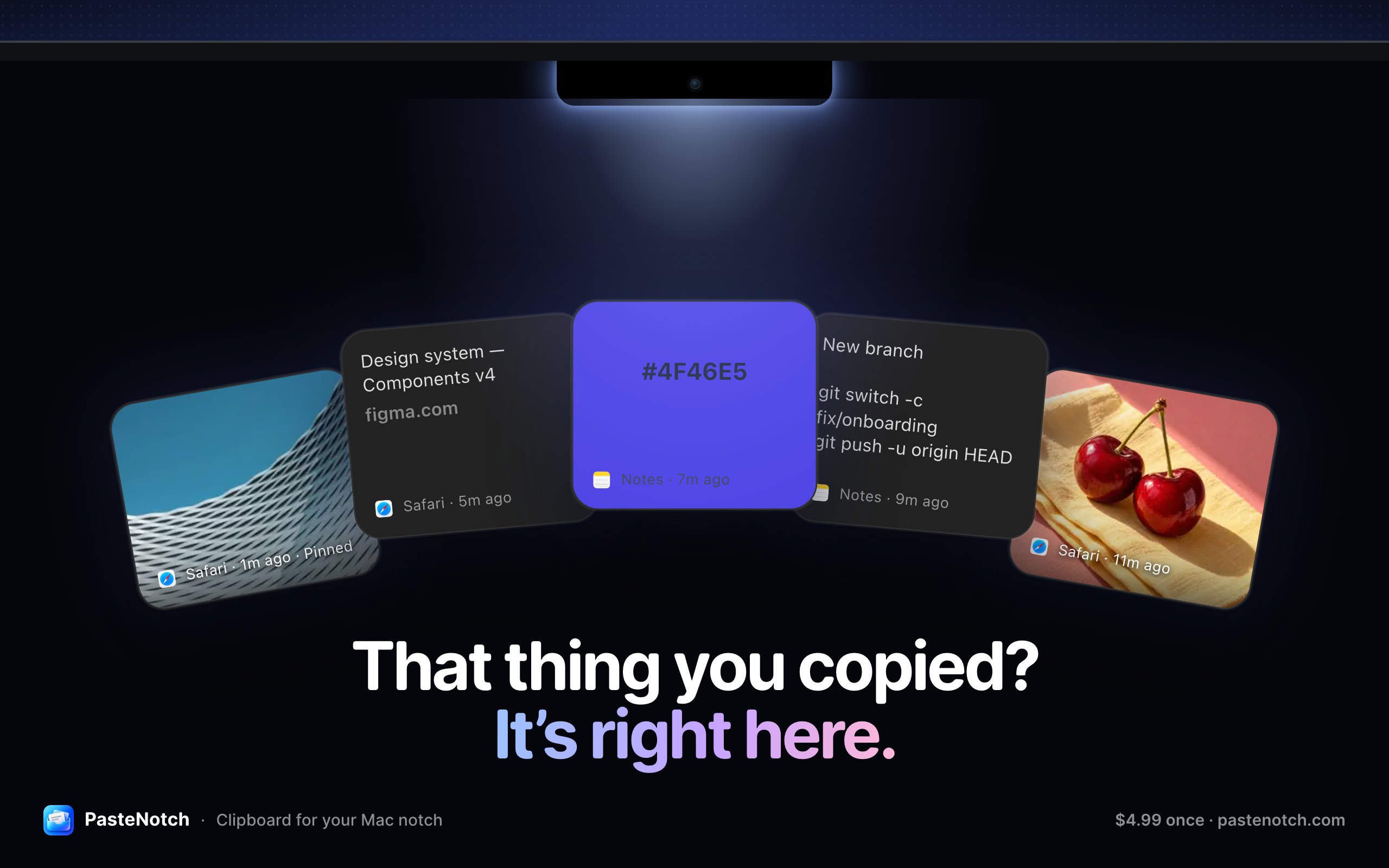
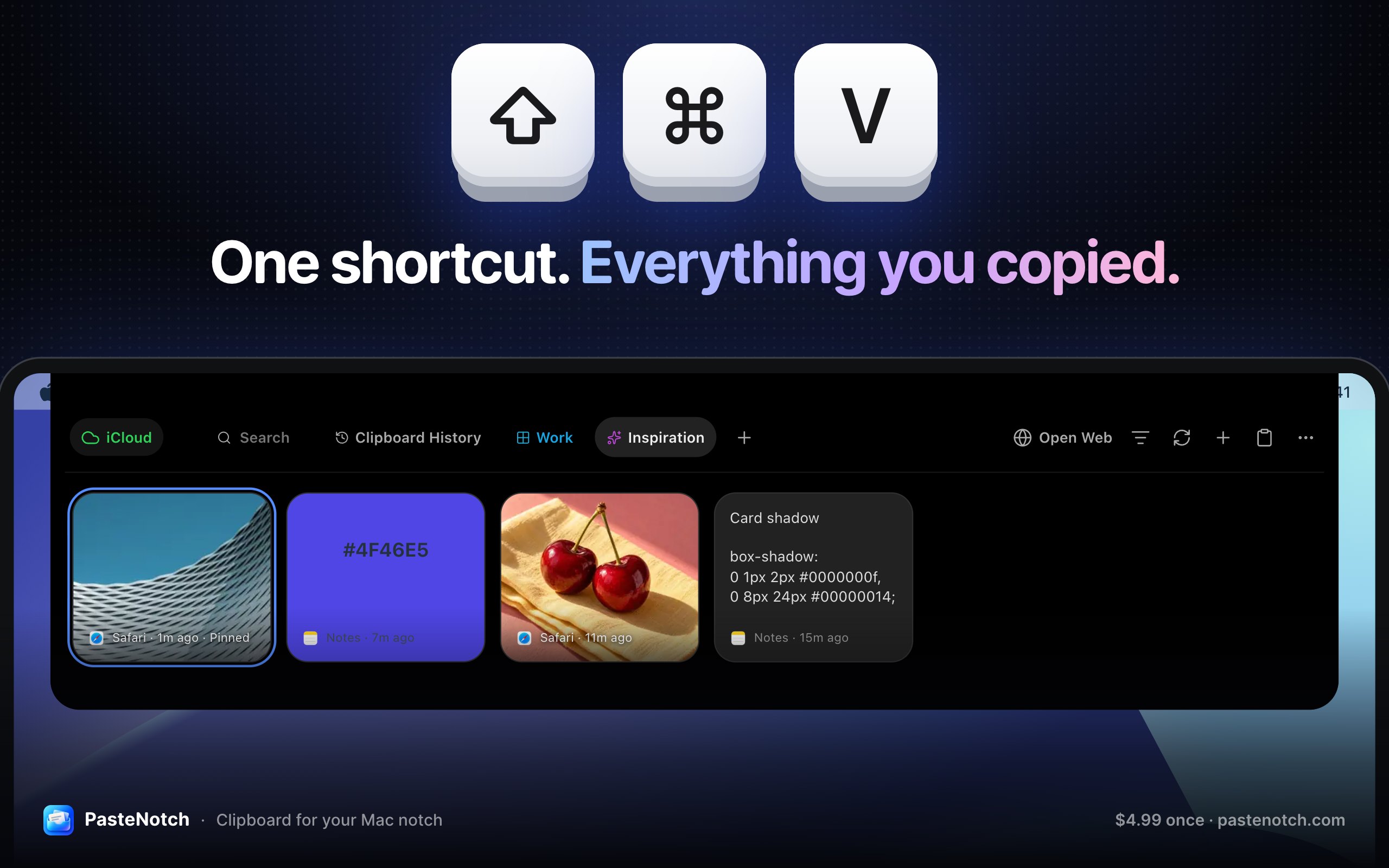
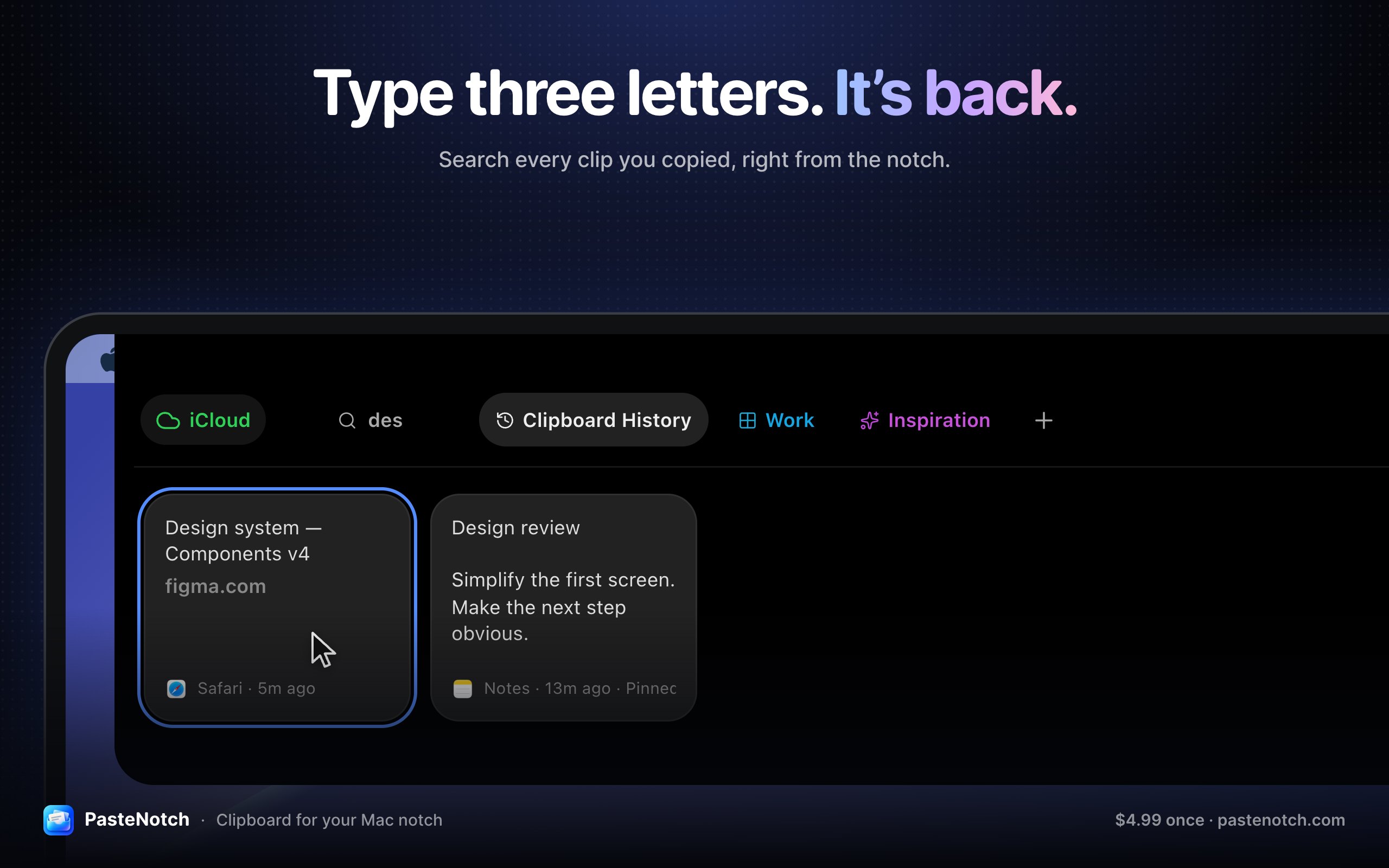
PasteNotchは「クリップボードとテキスト」カテゴリのMac向けアプリです:Clipboard history, right in your Mac’s notch.価格: $4.99 once; Cloud $4.99/mo; 14-day trial。Apple siliconで動作します。まだ人は確認していません。
PasteNotch keeps the things you copy within reach, so you can find them again without digging through windows.
- Search copied text, links, images and files.
- Open from the notch, menu bar or ⇧⌘V; works without a notch.
- Pin favorites and organize projects with Pages.
- Local library works offline; signing in does not upload it.
- Free for 14 days with Google/email sign-in, then $4.99 once.
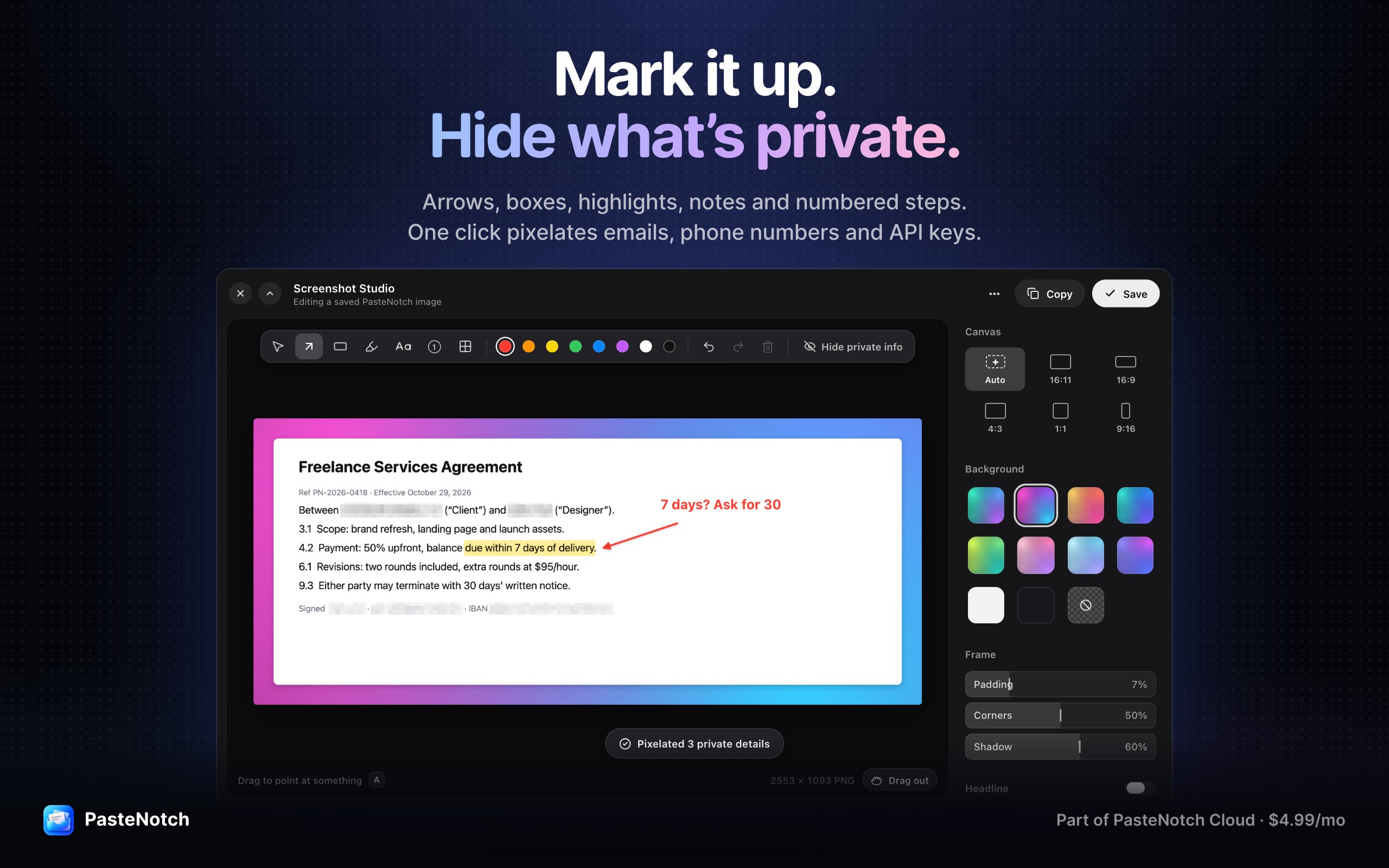
Optional Cloud: $4.99/month, 25 GB, includes the app plus screenshots, area OCR, recording, Screenshot Studio, share links, bookmarks and a web library. Clip/Page sync is a separate choice. macOS 14+. iPhone companion: internal TestFlight only.
これはあなたのアプリなので、サイト用の専用バッジをどうぞ。このページにリンクし、本当の投票数を表示し、アプリを MacPip のフレンドにします。

<a href="https://macpip.com/apps/pastenotch?ref=badge"><img src="https://macpip.com/badge/pastenotch.svg" height="58" alt="PasteNotch is listed on MacPip"></a>
Answers from the maker.
ReelMac向けのClipboard manager: search, pin and paste anything you copied$11.99 once (2 Macs $19.99)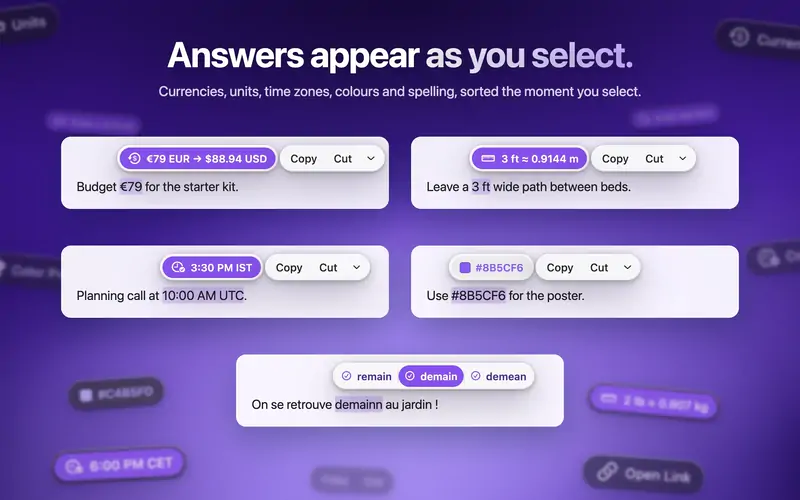
 ActionClipTurn selected text into actions and create your own Mac workflows作者:
 @AdvaitVaidya2無料、Pro from $12 once
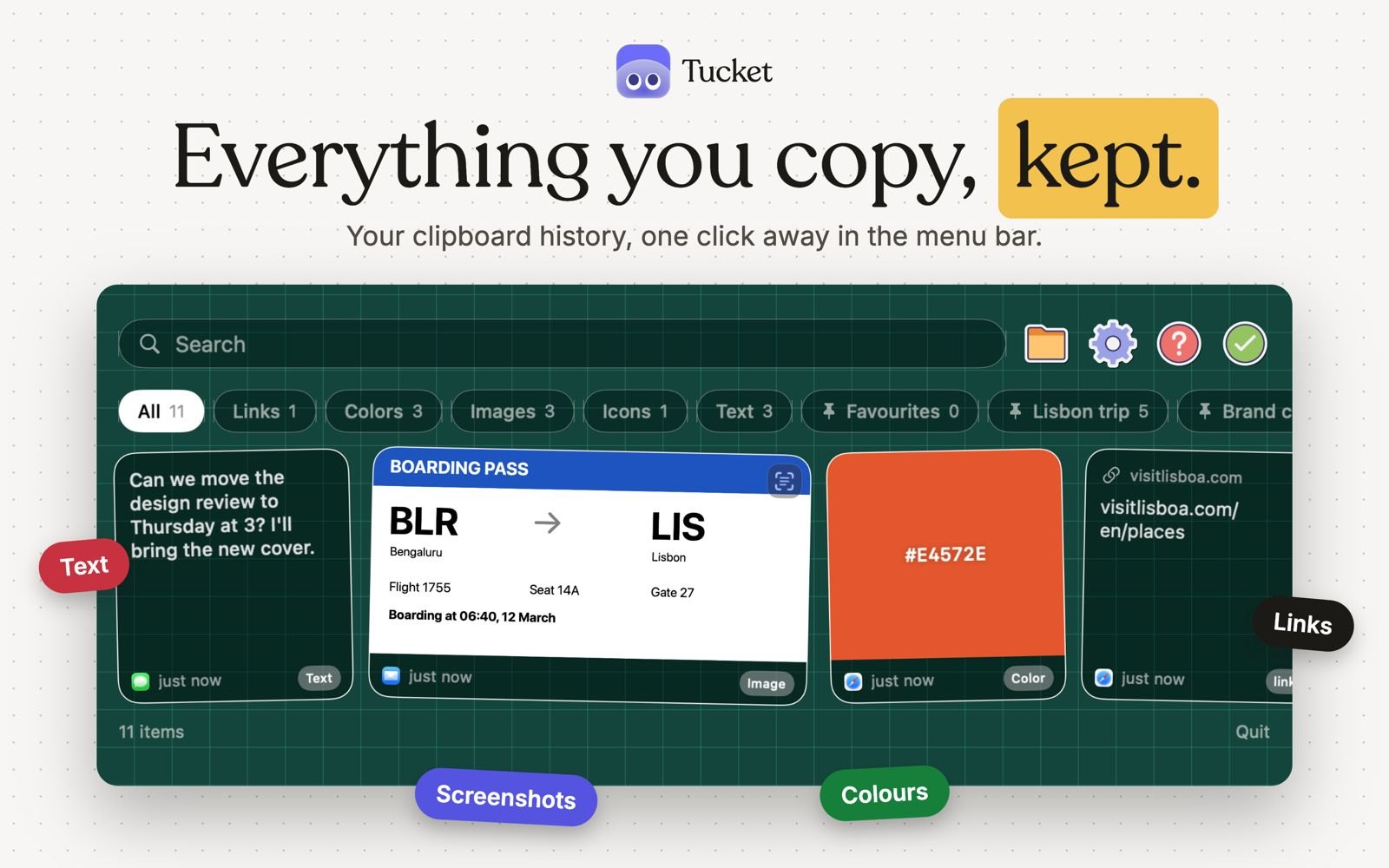
 TucketA macOS clipboard manager in the notch.作者:
 @ArpitChandak18One-time purchase, no subscription
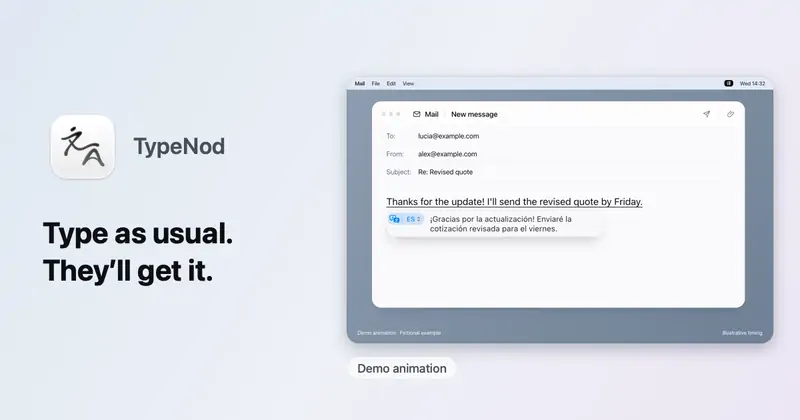
 TypeNodPreview on-device translations as you type, then confirm insertion on MacUS$9.90 lifetime, tax incl.; no trial