

 TalkYA teleprompter that keeps your script next to the camera on your Mac.제작
 @leo_mercerrUS$24.50 한 번
등록 정보는 메이커가 쓴 언어 그대로 남아요.
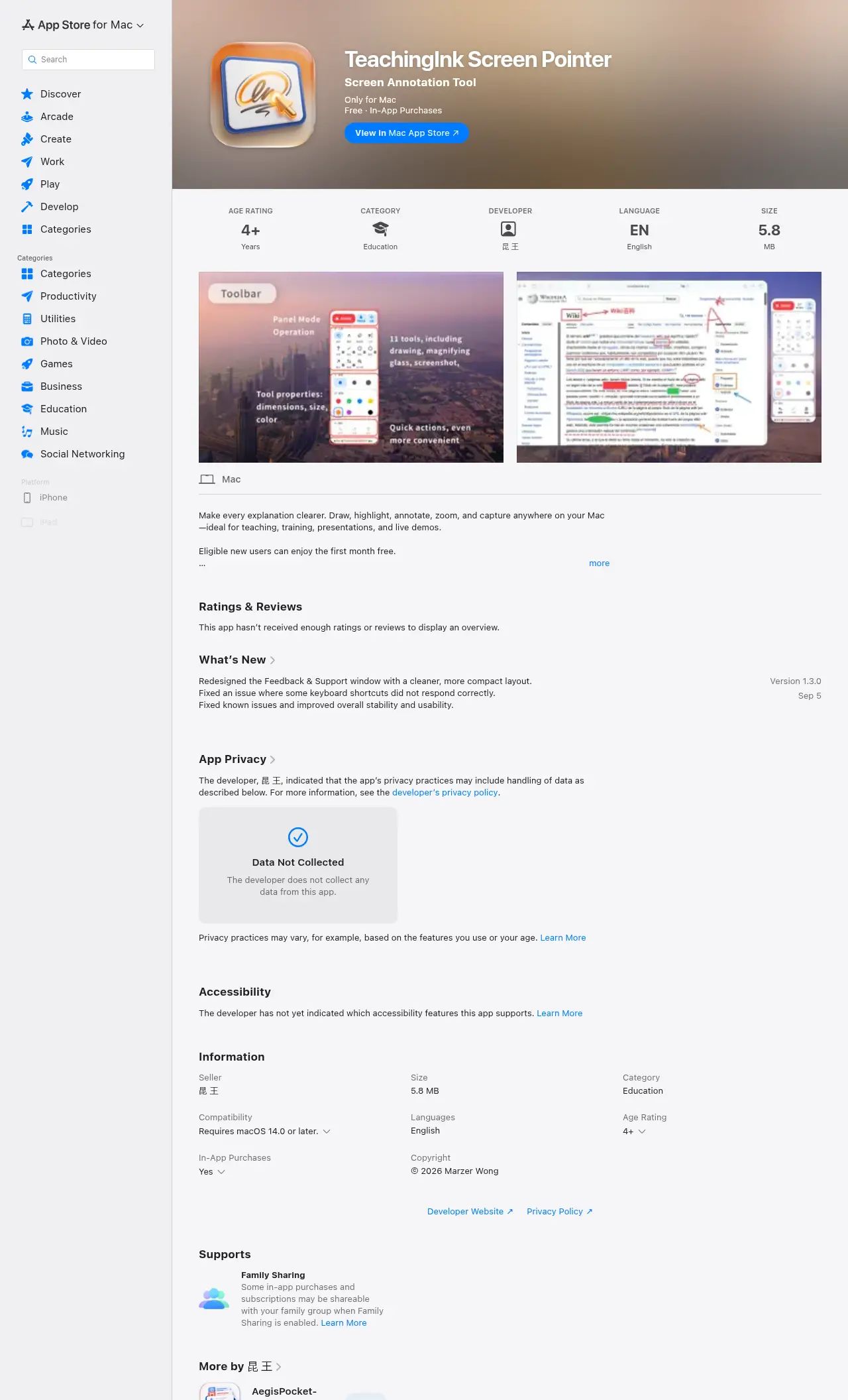
Mac용 “회의와 발표” 카테고리 앱, TeachingInk Screen Pointer:Screen annotation & whiteboard for Mac.가격: Free with in-app purchases.아직 사람이 확인하지 않았어요.
Eligible new users can enjoy the first month free.
TeachingInk is a Mac screen annotation tool designed for teachers, lecturers, trainers, and presenters. You can write, highlight, connect ideas, and mark key points directly on your desktop, slides, web pages, or other screen content, making explanations clearer and presentations more efficient.
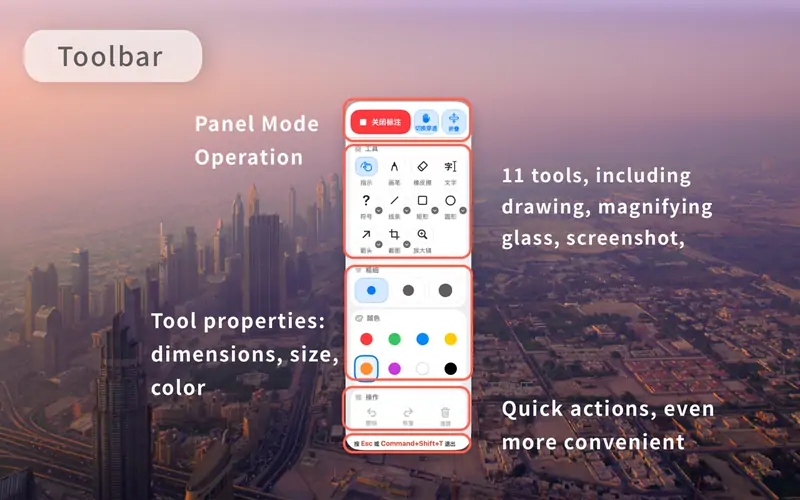
The app supports commonly used annotation tools such as freehand drawing, lines, arrows, rectangles, circles, and text input. It also provides practical features including whiteboard, blackboard, screenshot capture, and magnifier. Whether you are teaching in a classroom, hosting an online course, delivering live training, or presenting in a meeting, TeachingInk helps you get ready quickly.
Key Features:
내 앱이니 사이트에 넣을 전용 배지를 드려요. 이 페이지로 연결되고, 실제 투표 수를 보여 주며, 앱을 MacPip 친구로 만들어 줘요.


<a href="https://macpip.com/apps/teachingink-screen-pointer?ref=badge"><img src="https://macpip.com/badge/teachingink-screen-pointer.svg" height="58" alt="TeachingInk Screen Pointer is listed on MacPip"></a>



 @JellyDraw_App