MacPip lists 5 fun Mac apps, and MacPip has checked 1 of them.그중 2개에 무료 버전이 있어요.그중 4개는 한 번 결제하는 라이선스를 판매해요.그중 1개는 구독제예요.There is no single best fun Mac app for everyone, so MacPip does not rank them.무료를 원한다면 이것부터 보세요: Seedlore.
확인된 앱이 먼저 나오고, 최근에 확인한 앱이 앞에 와요. 결제로 순서를 정하지 않아요.
등록 정보 기준으로 본 앱 5개의 특징이에요. 한 앱이 여러 개에 해당할 수 있어서 막대를 모두 더해도 5개가 되지 않아요.
메이커의 말: Seedlore turns your time together into a tree that grows with your relationship, from a tiny seed to a big old tree that feels your real weather. Count every day together and never miss an anniversary.
메이커의 말: If you're looking for a more immersive experience on your Mac, FeelMyMac is for you. It adds a new level of interaction with your computer by adding haptic feedback and sound to your trackpad.
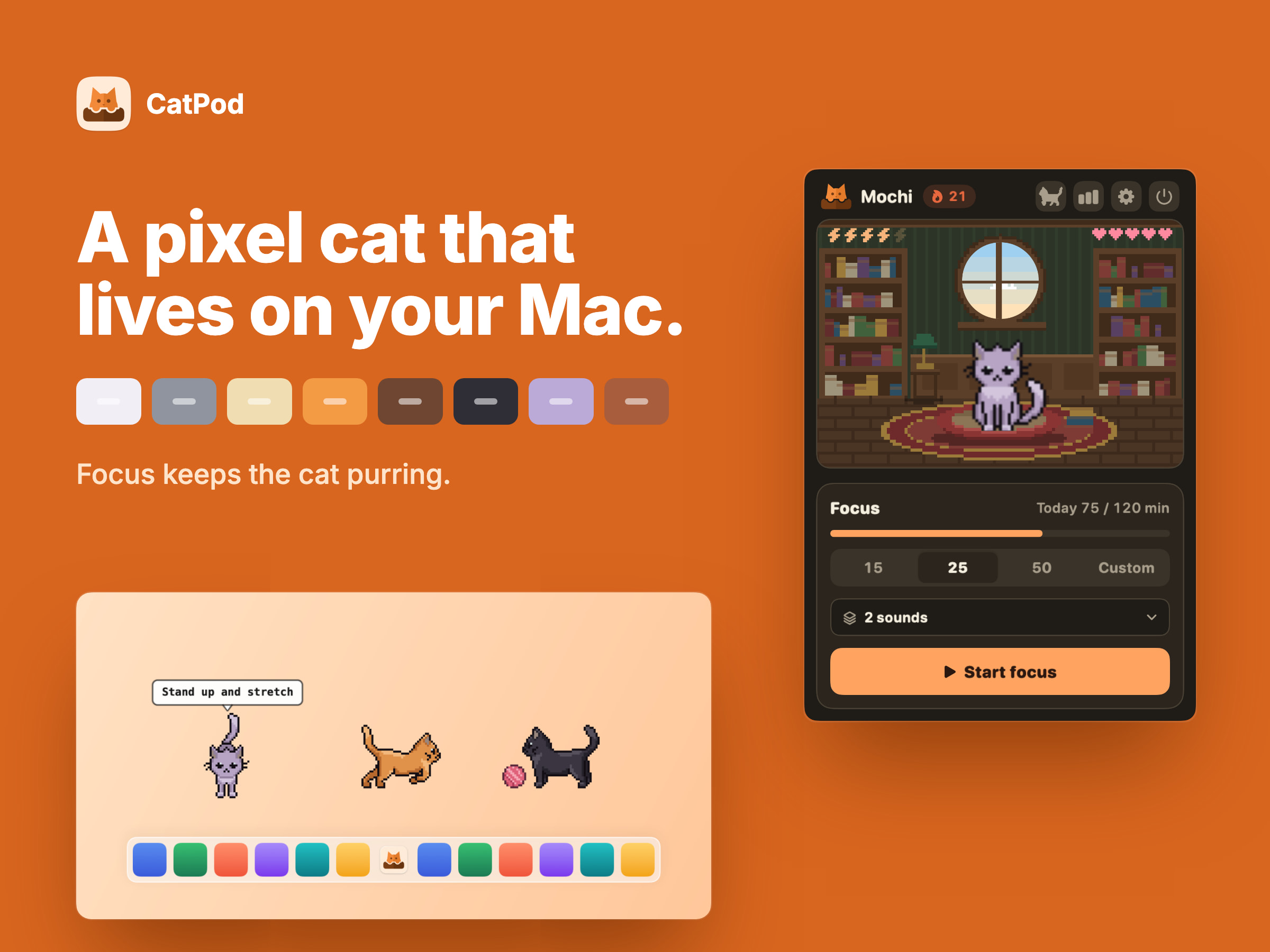
메이커의 말: CATPOD | PIXEL CAT COMPANION CatPod is a native macOS desktop pet: a pixel-art cat that roams the display you are working on, curls up beside you while a focus session runs, and naps when you leave the desk. FOCUS KEEPS THE CAT PURRING.
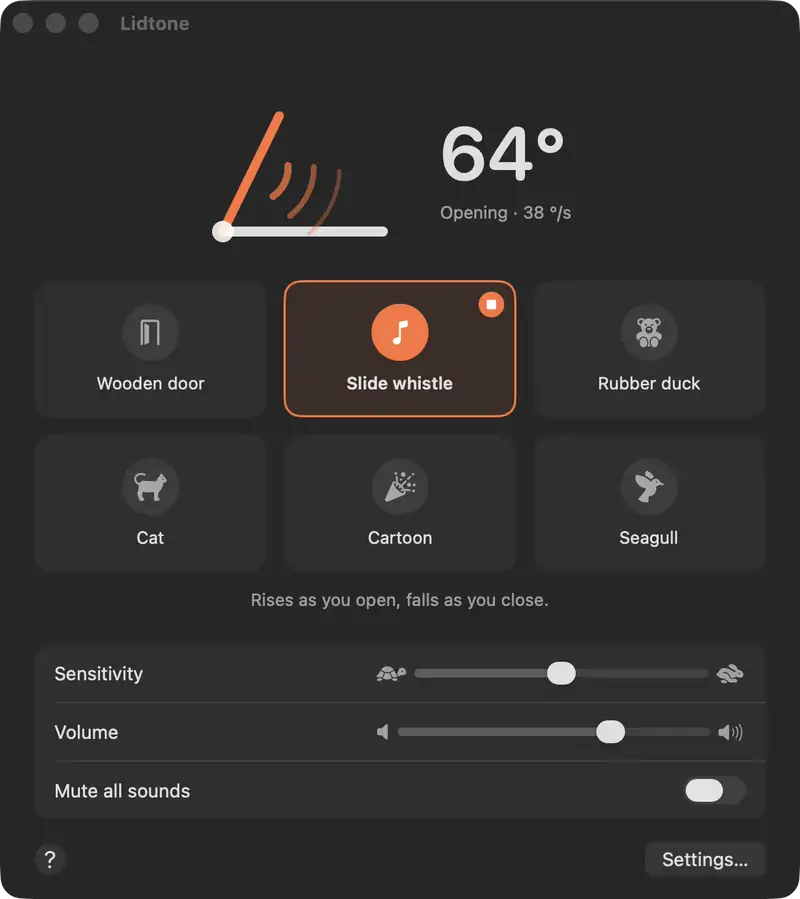
메이커의 말: Your MacBook's lid makes a sound as you open and close it: a creaky wooden door, a slide whistle, a rubber duck, a cat, a cartoon or a seagull.
오프라인에서 작동해야 한다면 Seedlore 앱을 고르세요. 메이커 말에 따르면 지원해요.
살펴볼 점
Look for low memory use, an easy way to turn it off, and what it asks to access.
질문
What is the best fun Mac app?
There is no single best one for everyone. MacPip lists 5: Seedlore, FeelMyMac, CatPod, Lidtone, Desktop Gull. If you want it free, look at Seedlore. If you would rather pay once than subscribe, look at FeelMyMac. If you want it to run natively on Apple silicon, look at CatPod. If you need it to work offline, as its maker says it does, look at Seedlore.
Are there free fun Mac apps?
네. MacPip에서 무료 버전이 있는 앱: Seedlore, Lidtone.
Which fun Mac apps have a one-time price?
한 번 결제하는 옵션이 있어 구독을 피할 수 있어요: Seedlore, FeelMyMac, CatPod, Desktop Gull.
Which fun Mac apps run natively on Apple silicon?
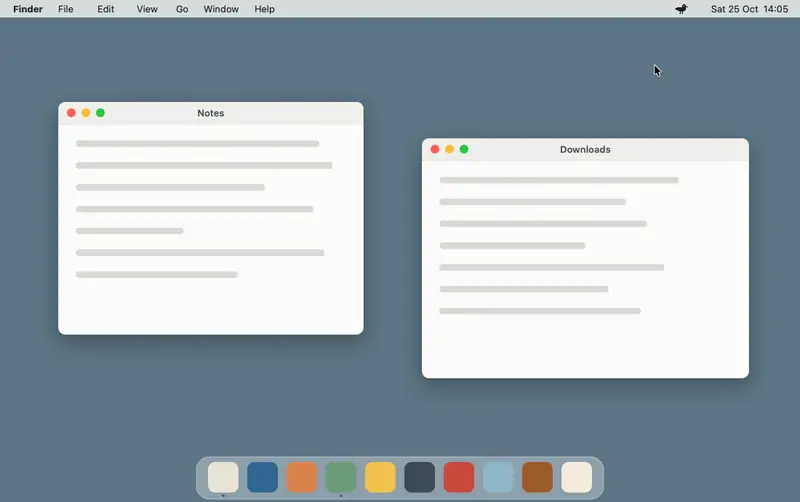
메이커의 설명 또는 우리의 확인에 따른 앱: Seedlore, FeelMyMac, CatPod, Lidtone, Desktop Gull.
Which fun Mac apps has MacPip checked?
각 앱 페이지에 날짜가 적힌 리포트가 있어요: Seedlore.
MacPip은 이 앱들을 어떻게 정렬하나요?
확인된 앱이 먼저 나오고, 최근에 확인한 앱이 앞에 오며, 나머지는 추가된 순서예요. 결제는 순서를 절대 바꾸지 않고, 스폰서 줄은 표시를 붙여 따로 둬요.