MacPip lists 4 Wispr Flow alternatives for Mac, and MacPip has checked none of them yet.그중 2개에 무료 버전이 있어요.그중 1개는 한 번 결제하는 라이선스를 판매해요.그중 1개는 구독제예요.There is no single best Wispr Flow alternative for everyone, so MacPip does not rank them.무료를 원한다면 이것부터 보세요: Tora.
확인된 앱이 먼저 나오고, 최근에 확인한 앱이 앞에 와요. 결제로 순서를 정하지 않아요.
등록 정보 기준으로 본 앱 4개의 특징이에요. 한 앱이 여러 개에 해당할 수 있어서 막대를 모두 더해도 4개가 되지 않아요.
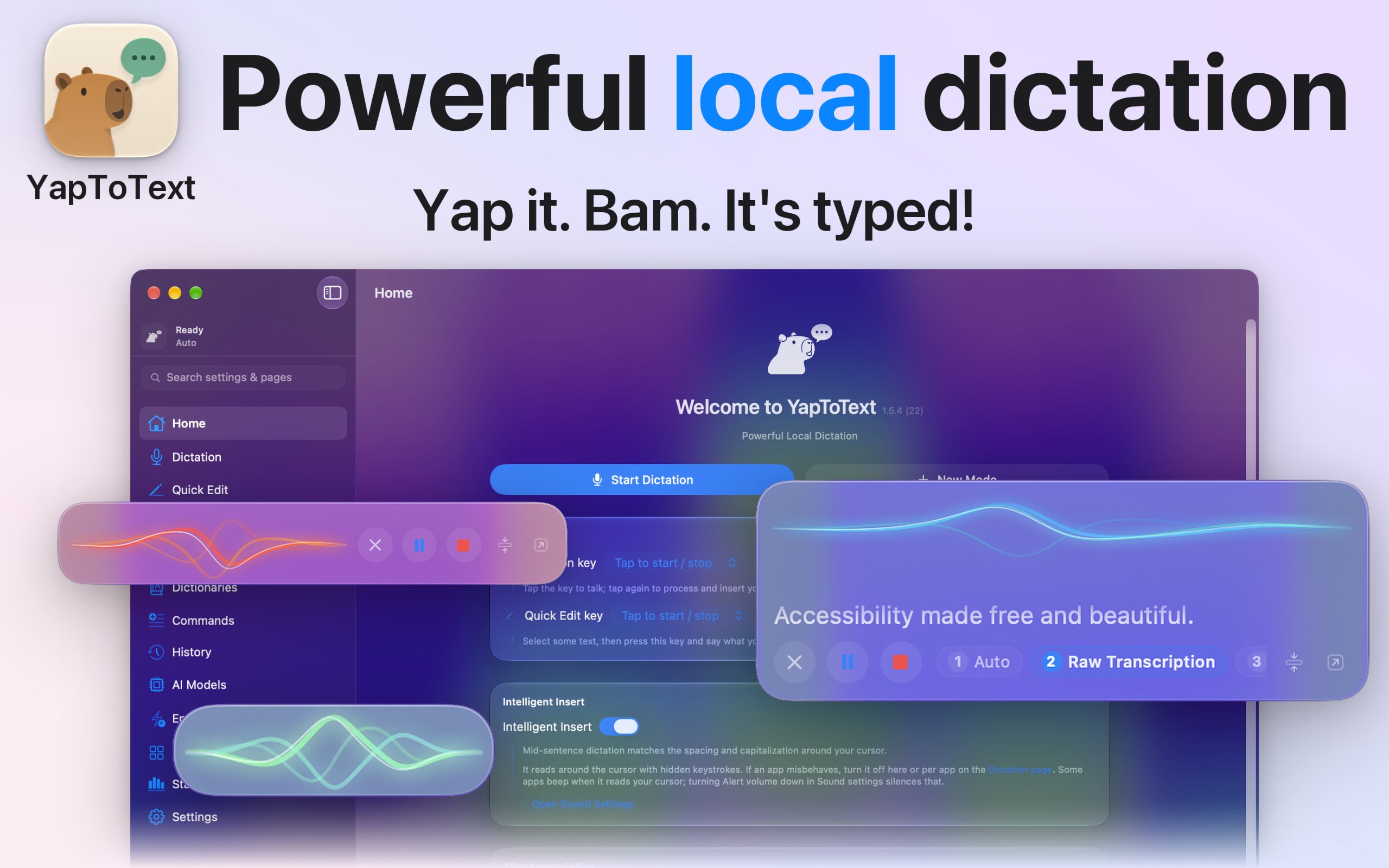
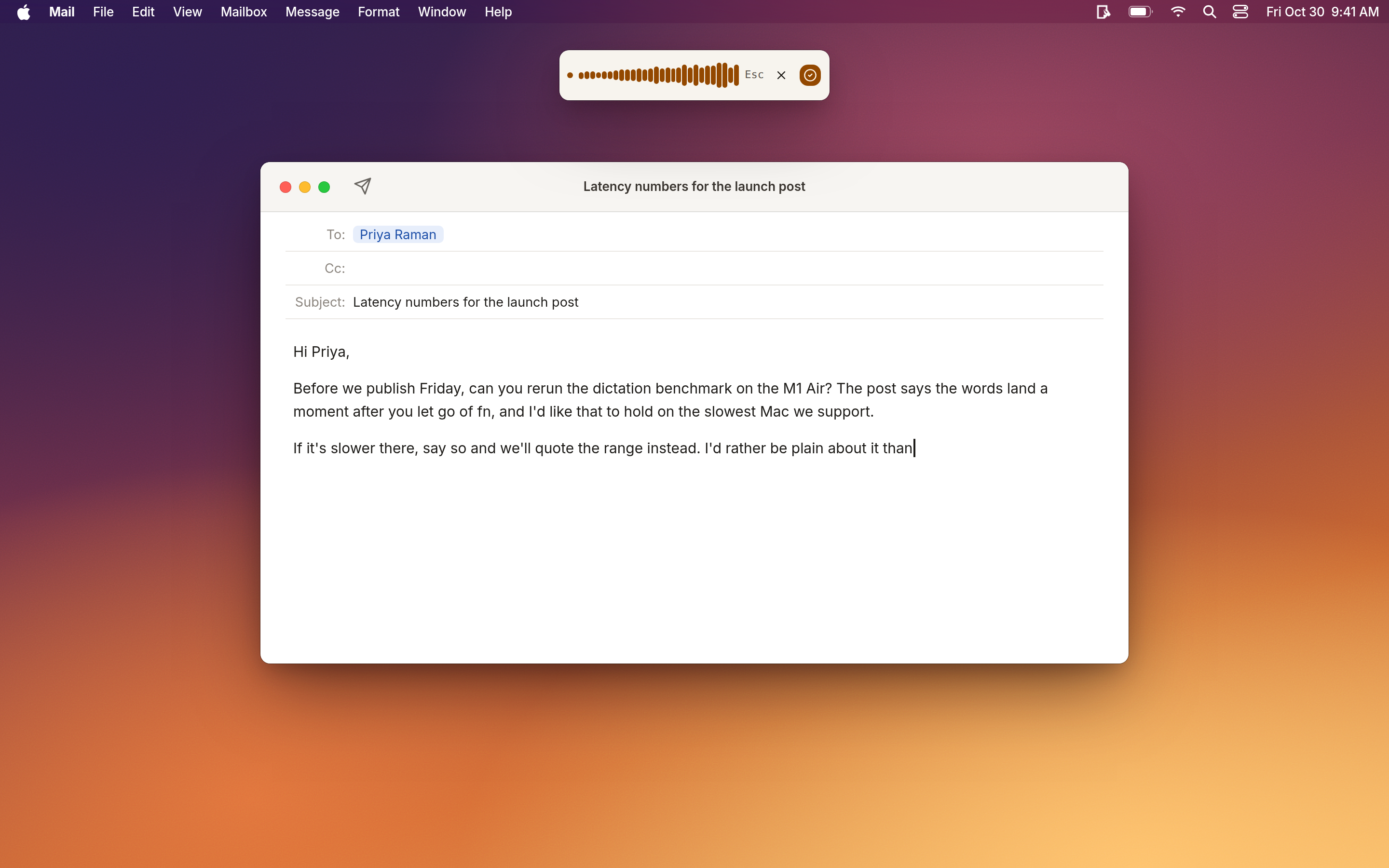
메이커의 말: I dictate everything I write, because typing is hard for me, so I built YapToText to be the dictation app I wanted to use all day. Press one key, talk, and your words land where your cursor is, in any app.
가격
Free, optional tip jar
필요 사양
macOS 14 Sonoma 이상
메이커가 말하는 대체 앱
Wispr Flow, superwhisper, MacWhisper, VoiceInk, Apple Dictation, Dragon, Aqua Voice, Spokenly, Willow Voice, Typeless
메이커의 말: Jot is a local-first notes inbox for your Mac. Press a shortcut in any app to save a thought, a selected passage, a screenshot or a voice note.
가격
$9 once (launch), then $29
필요 사양
macOS 12 Monterey 이상
메이커가 말하는 대체 앱
Apple Notes, Drafts, Bear, Raycast Notes, Wispr Flow, Obsidian
Each of these is named by its own maker as an alternative to Wispr Flow. That is the maker's claim, so check that it does the part of Wispr Flow you use.
질문
What is the best Wispr Flow alternative for Mac?
There is no single best one for everyone. MacPip lists 4: Tora, JuTalk, YapToText, Jot. If you want it free, look at Tora. If you would rather pay once than subscribe, look at Jot. If you want it to run natively on Apple silicon, look at YapToText. If you need it to work offline, as its maker says it does, look at YapToText. If you want open source code, look at YapToText.
Are there free Wispr Flow alternatives for Mac?
네. MacPip에서 무료 버전이 있는 앱: Tora, YapToText.
Which Wispr Flow alternatives for Mac have a one-time price?
한 번 결제하는 옵션이 있어 구독을 피할 수 있어요: Jot.
Which Wispr Flow alternatives run natively on Apple silicon?
메이커의 설명 또는 우리의 확인에 따른 앱: Tora, YapToText, Jot.
Which Wispr Flow alternatives has MacPip checked?
None yet. They say Check pending until they are checked.
MacPip은 이 앱들을 어떻게 정렬하나요?
확인된 앱이 먼저 나오고, 최근에 확인한 앱이 앞에 오며, 나머지는 추가된 순서예요. 결제는 순서를 절대 바꾸지 않고, 스폰서 줄은 표시를 붙여 따로 둬요.