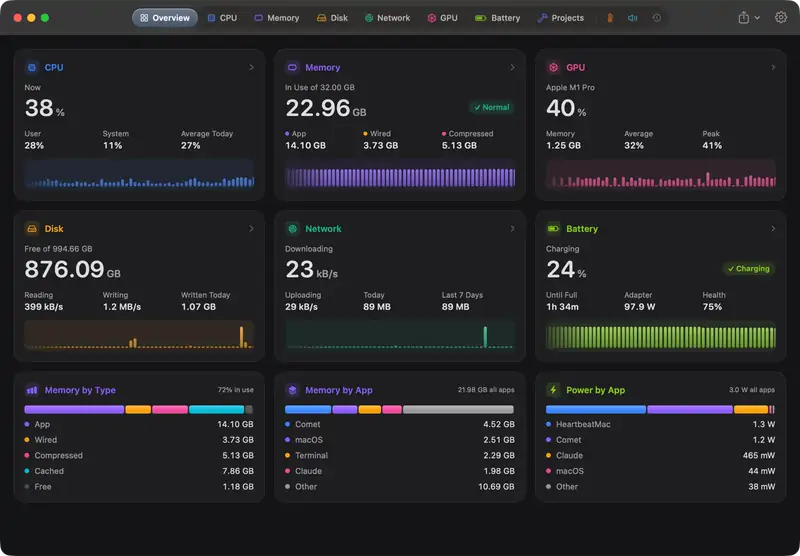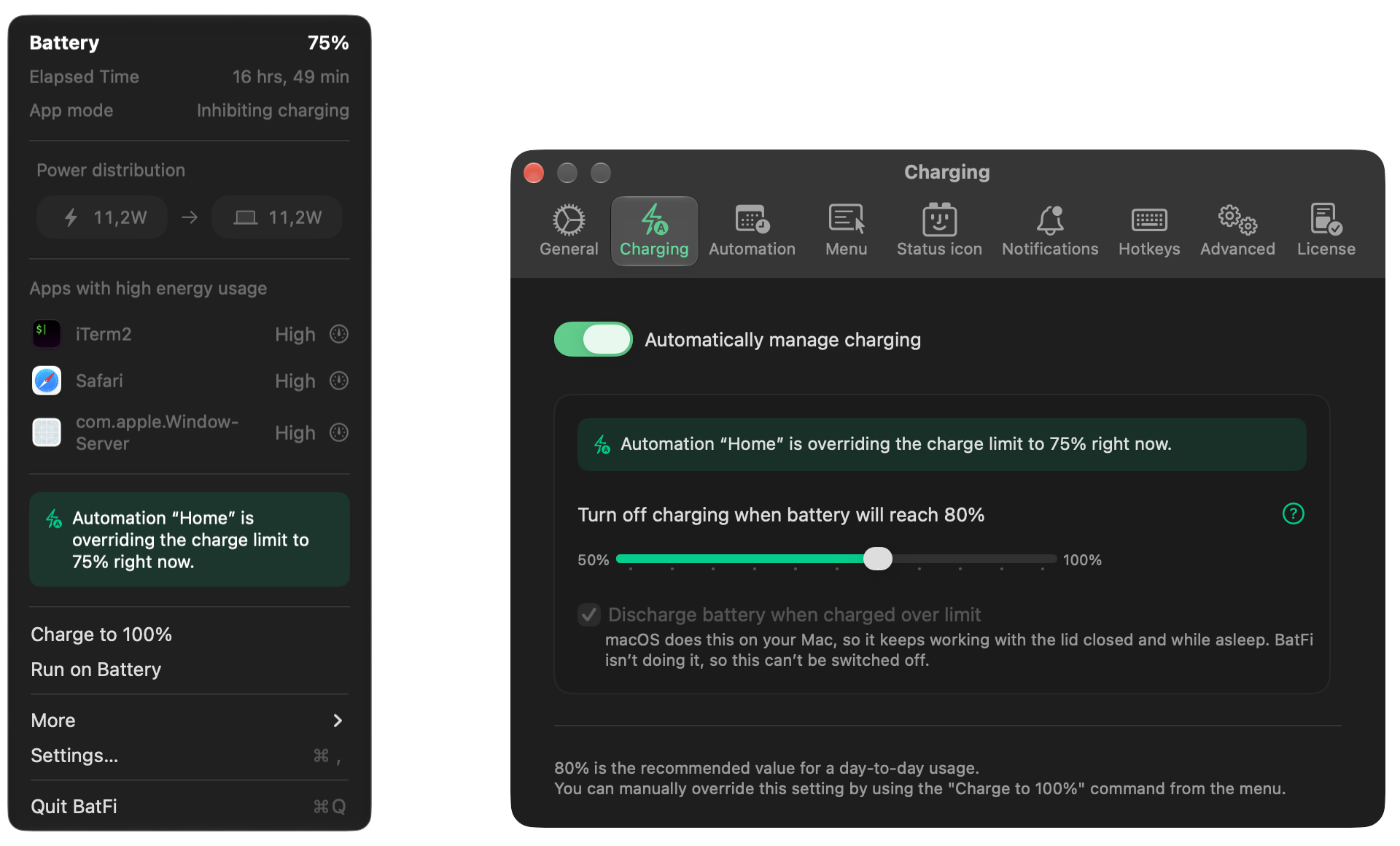
 BatFiPower management for your Mac: charge limit, energy use and power modes.autor:
 micropixels🇵🇱15 USD jednorazowo
Wpisy zostają w języku, w którym napisali je ich twórcy.


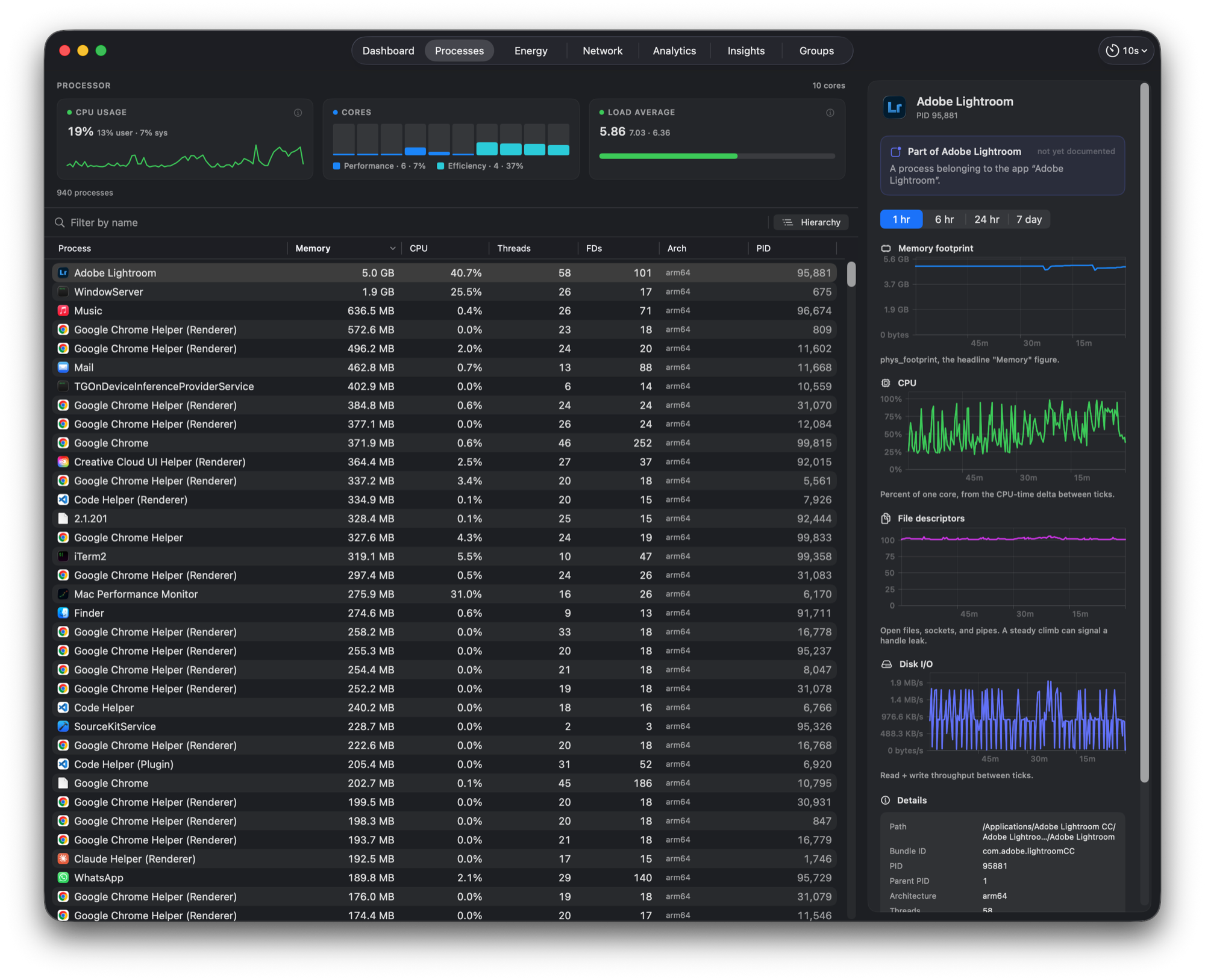
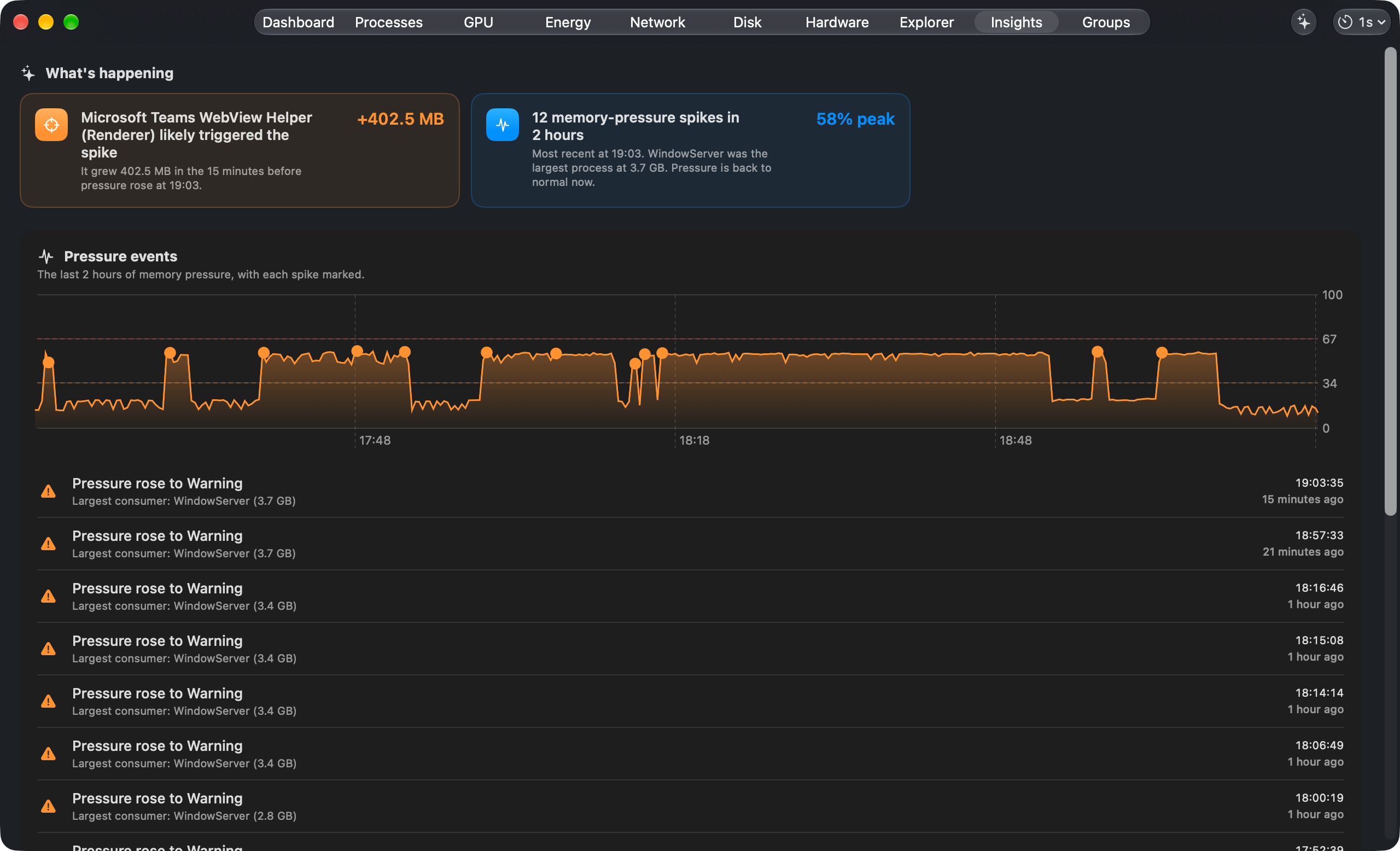
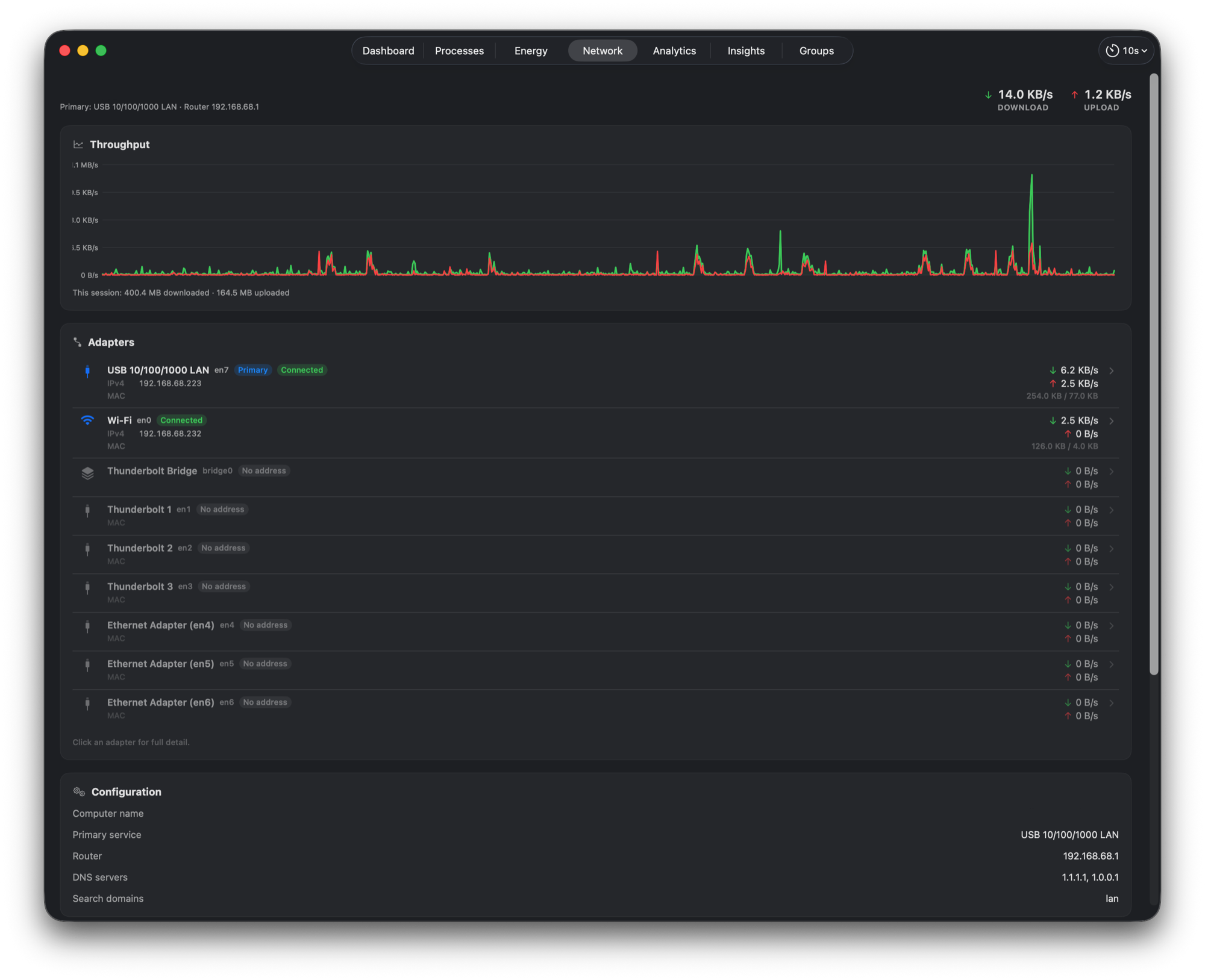
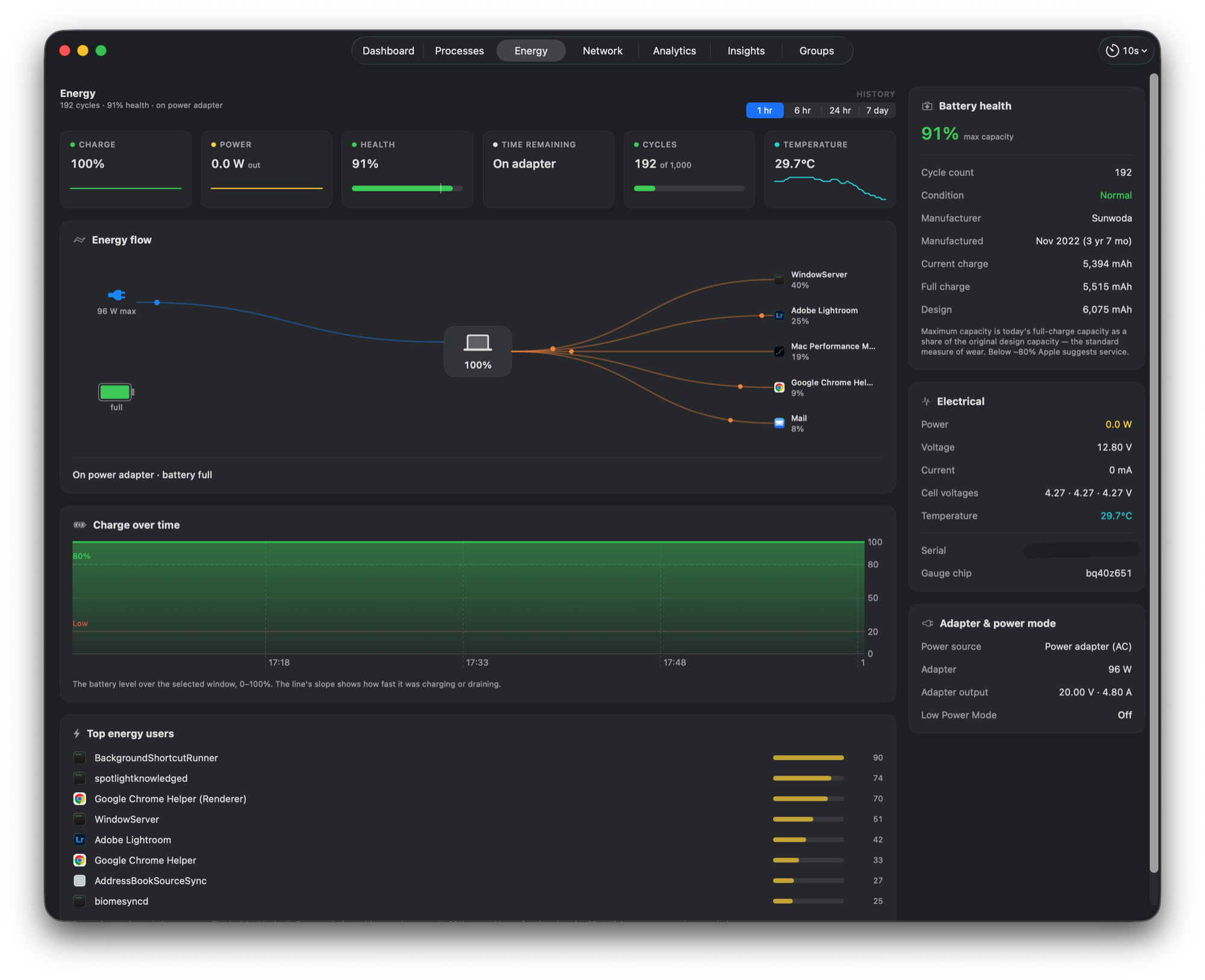
Mac Performance Monitor to aplikacja na Mac z kategorii „Monitorowanie systemu”:See what slowed your Mac down, and which process did it.Nie została jeszcze sprawdzona.
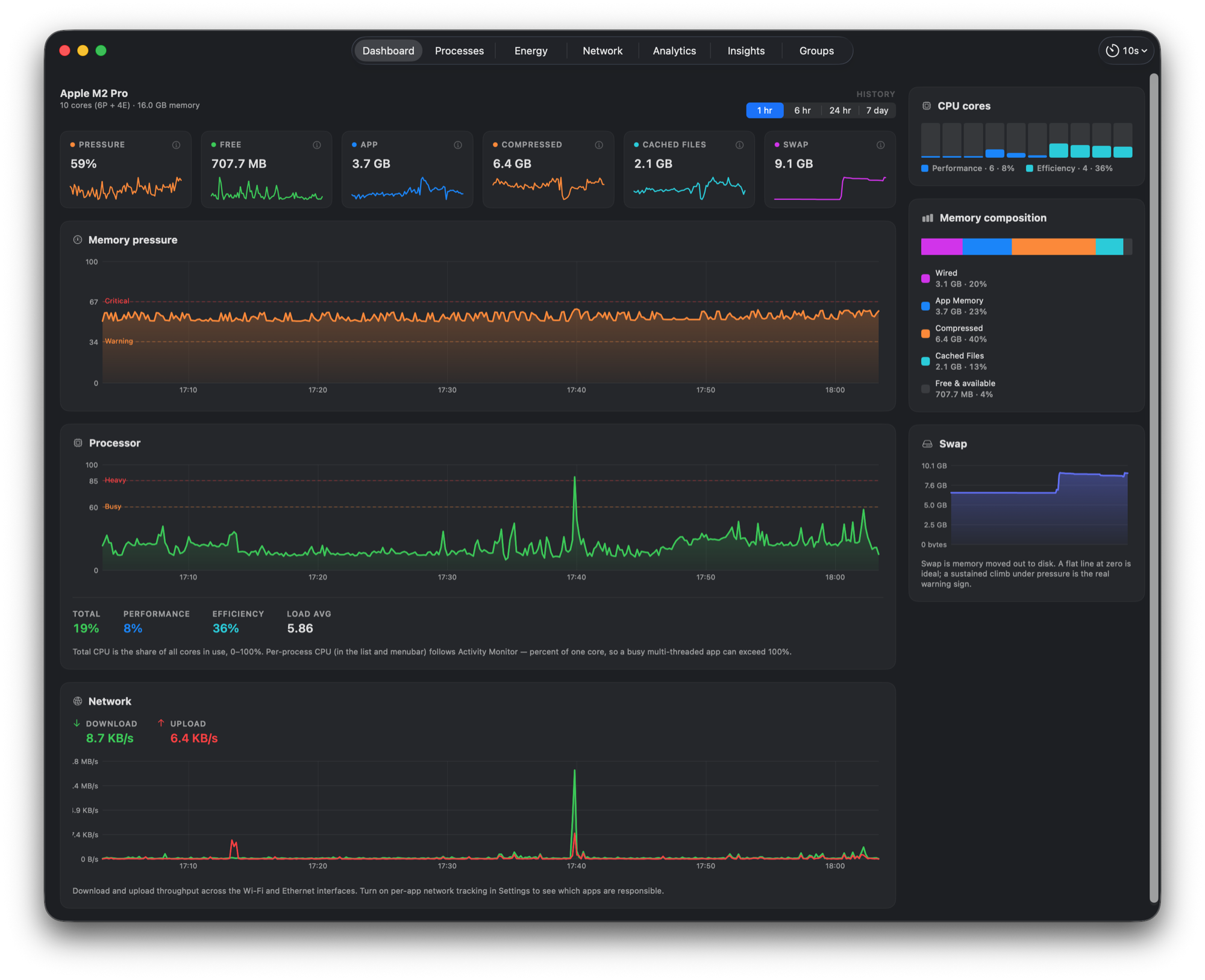
Mac Performance Monitor is a native performance monitor and recorder for Apple silicon Macs. See what your Mac is doing now, then go back to the moment a slowdown or spike began. Compare CPU, memory, GPU, network, disk, battery and sensor readings with the processes behind them, and use Explorer to line up history and investigate alerts. Run it as a live menu bar readout, a quiet background recorder, or a window you open when needed. Free and open source under the MIT licence. No usage telemetry, and recorded samples stay on your Mac. Requires macOS 15 or later.
Niebieski ptaszek nie gwarantuje bezpieczeństwa. Przeczytaj jak poznać, czy aplikacja na Mac jest bezpieczna.
To Twoja aplikacja, więc oto jej własny znaczek na Twoją stronę. Prowadzi z powrotem tutaj, pokazuje Twoje prawdziwe głosy i czyni Twoją aplikację Przyjacielem MacPip.


<a href="https://macpip.com/apps/mac-performance-monitor?ref=badge"><img src="https://macpip.com/badge/mac-performance-monitor.svg" height="58" alt="Mac Performance Monitor is listed on MacPip"></a>
Zapytaj swojego asystenta AI o Mac Performance Monitor, np. „Mac Performance Monitor: czy warto?” Połącz MacPip