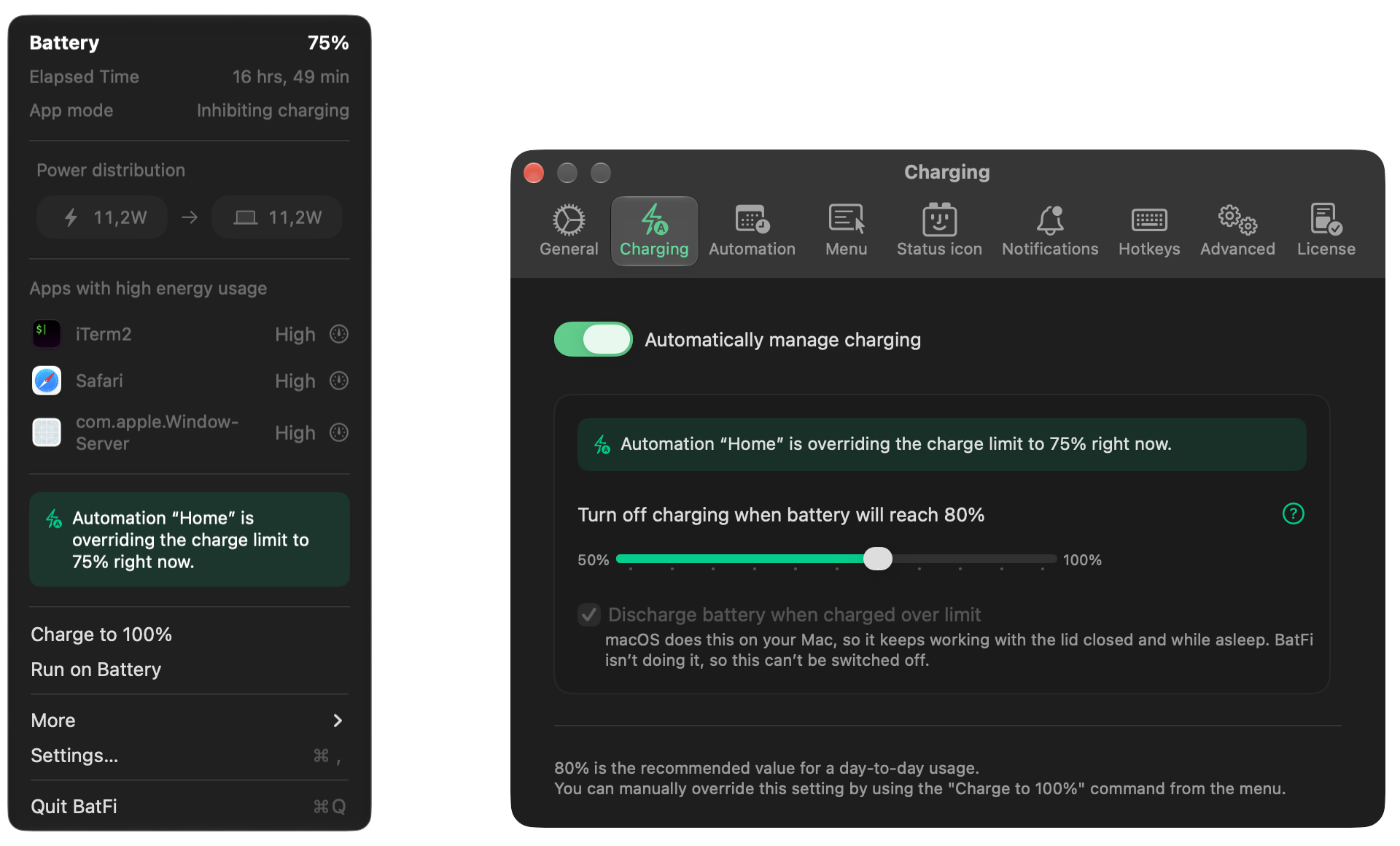
 BatFiPower management for your Mac: charge limit, energy use and power modes.by
 micropixels🇵🇱$15 once


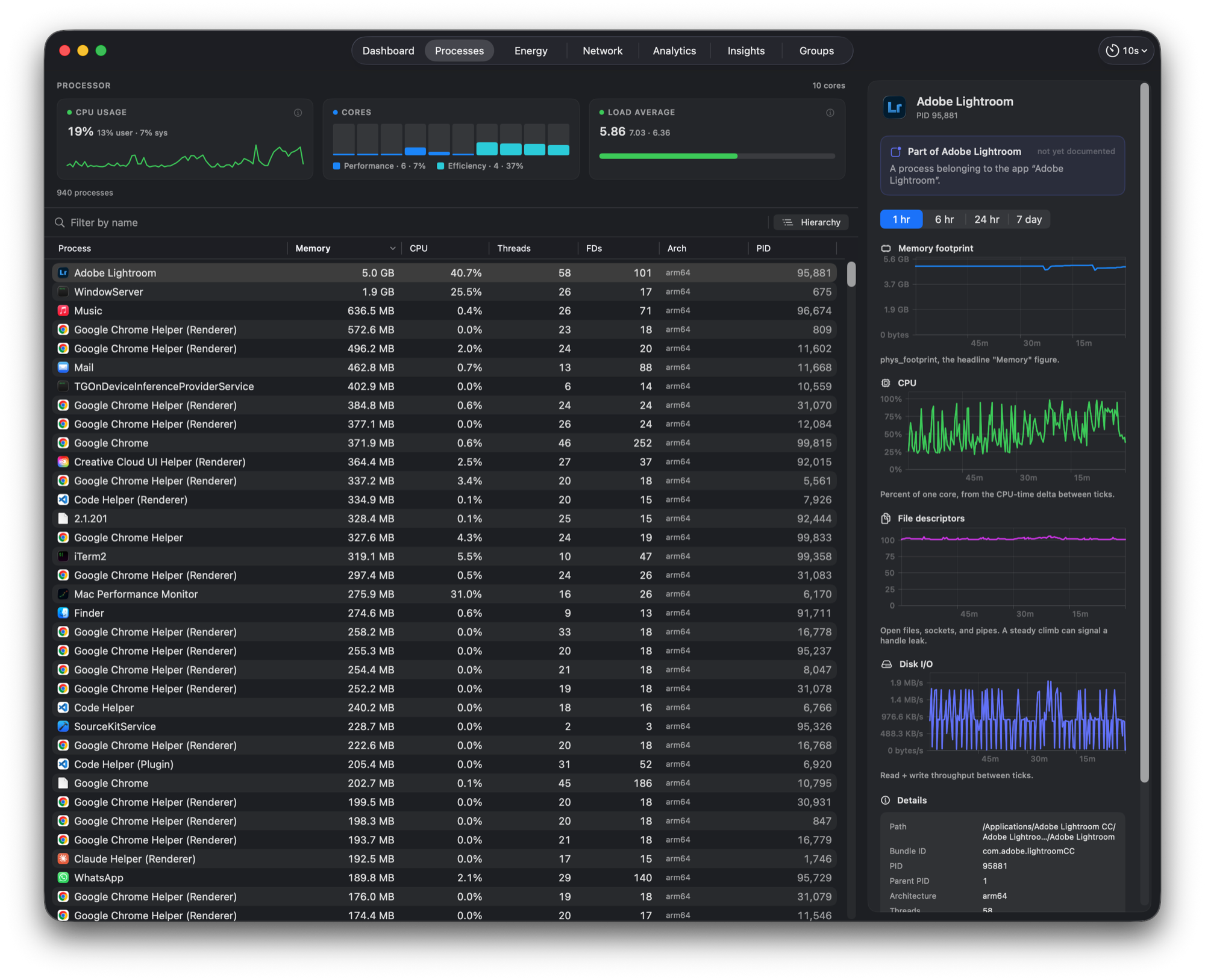
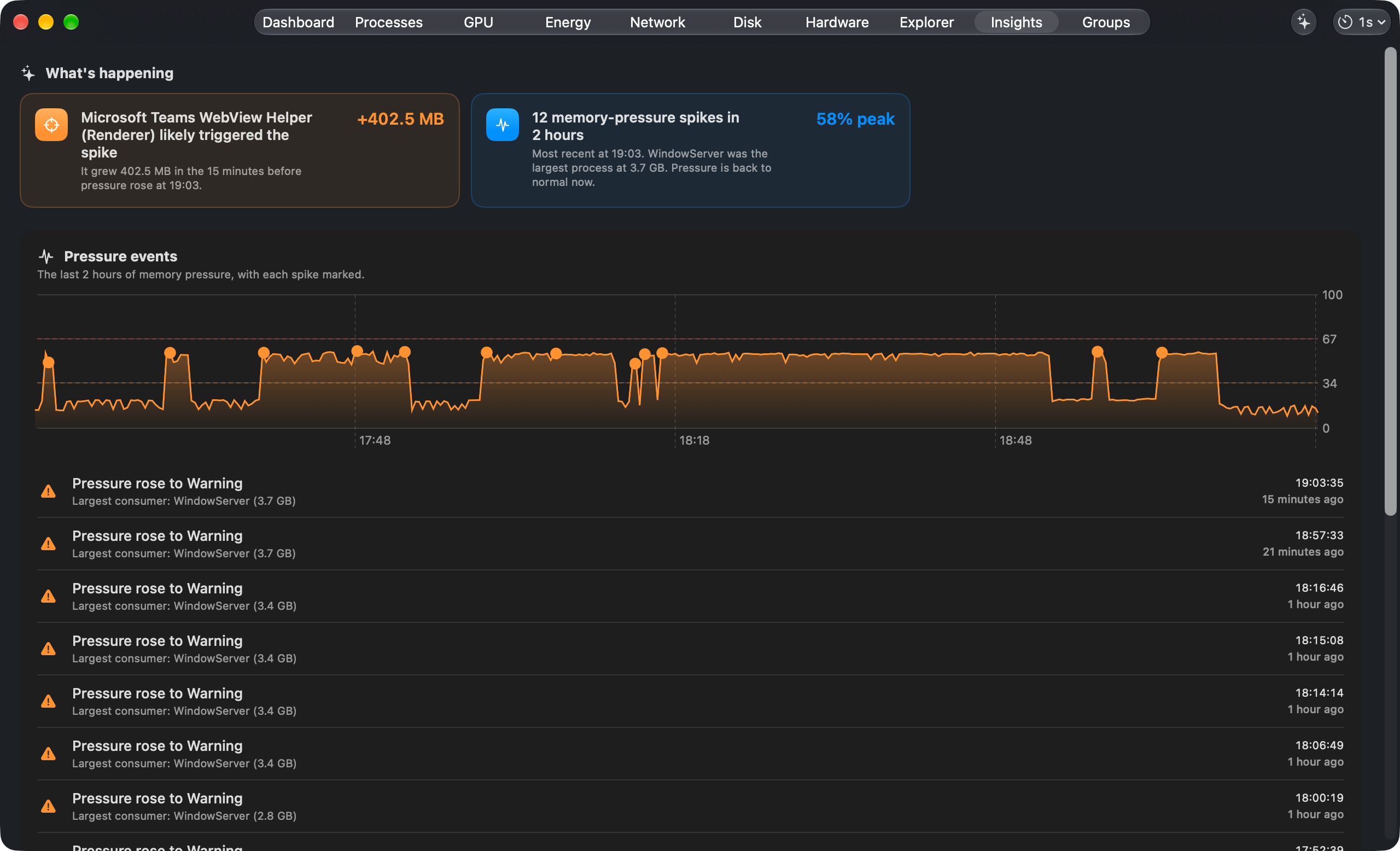
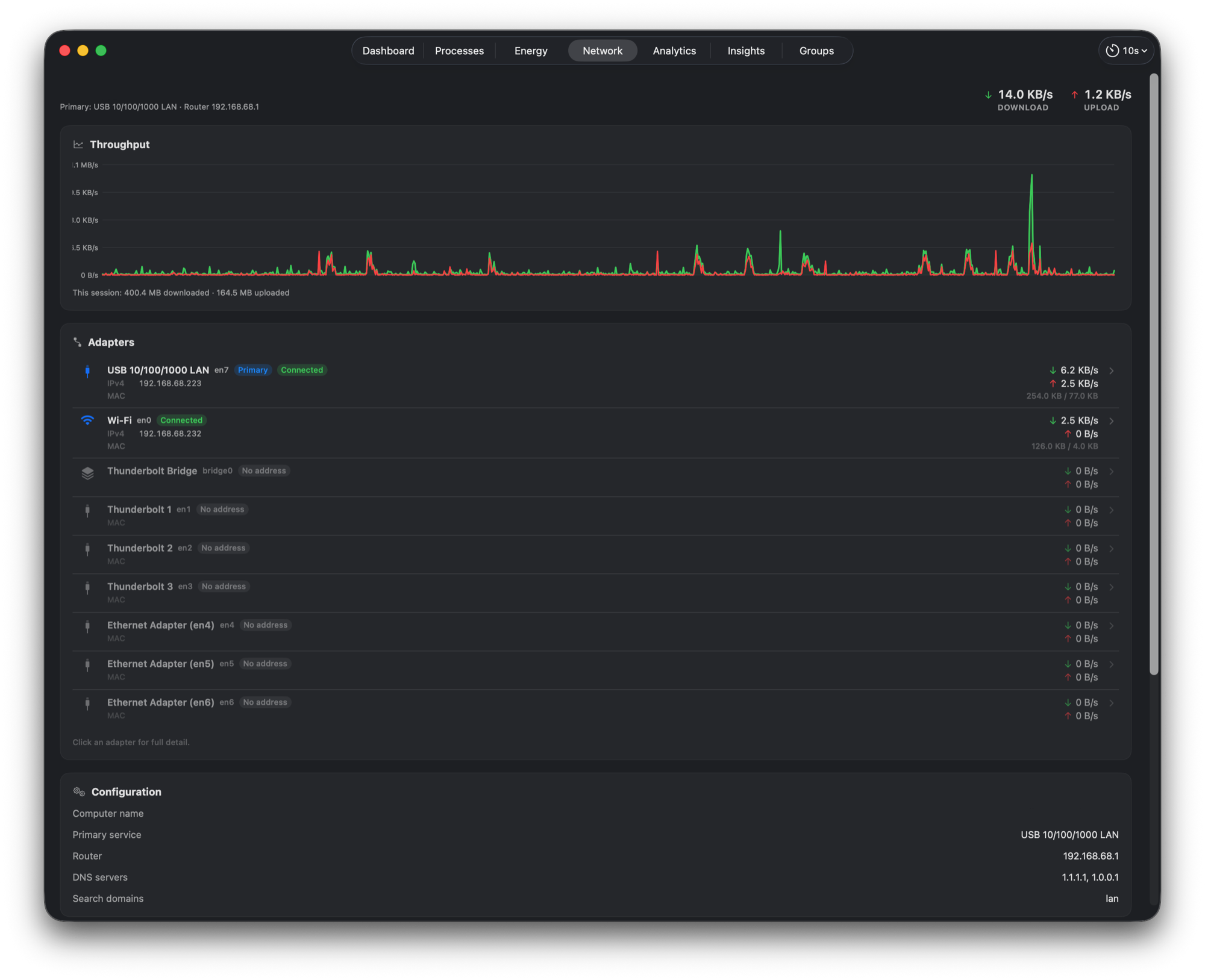
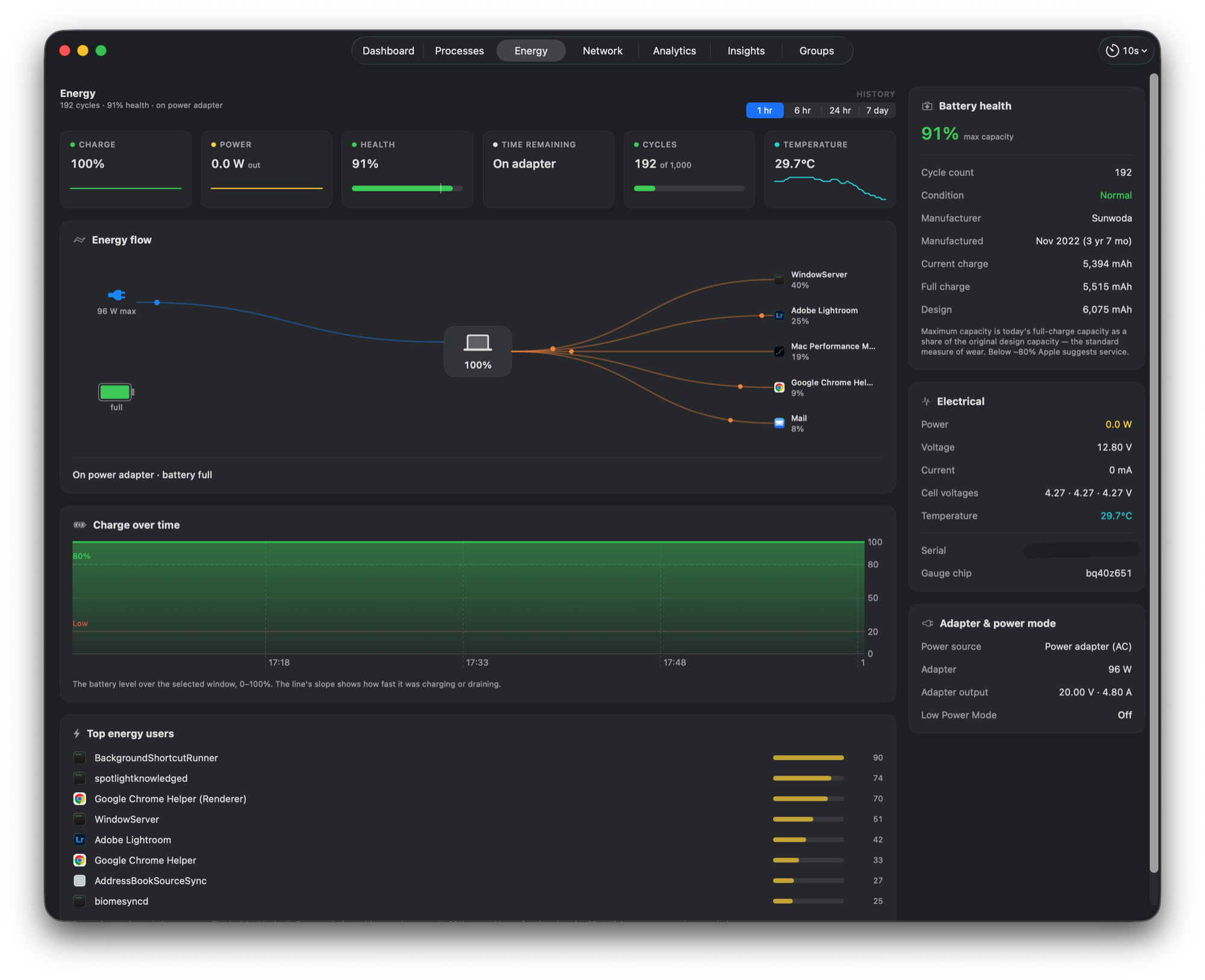
Mac Performance Monitor is a system monitoring app for Mac:See what slowed your Mac down, and which process did it.It has not been checked yet.
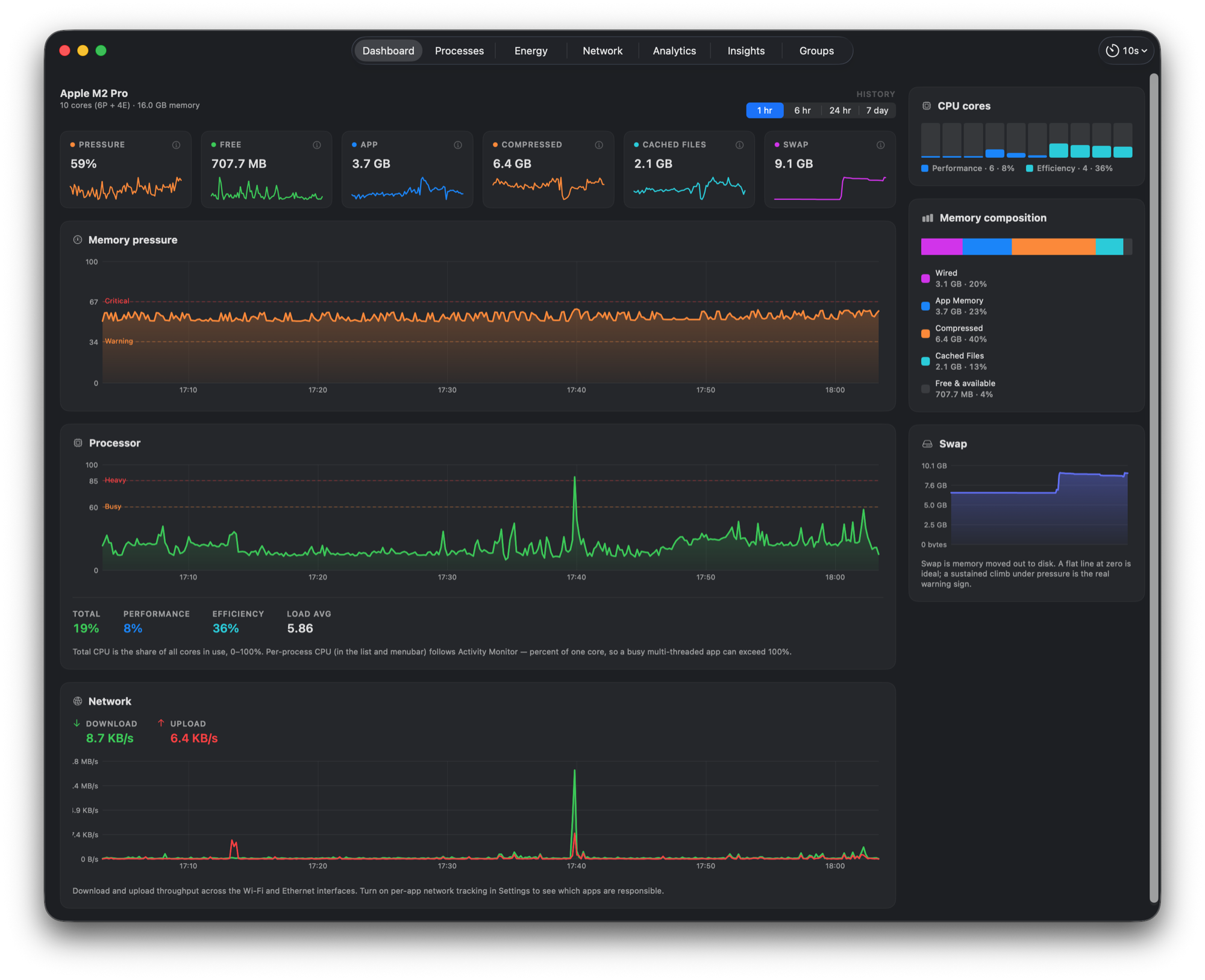
Mac Performance Monitor is a native performance monitor and recorder for Apple silicon Macs. See what your Mac is doing now, then go back to the moment a slowdown or spike began. Compare CPU, memory, GPU, network, disk, battery and sensor readings with the processes behind them, and use Explorer to line up history and investigate alerts. Run it as a live menu bar readout, a quiet background recorder, or a window you open when needed. Free and open source under the MIT licence. No usage telemetry, and recorded samples stay on your Mac. Requires macOS 15 or later.
A tick is not a safety guarantee. Read how to tell if a Mac app is safe.
This is your app, so here is its own badge for your site. It links back to this page, shows your real votes, and makes your app a Friend of MacPip.


<a href="https://macpip.com/apps/mac-performance-monitor?ref=badge"><img src="https://macpip.com/badge/mac-performance-monitor.svg" height="58" alt="Mac Performance Monitor is listed on MacPip"></a>
Ask your AI about Mac Performance Monitor, like “Is Mac Performance Monitor worth it?” Connect MacPip