Updated Nov 10, 2026, from what MacPip lists today.
Short answer
MacPip lists 5 system monitoring apps for Mac, and a person has checked none of them yet.1 of them has a free version.4 of them sell a one-time license.There is no single best system monitor for everyone, so MacPip does not rank them.If you want it free, start with Netfox.
Apps a person checked come first, newest check first. Never ordered by payment.
What these 5 apps offer, by their listings. An app can offer several, so the bars do not add up to 5.
Free version1 of 5
Pay once4 of 5
Subscription0 of 5
Native to Apple silicon4 of 5
Open source1 of 5
Works offline3 of 5
Checked by a person0 of 5
One-time price in US dollars, as each listing states it, lowest first. 2 apps have no plain dollar one-time price and are left out. Launch prices count where the listing says so.
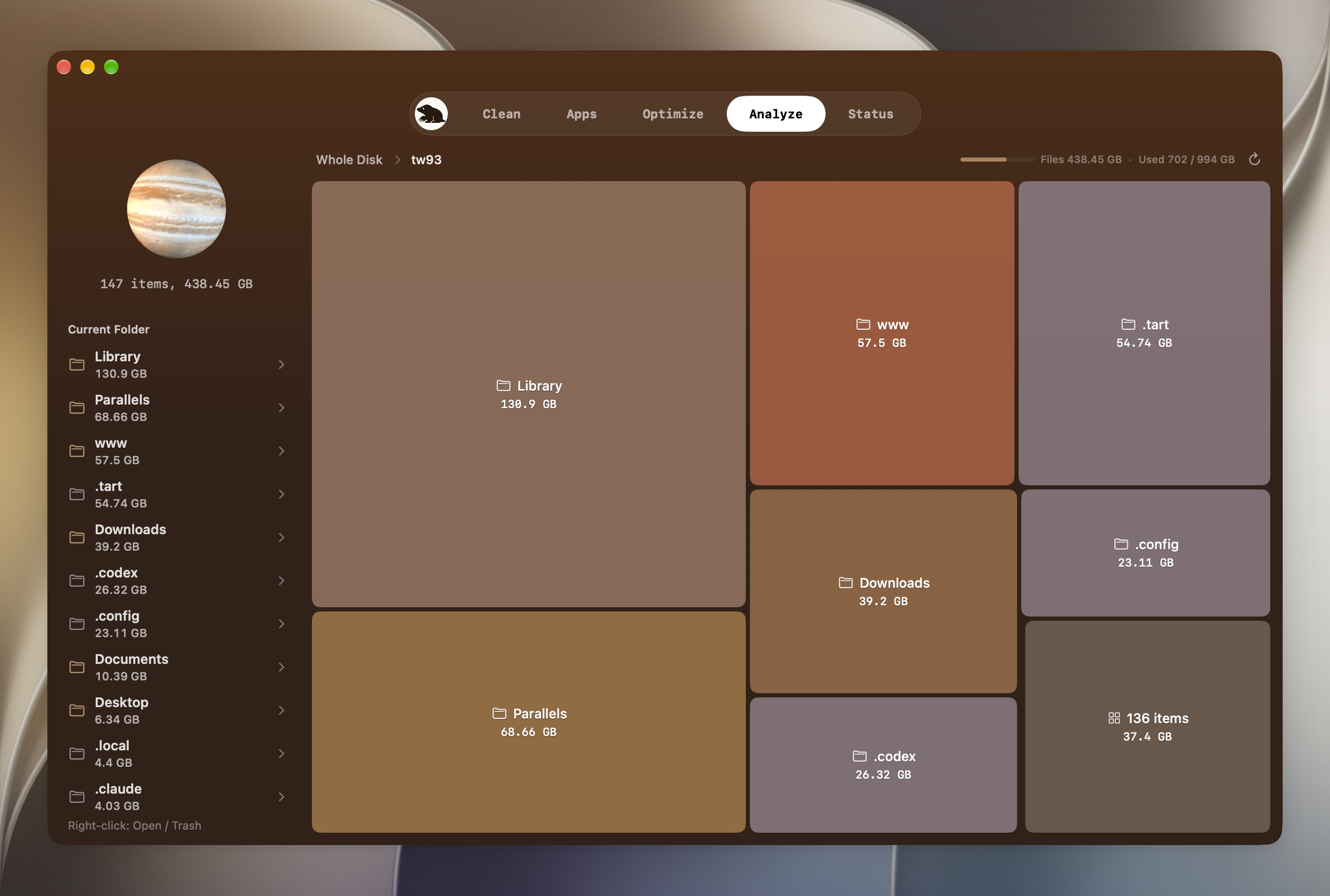
From its maker: Mole helps you review leftovers after uninstalls, clear caches, and see what's using disk space before anything is deleted. The command-line tool is free and open source.
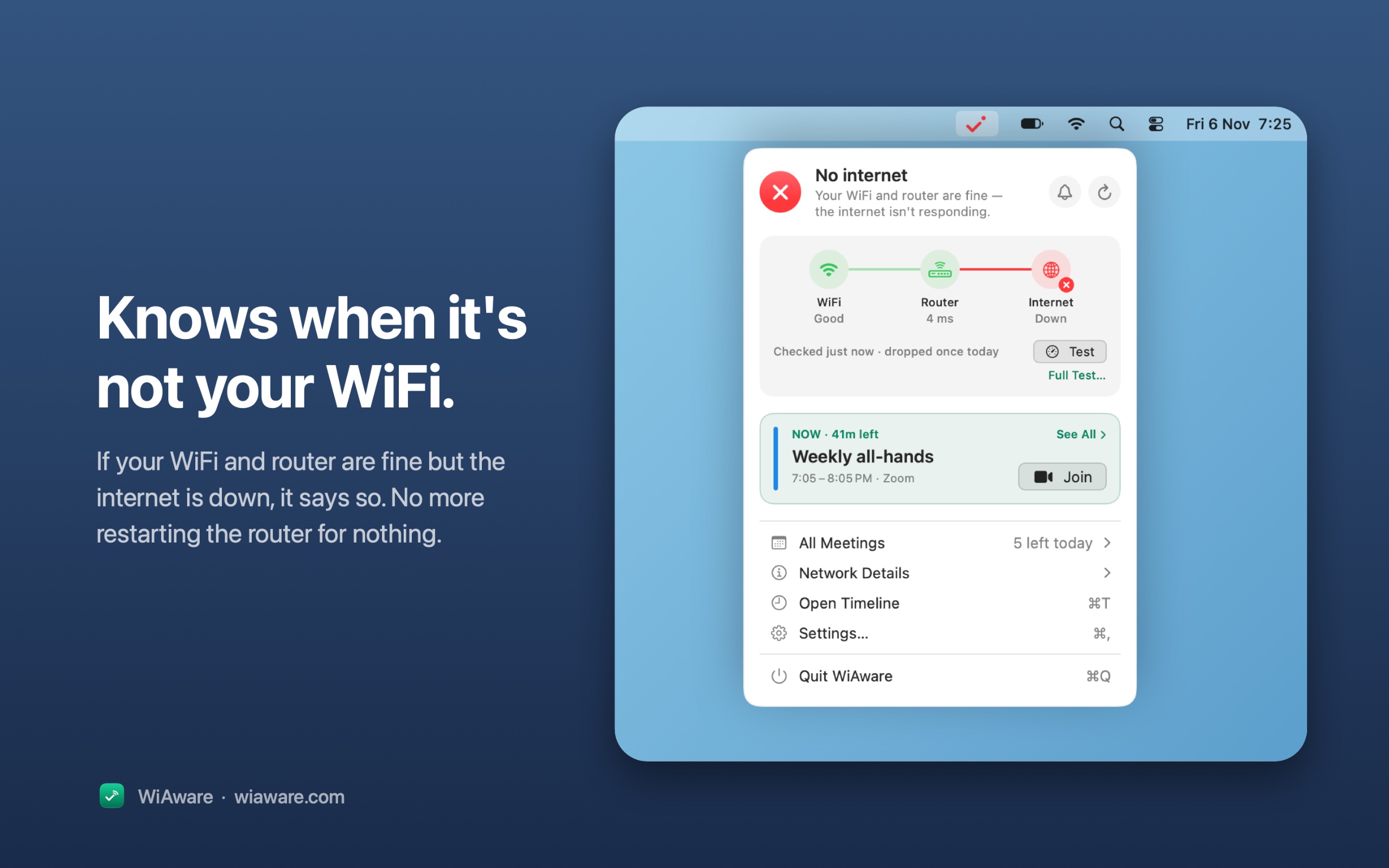
From its maker: WiAware lives in your Mac’s menu bar and tells you, in plain words, whether your connection is good enough for a call. The icon is the answer: a full wave means calls are fine, a broken wave means they may stutter, and a dot means they won’t work.
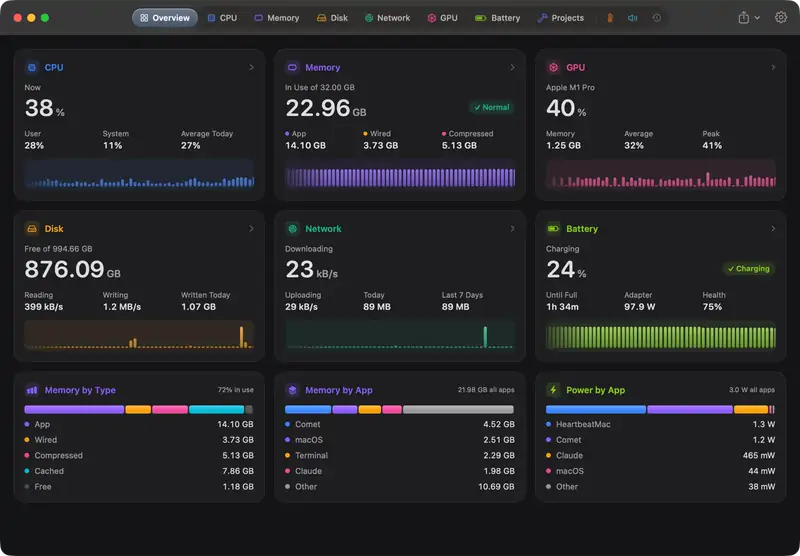
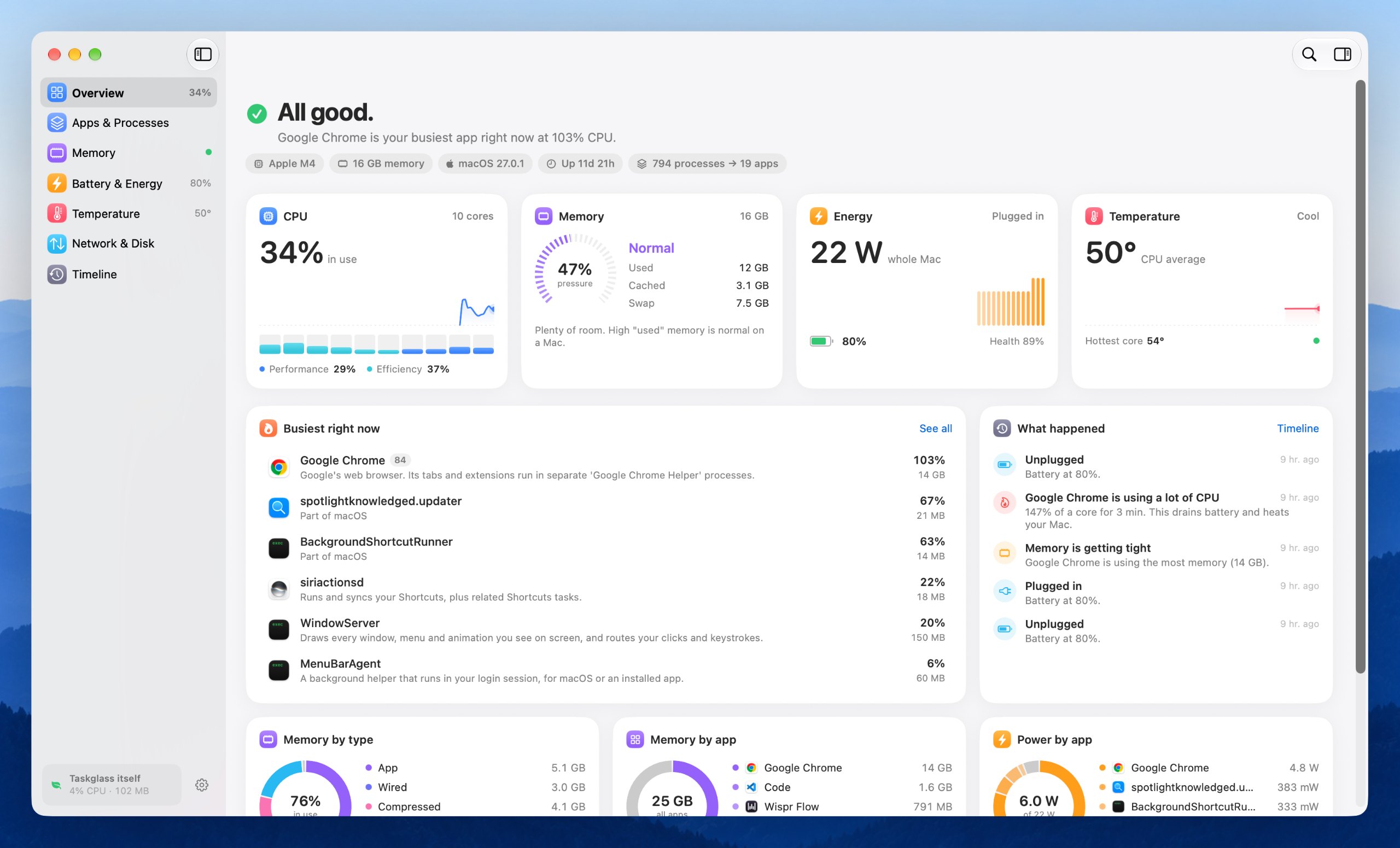
From its maker: An Activity Monitor alternative for Mac: every process grouped under its app, with live charts, 30 days of history, alerts and a menu bar monitor. $5 at launch.
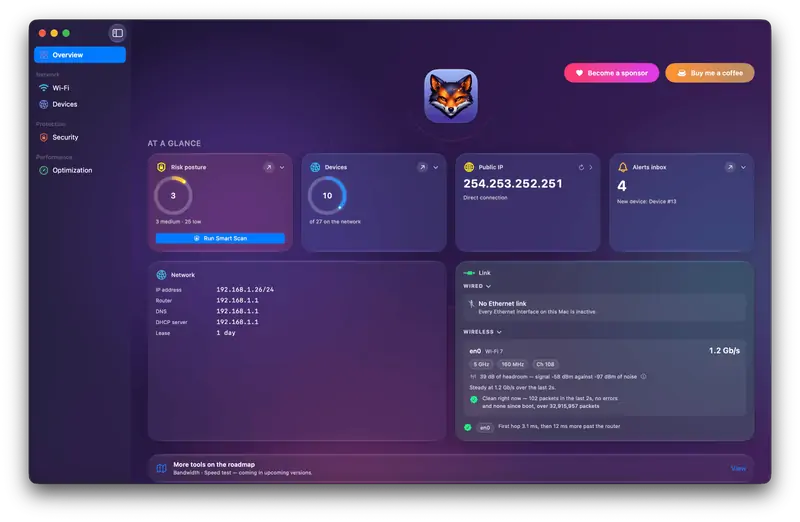
From its maker: Netfox turns raw network data into plain English on your Mac: decode every device, see what it exposes, and catch services left open. No cloud, no account.
Look for low overhead of its own, which sensors it reads on Apple silicon, and whether it can live in the menu bar.
Questions
What is the best system monitor for Mac?
There is no single best one for everyone. MacPip lists 5: Mole, WiAware, HeartbeatMac, Netfox, Taskglass. If you want it free, look at Netfox. If you would rather pay once than subscribe, look at Mole. If you want it to run natively on Apple silicon, look at HeartbeatMac. If you need it to work offline, as its maker says it does, look at Taskglass. If you want open source code, look at Mole.
Are there free system monitoring apps for Mac?
Yes. With a free version on MacPip: Netfox.
Which system monitoring apps for Mac have a one-time price?
With a one-time option, so you can avoid a subscription: Mole, WiAware, HeartbeatMac, Taskglass.
Which system monitoring apps run natively on Apple silicon?
By their makers' word or by our check: Mole, HeartbeatMac, Netfox, Taskglass.
Which system monitoring apps has a person checked?
None yet. They say Check pending until a person tries them.
How does MacPip order these apps?
Apps a person has checked come first, newest check first, then the rest by when they were added. Payment never changes the order, and sponsored rows are labeled and kept apart.