 Przyjaciel
 CoralProductivity for Claude Code and Codex agentsautor:
 Coral ClaudeFree, Pro from $8/month, 7-day trial
Wpisy zostają w języku, w którym napisali je ich twórcy.

A laser pointer for your Mac cursor. Hold Command to draw on screen while you present.


PointerBeam to aplikacja na Mac z kategorii „Produktywność”:A laser pointer for your Mac cursor. Hold Command to draw on screen while you present.Nie została jeszcze sprawdzona.
PointerBeam puts a bright laser dot on your cursor so people can follow it during a presentation or screen share. Hold Command and move the mouse to draw on top of anything on screen. Let go and drawing stops. Press Option to remove the last line, or Command and Option to clear everything. The shortcuts work while Keynote or any other app is in front, and you can change them.
It works over a full-screen Keynote slideshow. In Zoom or Teams, share your entire screen, not a single window, and the other side sees the laser and lines too. You can change the laser's color, size and intensity, or hide its border ring.
No account, no subscription, and no Accessibility or Input Monitoring permission. Free for 14 days, then $2.99 once. Requires macOS 14.6 or later.
Niebieski ptaszek nie gwarantuje bezpieczeństwa. Przeczytaj jak poznać, czy aplikacja na Mac jest bezpieczna.
To Twoja aplikacja, więc oto jej własny znaczek na Twoją stronę. Prowadzi z powrotem tutaj, pokazuje Twoje prawdziwe głosy i czyni Twoją aplikację Przyjacielem MacPip.


<a href="https://macpip.com/apps/pointerbeam?ref=badge"><img src="https://macpip.com/badge/pointerbeam.svg" height="58" alt="PointerBeam is listed on MacPip"></a>
Zapytaj swojego asystenta AI o PointerBeam, np. „PointerBeam: czy warto?” Połącz MacPip
PrzyjacielCoralProductivity for Claude Code and Codex agentsautor: Coral ClaudeFree, Pro from $8/month, 7-day trial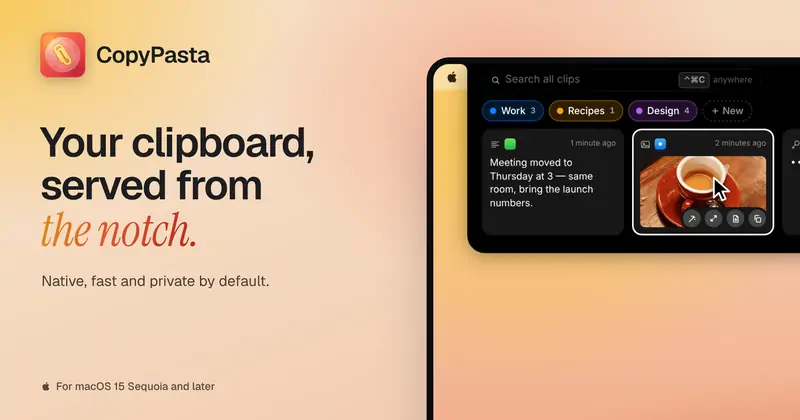 #19 lis
 CopyPastaCopyPasta is a private-by-default clipboard manager…autor:
 @AmasCreates$14.99 once, 7-day free trial
 AuratorAurator turns your voice into clean text in every app…autor:
 @ndmrauFrom $29 once, 7-day free trial
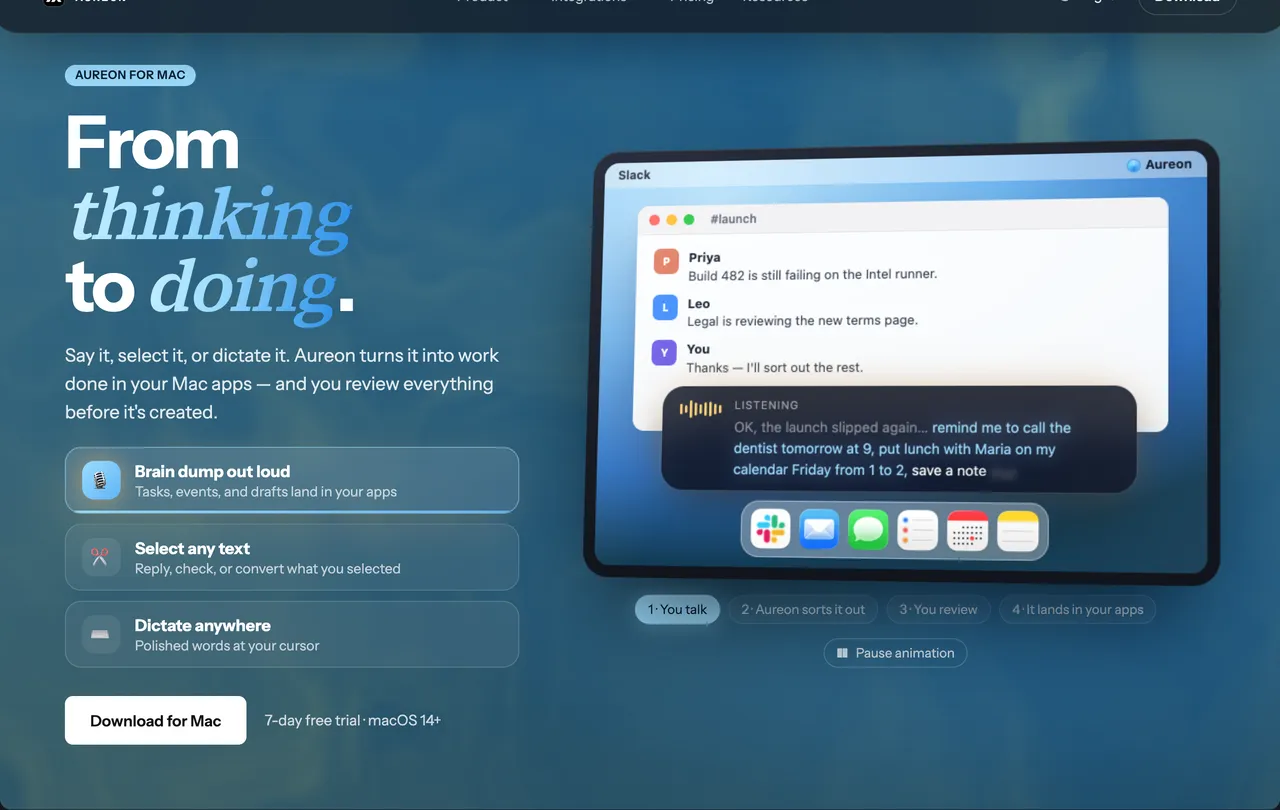
 AureonSay what you need. Aureon routes it to your Mac apps.autor: IInAureon$6.99+/mo · 7-day trial