 Friend
 CoralProductivity for Claude Code and Codex agentsby
 Coral ClaudeFree, Pro from $8/month, 7-day trial

A laser pointer for your Mac cursor. Hold Command to draw on screen while you present.


PointerBeam is a productivity app for Mac:A laser pointer for your Mac cursor. Hold Command to draw on screen while you present.It has not been checked yet.
PointerBeam puts a bright laser dot on your cursor so people can follow it during a presentation or screen share. Hold Command and move the mouse to draw on top of anything on screen. Let go and drawing stops. Press Option to remove the last line, or Command and Option to clear everything. The shortcuts work while Keynote or any other app is in front, and you can change them.
It works over a full-screen Keynote slideshow. In Zoom or Teams, share your entire screen, not a single window, and the other side sees the laser and lines too. You can change the laser's color, size and intensity, or hide its border ring.
No account, no subscription, and no Accessibility or Input Monitoring permission. Free for 14 days, then $2.99 once. Requires macOS 14.6 or later.
A tick is not a safety guarantee. Read how to tell if a Mac app is safe.
This is your app, so here is its own badge for your site. It links back to this page, shows your real votes, and makes your app a Friend of MacPip.


<a href="https://macpip.com/apps/pointerbeam?ref=badge"><img src="https://macpip.com/badge/pointerbeam.svg" height="58" alt="PointerBeam is listed on MacPip"></a>
Ask your AI about PointerBeam, like “Is PointerBeam worth it?” Connect MacPip
FriendCoralProductivity for Claude Code and Codex agentsby Coral ClaudeFree, Pro from $8/month, 7-day trial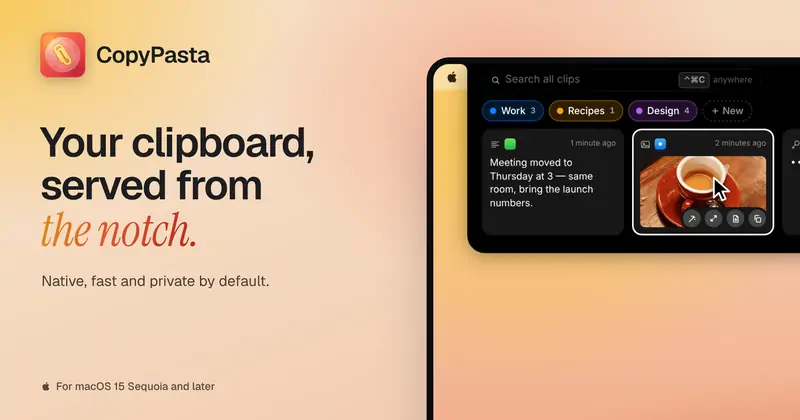 #1Nov 9
 CopyPastaCopyPasta is a private-by-default clipboard manager…by
 @AmasCreates$14.99 once, 7-day free trial
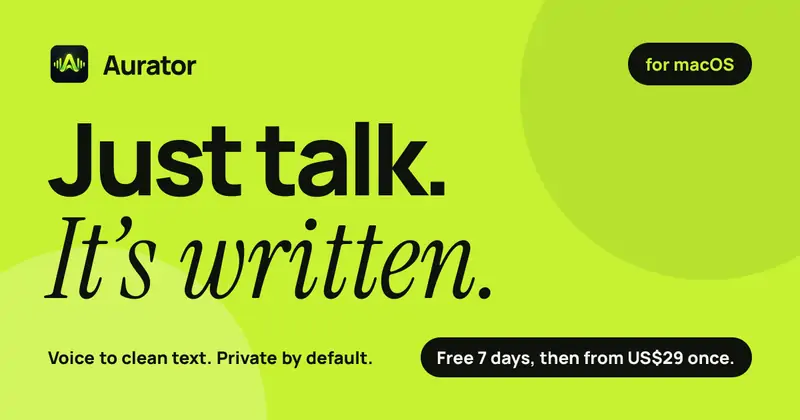
 AuratorAurator turns your voice into clean text in every app…by
 @ndmrauFrom $29 once, 7-day free trial
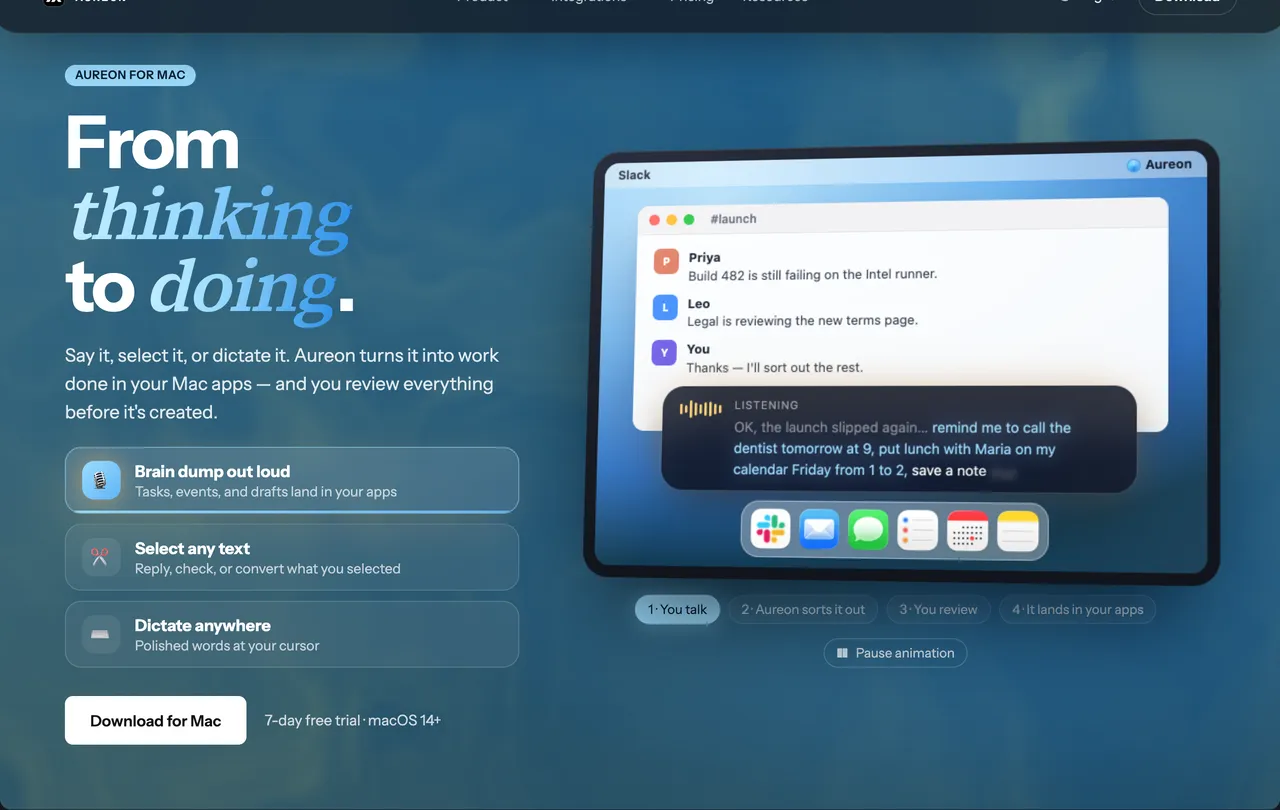
 AureonSay what you need. Aureon routes it to your Mac apps.by IInAureon$6.99+/mo · 7-day trial