Updated Nov 8, 2026, from what MacPip lists today.
Krótka odpowiedź
Aplikacje z kategorii „Schowek i tekst” na Mac w MacPip: 6. Sprawdzone przez osobę: 2.Z darmową wersją: 2.Z licencją jednorazową: 5.Płatne w abonamencie: 1.There is no single best clipboard manager for everyone, so MacPip does not rank them.Jeśli wolisz zapłacić raz niż płacić abonament, zacznij od Droppy.
Apps a person checked come first, newest check first. Never ordered by payment.
A clipboard manager is one of those apps you install once and then cannot imagine working without. It remembers everything you copy, so the link from ten minutes ago is still there.
MacPip lists 6 clipboard and text apps. Not all are classic clipboard managers: one turns selected text into actions, one is an input method that previews translations as you type, and one lives in the notch.
macOS 26 Tahoe added a clipboard history to Spotlight, so check whether that is enough before you buy one.
What these 6 apps offer, by their listings. An app can offer several, so the bars do not add up to 6.
Wersja darmowa2 z 6
Pay once5 z 6
Subskrypcja1 z 6
Native to Apple silicon5 z 6
Open source0 z 6
Działa offline1 z 6
Sprawdzone przez osobę2 z 6
One-time price in US dollars, as each listing states it, lowest first. 1 app has no plain dollar one-time price and is left out. Launch prices count where the listing says so.
From its maker: Droppy brings files, clipboard history and everyday controls to your Mac's notch or a floating Dynamic Island. Gather files in the File Tray, find text, links, images and files you copied, control music and arrange shelf widgets for your daily tools.
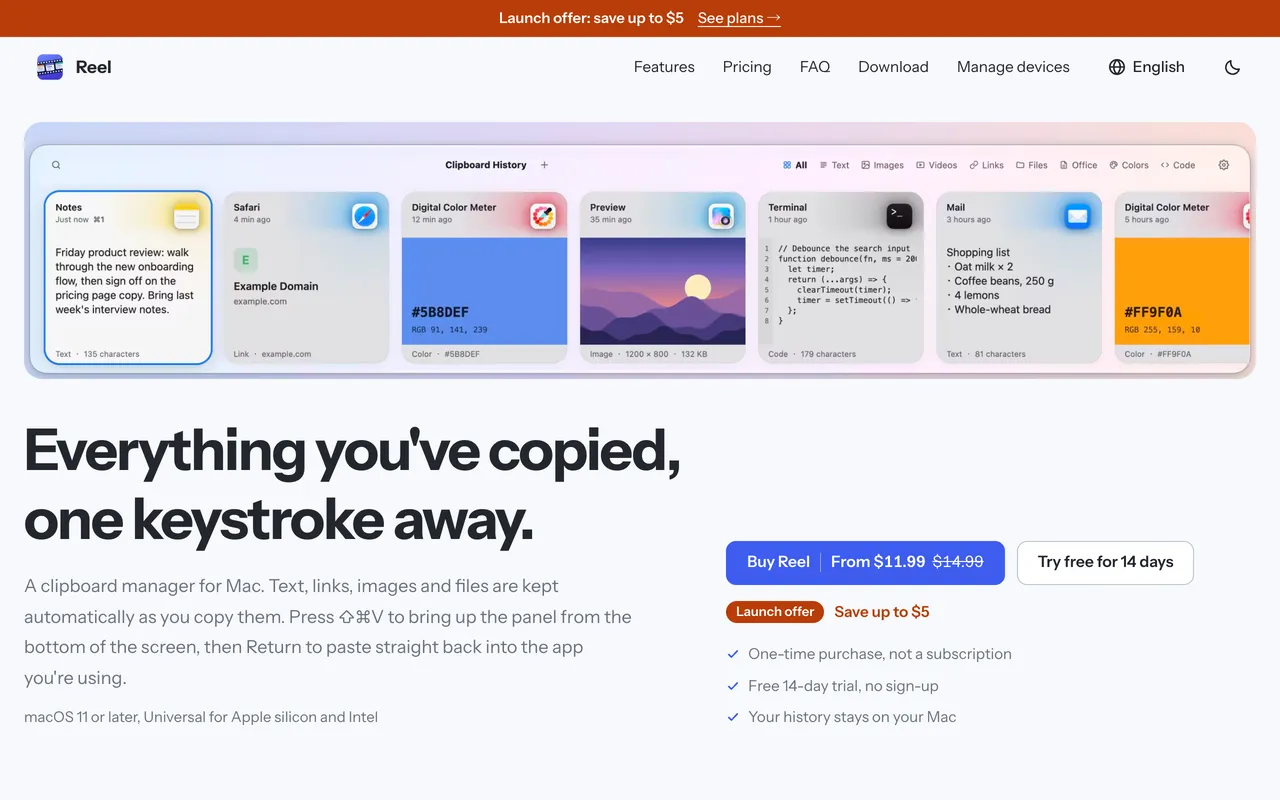
Reel is a classic clipboard manager done carefully. Press Shift-Command-V, find what you copied, hit Return and it pastes into the app you were in. It keeps text, links, code, colors, images and files, with search, pinboards for snippets and previews. It is $11.99 once for 1 Mac at its launch price, with a 14-day trial, and needs macOS 11 or later.
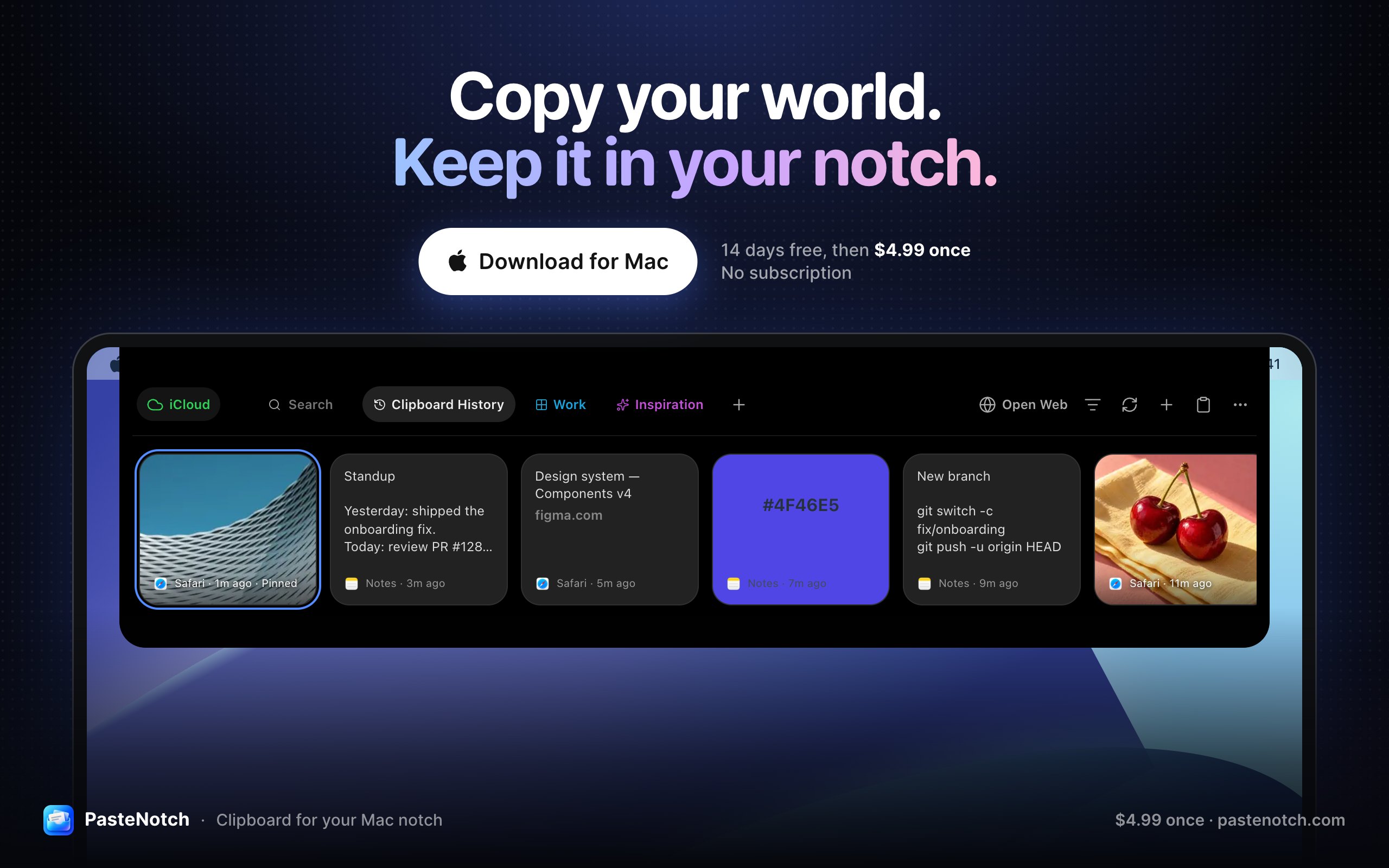
From its maker: PasteNotch keeps the things you copy within reach, so you can find them again without digging through windows. - Search copied text, links, images and files.
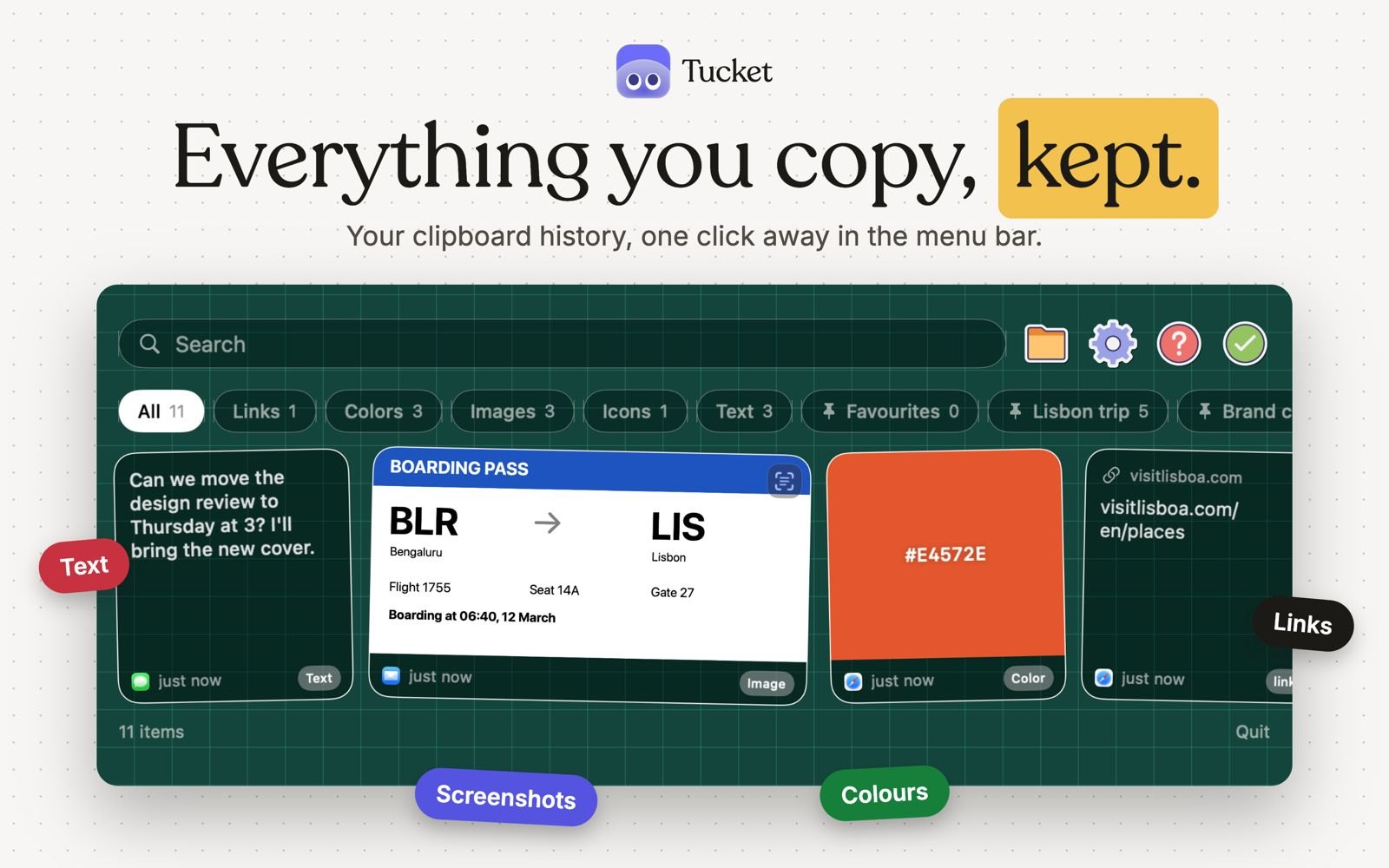
Tucket is a clipboard manager that lives in the notch. It keeps every copy on your Mac, sorts clips by type as you copy them, makes screenshots searchable by the text inside them, and blocks sensitive data before it is stored. It runs on Apple silicon and needs macOS 14 Sonoma or later.
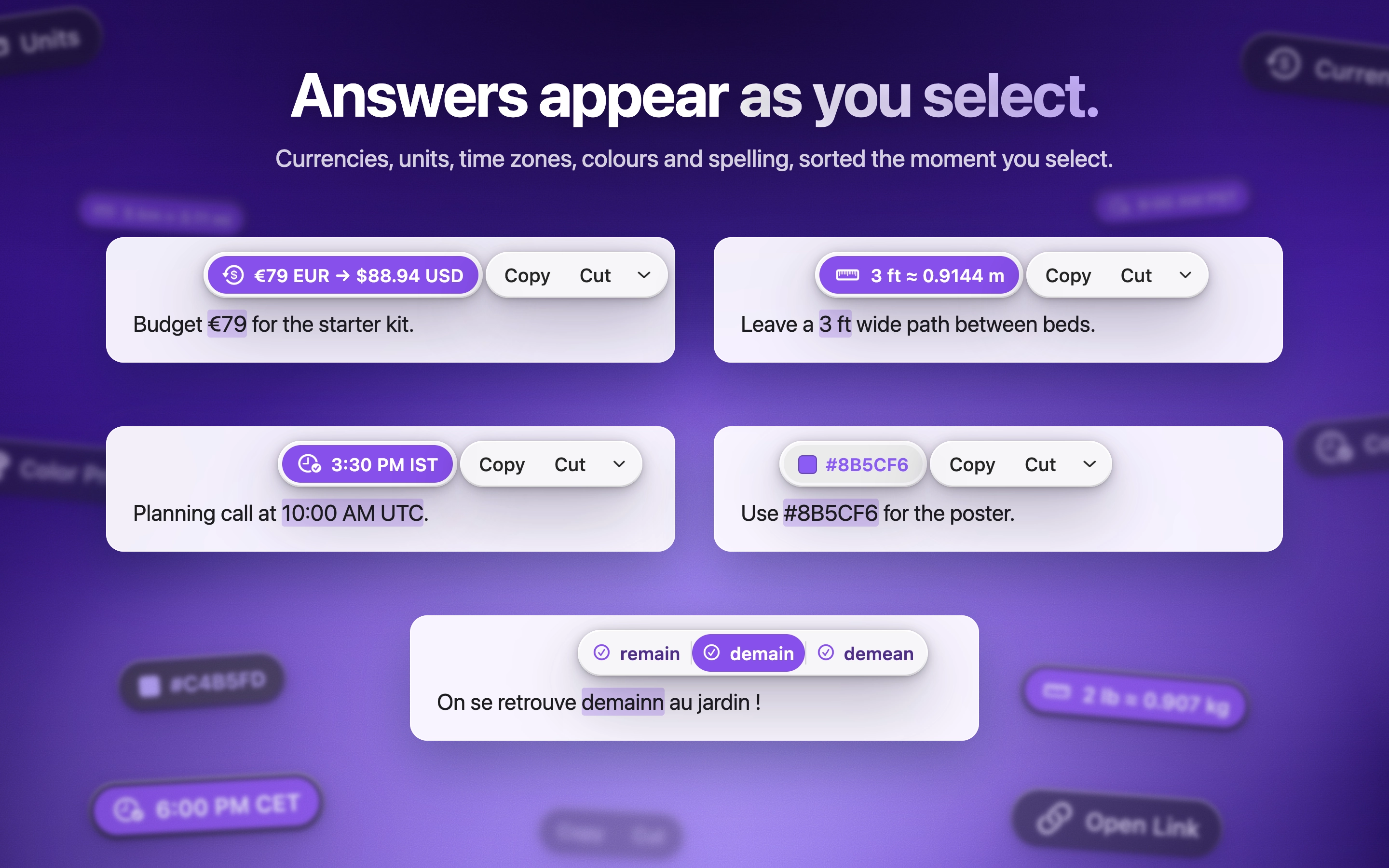
ActionClip puts a small action menu beside text you select: copy, rewrite, translate, search or run a saved workflow. You can describe a new action and it builds one using AI prompts, JavaScript, AppleScript or shell commands. Free for 30 actions a day, with lifetime licenses from $12. It is a native Swift app for Apple silicon with macOS 15 or later.
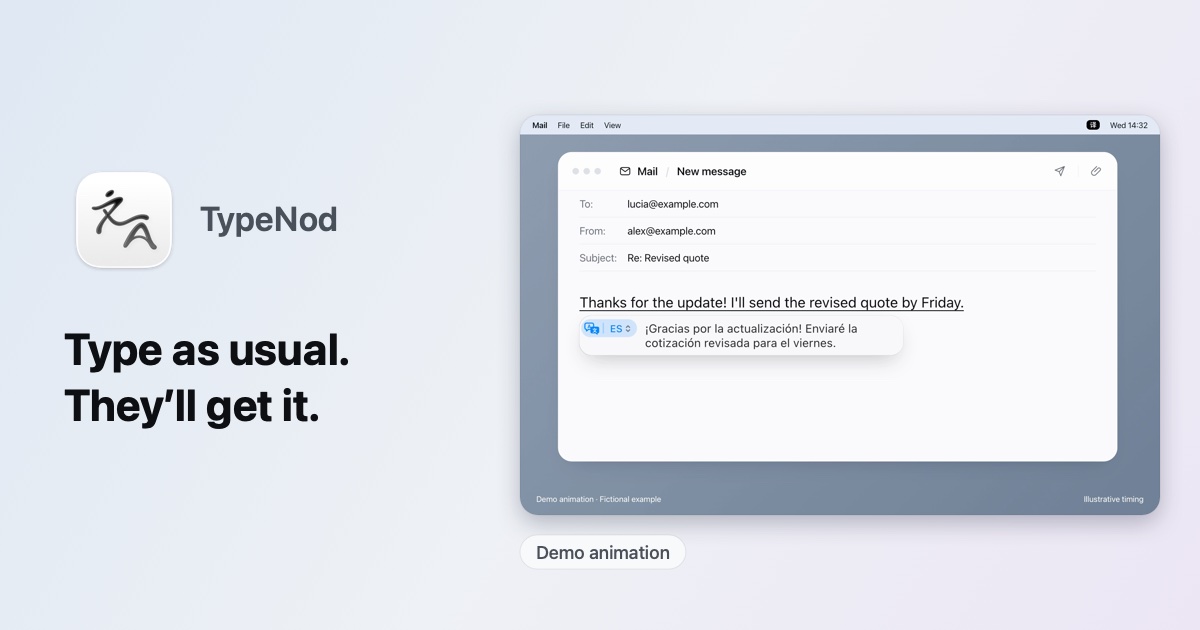
TypeNod is an input method that previews an on-device translation as you type in Pinyin, English, Spanish or French, then inserts it when you confirm. Typed text is not uploaded and the clipboard is not read. It is $9.90 for a lifetime license on every Mac you use, with a 30-day refund and no trial. It needs macOS 26 or later.
Wybierz Droppy, jeśli wolisz zapłacić raz niż płacić abonament.
Wybierz Droppy, jeśli chcesz, żeby działała natywnie na Apple silicon.
Pytania
What is the best clipboard manager for Mac?
There is no single best one for everyone. MacPip lists 6: Droppy, Reel, PasteNotch, Tucket, ActionClip, TypeNod. If you would rather pay once than subscribe, look at Droppy. If you want it to run natively on Apple silicon, look at Droppy.
Czy są darmowe aplikacje z kategorii „Schowek i tekst” na Mac?
Tak. Z darmową wersją na MacPip: Tucket, ActionClip.
Które aplikacje z kategorii „Schowek i tekst” na Mac mają cenę jednorazową?
Z opcją jednorazowego zakupu, by uniknąć abonamentu: Droppy, Reel, PasteNotch, ActionClip, TypeNod.
Which clipboard and text apps run natively on Apple silicon?
Według twórców lub według naszego sprawdzenia: Droppy, PasteNotch, Tucket, ActionClip, TypeNod.
Które aplikacje z kategorii „Schowek i tekst” sprawdziła osoba?
Każda ma datowany raport na swojej stronie: Droppy, Reel.
Jak MacPip ustawia te aplikacje w kolejności?
Najpierw idą aplikacje, które sprawdziła osoba, od najnowszego sprawdzenia, a potem reszta według daty dodania. Płatność nigdy nie zmienia kolejności, a wiersze sponsorowane są oznaczone i trzymane osobno.


 Autor: Jordy SpruitStronaOn X