Updated Nov 8, 2026, from what MacPip lists today.
Kurze Antwort
MacPip listet 6 Mac-Apps der Kategorie „Zwischenablage und Text“, und eine Person hat 2 davon geprüft.2 davon haben eine kostenlose Version.5 davon verkaufen eine einmalige Lizenz.1 davon wird per Abo bezahlt.There is no single best clipboard manager for everyone, so MacPip does not rank them.Wenn du lieber einmal zahlst, statt ein Abo abzuschließen, fang mit Droppy an.
Apps a person checked come first, newest check first. Never ordered by payment.
A clipboard manager is one of those apps you install once and then cannot imagine working without. It remembers everything you copy, so the link from ten minutes ago is still there.
MacPip lists 6 clipboard and text apps. Not all are classic clipboard managers: one turns selected text into actions, one is an input method that previews translations as you type, and one lives in the notch.
macOS 26 Tahoe added a clipboard history to Spotlight, so check whether that is enough before you buy one.
What these 6 apps offer, by their listings. An app can offer several, so the bars do not add up to 6.
Kostenlose Version2 von 6
Pay once5 von 6
Abo1 von 6
Native to Apple silicon5 von 6
Open Source0 von 6
Funktioniert offline1 von 6
Von einer Person geprüft2 von 6
One-time price in US dollars, as each listing states it, lowest first. 1 app has no plain dollar one-time price and is left out. Launch prices count where the listing says so.
From its maker: Droppy brings files, clipboard history and everyday controls to your Mac's notch or a floating Dynamic Island. Gather files in the File Tray, find text, links, images and files you copied, control music and arrange shelf widgets for your daily tools.
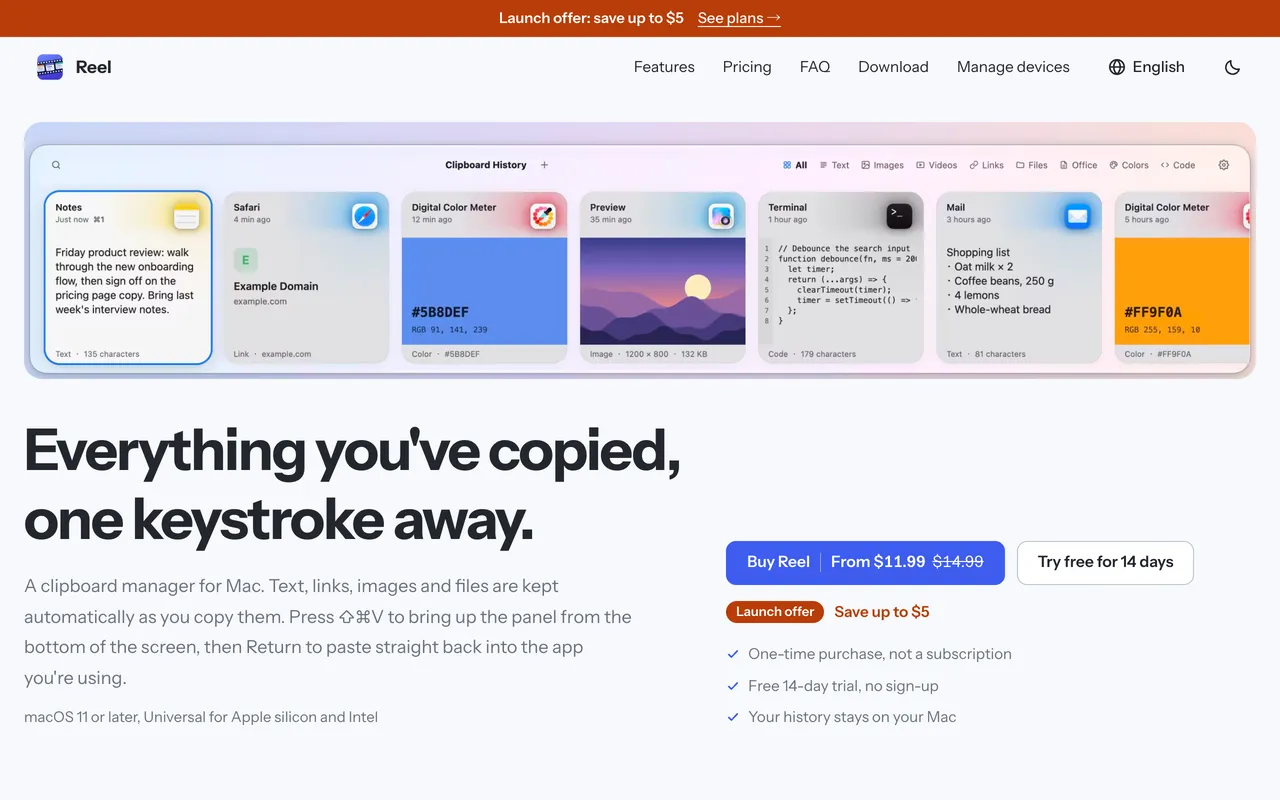
Reel is a classic clipboard manager done carefully. Press Shift-Command-V, find what you copied, hit Return and it pastes into the app you were in. It keeps text, links, code, colors, images and files, with search, pinboards for snippets and previews. It is $11.99 once for 1 Mac at its launch price, with a 14-day trial, and needs macOS 11 or later.
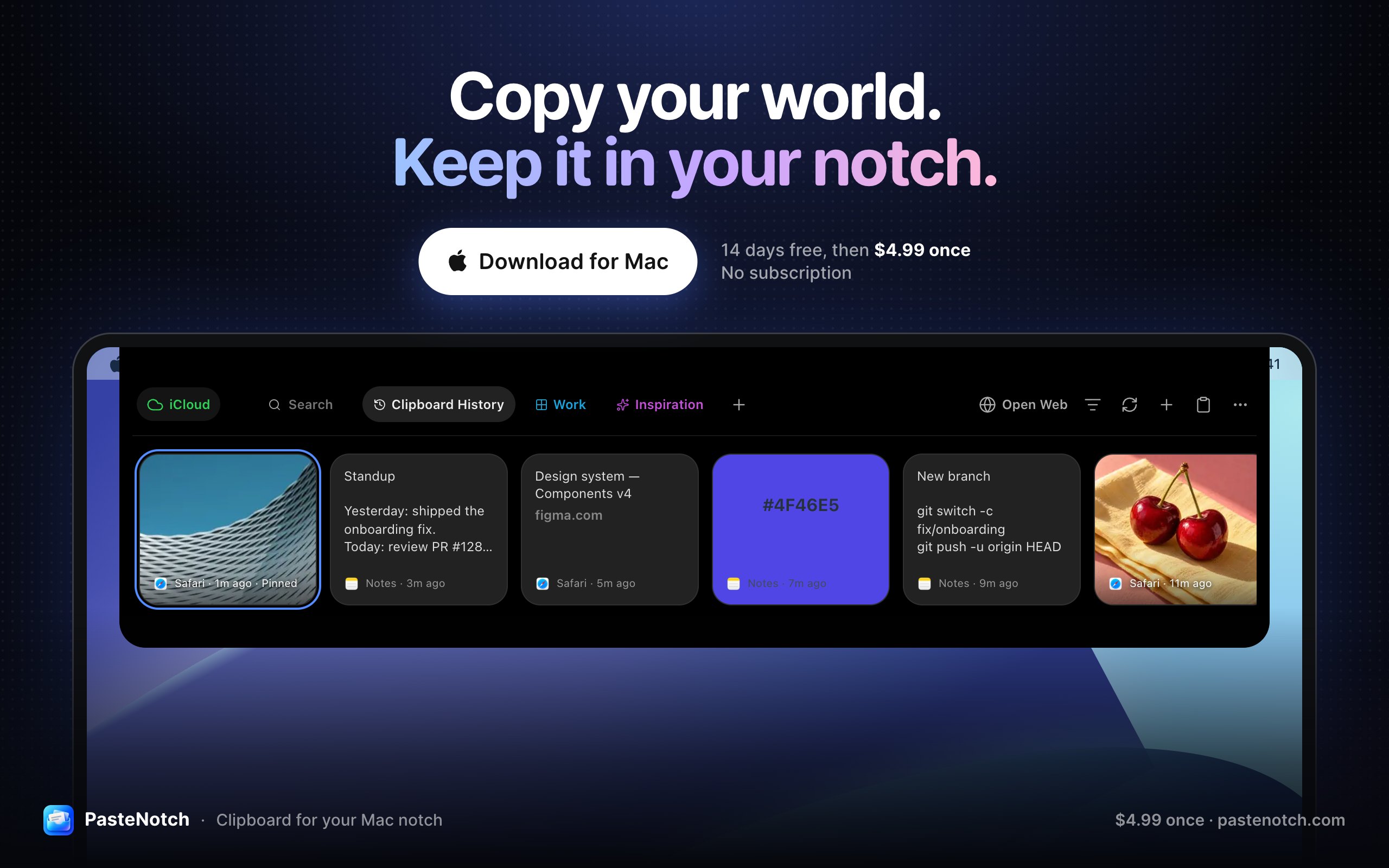
From its maker: PasteNotch keeps the things you copy within reach, so you can find them again without digging through windows. - Search copied text, links, images and files.
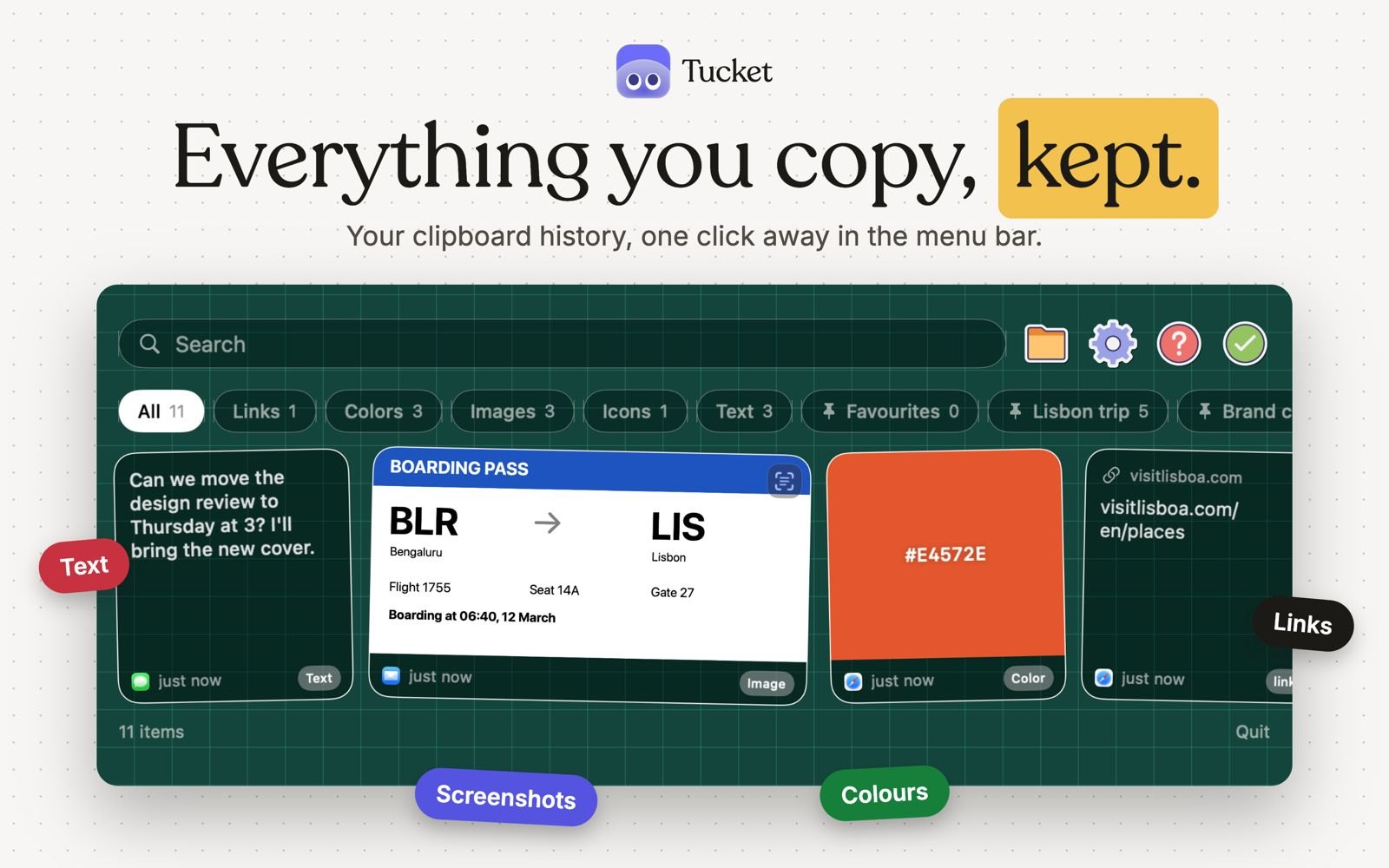
Tucket is a clipboard manager that lives in the notch. It keeps every copy on your Mac, sorts clips by type as you copy them, makes screenshots searchable by the text inside them, and blocks sensitive data before it is stored. It runs on Apple silicon and needs macOS 14 Sonoma or later.
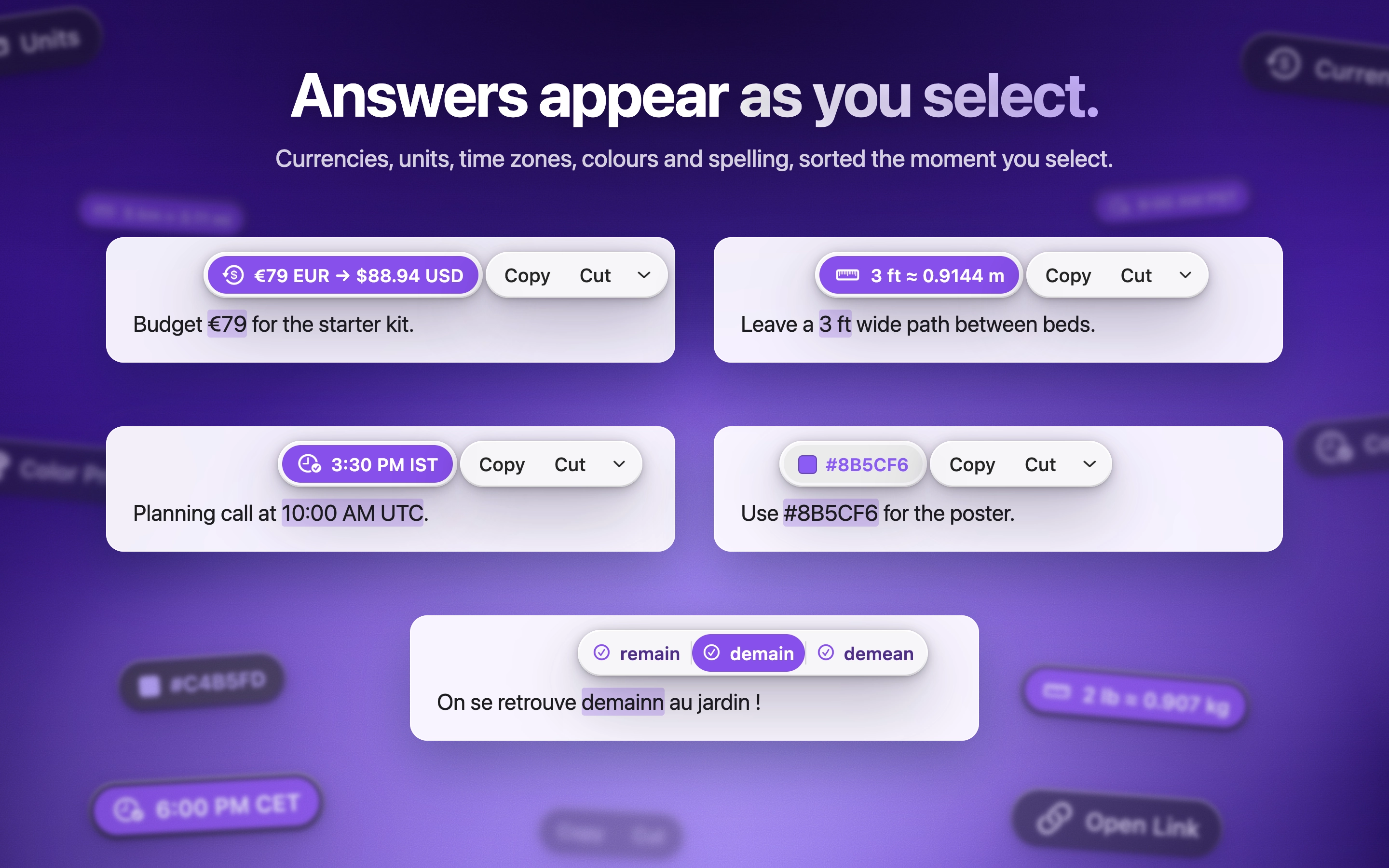
ActionClip puts a small action menu beside text you select: copy, rewrite, translate, search or run a saved workflow. You can describe a new action and it builds one using AI prompts, JavaScript, AppleScript or shell commands. Free for 30 actions a day, with lifetime licenses from $12. It is a native Swift app for Apple silicon with macOS 15 or later.
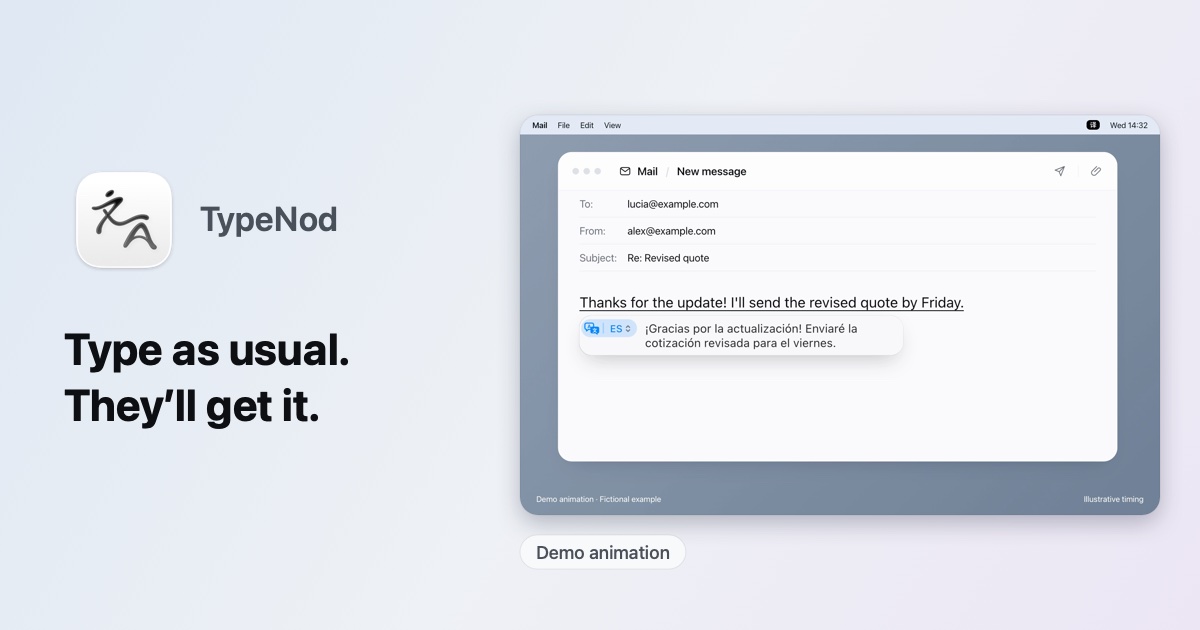
TypeNod is an input method that previews an on-device translation as you type in Pinyin, English, Spanish or French, then inserts it when you confirm. Typed text is not uploaded and the clipboard is not read. It is $9.90 for a lifetime license on every Mac you use, with a 30-day refund and no trial. It needs macOS 26 or later.
Nimm Droppy, wenn du lieber einmal zahlst, statt ein Abo abzuschließen.
Nimm Droppy, wenn sie nativ auf Apple silicon laufen soll.
Fragen
What is the best clipboard manager for Mac?
There is no single best one for everyone. MacPip lists 6: Droppy, Reel, PasteNotch, Tucket, ActionClip, TypeNod. If you would rather pay once than subscribe, look at Droppy. If you want it to run natively on Apple silicon, look at Droppy.
Gibt es kostenlose Apps der Kategorie „Zwischenablage und Text“ für Mac?
Ja. Mit kostenloser Version auf MacPip: Tucket, ActionClip.
Welche Apps der Kategorie „Zwischenablage und Text“ für Mac haben einen Einmalpreis?
Mit Einmalkauf-Option, damit du ein Abo vermeiden kannst: Droppy, Reel, PasteNotch, ActionClip, TypeNod.
Which clipboard and text apps run natively on Apple silicon?
Nach Angabe der Maker oder nach unserer Prüfung: Droppy, PasteNotch, Tucket, ActionClip, TypeNod.
Welche Apps der Kategorie „Zwischenablage und Text“ hat eine Person geprüft?
Jede hat einen datierten Bericht auf ihrer Seite: Droppy, Reel.
Wie sortiert MacPip diese Apps?
Apps, die eine Person geprüft hat, kommen zuerst, die neueste Prüfung vorn, danach der Rest nach Datum des Hinzufügens. Bezahlung ändert die Reihenfolge nie, und gesponserte Zeilen sind gekennzeichnet und getrennt.


 Gemacht von Jordy SpruitWebsiteOn X