MacPip lists 8 one-time purchase screen recorders for Mac, and MacPip has checked 2 of them.ما له نسخة مجانية: 4.كلها تبيع ترخيصًا لمرة واحدة.المباع منها بالاشتراك: 4.There is no single best one-time purchase screen recorder for everyone, so MacPip does not rank them.إذا أردته مجانيًا، فابدأ من هنا: Glisio.
تأتي التطبيقات المفحوصة أولًا، والأحدث فحصًا قبل غيره. لا ترتيب بالدفع أبدًا.
ما تقدمه هذه التطبيقات (8)، حسب صفحات إدراجها. قد يقدم التطبيق عدة أشياء، لذا لا يصل مجموع الأشرطة إلى 8.
نسخة مجانية4 من 8
دفع لمرة واحدة8 من 8
اشتراك4 من 8
أصلي لـ Apple silicon6 من 8
مفتوح المصدر0 من 8
يعمل دون اتصال4 من 8
مفحوص2 من 8
السعر لمرة واحدة بالدولار الأمريكي، كما تذكره كل صفحة إدراج، من الأقل إلى الأعلى. التطبيقات التي ليس لها سعر واضح بالدولار لمرة واحدة مستبعدة، وعددها 1. وتُحتسب أسعار الإطلاق حيث تذكرها صفحة الإدراج.
Smooth Recorder keeps it simple: $19 once, no subscription. It zooms in on every click, smooths the cursor and adds captions, so a quick demo needs less editing afterwards.
لقطات الشاشة وصور GIF والالتقاط مع التمرير مدمجة فيه، ما يجعله مفيدًا للمستندات وملفات README إلى جانب الفيديو. يحتاج إلى macOS 15 أو أحدث، فتحققوا من إصداركم قبل الشراء.
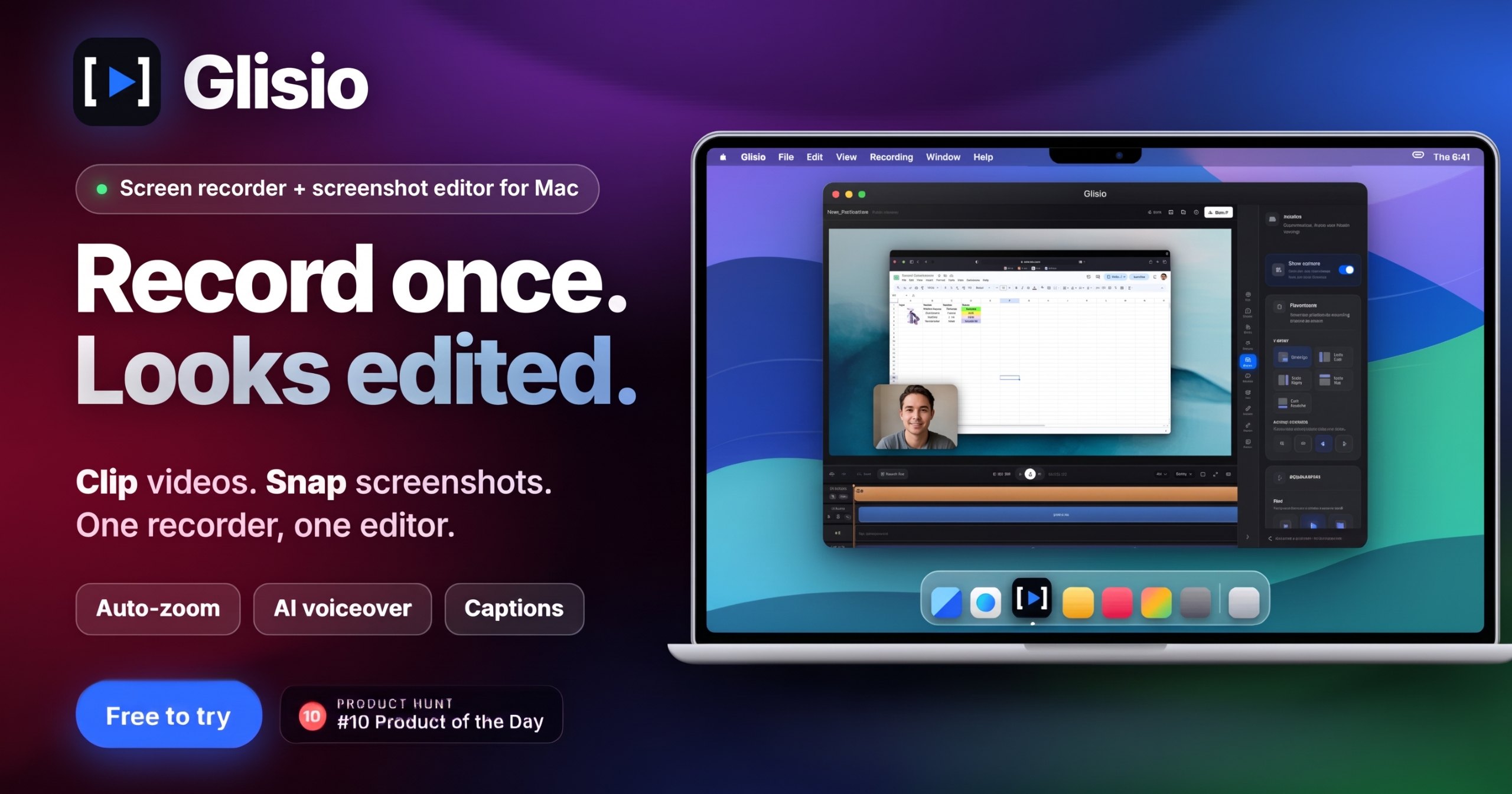
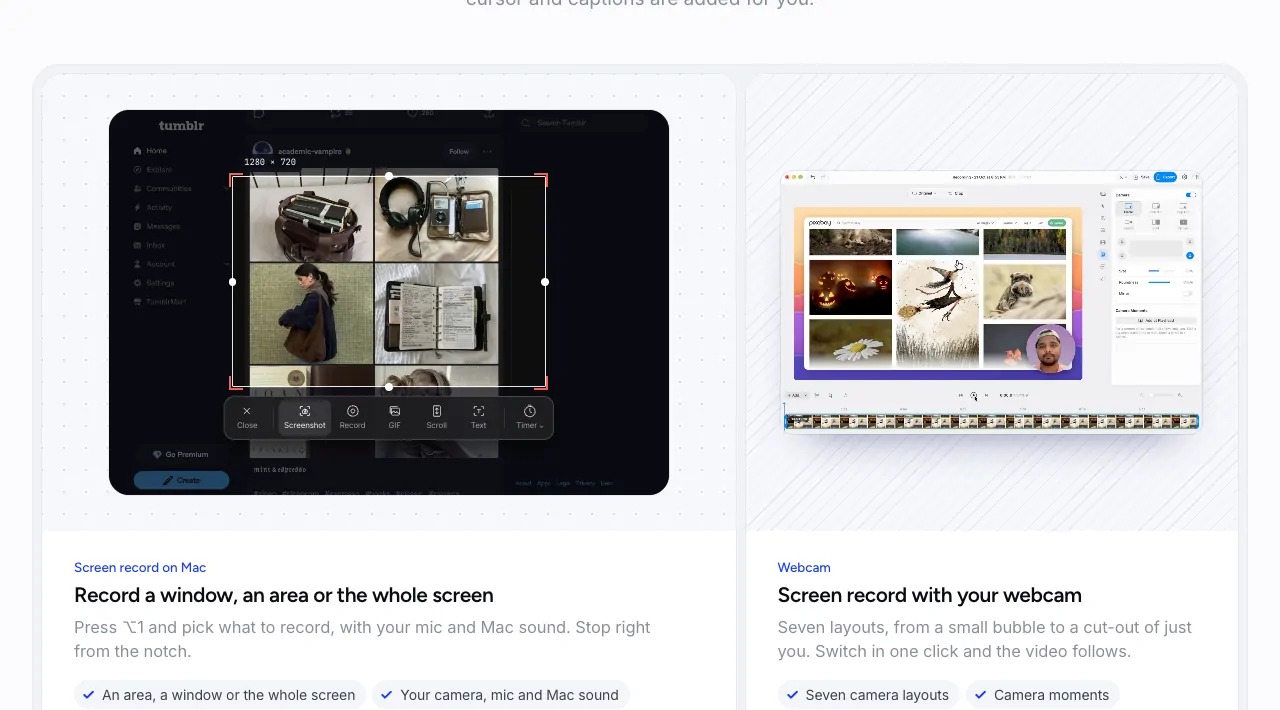
Glisio هو الخيار الذي يستحق النظر إذا كانت فيديوهاتكم تذهب إلى أكثر من مكان. يسجّل الشاشة وكاميرا الويب والميكروفون وصوت النظام في لقطة واحدة، ثم يتيح لكم التحرير على جهاز Mac مع تكبير عند النقرات، وتنعيم المؤشر، وSmart Cut، والخلفيات، والهوية البصرية.
يأتي التصدير بنسب 16:9 و9:16 و1:1، فيمكن أن يصبح تسجيل واحد درسًا تعليميًا ومقطعًا عموديًا. وتتوفر ترجمة نصية وتعليق صوتي بالذكاء الاصطناعي إن أردتموهما، وأداة لقطات شاشة اسمها Snap مدمجة فيه.
The free version is real but limited: exports stop at 30 seconds and carry a watermark. Pro Lifetime removes both for $79, one payment.
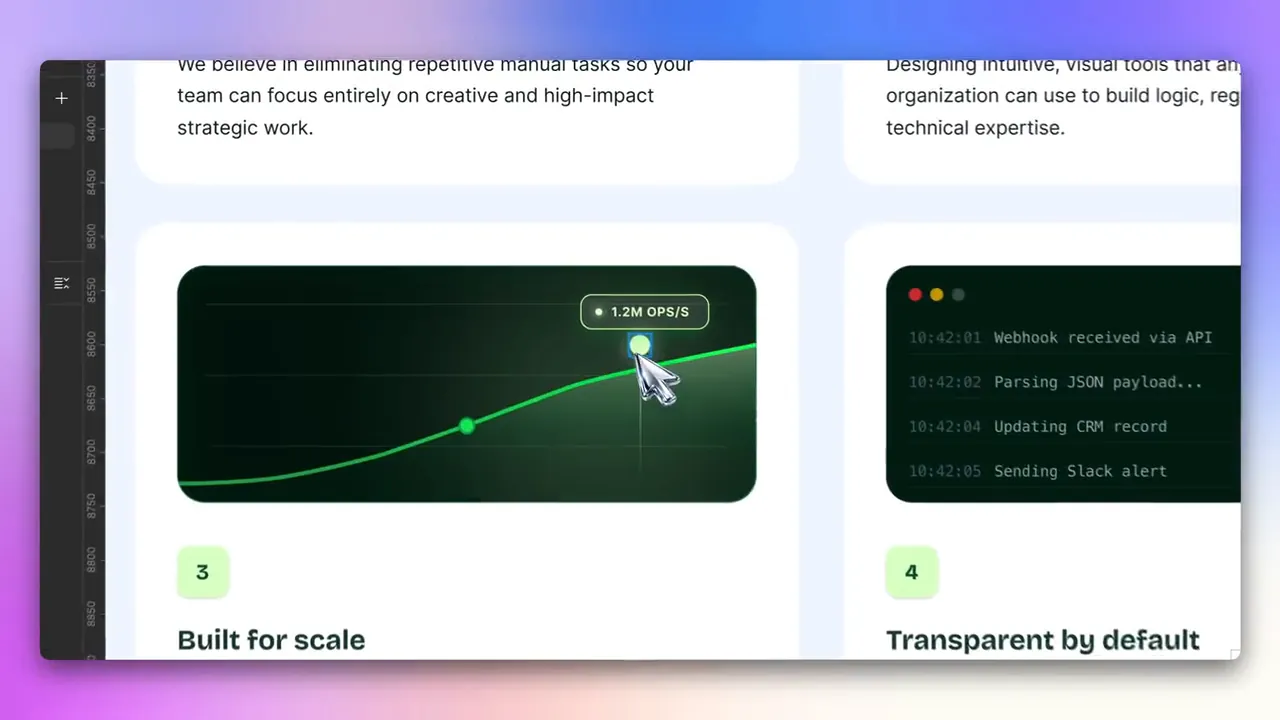
من صانعه: Lens is a Mac screen recorder that does the editing for you. It follows your cursor and clicks and adds zooms and pans automatically, which you can adjust on a timeline.
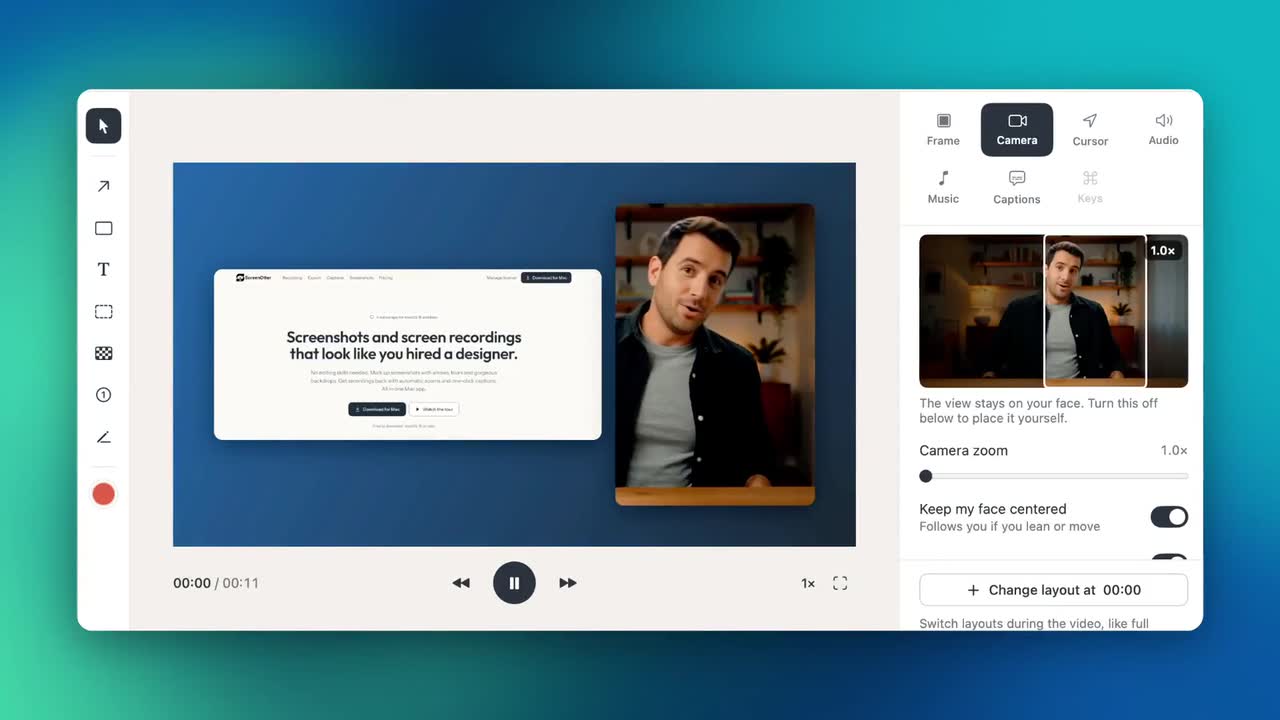
من صانعه: ScreenOtter is a native Mac app for screen recordings and screenshots. Your recordings come back already edited: a zoom on every click, a smooth pointer, and your camera in one of eight layouts you can change after you record.
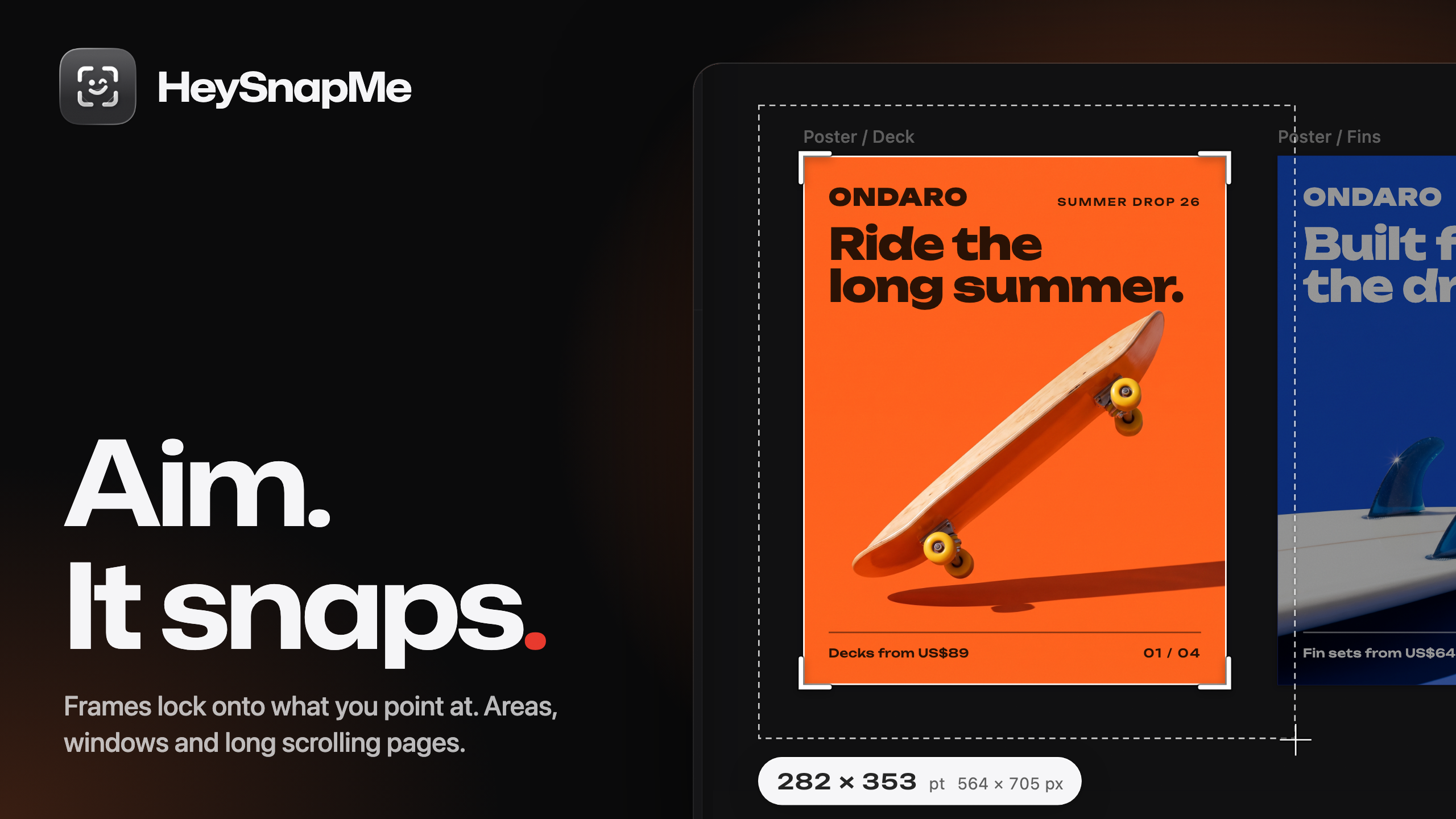
من صانعه: Are you tired of cluttered screenshots and disorganized captures? If you're a Mac user looking for a simple way to take and manage screenshots, HeySnapMe is here to help.
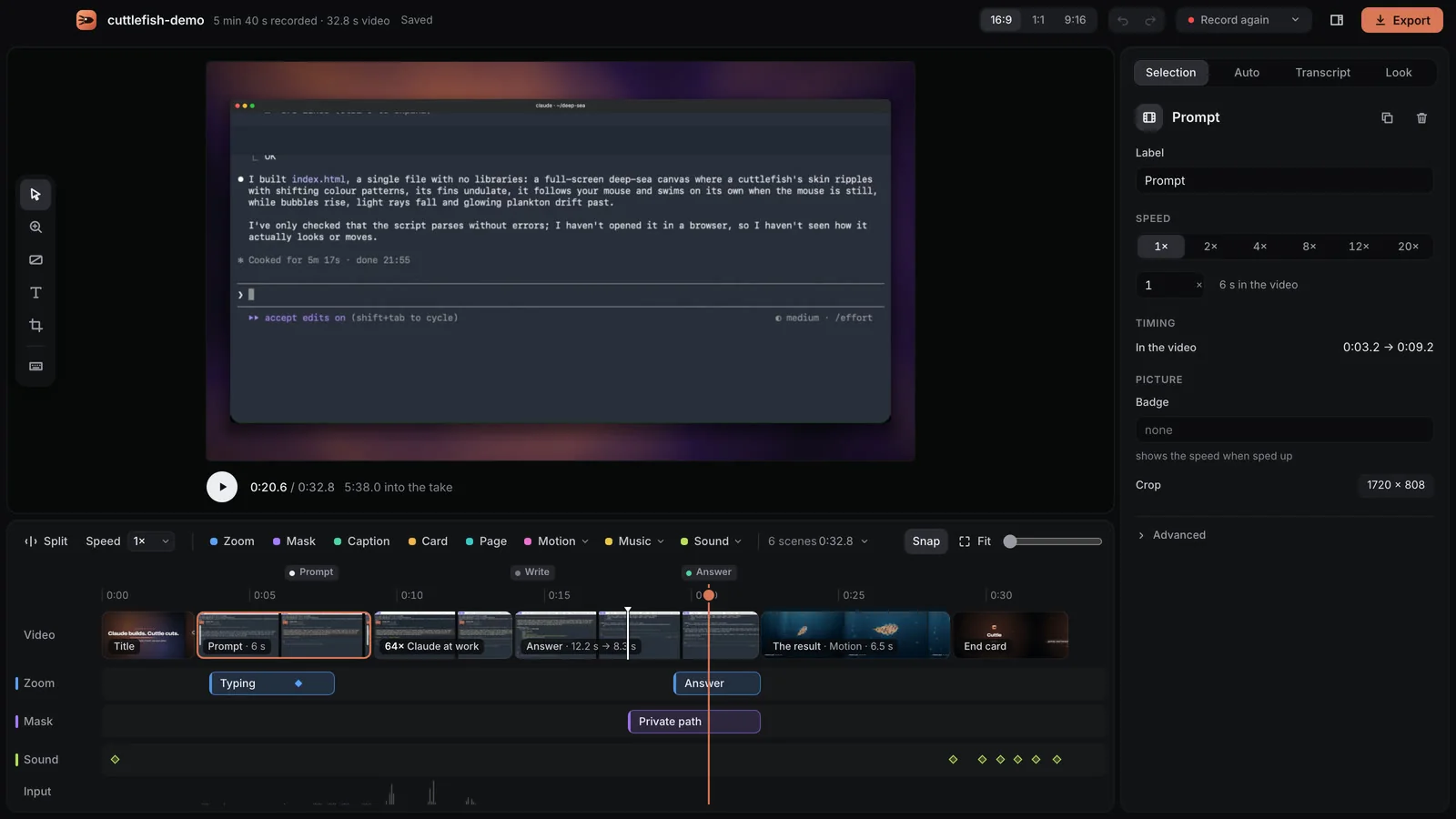
من From its maker: users need إلى record demos of their work without boring others with waiting time or sensitive information. Cuttle is a screen recorder for macOS that solves this problem.
اختر Smooth Recorder إذا كنت تفضل الدفع مرة واحدة على الاشتراك.
اختر Glisio إذا أردت أن يعمل أصليًا على Apple silicon.
اختر Glisio إذا كنت تحتاج أن يعمل دون اتصال بالإنترنت، كما يقول صانعه.
ما الذي تبحثون عنه
Look for system audio capture, the export formats you need, and whether the free version adds a watermark.
الأسئلة
What is the best one-time purchase screen recorder for Mac?
There is no single best one for everyone. MacPip lists 8: Smooth Recorder, Glisio, Lens Screen Recorder, ScreenOtter, MotionShine, SmoothCapture, HeySnapMe, Cuttle. If you want it free, look at Glisio. If you would rather pay once than subscribe, look at Smooth Recorder. If you want it to run natively on Apple silicon, look at Glisio. If you need it to work offline, as its maker says it does, look at Glisio.
Which one-time purchase screen recorders run natively on Apple silicon?
بحسب قول صانعيها أو بحسب فحصنا: Glisio, Lens Screen Recorder, MotionShine, SmoothCapture, HeySnapMe, Cuttle.
Which one-time purchase screen recorders has MacPip checked?
لكل منها تقرير مؤرخ في صفحته: Smooth Recorder, Glisio.
كيف ترتّب MacPip هذه التطبيقات؟
تأتي التطبيقات المفحوصة أولًا، والأحدث فحصًا قبل غيره، ثم البقية حسب وقت إضافتها. الدفع لا يغيّر الترتيب أبدًا، والصفوف المموَّلة موسومة ومفصولة عن غيرها.



 من صنع: mdanassaifالموقععلى X