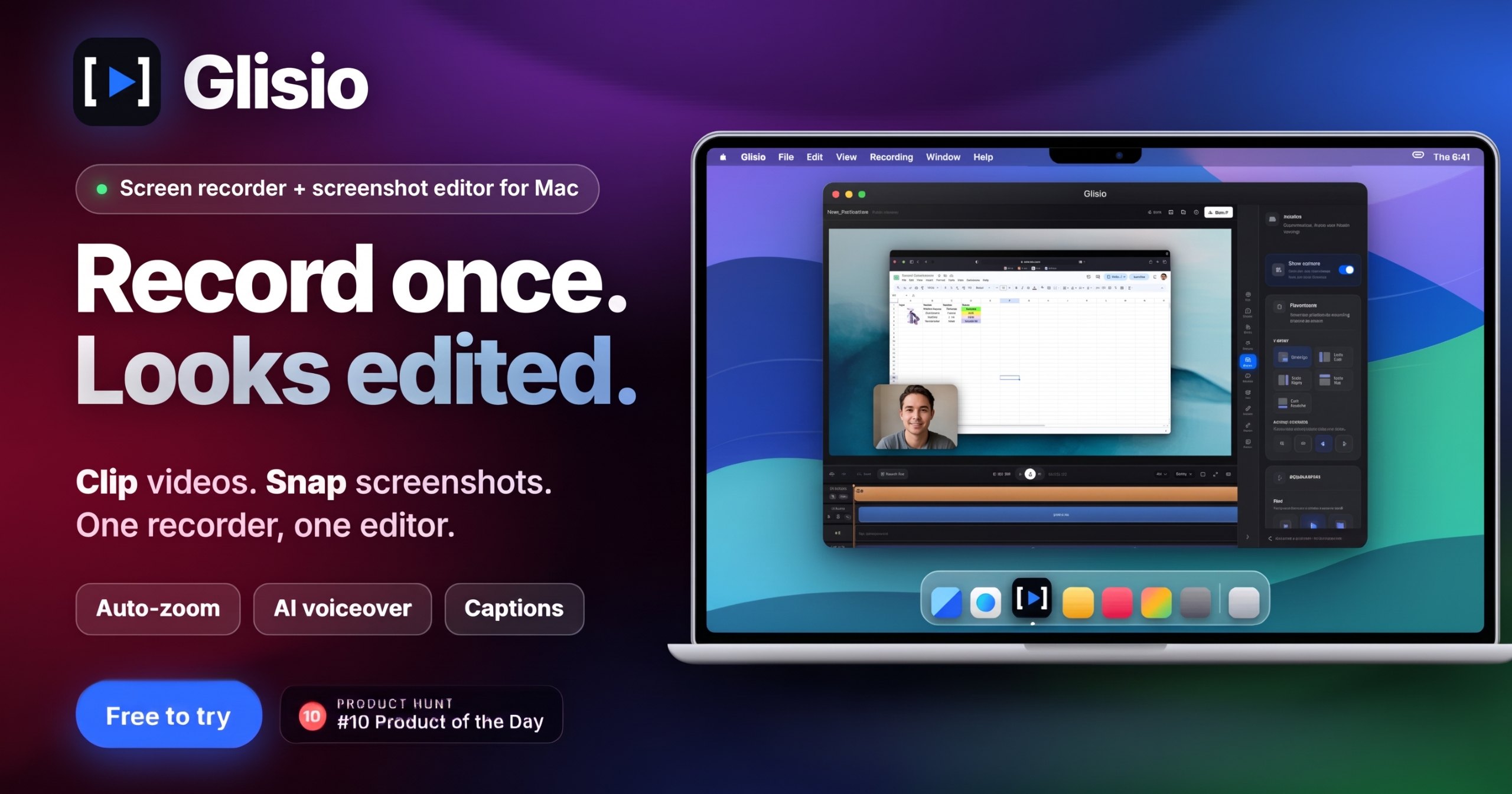
MacPip lists 8 one-time purchase screen recorders for Mac, and MacPip has checked 2 of them.そのうち4件に無料版があります。どれも買い切りライセンスを販売しています。そのうち4件はサブスクリプションで販売されています。There is no single best one-time purchase screen recorder for everyone, so MacPip does not rank them.無料がいいなら、Glisioから始めてください。
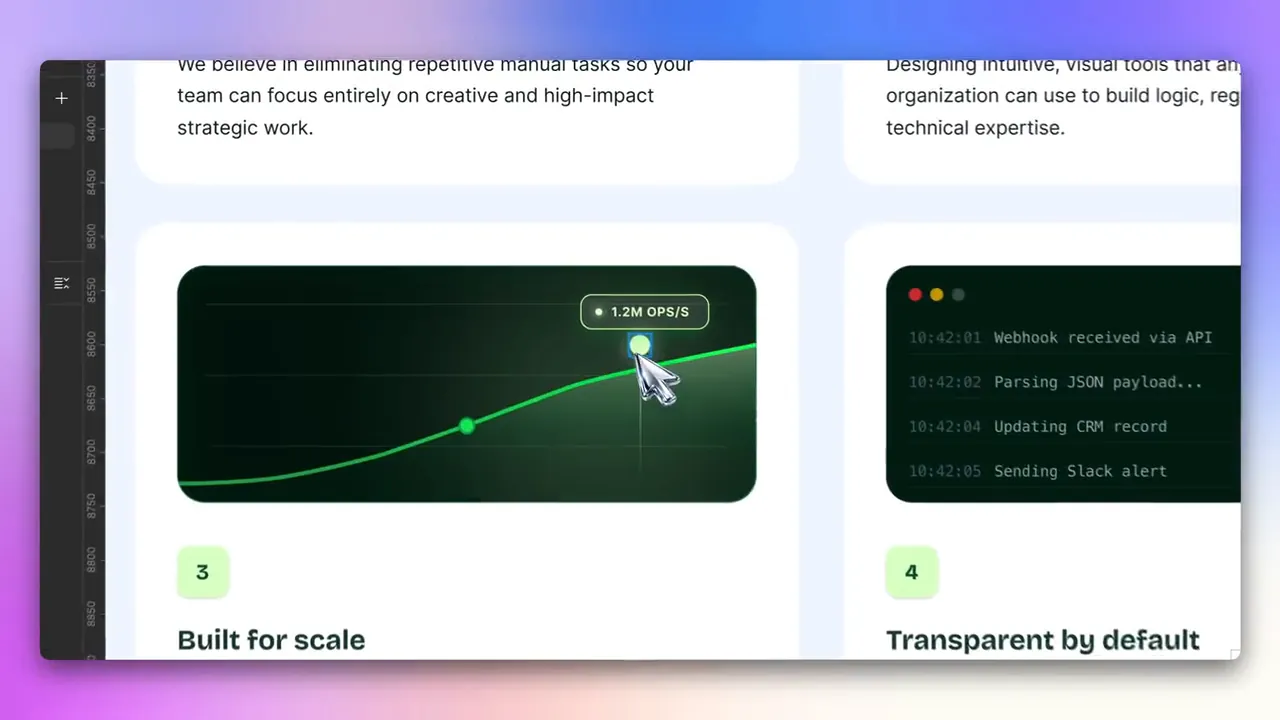
Smooth Recorder keeps it simple: $19 once, no subscription. It zooms in on every click, smooths the cursor and adds captions, so a quick demo needs less editing afterwards.
開発者より: Lens is a Mac screen recorder that does the editing for you. It follows your cursor and clicks and adds zooms and pans automatically, which you can adjust on a timeline.
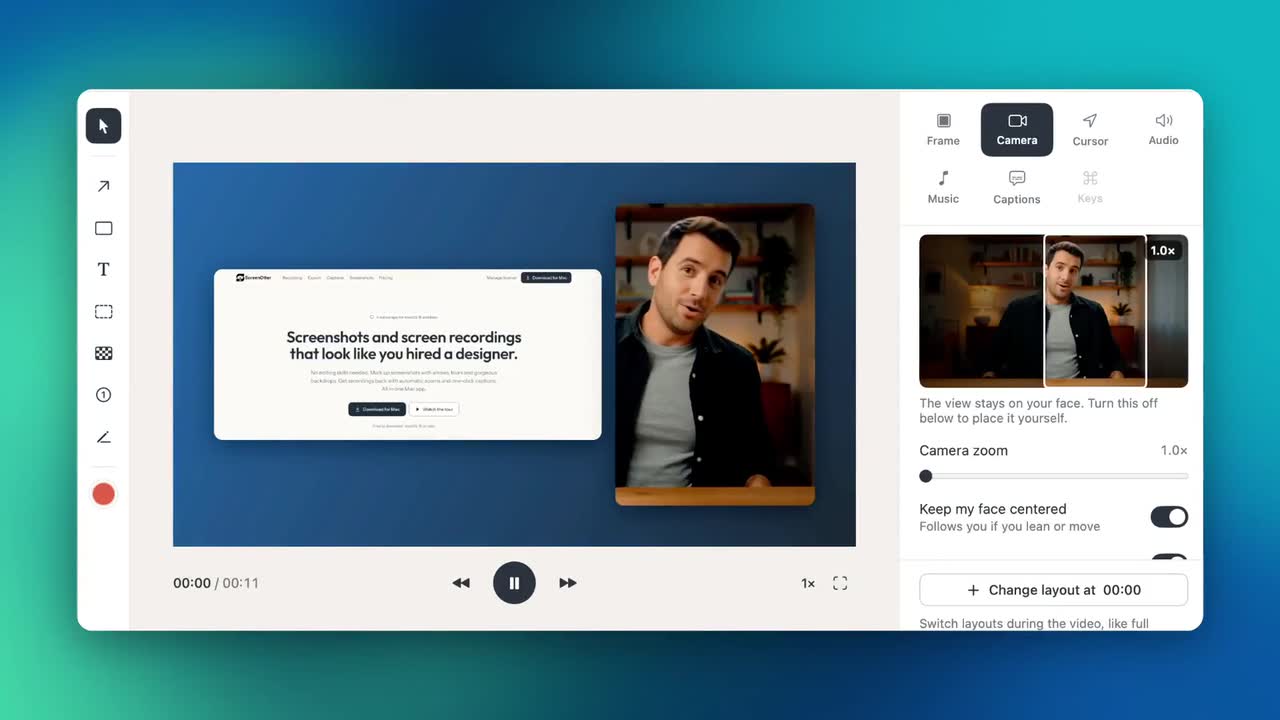
開発者より: ScreenOtter is a native Mac app for screen recordings and screenshots. Your recordings come back already edited: a zoom on every click, a smooth pointer, and your camera in one of eight layouts you can change after you record.
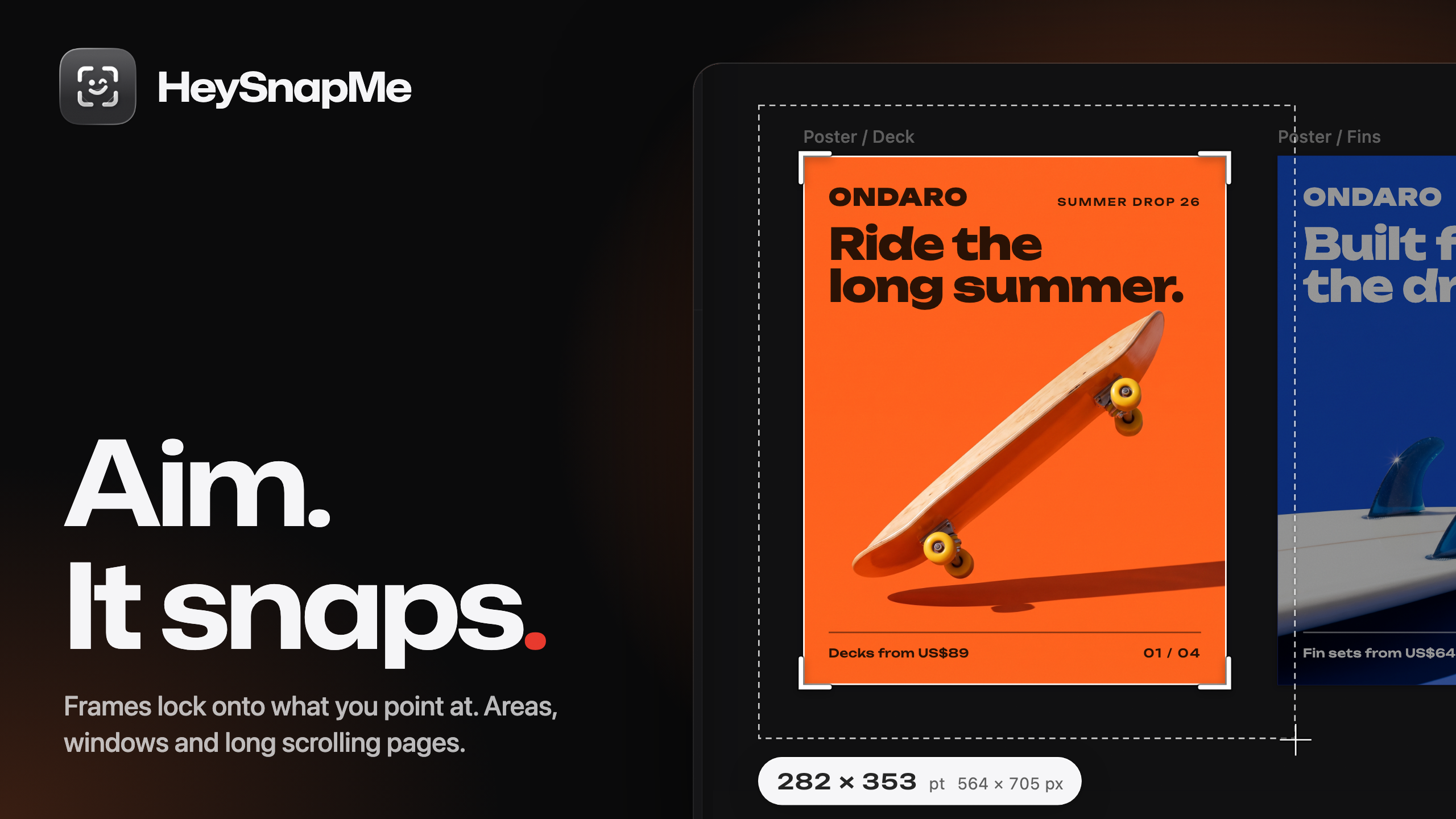
開発者より: Are you tired of cluttered screenshots and disorganized captures? If you're a Mac user looking for a simple way to take and manage screenshots, HeySnapMe is here to help.
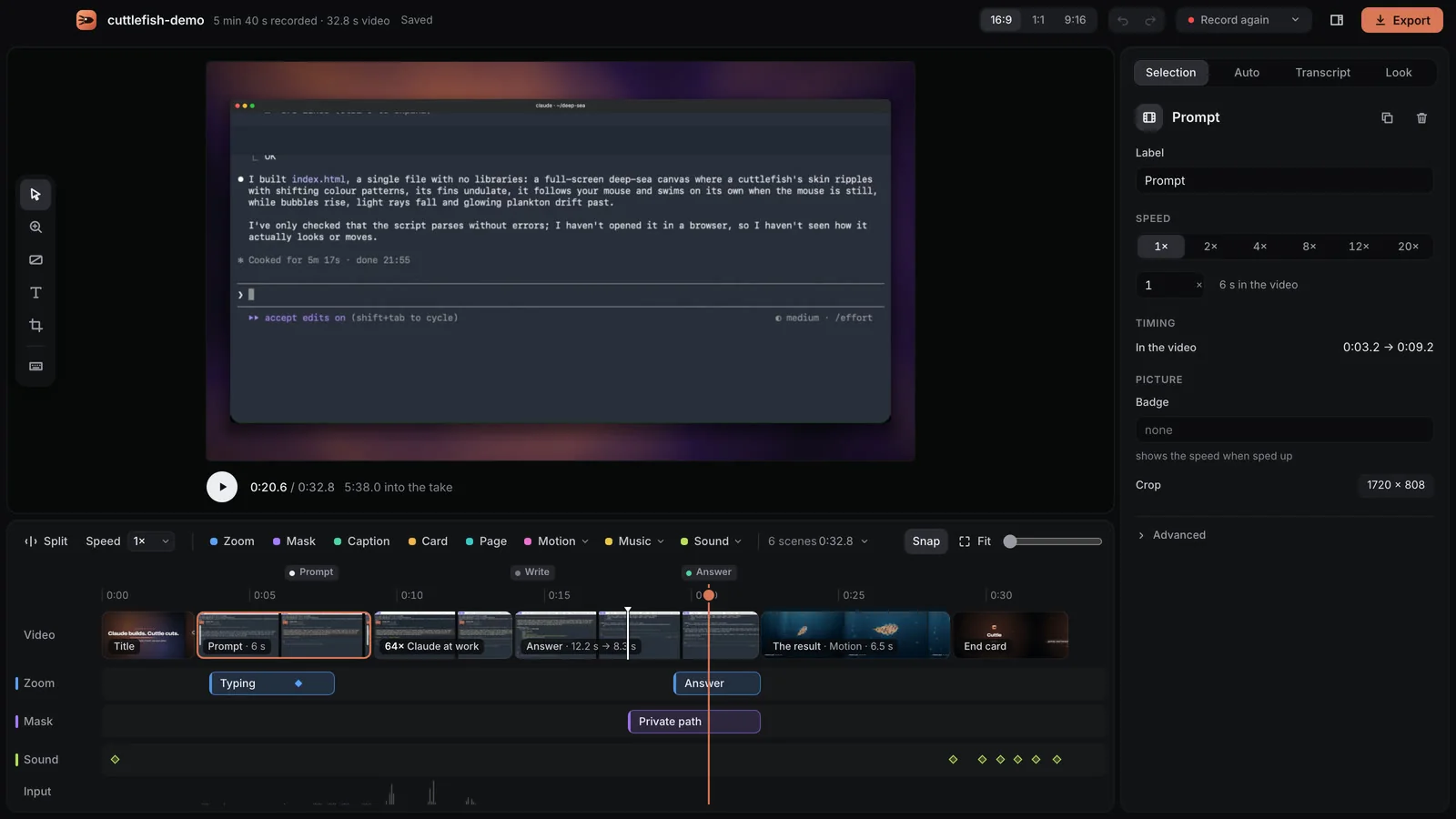
From its maker: users need から record demos of their work without boring others with waiting time or sensitive information. Cuttle is a screen recorder for macOS that solves this problem へ。
Look for system audio capture, the export formats you need, and whether the free version adds a watermark.
質問
What is the best one-time purchase screen recorder for Mac?
There is no single best one for everyone. MacPip lists 8: Smooth Recorder, Glisio, Lens Screen Recorder, ScreenOtter, MotionShine, SmoothCapture, HeySnapMe, Cuttle. If you want it free, look at Glisio. If you would rather pay once than subscribe, look at Smooth Recorder. If you want it to run natively on Apple silicon, look at Glisio. If you need it to work offline, as its maker says it does, look at Glisio.
Which one-time purchase screen recorders run natively on Apple silicon?



 作成者: mdanassaifサイトXで見る