iPipSubmit
Best of MacPip

Best one-time purchase screen recorders for Mac

Updated Nov 29, 2026, from what MacPip lists today.

Short answer

MacPip lists 8 one-time purchase screen recorders for Mac, and MacPip has checked 2 of them.4 of them have a free version.All of them sell a one-time license.4 of them are sold by subscription.There is no single best one-time purchase screen recorder for everyone, so MacPip does not rank them.If you want it free, start with Glisio.

Checked apps come first, newest check first. Never ordered by payment.

What these 8 apps offer, by their listings. An app can offer several, so the bars do not add up to 8.
Free version4 of 8
Pay once8 of 8
Subscription4 of 8
Native to Apple silicon6 of 8
Open source0 of 8
Works offline4 of 8
Checked2 of 8
One-time price in US dollars, as each listing states it, lowest first. 1 app has no plain dollar one-time price and is left out. Launch prices count where the listing says so.
HeySnapMe$29.99

Compared

AppWhat it doesPriceFree or paidApple siliconOpen sourceMade byChecked
Smooth RecorderA Mac screen recorder that zooms on every click and adds captions for you.$19 onceOne-timeNot statedNomdanassaifOct 30
GlisioA Mac screen recorder with auto-zoom, AI voiceover and captions.Free to try, Pro $79 onceFree versionOne-timeSubscriptionYes, and Intel, its maker saysNoEmircanOct 30
Lens Screen RecorderLens is a screen recorder for Mac that turns your recordings into polished demos7-day trial, then $9.99/mo or $99 onceOne-timeSubscriptionYes, and Intel, its maker saysNoSohaib AliPending
ScreenOtterScreen recordings and screenshots for Mac, edited for youFree, $49 once ($79 for 3 Macs)Free versionOne-timeNot statedNoMohit GangradePending
MotionShineA free Mac screen recorder with auto zoom, a smooth cursor, captions and a full editor.Free, Pro from $49 onceFree versionOne-timeYes, and Intel, its maker saysNoRahat KhondokarPending
SmoothCaptureMake polished app demo videos on your Mac.Free, Pro from $49 onceOne-timeSubscriptionYes, and Intel, its maker saysNoNot statedPending
HeySnapMeTake and manage Mac screenshots with AI-powered search$29.99 onceOne-timeYes, and Intel, its maker saysNoSebastian BennisPending
CuttleA screen recorder for macOS that cuts the waitingFree, Pro €9.99, 7-day trialFree versionOne-timeSubscriptionYes, Apple silicon only, its maker saysNoLenny EnderlePending

The apps, one by one

Smooth Recorder app icon

Smooth Recorder

A Mac screen recorder that zooms on every click and adds captions for you.

Pay onceChecked Oct 30
Smooth Recorder on a Mac

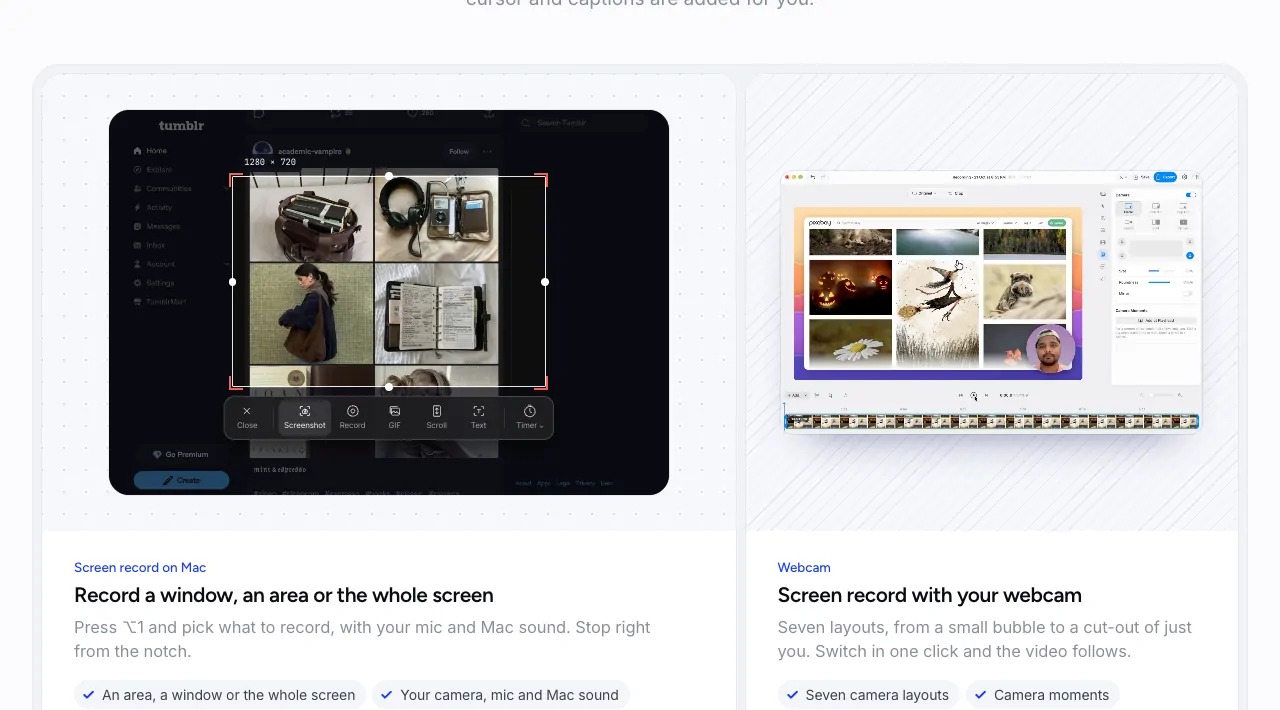
Smooth Recorder keeps it simple: $19 once, no subscription. It zooms in on every click, smooths the cursor and adds captions, so a quick demo needs less editing afterwards.

Screenshots, GIFs and scrolling capture are built in, which makes it handy for docs and README files as well as video. It needs macOS 15 or later, so check your version before you buy.

Price
$19 once
Needs
macOS 15 or later
Its maker says it replaces
Screen Studio

Smooth Recorder on MacPip More screen recording apps

Glisio app icon

Glisio

A Mac screen recorder with auto-zoom, AI voiceover and captions.

Free versionPay onceSubscriptionApple siliconWorks offlineChecked Oct 30
Glisio on a Mac

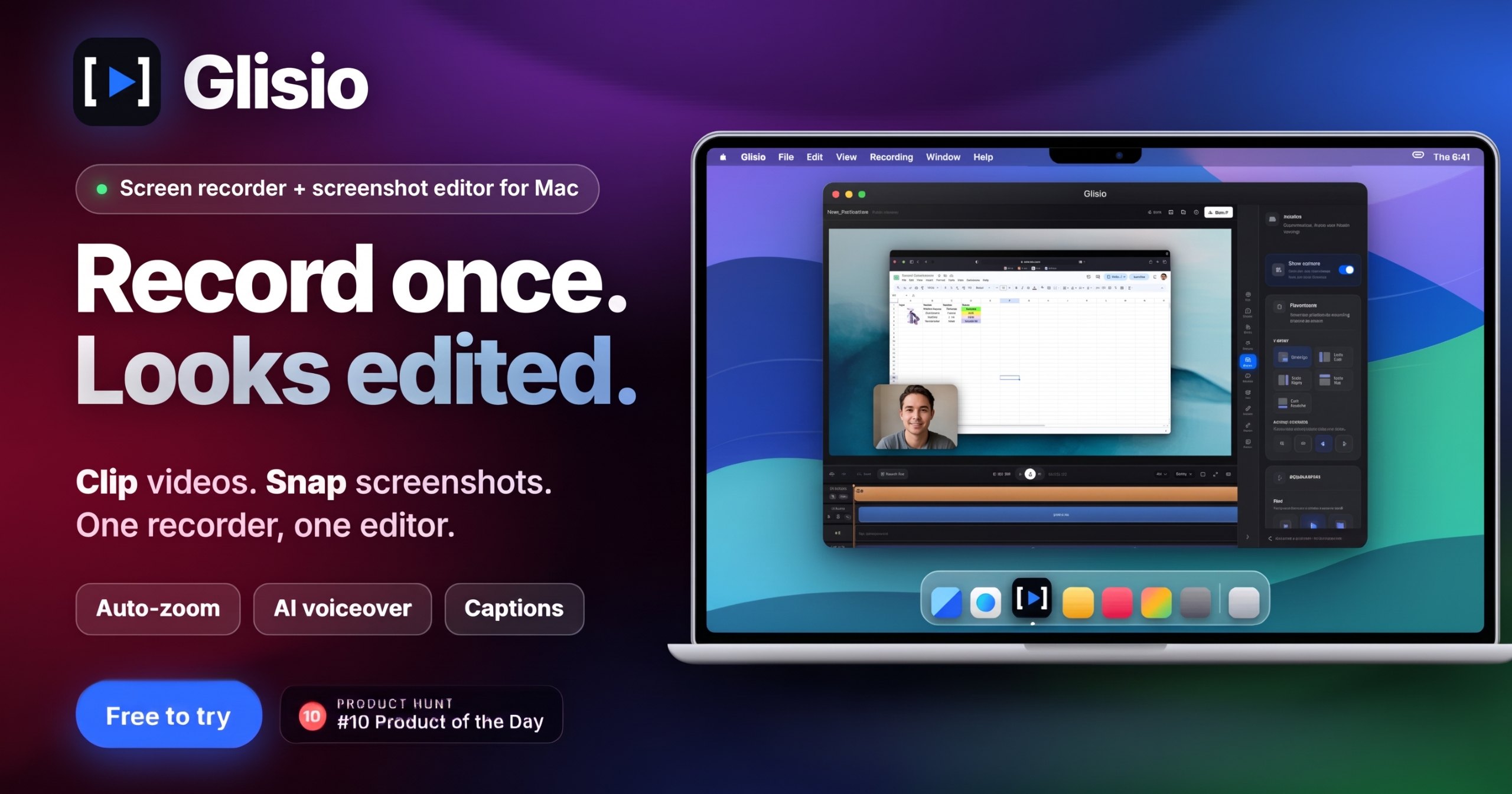
Glisio is the one to look at if your videos go to more than one place. It records your display, webcam, microphone and system audio in a single take, then lets you edit on your Mac with click-based zooms, cursor smoothing, Smart Cut, backgrounds and branding.

Exports come in 16:9, 9:16 and 1:1, so one recording can become a tutorial and a vertical clip. AI captions and an AI voiceover are there if you want them, and a screenshot tool called Snap is built in.

The free version is real but limited: exports stop at 30 seconds and carry a watermark. Pro Lifetime removes both for $79, one payment.

Deal
20% off Lifetime
Price
Free to try, Pro $79 once
Needs
macOS 13 Ventura or later
Its maker says it replaces
Screen Studio, Cap.so, Screen Charm, Loom

Glisio on MacPip More screen recording apps

Lens Screen Recorder app icon

Lens Screen Recorder

Lens is a screen recorder for Mac that turns your recordings into polished demos

Pay onceSubscriptionApple silicon
Lens Screen Recorder on a Mac

From its maker: Lens is a Mac screen recorder that does the editing for you. It follows your cursor and clicks and adds zooms and pans automatically, which you can adjust on a timeline.

Price
7-day trial, then $9.99/mo or $99 once
Needs
macOS 13 Ventura or later

Lens Screen Recorder on MacPip More screen recording apps

ScreenOtter app icon

ScreenOtter

Screen recordings and screenshots for Mac, edited for you

Free versionPay once
ScreenOtter on a Mac

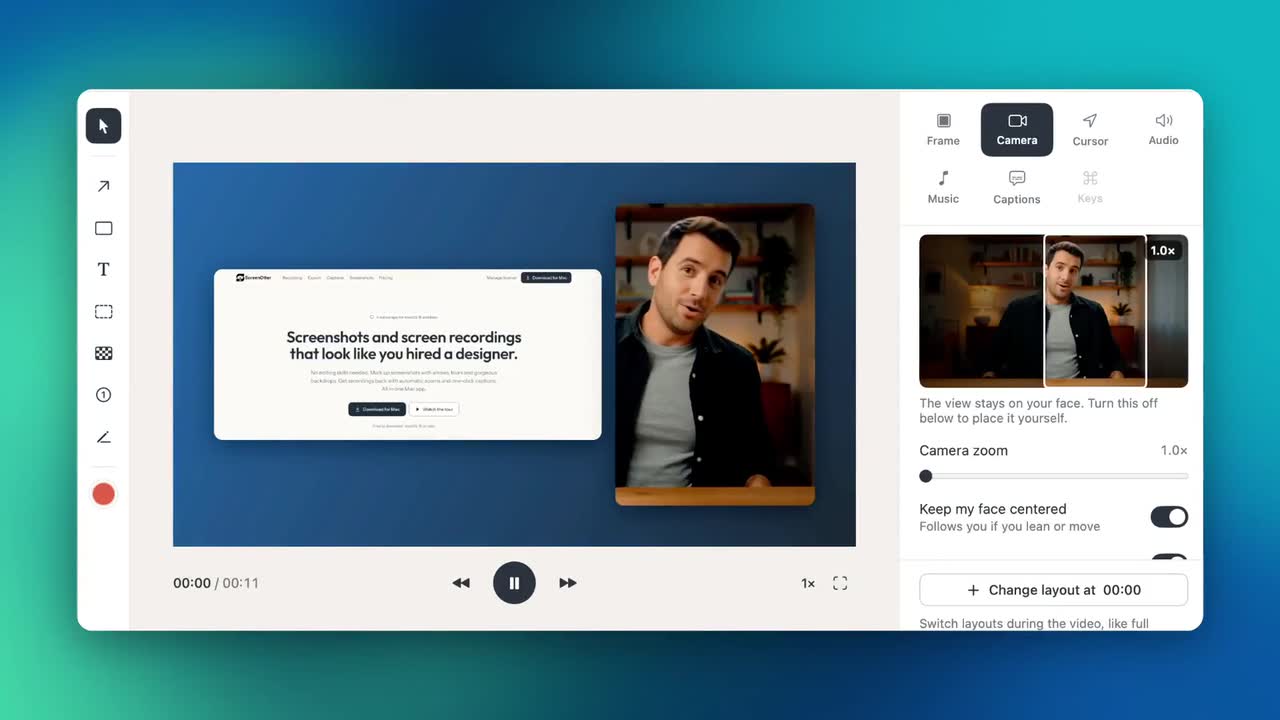
From its maker: ScreenOtter is a native Mac app for screen recordings and screenshots. Your recordings come back already edited: a zoom on every click, a smooth pointer, and your camera in one of eight layouts you can change after you record.

Deal
40% off
Price
Free, $49 once ($79 for 3 Macs)
Needs
macOS 15 Sequoia or later

ScreenOtter on MacPip More screen recording apps

SmoothCapture app icon

SmoothCapture

Make polished app demo videos on your Mac.

Pay onceSubscriptionApple siliconWorks offline
SmoothCapture on a Mac

From its maker: Make polished app demo videos on your Mac. Record your screen, iPhone, or Simulator, then add zooms, captions, and 3D device frames.

Deal
50%, until Dec 3
Price
Free, Pro from $49 once
Needs
macOS 15 Sequoia or later
Its maker says it replaces
screen studio, matte, screen sage

SmoothCapture on MacPip More screen recording apps

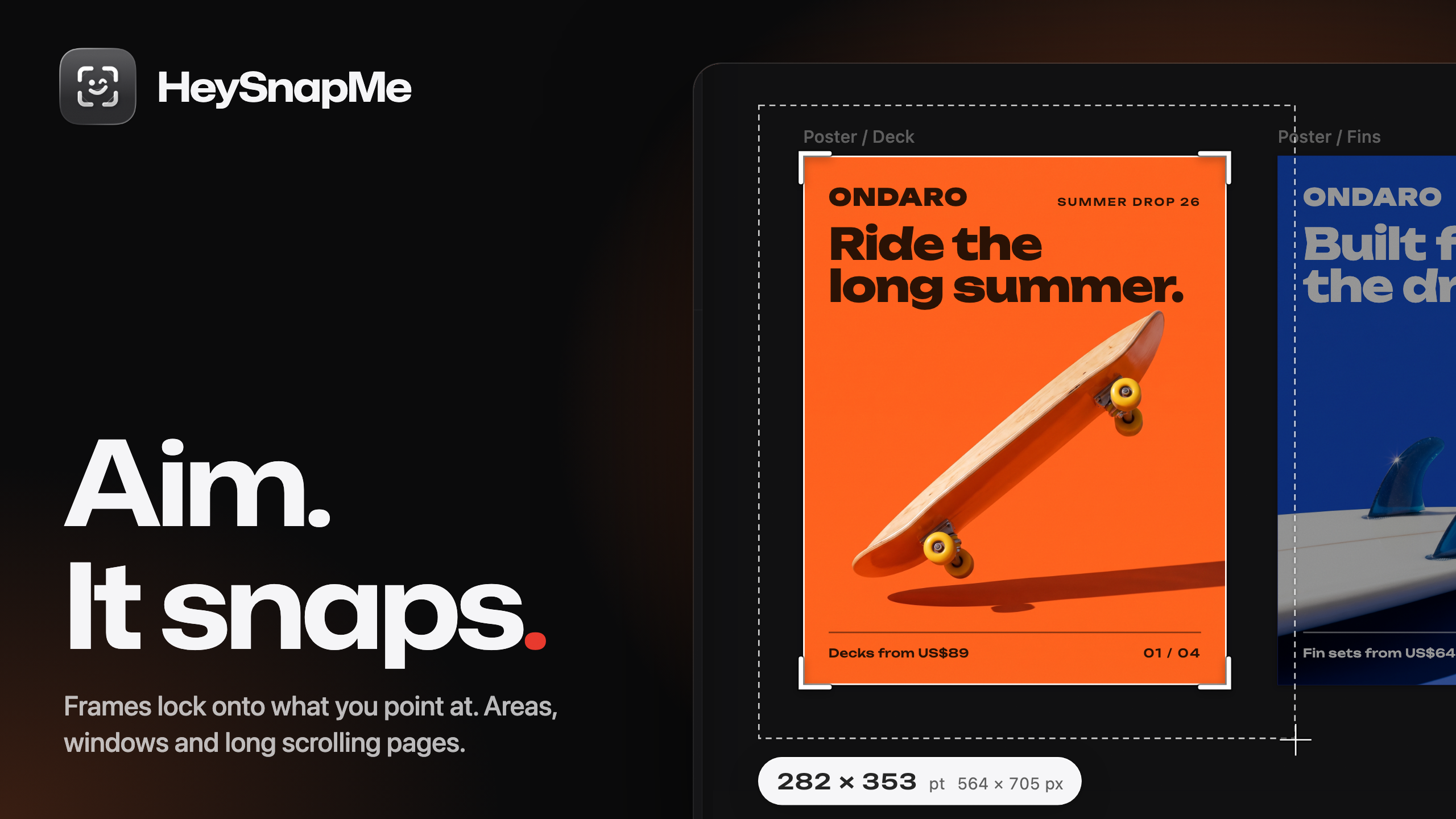
HeySnapMe app icon

HeySnapMe

Take and manage Mac screenshots with AI-powered search

Pay onceApple siliconWorks offline
HeySnapMe on a Mac

From its maker: Are you tired of cluttered screenshots and disorganized captures? If you're a Mac user looking for a simple way to take and manage screenshots, HeySnapMe is here to help.

Deal
Free trial, until Nov 18
Price
$29.99 once
Needs
macOS 14 Sonoma or later
Its maker says it replaces
CleanerShot x

HeySnapMe on MacPip More screenshots apps

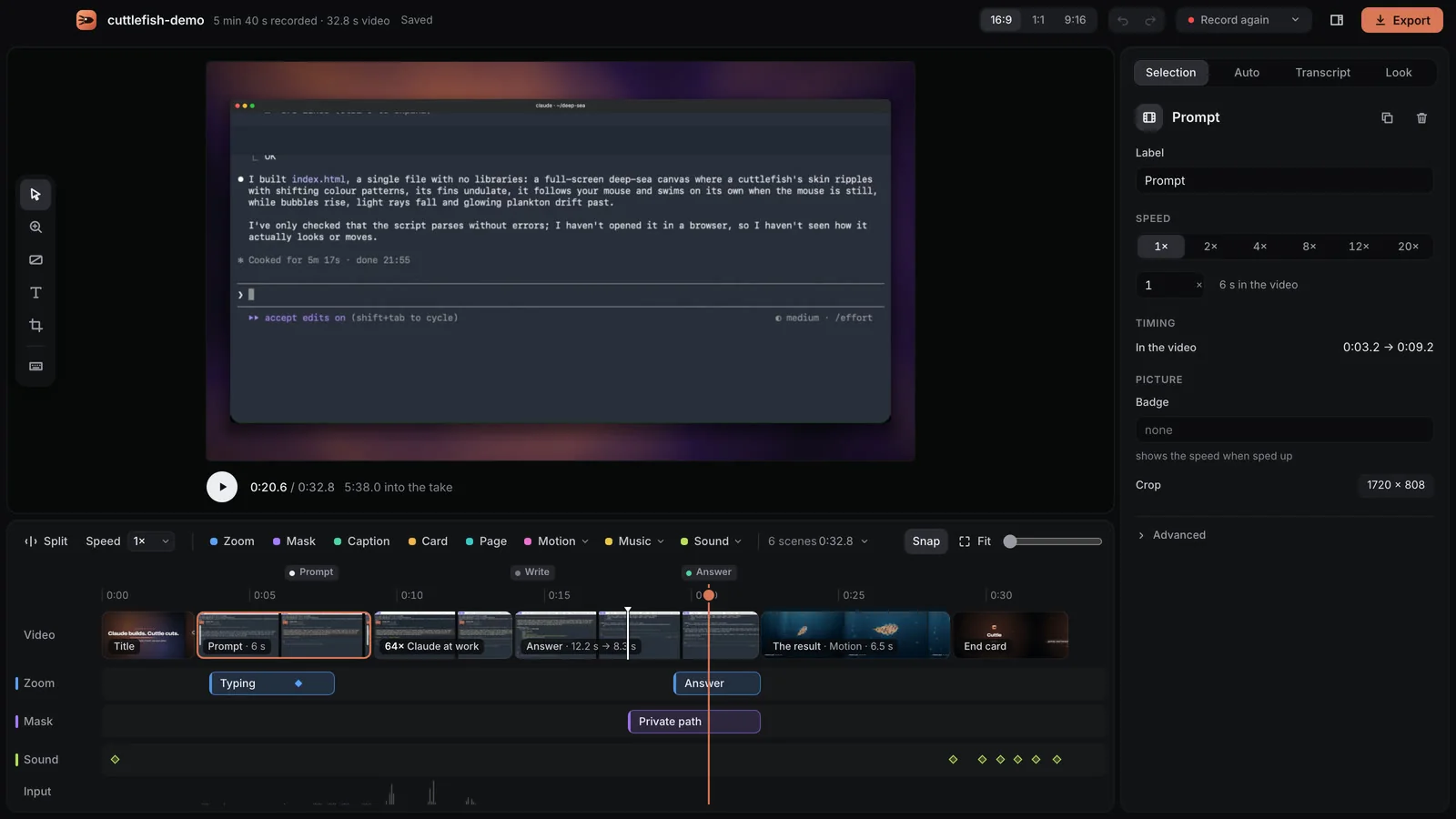
Cuttle app icon

Cuttle

A screen recorder for macOS that cuts the waiting

Free versionPay onceSubscriptionApple siliconWorks offline
Cuttle on a Mac

From its maker: users need to record demos of their work without boring others with waiting time or sensitive information. Cuttle is a screen recorder for macOS that solves this problem.

Price
Free, Pro €9.99, 7-day trial
Needs
macOS 14 Sonoma or later
Its maker says it replaces
OBS Studio, QuickTime Player, ScreenFlow, Camtasia, Loom

Cuttle on MacPip More screen recording apps

Which one to pick

What to look for

Look for system audio capture, the export formats you need, and whether the free version adds a watermark.

Questions

What is the best one-time purchase screen recorder for Mac?

There is no single best one for everyone. MacPip lists 8: Smooth Recorder, Glisio, Lens Screen Recorder, ScreenOtter, MotionShine, SmoothCapture, HeySnapMe, Cuttle. If you want it free, look at Glisio. If you would rather pay once than subscribe, look at Smooth Recorder. If you want it to run natively on Apple silicon, look at Glisio. If you need it to work offline, as its maker says it does, look at Glisio.

Which one-time purchase screen recorders run natively on Apple silicon?

By their makers' word or by our check: Glisio, Lens Screen Recorder, MotionShine, SmoothCapture, HeySnapMe, Cuttle.

Which one-time purchase screen recorders has MacPip checked?

Each has a dated report on its page: Smooth Recorder, Glisio.

How does MacPip order these apps?

Checked apps come first, newest check first, then the rest by when they were added. Payment never changes the order, and sponsored rows are labeled and kept apart.

Related