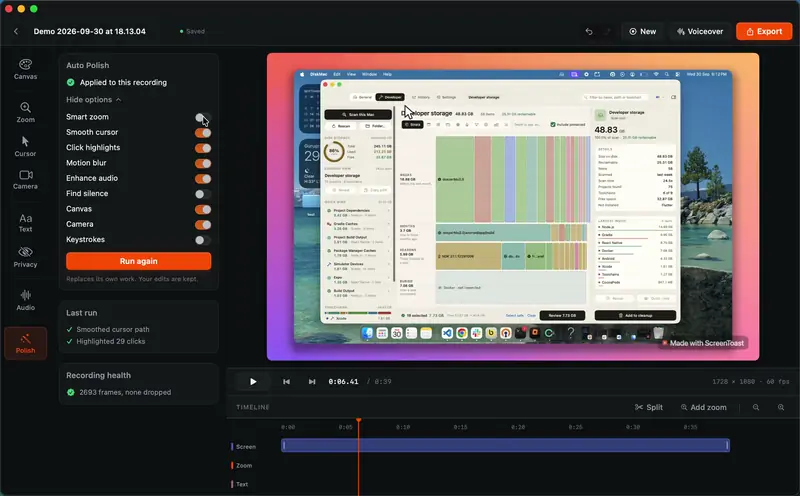
 ScreenToastMac screen recorder that turns a raw recording into a finished product demoby
 ScreenToast. Built in SwiftFree to edit, Pro from $4.92/mo



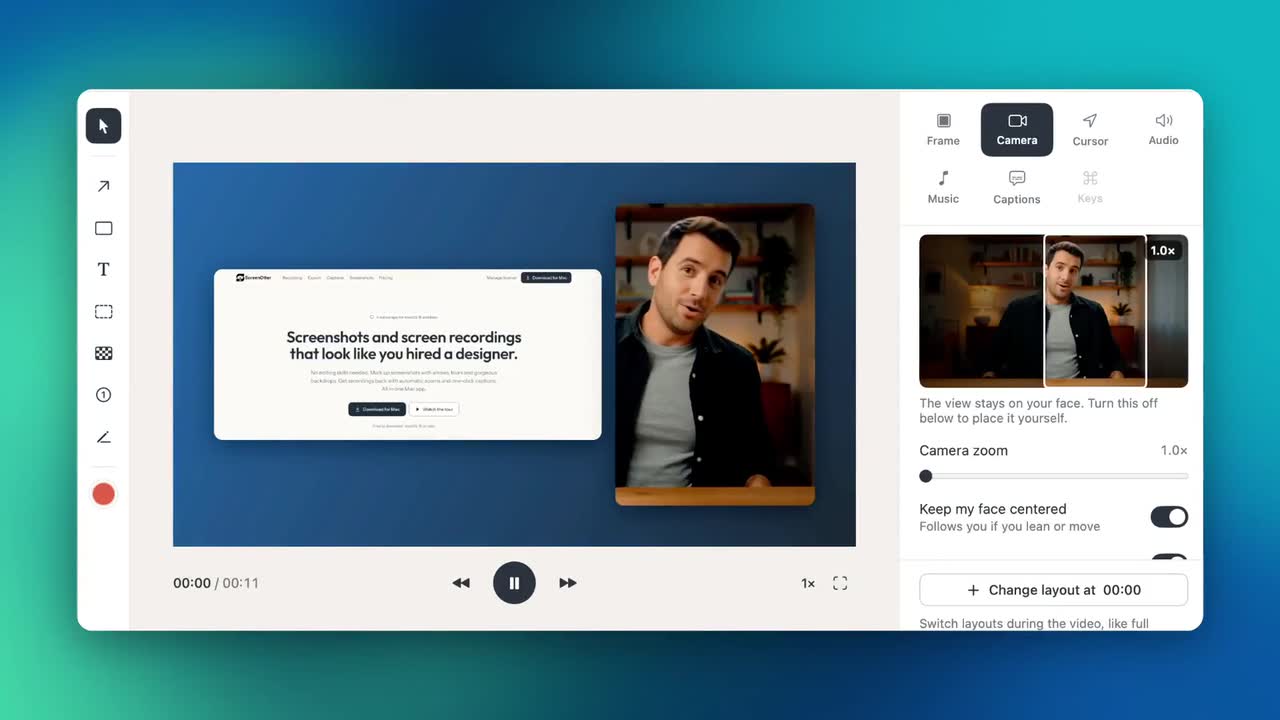


ScreenOtter is a screen recording app for Mac:Screen recordings and screenshots for Mac, edited for you.It has not been checked yet.
ScreenOtter is a native Mac app for screen recordings and screenshots. Your recordings come back already edited: a zoom on every click, a smooth pointer, and your camera in one of eight layouts you can change after you record.
Cut mistakes by deleting words from the transcript. Blur private data, and the blur follows it as the page scrolls. Add captions made on your Mac, music, and a voiceover. Export an MP4 up to 4K at 60 fps, or a looping GIF. Screenshots get curved arrows, numbered steps, blur, and backdrops.
Everything runs on your Mac, with no account. Every feature works in the free version, with exports up to 720p and a small badge. One payment unlocks full quality, with every future update included.
A tick is not a safety guarantee. Read how to tell if a Mac app is safe.
This is your app, so here is its own badge for your site. It links back to this page, shows your real votes, and makes your app a Friend of MacPip.


<a href="https://macpip.com/apps/screenotter?ref=badge"><img src="https://macpip.com/badge/screenotter.svg" height="58" alt="ScreenOtter is listed on MacPip"></a>
Ask your AI about ScreenOtter, like “Is ScreenOtter worth it?” Connect MacPip
ScreenToastMac screen recorder that turns a raw recording into a finished product demoby ScreenToast. Built in SwiftFree to edit, Pro from $4.92/mo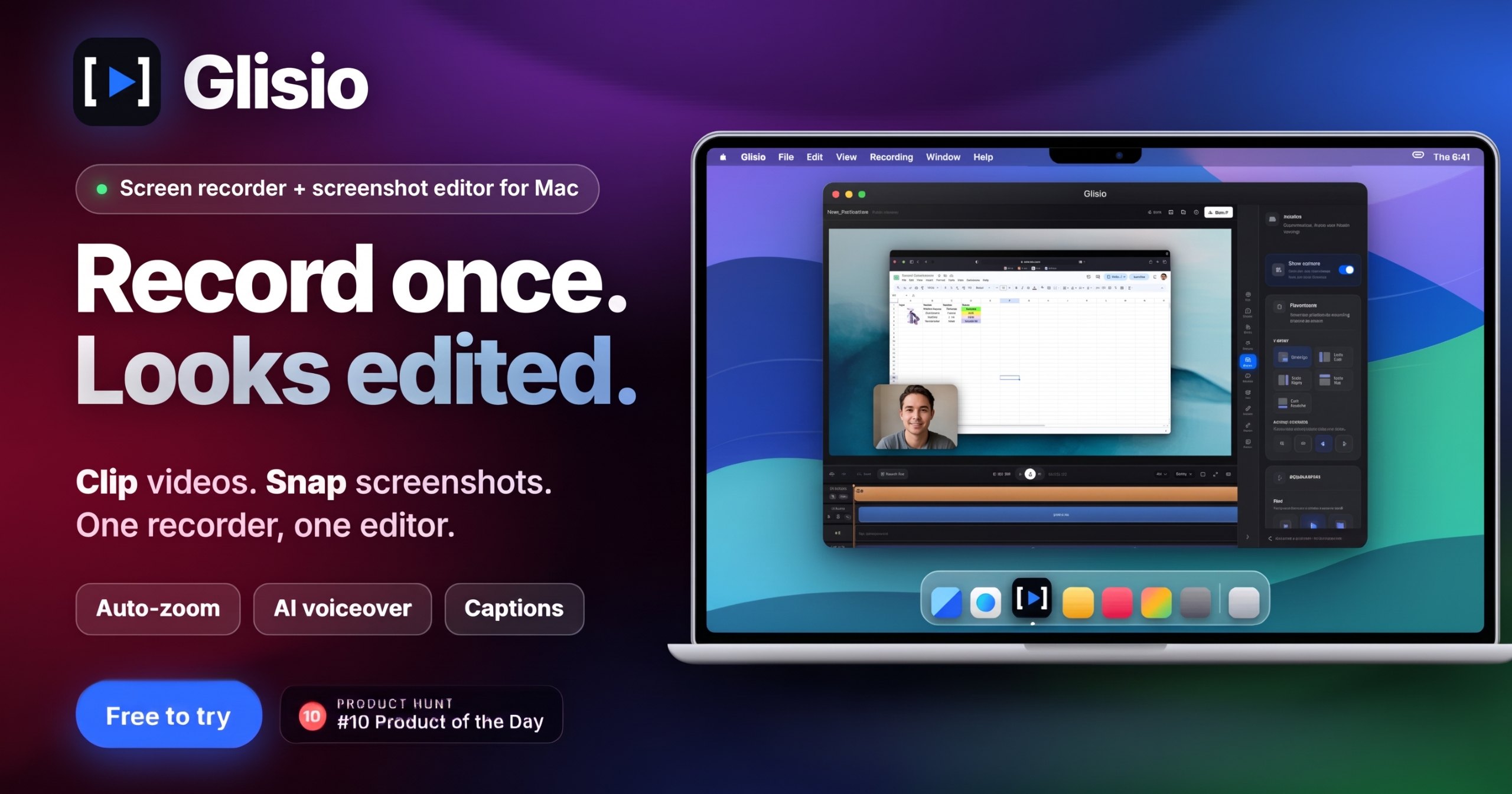 #1Oct 30
 GlisioA Mac screen recorder with auto-zoom, AI voiceover and captions.by
 Emircan🇹🇷Free to try, Pro $79 once20% off Lifetime
 Smooth RecorderA Mac screen recorder that zooms on every click and adds captions for you.by
 mdanassaif$19 once
 #1Nov 11
 CuttleA screen recorder for macOS that cuts the waitingby
 Lenny EnderleFree, Pro €9.99, 7-day trialFRIEND OF MACPIP