
Ciao, sono PipQueste app Featured si alternano nel mio notch.
iPipInvia

Le schede restano nella lingua in cui i loro creatori le hanno scritte.
YapToText
Icona dell'app YapToText
Sfoglia

YapToText

Private offline dictation and speech to text
Ryleigh Newman, creatore di YapToTextRealizzato daRyleigh NewmanLV 1
Free, optional tip jarmacOS 14 Sonoma+Solo Apple siliconFunziona offlineOpen sourceDettatura e trascrizione
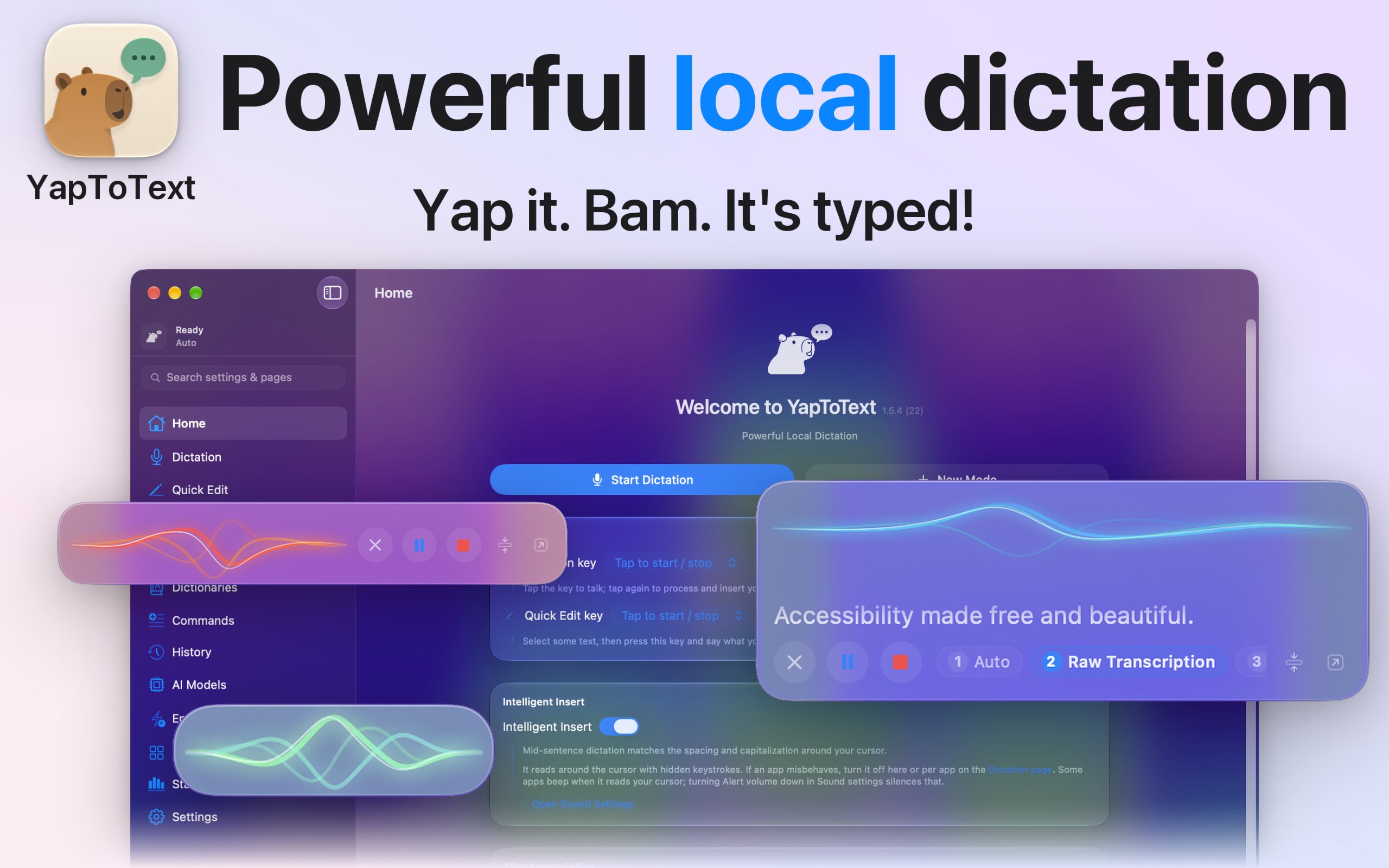
YapToText, screenshot 1 di 6YapToText, screenshot 2 di 6YapToText, screenshot 3 di 6YapToText, screenshot 4 di 6YapToText, screenshot 5 di 6YapToText, screenshot 6 di 6

Informazioni su questa app

YapToText è un'app per Mac della categoria «Dettatura e trascrizione»:Private offline dictation and speech to text.Funziona su Apple silicon.Non è ancora stata verificata.

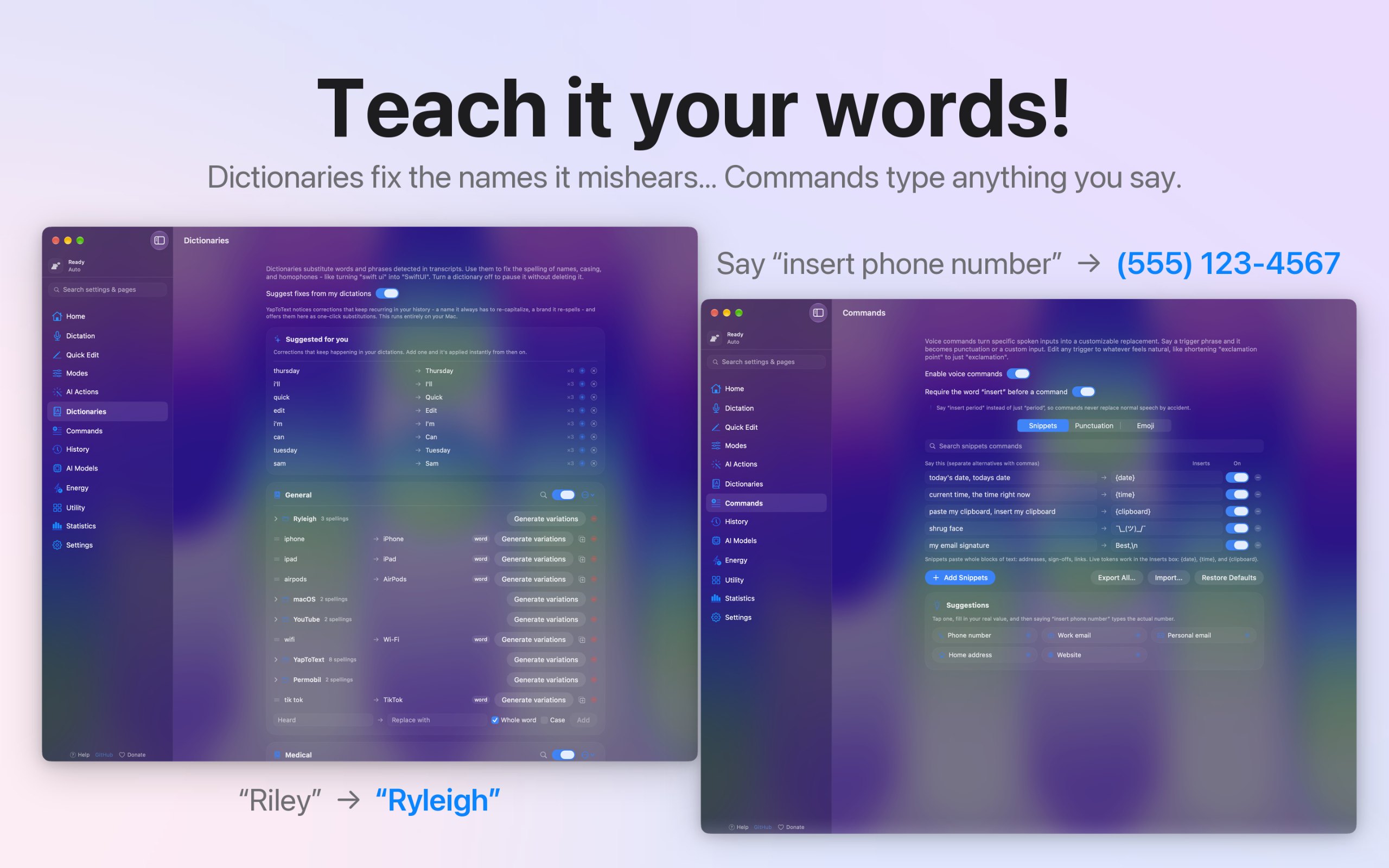
I dictate everything I write, because typing is hard for me, so I built YapToText to be the dictation app I wanted to use all day. Press one key, talk, and your words land where your cursor is, in any app. Speech recognition and cleanup both run on your Mac, so your voice never leaves it.

  • Whisper Large v3 Turbo speech to text, fully offline
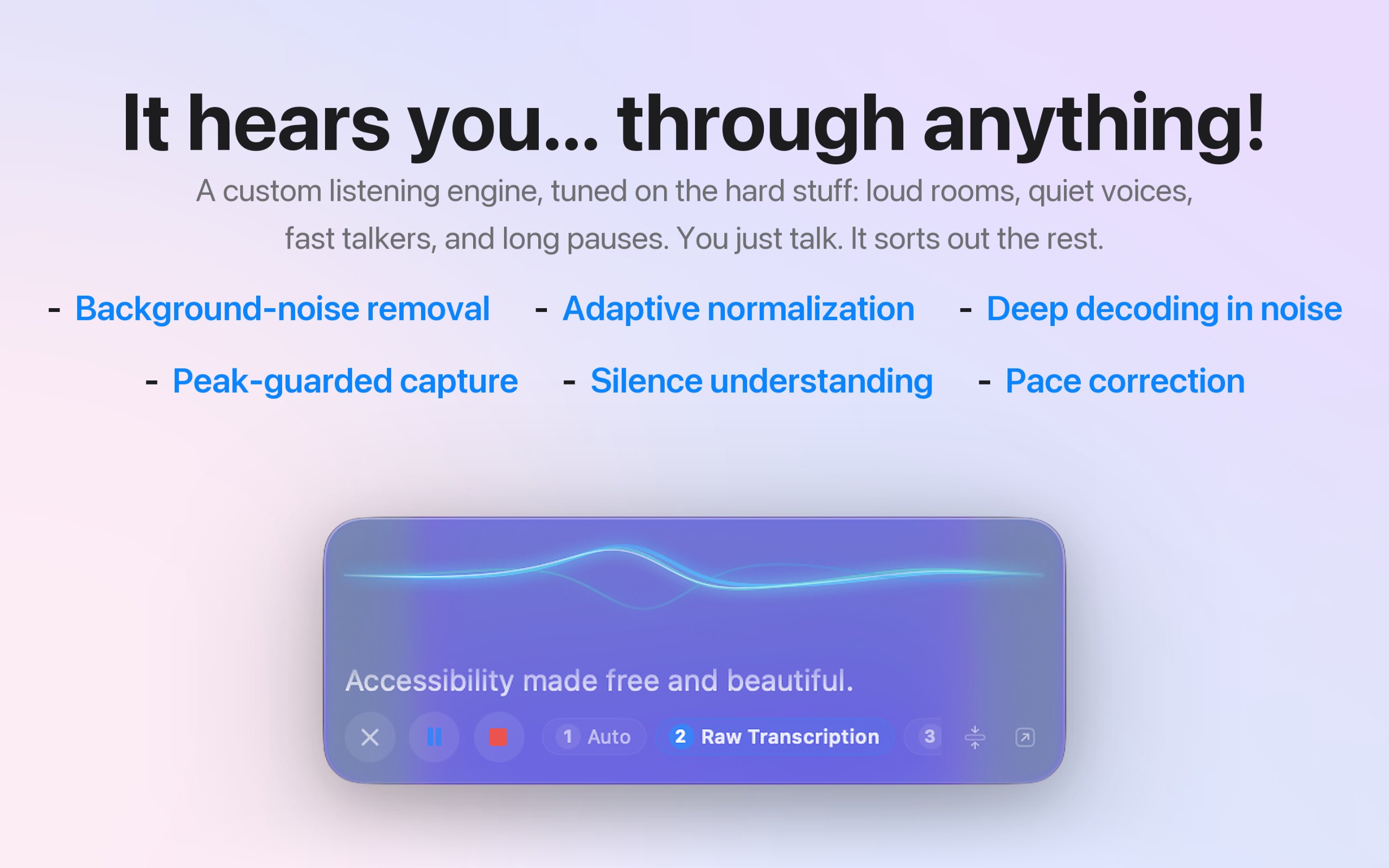
  • Local AI cleanup of filler words, false starts, and punctuation
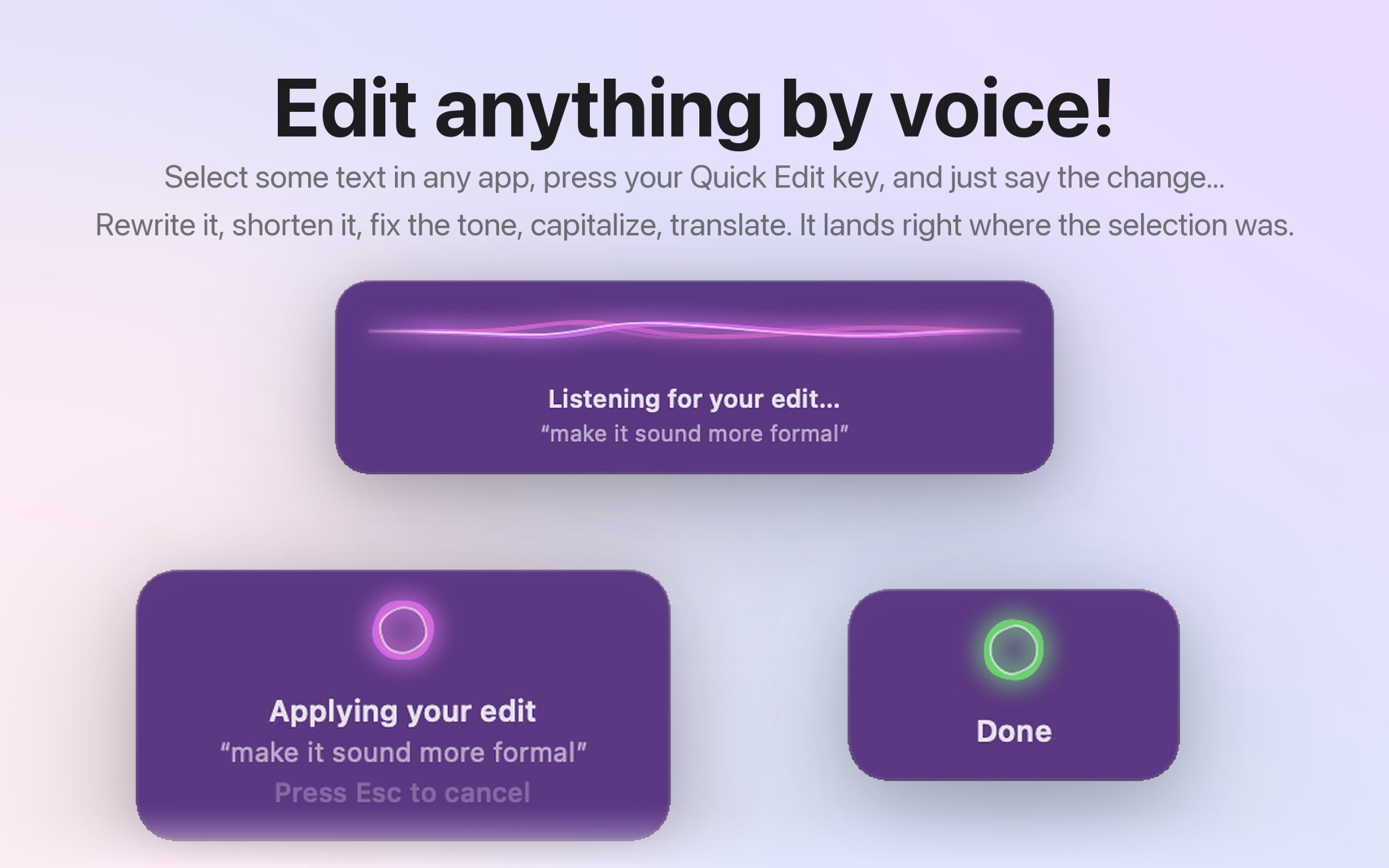
  • Quick Edit: select text, hold a key, and say the change
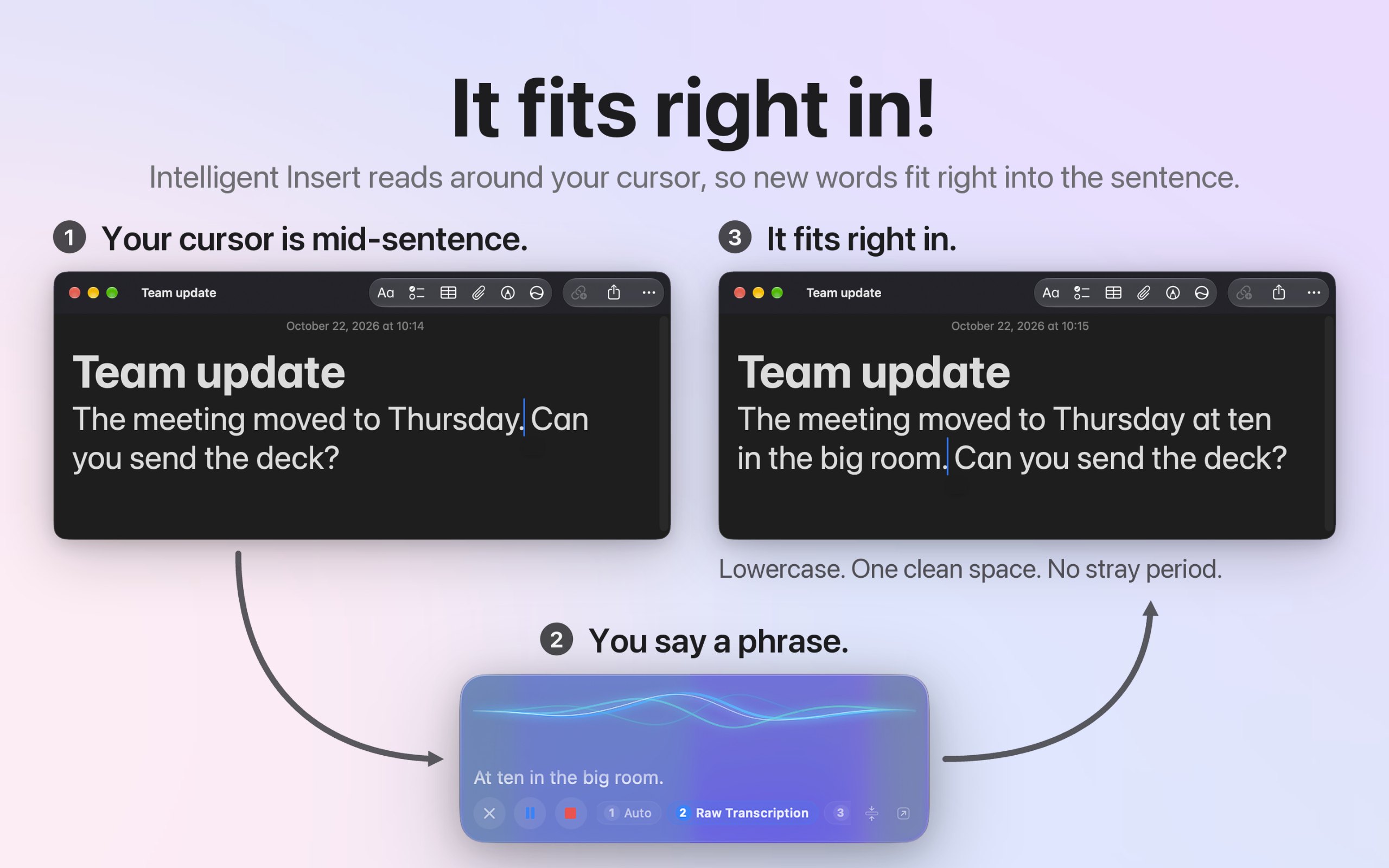
  • Intelligent Insert matches case and spacing mid-sentence
  • Modes for email, messages, notes, and code, set per app
  • Dictionary, voice commands, and spoken punctuation
  • Audio file transcription, with full history and search
  • Works alongside VoiceOver and Voice Control
  • Open source, no account, no tracking, 27 languages

Dati

Prezzo
Free, optional tip jar
Richiede
macOS 14 Sonoma o successivo
Realizzata con
Nativa
Funziona su
Solo Apple silicon
Notarizzata da Apple
Sì, secondo il creatore
Funziona offline
Sì, secondo il creatore
Open source
Sì
Lingue
English, Español, Deutsch, Français, 日本語, 中文, Português, Italiano, 한국어, Nederlands, Русский, Polski, Türkçe, Українська, Svenska, Dansk, Norsk, Suomi, Čeština, العربية, עברית, Bahasa Indonesia, Tiếng Việt, ไทย
Lanciata
mercoledì 18 novembre
Segui
GitHub
Cosa abbiamo verificato
In attesa di verifica: non ancora verificata

Una spunta non è una garanzia di sicurezza. Leggi come capire se un'app per Mac è sicura.

Domande

Does it work offline?
Yes. Speech recognition and cleanup both run on your Mac, and both models ship inside the app, so it works offline from the first launch. The only network use is an optional model download you start yourself.
Is my data private?
Yes. Your voice and your words never leave your Mac. There's no account, no analytics, and no tracking, and the code is open source on GitHub, so you can check it line by line.
Is there a free trial?
There's no trial because nothing is locked. Every feature works the moment you install it, and the optional tip jar doesn't unlock anything.
Which Macs does it run on?
A Mac with Apple silicon running macOS 14 Sonoma or later. Intel Macs aren't supported, and there's no iPhone, iPad, or Windows version.
Does it work in every app?
Yes. It types at your cursor in any app that takes text, like Mail, Messages, Slack, Notes, Word, Google Docs, and code editors. Without the Accessibility permission, your text goes to the clipboard instead.

Risposte del creatore.

Alternative e liste 10 app, 8 liste
Chiedi alla tua IA di YapToText ChatGPT, Claude, Perplexity, Grok, Gemini
Chiedi all'AIMD

Chiedi alla tua IA di YapToText, ad esempio “YapToText vale la pena?” Collega MacPip

Altre app per dettatura e trascrizione