
Hi, I'm PipThese Featured apps take turns in my notch.
iPipSubmit
YapToText
YapToText app icon
Browse

YapToText

Private offline dictation and speech to text
Ryleigh Newman, maker of YapToTextMade byRyleigh NewmanLV 1
Free, optional tip jarmacOS 14 Sonoma+Apple silicon onlyWorks offlineOpen sourceDictation and Transcription
YapToText screenshot 1 of 6YapToText screenshot 2 of 6YapToText screenshot 3 of 6YapToText screenshot 4 of 6YapToText screenshot 5 of 6YapToText screenshot 6 of 6

About this app

YapToText is a dictation and transcription app for Mac:Private offline dictation and speech to text.It runs on Apple silicon.It has not been checked yet.

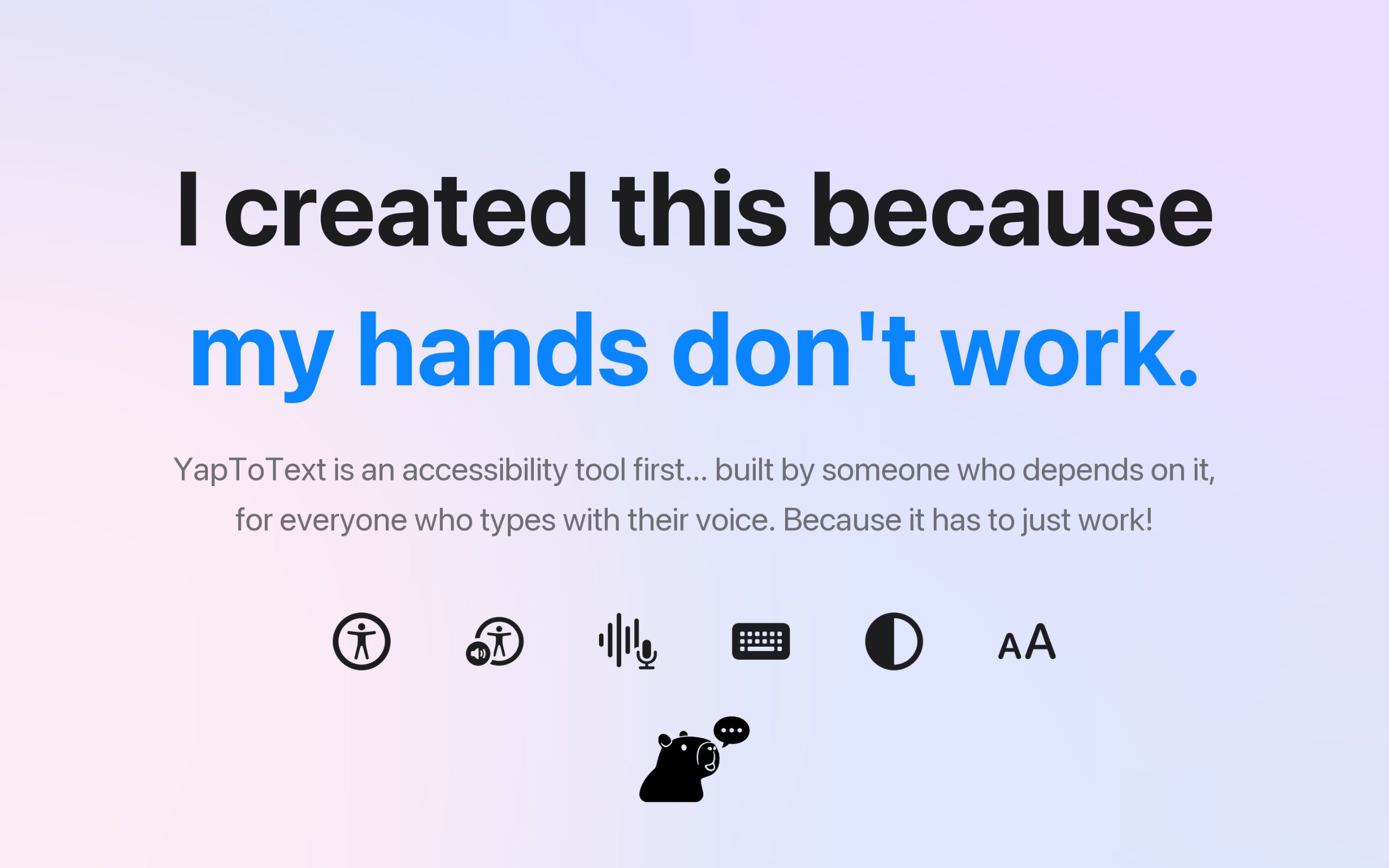
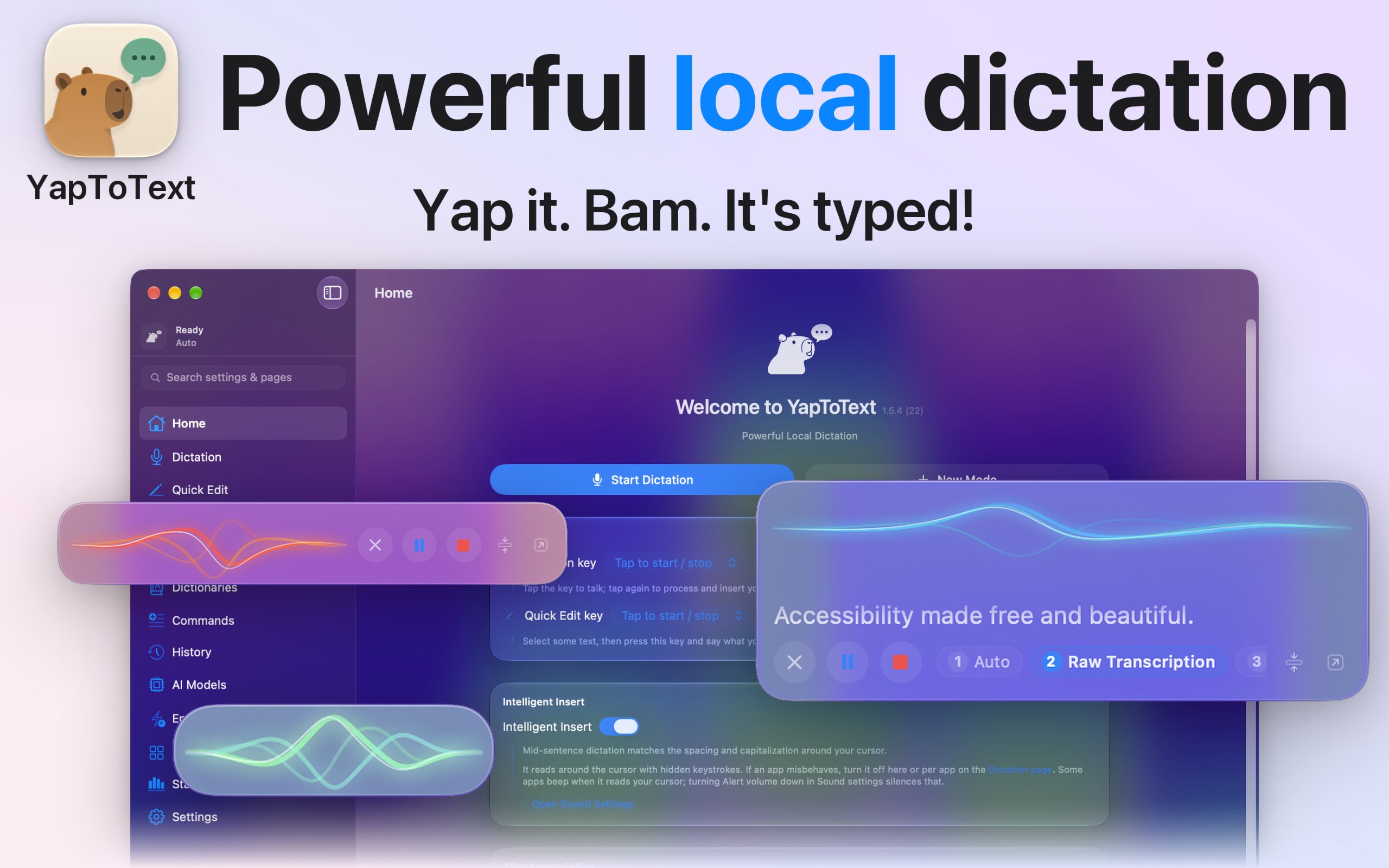
I dictate everything I write, because typing is hard for me, so I built YapToText to be the dictation app I wanted to use all day. Press one key, talk, and your words land where your cursor is, in any app. Speech recognition and cleanup both run on your Mac, so your voice never leaves it.

  • Whisper Large v3 Turbo speech to text, fully offline
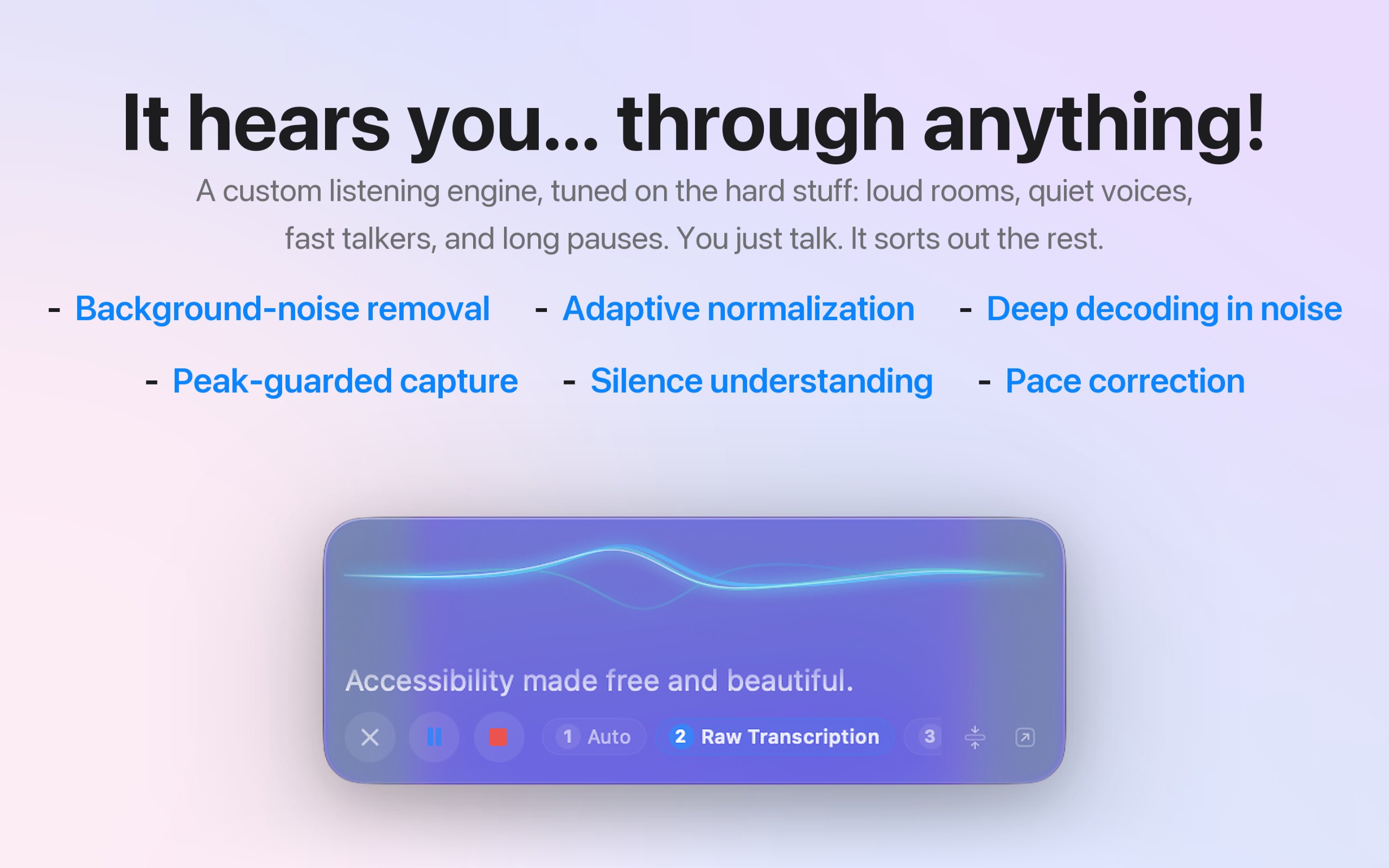
  • Local AI cleanup of filler words, false starts, and punctuation
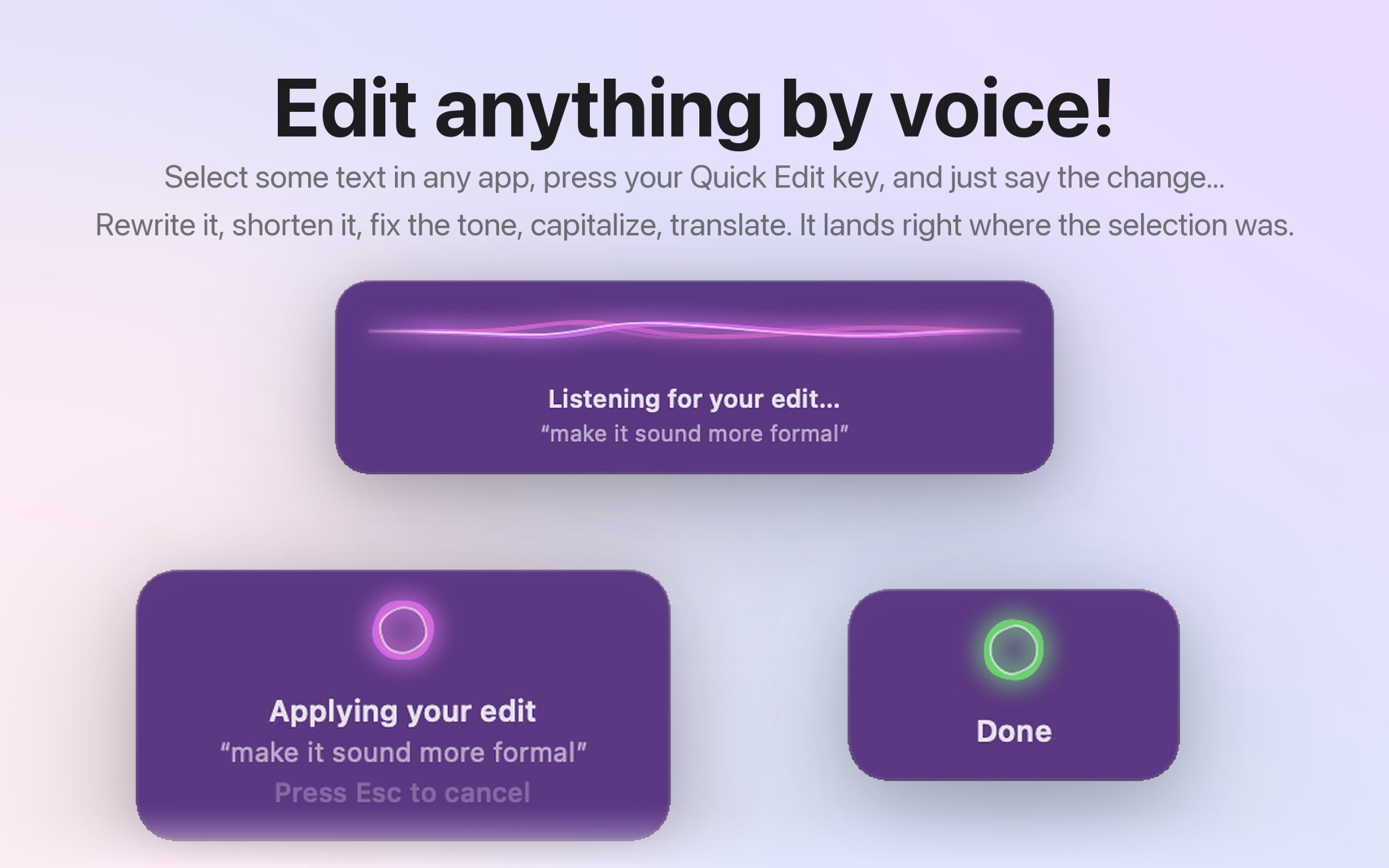
  • Quick Edit: select text, hold a key, and say the change
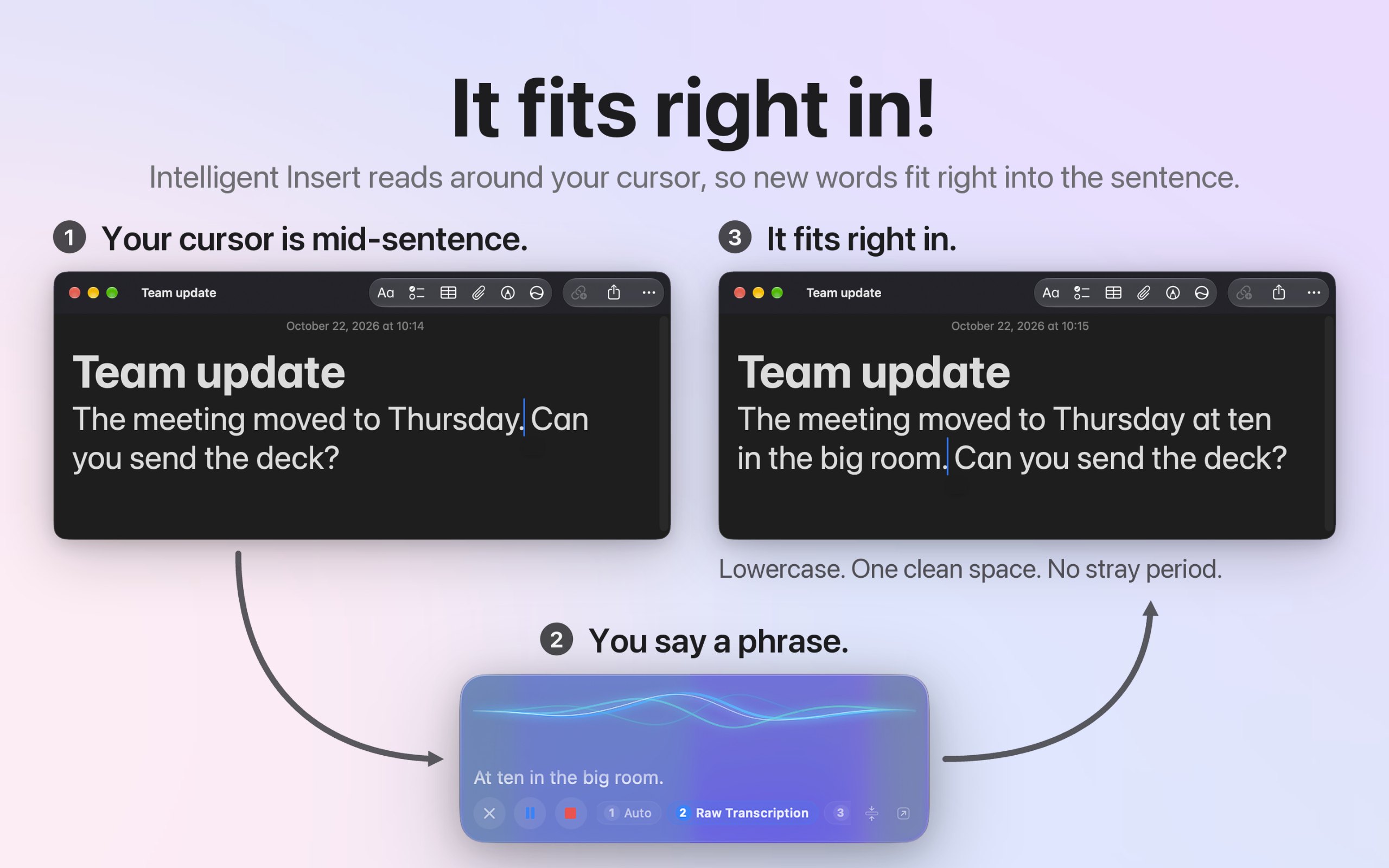
  • Intelligent Insert matches case and spacing mid-sentence
  • Modes for email, messages, notes, and code, set per app
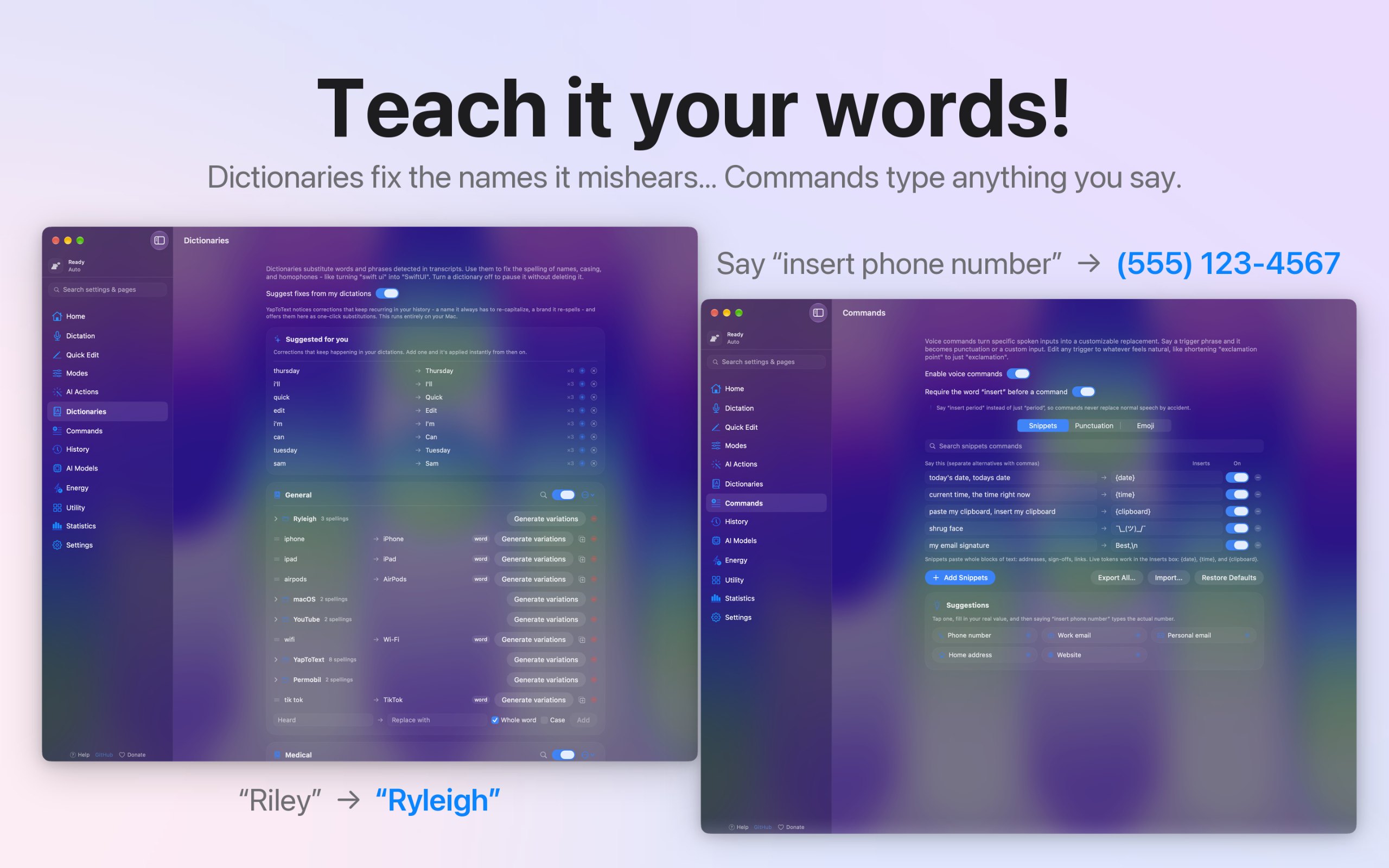
  • Dictionary, voice commands, and spoken punctuation
  • Audio file transcription, with full history and search
  • Works alongside VoiceOver and Voice Control
  • Open source, no account, no tracking, 27 languages

Facts

Price
Free, optional tip jar
Requires
macOS 14 Sonoma or later
Built with
Native
Runs on
Apple silicon only
Notarized by Apple
Yes, its maker says
Works offline
Yes, its maker says
Open source
Yes
Languages
English, Español, Deutsch, Français, 日本語, 中文, Português, Italiano, 한국어, Nederlands, Русский, Polski, Türkçe, Українська, Svenska, Dansk, Norsk, Suomi, Čeština, العربية, עברית, Bahasa Indonesia, Tiếng Việt, ไทย
Launched
Wednesday, November 18
Follow
GitHub
What we checked
Check pending: not checked yet

A tick is not a safety guarantee. Read how to tell if a Mac app is safe.

Questions

Does it work offline?
Yes. Speech recognition and cleanup both run on your Mac, and both models ship inside the app, so it works offline from the first launch. The only network use is an optional model download you start yourself.
Is my data private?
Yes. Your voice and your words never leave your Mac. There's no account, no analytics, and no tracking, and the code is open source on GitHub, so you can check it line by line.
Is there a free trial?
There's no trial because nothing is locked. Every feature works the moment you install it, and the optional tip jar doesn't unlock anything.
Which Macs does it run on?
A Mac with Apple silicon running macOS 14 Sonoma or later. Intel Macs aren't supported, and there's no iPhone, iPad, or Windows version.
Does it work in every app?
Yes. It types at your cursor in any app that takes text, like Mail, Messages, Slack, Notes, Word, Google Docs, and code editors. Without the Accessibility permission, your text goes to the clipboard instead.

Answers from the maker.

Alternatives and lists 10 apps, 8 lists
Ask your AI about YapToText ChatGPT, Claude, Perplexity, Grok, Gemini
Ask AIMD

Ask your AI about YapToText, like “Is YapToText worth it?” Connect MacPip

More dictation and transcription apps