Ciao, sono PipQueste app Featured si alternano nel mio notch.
iPipInvia

Le schede restano nella lingua in cui i loro creatori le hanno scritte.

I migliori di MacPip

Le migliori app gratuite della categoria «Appunti e testo» per Mac

Aggiornato il 21 nov 2026, da ciò che MacPip elenca oggi.

Risposta breve

MacPip lists 8 free clipboard and text apps for Mac, and MacPip has checked none of them yet.Tutte hanno una versione gratuita.6 di queste si acquistano con una licenza una tantum.1 di queste è venduta in abbonamento.There is no single best free clipboard manager for everyone, so MacPip does not rank them.Se la vuoi gratis, inizia da PasteNote.

Le app verificate vengono prima, a partire dalla verifica più recente. L'ordine non dipende mai dai pagamenti.

Cosa offrono queste 8 app, secondo le loro schede. Un'app può offrire più cose, quindi le barre non sommano a 8.
Versione gratuita8 di 8
Paghi una volta6 di 8
Abbonamento1 di 8
Nativa per Apple silicon6 di 8
Open source1 di 8
Funziona offline2 di 8
Verificata0 di 8
Prezzo una tantum in dollari USA, come indicato da ogni scheda, dal più basso. App senza un semplice prezzo una tantum in dollari, escluse: 3. I prezzi di lancio contano quando la scheda lo dice.
MokoPaste6,18 USD
Copyback6,99 USD
Clipbara7,99 USD
NanoClip9,99 USD
ActionClip12 USD

A confronto

AppChe cosa faPrezzoGratis o a pagamentoApple siliconOpen sourceRealizzato daVerificata
PasteNoteSearch your Mac clipboard history and paste items in sequence.Free with in-app purchasesVersione gratuitaUna tantumAbbonamentoNon indicatoNo连辰 陈In sospeso
CopybackClipboard history with your last nine copies in the menu barFree, Pro $6.99 onceVersione gratuitaUna tantumSì, solo Apple silicon, secondo il suo creatoreNoK68 StudioIn sospeso
ClipbaraSearch your Mac clipboard history and pin favorite clipsFree DMG/Homebrew; App Store $7.99 onceVersione gratuitaUna tantumSì, e anche su Intel, secondo il suo creatoreSìmobravaIn sospeso
MokoPasteClipboard history with OCR and sequential pasteFree, Pro $6.18 onceVersione gratuitaUna tantumNon indicatoNoNon indicatoIn sospeso
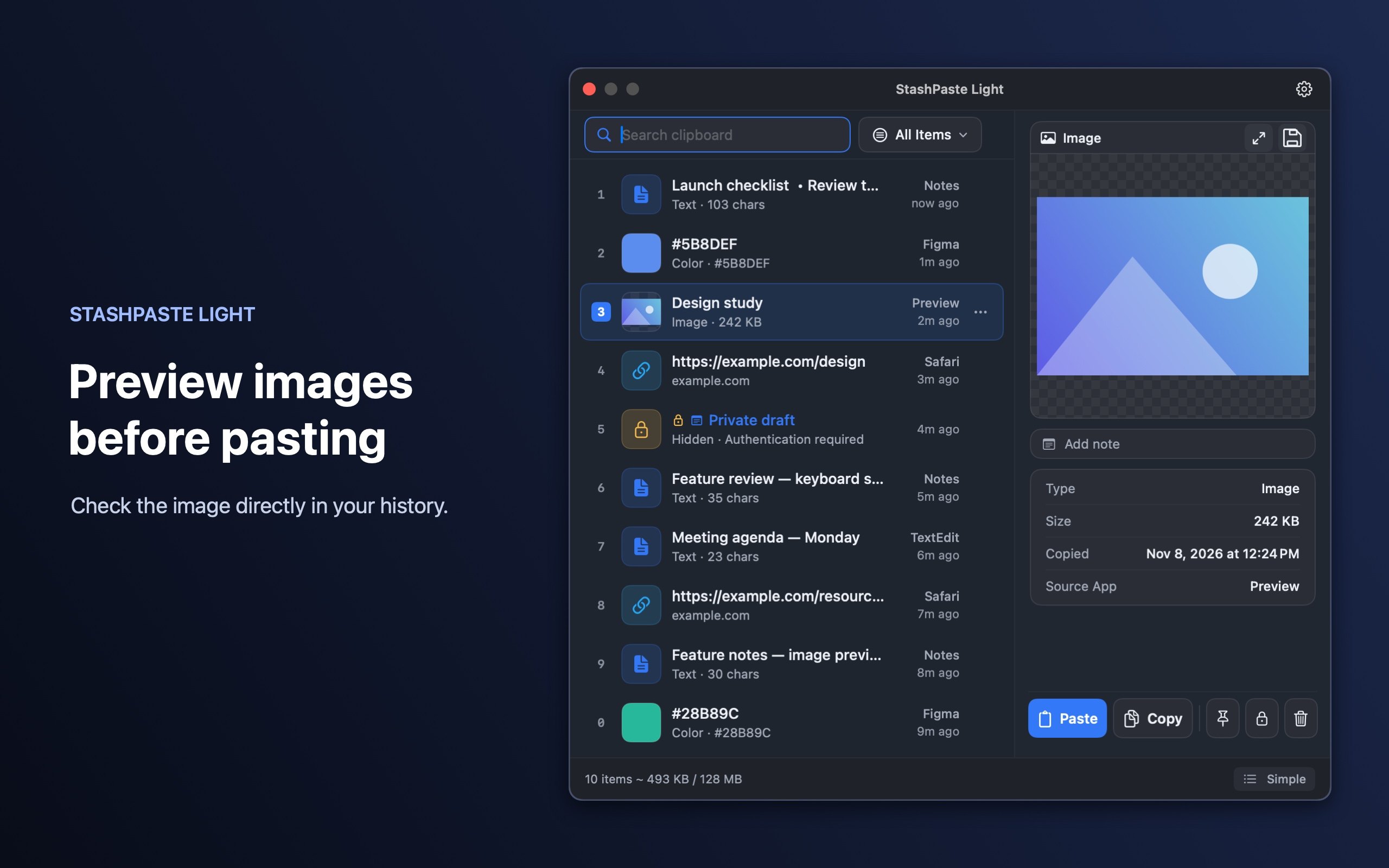
StashPaste LightFree session clipboard history for Apple Silicon and Intel Macs with macOS 13+.GratisVersione gratuitaSì, e anche su Intel, secondo il suo creatoreNoStashPasteIn sospeso
NanoClipA keyboard-first clipboard manager with searchable history and AI FlowsFree, Pro $9.99 onceVersione gratuitaUna tantumSì, e anche su Intel, secondo il suo creatoreNoDigital ToysIn sospeso
TucketUn gestore degli appunti per macOS nel notch.One-time purchase, no subscriptionVersione gratuitaSì, solo Apple silicon, secondo il suo creatoreNoArpit ChandakIn sospeso
ActionClipTurn selected text into actions and create your own Mac workflowsFree, Pro from $12 onceVersione gratuitaUna tantumSì, solo Apple silicon, secondo il suo creatoreNoAdvait VaidyaIn sospeso

Le app, una per una

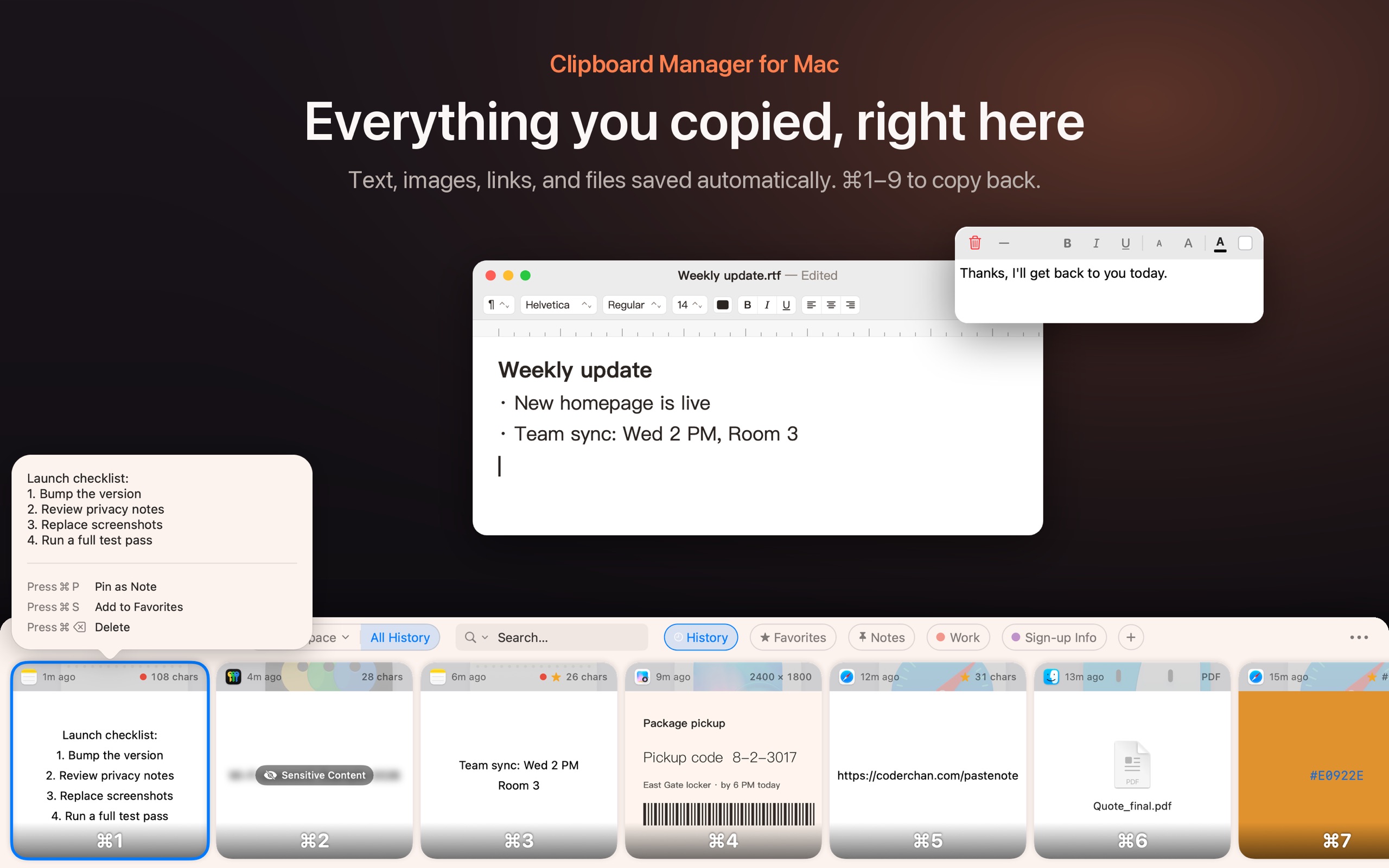
Icona dell'app PasteNote

PasteNote

Search your Mac clipboard history and paste items in sequence.

Versione gratuitaPaghi una voltaAbbonamento
PasteNote su un Mac
Creato da 连辰 陈Sito web

Dal suo creatore: Find copied text, images, links, and files in your Mac clipboard history. Search for words inside screenshots, organize clips in folders, and pin a note to your desktop.

Prezzo
Free with in-app purchases
Richiede
macOS 14 Sonoma o successivo

PasteNote su MacPip Altre app per appunti e testo

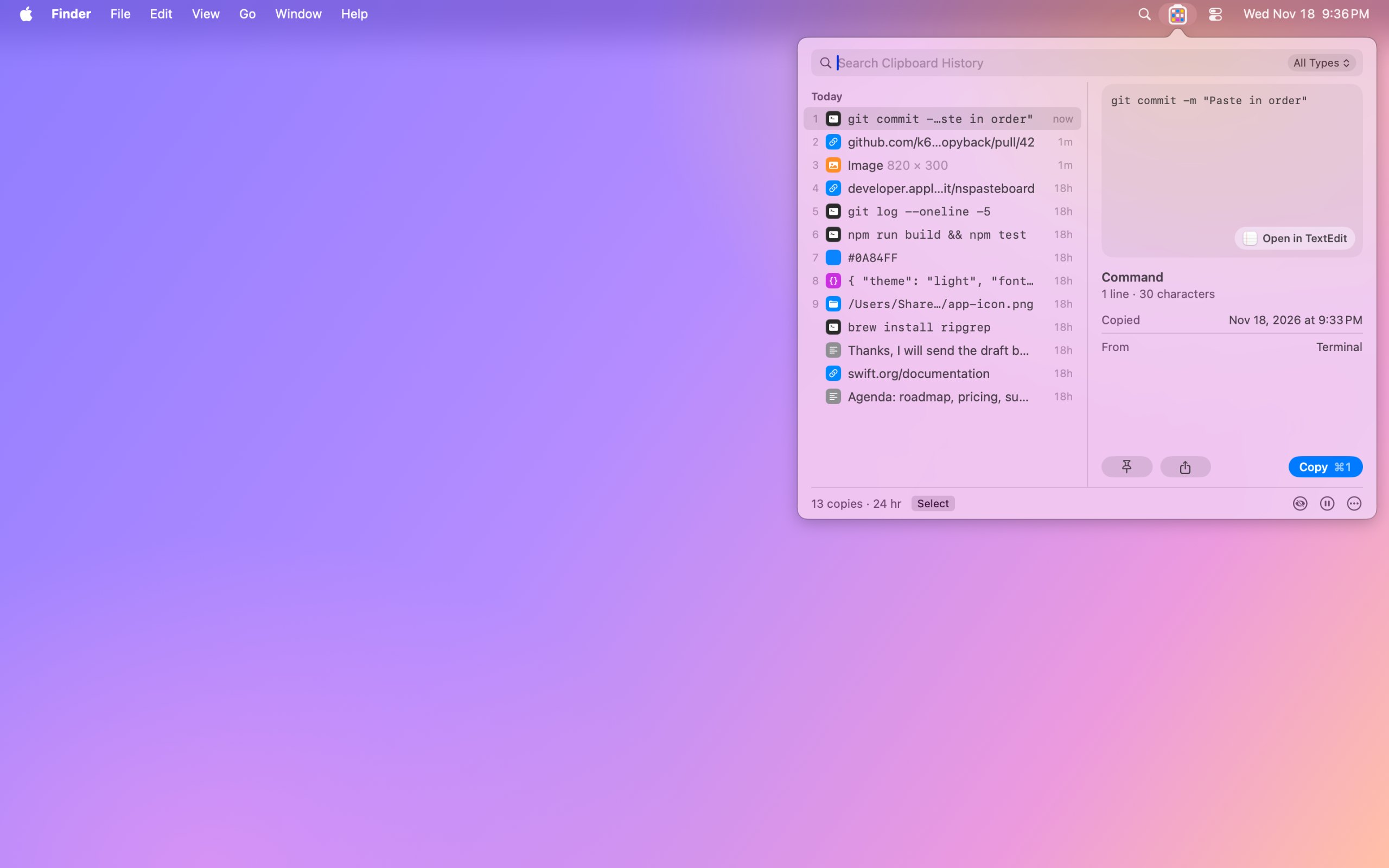
Icona dell'app Copyback

Copyback

Clipboard history with your last nine copies in the menu bar

Versione gratuitaPaghi una voltaApple silicon
Copyback su un Mac

Dal suo creatore: Copyback shows your last nine copies in the menu bar, one colored cell each, and keeps your clipboard history encrypted on your Mac. Search text, links, code and even the words in screenshots.

Prezzo
Free, Pro $6.99 once
Richiede
macOS 14 Sonoma o successivo

Copyback su MacPip Altre app per appunti e testo

Icona dell'app Clipbara

Clipbara

Search your Mac clipboard history and pin favorite clips

Versione gratuitaPaghi una voltaApple siliconOpen source
Clipbara su un Mac

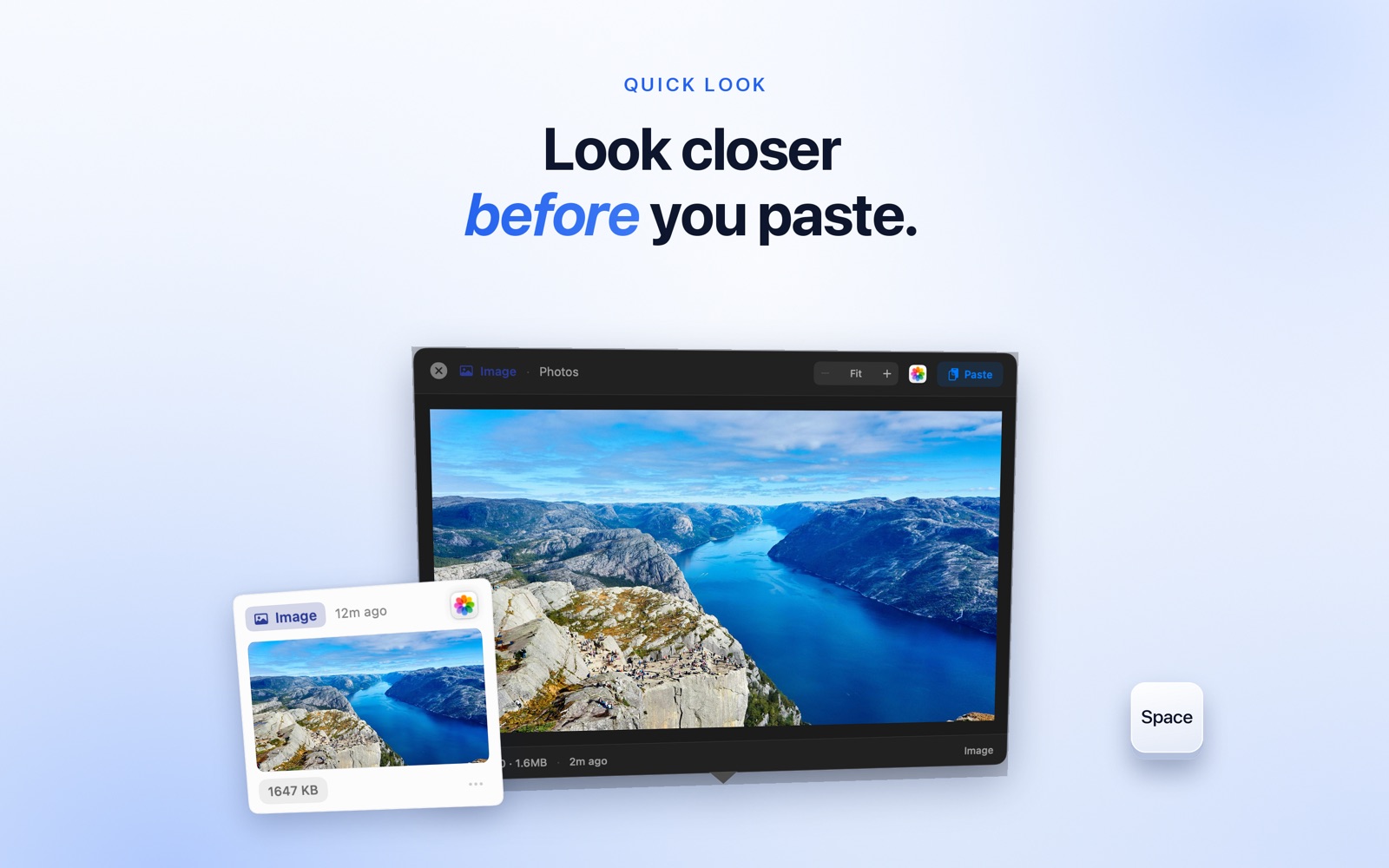
Dal suo creatore: Press ⇧⌘V to open your clipboard history at the bottom of the screen. Browse what you copied as cards, search by text or title, save clips you reuse in Pinboards, and preview them with Quick Look.

Prezzo
Free DMG/Homebrew; App Store $7.99 once
Richiede
macOS 14 Sonoma o successivo

Clipbara su MacPip Altre app per appunti e testo

Icona dell'app MokoPaste

MokoPaste

Clipboard history with OCR and sequential paste

Versione gratuitaPaghi una volta
MokoPaste su un Mac

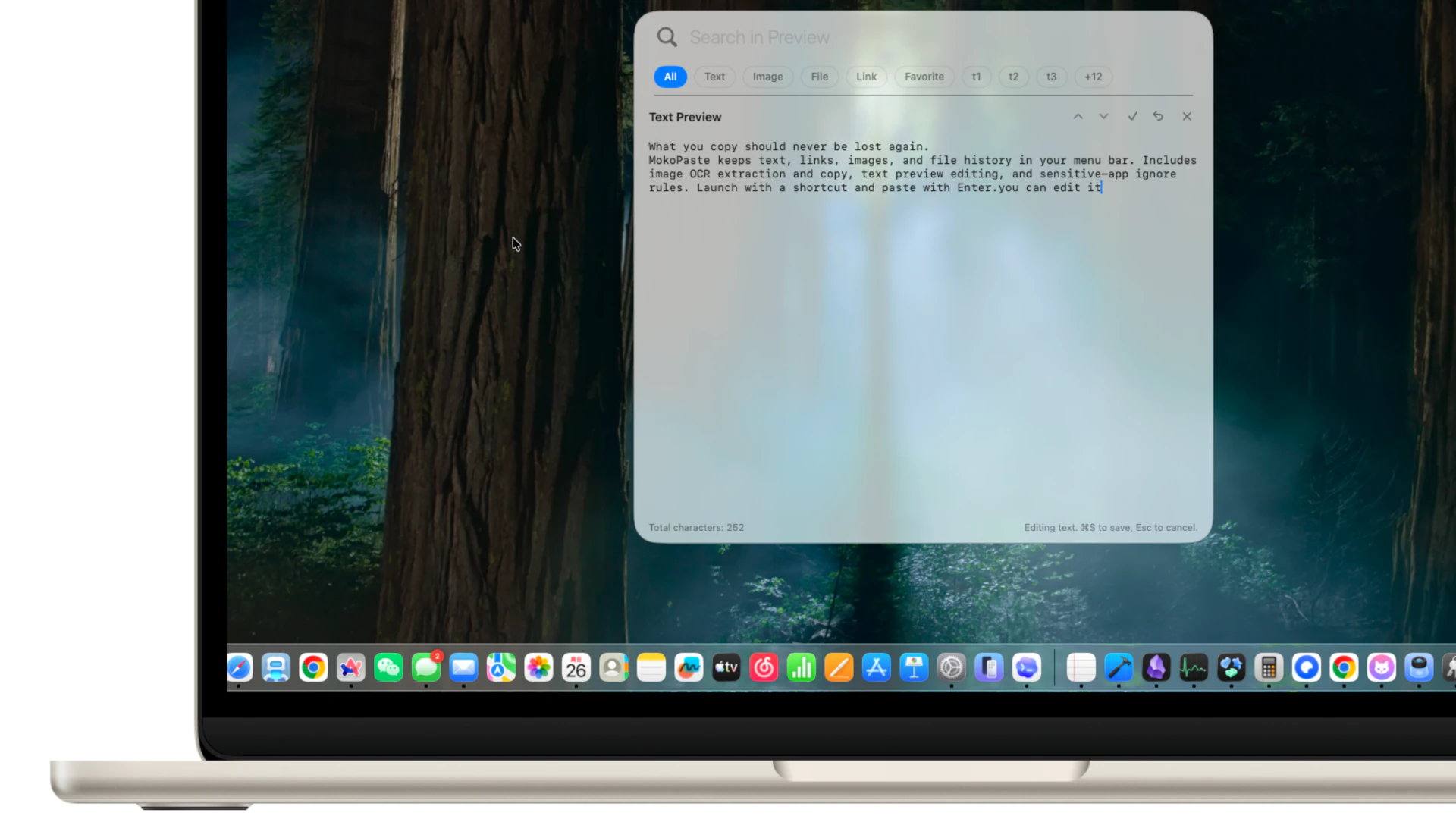
Dal suo creatore: MokoPaste is a native clipboard manager for macOS. Keep and search text, links, images, and file history, organize clips with tags and favorites, and paste multiple items in sequence.

Prezzo
Free, Pro $6.18 once
Richiede
macOS 14 o successivo

MokoPaste su MacPip Altre app per appunti e testo

Icona dell'app NanoClip

NanoClip

A keyboard-first clipboard manager with searchable history and AI Flows

Versione gratuitaPaghi una voltaApple siliconFunziona offline
NanoClip su un Mac

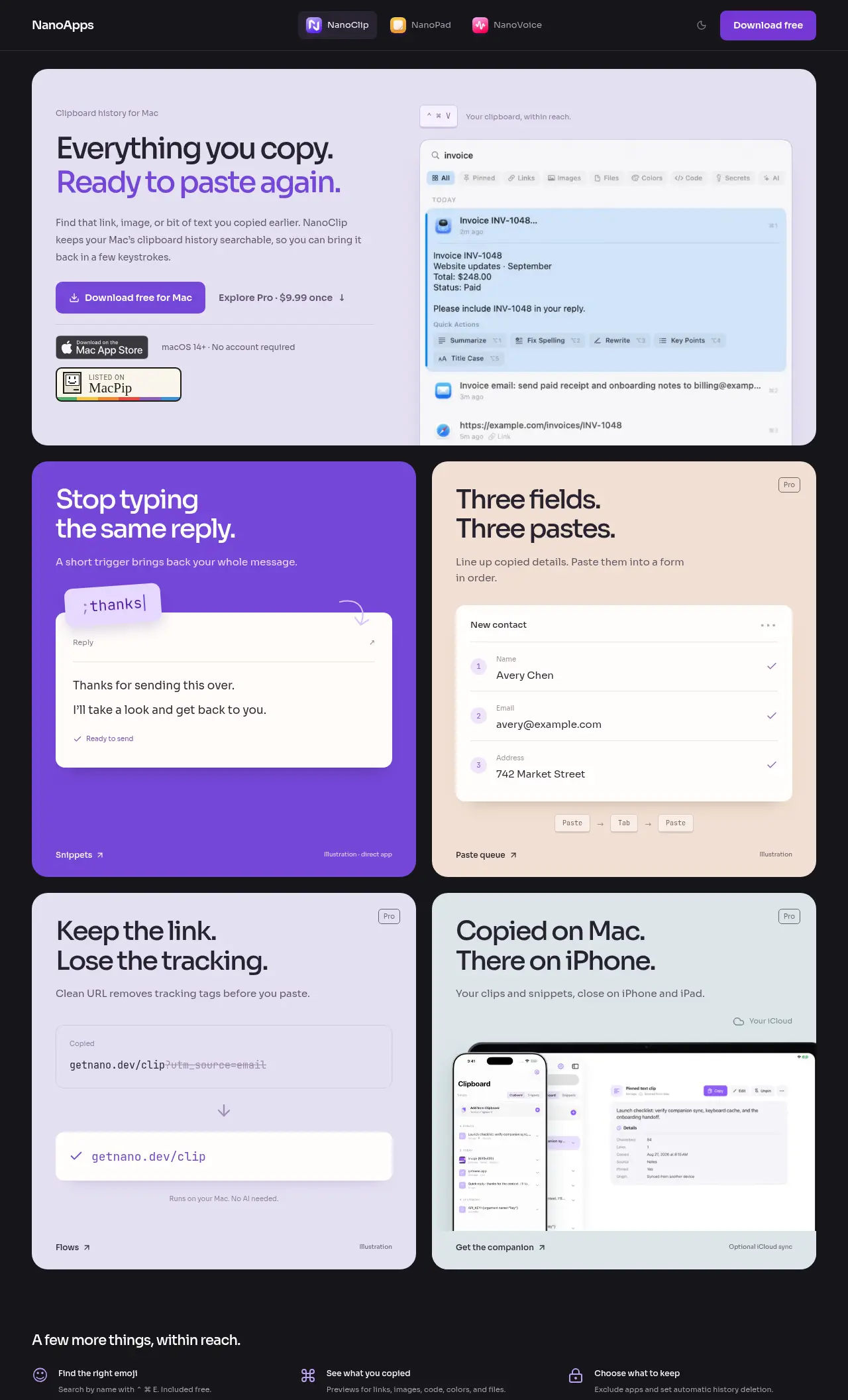
Dal suo creatore: NanoClip is a clipboard manager for Mac users who want to easily find and reuse copied content. It's especially helpful for those who type the same replies or fill out forms frequently.

Offerta
25% di sconto
Prezzo
Free, Pro $9.99 once
Richiede
macOS 14 Sonoma o successivo
Secondo il creatore sostituisce
maccy

NanoClip su MacPip Altre app di produttività

Icona dell'app Tucket

Tucket

Un gestore degli appunti per macOS nel notch.

Versione gratuitaApple silicon
Tucket su un Mac

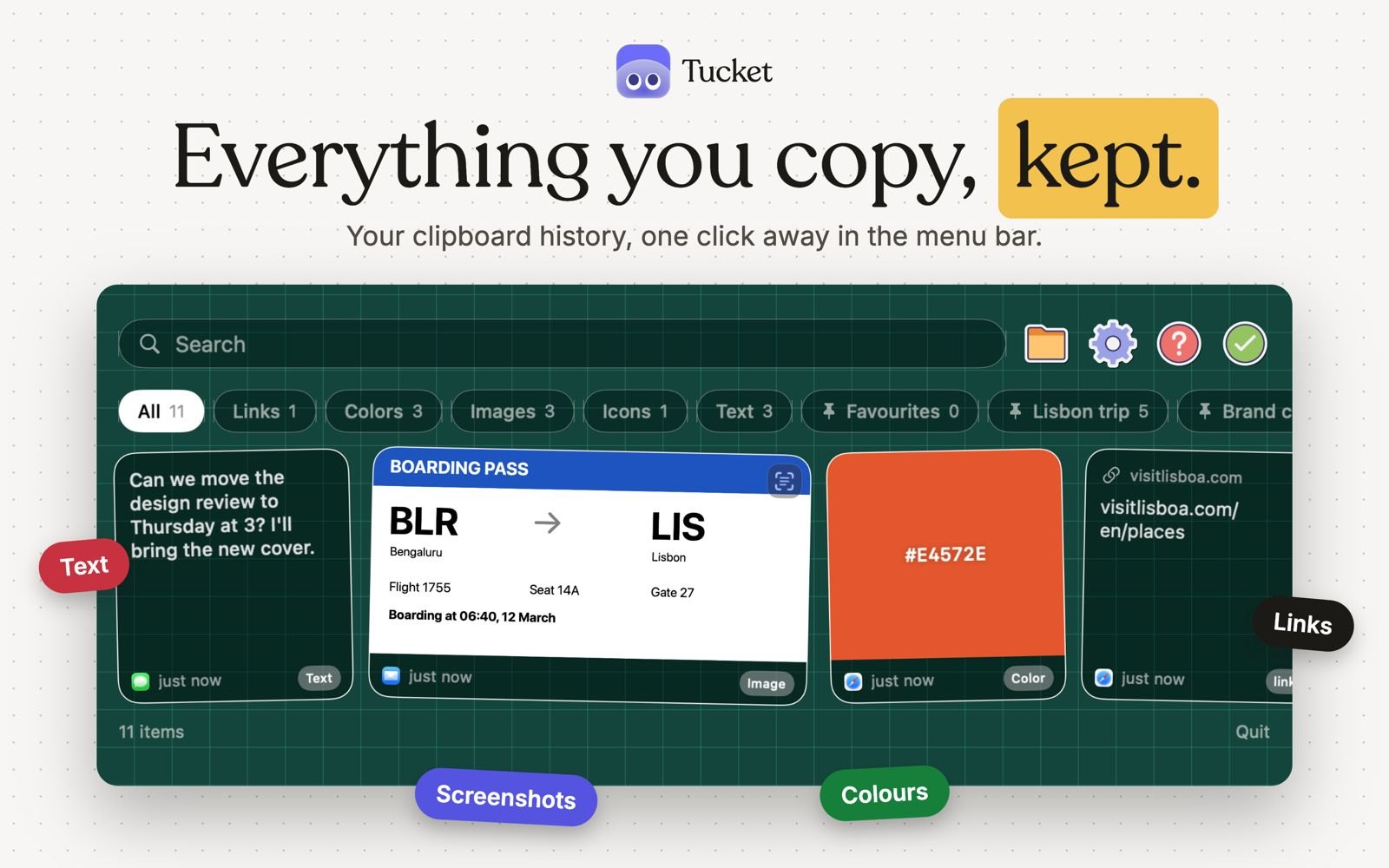
Tucket è un gestore degli appunti che vive nel notch. Tiene ogni copia sul tuo Mac, ordina i ritagli per tipo mentre li copi, rende ricercabili gli screenshot in base al testo che contengono, e blocca i dati sensibili prima che vengano salvati. Gira su Apple silicon e richiede macOS 14 Sonoma o successivo.

Prezzo
One-time purchase, no subscription
Richiede
macOS 14 Sonoma o successivo

Tucket su MacPip Altre app per appunti e testo

Icona dell'app ActionClip

ActionClip

Turn selected text into actions and create your own Mac workflows

Versione gratuitaPaghi una voltaApple silicon
ActionClip su un Mac

ActionClip mette un piccolo menu di azioni accanto al testo che selezioni: copia, riscrivi, traduci, cerca o avvia un flusso di lavoro salvato. Puoi descrivere una nuova azione e l'app la costruisce con prompt AI, JavaScript, AppleScript o comandi shell. Gratis per 30 azioni al giorno, con licenze a vita da 12 USD. È un'app nativa in Swift per Apple silicon con macOS 15 o successivo.

Prezzo
Free, Pro from $12 once
Richiede
macOS 15 Sequoia o successivo
Secondo il creatore sostituisce
PopClip

ActionClip su MacPip Altre app per appunti e testo

Quale scegliere

Cosa guardare

Look for how much history it keeps, whether it can skip password managers, and whether the history stays on your Mac.

Domande

What is the best free clipboard manager for Mac?

There is no single best one for everyone. MacPip lists 8: PasteNote, Copyback, Clipbara, MokoPaste, StashPaste Light, NanoClip, Tucket, ActionClip. If you want it free, look at PasteNote. If you would rather pay once than subscribe, look at Copyback. If you want it to run natively on Apple silicon, look at Clipbara. If you need it to work offline, as its maker says it does, look at StashPaste Light. If you want open source code, look at Clipbara.

Which free clipboard and text apps run natively on Apple silicon?

Secondo i loro creatori o secondo la nostra verifica: Copyback, Clipbara, StashPaste Light, NanoClip, Tucket, ActionClip.

Which free clipboard and text apps has MacPip checked?

None yet. They say Check pending until they are checked.

Come ordina MacPip queste app?

Le app verificate vengono prima, a partire dalla verifica più recente, poi le altre in base a quando sono state aggiunte. I pagamenti non cambiano mai l'ordine, e le righe sponsorizzate sono etichettate e tenute a parte.

Correlati