MacPip lists 8 free clipboard and text apps for Mac, and MacPip has checked none of them yet.すべてに無料版があります。そのうち6件は買い切りライセンスを販売しています。そのうち1件はサブスクリプションで販売されています。There is no single best free clipboard manager for everyone, so MacPip does not rank them.無料がいいなら、PasteNoteから始めてください。
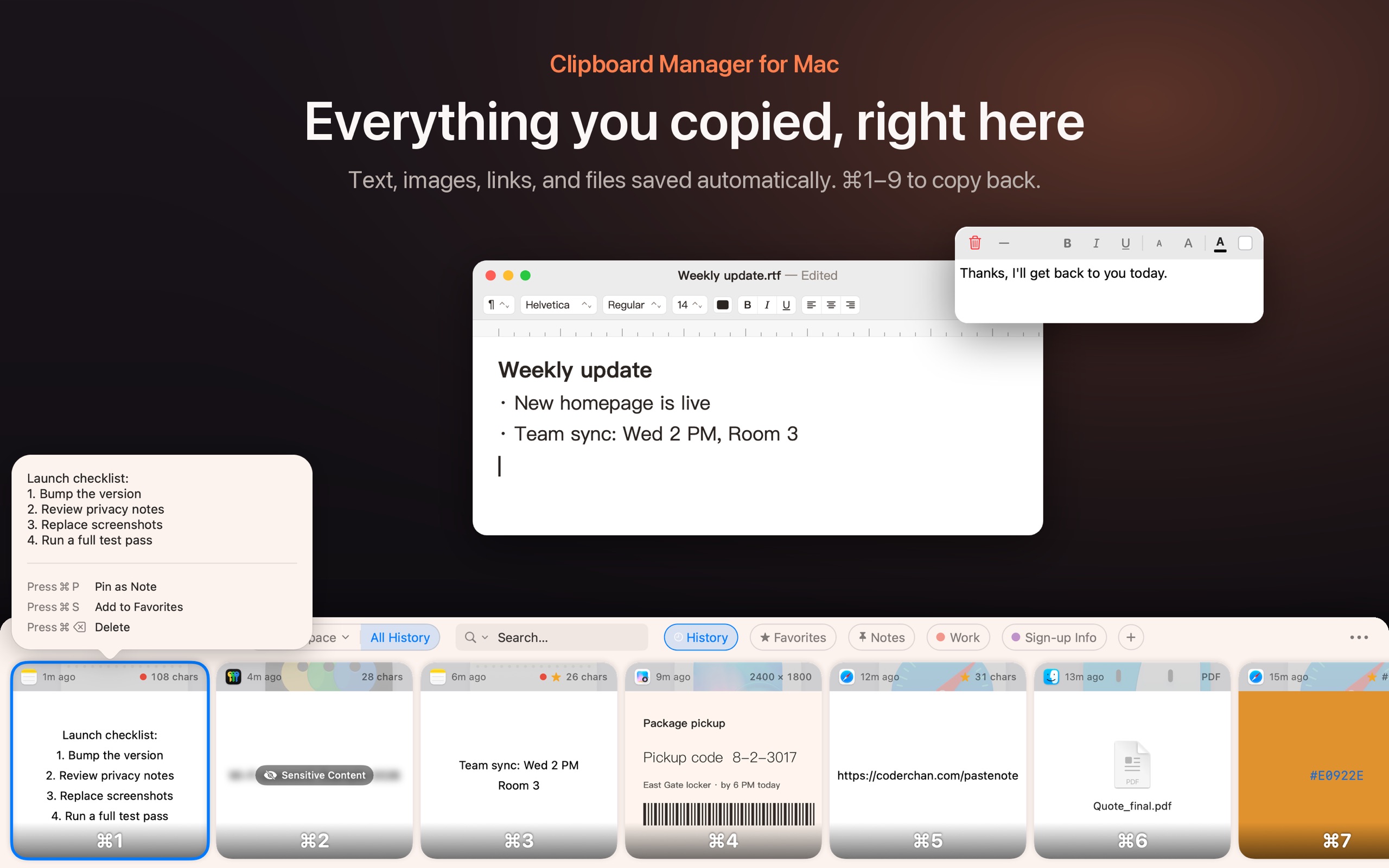
開発者より: Find copied text, images, links, and files in your Mac clipboard history. Search for words inside screenshots, organize clips in folders, and pin a note to your desktop.
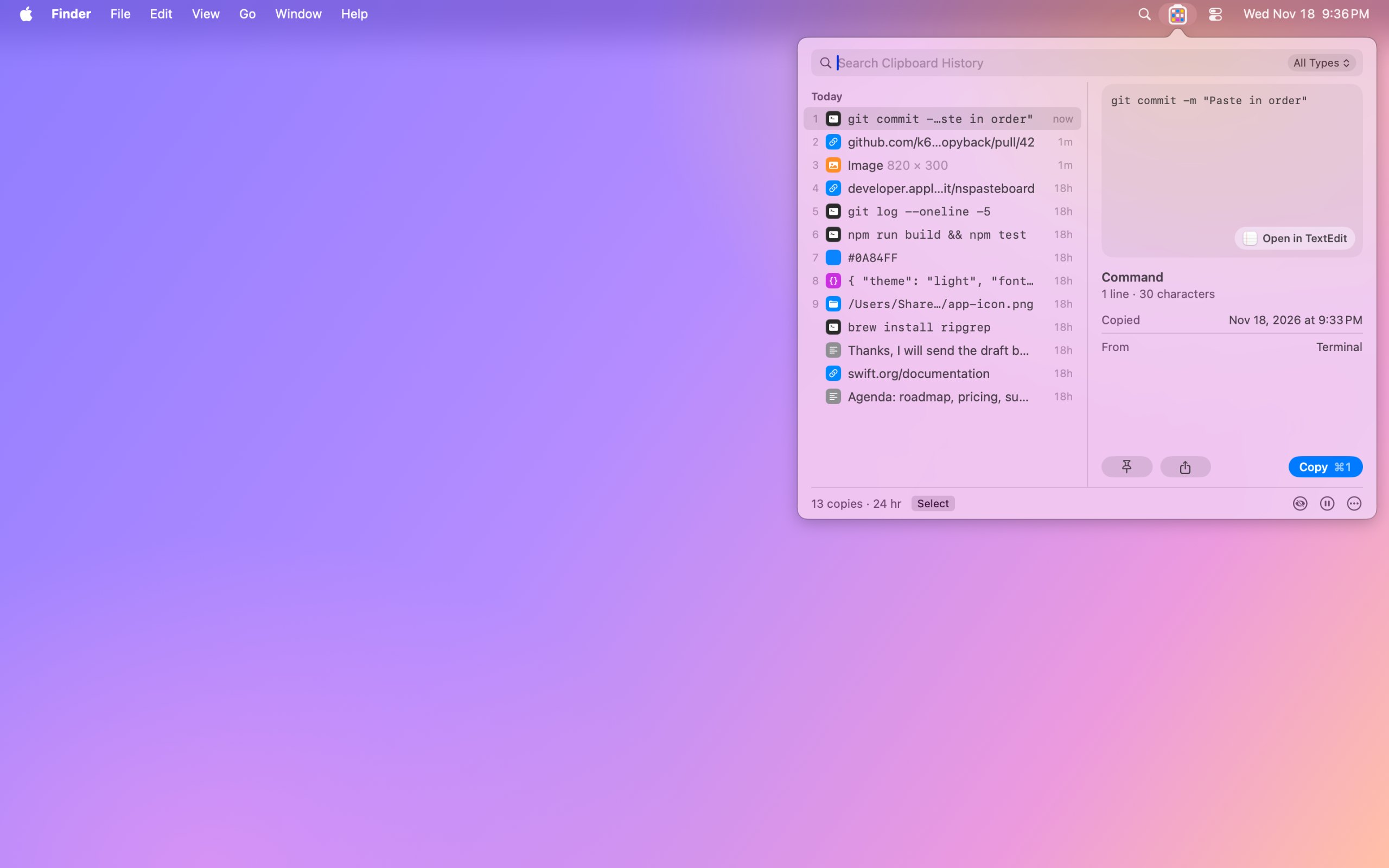
開発者より: Copyback shows your last nine copies in the menu bar, one colored cell each, and keeps your clipboard history encrypted on your Mac. Search text, links, code and even the words in screenshots.
開発者より: Press ⇧⌘V to open your clipboard history at the bottom of the screen. Browse what you copied as cards, search by text or title, save clips you reuse in Pinboards, and preview them with Quick Look.
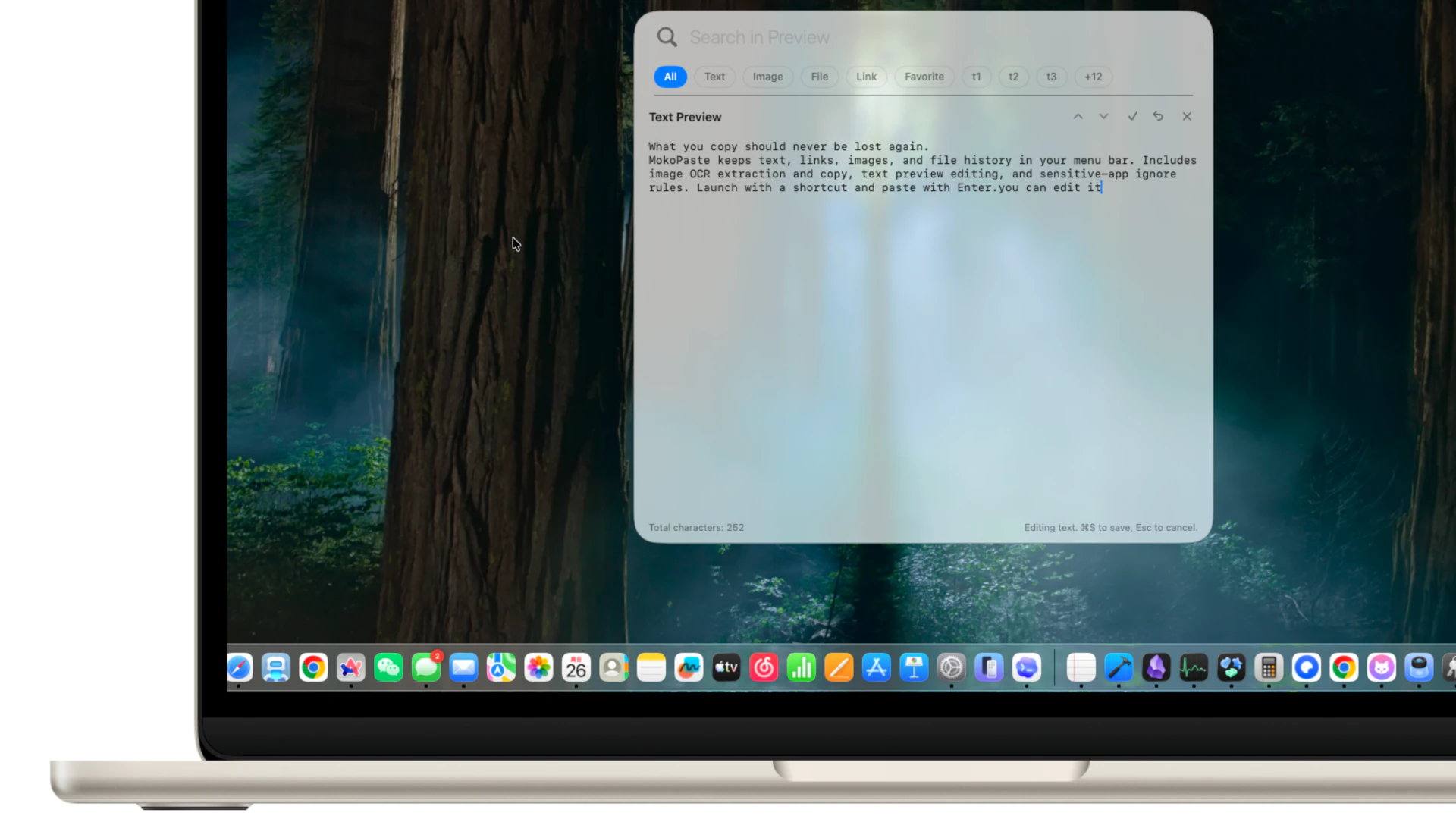
開発者より: MokoPaste is a native clipboard manager for macOS. Keep and search text, links, images, and file history, organize clips with tags and favorites, and paste multiple items in sequence.
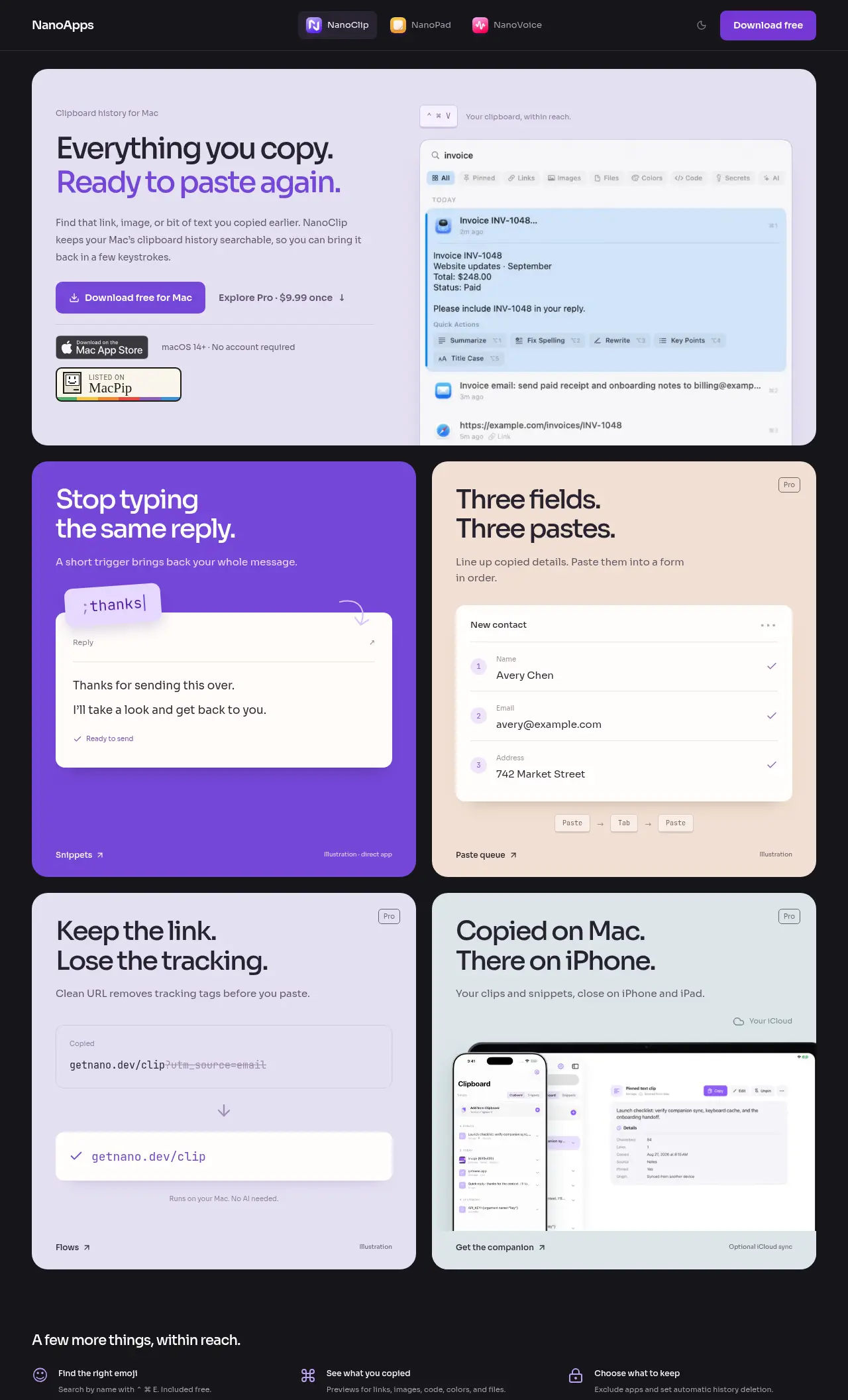
開発者より: NanoClip is a clipboard manager for Mac users who want to easily find and reuse copied content. It's especially helpful for those who type the same replies or fill out forms frequently.
Look for how much history it keeps, whether it can skip password managers, and whether the history stays on your Mac.
質問
What is the best free clipboard manager for Mac?
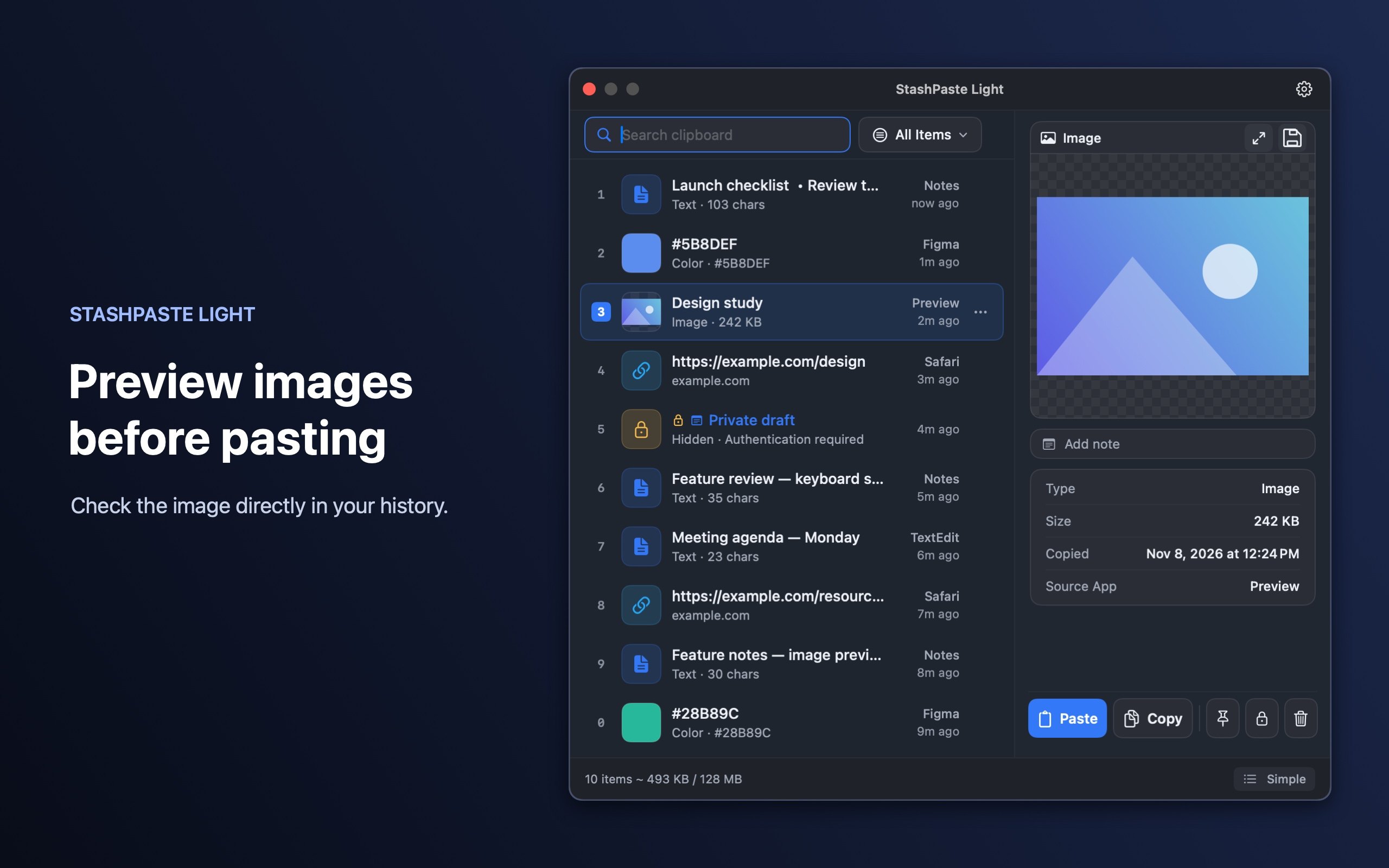
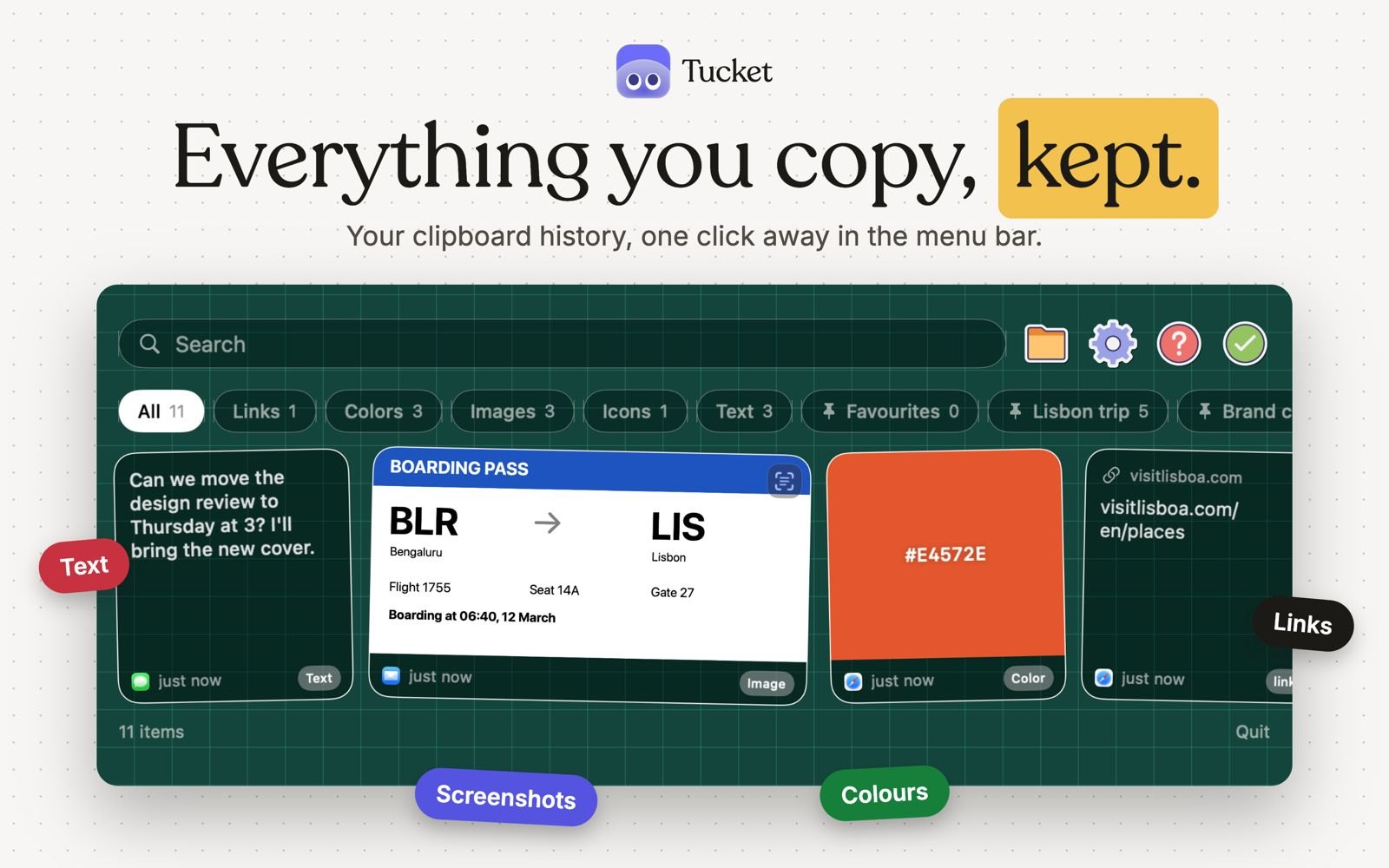
There is no single best one for everyone. MacPip lists 8: PasteNote, Copyback, Clipbara, MokoPaste, StashPaste Light, NanoClip, Tucket, ActionClip. If you want it free, look at PasteNote. If you would rather pay once than subscribe, look at Copyback. If you want it to run natively on Apple silicon, look at Clipbara. If you need it to work offline, as its maker says it does, look at StashPaste Light. If you want open source code, look at Clipbara.
Which free clipboard and text apps run natively on Apple silicon?